AppRecs review analysis
AppRecs rating 4.7. Trustworthiness 84 out of 100. Review manipulation risk 26 out of 100. Based on a review sample analyzed.
★★★★☆
4.7
AppRecs Rating
Ratings breakdown
5 star
0%
4 star
50%
3 star
0%
2 star
0%
1 star
50%
What to know
✓
Low review manipulation risk
26% review manipulation risk
✓
Credible reviews
84% trustworthiness score from analyzed reviews
About Draw A Pixel
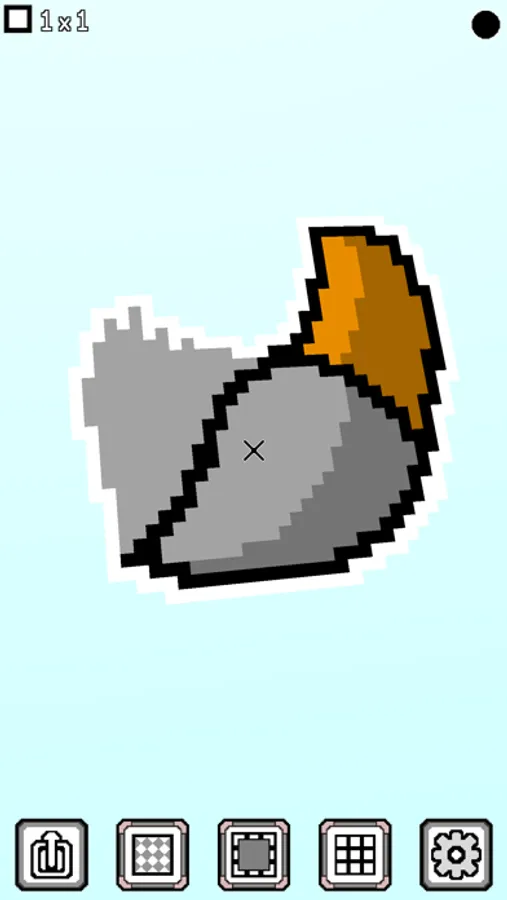
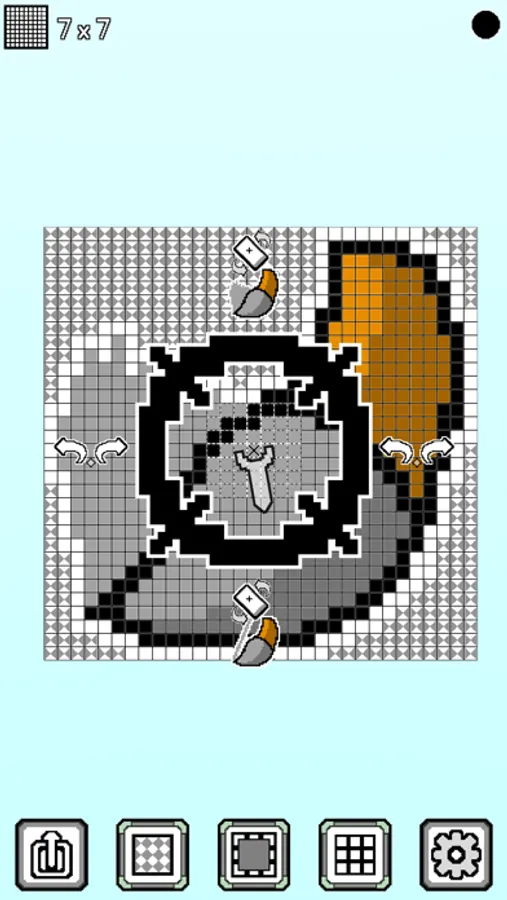
You can use the device's gyro to rotate the view and draw pixels.
Functions:
- Draw point and line
- Undo and redo
- Fill color
- Choose brush size
- Choose different colors
- Choose a color from the canvas
- Move all the pixels in the canvas
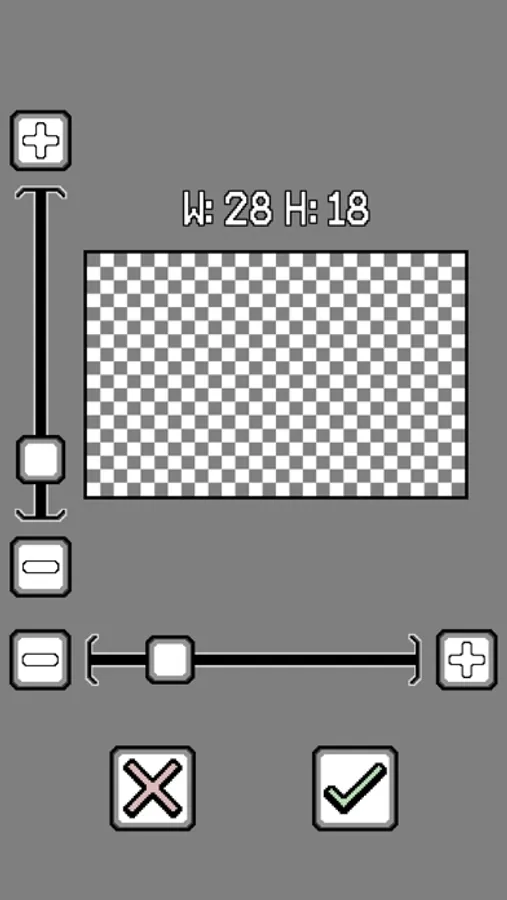
- Set the width and height of the canvas respectively (2-128)
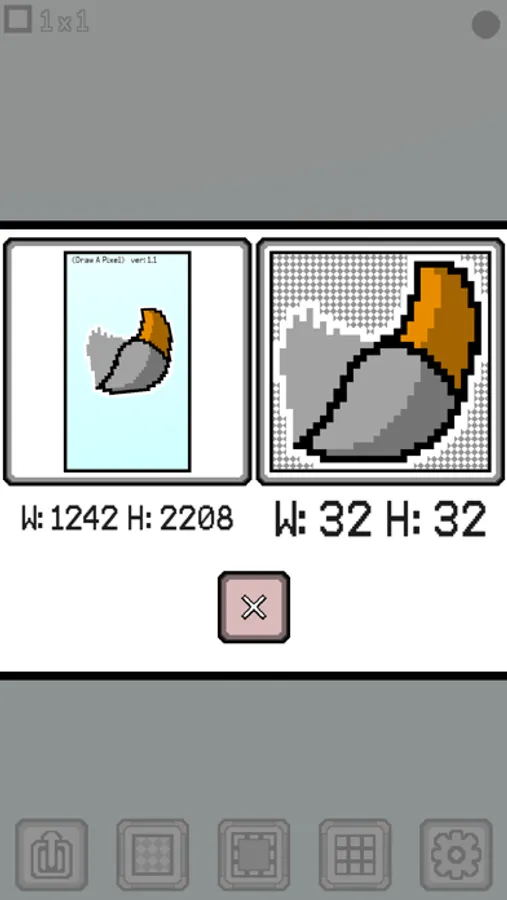
- Exporting all the pixels in the canvas or screenshots
Draw A Pixel Screenshots
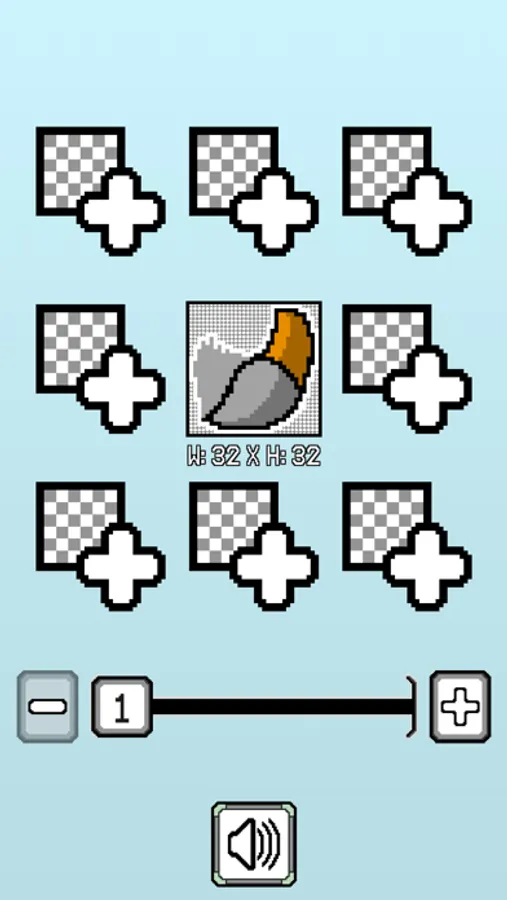
Tap to Rate:
Reviews for Draw A Pixel
Chicken lover 95
Odd yet intriguing
I am not going to lie, the other pixel creation/art apps look like they are all made by the same company. I saw this and tried it. The concept it there, the instructions are decent (multi language/sight). I can see potential for this, but at the same time I can see where it leads to trouble. The best thing right now is to have a function that allows you to draw with your finger(not one at a time like the other repasted seven), to show that you can do what the other competitors are doing, but better. Plus bonus feature, draw with phone. Again, this is my opinion. The adds weren’t bad, where the others I got 1 a minute. Going back to the draw with phone- I had fun with it. The only problem that I had was that I couldn’t go in, zoom and fix a problem. But I do like the fact that you have a crosshair of where your pixel will land. Recap: Great idea, concept, and delivery. Needs help on editing small stuff. Adds aren’t horrendous. Best feature: 250X250 all the way down to a 16X16 rectangle artboard. This one is easily the best out of all the others, which only go from 16X16 to maybe a 60X60 square.
BLT guy
Confusing and strange
I couldn’t make heads or tails of this “app”. It makes you draw with motion controls. Which is the last way that I want to draw. It also has a bunch of picture instructions that make no sense. And there are absolutely no written instructions.