In this app, you can connect your phone to your PC and emulate a game controller with customizable buttons and haptic feedback. Includes motion control, AR body tracking on supported devices, and quick game capturing features.
AppRecs review analysis
AppRecs rating 3.1. Trustworthiness 75 out of 100. Review manipulation risk 20 out of 100. Based on a review sample analyzed.
★★★☆☆
3.1
AppRecs Rating
Ratings breakdown
5 star
46%
4 star
6%
3 star
6%
2 star
7%
1 star
35%
What to know
✓
Low review manipulation risk
20% review manipulation risk
⚠
Ad complaints
Many low ratings mention excessive ads
⚠
High negative review ratio
42% of sampled ratings are 1–2 stars
About VGamepad Lite
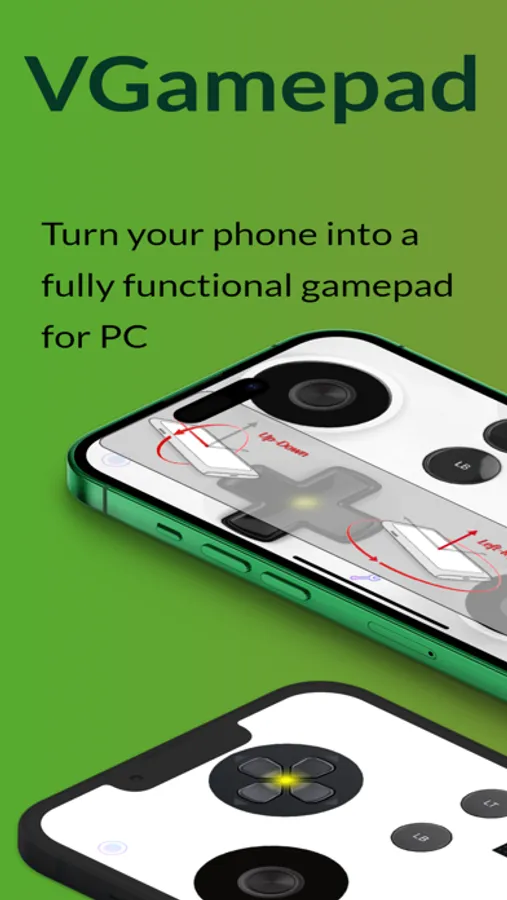
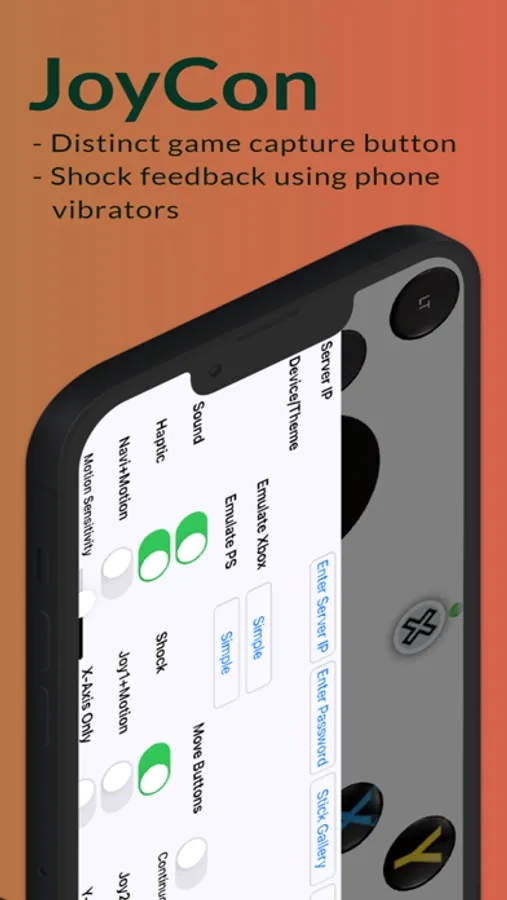
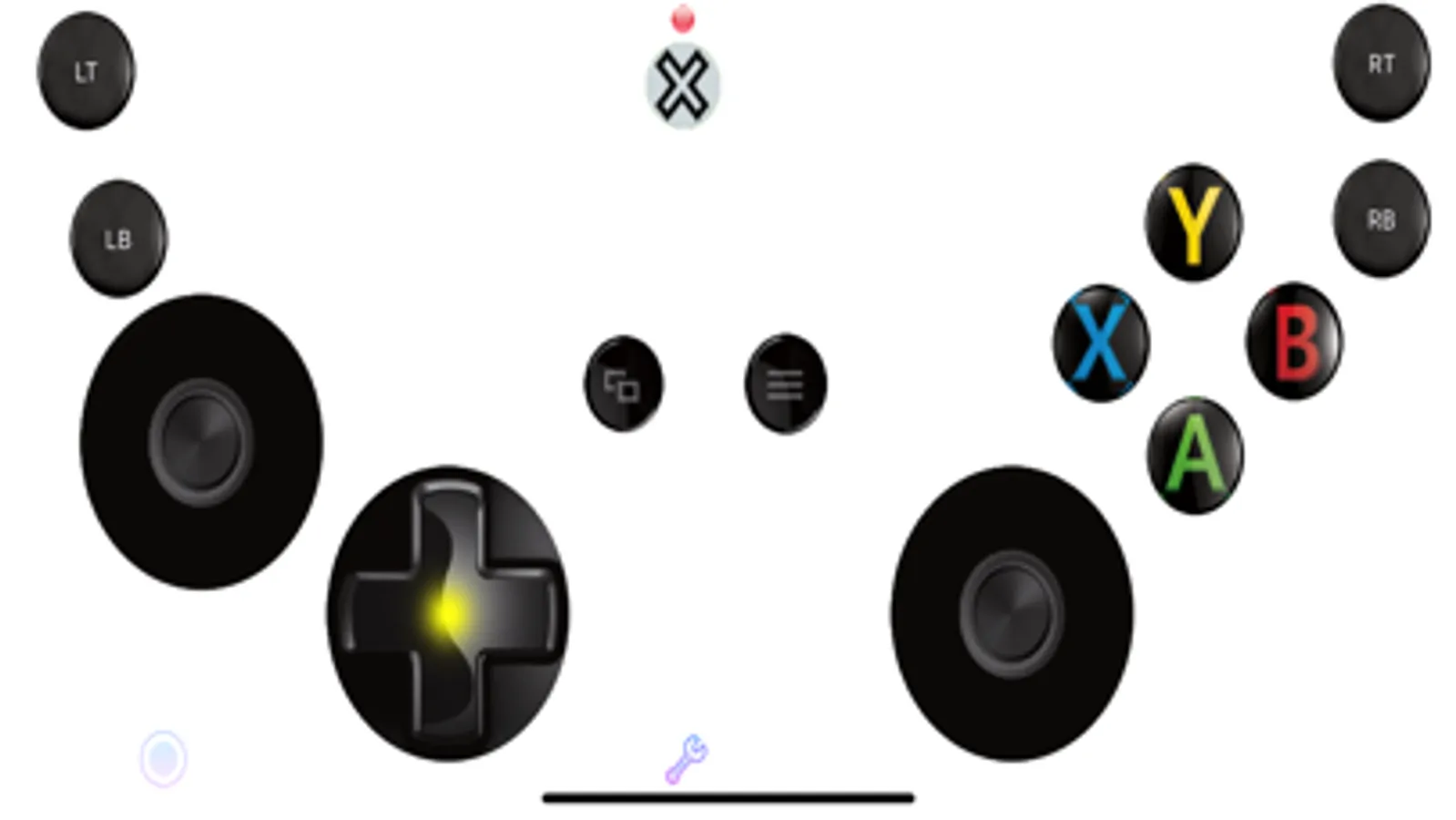
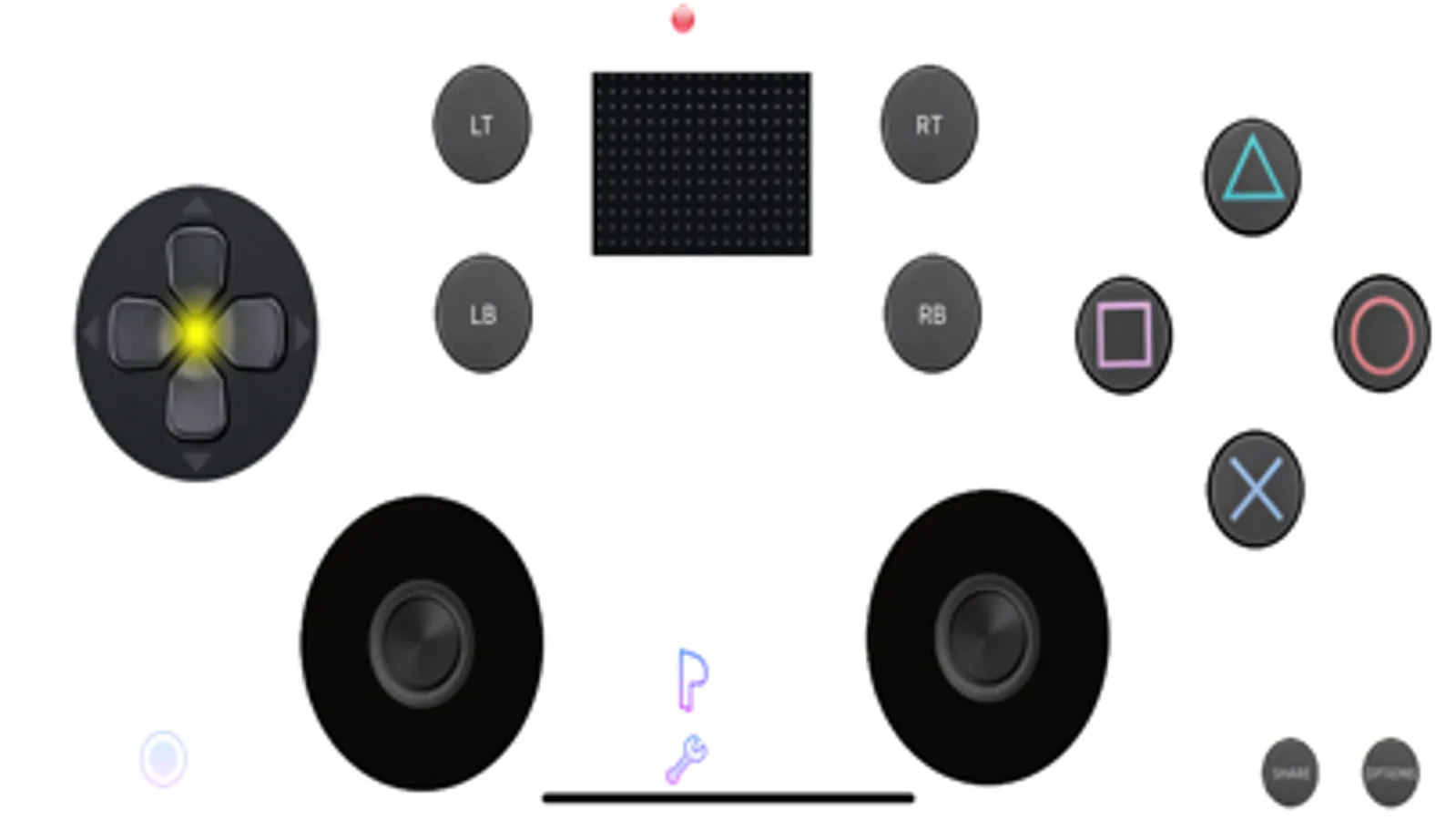
VGamepad gives you the full experience of a physical controller. Customizable buttons, haptic feedback, motion control, and more. Play on your PC using nothing but your phone.
Features:
- Emulates standard controllers (including Joy-Con).
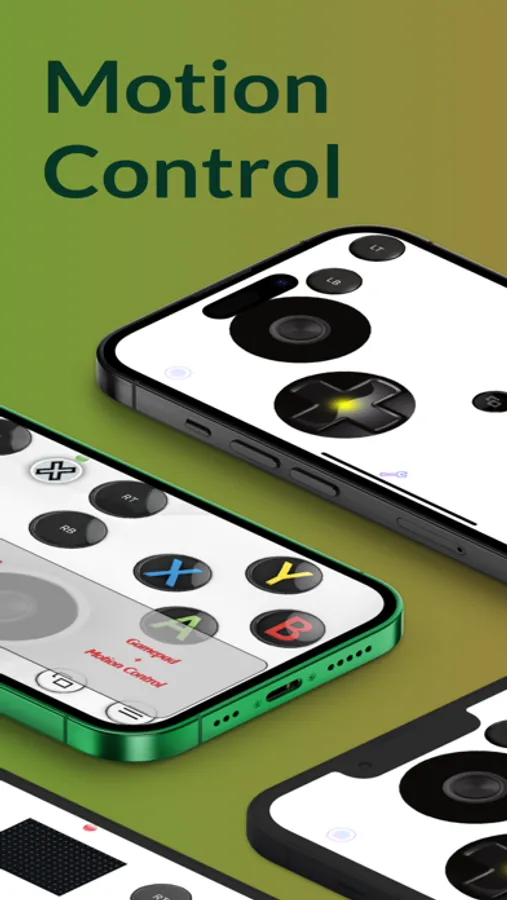
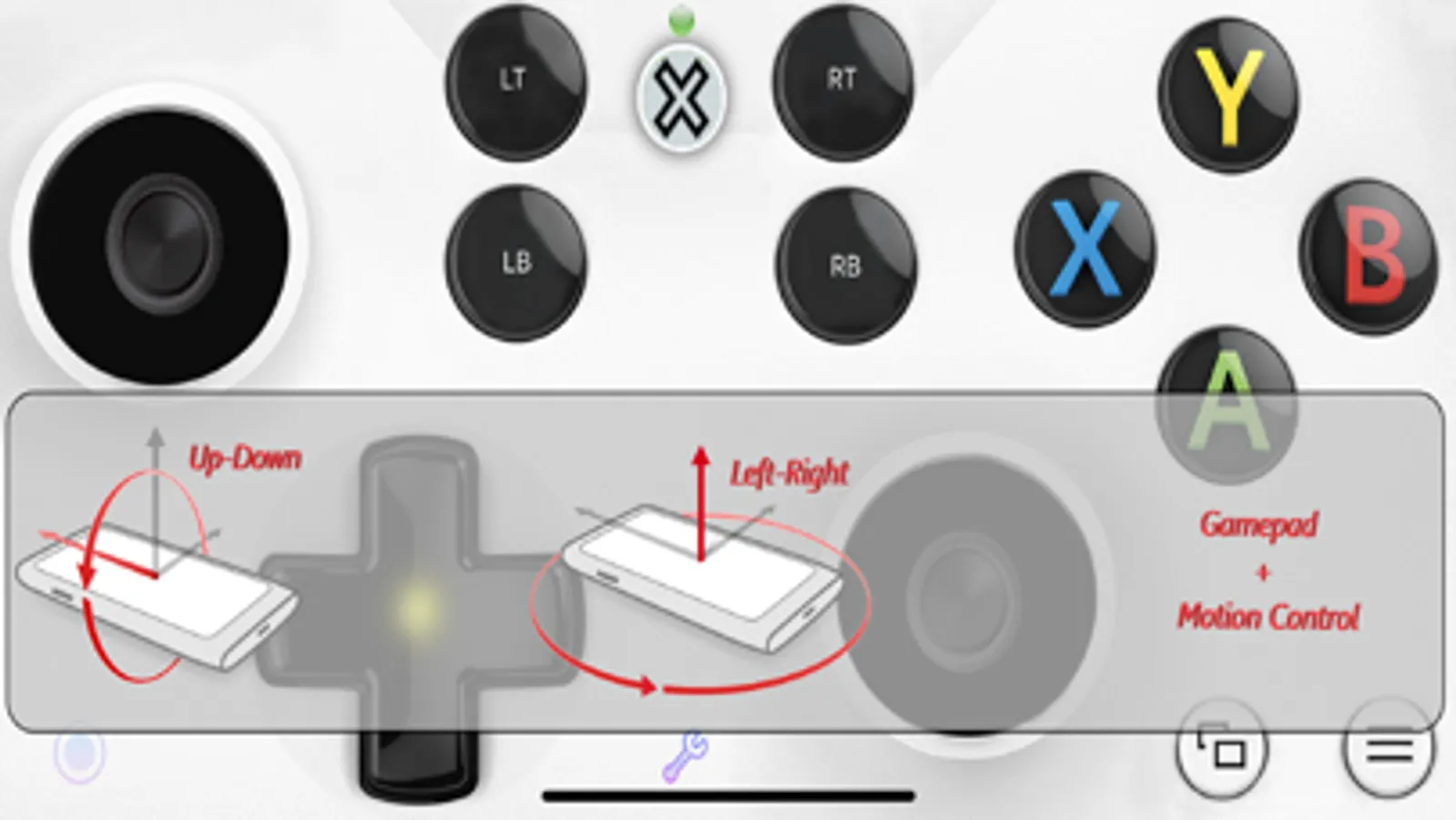
- Motion Control: steer, aim, and move using your phone’s sensors.
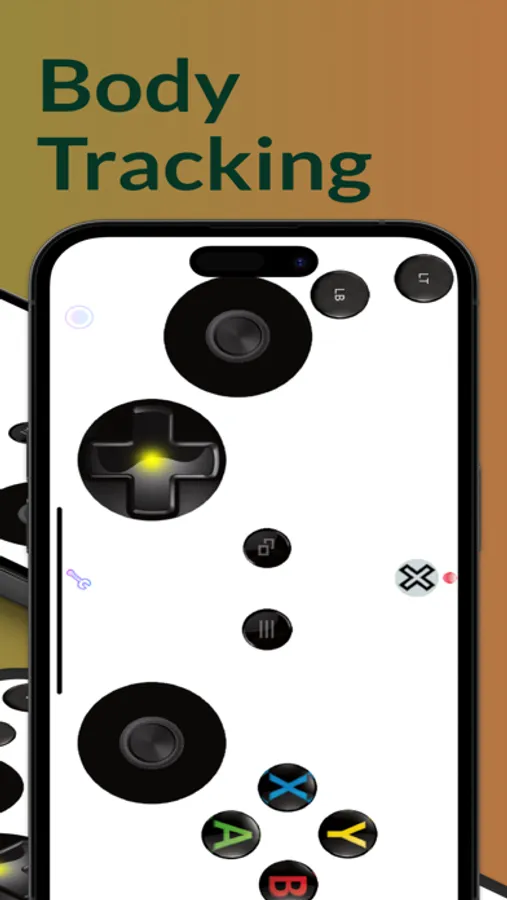
- AR Body Tracking (iPhone XS or later): play certain games using body motion.
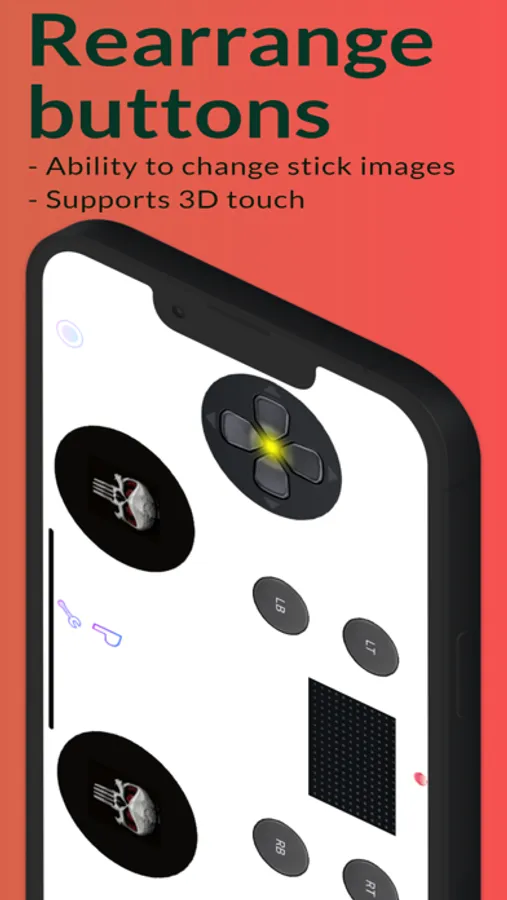
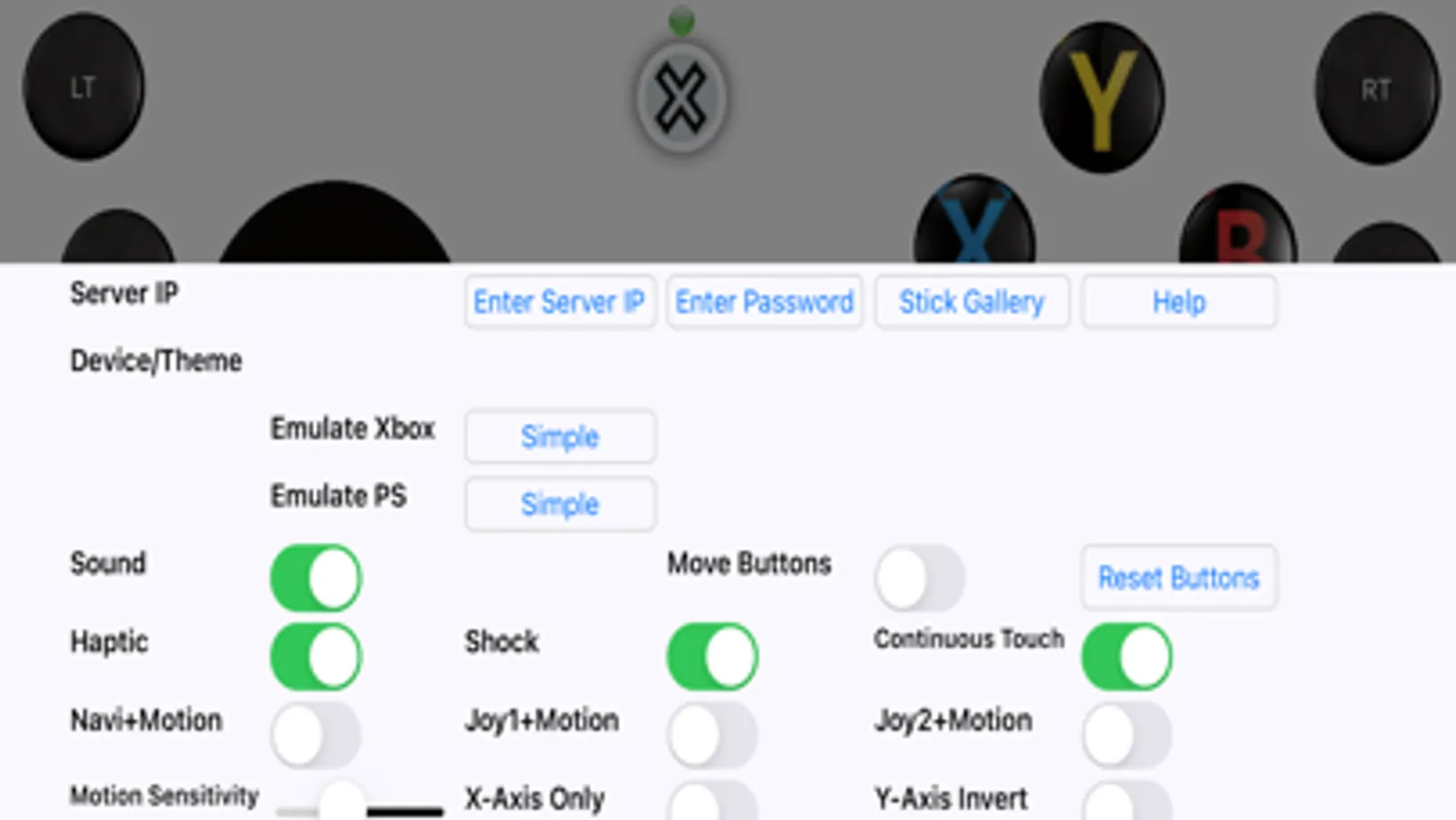
- Customizable layout: move and resize buttons to fit your hands.
- Game Capture button for quick recording.
- Haptic feedback that makes every press feel physical.
- Pressure-sensitive inputs with 3D Touch (supported devices).
- Optional sound feedback for buttons.
- Change joystick images from a large selection.
- Basic mouse & keyboard support (W/A/S/D buttons on keyboard).
Connectivity:
Use the simple Windows/Mac companion app for Wi-Fi/LAN pairing, or use PCGameConsole to turn your PC into a full gaming console compatible with VGamepad.
Full setup guide:
https://github.com/PJSoftCo/VGamepad
TERMS OF USE:
https://www.apple.com/legal/internet-services/itunes/dev/stdeula/
PRIVACY POLICY:
https://pjsoftco.com/vgamepadpp.html
ONLINE SUPPORT:
Please join our Discord channel: https://discord.gg/ZcAuAJp8py
Features:
- Emulates standard controllers (including Joy-Con).
- Motion Control: steer, aim, and move using your phone’s sensors.
- AR Body Tracking (iPhone XS or later): play certain games using body motion.
- Customizable layout: move and resize buttons to fit your hands.
- Game Capture button for quick recording.
- Haptic feedback that makes every press feel physical.
- Pressure-sensitive inputs with 3D Touch (supported devices).
- Optional sound feedback for buttons.
- Change joystick images from a large selection.
- Basic mouse & keyboard support (W/A/S/D buttons on keyboard).
Connectivity:
Use the simple Windows/Mac companion app for Wi-Fi/LAN pairing, or use PCGameConsole to turn your PC into a full gaming console compatible with VGamepad.
Full setup guide:
https://github.com/PJSoftCo/VGamepad
TERMS OF USE:
https://www.apple.com/legal/internet-services/itunes/dev/stdeula/
PRIVACY POLICY:
https://pjsoftco.com/vgamepadpp.html
ONLINE SUPPORT:
Please join our Discord channel: https://discord.gg/ZcAuAJp8py
VGamepad Lite Screenshots
Tap to Rate:
Reviews for VGamepad Lite
Yalagoba
Money
Try to make it free again it’s a simple gamepad app
Hajalel
Worst gamepad app
Doesn’t work and it might be malware