In this PC remote app, you can control your computer remotely, share screens, and transfer files easily. Includes features for gaming, virtual camera, and multi-display support.
AppRecs review analysis
AppRecs rating 2.9. Trustworthiness 80 out of 100. Review manipulation risk 19 out of 100. Based on a review sample analyzed.
★★☆☆☆
2.9
AppRecs Rating
Ratings breakdown
5 star
39%
4 star
14%
3 star
9%
2 star
6%
1 star
31%
What to know
✓
Low review manipulation risk
19% review manipulation risk
⚠
Ad complaints
Many low ratings mention excessive ads
⚠
High negative review ratio
37% of sampled ratings are 1–2 stars
About PC Remote
Key Features:
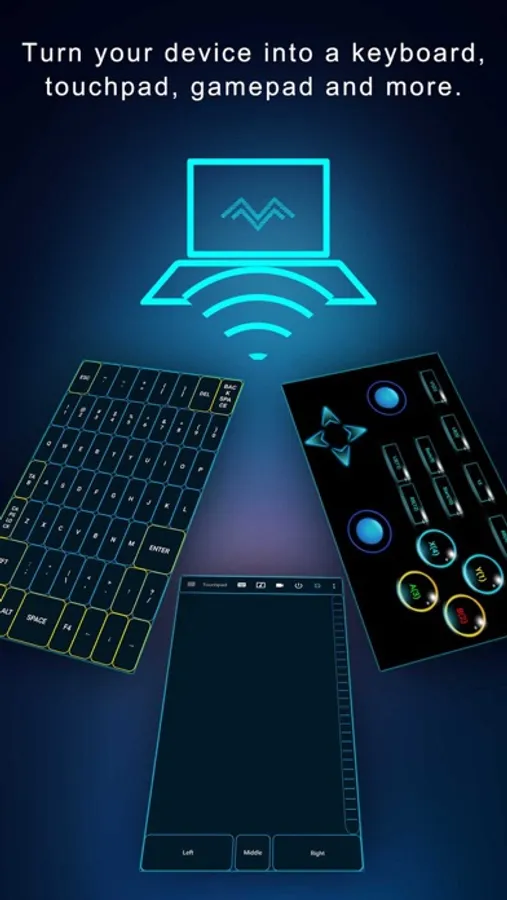
* Enhanced Gaming: Immerse yourself in PC gaming with custom button layouts and onboard sensors. Tailor them to your preferences for an unbeatable gaming experience.
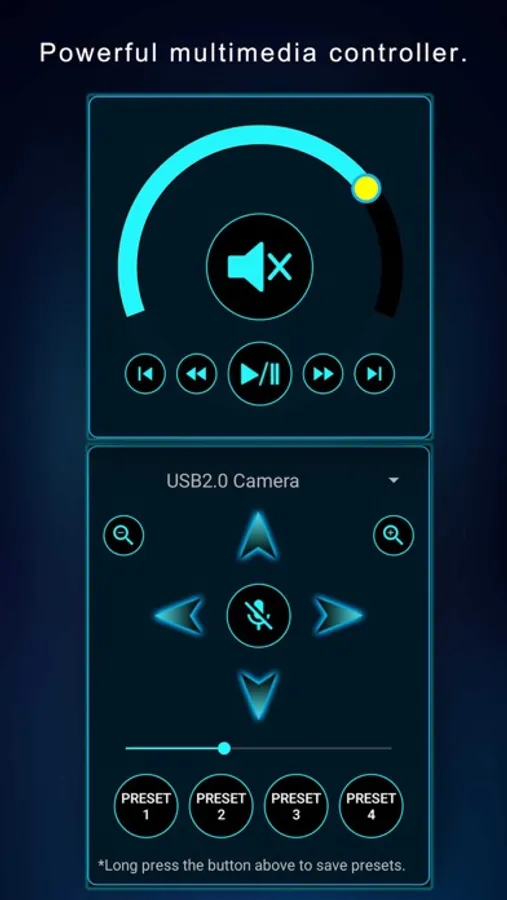
* Real-time Screen and Camera Sharing: Share your PC screen and camera feed seamlessly with your smartphone. Experience your PC as if it's right in your hand.
* Virtual Camera: Use your phone’s high-quality camera as a virtual webcam on your PC. Perfect for video calls, streaming, and online meetings with crystal-clear visuals.
* Mouse and Keyboard Control: Use your phone as a wireless mouse and keyboard for your PC. Navigate, type, and control your computer effortlessly from anywhere.
* Multi-Display Capabilities: Expand your workspace by adding up to 4 virtual displays to your PC, boosting productivity and multitasking.
* Effortless File Transfer: Seamlessly transfer files between your devices for ultimate convenience.
* Top-Notch Security: Rest easy with our 256 Bit AES Session Encoding for secure remote network connections.
How to Use:
1. Installation: Download Monect PC Remote from Google Play and the PC Remote Receiver from [https://www.monect.com/](https://www.monect.com/) on your computer.
2. Connect Your Device: Choose from multiple connection options:
* Local Wi-Fi (on the same network)
* Remote Wi-Fi (across different networks)
Experience the freedom and control that Monect PC Remote offers, making your PC a truly versatile and powerful tool for work, play, and creativity — now with Virtual Camera and wireless Mouse & Keyboard control for even more possibilities.
PC Remote Screenshots
Tap to Rate:
Reviews for PC Remote
HellBot23
Bug
This new update can’t play very well had so much bug please fix
Return To Analog
Dec 25 update
I really appreciate the new UI, although the remote desktop keyboard doesn't seem to toggle on/ off. I am synced with version 7.6.0 on win 11 pro 24H2. I will consider going back to the current stable and also test on 25H2. In addition, I don't see feature that the android has regarding toggling the mouse for the sake of touch features /pencil/ stylus use