With this text editor, you can write and preview Markdown documents, insert images, and customize themes. Includes support for math formulas, syntax highlighting, and Markdown tables.
AppRecs review analysis
AppRecs rating 4.6. Trustworthiness 72 out of 100. Review manipulation risk 25 out of 100. Based on a review sample analyzed.
★★★★☆
4.6
AppRecs Rating
Ratings breakdown
5 star
78%
4 star
13%
3 star
2%
2 star
3%
1 star
4%
What to know
✓
Low review manipulation risk
25% review manipulation risk
✓
Credible reviews
72% trustworthiness score from analyzed reviews
✓
High user satisfaction
78% of sampled ratings are 5 stars
About One Markdown
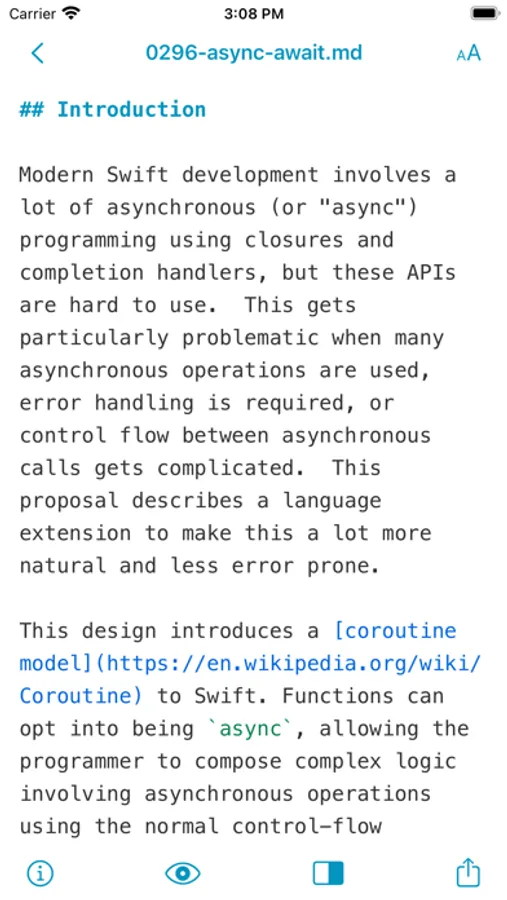
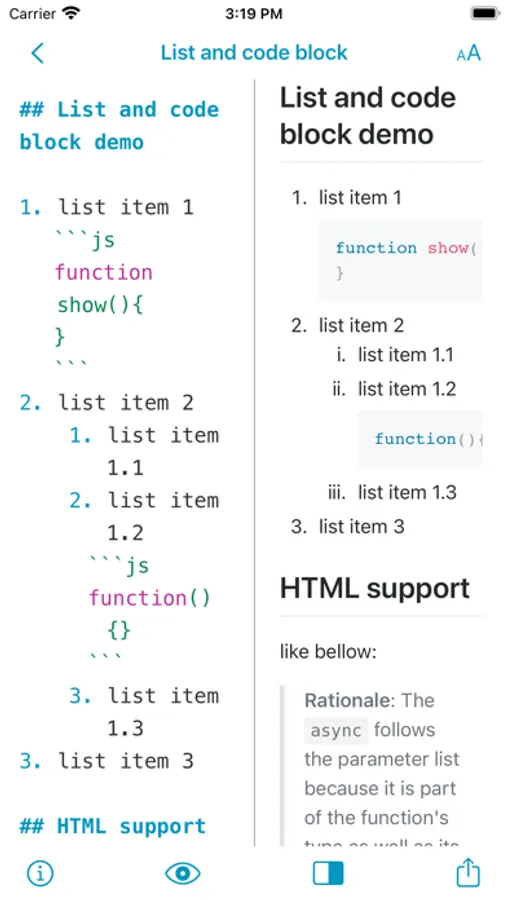
* Base on CommonMark syntax and GitHub Flavored Markdown (GFM) extended syntax, supporting TOC, tables, code blocks, math formulas, task lists, footnotes, etc.
* Display the text of the Markdown document completely without any deletion.
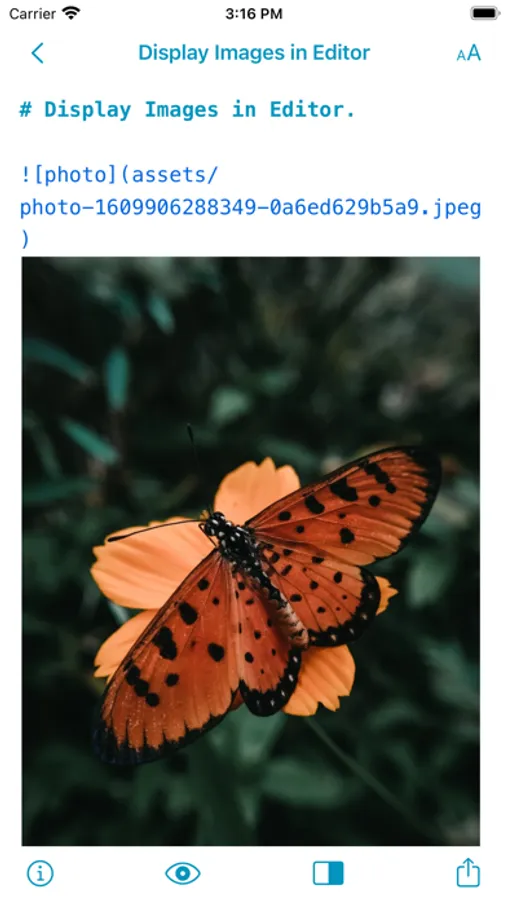
* Images can be displayed directly in the Editor, supporting jpg, png, gif, webP, HEIC and etc.
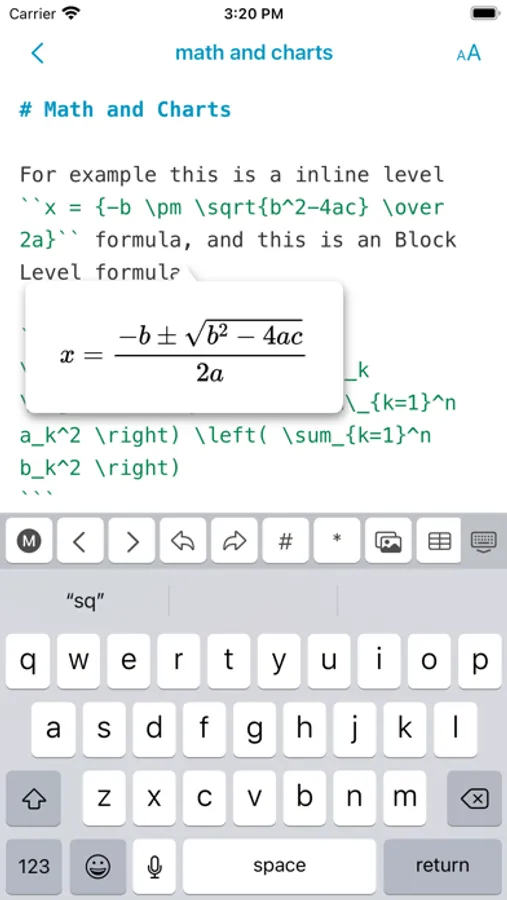
* Math formulas, mermaid and Echarts drawings can be previewed in the editor.
* You can set your favorite font or multiple fonts for writing.
* You can choose from 11 light themes and 21 dark themes, and also support custom themes.
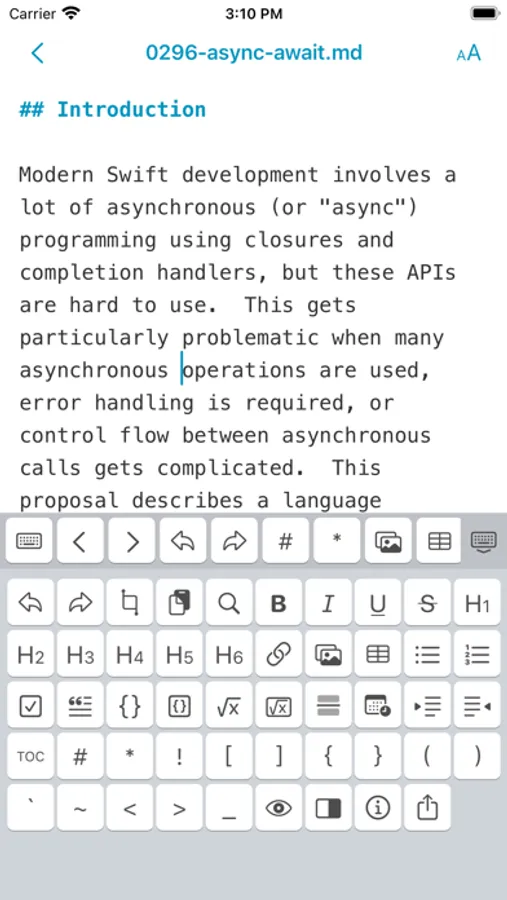
* There is a menu to facilitate the input of Markdown syntax, and a special Markdown syntax keyboard is also provided in iOS.
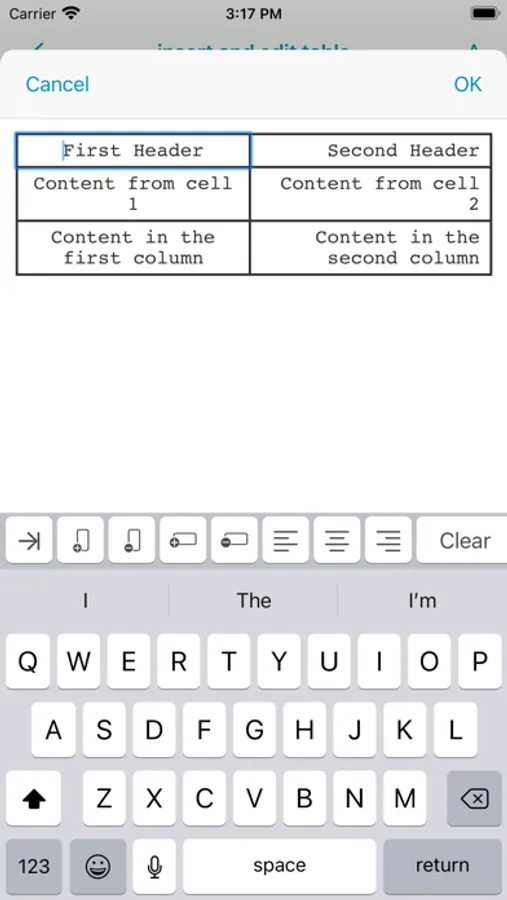
* Convenient tools for generating and formatting Markdown table syntax.
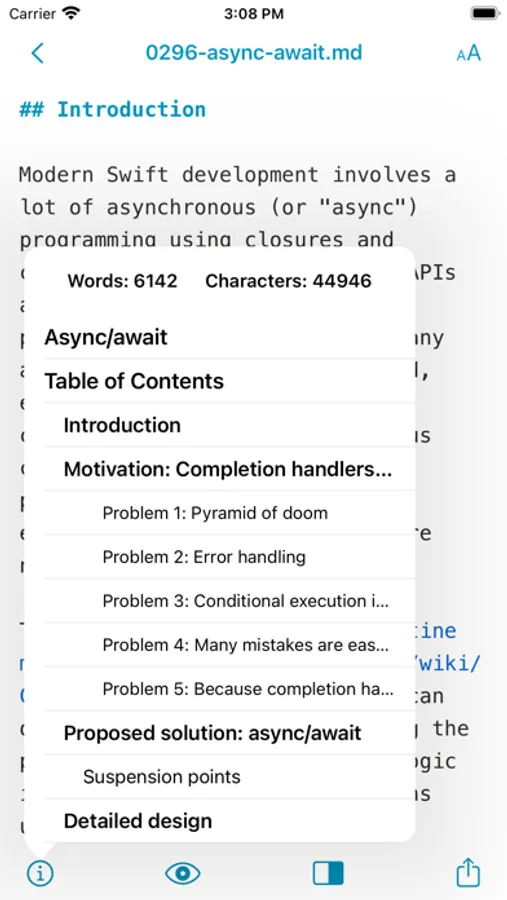
* You can view the outline and word count of Markdown documents.
* Markdown documents can be previewed and support Editor & Preview mode.
Terms of Use: https://www.mweb.im/onemarkdown-terms.html
Privacy Policy: https://www.mweb.im/onemarkdown-policy.html
PS: The lightweight choice is One Markdown. If you need a complete and powerful app, please take a look at MWeb, I hope you like it!
One Markdown Screenshots
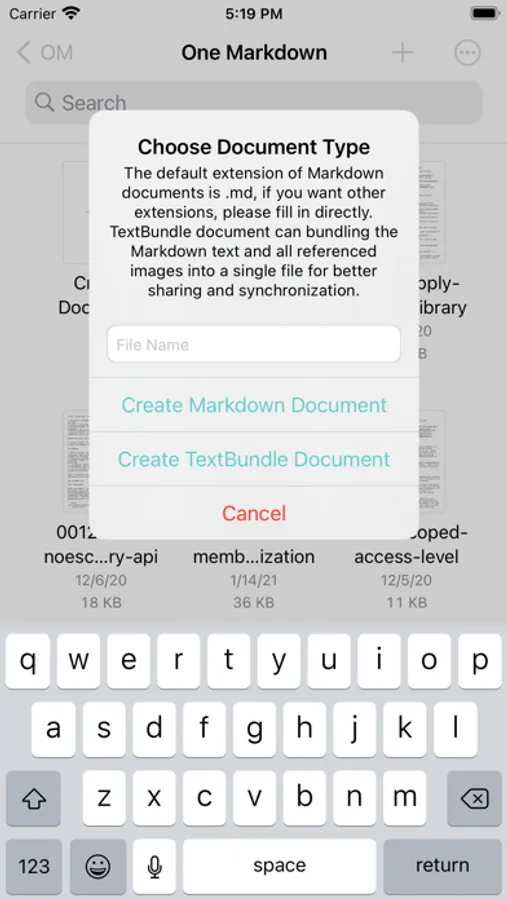
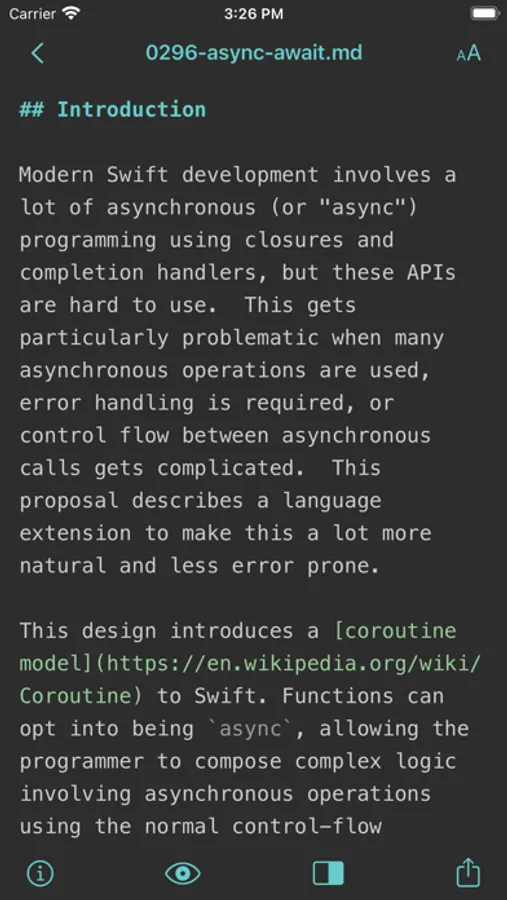
Tap to Rate:
Reviews for One Markdown
PowerObject!
2-way synchronized scrolling with an on/off switch
There is no Save / Undo / Redo / Cancel buttons to apply or discard changes. Whatever changes we make are final which is not good - please provide these buttons. The scrolling is sync’ed when we scroll the left markdown panel (it scrolls preview on the right) but when the preview pane on the right is scrolled, it does not scroll the markdown pane. Better yet, provide a Synchronized Scrolling switch in the settings and also on the toolbar for quick access (default=yes) for on-demand scrolling or turning it off/on quickly for any reason like keeping the other pane sync’ed/unaffected from scrolling. I’ll gladly give this app 5 stars after fixing these issues
BAKA土豆丝
好软件
🥺编辑和预览页面只能左上角返回,希望增加左滑返回。