AppRecs review analysis
AppRecs rating 3.1. Trustworthiness 80 out of 100. Review manipulation risk 27 out of 100. Based on a review sample analyzed.
★★★☆☆
3.1
AppRecs Rating
Ratings breakdown
5 star
50%
4 star
0%
3 star
0%
2 star
13%
1 star
38%
What to know
✓
Low review manipulation risk
27% review manipulation risk
✓
Credible reviews
80% trustworthiness score from analyzed reviews
About FileEncryptor
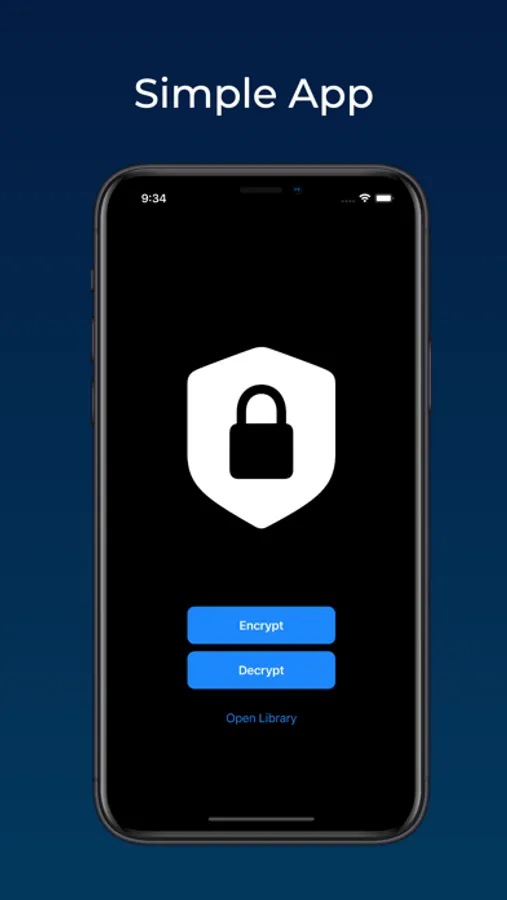
FileEncryptor is available on iOS, iPadOS and macOS so you can buy it once and you can use it on all of your Apple devices.
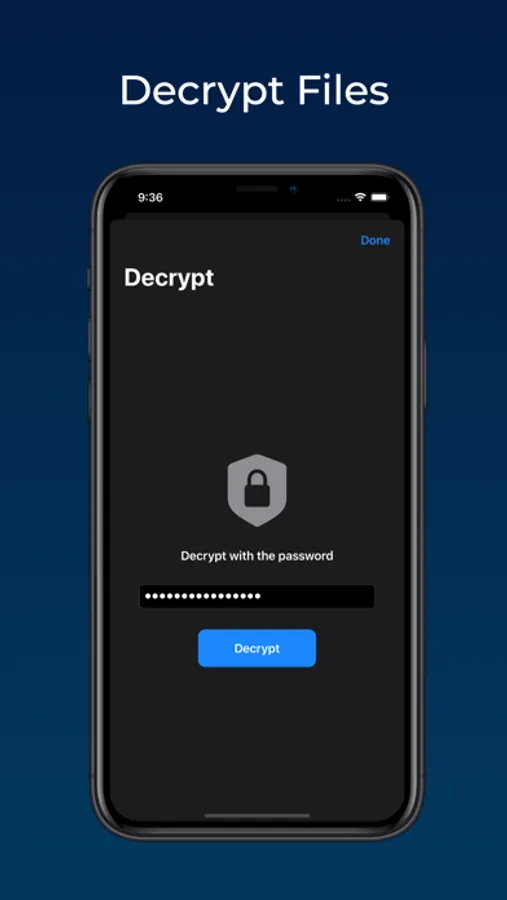
FileEncryptor uses a standard encryption algorithm to protect your files.
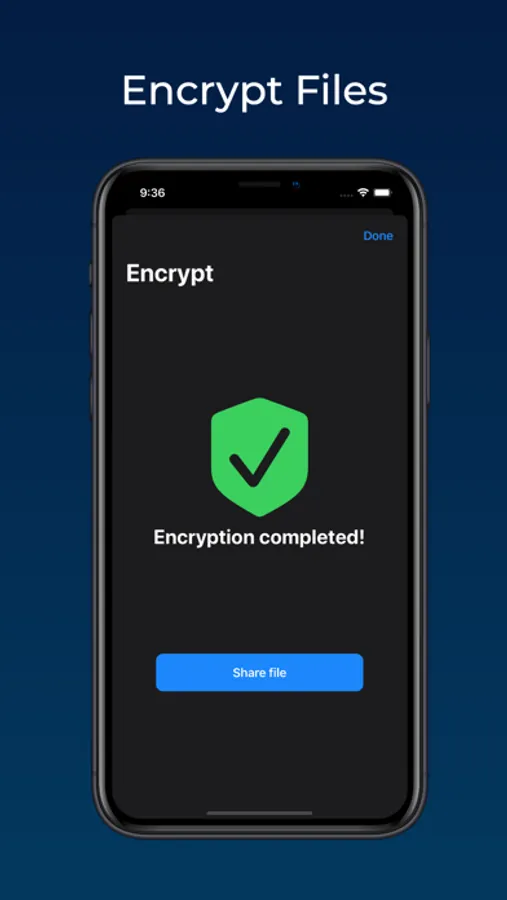
These App Store preview images were created using 'Previewed' at https://previewed.app
FileEncryptor Screenshots
Tap to Rate:
Reviews for FileEncryptor
3409275
Suggestions
Unfortunately, any files you encrypt are only available to YOU on YOUR iPhone. I tried sending an encrypted file as an attachment in Gmail, but Gmail wouldn’t allow a file with an “.ienc” extension to be uploaded. IF the application was to include a link (Like Google Drive) that could be shared with other contacts, then the application would be a lot more useful. The link would also allow those of us (like me) who also use other hardware (Windows Computer, Android Pad, and a Chromebook) to have access to the encrypted files for downloading, storing, and decrypting at will.
BeardedWizard47
Doesn’t work.
Encrypted file can’t be found. I must be missing something. After encrypting I can’t find the encrypted file. Selecting share, but where to.