With this app, you can create and edit sticky notes on your home screen and lock screen easily. Includes customization options like color, background, font, and size, as well as iCloud sync and system integrations.
AppRecs review analysis
AppRecs rating 4.3. Trustworthiness 77 out of 100. Review manipulation risk 25 out of 100. Based on a review sample analyzed.
★★★★☆
4.3
AppRecs Rating
Ratings breakdown
5 star
81%
4 star
8%
3 star
4%
2 star
2%
1 star
5%
What to know
✓
Low review manipulation risk
25% review manipulation risk
✓
Credible reviews
77% trustworthiness score from analyzed reviews
⚠
Pricing complaints
Many low ratings mention paywalls or pricing
About Sticky Widgets
"What makes Sticky Widgets great is the simplicity of the experience." - Ryan Christoffel, MacStories
"This is a great concept." - Dave Mark, The Loop
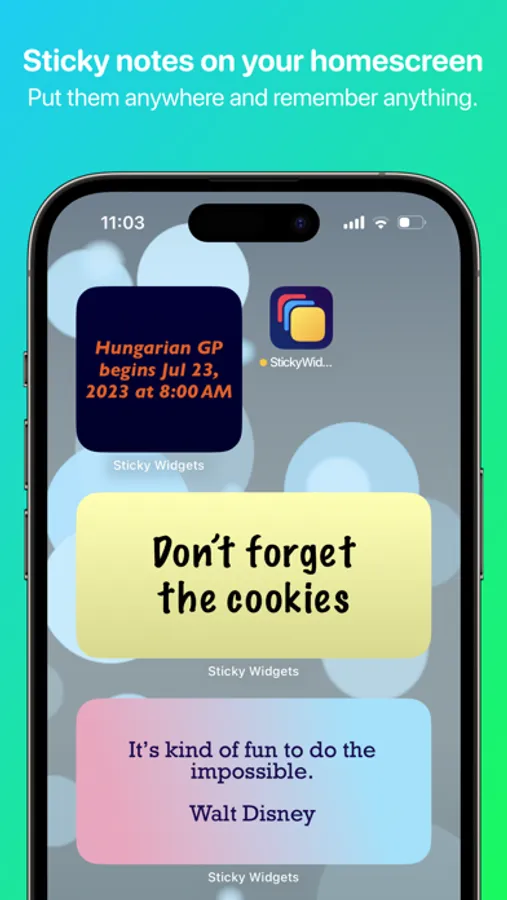
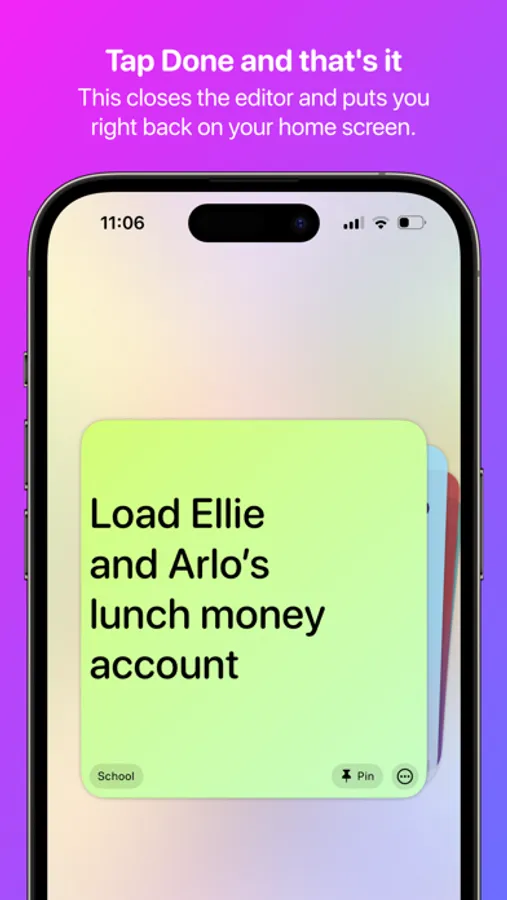
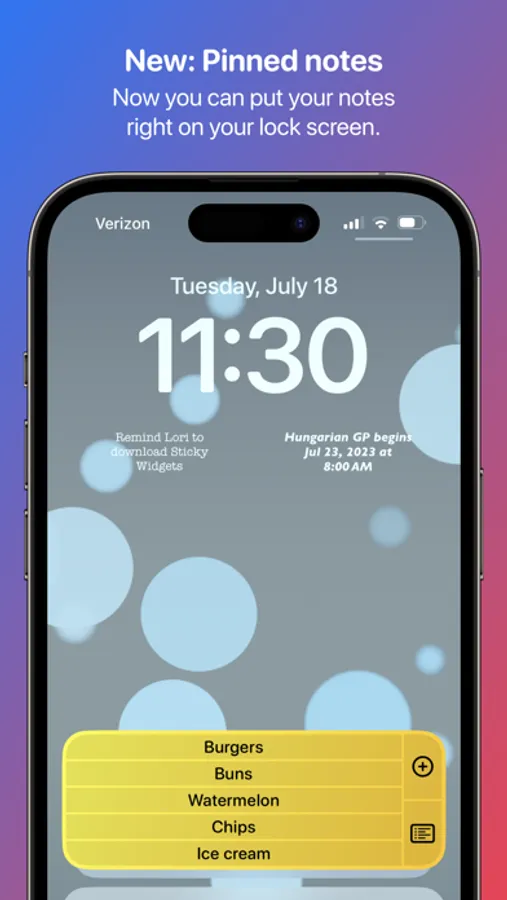
Welcome to Sticky Widgets, the absolute easiest way to put a sticky note on your home screen and edit it quickly. Add as many Sticky Widgets as you'd like, in every widget size. It's simple! It works on iPad! You can now even pin notes to your Lock Screen so they're visible even when your phone is locked!
1. Add a Sticky Widget to your home screen
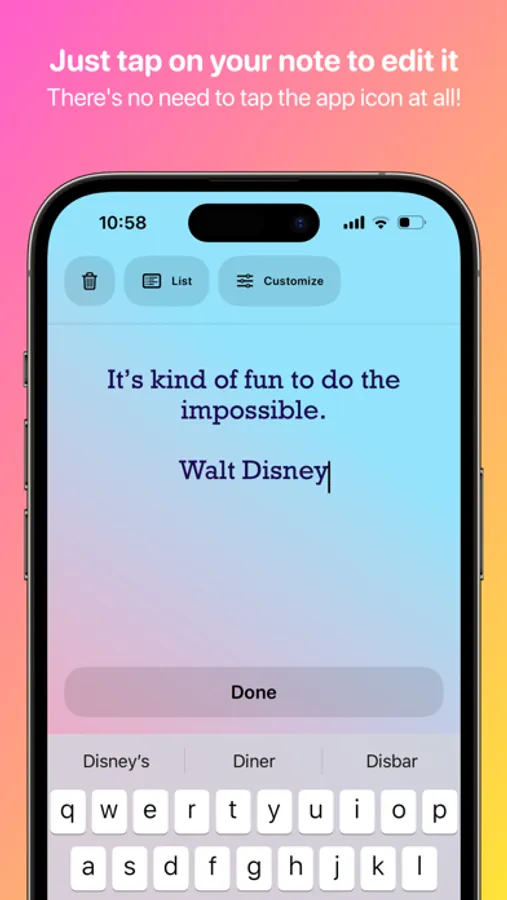
2. Tap on the widget to edit it
3. That's about it!
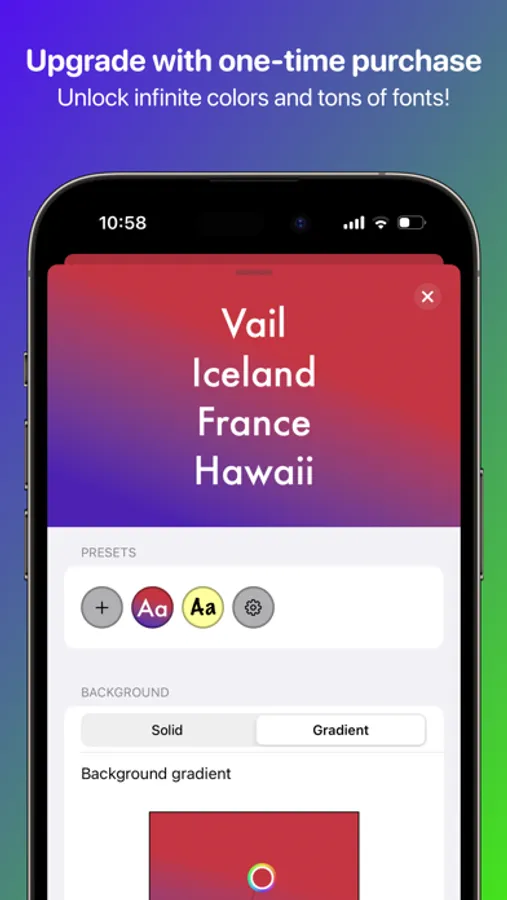
But that's not all. Once you have a widget in place, you can customize it: change color, background, font, alignment, size, even rotation! And your widgets now sync to your iCloud account, meaning you can put a note on multiple devices logged into the same Apple ID and they'll stay in sync.
Sticky Widgets supports deep system integration with Siri, Shortcuts, the Dynamic Island, and more so there are even more ways to view and update your notes and lists.
The Sticky Widgets Terms of Use and Privacy Policy can be found at https://www.tylerhillsman.com/privacy-sw/. The Apple EULA can be found at https://www.apple.com/legal/internet-services/itunes/dev/stdeula/
Sticky Widgets Screenshots
Tap to Rate:
Reviews for Sticky Widgets
Pstantri
Notes that stay where you put them
I take my electronic tether (phone) everywhere and when I have to listen, voice-(dyslexic)to-text turned on, Sticky (cut&paste) Notes is THE reliable aid for content memory!
An IT technician of 10 years
Never stops promoting you to upgrade
Every time you open the widget you are prompted to upgrade to paid and then keeps popping up prompting you to upgrade with anything touched. I miss when free apps were free