
AppRecs review analysis
AppRecs rating 4.0. Trustworthiness 65 out of 100. Review manipulation risk 23 out of 100. Based on a review sample analyzed.
★★★★☆
4.0
AppRecs Rating
Ratings breakdown
5 star
0%
4 star
0%
3 star
0%
2 star
0%
1 star
100%
What to know
✓
Low review manipulation risk
23% review manipulation risk
About Trimble Perspective Mobile
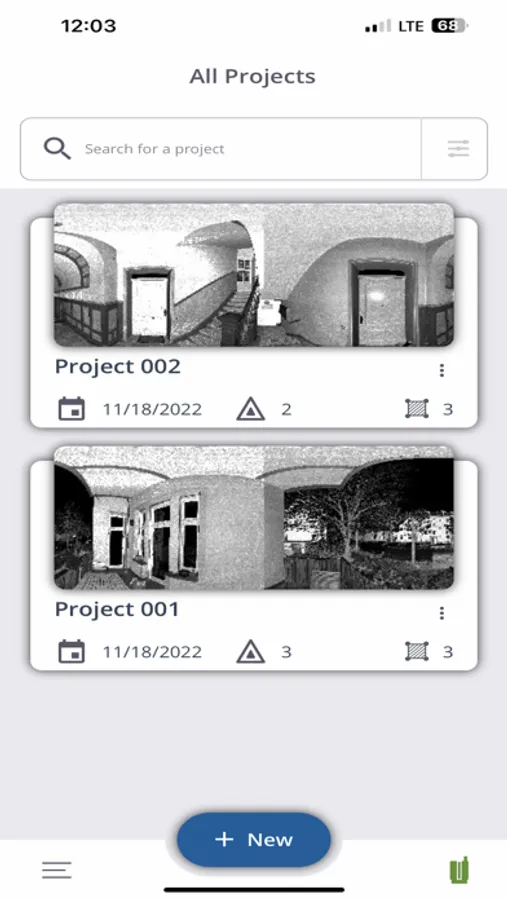
The application demands a one-time Trimble ID sign-in for the user to get into the application, if the user is an existing Trimble user, they can use their Trimble ID credentials to log in. New users can create an account and sign in to the application.
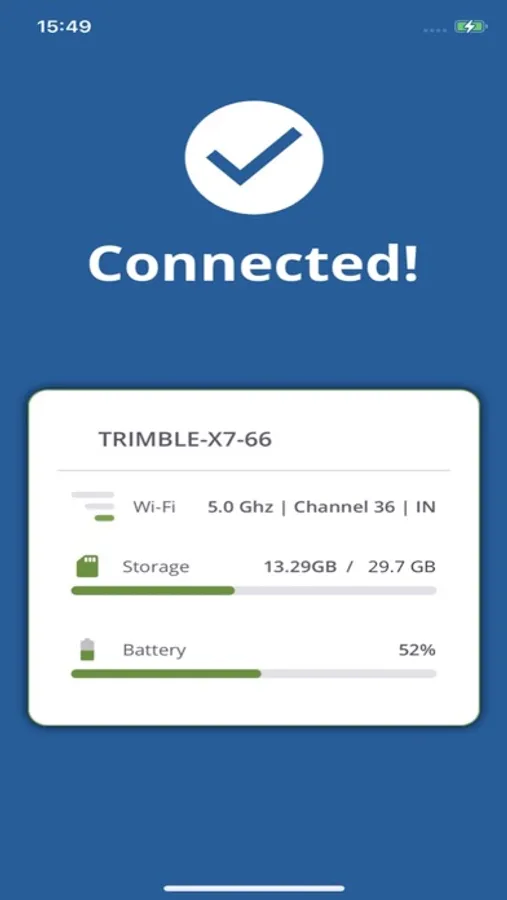
To use this application, the Trimble X7/X9 must be powered ON and available within the Wi-Fi range of the mobile device. First time application requests the user to connect to the scanner wifi from iPhone wifi settings with the password given to them. Upon successful connection, the user will be taken into the application home screen and be able to access various features in the app.
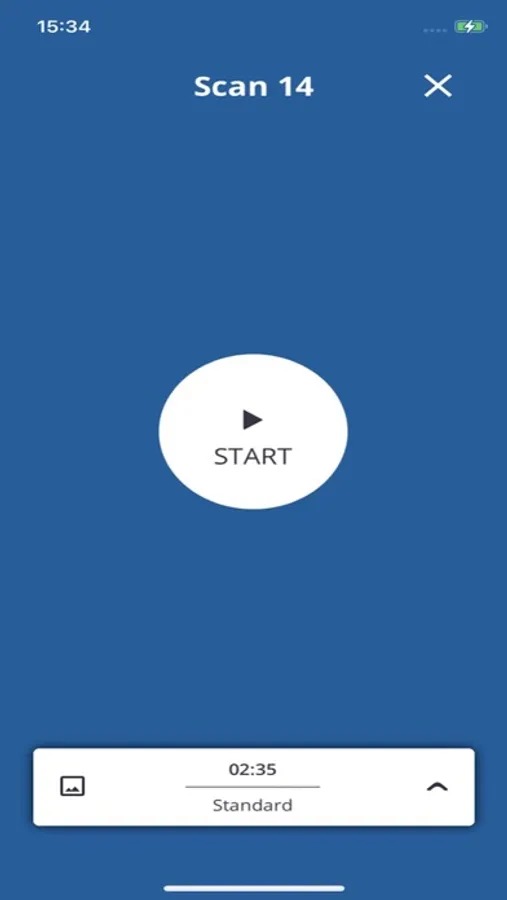
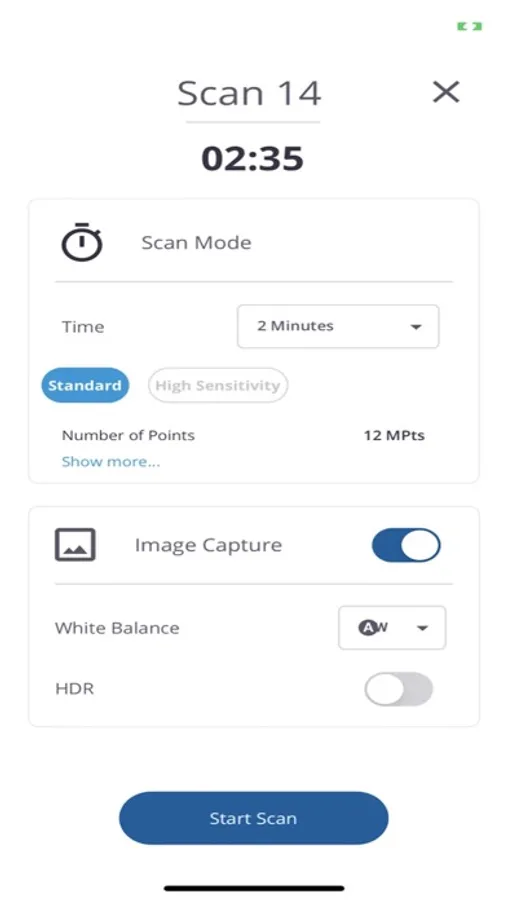
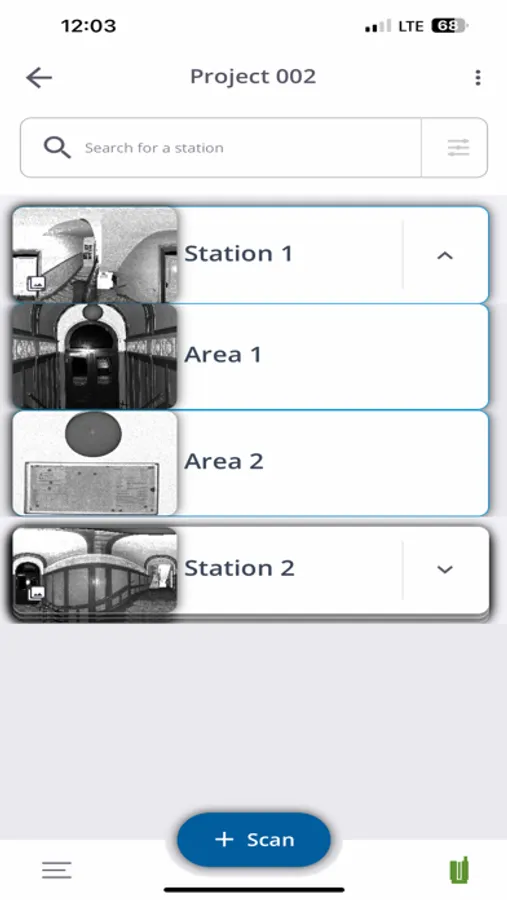
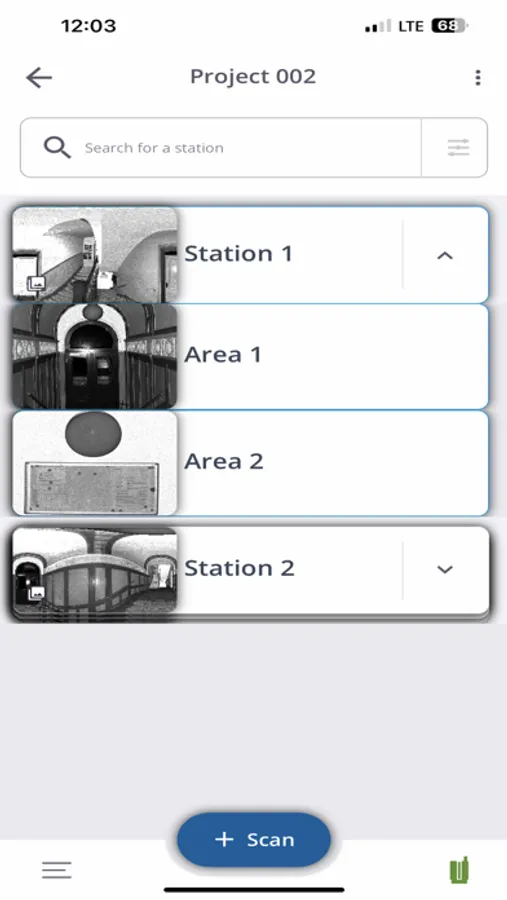
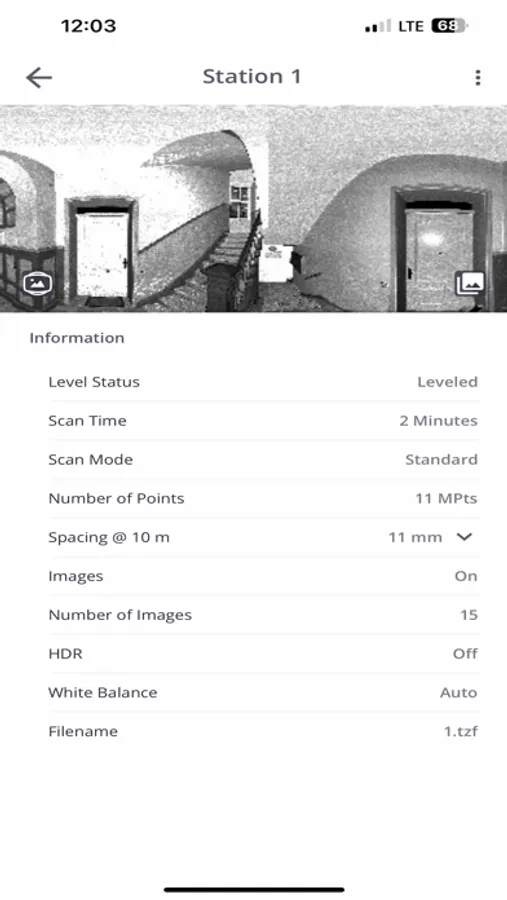
Features include: Manage projects, set scan and image parameters, control scan operations, and review data in the field.
From the second launch onwards, the application will try to connect to the scanner wifi automatically with previously connected Scanner Wi-Fi SSID with a pre-configured Wi-Fi password, this enables the user to quickly access the scanner features through the application.
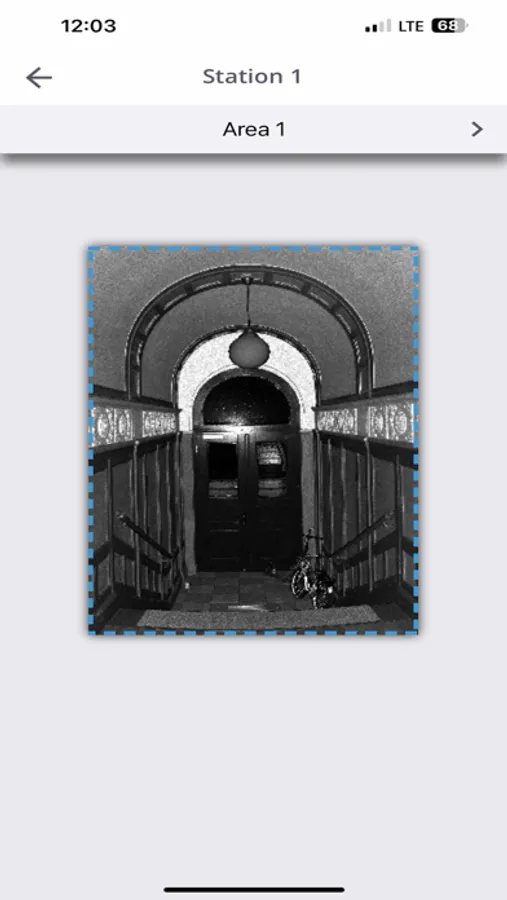
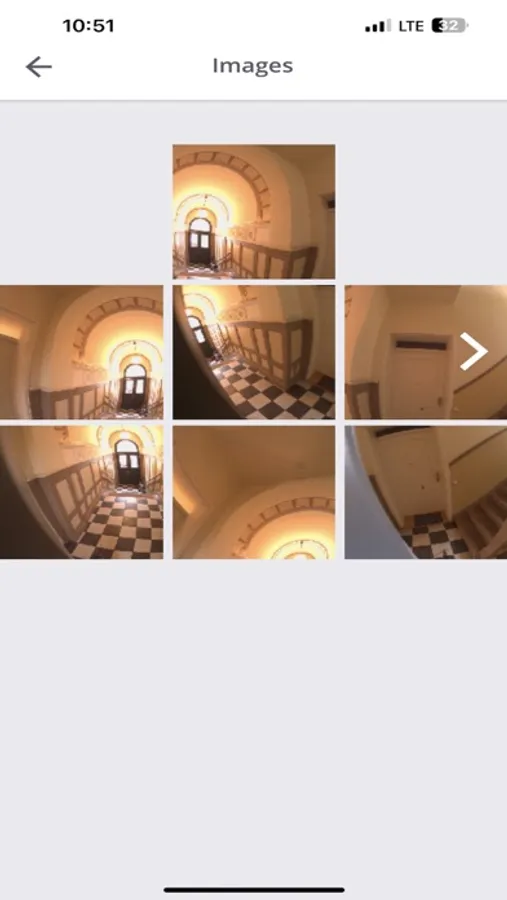
Trimble Perspective Mobile Screenshots
Tap to Rate:
Reviews for Trimble Perspective Mobile
Wheyton Sea
Won’t connect to my Apple iOS devices to scanner
I was excited to try this Perspective Mobile app, but it wouldn’t connect either my iPhone or iPad, both of which have the latest iOS version installed, to my X7 scanner. It connects temporarily to the scanner, but then iOS determines that the connection has “Weak Security” (a message to this effect appears briefly on the WiFi Settings page in iOS) and the scanner is promptly disconnected. The Perspective Mobile app creates a password for the scanner, which I dutifully entered on the appropriate WiFi Settings page when trying to get my iOS devices to connect. It occurred to me that perhaps I could successfully connect if I changed the password to something more secure than the password the app creates, but the app doesn’t allow me to change the password. Fix these WiFi connection and password issues and I’ll be happy to try again and raise my rating.