
AppRecs review analysis
AppRecs rating 3.2. Trustworthiness 79 out of 100. Review manipulation risk 24 out of 100. Based on a review sample analyzed.
★★★☆☆
3.2
AppRecs Rating
Ratings breakdown
5 star
50%
4 star
0%
3 star
14%
2 star
7%
1 star
29%
What to know
✓
Low review manipulation risk
24% review manipulation risk
✓
Credible reviews
79% trustworthiness score from analyzed reviews
About QR Code Business Card
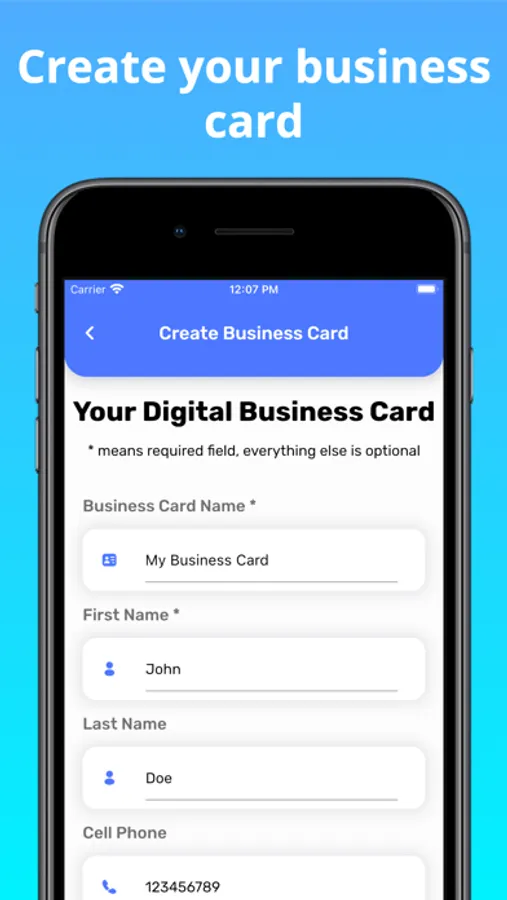
• Create business cards FAST by importing details seamlessly from contacts.
• When importing details from contacts all fields are available making it easier than ever to add social media links, multiple phone numbers etc.
• Customise your QR Code by adding your own image/logo (Pro Version)
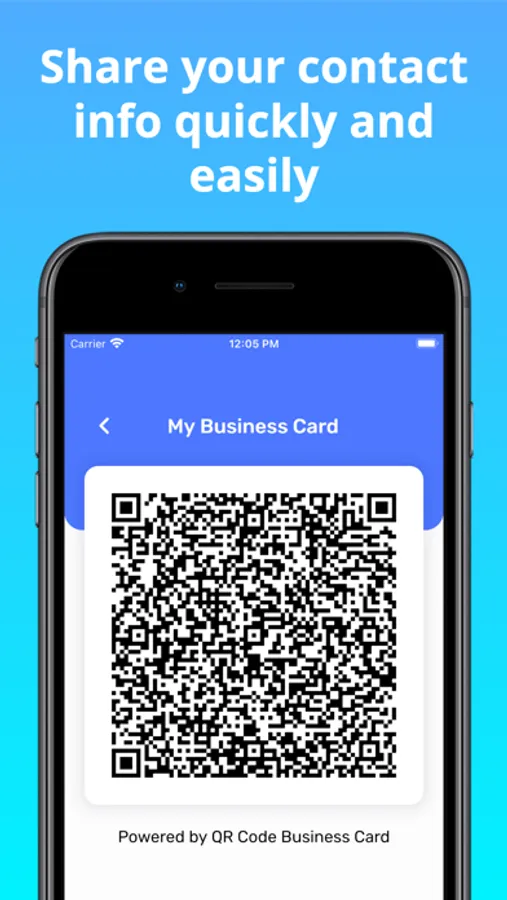
QR Code Business Card allows you to easily generate a QR code with your contact details and seamlessly share it with your clients. You will be surprised of how effective it is, the days of lost paper business cards are over.
It can also be used to generate any QR codes containing text, urls and phone numbers.
Common Problems:
• If a phone does not have a native QR Code scanner you can use Google Lens to scan the QR Code.
• To share the QR Code via WhatsApp you need to first save the image to gallery then share it from there
Features:
• No Ads
• Fast
• Reliable - your contact details are saved directly on the clients phone
• Secure - all your data is stored on device
• Environmentally friendly
• Contactless data transfer
• Simple and easy to use
QR Code Business Card Screenshots
Tap to Rate:
Reviews for QR Code Business Card
DM90001
Is this still working?
Wanted to upgrade but app crashes when I try to do it.
Angela M. Sharp
Too Primitive
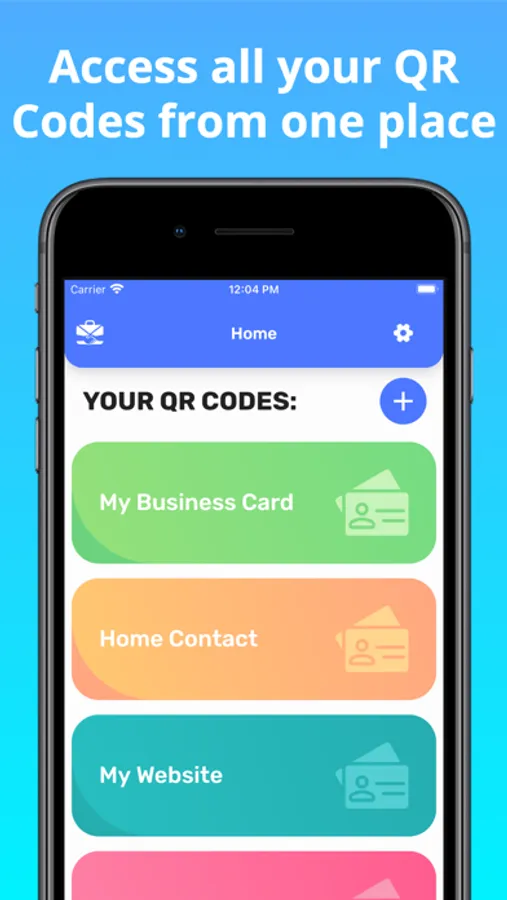
No ability to edit the name of the business card after you create a business card. No ability to delete a business card after you create it. You can do a master delete where you delete every single card you have created but you are not able to delete just one business card. So for example if you misspell a word in the title of your business card and you decide that you’d like to change the name you won’t be able to change it. So you think well OK I guess I’ll have to delete it and start over. But no you have to delete every single card and let’s say you’re very happy with two other cards you created for example maybe you created one for personal and one for a charitable organization you work with. The only one that you are unhappy with is your business card, but there’s a misspell in the title. The only thing you can do is delete all three business cards and start over with all three of them. This is really too primitive for a modern application.