Business Card Scanner - vCard
Dream Downloader Infotech Ltd.
4.4 ★
365 ratings
Free
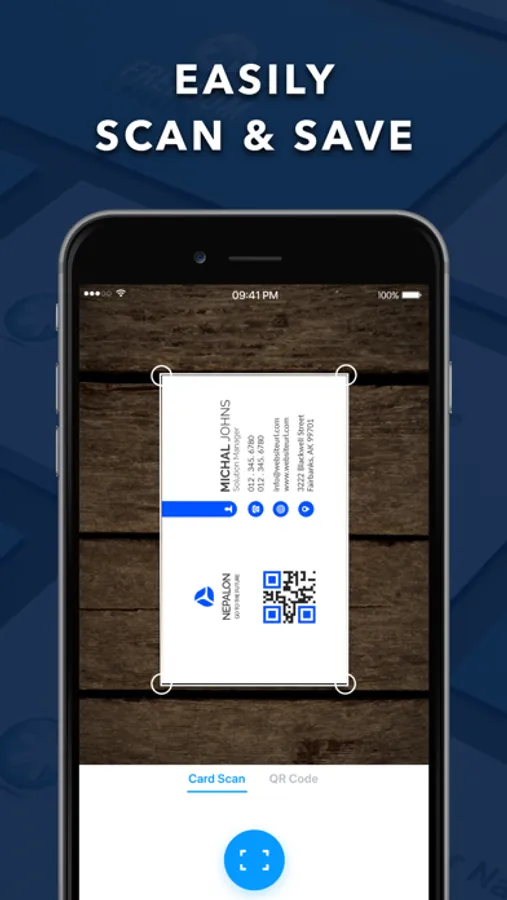
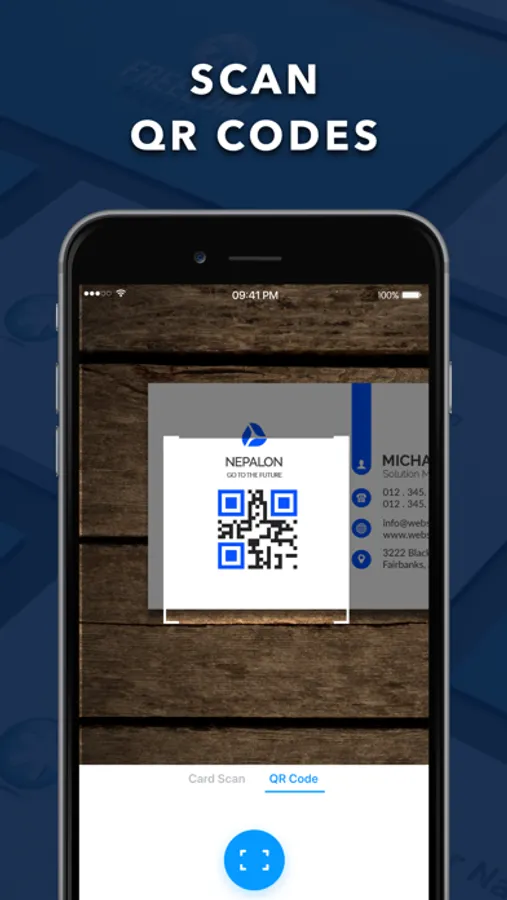
With this business card scanner app, you can capture, organize, and manage contact information from business cards using OCR technology. Includes QR code scanning, search functions, and contact sharing features.
AppRecs review analysis
AppRecs rating 4.3. Trustworthiness 75 out of 100. Review manipulation risk 27 out of 100. Based on a review sample analyzed.
★★★★☆
4.3
AppRecs Rating
Ratings breakdown
5 star
76%
4 star
8%
3 star
4%
2 star
4%
1 star
8%
What to know
✓
Low review manipulation risk
27% review manipulation risk
✓
Credible reviews
75% trustworthiness score from analyzed reviews
✓
High user satisfaction
84% of sampled ratings are 4+ stars (4.4★ average)
About Business Card Scanner - vCard
The usefulness & versatility of this app has made it the best fit for entrepreneurs, managers, sales & marketing people, and those who need an intelligent way of tracking & managing business contacts without using any traditional inefficient means.
Key Features of Business Card Scanner:
- Detect & capture business card content
- Scan any QR codes
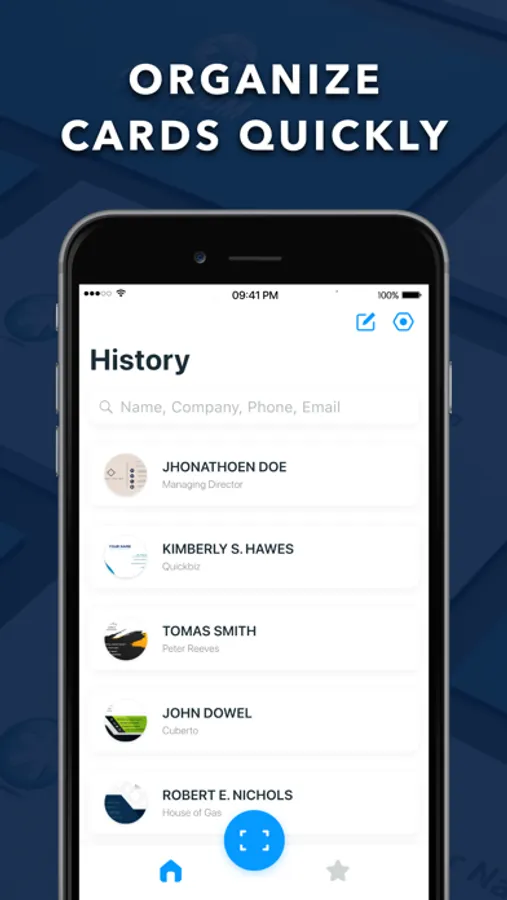
- Search & locate cards quickly using pre-defined fields
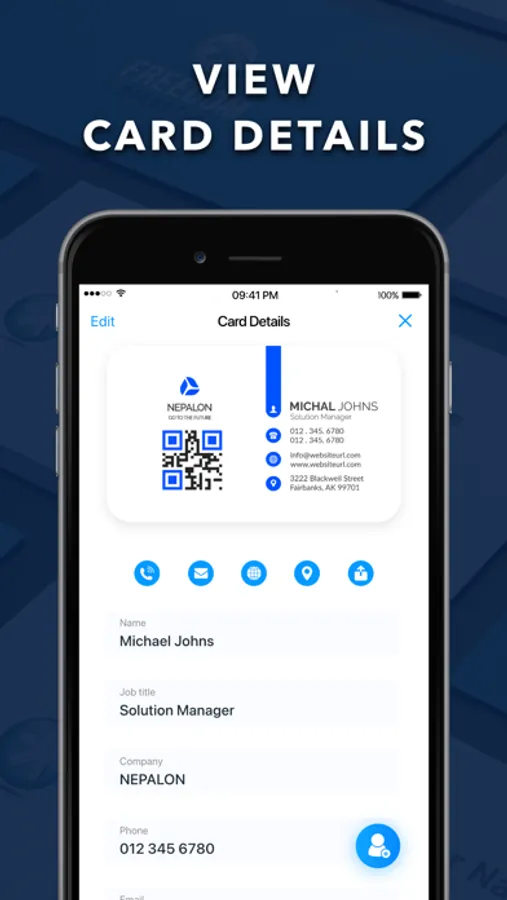
- In-app call and email functions
- Manually edit card information
- Allow sharing of cards with peers via AirDrop
- Shows complete scan history
- Mark important cards as favorites
Terms of Use:
https://dreamdownloader.net/api/cardscanner/terms.php
Privacy Policy:
https://dreamdownloader.net/api/cardscanner/privacy.php
Disclaimer: This app is free to download, but you will be required to make a one-time purchase to access the app's full functionalities.
Business Card Scanner - vCard Screenshots
Tap to Rate:
Reviews for Business Card Scanner - vCard
Kaelliam
Mixed bag
There are good and bad aspects of this app. On the one hand, the scanning function is fairly accurate; though it can have trouble trying to add information when business cards are set up in a unique format. The user interface is also fairly clean and easy to navigate. Some feedback: -There’s no way to set categories for business cards, which means you’ll quickly assemble a large number of cards that you don’t know where they came from. -I would love the ability to create folders where I keep various business cards or maybe tags that I could apply to them showing what event I gathered them from. -There’s also no ability right now to create custom text boxes for information that is not available. -The app struggles with languages other than English, and will not copy info for regional communication apps like Line, or apps like Discord. With GDC coming up next month I would be happy to update my score if a few more features are added. However, missing as they are, I may need to use a competitor to get what I need.
Nkwrn
Poor
Tried several times with a car business card and it cut off the phone number or the address..yuk!