AppRecs review analysis
AppRecs rating 5.0. Trustworthiness 71 out of 100. Review manipulation risk 26 out of 100. Based on a review sample analyzed.
★★★★★
5.0
AppRecs Rating
Ratings breakdown
5 star
50%
4 star
50%
3 star
0%
2 star
0%
1 star
0%
What to know
✓
Low review manipulation risk
26% review manipulation risk
✓
Credible reviews
71% trustworthiness score from analyzed reviews
✓
High user satisfaction
100% of sampled ratings are 4+ stars (5.0★ average)
About Corluma
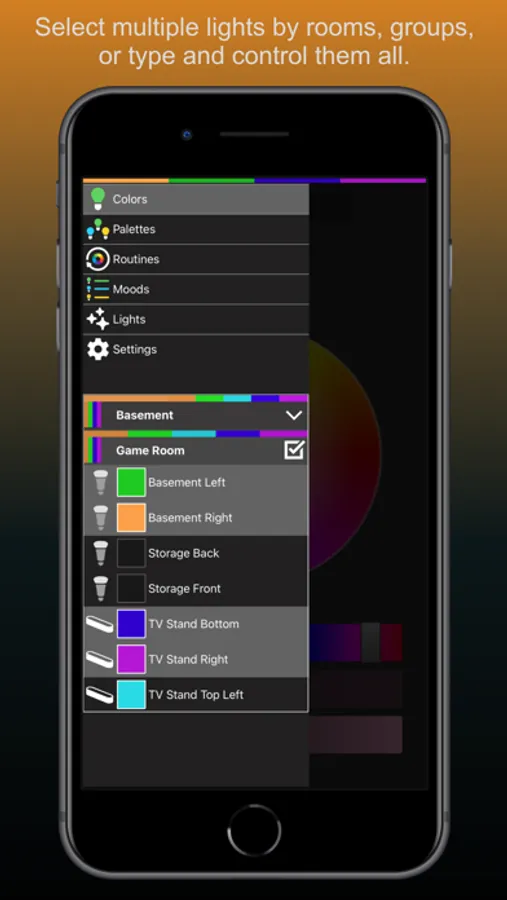
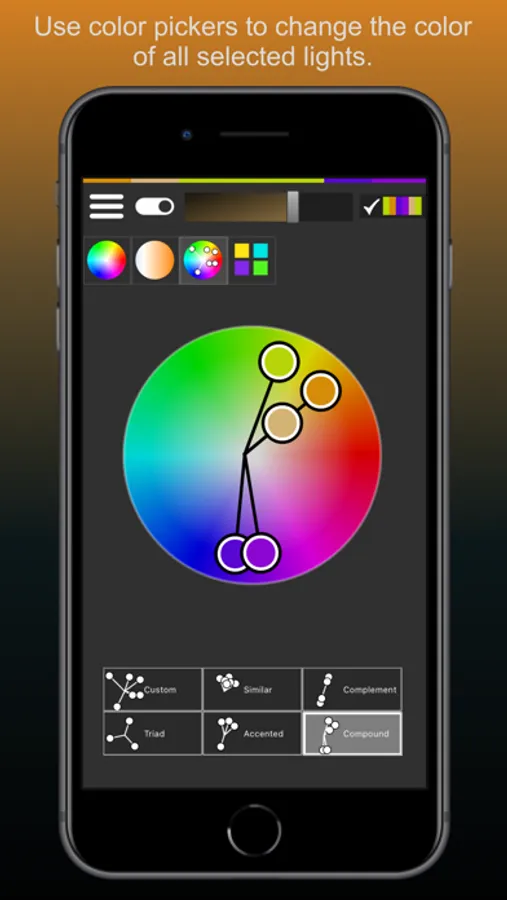
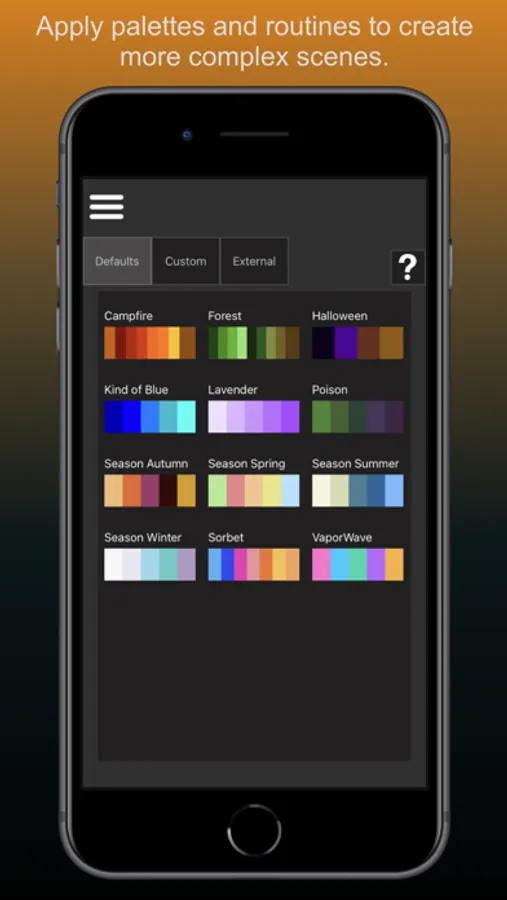
Use color wheels, swatches, or palettes to change the color of your lights. You can also use effects and streams to change colors over time. Do you have too many lights? Simplify managing them by grouping them and controlling them all at once. Save your favorite settings and reset them back to their exact state at any time with just a few clicks, add timeouts, access light specific features such as screen mirroring for Nanoleaf 4D lights, and more!
Corluma does not require an account, external servers, or additional permissions such as location to use your lights. The app is fully featured from the start with no In-App purchases. All communication is done on local wifi.
Compatibility:
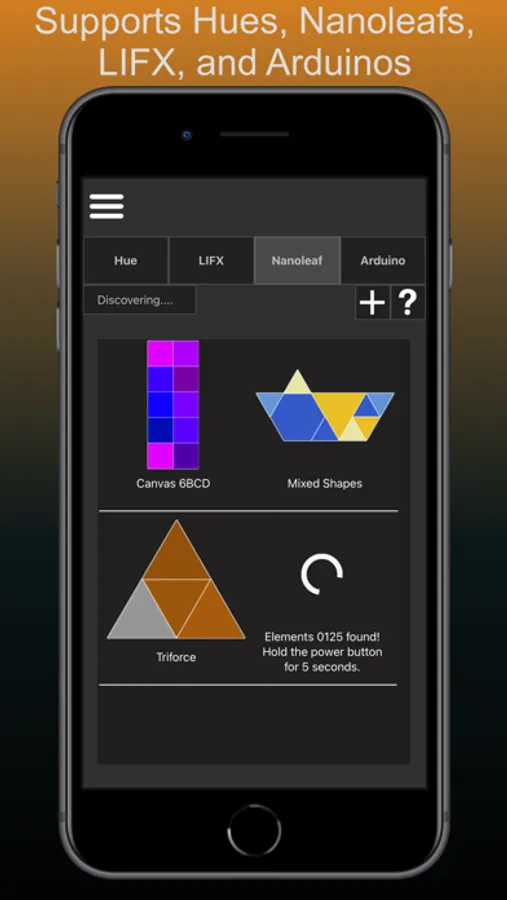
- Hues: all lights supported, bridge required
- LIFX: all bulbs, multizone, and tiles supported
- Nanoleafs: all lights except the Nanoleaf Essentials line supported
- Arduinos: supports the ArduCor sketch, which can use NeoPixels, Rainbowduinos, and standard LEDs
Corluma Screenshots
Tap to Rate:
Reviews for Corluma
William Louis
Spinning circle looking for ports and IPs.
So, it found my 4 lifx lights no problem, little sign says select some lights and tap here… I do that and follow next instructions and aim left with a new box among my lights listed, it is just a spinning loading animation been that way for the better part of a half hour. What am I doing wrong? Every other option is greyed out other than tap to go back. Otherwise from what I can see the app looks awesome
Walt D
Promising, but disappointing
I’ve mostly only computed personally on mobile/tablet for years, but have been digging back into a newish Mac. I found this app which supports multiple of my aging smart lights—namely both LIFX and Nanoleaf. And the level of support is high. There are a lot of ideas and hooks into how these devices function. But the implementation is not great. As a for instance, this app makes no effort to follow Apple’s longstanding guidelines for UI. This occurred to me after I was looking endlessly how to do something, only to realize there were some words that were not just words, but a button. That said, it’s a decently effective free app that supports some esoteric hardware. I can’t be too critical.