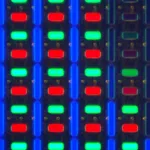
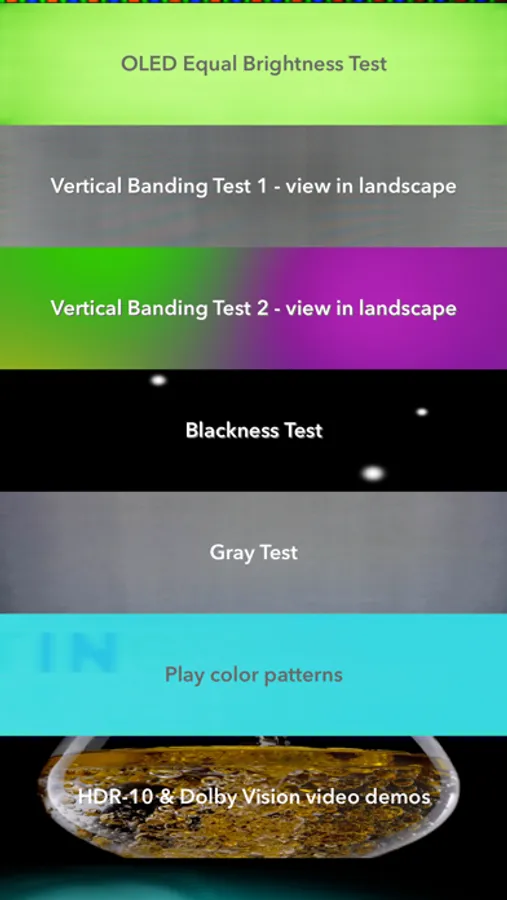
In this diagnostic app, you can visually detect defects or damage on OLED screens using various testing features. Includes demo videos for Dolby Vision, HDR 10, and Dolby Atmos tests.
AppRecs review analysis
AppRecs rating 4.1. Trustworthiness 73 out of 100. Review manipulation risk 16 out of 100. Based on a review sample analyzed.
★★★★☆
4.1
AppRecs Rating
Ratings breakdown
5 star
68%
4 star
11%
3 star
3%
2 star
4%
1 star
15%
What to know
✓
Low review manipulation risk
16% review manipulation risk
✓
Credible reviews
73% trustworthiness score from analyzed reviews
✓
High user satisfaction
78% of sampled ratings are 4+ stars (4.1★ average)
About Doctor OLED X
Note: this app helps you detect a defect or damaged OLED screen, it cannot repair it.
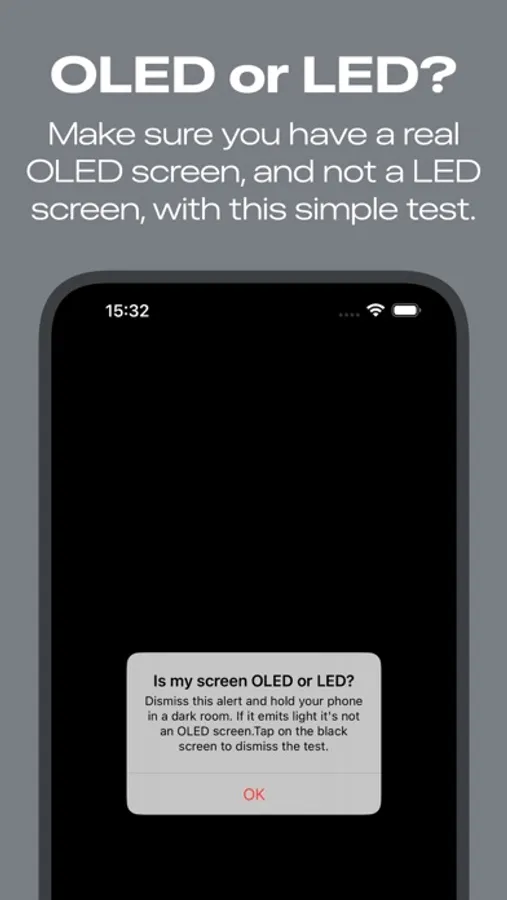
OLED displays have the highest contrast of any display panel. Blacks are pure black because OLED, which stands for Organic Light-Emitting Diodes, can switch off individual pixels.
iPhones with OLED screens should be handled with a bit of care to avoid image persistence or screen burn-in, if you treat your new iPhone with attention you will not suffer from this and your device will have a better resale value, see vendor support article HT208191.
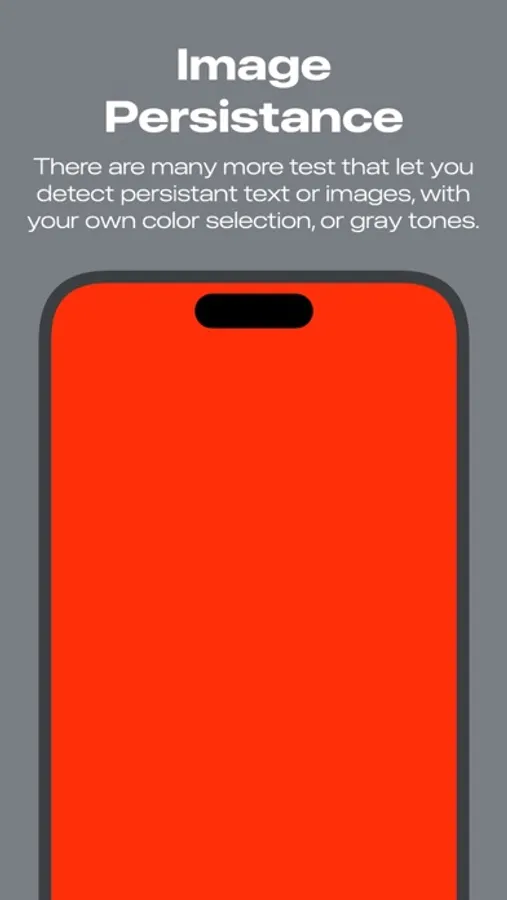
Use this app to visually check your OLED screen if you have signs of "Image Persistence" or "Burn-In". Read about the best way to take care of it.
When you want to buy/sell a (second-hand) iPhone with an OLED display, you can use this app to visually check for damage to the screen.
This App does not claim to fix or repair an OLED screen which has Image Persistence, or burn-in.
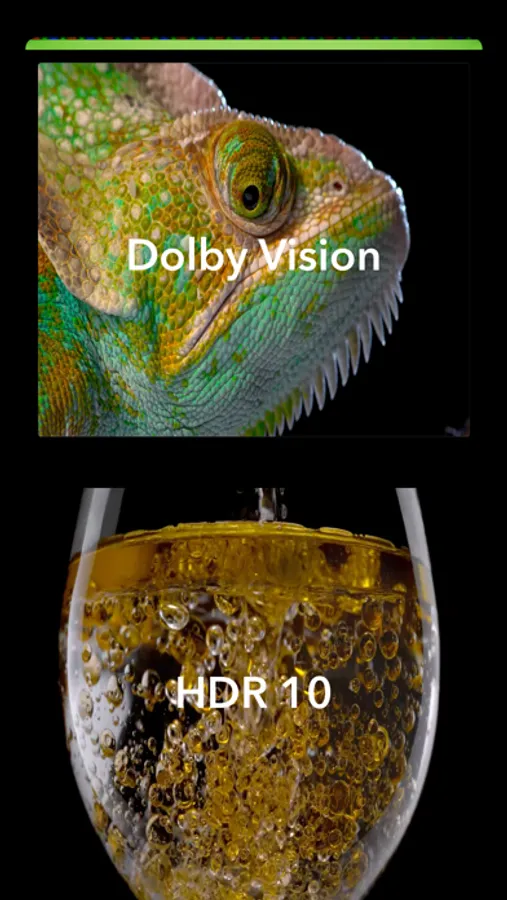
You can also enjoy two demo videos to check out how good looking Dolby Vision and HDR 10 are, on your iPhone OLED display.
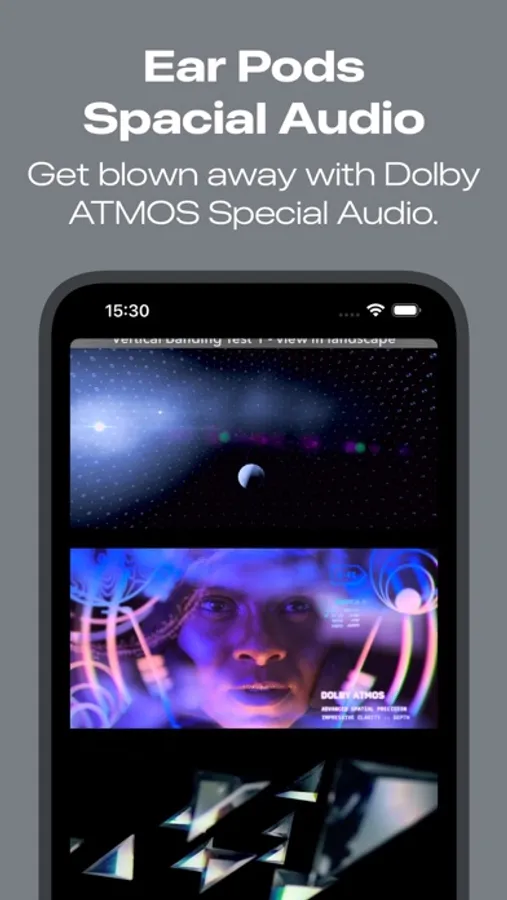
Recently we have added 4 Dolby Atmos tests for the Spacial Audio on the Air Pods Pro.
OLED displays have the highest contrast of any display panel. Blacks are pure black because OLED, which stands for Organic Light-Emitting Diodes, can switch off individual pixels.
iPhones with OLED screens should be handled with a bit of care to avoid image persistence or screen burn-in, if you treat your new iPhone with attention you will not suffer from this and your device will have a better resale value, see vendor support article HT208191.
Use this app to visually check your OLED screen if you have signs of "Image Persistence" or "Burn-In". Read about the best way to take care of it.
When you want to buy/sell a (second-hand) iPhone with an OLED display, you can use this app to visually check for damage to the screen.
This App does not claim to fix or repair an OLED screen which has Image Persistence, or burn-in.
You can also enjoy two demo videos to check out how good looking Dolby Vision and HDR 10 are, on your iPhone OLED display.
Recently we have added 4 Dolby Atmos tests for the Spacial Audio on the Air Pods Pro.
Doctor OLED X Screenshots

Tap to Rate:
Reviews for Doctor OLED X
Marianolaplata
This is of no use to repair it
It didn't work for me, the ghost image is still there. My iPhone is getting worse every day.
Jibblecakes
Pretty good app
Does its job, but is sort of lack luster in terms of features.