AppRecs review analysis
AppRecs rating 2.5. Trustworthiness 77 out of 100. Review manipulation risk 22 out of 100. Based on a review sample analyzed.
★★☆☆☆
2.5
AppRecs Rating
Ratings breakdown
5 star
10%
4 star
20%
3 star
10%
2 star
50%
1 star
10%
What to know
✓
Low review manipulation risk
22% review manipulation risk
✓
Credible reviews
77% trustworthiness score from analyzed reviews
⚠
Mixed user feedback
Average 2.7★ rating suggests room for improvement
About AccelMeter
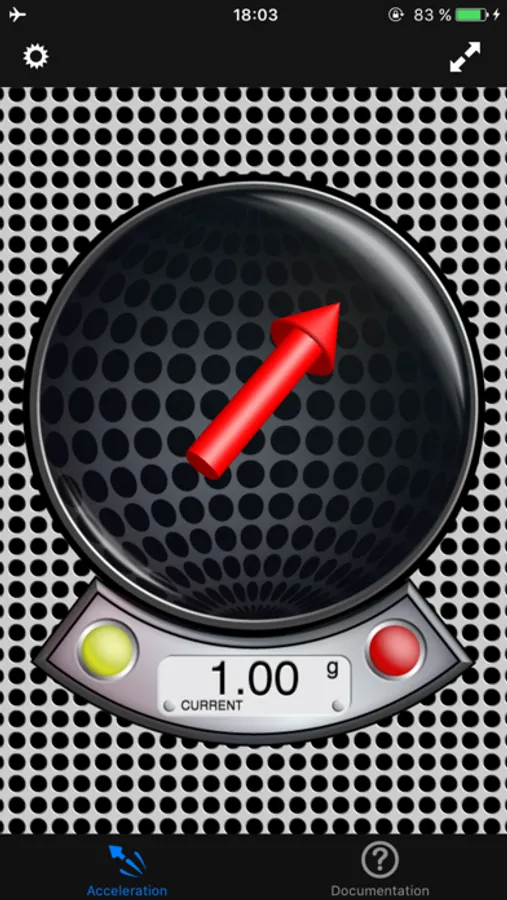
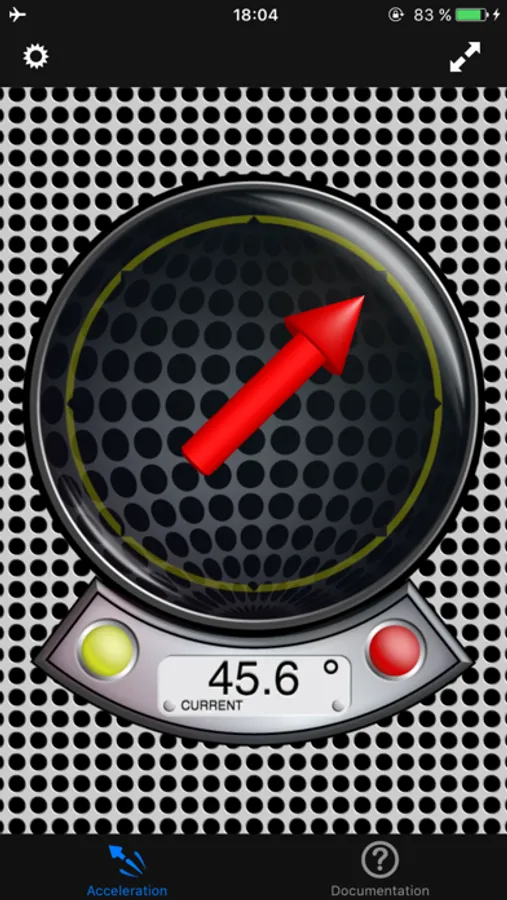
The application has five different display modes for acceleration visualization:
- Absolute Mode: Displays the reverse acceleration of the iPhone (1g up when hold steady).
- X-Rotation - Y-Rotation - Z-Rotation: The arrow will display the rotation around the X-, Y- and Z-Axis of the iPhone. The digital indicator shows the angle numerically (-180° - +180°). A way to calibrate will be added with one of the next updates, so you could use this as a level.
- Relative Mode: This mode shows the relative strength (absolute minus compensation vector) of the acceleration.
For a detailed documentation, please visit our product homepage.
For recreational use only. However it CAN (!) be very accurate. The measurement is performed as good as possible (we try our best) by using the inbuilt accelerometer and magnetometer to their limits. The range of the accelerometer typically has a max of ±3g (~4.2g displayed here if combined). However, tell us your experience!
Check out all our products (free and paid) on www.plaincode.com
AccelMeter Screenshots
Tap to Rate:
Reviews for AccelMeter
WilliamMay37736372827
Confusing to figure out
Once I was able to figure out how to use the app and find my acceleration it was fine. But it gave me my acceleration in g’s so I had to do some math to get my actual acceleration.
ameliawrightttttt1234566
Good But Confusing
The app gave me my acceleration, but it was not clear with how to find your acceleration using the app. This app is good if you know how to use it, but I didn’t and could not find any directions. I had to get help just to find out how to see my acceleration. Not beginner friendly.