AppRecs review analysis
AppRecs rating 4.6. Trustworthiness 75 out of 100. Review manipulation risk 27 out of 100. Based on a review sample analyzed.
★★★★☆
4.6
AppRecs Rating
Ratings breakdown
5 star
60%
4 star
20%
3 star
3%
2 star
0%
1 star
18%
What to know
✓
Low review manipulation risk
27% review manipulation risk
✓
Credible reviews
75% trustworthiness score from analyzed reviews
✓
High user satisfaction
80% of sampled ratings are 4+ stars (4.5★ average)
About MagnetMeter
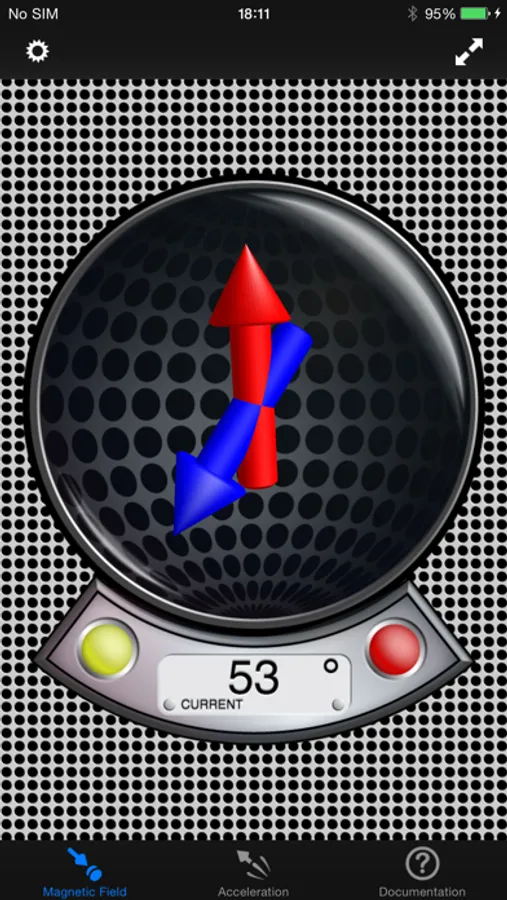
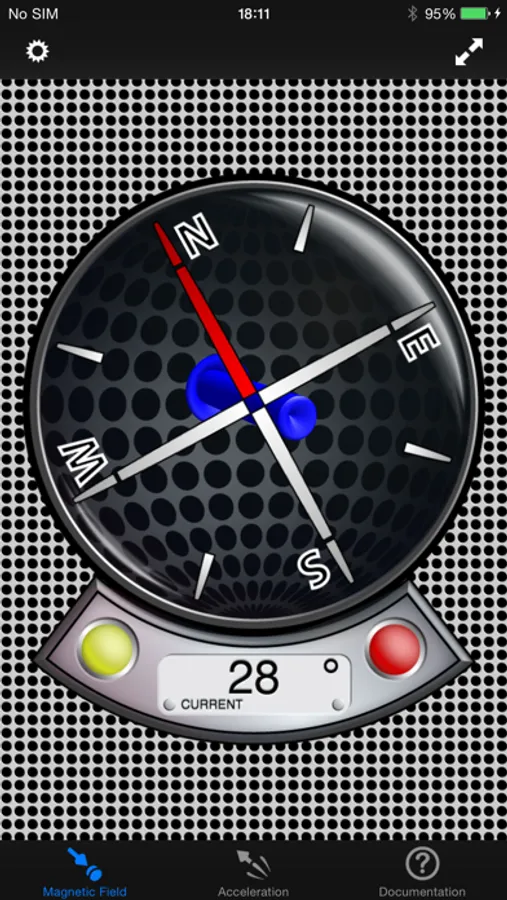
The application has four different displays modes to visualize the magnetic field:
- Absolute Mode: Displays the absolute magnetic field in microtesla (μT) measured by the magnetometer.
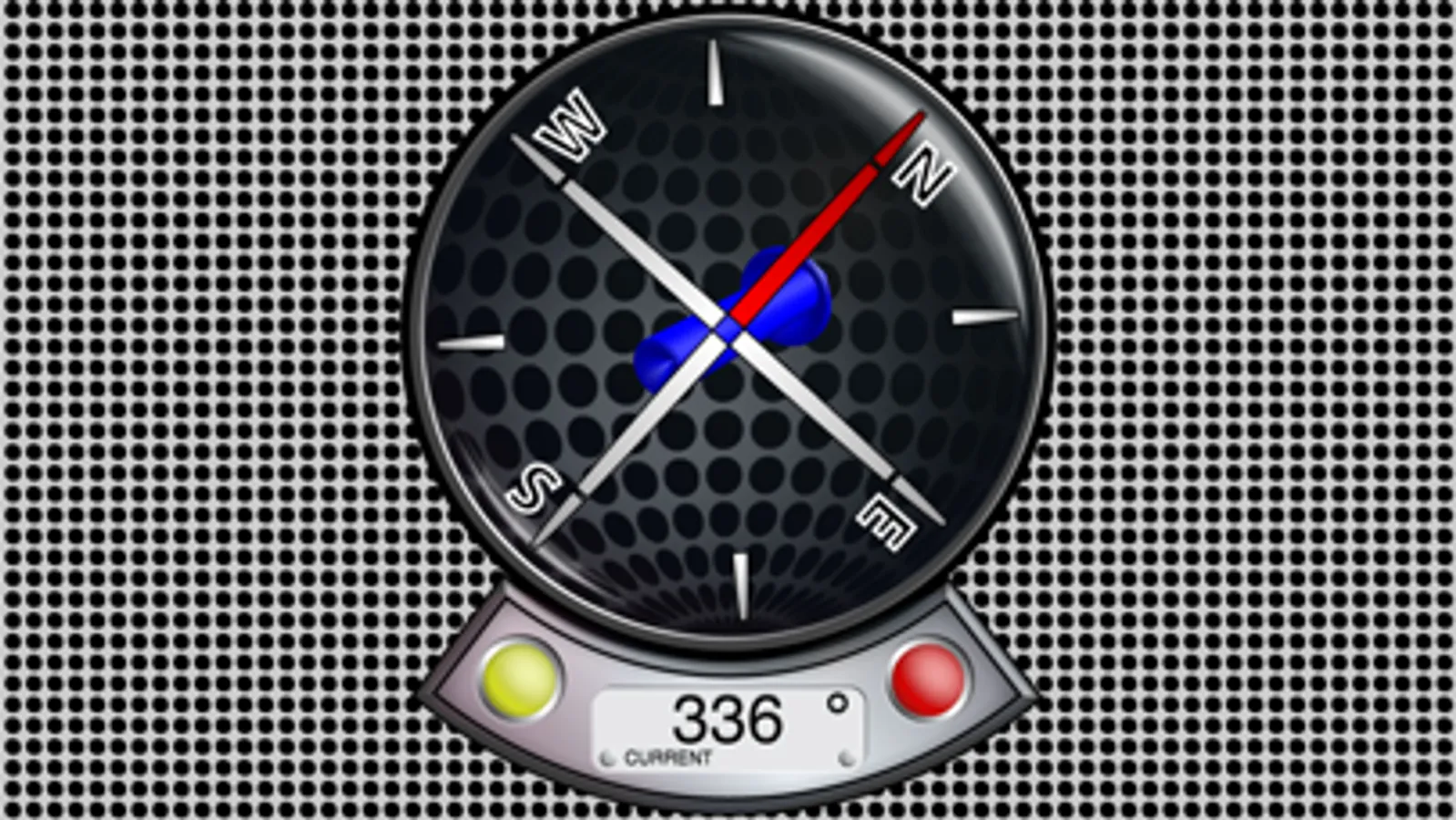
- North Mode: A compass head-up displays the geographic north along with the pointer that directs to the magnetic north (thus display difference magnetic to geographic north).
- Declination Mode: Two arrows will be displayed to indicate the declination of the earth magnetic field (0° just on equator, increasing to north with blue pointer direction up or south with blue pointer direction down).
- Relative Mode: This mode shows the relative strength (absolute minus compensation vector) of the magnetic field in μT.
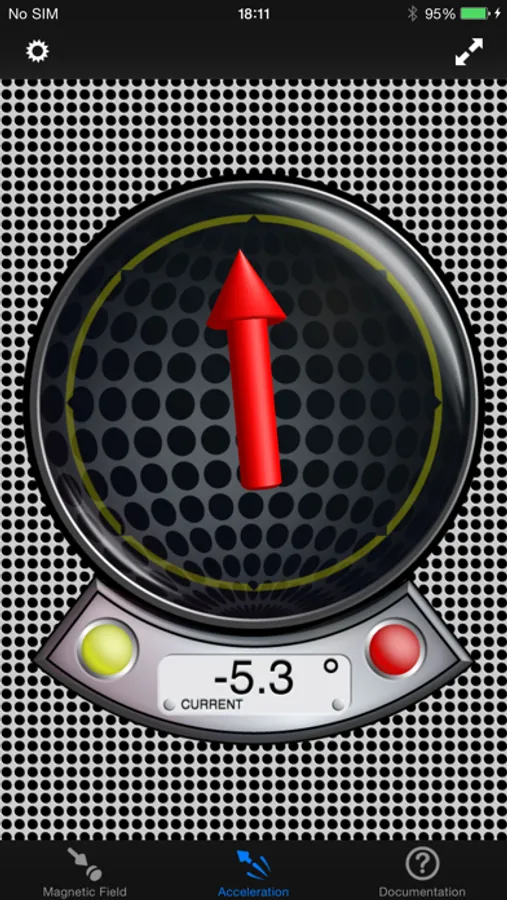
… and five different display modes for acceleration visualization:
- Absolute Mode: Displays the reverse acceleration of the iPhone (1g up when hold steady).
- X-Rotation - Y-Rotation - Z-Rotation: The arrow will display the rotation around the X-, Y- and Z-Axis of the iPhone. The digital indicator shows the angle numerically (-180° - +180°). A way to calibrate will be added with one of the next updates, so you could use this as a level.
- Relative Mode: This mode shows the relative strength (absolute minus compensation vector) of the acceleration.
For a detailed documentation, please visit our product homepage.
For recreational use only. However it CAN (!) be very accurate. The measurement is performed as good as possible (we try our best) by using the inbuilt accelerometer and magnetometer to their limits. The range of the accelerometer typically has a max of ±3g (~4.2g displayed here if combined) and each magnetometer usually recalibrates internally when over ±120μT in one axis. However, tell us your experience!
MagnetMeter Screenshots
Tap to Rate:
Reviews for MagnetMeter
DoctorCalabria
I Need This!
Just when I thought I had everything. Definitely a cool app with a multitude of uses. Nice Interface good online manual and works exactly as advertised.
Dythem
Super Awesome Magnetometer
Very good app. Impressive 3 dimensional magnetometer read out. I was pleasantly surprised by how good this is and seems to be quite accurate and sensitive. Well done.