With this drawing app, you can overlay adjustable grids on images to assist with perspective and scaling. Includes multiple grid sizes, color options, and image adjustment tools.
AppRecs review analysis
AppRecs rating 2.7. Trustworthiness 78 out of 100. Review manipulation risk 23 out of 100. Based on a review sample analyzed.
★★☆☆☆
2.7
AppRecs Rating
Ratings breakdown
5 star
29%
4 star
14%
3 star
7%
2 star
7%
1 star
43%
What to know
✓
Low review manipulation risk
23% review manipulation risk
✓
Credible reviews
78% trustworthiness score from analyzed reviews
⚠
Mixed user feedback
Average 2.8★ rating suggests room for improvement
About Artists Grid Tool
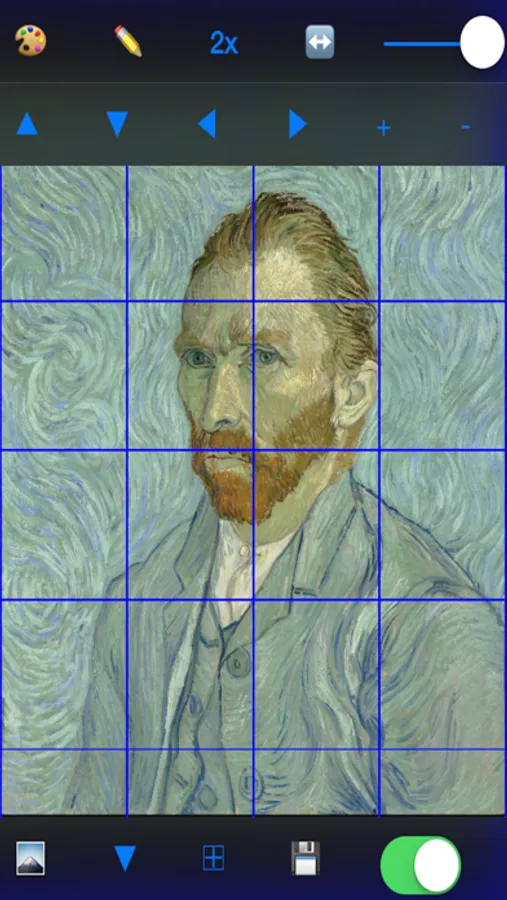
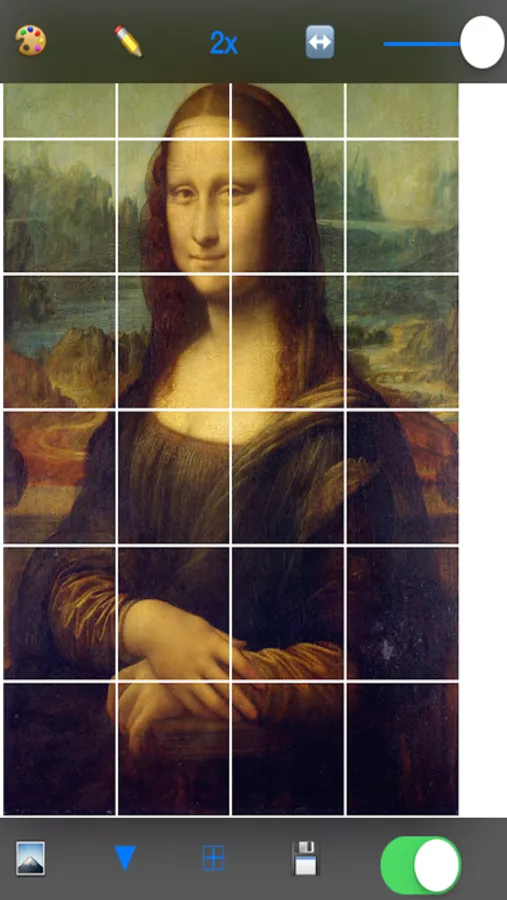
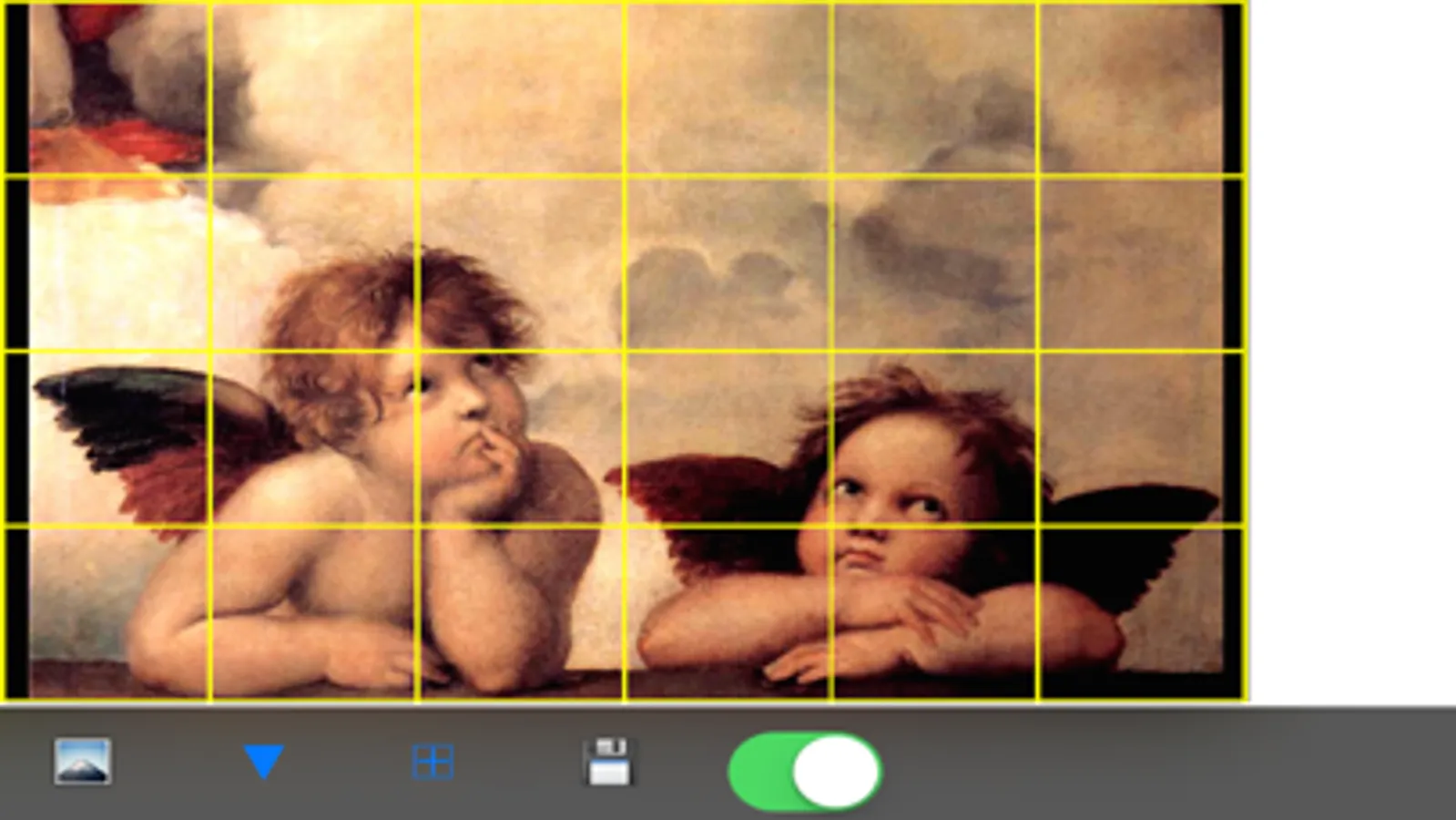
Artists have been using the grid method for centuries as a tool for maintaining proper perspective and scale in drawings and paintings. It was even used by and taught by Leonardo Da Vinci and other masters. Using the Artists Grid Tool you apply the grid method to any image on your iPhone.
The Artists Grid Tool for iPad has the following features:
- 3 Levels of grid sizes
- 4 color choices
- Adjustable line width and transparency
- Scale image independent of grid
- Shift image independent of grid
- Save image to file
Artists Grid Tool Screenshots
Tap to Rate:
Reviews for Artists Grid Tool
Normag6
Hard to use
I cannot get The grid to go over the entire picture. It is up in a corner. It asks me how many pixels wide and I have no idea. Why not ask in inches?
ggvictoria
Love it!
I've had zero issues with this app even though it hasn't been updated since end of 2015. 🙃 It does exactly what I need. I can add and adjust grids over any image I want to draw. Love I can save the image with the grid for future use. 👍🏼👍🏼