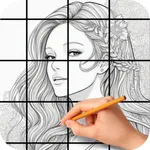
In this drawing app, you can create accurate images by dividing references into grids and adjusting sizes with digital tools. Includes customizable grids, zoom features, image filters, and sharing options.
AppRecs review analysis
AppRecs rating 4.8. Trustworthiness 78 out of 100. Review manipulation risk 23 out of 100. Based on a review sample analyzed.
★★★★☆
4.8
AppRecs Rating
Ratings breakdown
5 star
81%
4 star
13%
3 star
3%
2 star
1%
1 star
2%
What to know
✓
Low review manipulation risk
23% review manipulation risk
✓
Credible reviews
78% trustworthiness score from analyzed reviews
✓
High user satisfaction
81% of sampled ratings are 5 stars
About CopyIt The Grid Drawing Method
Why CopyIt?
The grid method, used by masters like Leonardo da Vinci, breaks images into manageable sections so you can focus on lines and shapes square by square. CopyIt eliminates the need to print and mark up photos, offering zoom, filters, and digital tools that enhance accuracy and detail. Whether you’re a beginner or experienced artist, CopyIt helps you achieve results with confidence.
Key Features
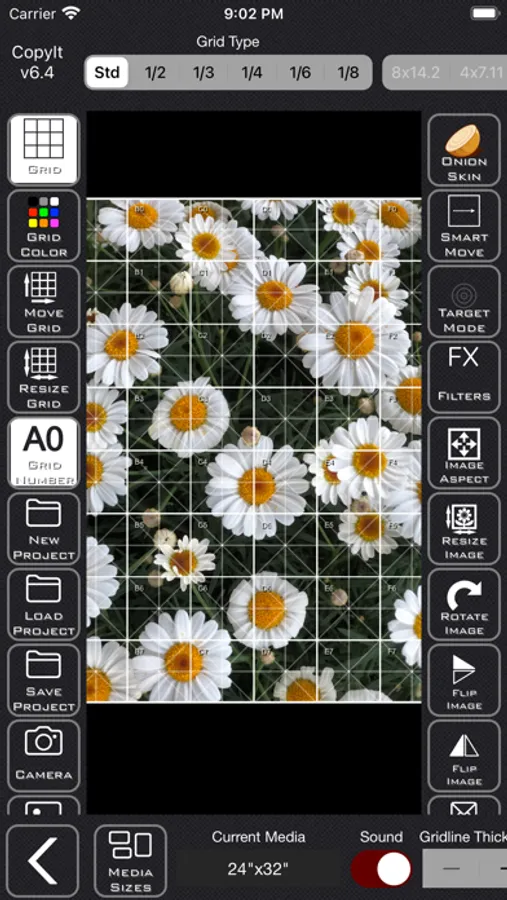
• Universal App: Works on iPhone, iPad, and Apple Silicon Macs
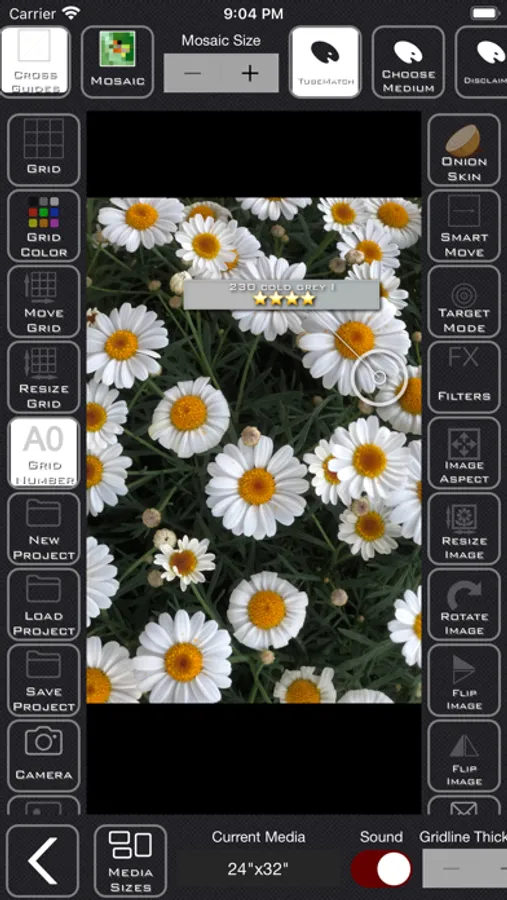
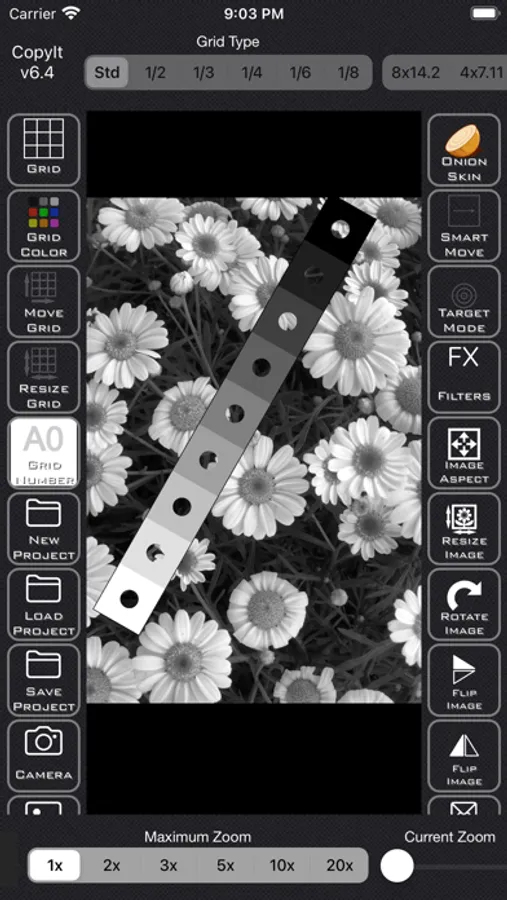
• Flexible Grids: 6 grid types, customisable rows/columns, adjustable colors, transparency, and guidelines
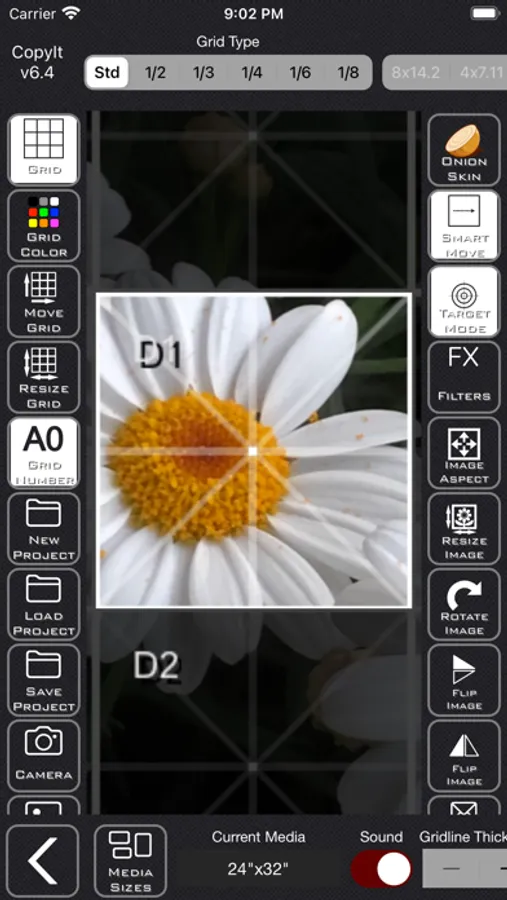
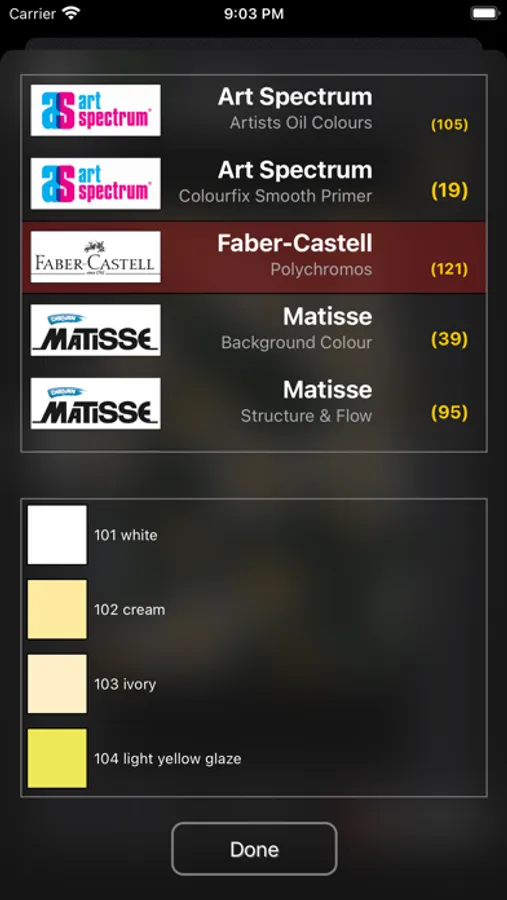
• Smart Tools: SmartMove zoom, Target mode, digital ruler, perspective lines, Crosshair, MixMap and TubeMatch™ for colour matching
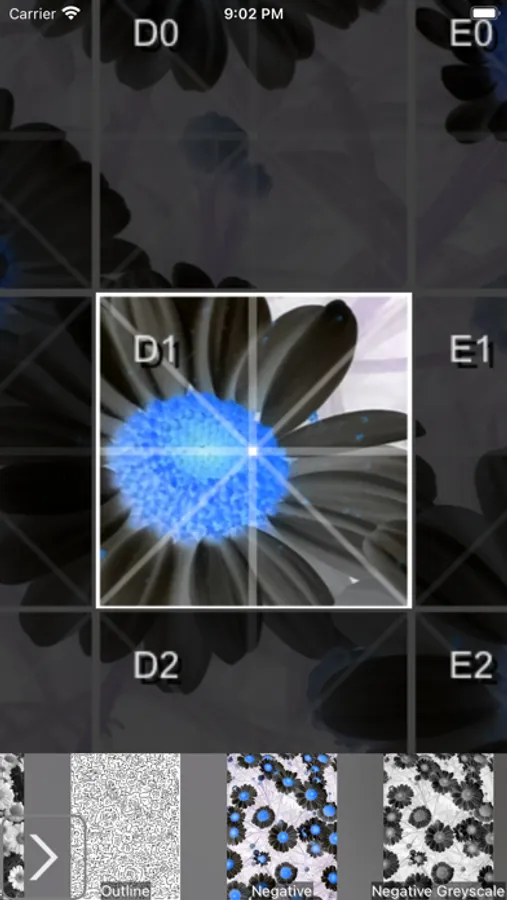
• Filters & Effects: Pencil Sketch, Onion Skin overlay, flips, rotations, and multiple image aspects
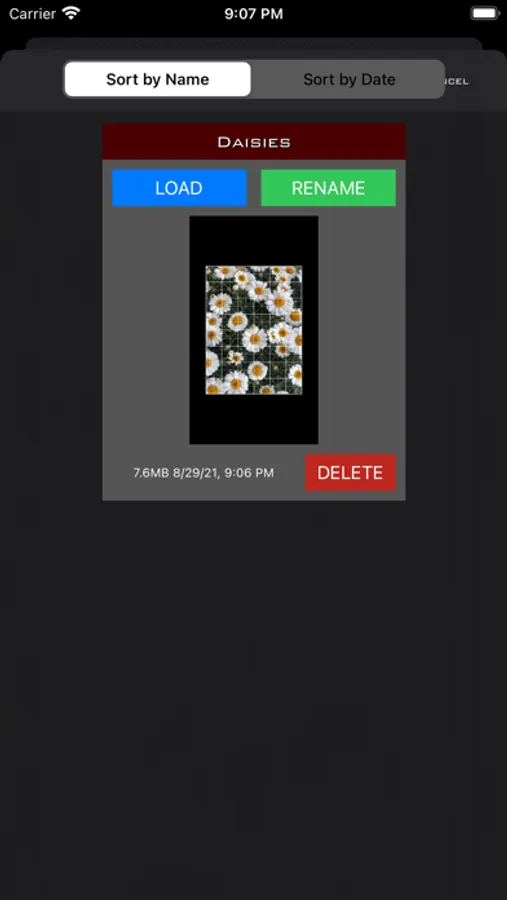
• Import & Export: Capture with front/back cameras, load projects or albums, save and share via AirDrop, email, or social platforms
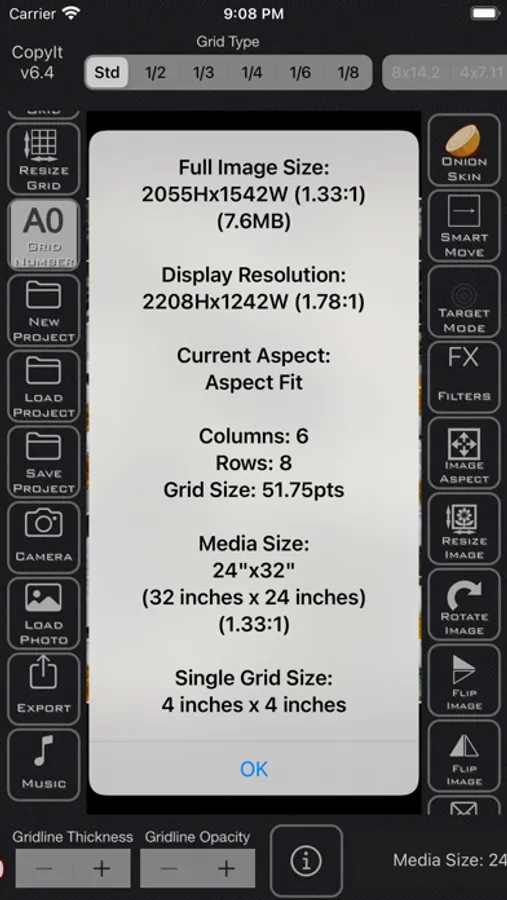
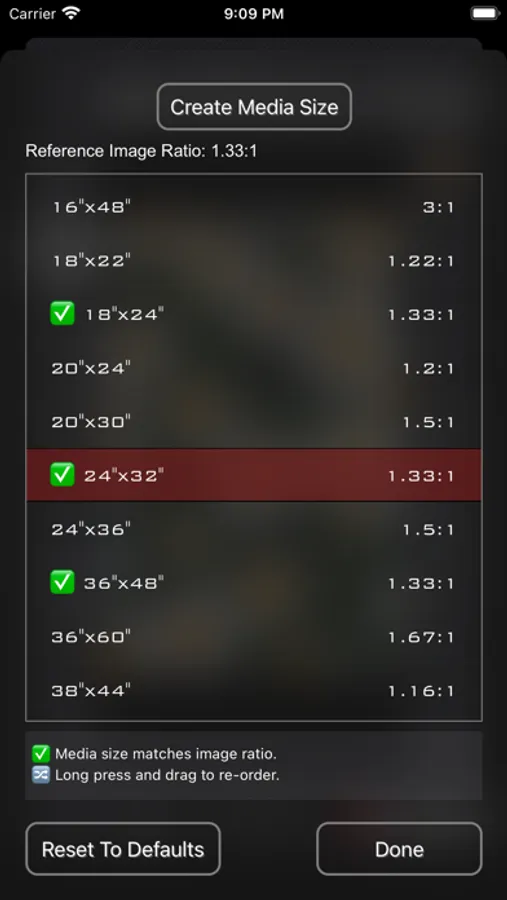
• Customization: Portrait/landscape orientation, fullscreen mode, adjustable zoom (x1–x20), media sizes in imperial/metric
• Support: In‑app help and a new tutorial
Designed for Success
CopyIt transforms the traditional grid method into a modern workflow tool. By working square by square, you can scale images accurately, refine details, and build confidence in your drawing skills.
Connect with us:
• Facebook: facebook.com/CopyItTheGridDrawingMethod
• Twitter: @copyitforios
Terms of Use:
https://www.apple.com/legal/internet-services/itunes/dev/stdeula/
CopyIt The Grid Drawing Method Screenshots
Tap to Rate:
Reviews for CopyIt The Grid Drawing Method
Anszule Designs
CopyIt
I'm a professional painter and work mostly from my own photos. I have found this app great so far and think it is well worth the investment. My recommendations would be for different ratios to be made available or a grid option of standard canvas sizes to use in cropping and then creating a grid for an image. Being able to enlarge each section of an image is great! Also, more detailed instructions would be helpful. So far I have not figured out how to choose a specific number of columns that vary from the standard settings. ??
undrwethr
Buggy
This is a good idea, but has a number of bugs that make it difficult to use