
In this Practice Recorder app, users can record, organize, and play audio files using folders with shuffle and sorting options. Includes folder management, export/import features, privacy mode, and compatibility with iTunes.
AppRecs review analysis
AppRecs rating 4.3. Trustworthiness 64 out of 100. Review manipulation risk 25 out of 100. Based on a review sample analyzed.
★★★★☆
4.3
AppRecs Rating
Ratings breakdown
5 star
90%
4 star
4%
3 star
2%
2 star
2%
1 star
2%
What to know
✓
Low review manipulation risk
25% review manipulation risk
✓
High user satisfaction
90% of sampled ratings are 5 stars
About Practice Recorder
Record and listen with privacy and focus.
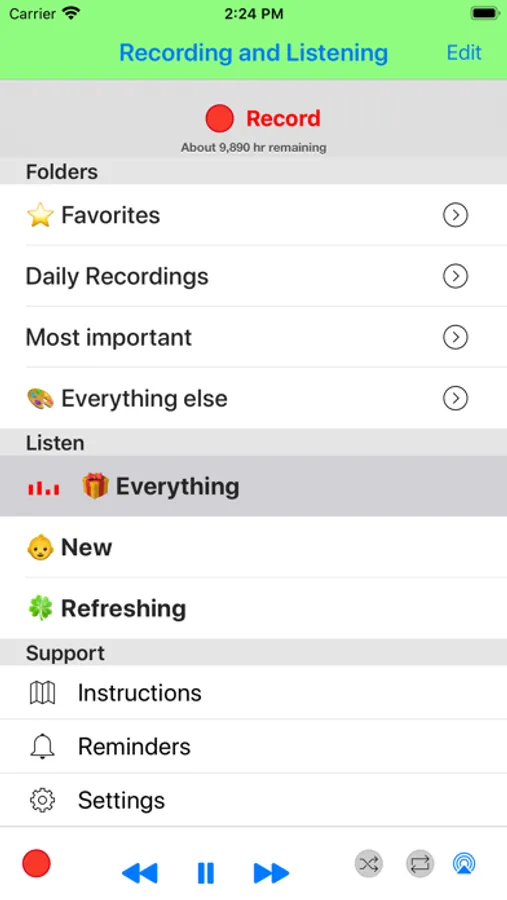
Organize recordings into folders and play them in order or on shuffle. Designed for private listening and long-term practice.
Privacy first
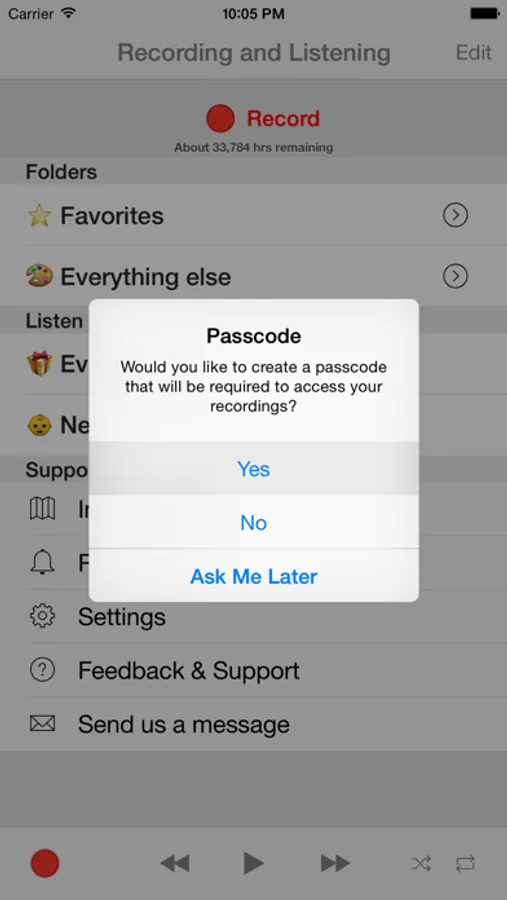
• Recordings stay on your device — no cloud upload
• Playback starts through the iPhone earpiece by default (like a phone call)
Backup & restore
• Included in device backups
• Fully restored on a new device
Playback
• iPhone earpiece, headphones, speaker, Bluetooth, AirPlay
• Shuffle by folder, across all folders, or by least-recently-played
• Repeat single recordings or playlists
• Prefer new or recently added recordings
Organization
• Create, rename, reorder, and delete folders (up to 200)
• Move one or all recordings between folders
• Undo deletes with shake
• Automatic folder name suggestions
• Rename recordings (emoji supported)
Sharing & import
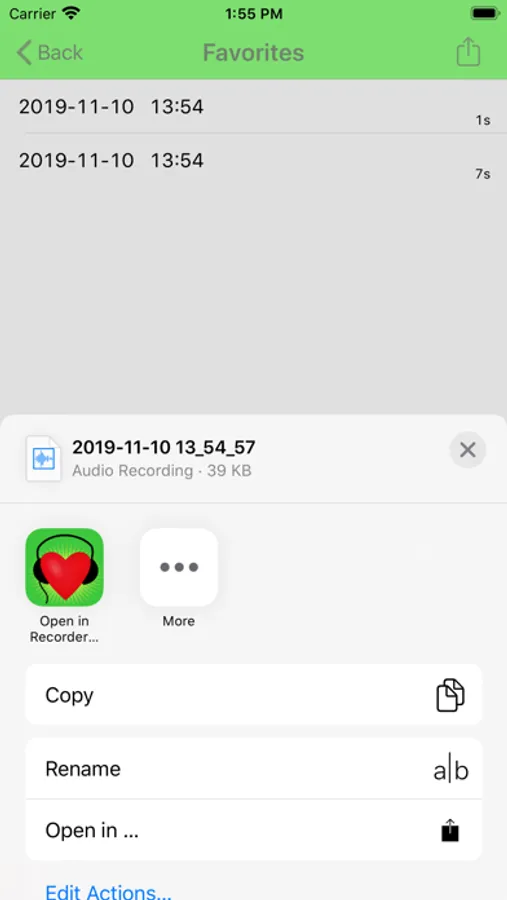
• Export and import recordings between compatible apps
• AirDrop support
• Finder File Sharing with metadata, cover art, and Sound Check
Advanced
• One-tap recording
• CarPlay support for safe listening in the car
• High-quality compressed audio for long recordings
• Current recording is safely preserved during interruptions or low battery
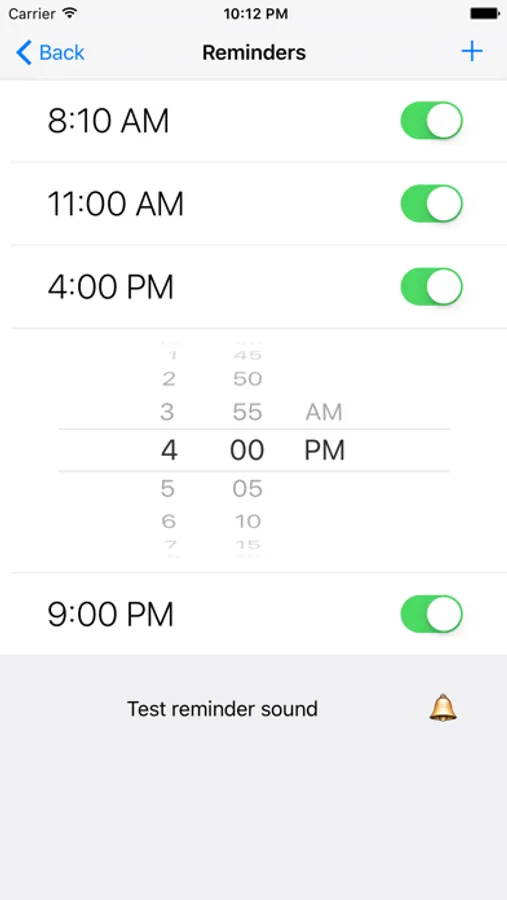
• Built-in reminders to record and listen daily
• Detailed in-app instructions and direct developer support
Organize recordings into folders and play them in order or on shuffle. Designed for private listening and long-term practice.
Privacy first
• Recordings stay on your device — no cloud upload
• Playback starts through the iPhone earpiece by default (like a phone call)
Backup & restore
• Included in device backups
• Fully restored on a new device
Playback
• iPhone earpiece, headphones, speaker, Bluetooth, AirPlay
• Shuffle by folder, across all folders, or by least-recently-played
• Repeat single recordings or playlists
• Prefer new or recently added recordings
Organization
• Create, rename, reorder, and delete folders (up to 200)
• Move one or all recordings between folders
• Undo deletes with shake
• Automatic folder name suggestions
• Rename recordings (emoji supported)
Sharing & import
• Export and import recordings between compatible apps
• AirDrop support
• Finder File Sharing with metadata, cover art, and Sound Check
Advanced
• One-tap recording
• CarPlay support for safe listening in the car
• High-quality compressed audio for long recordings
• Current recording is safely preserved during interruptions or low battery
• Built-in reminders to record and listen daily
• Detailed in-app instructions and direct developer support
Practice Recorder Screenshots
Tap to Rate:
Reviews for Practice Recorder
Aholt1111
Awesome
I really love this app, so easy and versatile. Thank you!
toddcaffey
Product Support
I love this app! I even reported an issue where I was not able record while being connected via Bluetooth and Pasha was very responsive and fixed it right up. I can’t express enough how helpful this app is for my well being. Thank you so much!