
AppRecs review analysis
AppRecs rating 1.9. Trustworthiness 80 out of 100. Review manipulation risk 23 out of 100. Based on a review sample analyzed.
★☆☆☆☆
1.9
AppRecs Rating
Ratings breakdown
5 star
16%
4 star
9%
3 star
6%
2 star
3%
1 star
66%
What to know
✓
Low review manipulation risk
23% review manipulation risk
⚠
Pricing complaints
Many low ratings mention paywalls or pricing
⚠
Mixed user feedback
Average 2.1★ rating suggests room for improvement
About Remote to Netflix
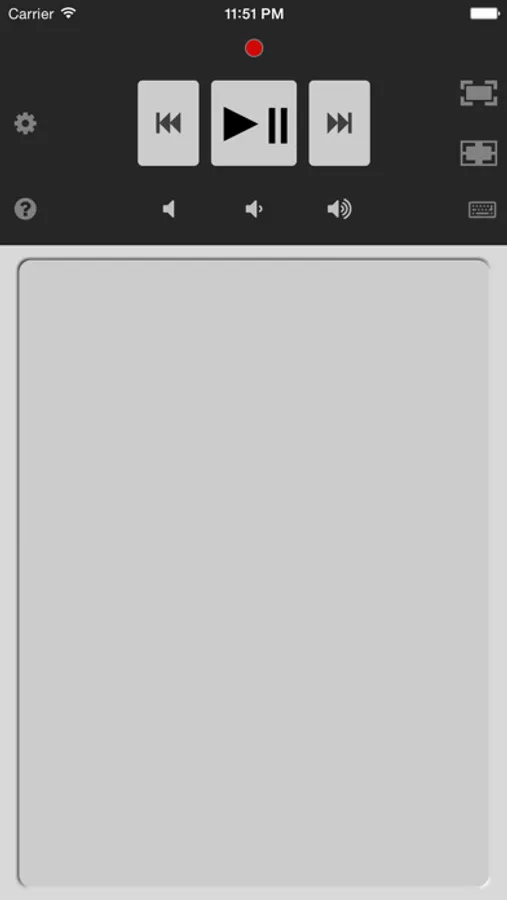
Watch movies like a pro on Netflix, Youtube, Hulu, Vimeo or iTunes on your computer. Turn your iPhone, iPad or iPod Touch into a remote control. No need to point remote at the screen, it works at any distance.
To use this Netflix Remote you will need:
1. Mac or PC computer connected to WiFi
2. Netflix playing in a browser on the computer
Installation instructions:
1. Download FREE Netflix Controller from our support page
2. Install the Netflix Controller on your Mac OS X or Windows PC
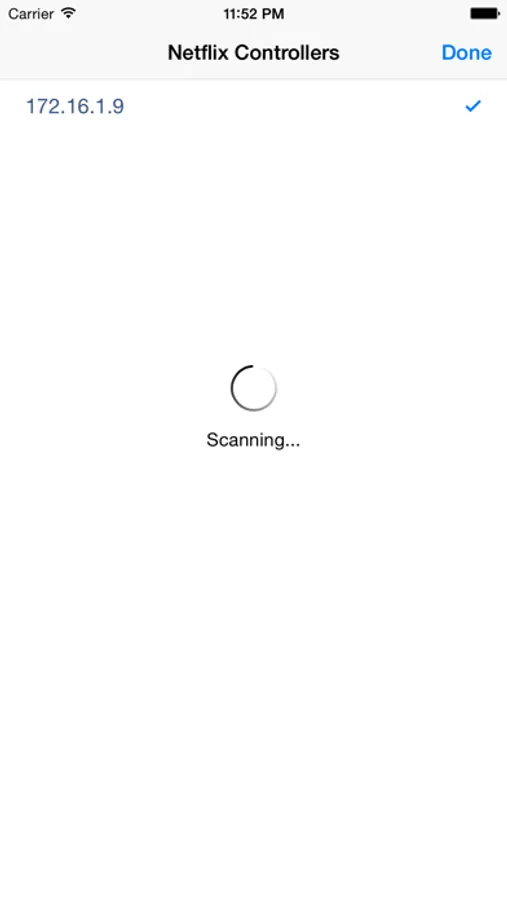
3. Connect your iPhone to the same WiFi as the computer
4. Open Netflix in a web browser on your computer
Features:
• Apple Watch remote
• iPhone trackpad to control computer mouse cursor
• iPhone keyboard to enter text on the computer
• controls any application on computer with trackpad and keyboard
• controls multiple computers with one iPhone
• fullscreen on and off buttons
• volume up, down and mute
• tap and hold forward or rewind to make fast skip
• enables Apple IR remote to control Netflix on supported iMac or Macbook
• international keyboard support including emoji (JAPANESE language only, due to the bug on iOS9)
• natural trackpad gestures:
・ double tap on trackpad to make a double click
・ long tap trackpad to make right mouse click
・ move two fingers on trackpad to drag mouse cursor
• Netflix, YouTube, Vimeo video playback
• supports most browsers like Safari, Firefox and Chrome.
ATTENTION: Remote won't work with smart TV, Xbox, Wii or Android.
Please visit our support page for detailed instructions and tips.
QUICK TIPS:
- Tap on trackpad to select active window on the computer
- Tap gear button to reconnect when WiFi changes
Remote to Netflix Screenshots
Tap to Rate:
Reviews for Remote to Netflix
robert8000
Don't waste your time or effort
Started working and then stopped. The "help" pages tell you to verify whether the IP address has changed but does provide instructions on how to check for that or what to do next if it has somehow changed. Very disappointing.
i like rc parts
Works for me!
I followed the instruction and the links and it works fine. Great job making this app!