In this label printing app, you can select a template or create a custom label, then print directly to supported Brother printers over Wi-Fi. Includes options for address labels, name badges, and custom graphics.
AppRecs review analysis
AppRecs rating 4.4. Trustworthiness 79 out of 100. Review manipulation risk 22 out of 100. Based on a review sample analyzed.
★★★★☆
4.4
AppRecs Rating
Ratings breakdown
5 star
83%
4 star
7%
3 star
3%
2 star
2%
1 star
5%
What to know
✓
Low review manipulation risk
22% review manipulation risk
✓
Credible reviews
79% trustworthiness score from analyzed reviews
⚠
Pricing complaints
Many low ratings mention paywalls or pricing
About Brother iPrint&Label
Brother iPrint&Label is a free application that enables you to easily print labels from your Apple iPhone or iPad to a Brother label printer using a local wireless network. For a list of supported models, please visit your local Brother website.
[Key Features]
1. Easy to use menus.
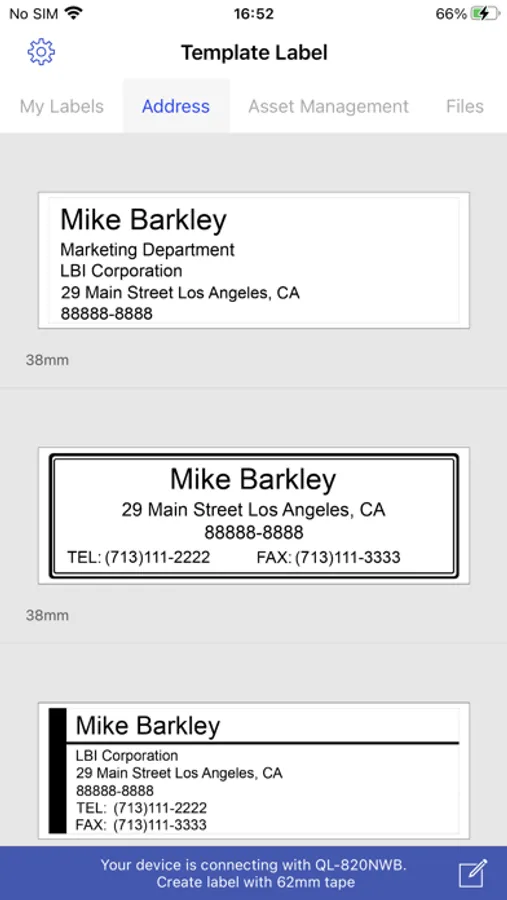
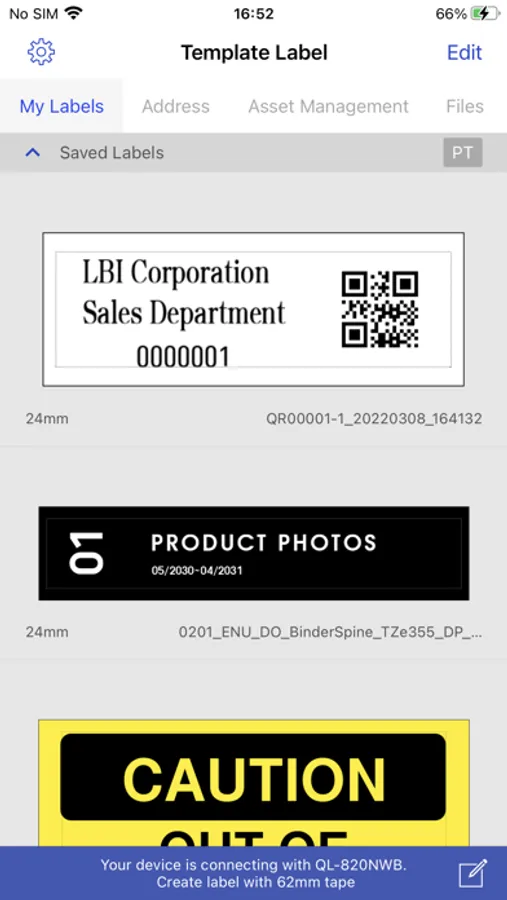
2. Quickly open and print pre-designed labels.
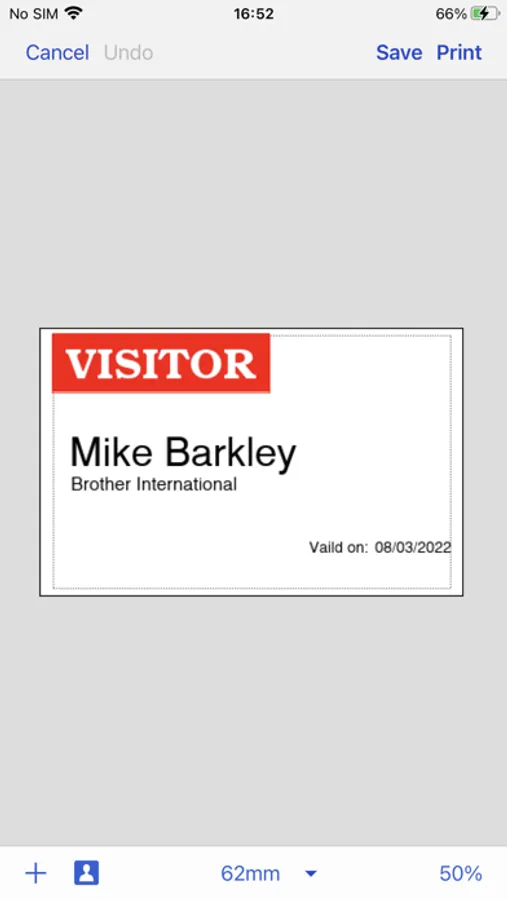
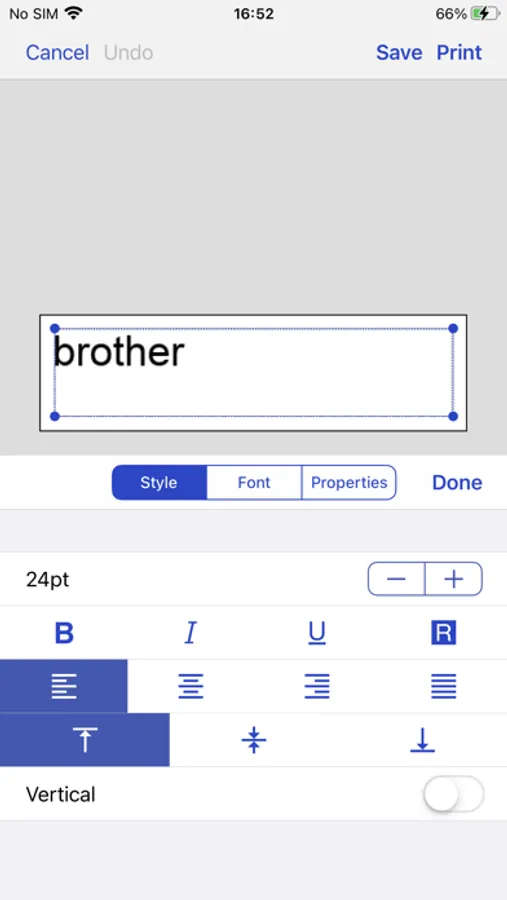
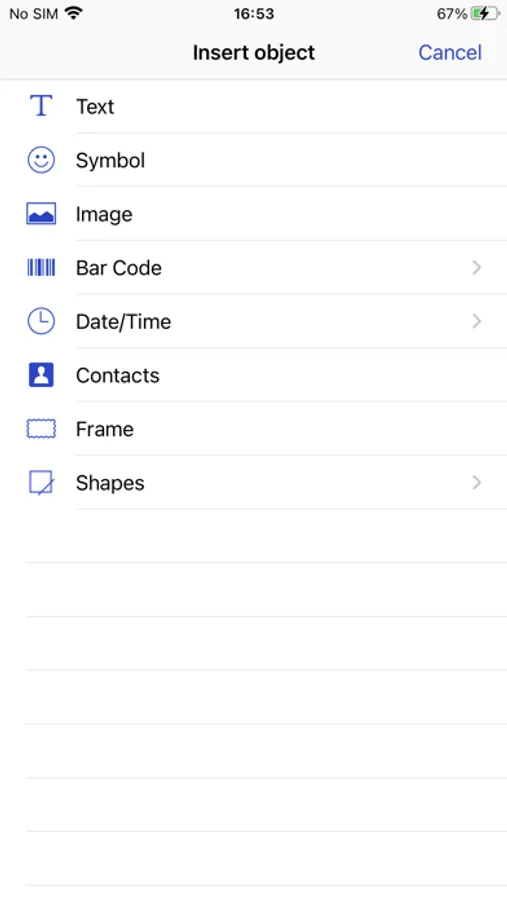
3. Create custom labels with graphics or photos.
4. Print address labels from contact lists.
5. Print name badges with photos from your album - or take new photos with your camera.
6. Automatic label formatting based on label size used.
7. Automatically search for supported devices on a local wireless network.
8. No computer or printer driver required.
[Compatible machines]
PT-P300BT, PT-P710BT, PT-P910BT, PT-P750W, PT-E550W, PT-D800W, PT-E800W, PT-E850TKW, PT-P900W, PT-P950NW, PT-D460BT, PT-D610BT, QL-1110NWB, QL-810W, QL-820NWB, QL-710W, QL-720NW, QL-580N
Brother iPrint&Label Screenshots
Tap to Rate:
Reviews for Brother iPrint&Label
Flip flopped again
Almost perfect
With all the utilities that require learning, brothers seem to be the most intuitive. The devices connect extremely well, at least with Apple devices, and as long as I remember to find the command “Check media“, the label printers work flawlessly.
kfadams
Bluetooth Sucms
LOve the app WHEN it stays connected. It is constantly dropping Bluetooth. I often have to close out the app completely, then pair in Bluetooth again, and if I’m lucky I won’t get a communication error. The machine times out way too fast and that means it disconnects from Bluetooth.