
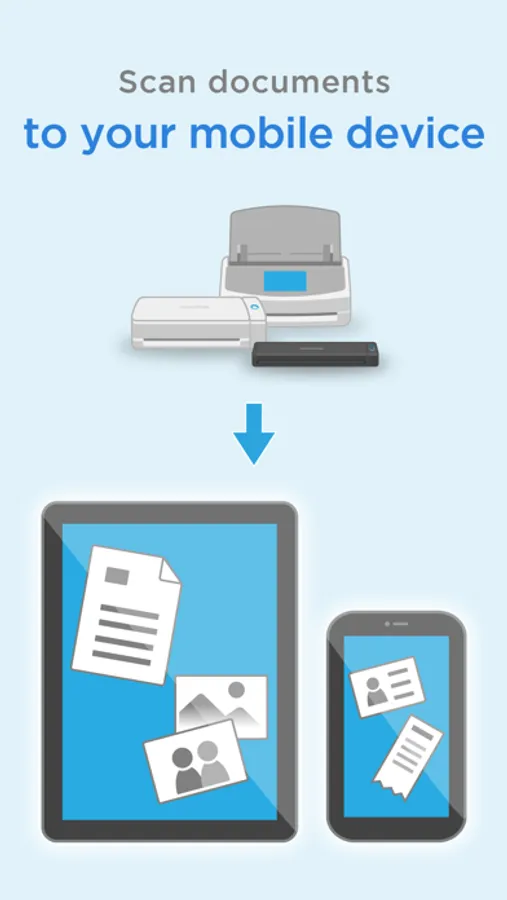
In this document scanning app, you can receive, view, and share scanned images directly on your iOS device. Includes support for PDF and JPEG formats, automatic image correction, and offline viewing capabilities.
AppRecs review analysis
AppRecs rating 2.4. Trustworthiness 0 out of 100. Review manipulation risk 0 out of 100. Based on a review sample analyzed.
★★☆☆☆
2.4
AppRecs Rating
Ratings breakdown
5 star
17%
4 star
12%
3 star
12%
2 star
11%
1 star
48%
What to know
✓
Authentic reviews
Natural distribution, no red flags
⚠
Mixed user feedback
Average 2.4★ rating suggests room for improvement
⚠
High negative review ratio
59% of sampled ratings are 1–2 stars
About ScanSnap Connect Application
[New App]
New mobile scanning app ScanSnap Home is now available. Try out the improved operability and usability of ScanSnap Home!
*ScanSnap Home can be used with iX1600/iX1500/iX1300/iX100.
[About ScanSnap Connect Application]
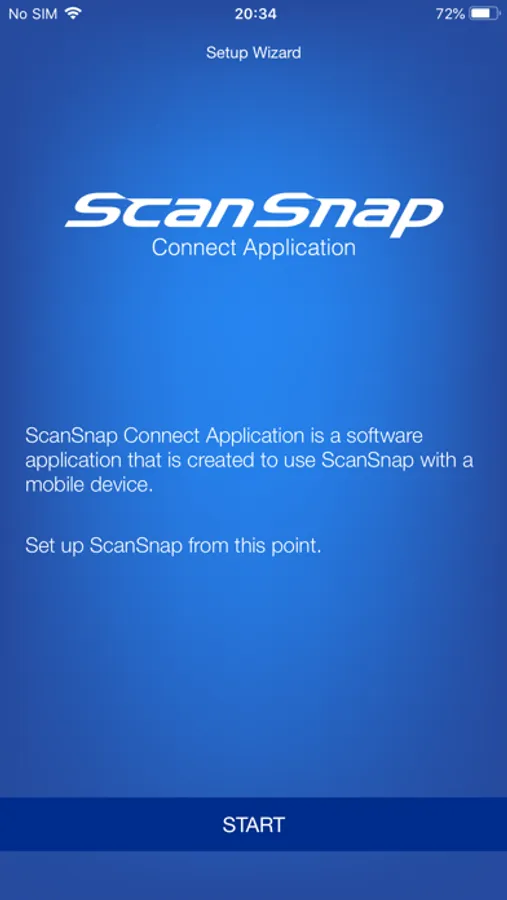
This application easily allows your iPad, iPhone or iPod touch to handle images scanned with the personal document scanner “ScanSnap”.
[What you need]
To use ScanSnap Connect Application, you need to have Wi-Fi connection (via direct connection or your router) and the following devices.
・Wi-Fi-supported ScanSnap
Computer may be required for initial setup.
・iPad / iPhone / iPod touch series
[Main features of ScanSnap Connect Application]
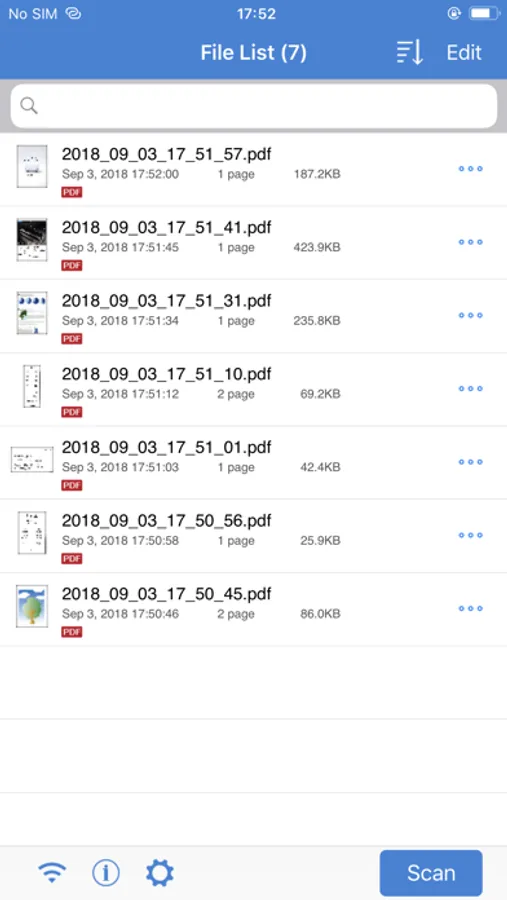
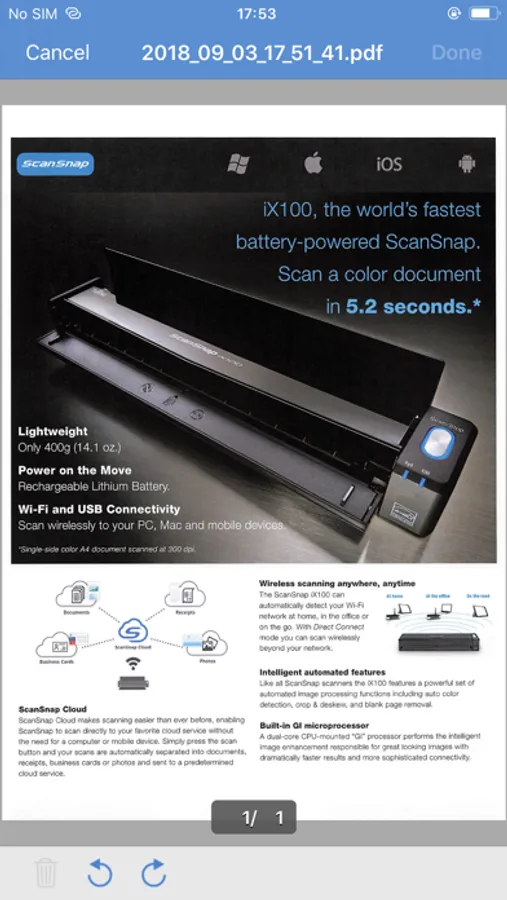
-Receive and view PDF/JPEG images scanned with ScanSnap in a seamless manner.
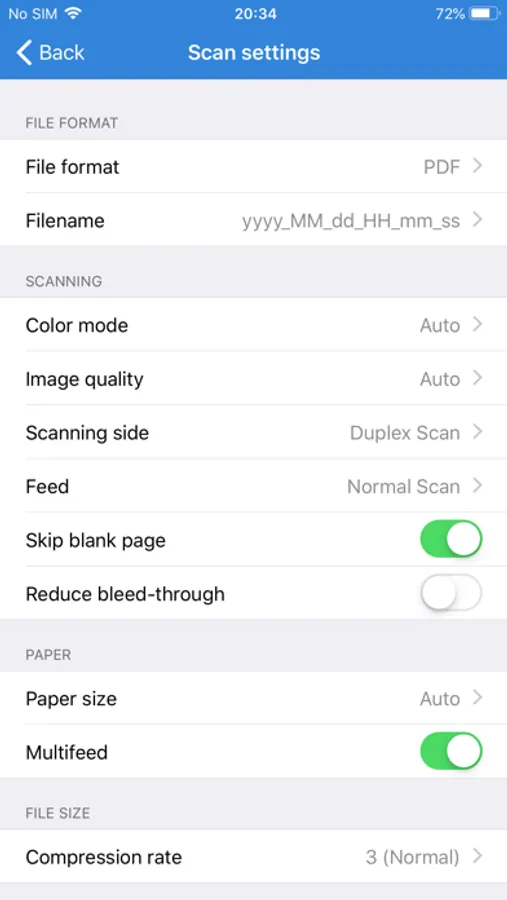
-Receive ready-to-use files already corrected with various features (automatic paper size detection/auto color detection/blank page removal/deskew).
-View images offline.
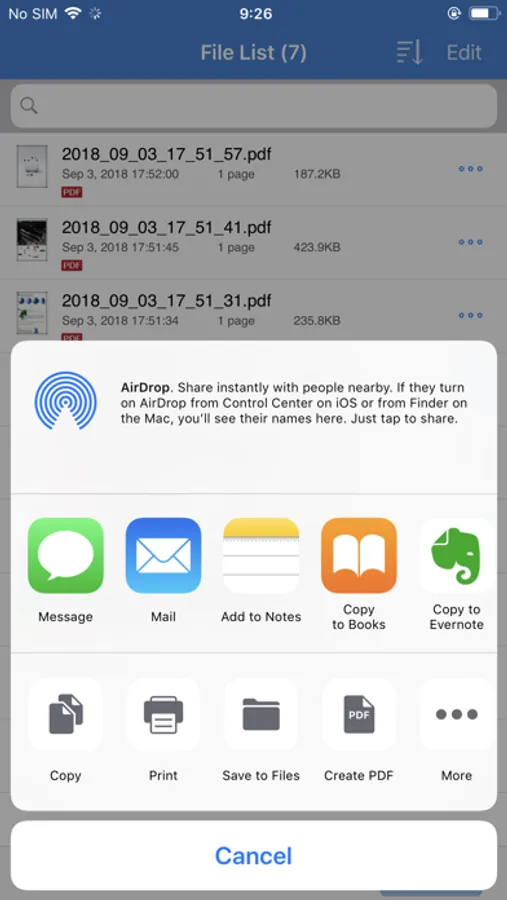
-Use images in "Mail", "Print", "Photos" or an application that supports PDF/JPEG on your iPad, iPhone or iPod touch.
[How to use ScanSnap Connect Application]
-For details how to set up / use this application, select the [i] icon at lower left corner of the screen after you start up the application, then refer to [Help].
-For details about using ScanSnap, refer to the Basic Operation Guide, Advanced Operation Guide or Help bundled with ScanSnap.
New mobile scanning app ScanSnap Home is now available. Try out the improved operability and usability of ScanSnap Home!
*ScanSnap Home can be used with iX1600/iX1500/iX1300/iX100.
[About ScanSnap Connect Application]
This application easily allows your iPad, iPhone or iPod touch to handle images scanned with the personal document scanner “ScanSnap”.
[What you need]
To use ScanSnap Connect Application, you need to have Wi-Fi connection (via direct connection or your router) and the following devices.
・Wi-Fi-supported ScanSnap
Computer may be required for initial setup.
・iPad / iPhone / iPod touch series
[Main features of ScanSnap Connect Application]
-Receive and view PDF/JPEG images scanned with ScanSnap in a seamless manner.
-Receive ready-to-use files already corrected with various features (automatic paper size detection/auto color detection/blank page removal/deskew).
-View images offline.
-Use images in "Mail", "Print", "Photos" or an application that supports PDF/JPEG on your iPad, iPhone or iPod touch.
[How to use ScanSnap Connect Application]
-For details how to set up / use this application, select the [i] icon at lower left corner of the screen after you start up the application, then refer to [Help].
-For details about using ScanSnap, refer to the Basic Operation Guide, Advanced Operation Guide or Help bundled with ScanSnap.
ScanSnap Connect Application Screenshots
Tap to Rate: