In this podcast app, you can explore, follow, and listen to episodes from your favorite shows. Includes personalized recommendations, curated collections, offline downloads, and seamless syncing across Apple devices.
AppRecs review analysis
AppRecs rating 4.4. Trustworthiness 80 out of 100. Review manipulation risk 26 out of 100. Based on a review sample analyzed.
★★★★☆
4.4
AppRecs Rating
Ratings breakdown
5 star
91%
4 star
6%
3 star
1%
2 star
0%
1 star
1%
What to know
✓
Low review manipulation risk
26% review manipulation risk
✓
Credible reviews
80% trustworthiness score from analyzed reviews
⚠
Ad complaints
Many low ratings mention excessive ads
About Apple Podcasts
Features:
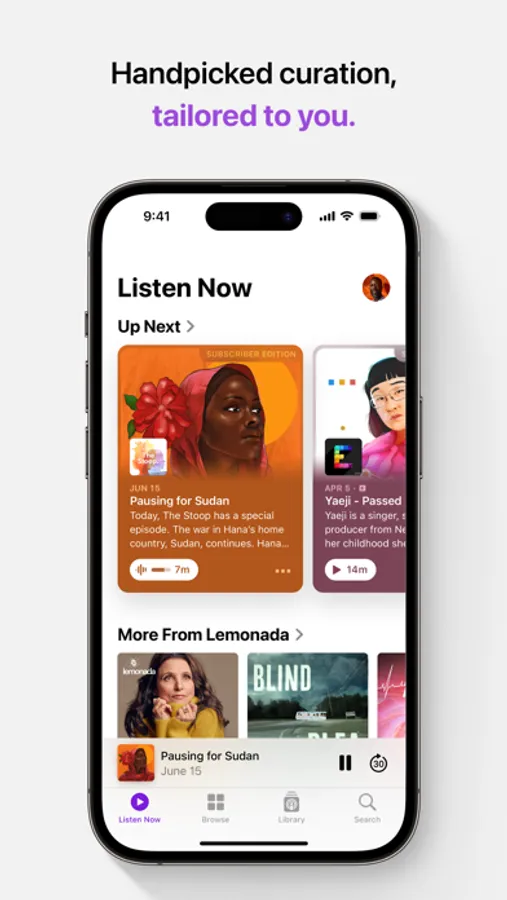
• Explore new shows with personalized recommendations.
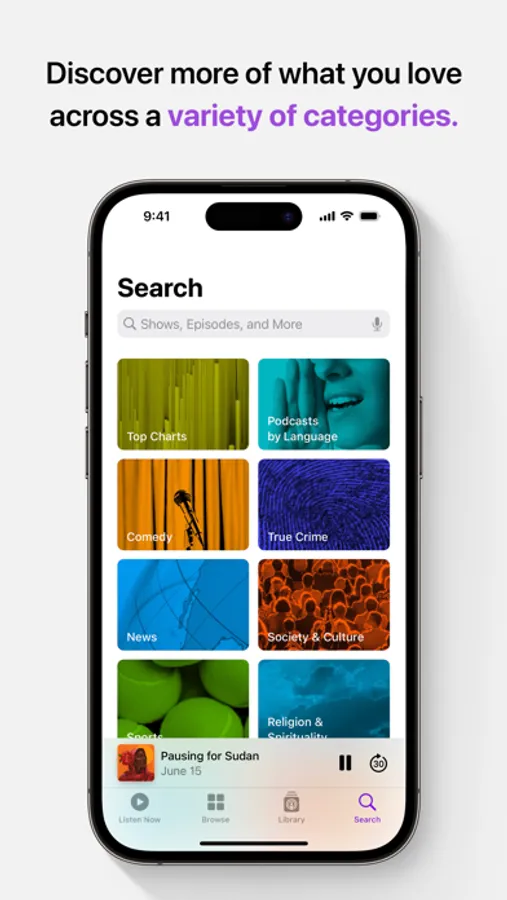
• Find trending shows and episodes by category with Top Charts.
• Find the best of what’s new and popular in podcasting with curated collections from Apple editors.
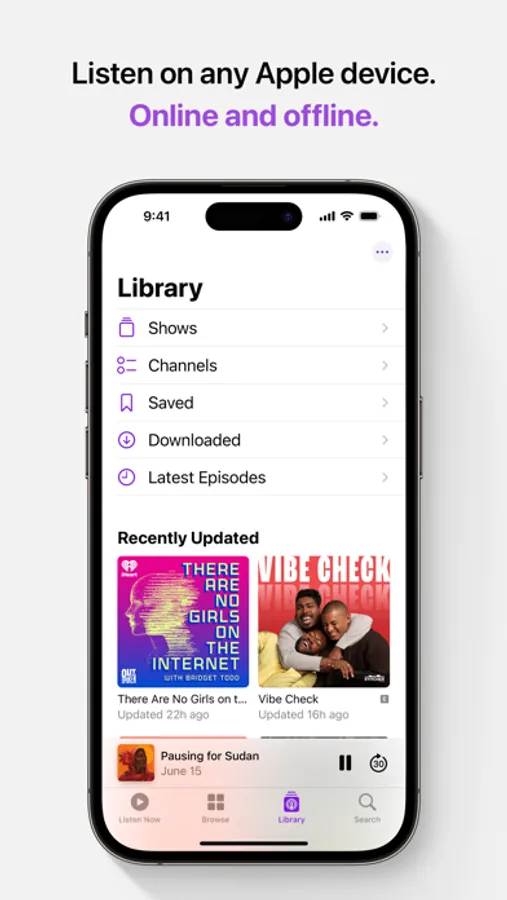
• Follow and save your favorite shows to your library.
• Use playback controls to build and manage your queue, control playback speed, and set sleep timers.
• Hear voices in episodes more clearly with Enhance Dialogue.
• Add your favorite categories to find shows that map to your unique tastes.
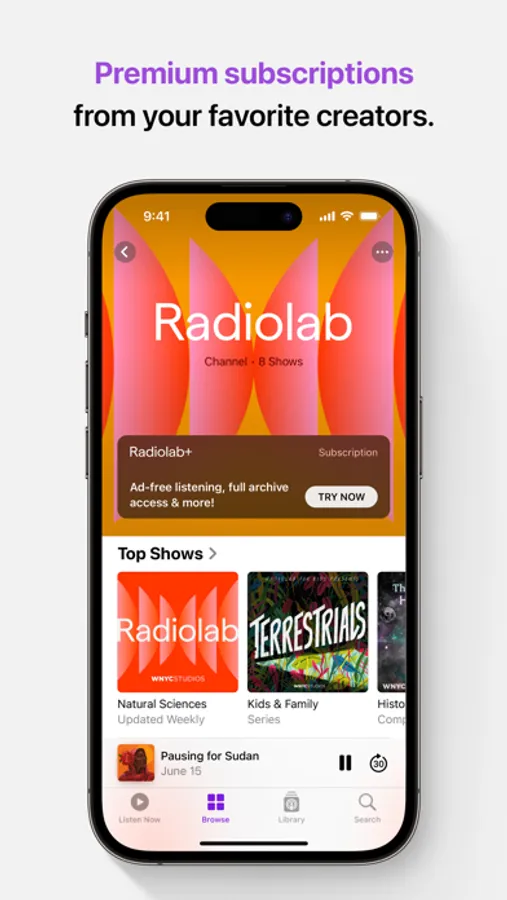
• Access subscriber-only content, from the biggest names to the top independents.
• Connect subscriptions to access shows from Apple Music, Apple News, and other top apps.
• Read along with a transcript as your episode plays.
• Share a specific moment in an episode from the transcript.
• Get new episode notifications from shows you follow.
• Download episodes and listen offline.
• Pick up where you left off with seamless syncing across your Apple devices.
• Listen on-the-go with CarPlay and Apple Watch.
• Use customizable widgets to listen with just one tap.
Availability and features vary by country and region, plan, or device. https://support.apple.com/HT204411
Apple Podcasts Screenshots
Tap to Rate:
Reviews for Apple Podcasts
normbal
Completely hijacks iPhone operating system system
This has been a problem with iPhone IT geek, engineers for decades. It used to be I turned on my car and the phone would hijack my stereo and immediately start playing the first song in my music app. This went on for years with three different cars, multiple manufacturers stereosdidn’t matter if I had Bluetooth connected - even with BT turned OFF on the phone - it would hijack whatever else I was listening to and go to the first song. Now the podcast app is doing this different cars, different stereo. Even my home stereo with Bluetooth on but the podcast app is OFF, closed. I’m trying to listen to a music streaming service not Apple, but the podcast keeps turning on, even though I’ve turned off the podcast app I have turned it off multiple times. how hard is it for the IT geeks to leave the damn app off and not reboot and restart even with the app closed it’s turning itself back on and hijacking my stereo and hijacking my car stereo I do not recommend using Apple apps. It’s bad enough that you get a text ping or a phone call which turns off your Internet radio, and you have to go back and reboot. The music app you were listening to rather than having the engineer type a line of code so that it goes back to whatever you were doing before the interruption how hard is that for this for this? I’m paying thousands and thousands of dollars for Apple hardware and piss- poor Software.
.*Jax.*
Entertaining
I love listening to podcasts! Thanks so much for entertaining me on a regular basis! ❤️🤗