In this scientific calculator app, users can perform complex mathematical operations with a realistic look-and-feel and multiple vintage skins. Includes multiple display modes, memory functions, and a swipe correction feature.
AppRecs review analysis
AppRecs rating 4.9. Trustworthiness 73 out of 100. Review manipulation risk 23 out of 100. Based on a review sample analyzed.
★★★★☆
4.9
AppRecs Rating
Ratings breakdown
5 star
71%
4 star
0%
3 star
21%
2 star
7%
1 star
0%
What to know
✓
Low review manipulation risk
23% review manipulation risk
✓
Credible reviews
73% trustworthiness score from analyzed reviews
✓
High user satisfaction
71% of sampled ratings are 4+ stars (4.4★ average)
About RPN-35 SD
Experience this unique calculator that won HP the prestigious "IEEE Milestone in Electrical Engineering and Computing" in 2009.
Features:
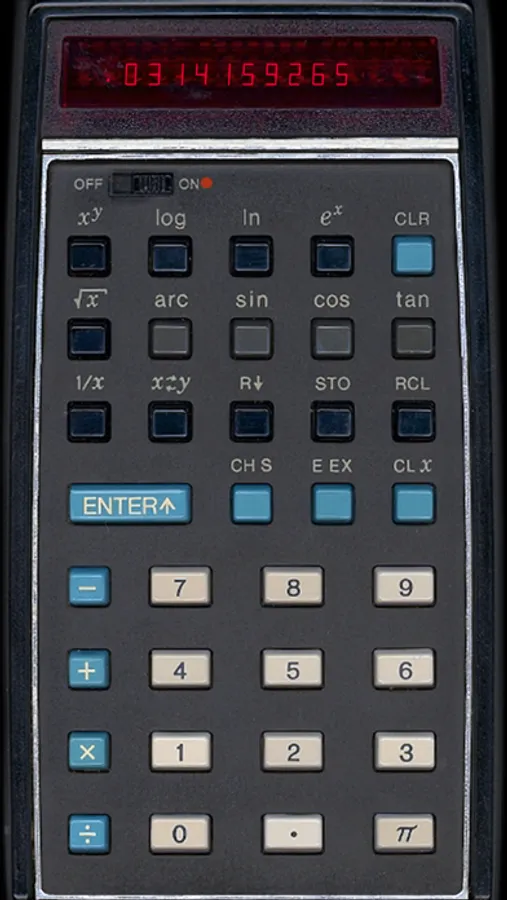
• Photo-realistic look-and-feel
• Three skins: version 1, versions 2 & 3 (1973) and final version 4 (1974)
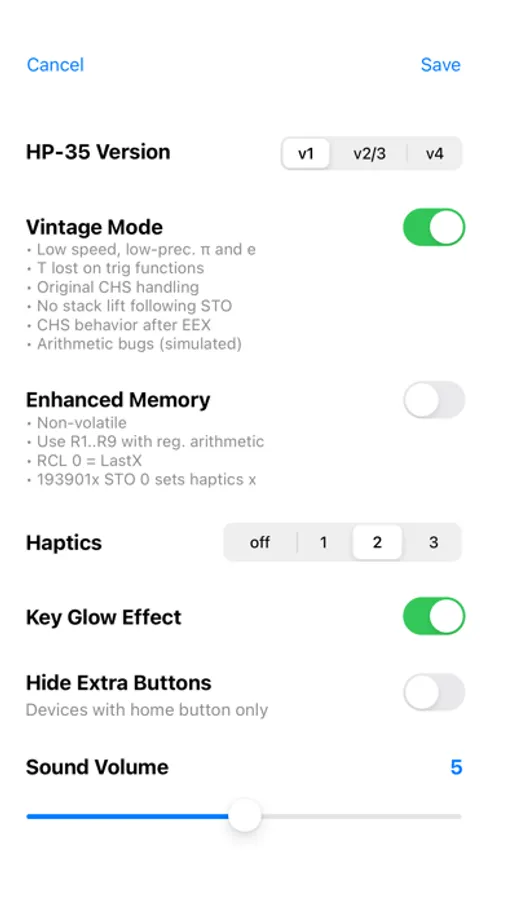
• Vintage mode and Enhanced mode
• Key-click and key-glow, both optional
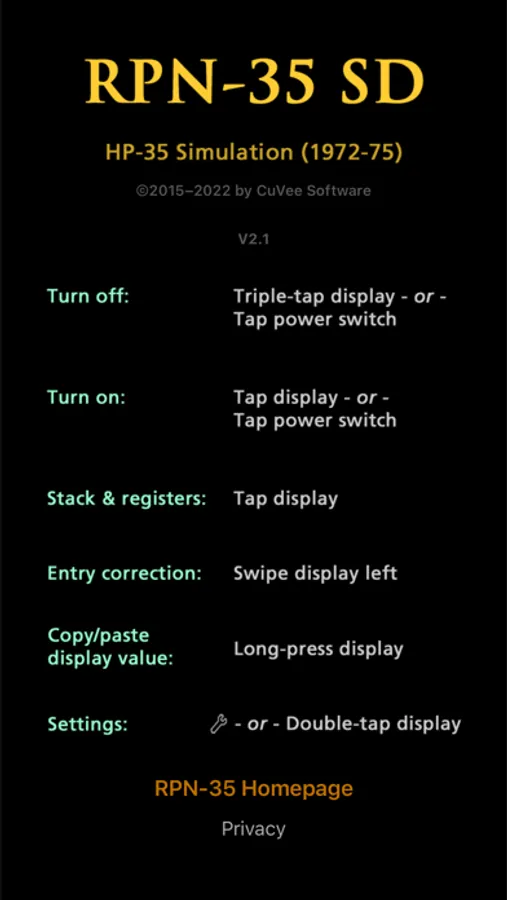
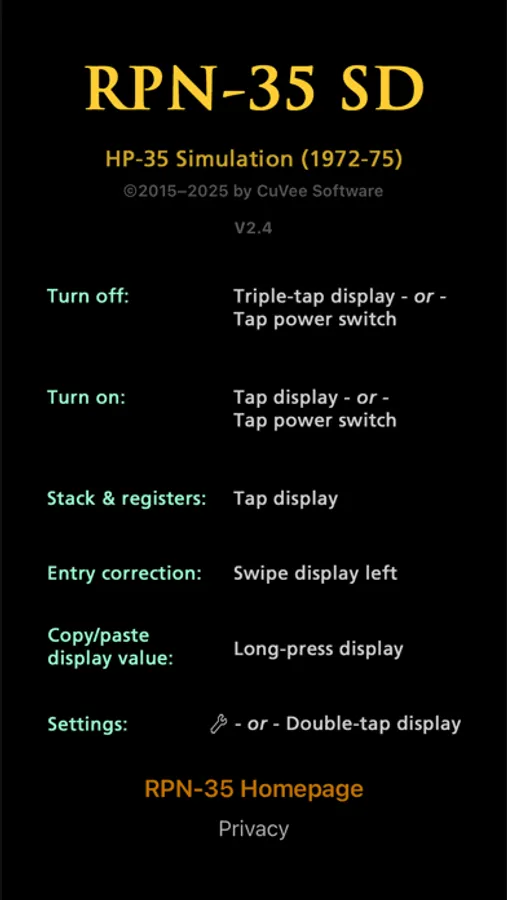
• Swipe left across display to correct number input errors
• Cut/copy/paste display value
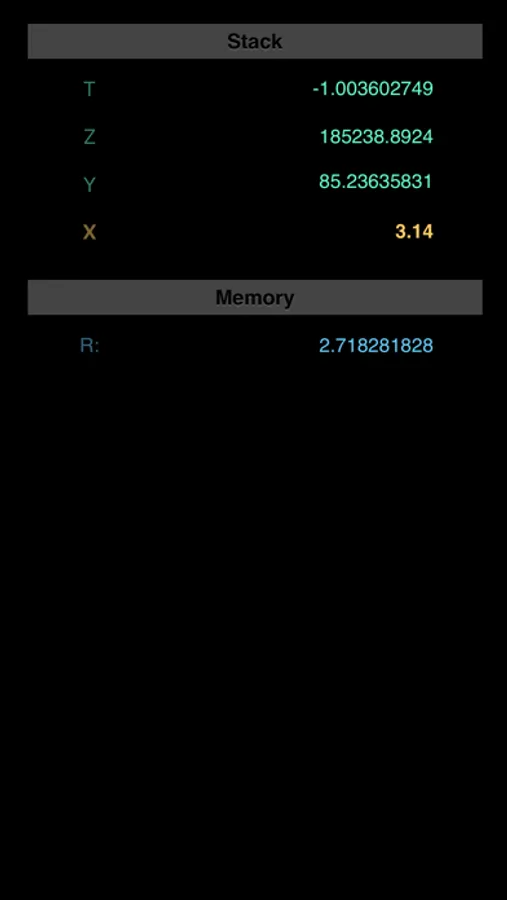
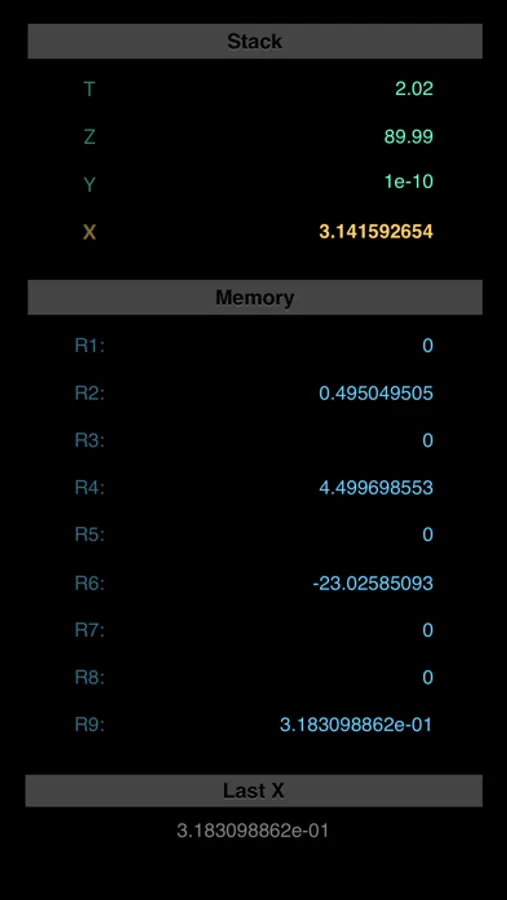
• Display stack registers and memory registers
• All decimal points but one light when iPhone battery charge drops below 5%
Vintage mode
In this mode, peculiarities of a real HP-35 are simulated:
- original speed of operation
- stack register Z copied to T on trig functions
- leading zeros may be entered; zero can be made negative
- a negative number may be entered by pressing CHS before or after the number
- a keyboard entry or RCL immediately following STO does not raise the stack
- for version 1 only: simulation of a number of known arithmetic bugs
Enhanced mode
- non-volatile stack and registers
- use registers 1 through 9 with HP-45-like register arithmetic
- register 0 works as LastX register
RPN-35 SD Screenshots
Tap to Rate:
Reviews for RPN-35 SD
PK in Colorado
Good however…
Doesn’t show the bottom row of buttons on my iPhone 12 mini
CelticEddieL
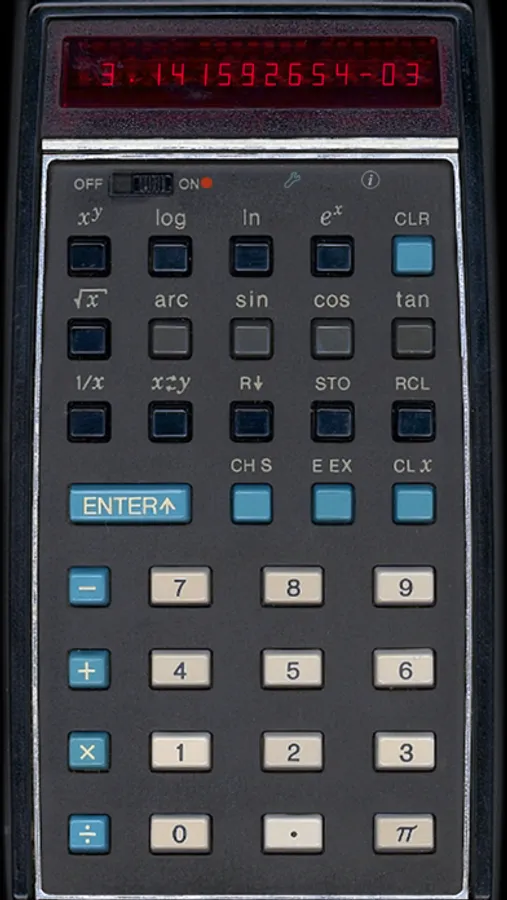
Not good for scientific notation
I noticed when entering scientific notation, this app will not let me enter a negative exponent. When I press the change sign key nothing happens. A little problematic when doing computations involving scientific notation. Everything else the calculator works fine. This one issue is why I gave you only 3 stars instead of 5.