AppRecs review analysis
AppRecs rating 4.4. Trustworthiness 63 out of 100. Review manipulation risk 28 out of 100. Based on a review sample analyzed.
★★★★☆
4.4
AppRecs Rating
Ratings breakdown
5 star
95%
4 star
0%
3 star
0%
2 star
5%
1 star
0%
What to know
✓
Low review manipulation risk
28% review manipulation risk
✓
High user satisfaction
95% of sampled ratings are 5 stars
About Vintage-45
Features:
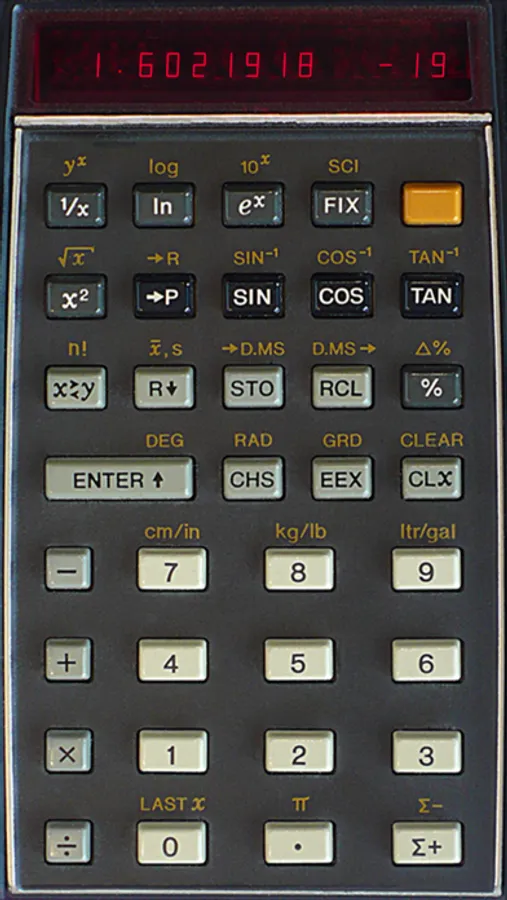
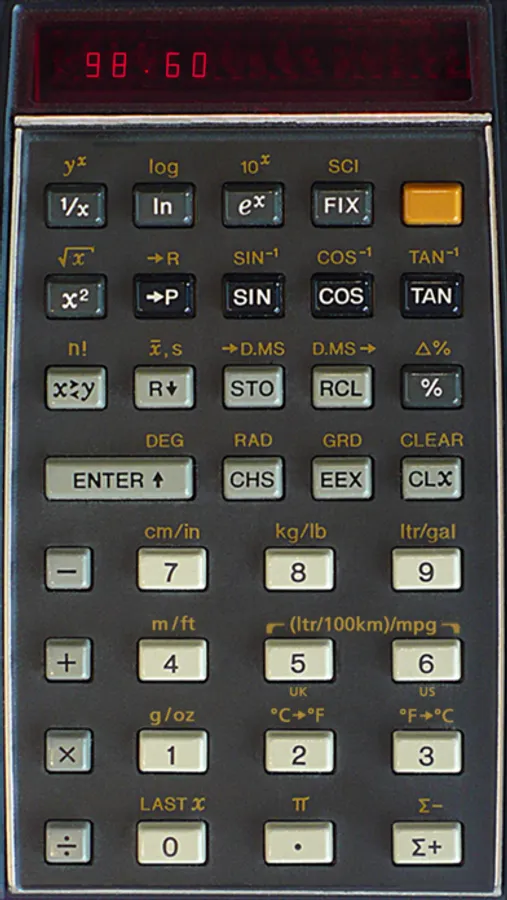
• Photo-realistic look based on an existing device
• Animated keys with adjustable click sound and visual feedback
• All functions and operations of the HP-45 fully implemented
• Includes "secret" stopwatch
• Full-speed or simulated speed of real calculator
• Correct wrong number entries by swiping left across the display
• Cut/copy/paste display value
• Tap display to show stack and all memory registers
• Additional conversions (optional): Celsius vs. Fahrenheit, liters per 100km vs. mpg (US and UK), m/ft, g/oz, g/ozt
Double-tap the display for some basic hints.
For more information and a short manual visit the homepage: cuveesoft.ch
Vintage-45 Screenshots
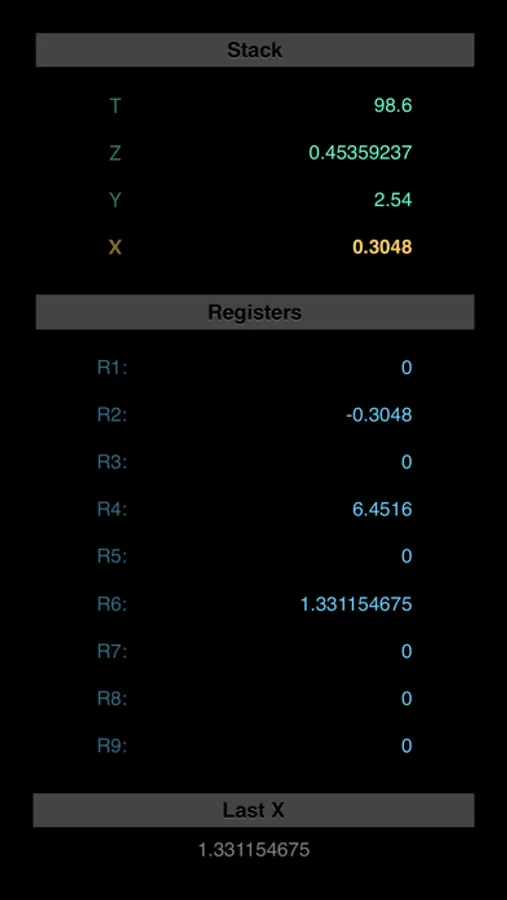
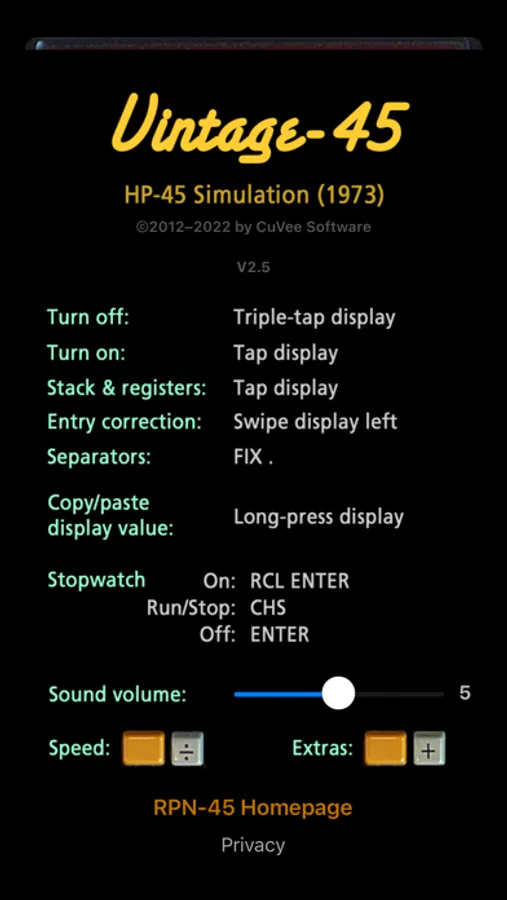
Tap to Rate:
Reviews for Vintage-45
Dana1824
Extremely well done simulation
Until I purchased Vintage-45 I always preferred a physical calculator to any iPhone calculator app. I own several physical HP models (HP 55, 11C, 12C, 35S, 48G), with the HP 55 (still working after 45 years!) being my favorite until now. Vintage-45 is about as perfect a simulation of an HP 45 as you’re going to find. Most of the differences are actually improvements over the original - smaller, lighter, faster (if you enable high speed mode), greater accuracy, and much better battery life than the original. The lack of physical keys has not been an issue at all, which was something of a surprise to me. Kudos to HP for a keyboard design so good that it even works on a flat screen! My only complaint is with the original HP 45 itself, not the simulation. HP hadn’t quite worked out how to manage the display, and decided to display small numbers (smaller than the display mode allows) simply as 0 when in fixed point mode. As a result you get weird effects like -1.2345E-20 displayed in FIX mode as -0.00. Of course you can always switch to SCI and see the true number. Once you understand what’s going on it makes sense but it’s confusing at first. Later HP calculators fixed this issue (nonzero numbers too small for fixed point automatically display in scientific notation, a much more intuitive way of doing it). But it’s interesting to see how the HP 45 approached the issue and the associated pitfalls. I considered the -SD version of this app but I think it’s way overdone (though I admit I haven’t tried it). The Vintage-45 version is just right in my opinion, and I usually reach for it now instead of the stalwart HP 55. Bravo Cuveesoft for a job well done!
Matenai
Great product BUT
This is s great simulation of my favorite calculator (still have working unit in plastic box with manual and charger) BUT the touchscreen stopped working on my 13 Pro Max when I upgraded to v 15.1.1 today! Have rebooted to no avail. Hope you check this out!