AI Captions for Photos: CapGen
Aculix Technologies LLP
3.9 ★
store rating
100,000+
downloads
Free
+ in-app
AppRecs review analysis
AppRecs rating 2.9. Trustworthiness 67 out of 100. Review manipulation risk 40 out of 100. Based on a review sample analyzed.
★★☆☆☆
2.9
AppRecs Rating
Ratings breakdown
5 star
64%
4 star
12%
3 star
0%
2 star
3%
1 star
21%
What to know
✓
Good user ratings
76% positive sampled reviews
✓
Authentic reviews
Natural distribution, no red flags
⚠
Review quality concerns
76% of sampled 5-star reviews are very short
About AI Captions for Photos: CapGen
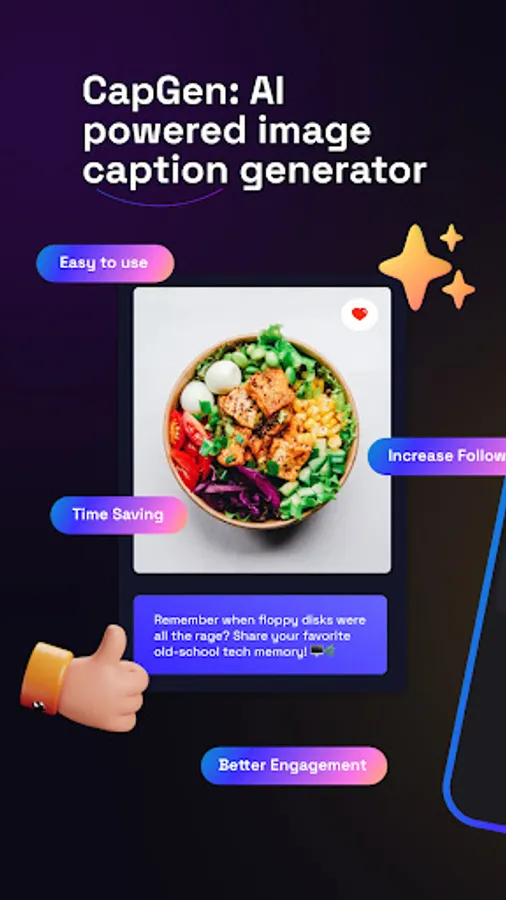
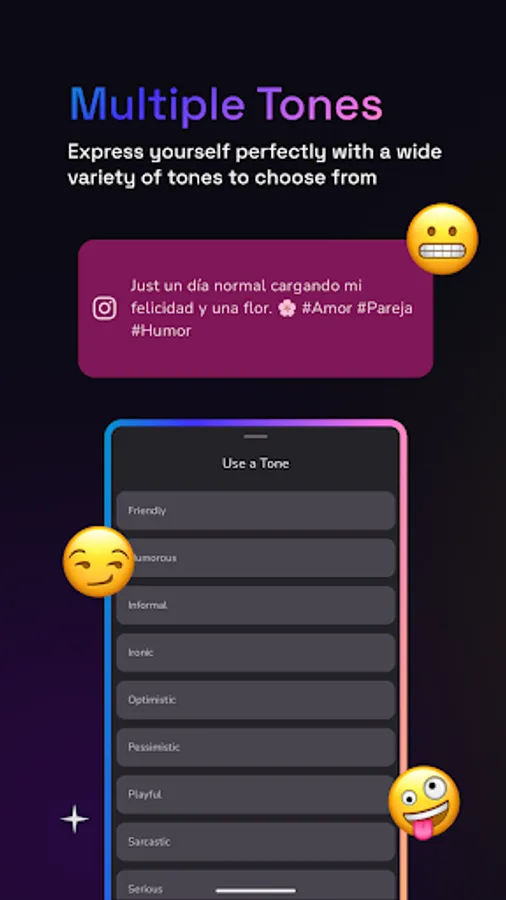
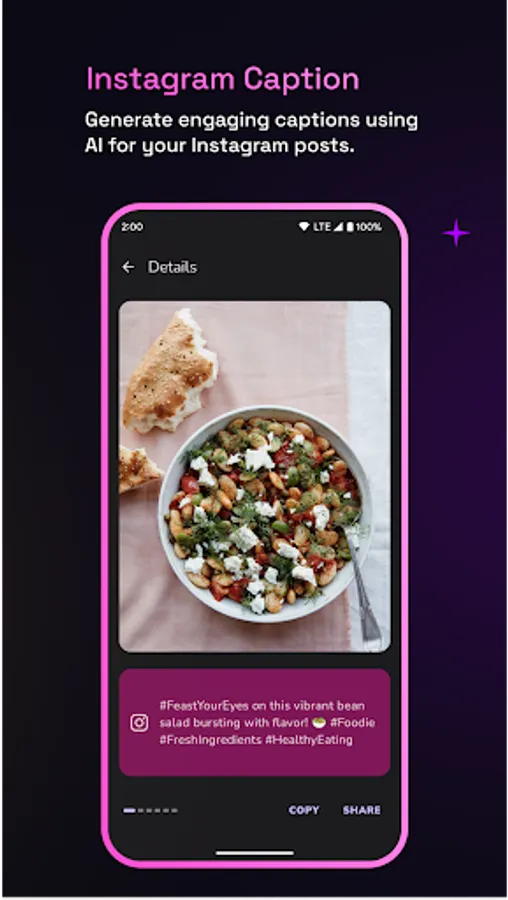
CapGen lets you generate engaging and captivating captions for your social media posts using AI.
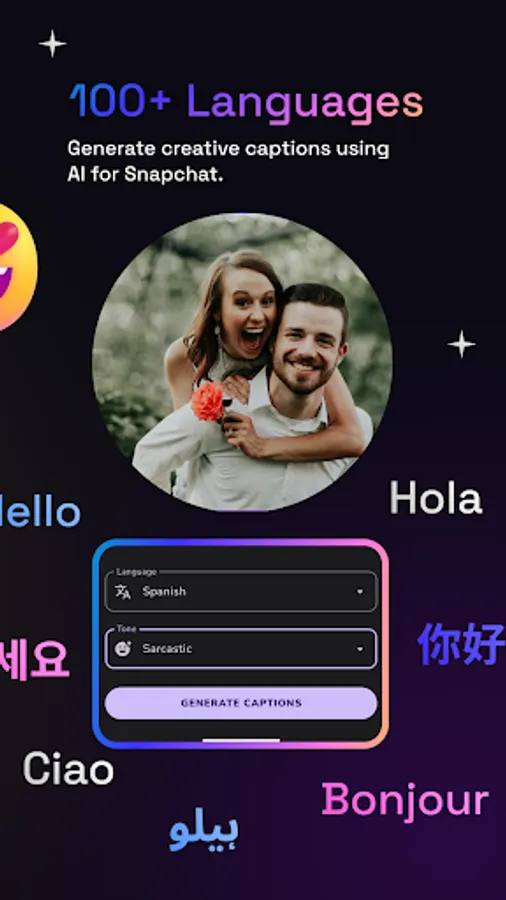
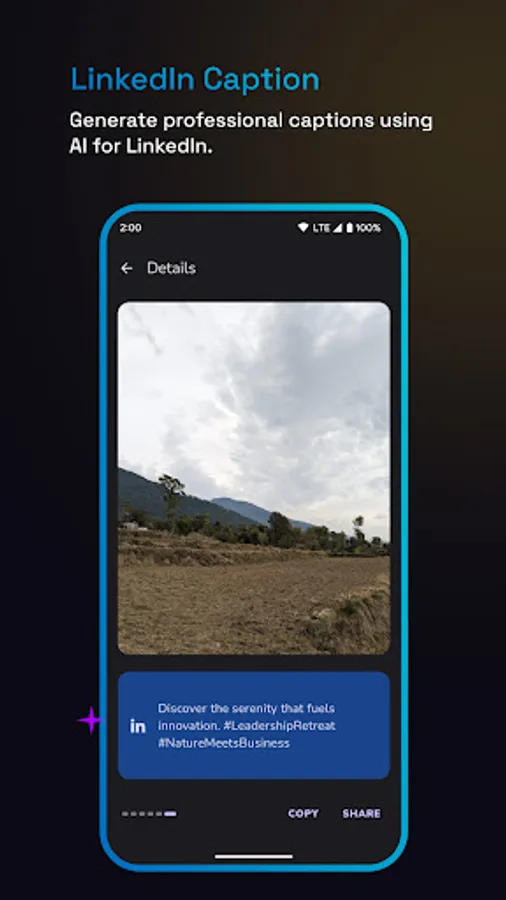
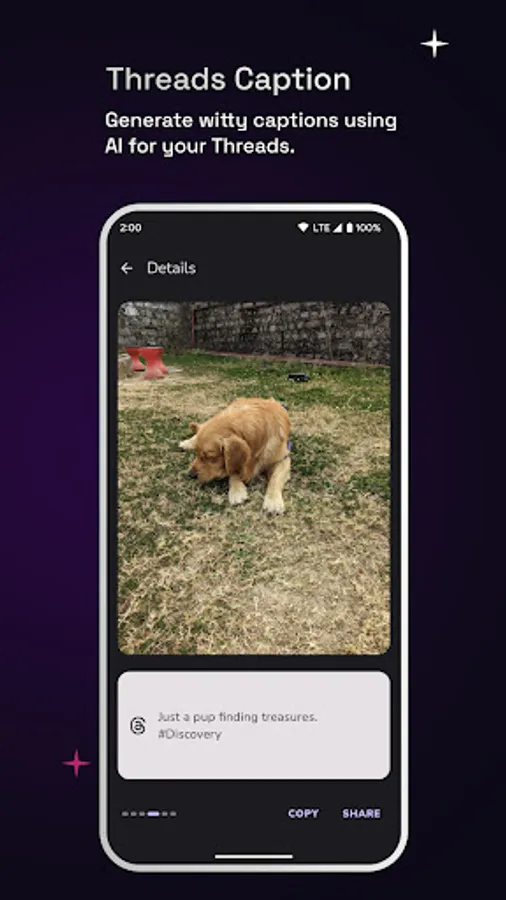
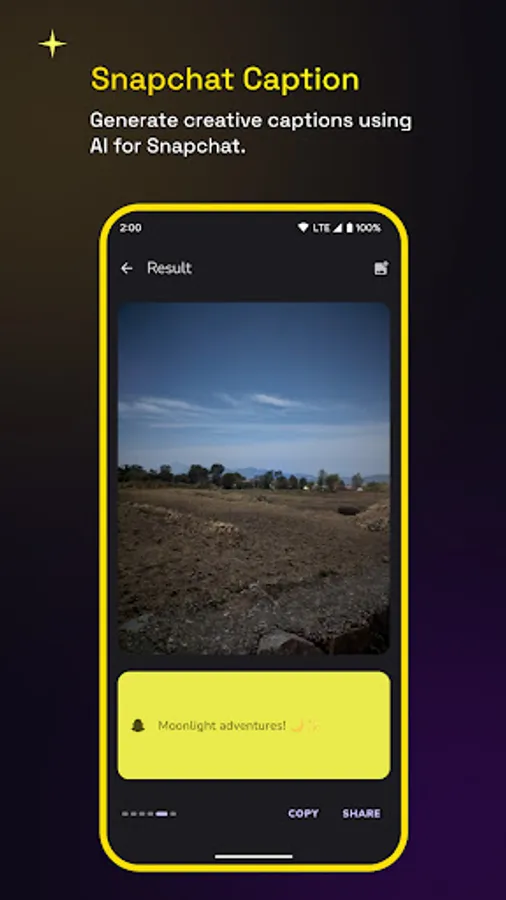
You can generate creative captions for your Instagram, Facebook, Twitter, LinkedIn, Threads, and Snapchat posts automatically using CapGen. Just upload the image and let AI create amazing captions for you.
Features:
- Generate captions for your images automatically using AI.
- Post the image with the generated caption to your favorite social media app directly from CapGen.
- Supports generating captions for Instagram, Facebook, Twitter, Threads, Snapchat, and LinkedIn.
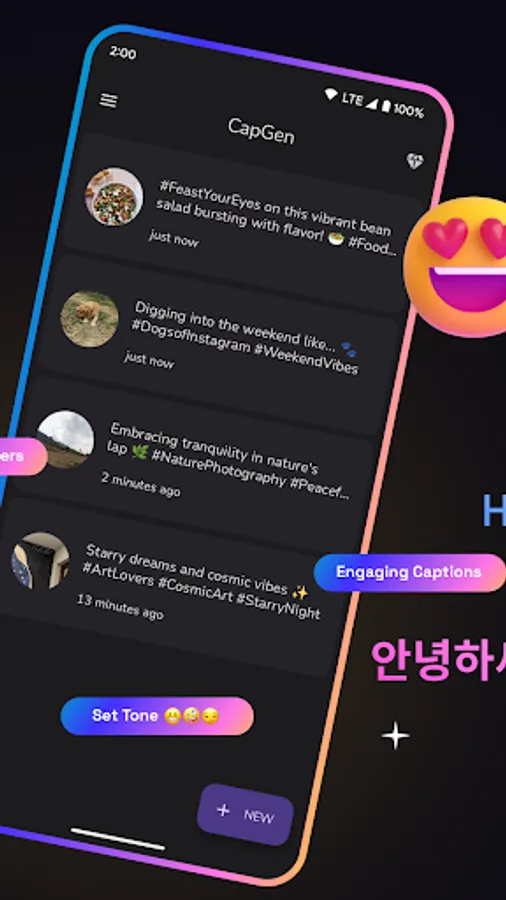
- Easy access to the list of all captions generated using CapGen.
How to use:
Method - 1 (Recommended)
1. Open the image that you want to generate captions for inside your Gallery.
2. Tap on the Share icon below the image to open the share sheet.
2. Select CapGen from the list of apps to begin generating captions for the image.
Method - 2
1. Open the CapGen app.
2. Tap on the New button to pick an image.
3. Your caption generation should begin automatically.
We would love to hear from you. Feel free to reach out to us at support@aculix.com for feedback or any queries.
Cheers! :)
You can generate creative captions for your Instagram, Facebook, Twitter, LinkedIn, Threads, and Snapchat posts automatically using CapGen. Just upload the image and let AI create amazing captions for you.
Features:
- Generate captions for your images automatically using AI.
- Post the image with the generated caption to your favorite social media app directly from CapGen.
- Supports generating captions for Instagram, Facebook, Twitter, Threads, Snapchat, and LinkedIn.
- Easy access to the list of all captions generated using CapGen.
How to use:
Method - 1 (Recommended)
1. Open the image that you want to generate captions for inside your Gallery.
2. Tap on the Share icon below the image to open the share sheet.
2. Select CapGen from the list of apps to begin generating captions for the image.
Method - 2
1. Open the CapGen app.
2. Tap on the New button to pick an image.
3. Your caption generation should begin automatically.
We would love to hear from you. Feel free to reach out to us at support@aculix.com for feedback or any queries.
Cheers! :)