OCR - Image to Text - Extract
Aculix Technologies LLP
4.3 ★
24K ratings
1,000,000+
downloads
Free
+ in-app
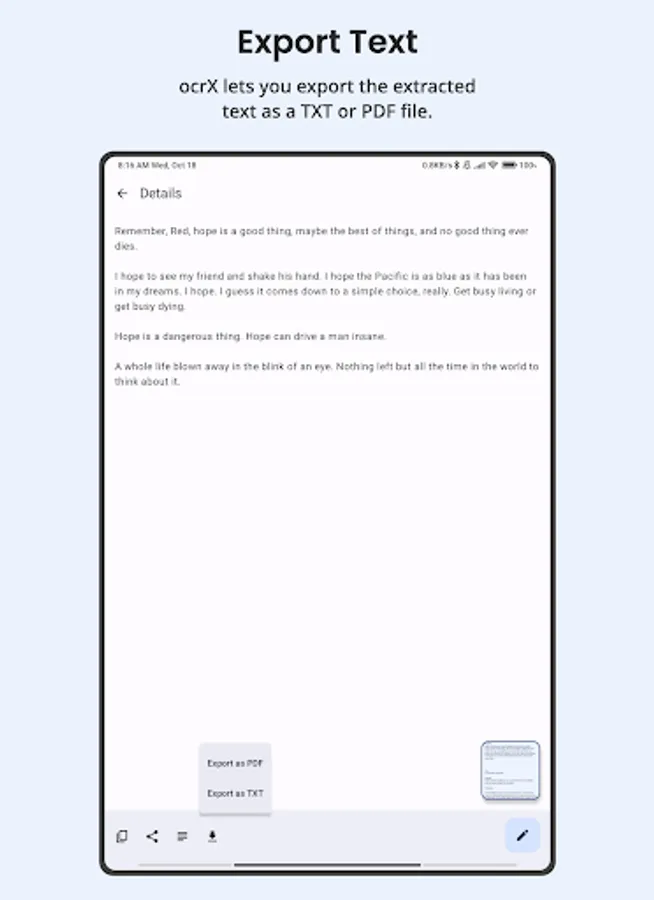
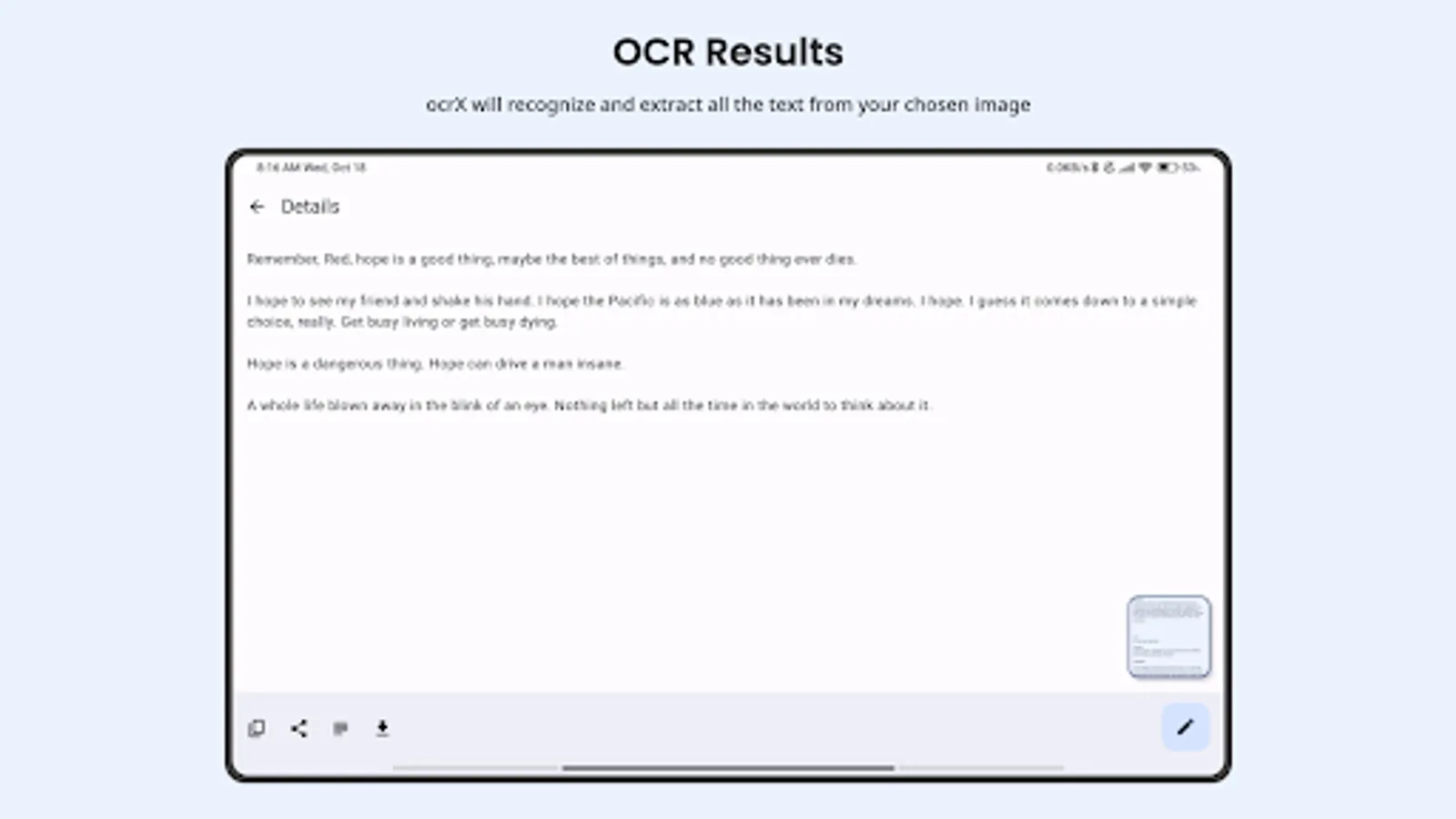
In this OCR app, you can scan images to extract text and select export formats like PDF or TXT. Includes machine learning-based recognition, multi-language detection, and customizable interface options.
AppRecs review analysis
AppRecs rating 4.3. Trustworthiness 70 out of 100. Review manipulation risk 36 out of 100. Based on a review sample analyzed.
★★★★☆
4.3
AppRecs Rating
Ratings breakdown
5 star
77%
4 star
6%
3 star
2%
2 star
0%
1 star
15%
What to know
✓
Credible reviews
70% trustworthiness score from analyzed reviews
✓
High user satisfaction
83% of sampled ratings are 4+ stars (4.3★ average)
About OCR - Image to Text - Extract
Formerly known as Smart Text Recognizer, ocrX has evolved into a more powerful, user-friendly app that captures text from images in seconds. With a robust new update, you can now export your scanned text as PDF or TXT—making it easier than ever to organize, share, and store crucial information.
Why Choose ocrX?
1. Accurate OCR
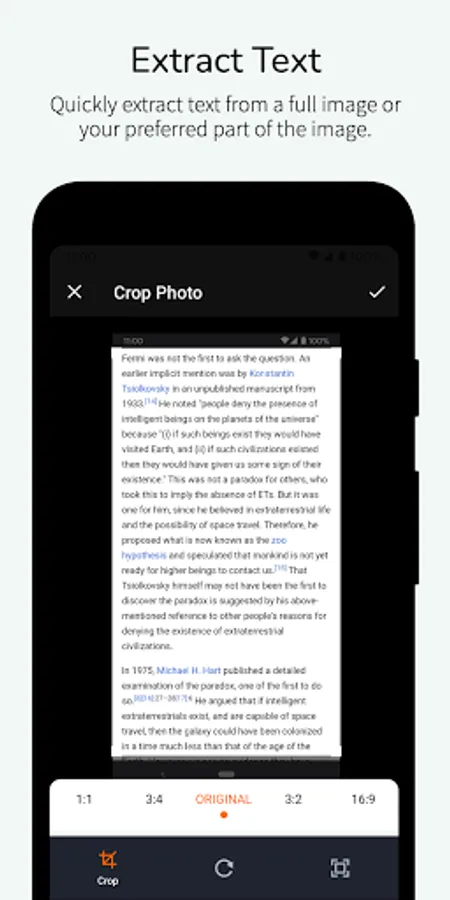
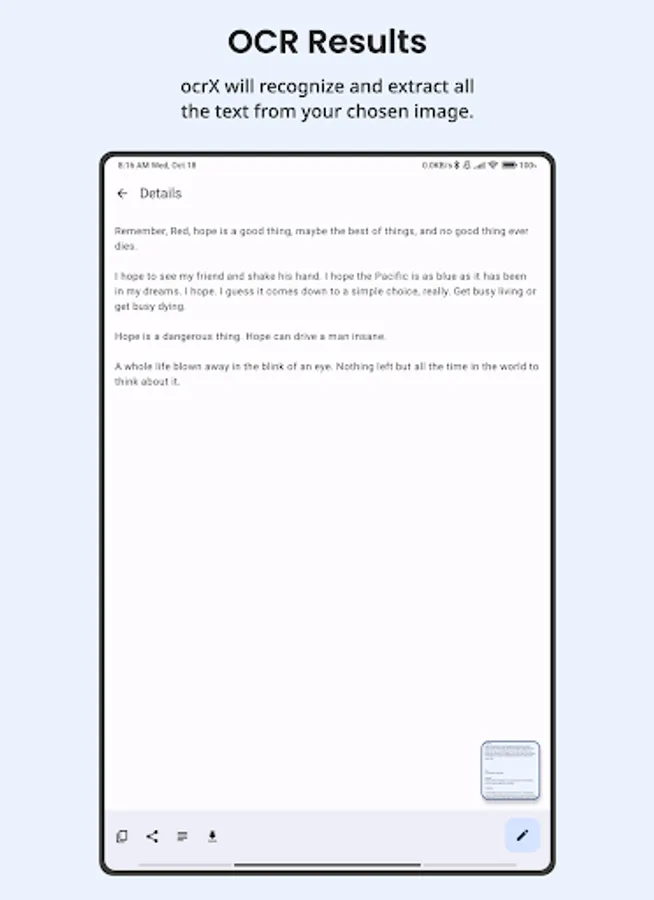
• Harness the power of machine learning to precisely scan documents, signs, or handwritten notes.
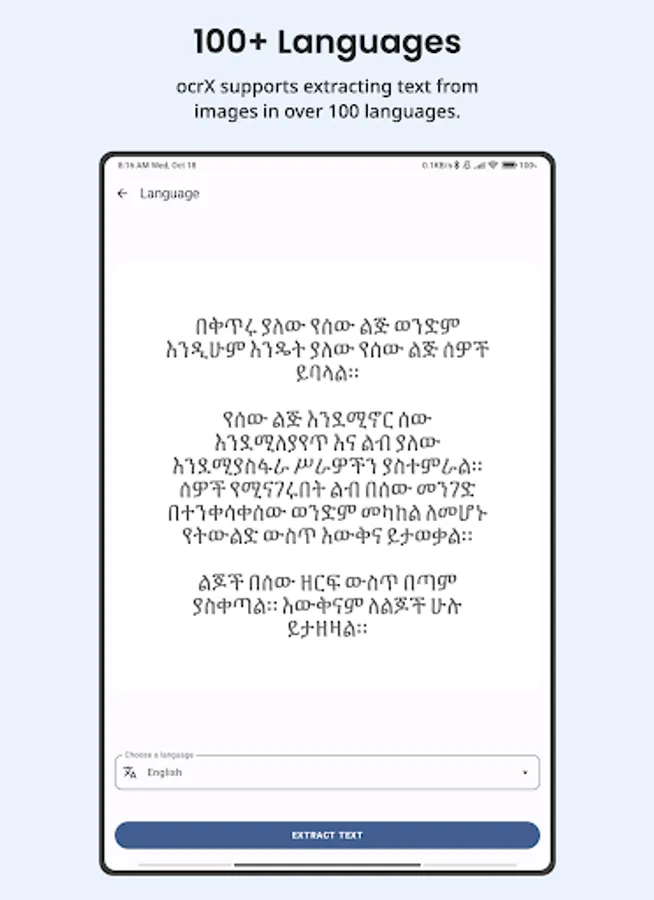
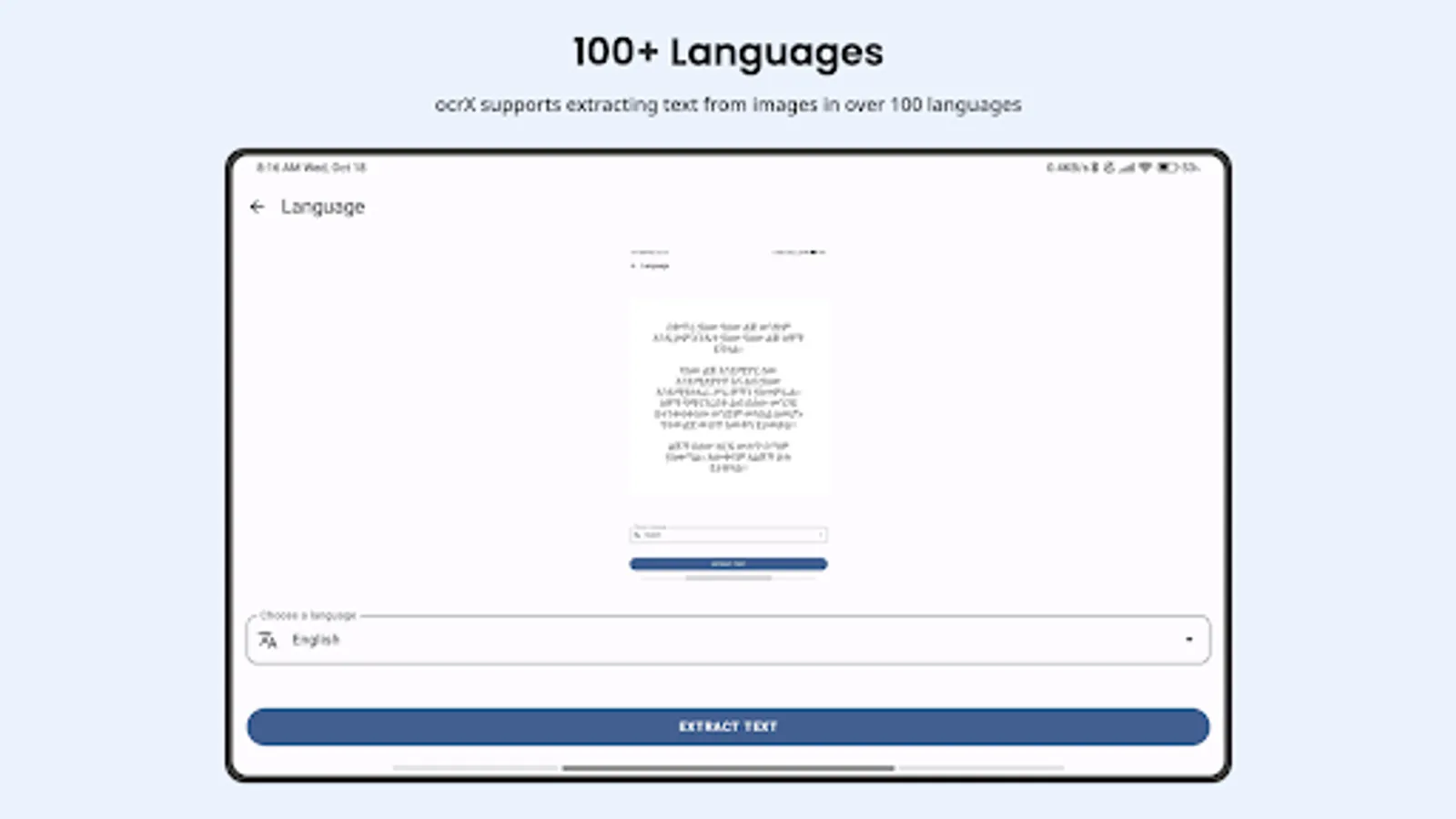
• Effortlessly handle over 100 languages with built-in automatic language detection.
2. Versatile Export Options
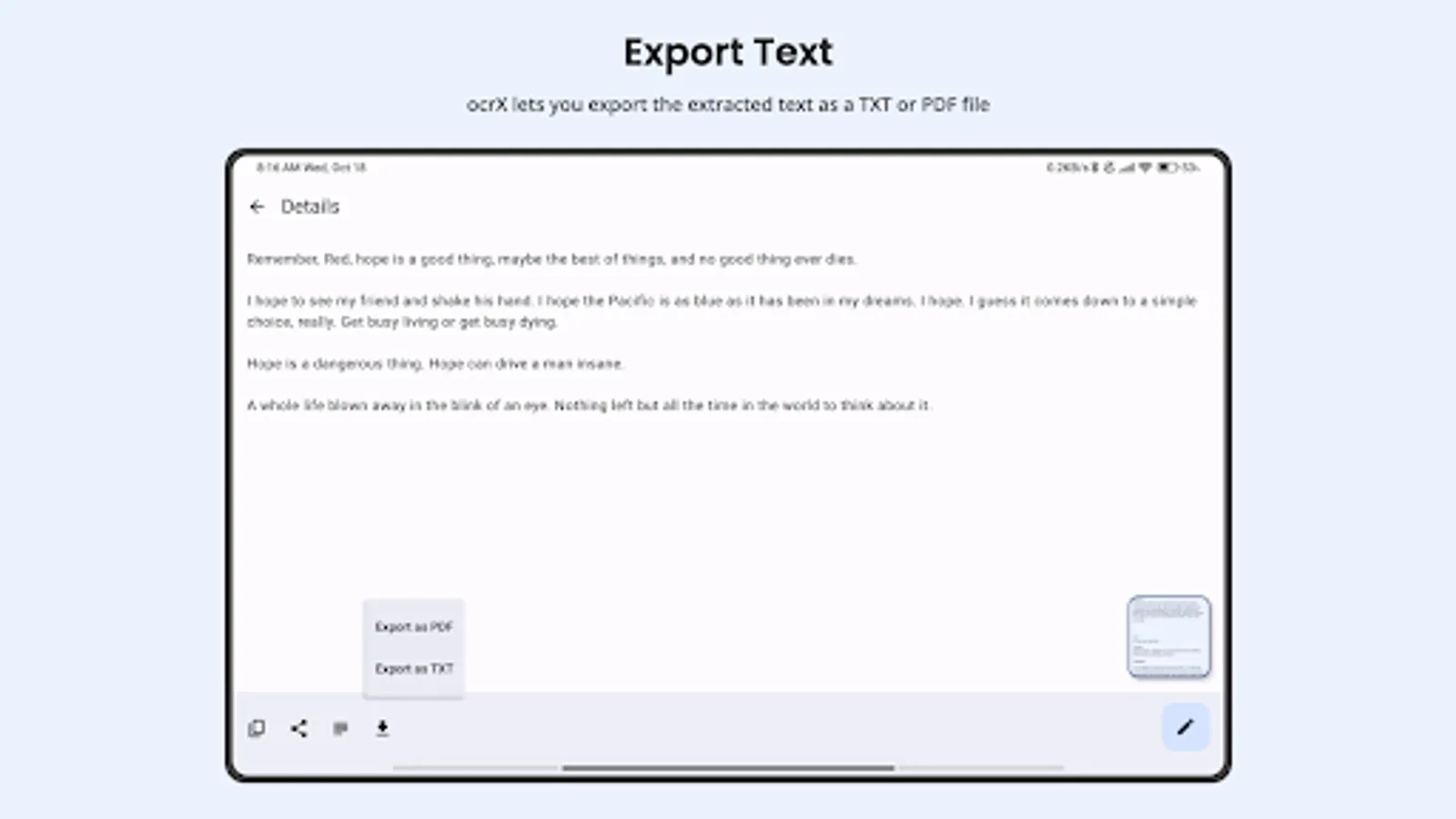
• Generate PDFs or TXT files from your scans with a single tap.
• Streamline your workflow by creating shareable, high-quality digital files.
3. Simple Editing & Sharing
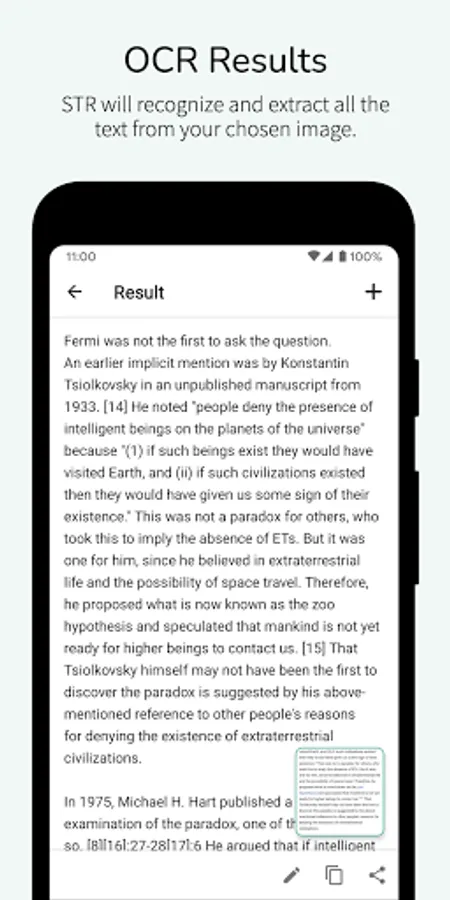
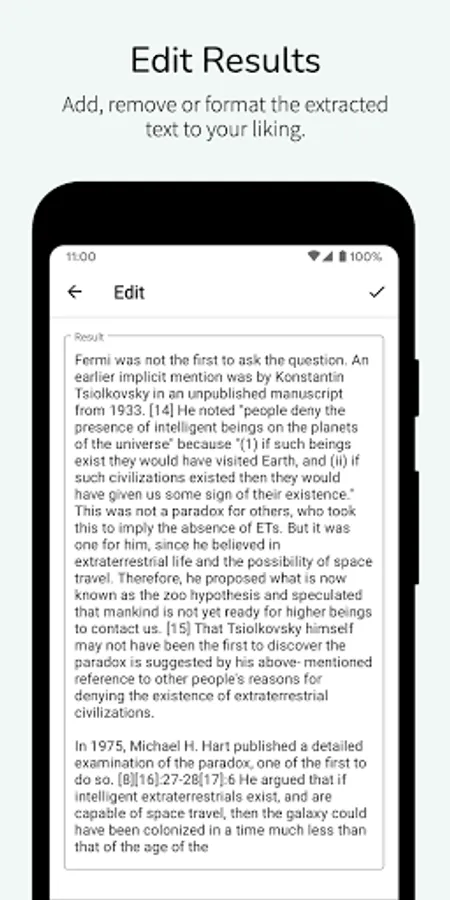
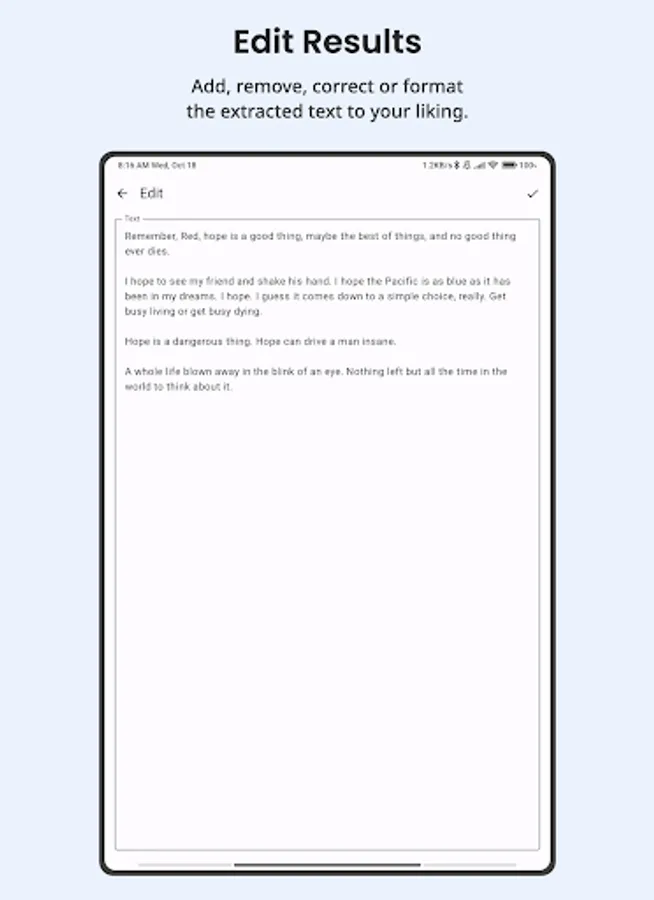
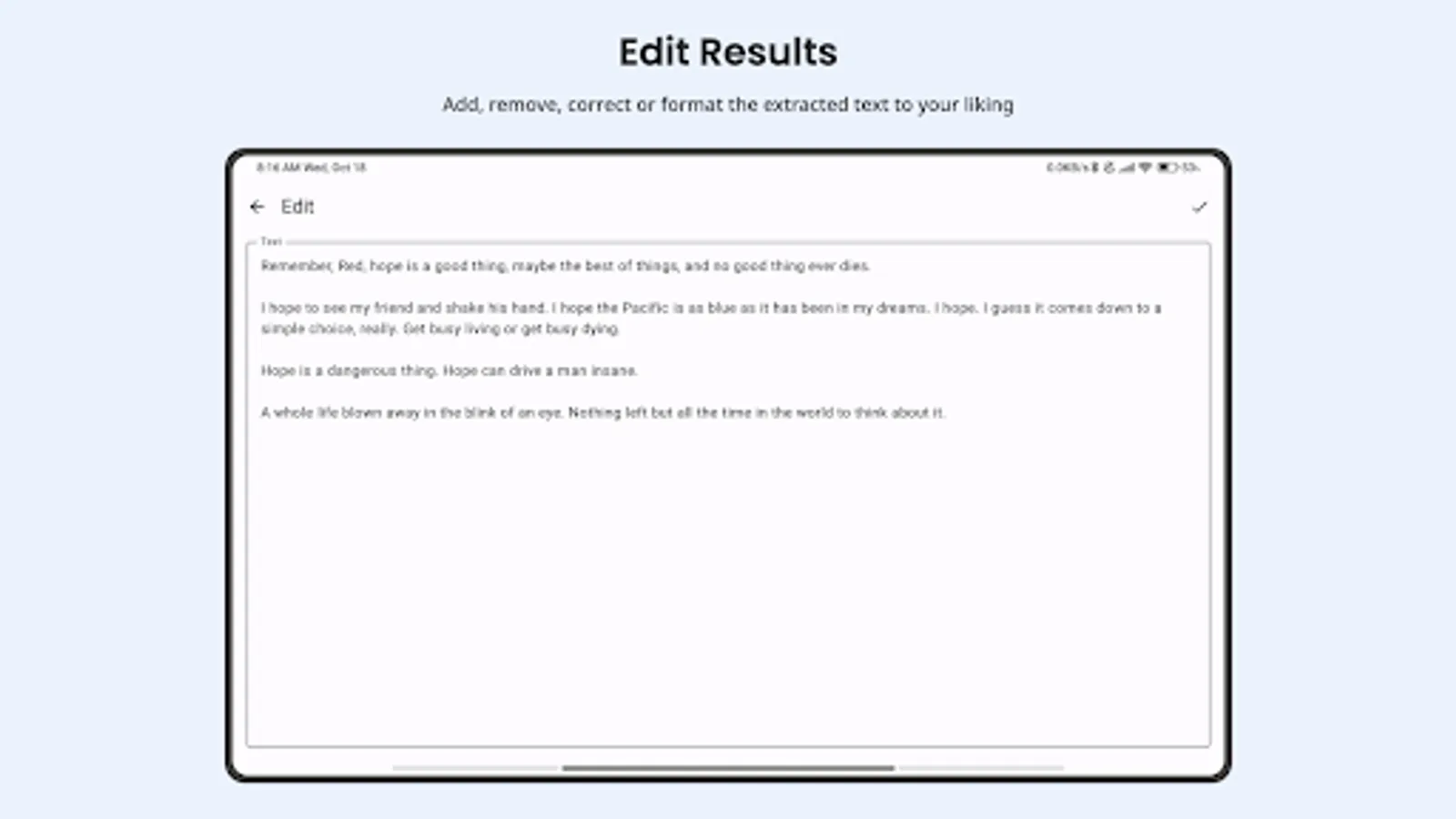
• Edit extracted text directly within the app—perfect for quick revisions or last-minute changes.
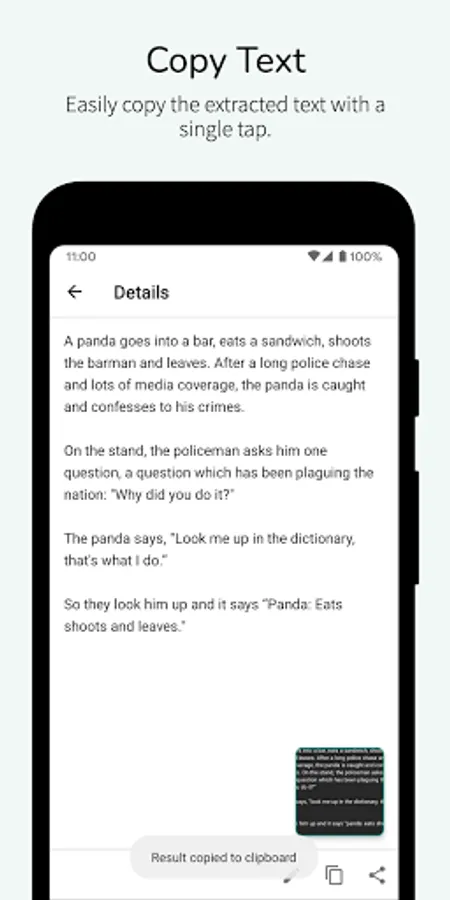
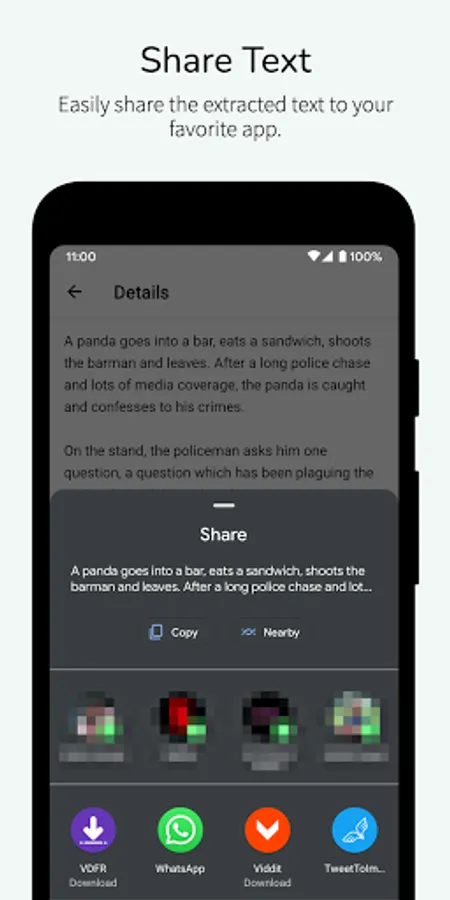
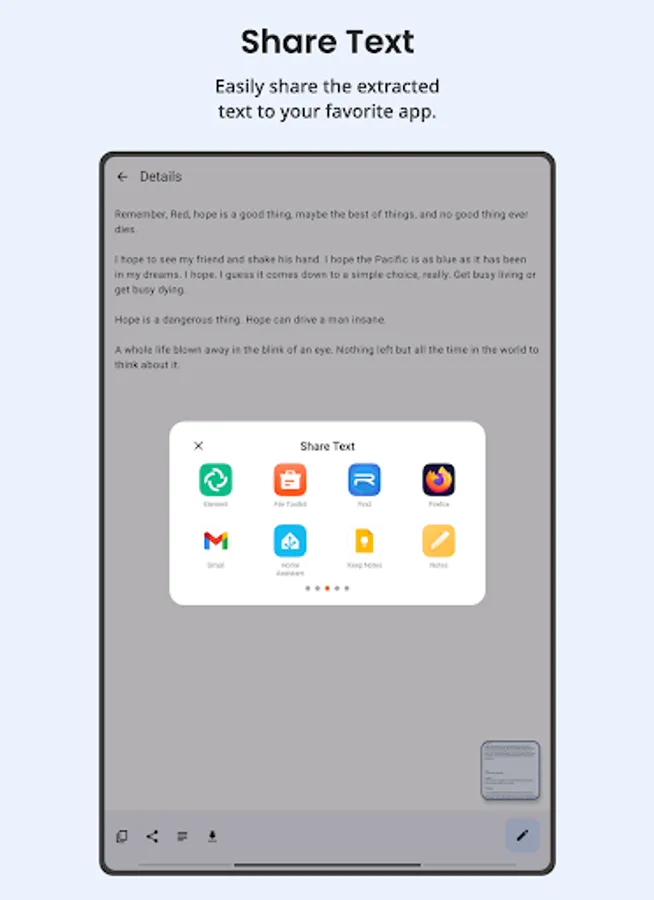
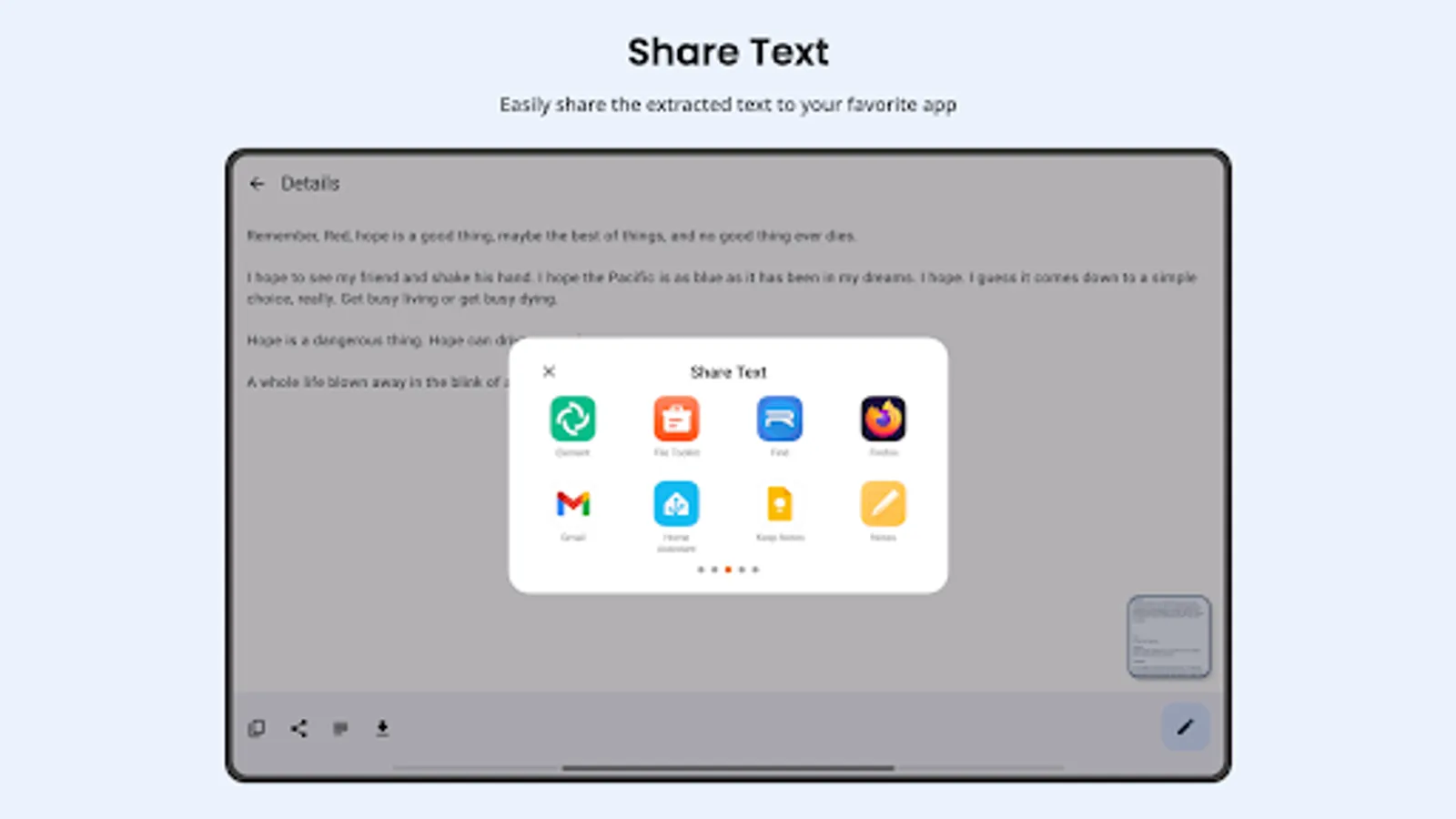
• Copy and share your content immediately to messaging apps, email, or cloud storage.
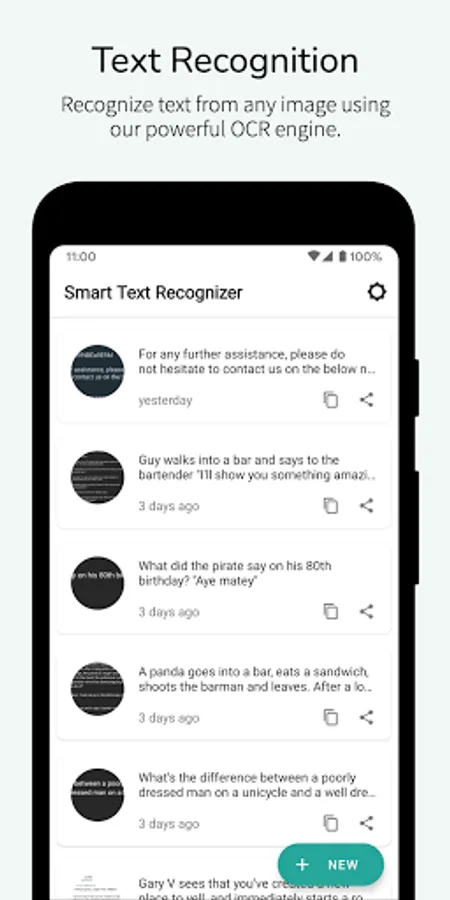
4. Scanned History Management
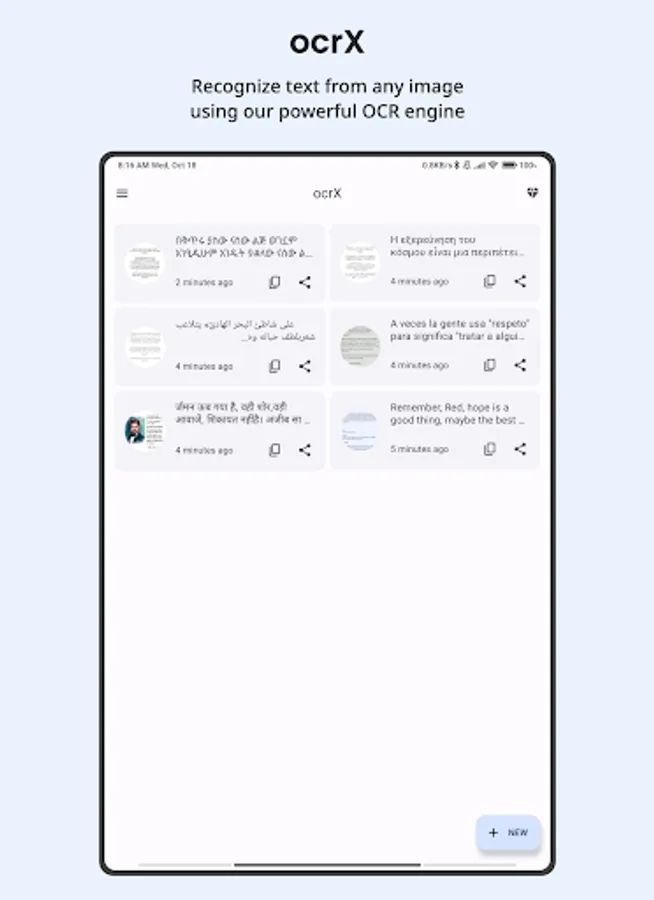
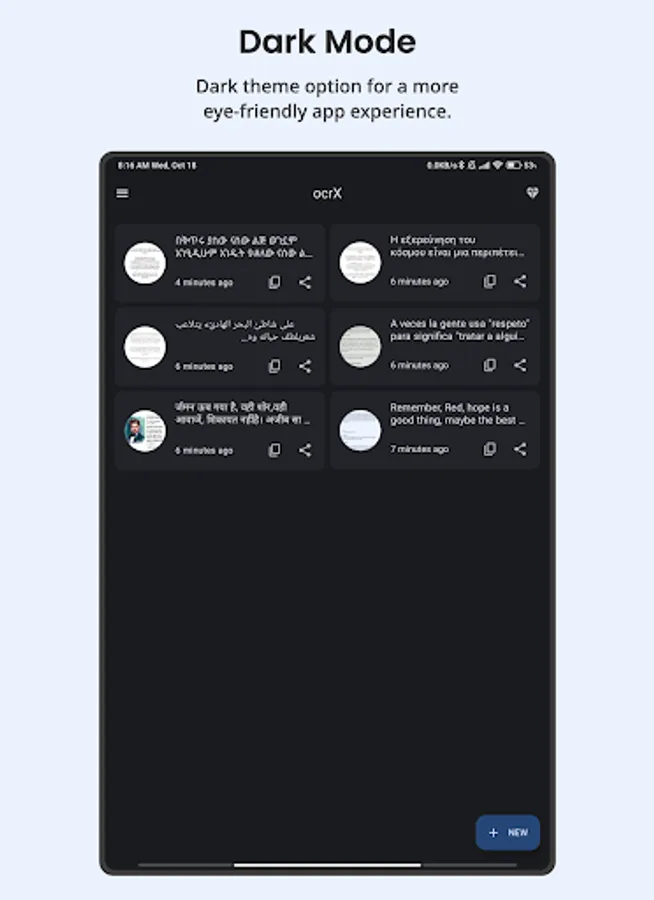
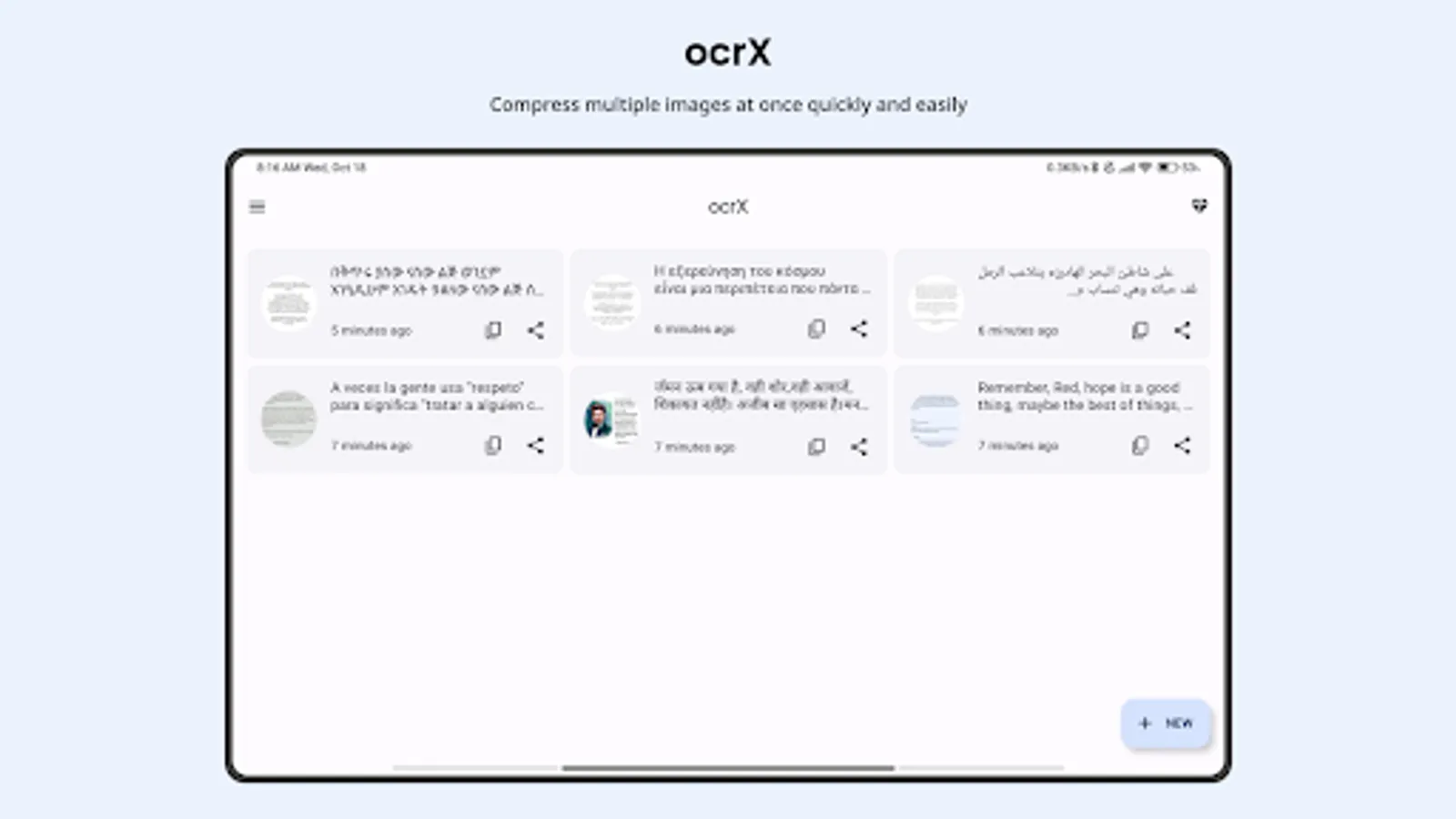
• Access and organize all your past scans in one place, so you never lose important information.
• Revisit or refine older scans whenever you need them.
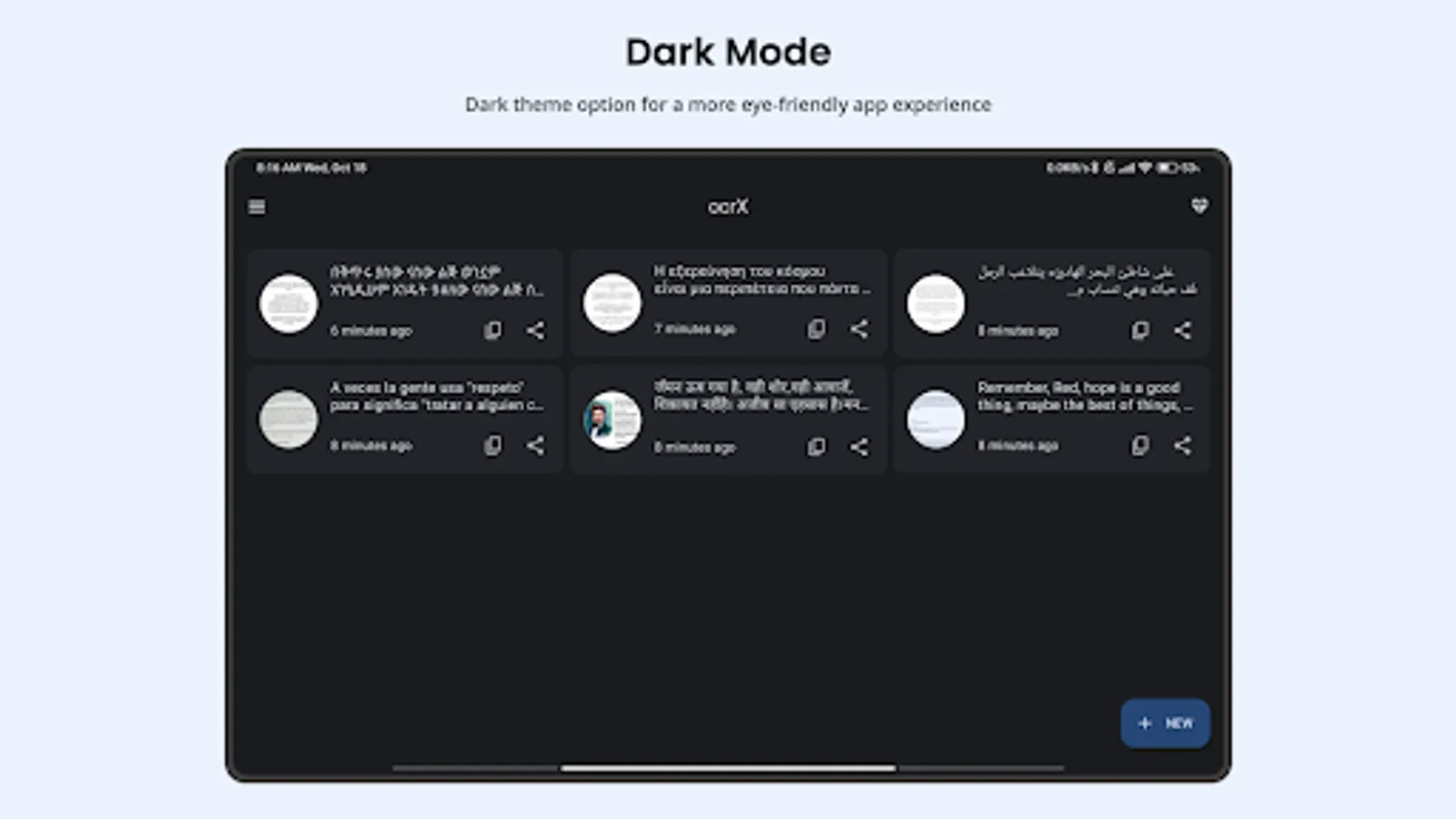
5. Eye-Friendly Dark Mode
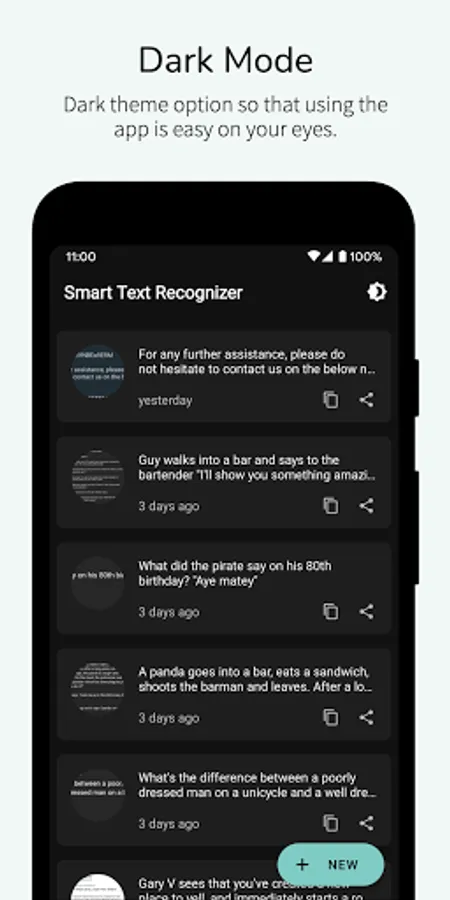
• Toggle between a light and dark interface to suit your preference and reduce eye fatigue.
Take advantage of ocrX to keep your notes, documents, and ideas on hand—without the need for extra paper or clutter. Whether you’re capturing text for work, school, or personal projects, ocrX offers a swift, seamless, and free solution. Download now and experience a new era of OCR scanning!
Why Choose ocrX?
1. Accurate OCR
• Harness the power of machine learning to precisely scan documents, signs, or handwritten notes.
• Effortlessly handle over 100 languages with built-in automatic language detection.
2. Versatile Export Options
• Generate PDFs or TXT files from your scans with a single tap.
• Streamline your workflow by creating shareable, high-quality digital files.
3. Simple Editing & Sharing
• Edit extracted text directly within the app—perfect for quick revisions or last-minute changes.
• Copy and share your content immediately to messaging apps, email, or cloud storage.
4. Scanned History Management
• Access and organize all your past scans in one place, so you never lose important information.
• Revisit or refine older scans whenever you need them.
5. Eye-Friendly Dark Mode
• Toggle between a light and dark interface to suit your preference and reduce eye fatigue.
Take advantage of ocrX to keep your notes, documents, and ideas on hand—without the need for extra paper or clutter. Whether you’re capturing text for work, school, or personal projects, ocrX offers a swift, seamless, and free solution. Download now and experience a new era of OCR scanning!
OCR - Image to Text - Extract Screenshots
Tap to Rate:
Reviews for OCR - Image to Text - Extract
Abdul-manan Mahamud
12/29/2025
great 👍
Ajala Adewale
12/29/2025
It recognizes hand written documents far better and more accurate than some other apps. It's fantastic.