
Video Downloader for Twitch
Aculix Technologies LLP
4.7 ★
2K ratings
100,000+
downloads
Free
In this video downloader app, users can save Twitch videos with audio and manage downloads efficiently. Includes multiple parallel downloads, access to all videos, and playback within the app.
AppRecs review analysis
AppRecs rating 4.7. Trustworthiness 72 out of 100. Review manipulation risk 34 out of 100. Based on a review sample analyzed.
★★★★☆
4.7
AppRecs Rating
Ratings breakdown
5 star
84%
4 star
8%
3 star
4%
2 star
1%
1 star
4%
What to know
✓
Credible reviews
72% trustworthiness score from analyzed reviews
✓
High user satisfaction
84% of sampled ratings are 5 stars
About Video Downloader for Twitch
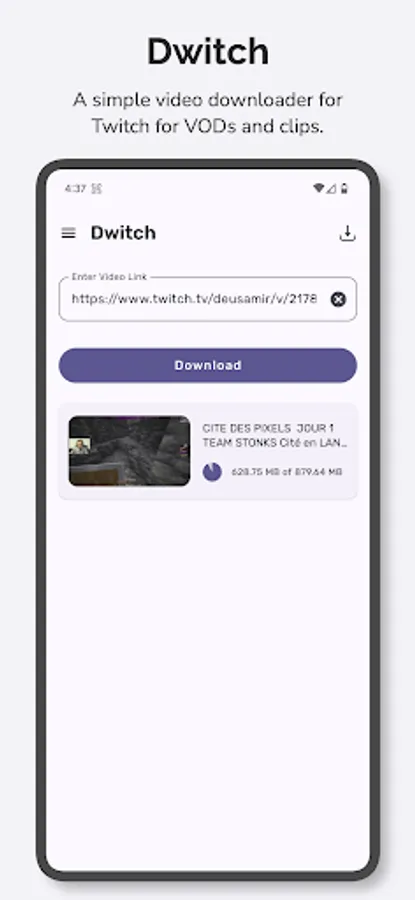
Dwitch offers a quick and easy way to download videos from Twitch. Dwitch will download videos and clips from Twitch with audio.
Features:
- Easily download videos with audio from Twitch.
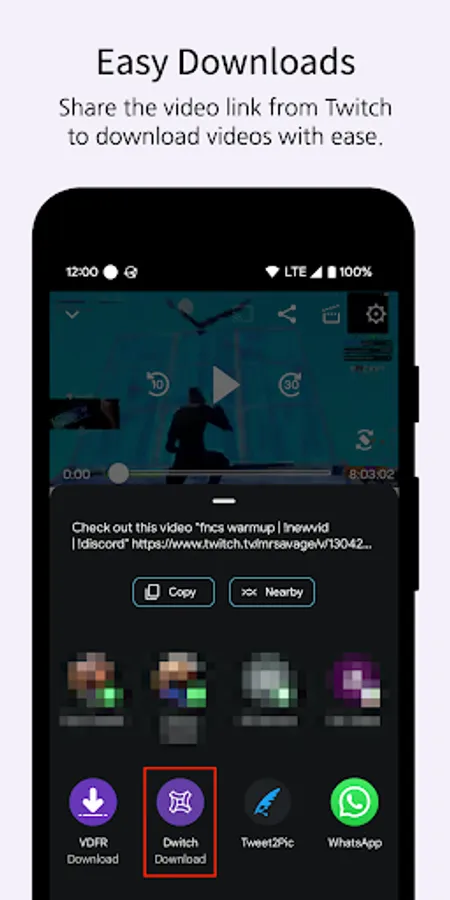
- Share the videos to any app directly from the Twitch app.
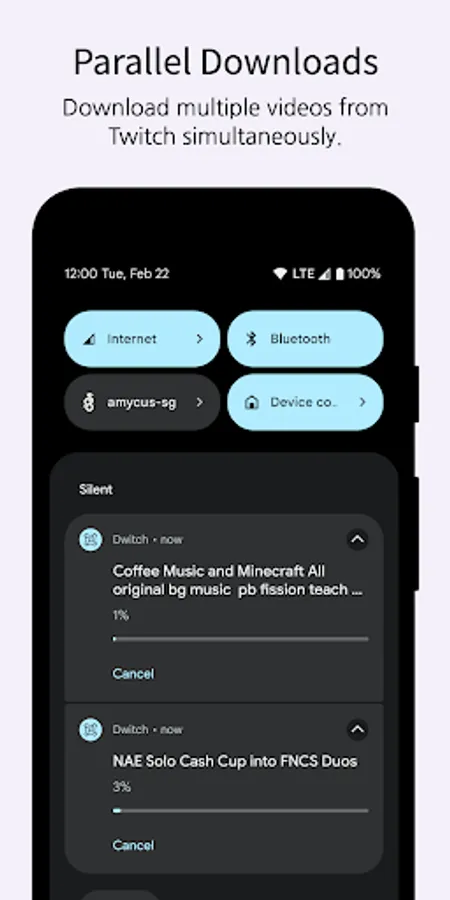
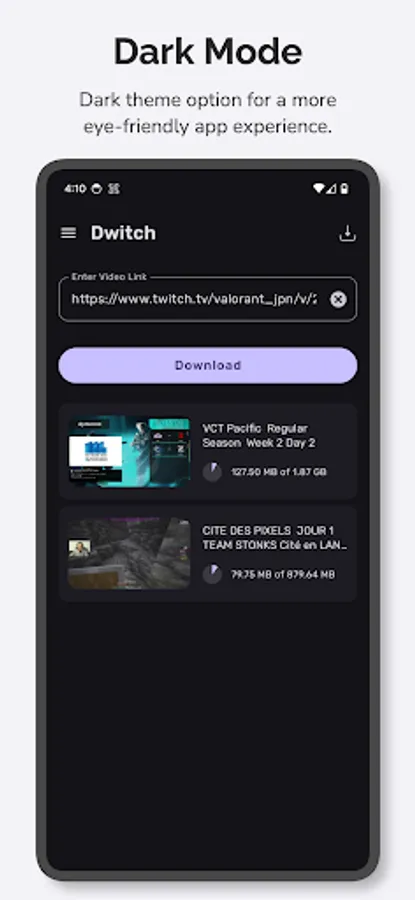
- Parallel downloads. Download multiple videos at once.
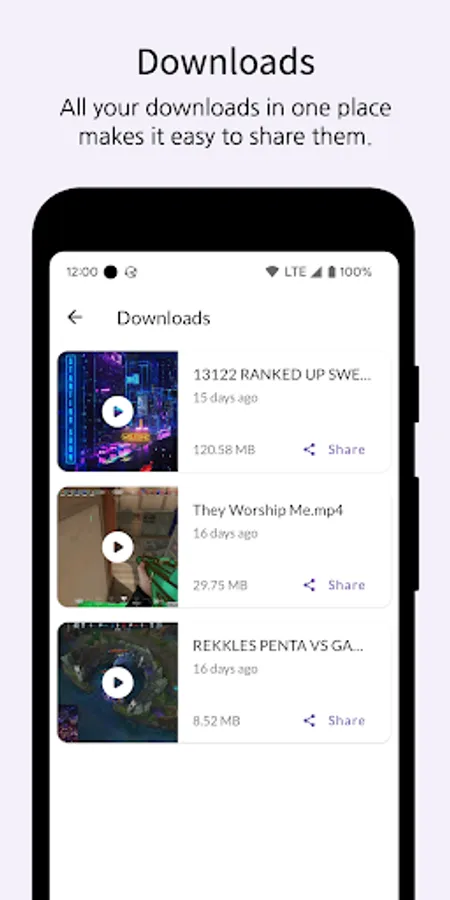
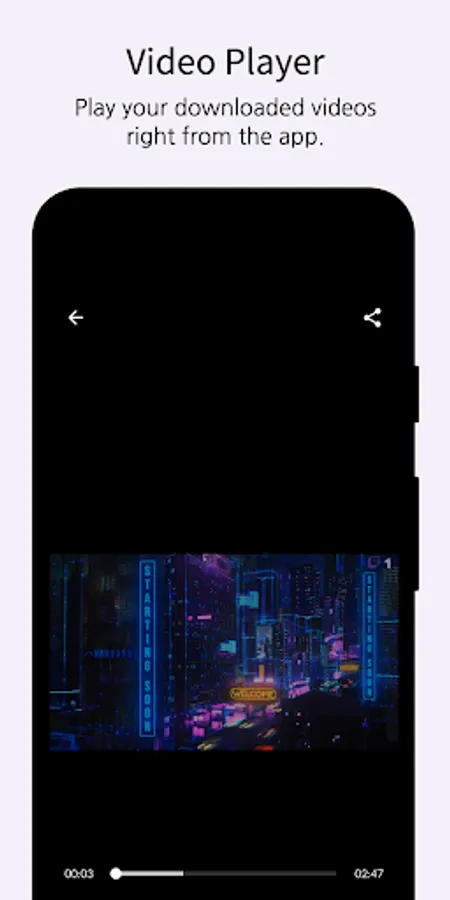
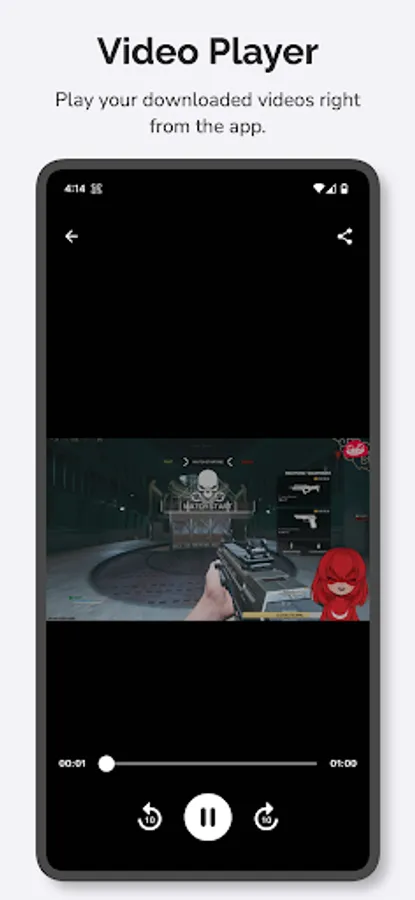
- Access all your downloaded videos right inside the app.
- Download part of a Twitch VOD with time controls.
- Play downloaded videos right from the app.
How to use:
Method - 1 (Recommended)
1. Open the Twitch app.
2. Open the video or clip you want to download.
3. Tap the Share icon on the video player and select Share to…
4. Choose Dwitch from the list of apps to automatically download the video from the post.
Method - 2
1. Open the Twitch app.
2. Open the video or clip you want to download.
3. Tap the Share icon on the video player and select Copy Link.
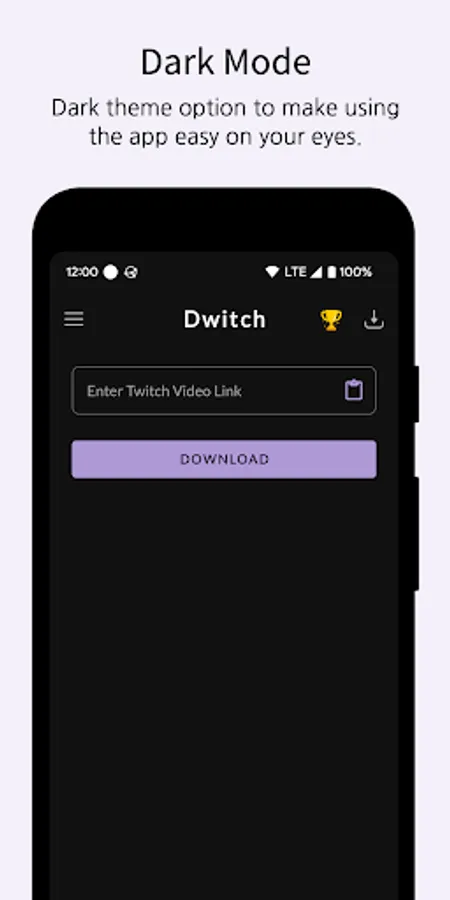
4. Open the Dwitch app and use the clipboard icon to paste the link copied earlier.
5. Tap on Download to begin downloading the video.
We would love to hear from you. Feel free to reach out to us at support@aculix.com for feedback or any queries.
Cheers! :)
Features:
- Easily download videos with audio from Twitch.
- Share the videos to any app directly from the Twitch app.
- Parallel downloads. Download multiple videos at once.
- Access all your downloaded videos right inside the app.
- Download part of a Twitch VOD with time controls.
- Play downloaded videos right from the app.
How to use:
Method - 1 (Recommended)
1. Open the Twitch app.
2. Open the video or clip you want to download.
3. Tap the Share icon on the video player and select Share to…
4. Choose Dwitch from the list of apps to automatically download the video from the post.
Method - 2
1. Open the Twitch app.
2. Open the video or clip you want to download.
3. Tap the Share icon on the video player and select Copy Link.
4. Open the Dwitch app and use the clipboard icon to paste the link copied earlier.
5. Tap on Download to begin downloading the video.
We would love to hear from you. Feel free to reach out to us at support@aculix.com for feedback or any queries.
Cheers! :)
Video Downloader for Twitch Screenshots
Tap to Rate:
Reviews for Video Downloader for Twitch
Oscar Baish
12/16/2025
I mean It works , I use an adblocker so that's not a problem and all of the other apps don't work most of the time
Muhammad Taufik
11/15/2025
😍