
3C All-in-One Toolbox Pro key
3c
4.7 ★
3K ratings
10,000+
downloads
$5.99
+ in-app
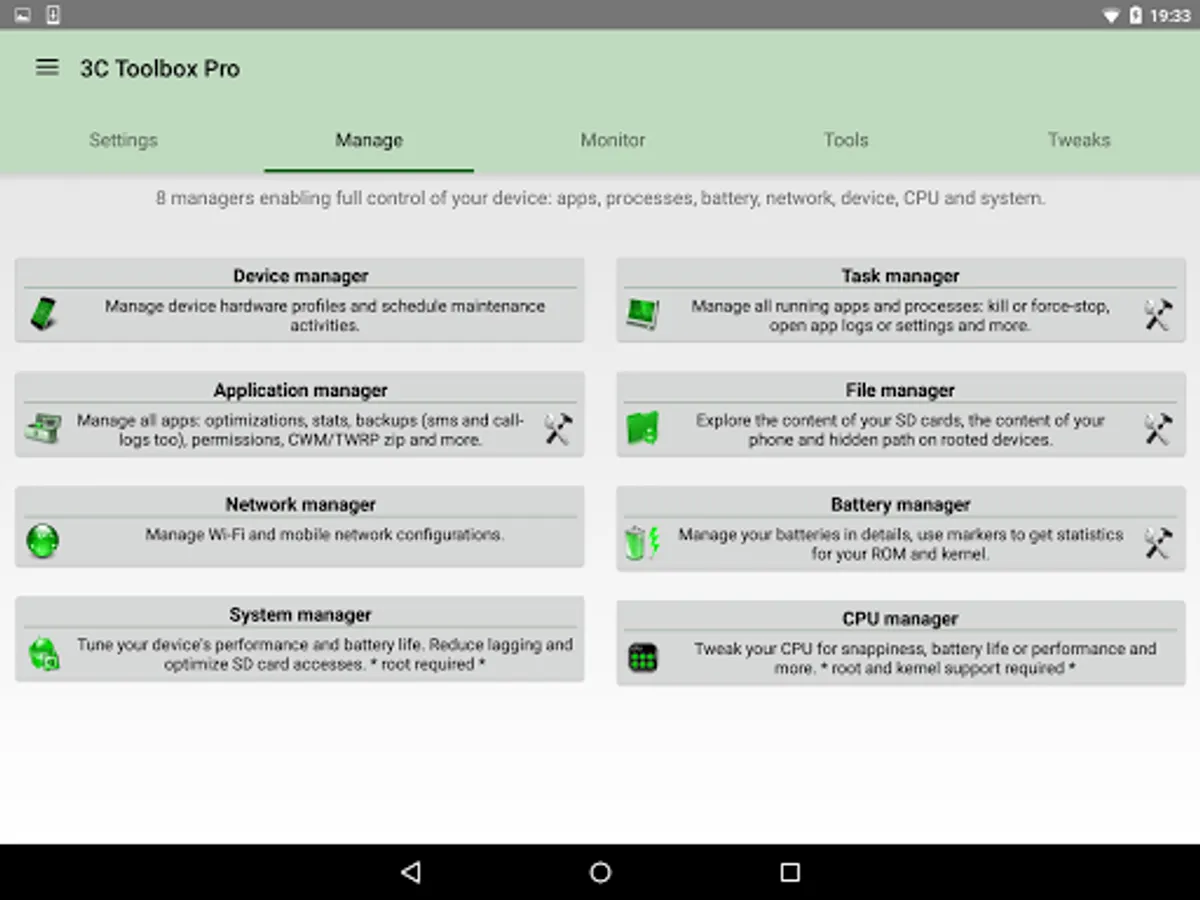
In this app, you can unlock premium features for the 3C All-in-One Toolbox and customize UI settings. Includes ad removal, UI theming, notification management, and widget customization options.
AppRecs review analysis
AppRecs rating 4.7. Trustworthiness 72 out of 100. Review manipulation risk 29 out of 100. Based on a review sample analyzed.
★★★★☆
4.7
AppRecs Rating
Ratings breakdown
5 star
84%
4 star
9%
3 star
3%
2 star
2%
1 star
2%
What to know
✓
Low review manipulation risk
29% review manipulation risk
✓
Credible reviews
72% trustworthiness score from analyzed reviews
⚠
Ad complaints
Many low ratings mention excessive ads
About 3C All-in-One Toolbox Pro key
o┳┳ · Your key to unlocking the full potential of 3C All-in-One Toolbox!
Since version 1.2.0, there is no app icon, but you can open the unlock popup from Play Store or app's OS settings page.
Please make sure to install 3C All-in-One Toolbox from Play Store.
Unlocks the following pro features:
★ Remove all ads
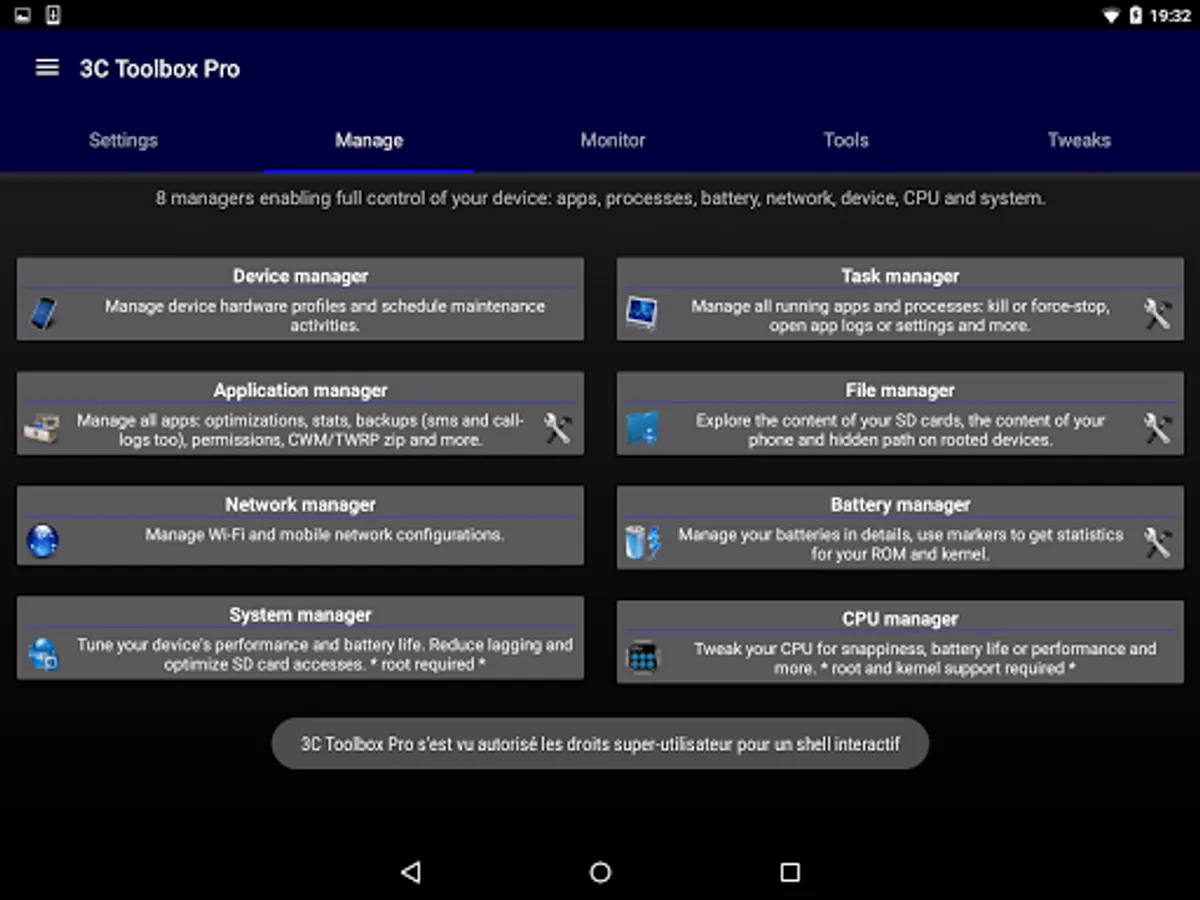
★ Complete UI theming and customizations
★ Full control of recording interval, widgets and notification refresh rates
★ Add home-screen shortcut to apps features
★ Hide any tabs or any menu item
★ Edit main screen buttons up-to 4x6 grid
★ Multi/auto-select and sort apps
★ Auto backup and new app notification
★ Adding more than one shortcut or toggle to Android quick settings
★ Recording items and options
★ Create multiple schedules, watchers and profiles
★ Automatic battery markers
★ Manage multiple batteries
★ Manage multiple chargers
★ Calculate % using mV data (useful for extended batteries)
★ Full battery and kernel optimizations
★ Automatic boosting of apps start and DB accesses
★ Automatic partition trimming
★ Build.prop presets
★ Automatic system apps clean-up (integration into ROM)
★ Notification shortcut to access any features from status notification
★ Enabling more than one notification pack
★ Add multiple line indicators
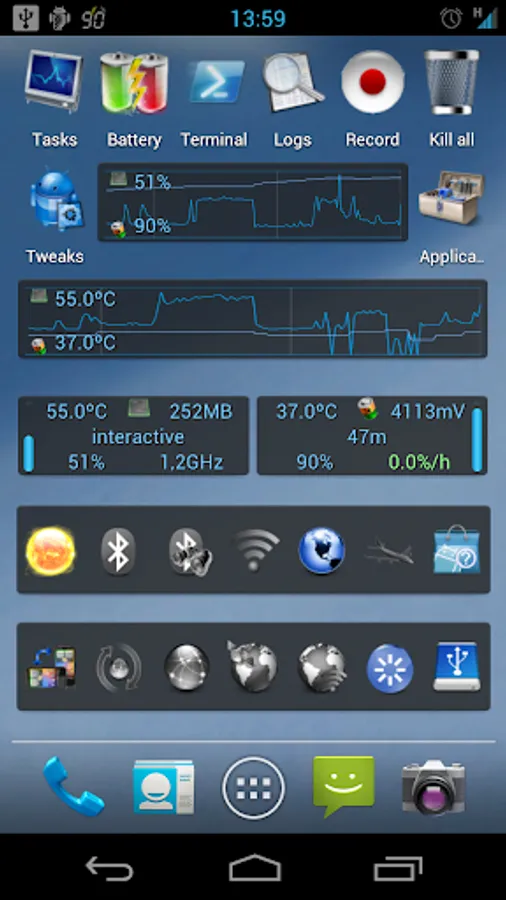
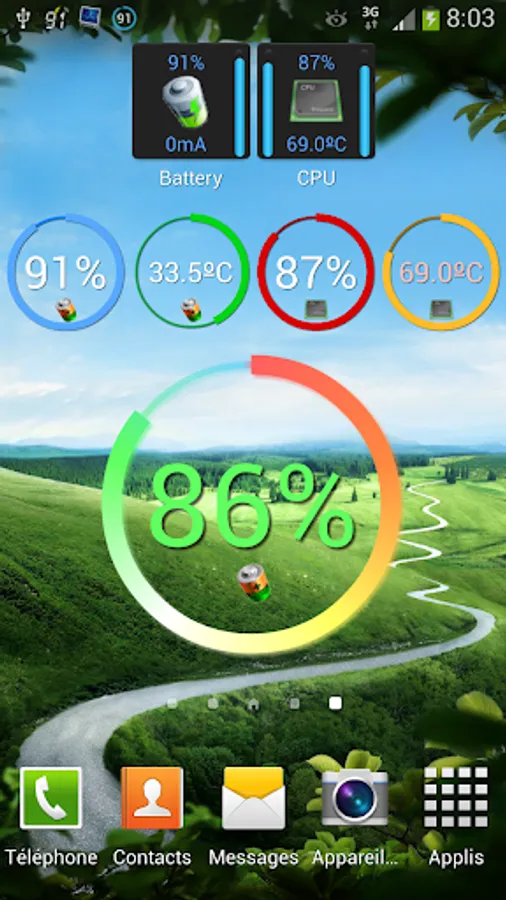
★ Full 2x1 data widgets customization
★ Full 5x2 - 2x1 (6 sizes) graphs widgets customization
Since version 1.2.0, there is no app icon, but you can open the unlock popup from Play Store or app's OS settings page.
Please make sure to install 3C All-in-One Toolbox from Play Store.
Unlocks the following pro features:
★ Remove all ads
★ Complete UI theming and customizations
★ Full control of recording interval, widgets and notification refresh rates
★ Add home-screen shortcut to apps features
★ Hide any tabs or any menu item
★ Edit main screen buttons up-to 4x6 grid
★ Multi/auto-select and sort apps
★ Auto backup and new app notification
★ Adding more than one shortcut or toggle to Android quick settings
★ Recording items and options
★ Create multiple schedules, watchers and profiles
★ Automatic battery markers
★ Manage multiple batteries
★ Manage multiple chargers
★ Calculate % using mV data (useful for extended batteries)
★ Full battery and kernel optimizations
★ Automatic boosting of apps start and DB accesses
★ Automatic partition trimming
★ Build.prop presets
★ Automatic system apps clean-up (integration into ROM)
★ Notification shortcut to access any features from status notification
★ Enabling more than one notification pack
★ Add multiple line indicators
★ Full 2x1 data widgets customization
★ Full 5x2 - 2x1 (6 sizes) graphs widgets customization
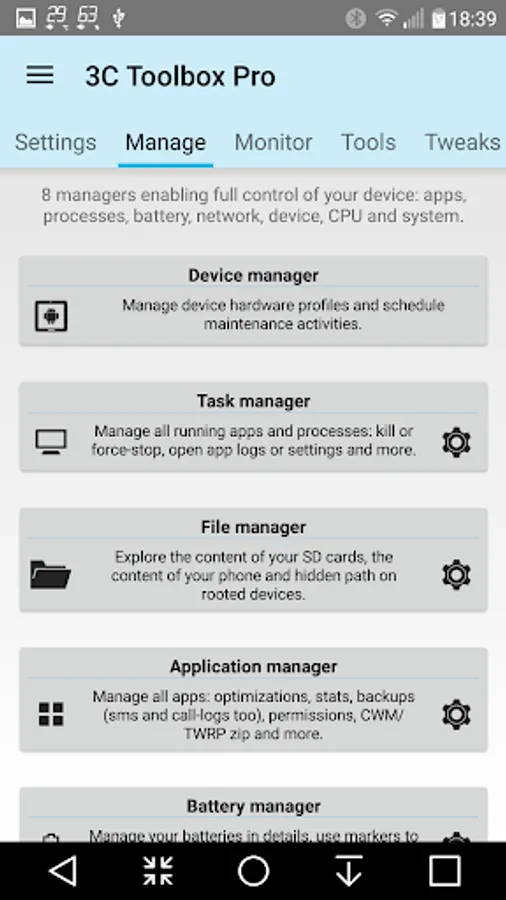
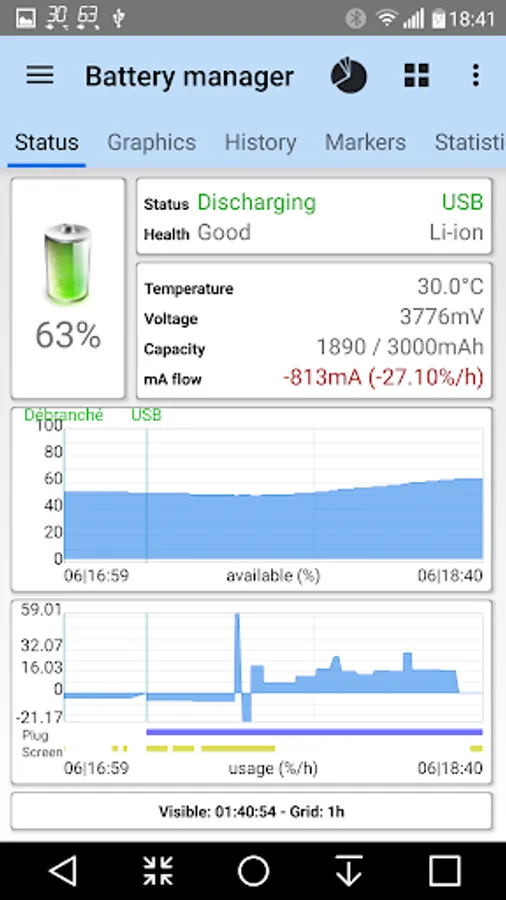
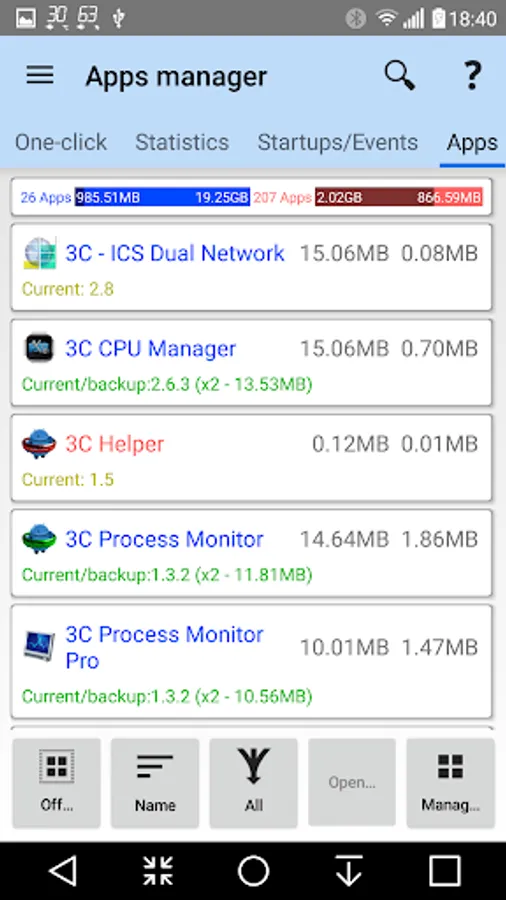
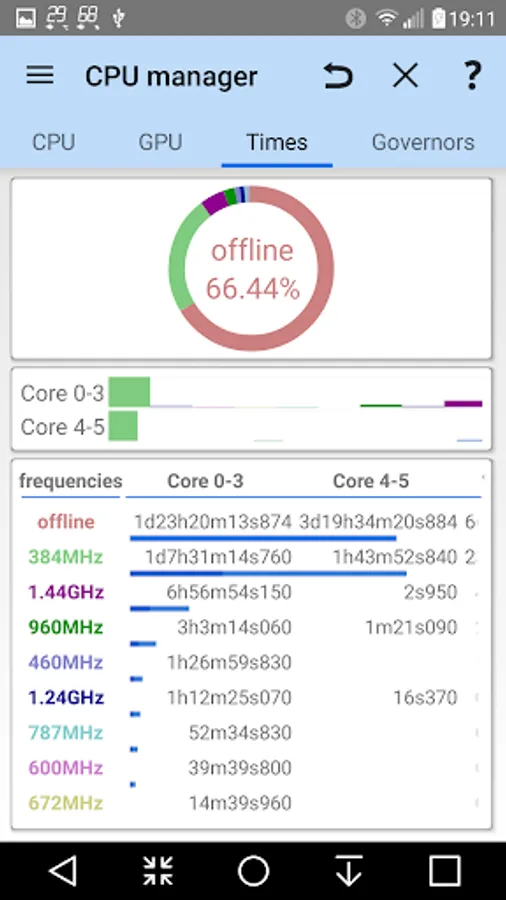
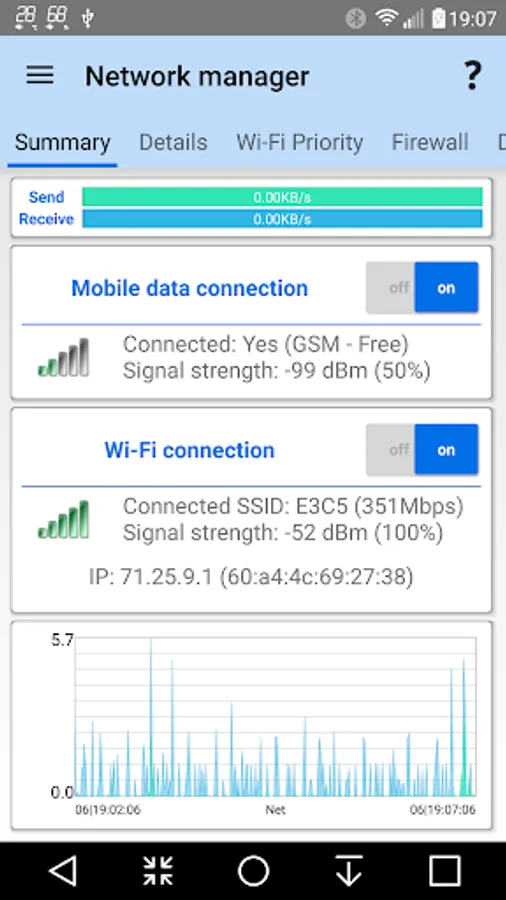
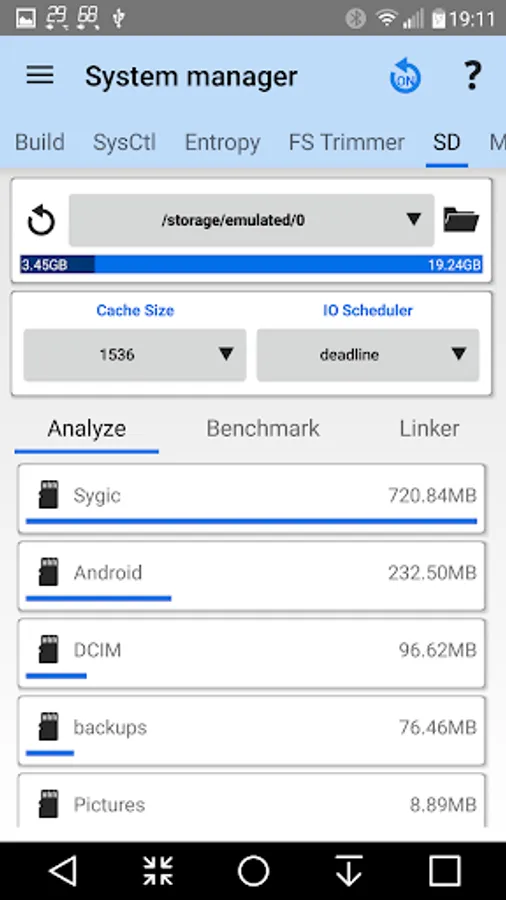
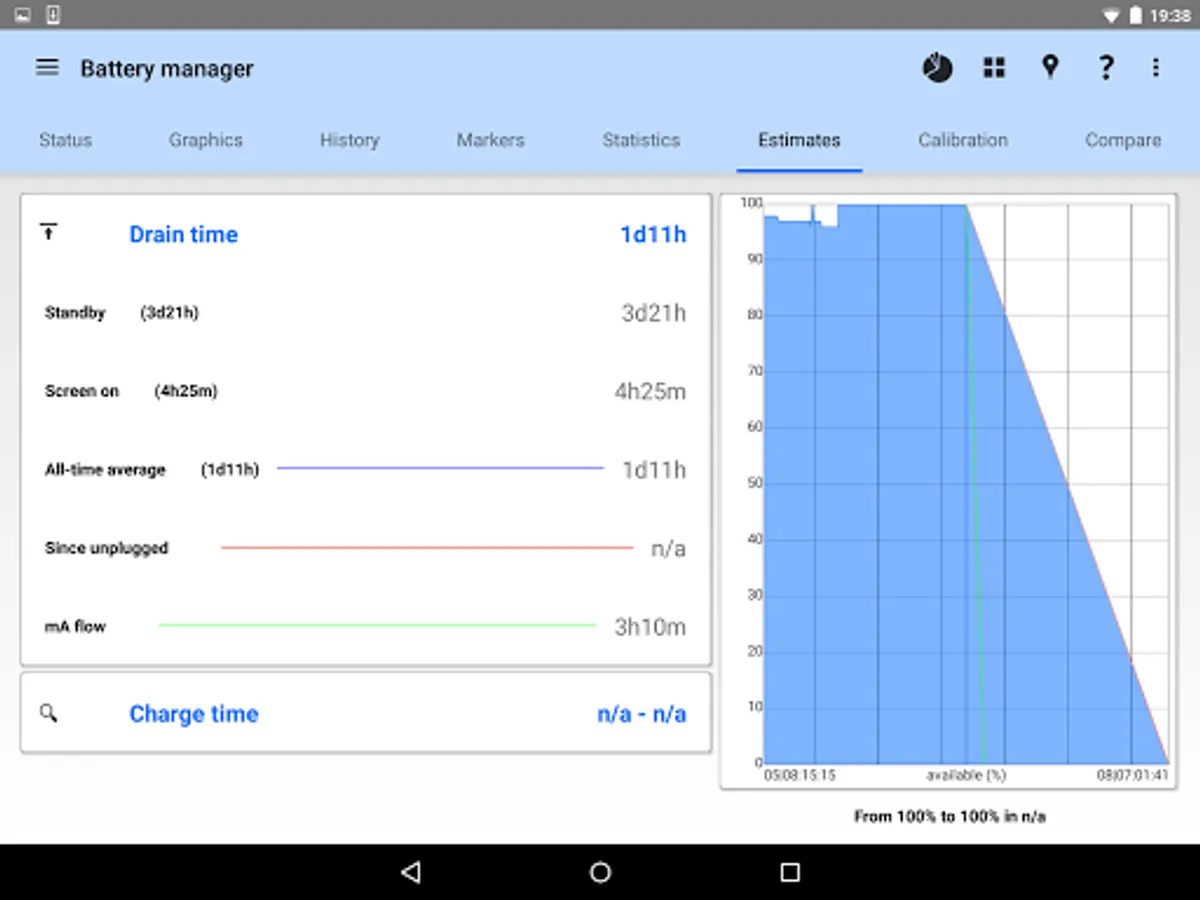
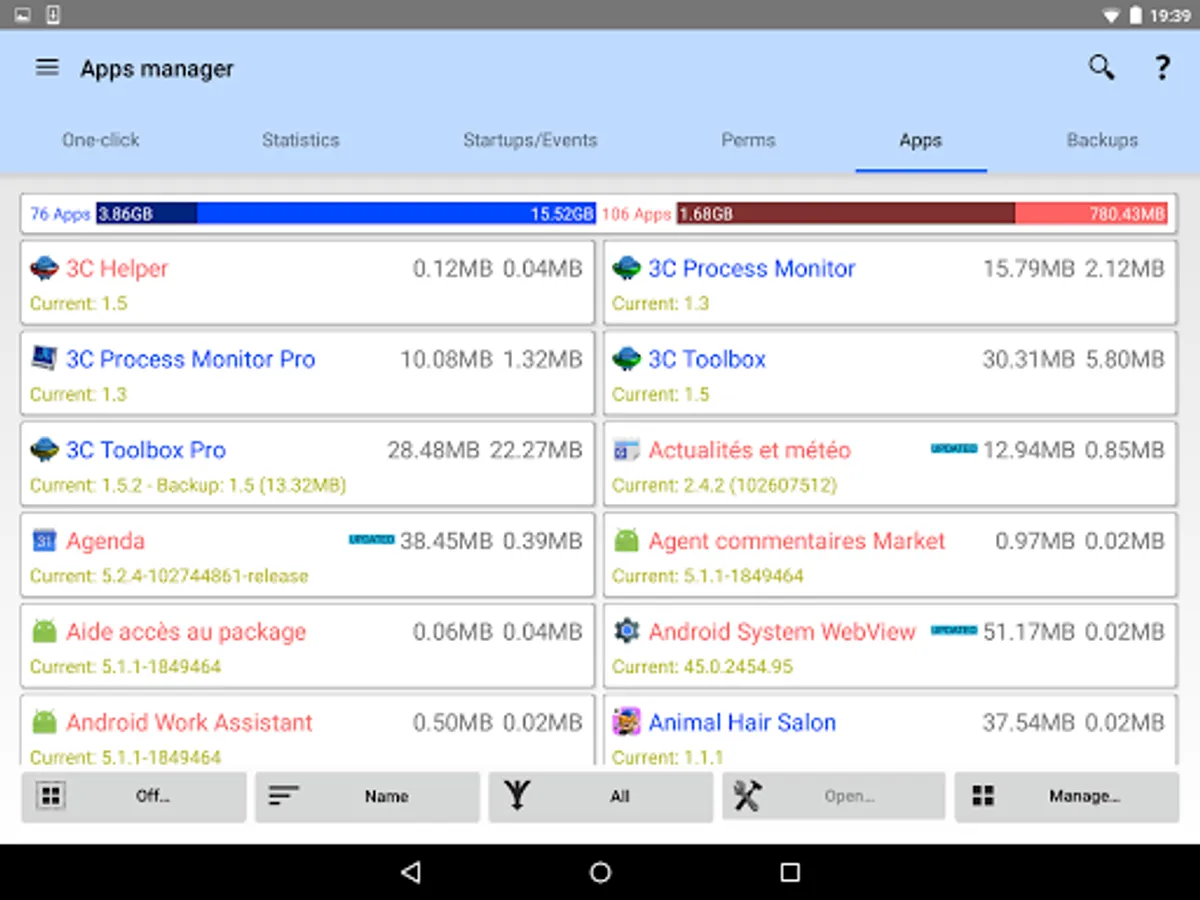
3C All-in-One Toolbox Pro key Screenshots






Tap to Rate:
Reviews for 3C All-in-One Toolbox Pro key
Robbie Smith
11/8/2025
Awesome application!!!
Sebastian S Olson
11/2/2025
Great.😃