
3C CPU Manager (root)
3c
4.0 ★
4K ratings
500,000+
downloads
Free
+ in-app
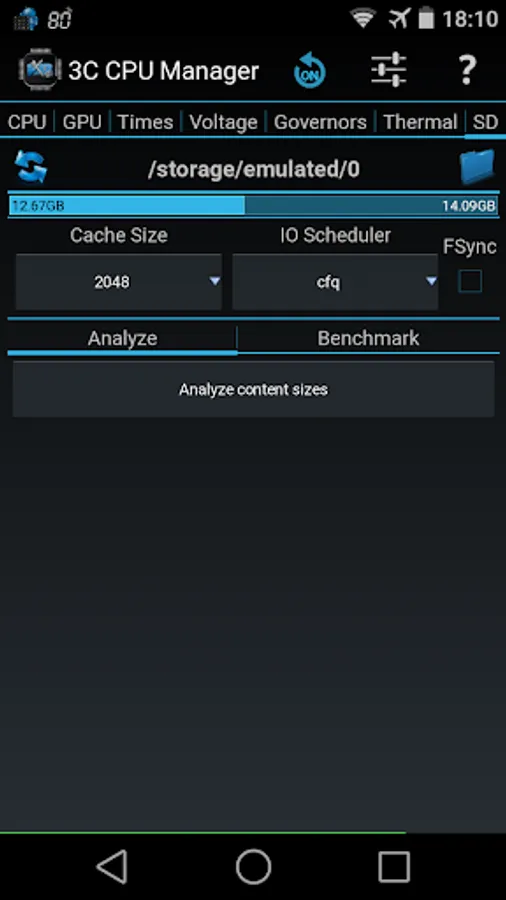
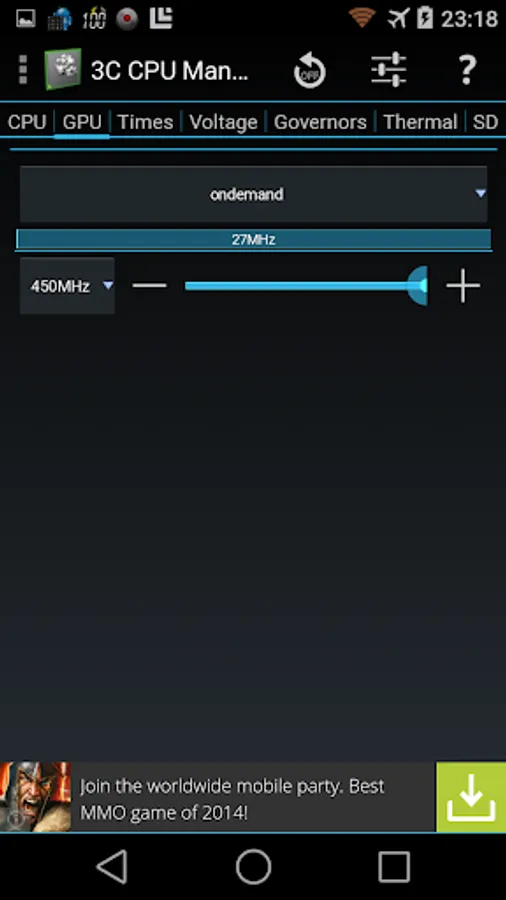
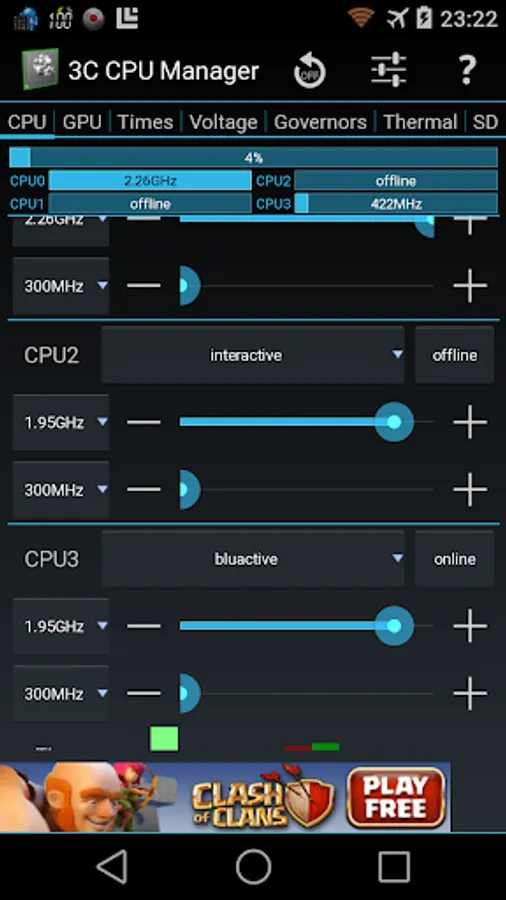
In this root CPU control app, you can manage CPU and GPU frequencies, governors, and thermal settings. Includes customizable UI, resizable widgets, and multiple profiles management.
AppRecs review analysis
AppRecs rating 3.6. Trustworthiness 78 out of 100. Review manipulation risk 34 out of 100. Based on a review sample analyzed.
★★★☆☆
3.6
AppRecs Rating
Ratings breakdown
5 star
64%
4 star
8%
3 star
7%
2 star
3%
1 star
18%
What to know
✓
Credible reviews
78% trustworthiness score from analyzed reviews
✓
Good user ratings
72% positive sampled reviews
⚠
Ad complaints
Many low ratings mention excessive ads
About 3C CPU Manager (root)
3C CPU Manager is the must-have CPU control app for root users, created following popular requests.
3C CPU Manager requires a rooted device to offer a simple yet powerful interface to control your CPU and GPU configurations.
You can remove ads and unlock features using in-app purchase (see below).
★ Highly Configurable UI allows you to transform the app into something you really like.
★ Highly Configurable Widgets are all resizable, from a simple gauge to more complex data display and historical graphics.
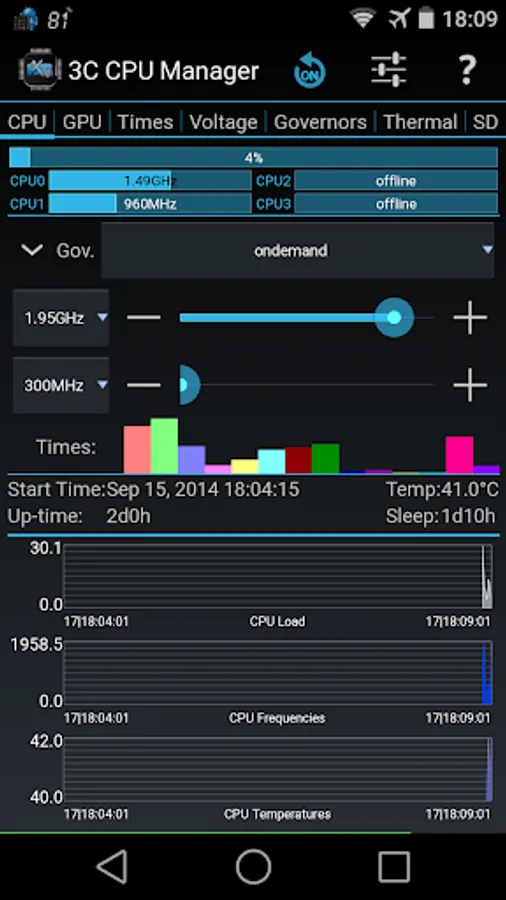
★ Shows a summary of CPU/GPU loads and frequency
★ Shows graphics of CPU/GPU loads, frequencies and temperatures *
★ Controls up-to 16-cores CPU settings
★ Configure governors settings
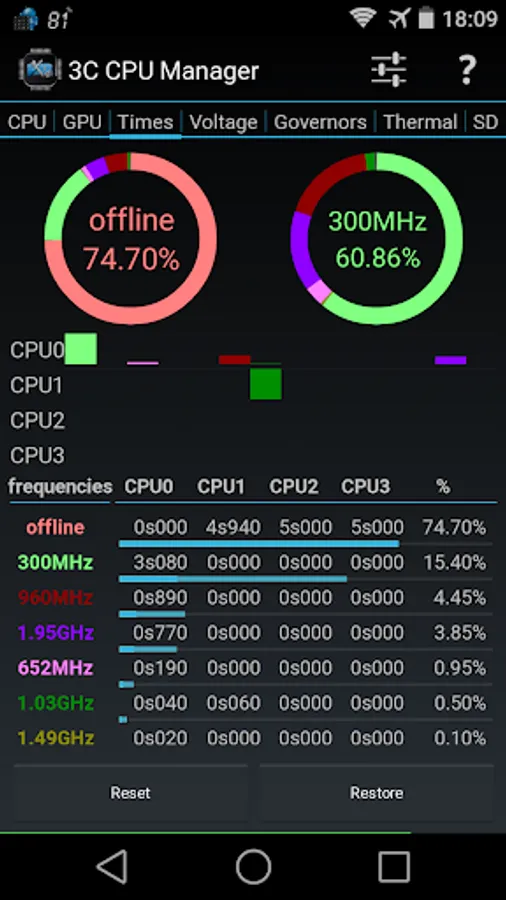
★ View frequency usage table
★ Set specific screen off configuration.
★ Creates multiple profiles that can be switched using a notification or launcher shortcut.
★ Show CPU/GPU data in widgets (1x1 text and gauge are freely customizable)
Depending on kernel support:
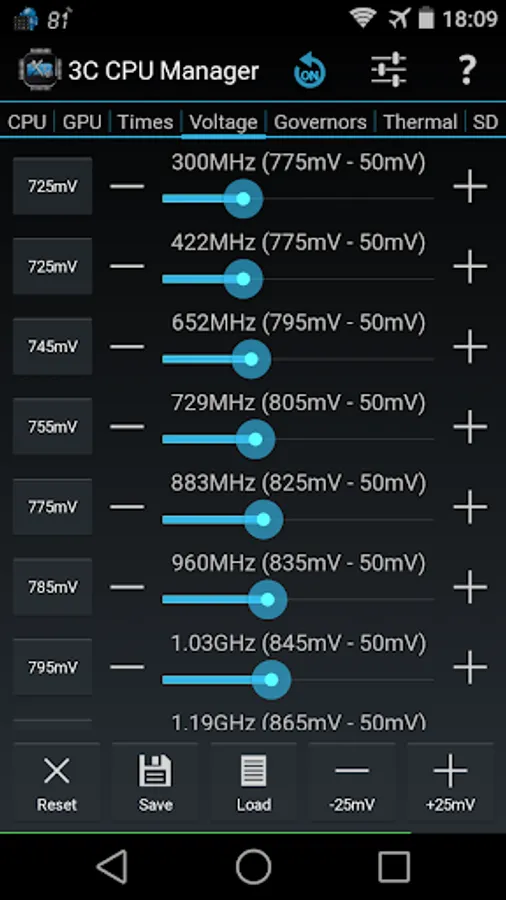
★ Set CPU/GPU frequencies, governor and voltages
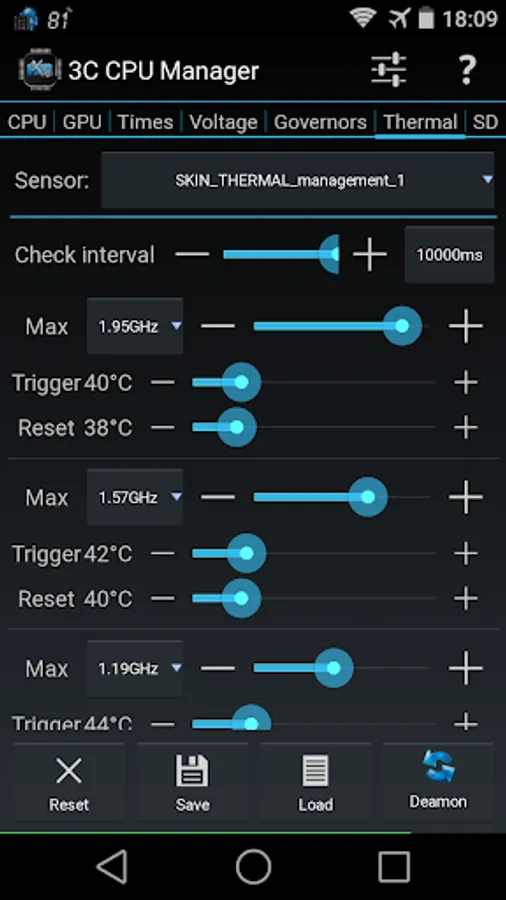
★ Configure thermal configuration
★ Configure mp-decision daemons
★ Control cores separately
Use in-app purchases to unlock the following features:
★ Remove Ads
★ Hide specific tabs
★ Advanced UI theming options
★ Add shortcut to notification
★ Create more multiple profiles
★ Enable extra widgets (2x1 text and graphics) customization
★ Enable widget refresh rate configuration
3C CPU Manager requires a rooted device to offer a simple yet powerful interface to control your CPU and GPU configurations.
You can remove ads and unlock features using in-app purchase (see below).
★ Highly Configurable UI allows you to transform the app into something you really like.
★ Highly Configurable Widgets are all resizable, from a simple gauge to more complex data display and historical graphics.
★ Shows a summary of CPU/GPU loads and frequency
★ Shows graphics of CPU/GPU loads, frequencies and temperatures *
★ Controls up-to 16-cores CPU settings
★ Configure governors settings
★ View frequency usage table
★ Set specific screen off configuration.
★ Creates multiple profiles that can be switched using a notification or launcher shortcut.
★ Show CPU/GPU data in widgets (1x1 text and gauge are freely customizable)
Depending on kernel support:
★ Set CPU/GPU frequencies, governor and voltages
★ Configure thermal configuration
★ Configure mp-decision daemons
★ Control cores separately
Use in-app purchases to unlock the following features:
★ Remove Ads
★ Hide specific tabs
★ Advanced UI theming options
★ Add shortcut to notification
★ Create more multiple profiles
★ Enable extra widgets (2x1 text and graphics) customization
★ Enable widget refresh rate configuration
3C CPU Manager (root) Screenshots
Tap to Rate:
Reviews for 3C CPU Manager (root)
Initial D Universe
2/10/2026
Love it but i paid for all the features to be unlocked and yet i cannot change the update interval of the widgets as it still says "locked"
Tunde Oyemade
1/10/2026
Maybe I am the frist person to test it but the app max device make my fps go 120 the app is atoms and good