
In this task management app, you can organize, customize, and control your tasks and system data. Includes configurable UI, resizable widgets, and task sorting options.
AppRecs review analysis
AppRecs rating 3.9. Trustworthiness 85 out of 100. Review manipulation risk 25 out of 100. Based on a review sample analyzed.
★★★☆☆
3.9
AppRecs Rating
Ratings breakdown
5 star
74%
4 star
9%
3 star
2%
2 star
5%
1 star
10%
What to know
✓
Low review manipulation risk
25% review manipulation risk
✓
Credible reviews
85% trustworthiness score from analyzed reviews
⚠
Ad complaints
Many low ratings mention excessive ads
About 3C Task Manager
In-app purchase can be made to remove ads and unlock features (see below).
This app uses Accessibility services to help you stop apps on non-rooted devices, but will never ever collect any information.
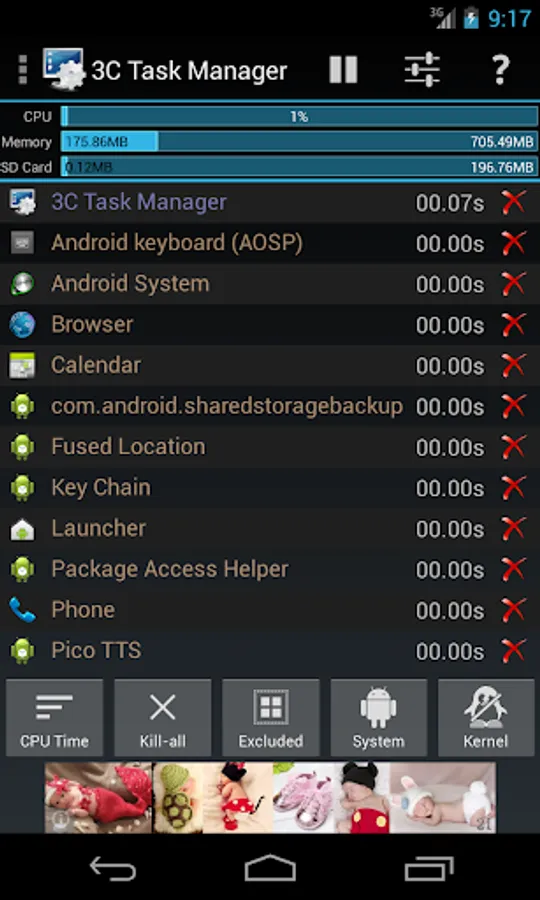
★ Highly Configurable UI allows you to transform the app into something you really like
★ Highly Configurable Widgets are all resizable, from a simple gauge to more complex data display and historical graphics.
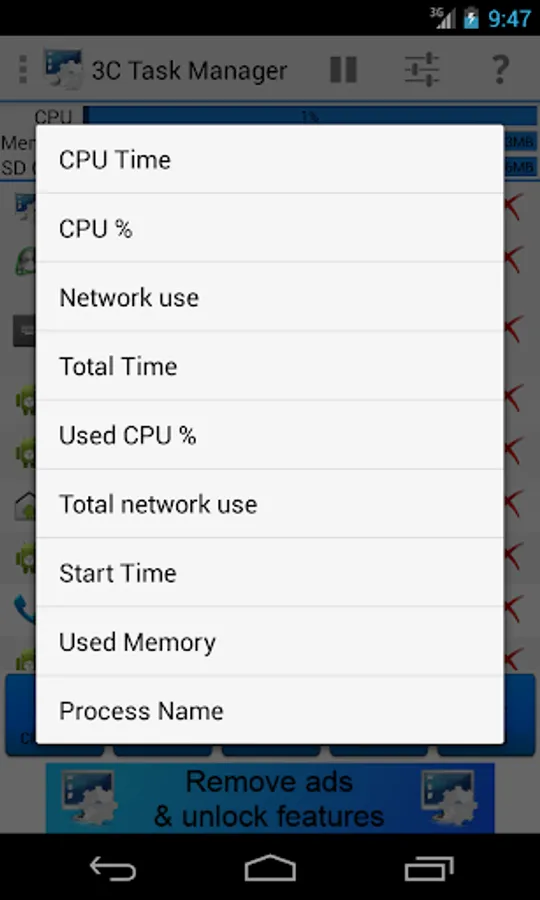
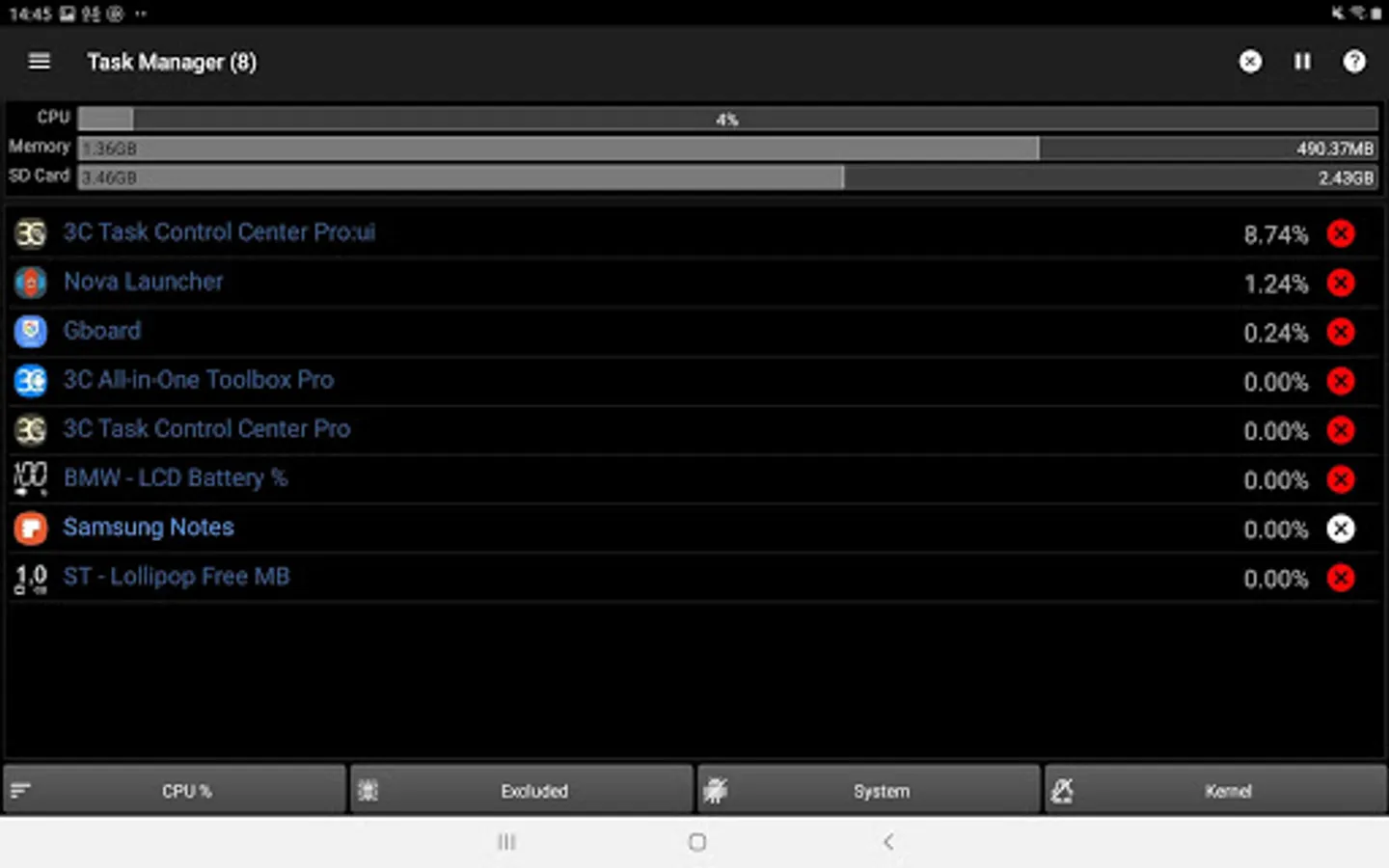
★ Sort by CPU, memory or network usage.
★ Add home-screen launcher to apps features.
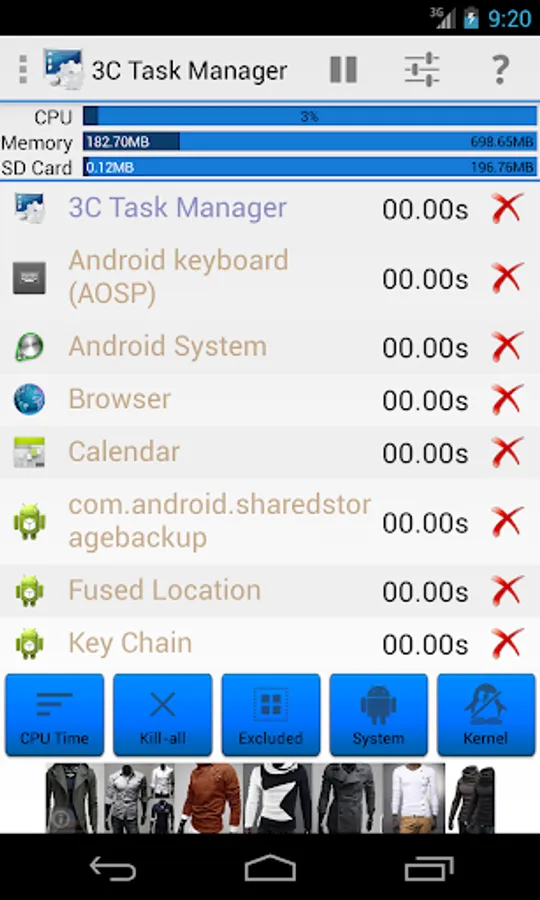
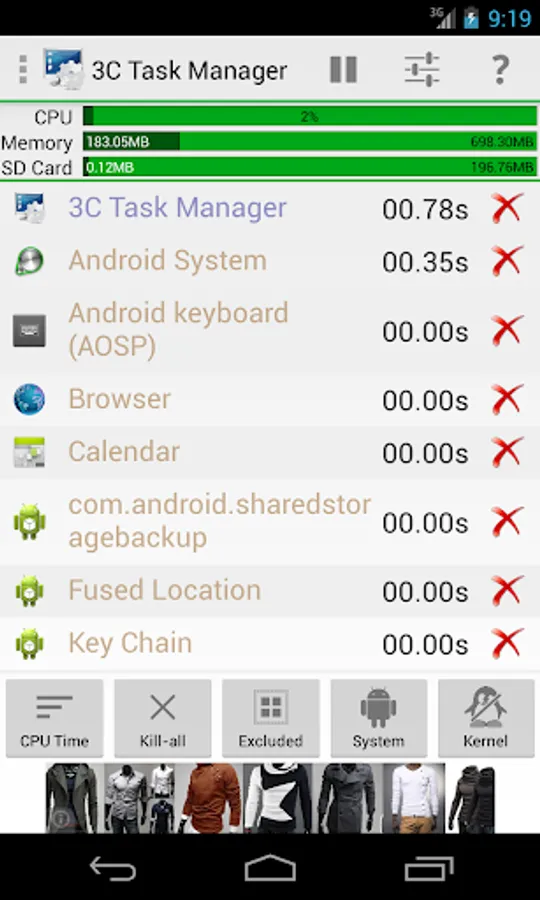
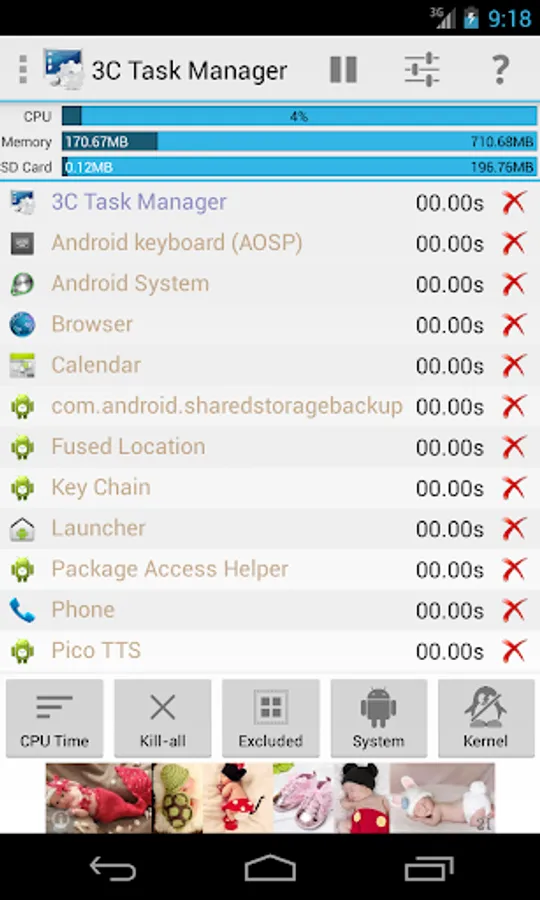
★ Configure UI the way you like it (dark/light, button themes, text size, etc...).
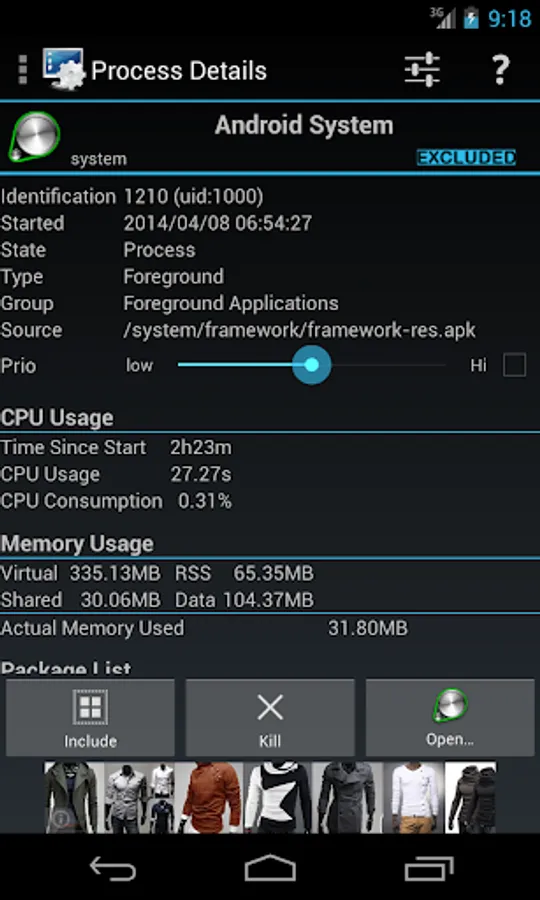
★ See detailed information about running tasks.
★ Pause display.
★ Show system data in widgets (1x1 text and gauge are freely customizable)
★ Kill any apps or kernel processes on rooted devices.
★ Force-stop apps on rooted devices or using Accessibility services.
★ Fill or stop specific apps when screen's turned on or off or under low memory condition.
If rooted or Android lower than Marshmallow (6.0), app can also:
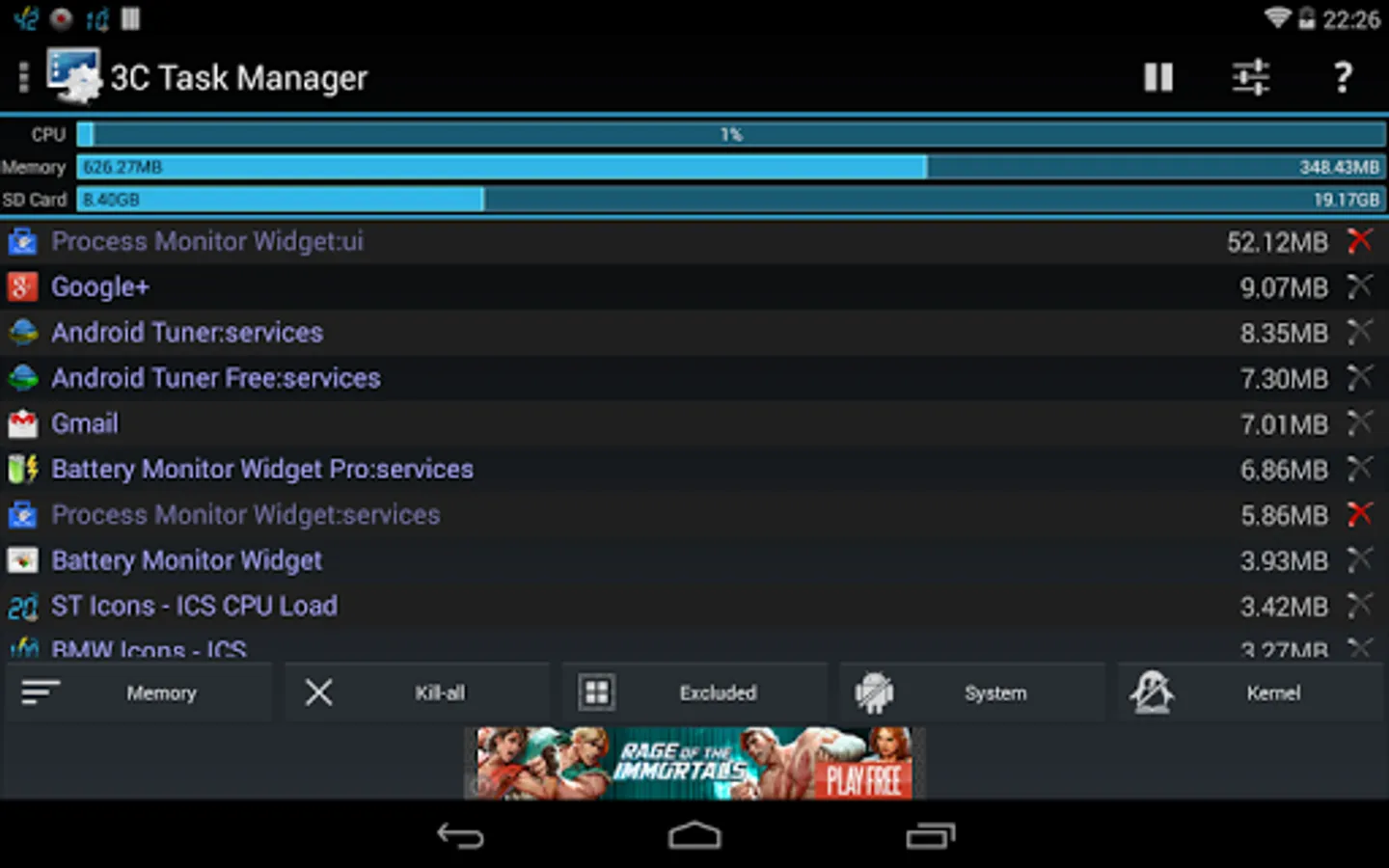
★ View and sort by memory used
★ View kernel processes
3C Companion app (non-rooted users) available here.
If Xposed framework is installed, app can also:
★ Set permanently the Linux's niceness of any process
★ Exploring task's data directory requires root and 3C Explorer (free app).
★ Viewing task's logs requires root and 3C Logs (free app)
NB:
★ Killing doesn't prevent apps from restarting.
★ Some apps are immune to force-stop and will restart anyway. You need the crystallize feature of 3C Toolbox Pro to prevent them from running.
Use in-app purchases to unlock the following features:
★ Remove Ads
★ Advanced UI theming options
★ Automatic auto-kill/stop
★ Add shortcut to notification
★ Enable extra widgets (2x1 text and graphics) customization
★ Enable widget refresh rate configuration
3C Task Manager Screenshots
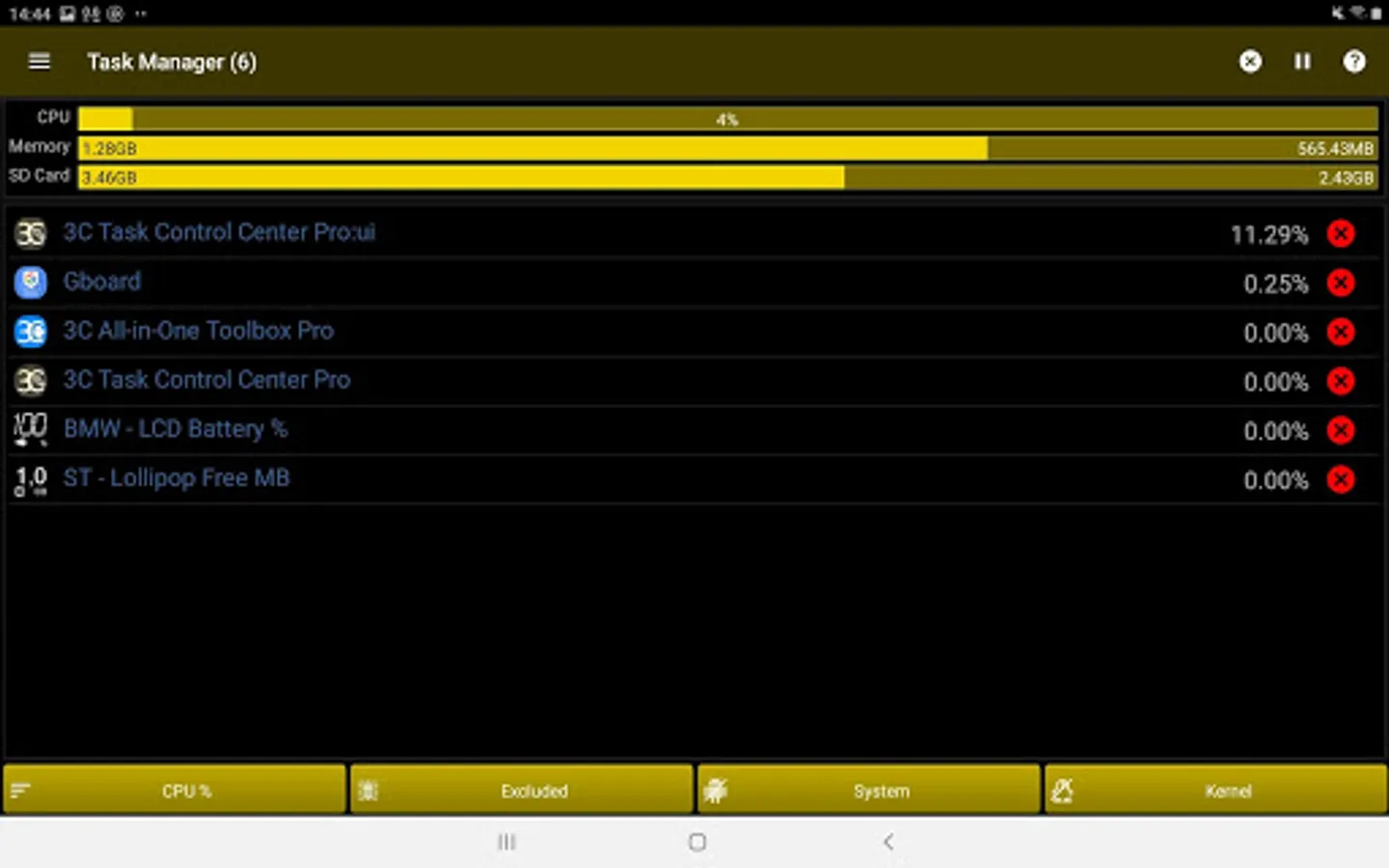
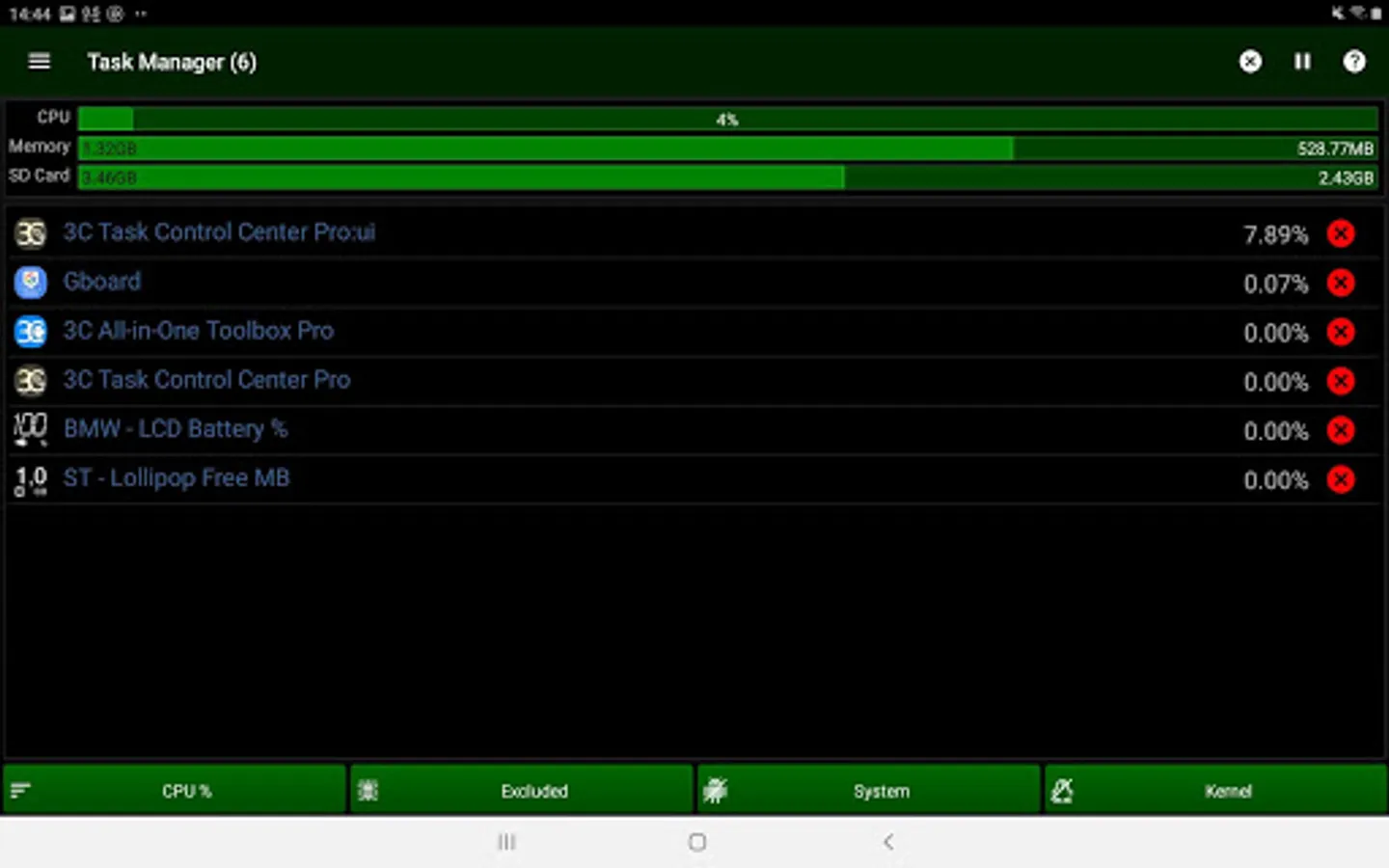
Tap to Rate:
Reviews for 3C Task Manager
Re Served
10/8/2025
Edit - all it needed was a phone reboot. All good! {I'm sure it will be fixed but latest version at time of writing on S24 android 15 not-rooted it goes thru the motions bringing each app info page up but doesn't stop them. It gets stuck on the last app info page too.}
tigros999
6/29/2025
this guy is an ad freak! do not use unless you don't mind full screen ads blasting jingles in your face!