
Multiple Photo Crop
Constantin Bostan
3.1 ★
446 ratings
100,000+
downloads
Free
+ in-app
In this photo editing app, you can crop and resize multiple images simultaneously using various shapes and aspect ratios. Includes offline functionality, custom dimensions, and sharing options.
AppRecs review analysis
AppRecs rating 3.0. Trustworthiness 81 out of 100. Review manipulation risk 22 out of 100. Based on a review sample analyzed.
★★★☆☆
3.0
AppRecs Rating
Ratings breakdown
5 star
36%
4 star
11%
3 star
13%
2 star
6%
1 star
34%
What to know
✓
Low review manipulation risk
22% review manipulation risk
⚠
Pricing complaints
Many low ratings mention paywalls or pricing
⚠
High negative review ratio
40% of sampled ratings are 1–2 stars
About Multiple Photo Crop
Best app to crop and resize multiple images at ones.
It has the following advantages:
• No ads, commercials or full-screen banners;
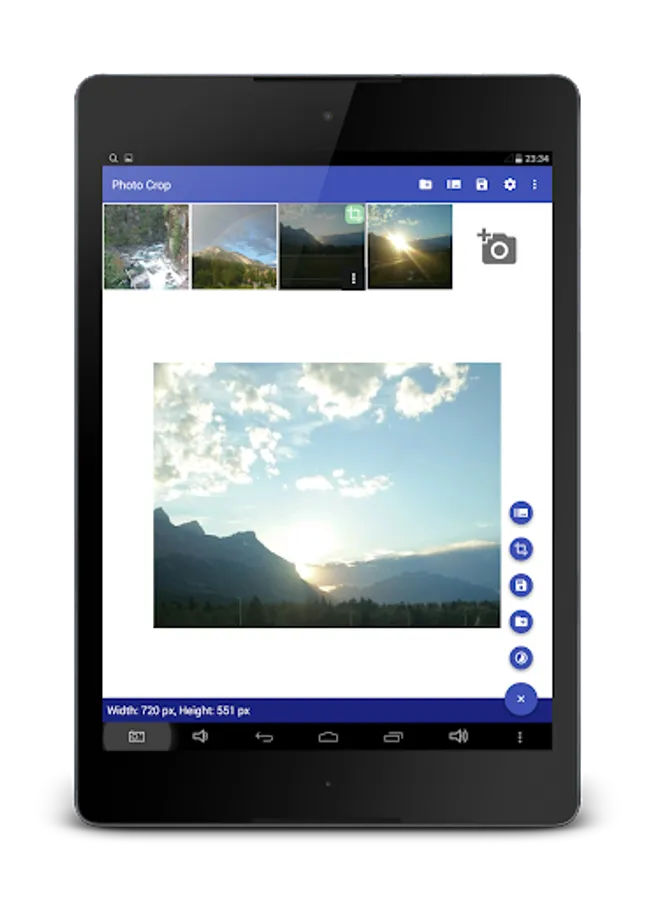
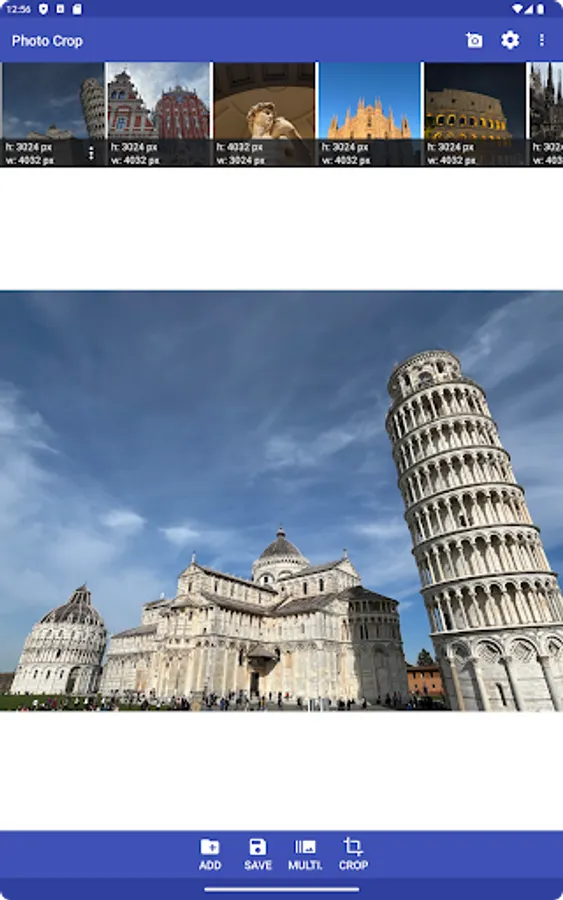
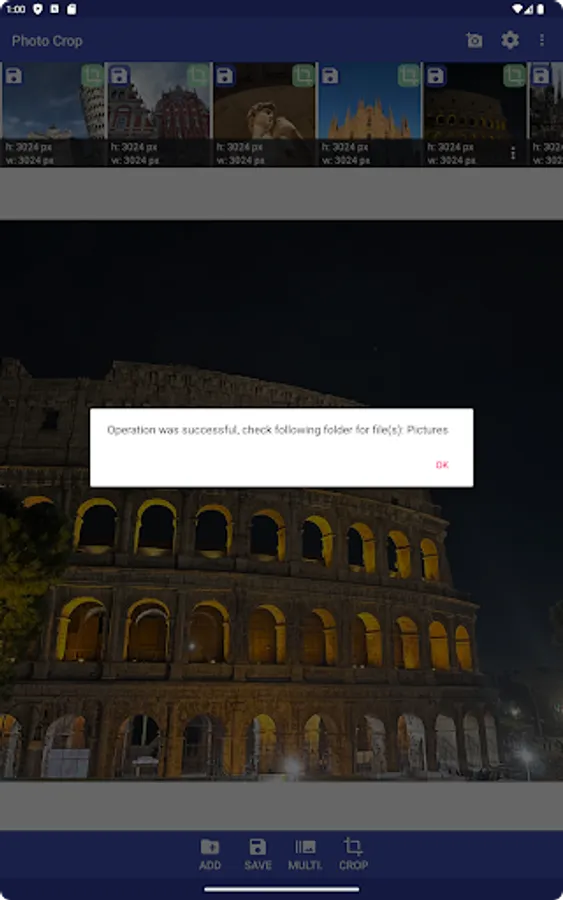
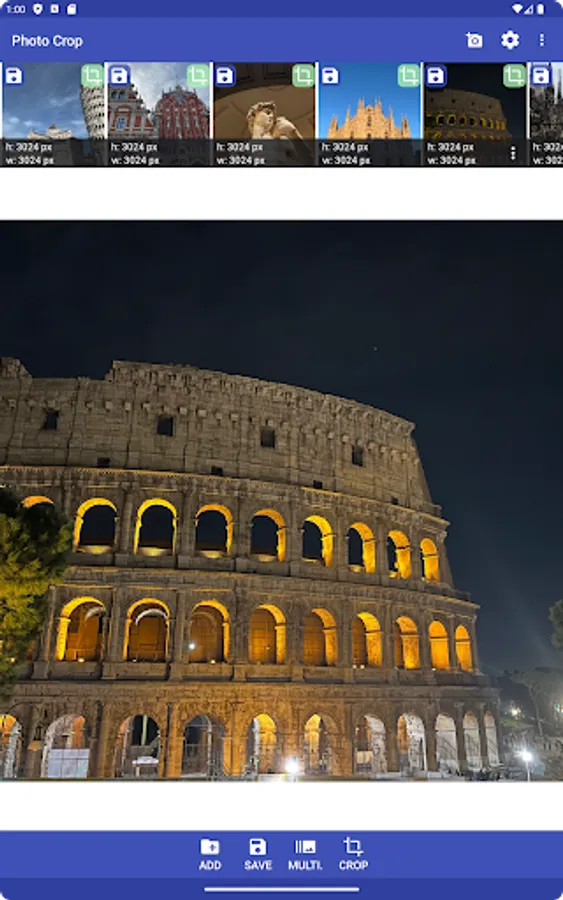
• Possibility to select multiple photos for cropping and resizing
• Works offline;
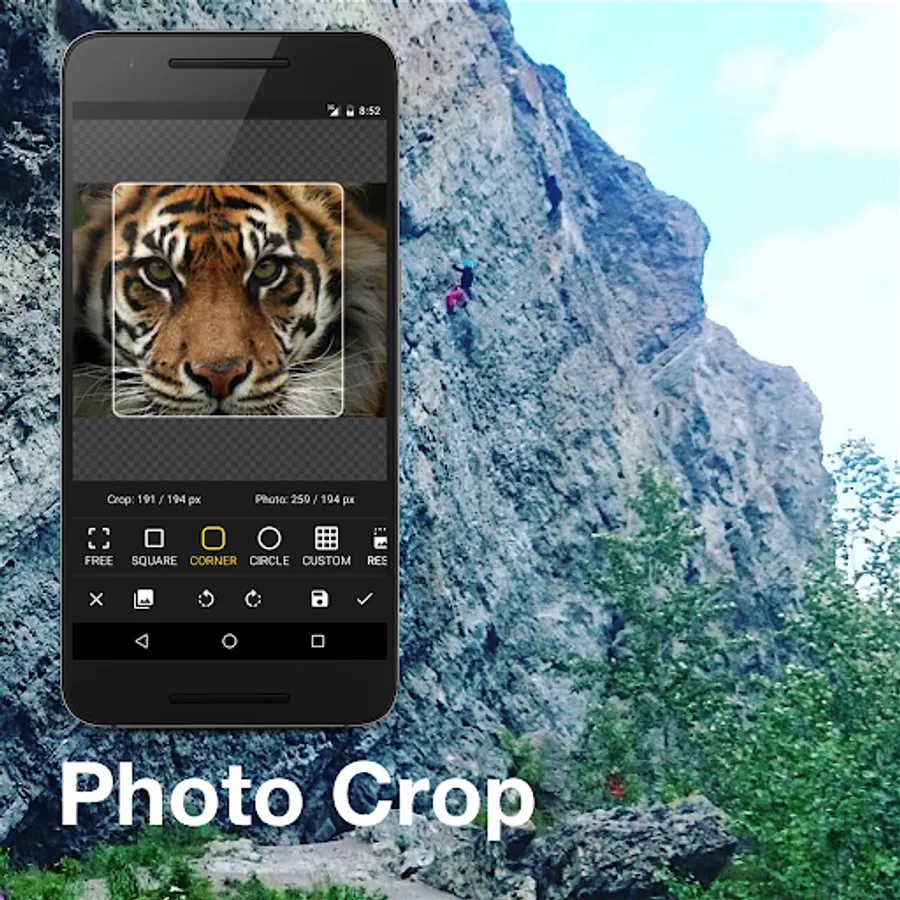
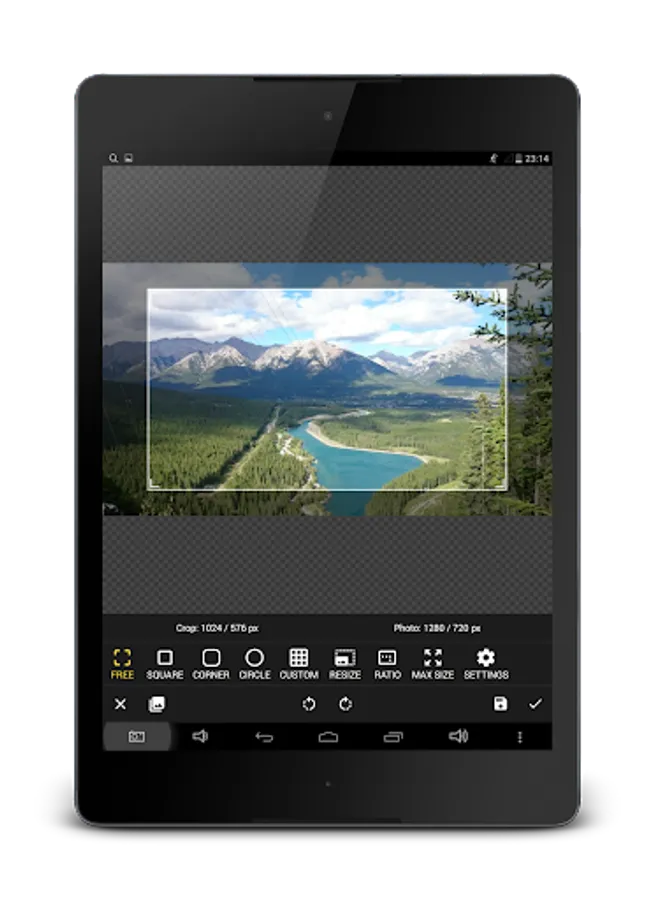
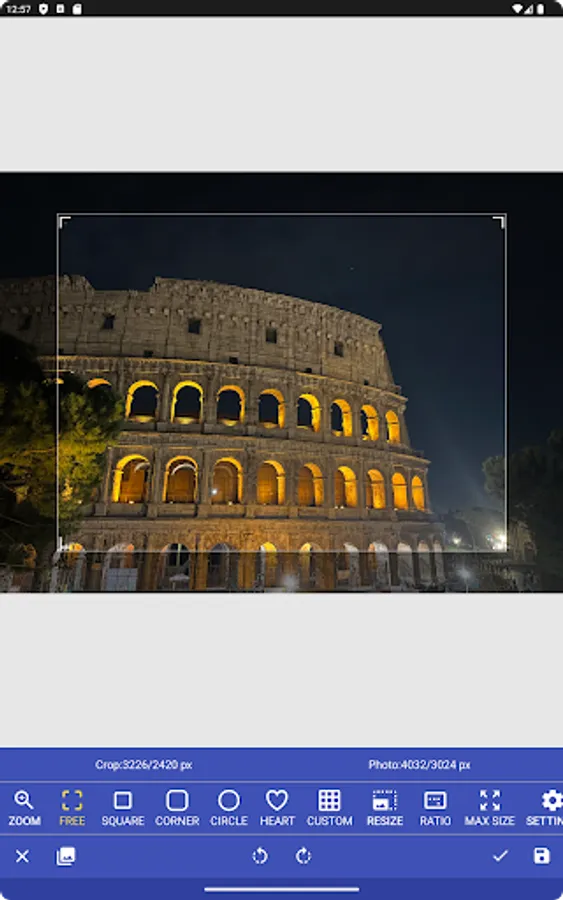
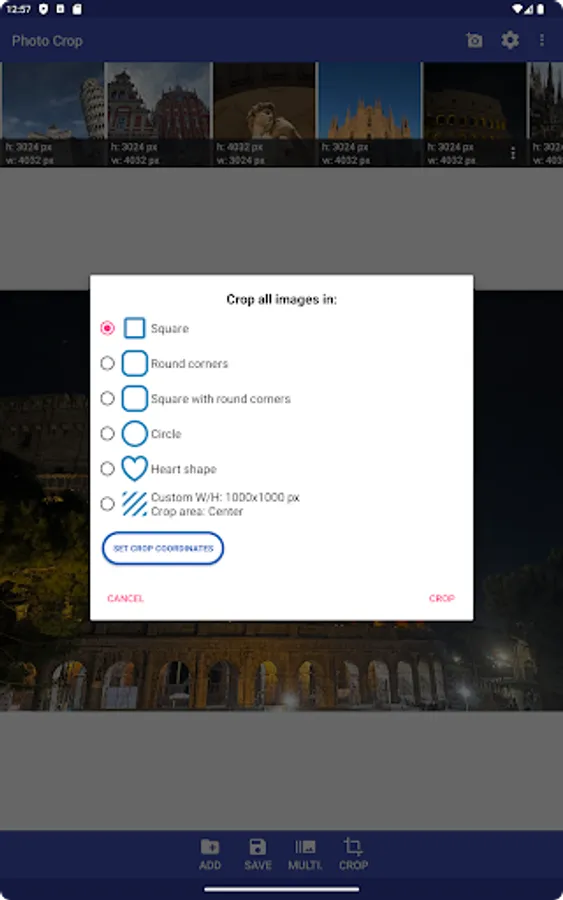
• Different forms for cropping: square, circle, round corners;
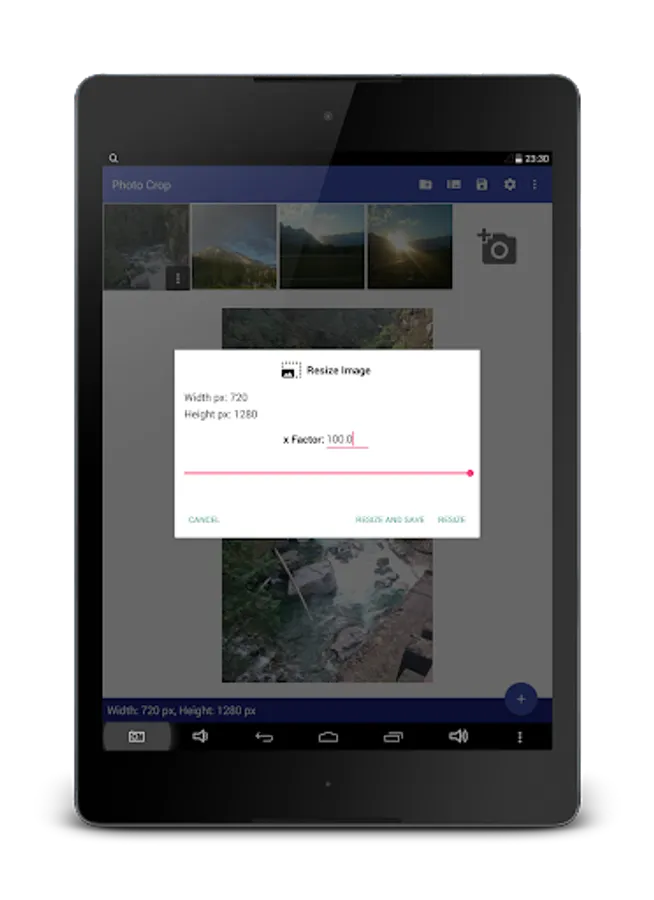
• Image resize;
• Round corners crop;
• Facebook photo share;
• Select path to save the cropped photo;
• Easy to use, in two clicks image is ready;
• Can be used with file explorer applications;
• Works very well on all devices, including newest versions;
• Custom width and height for the crop view;
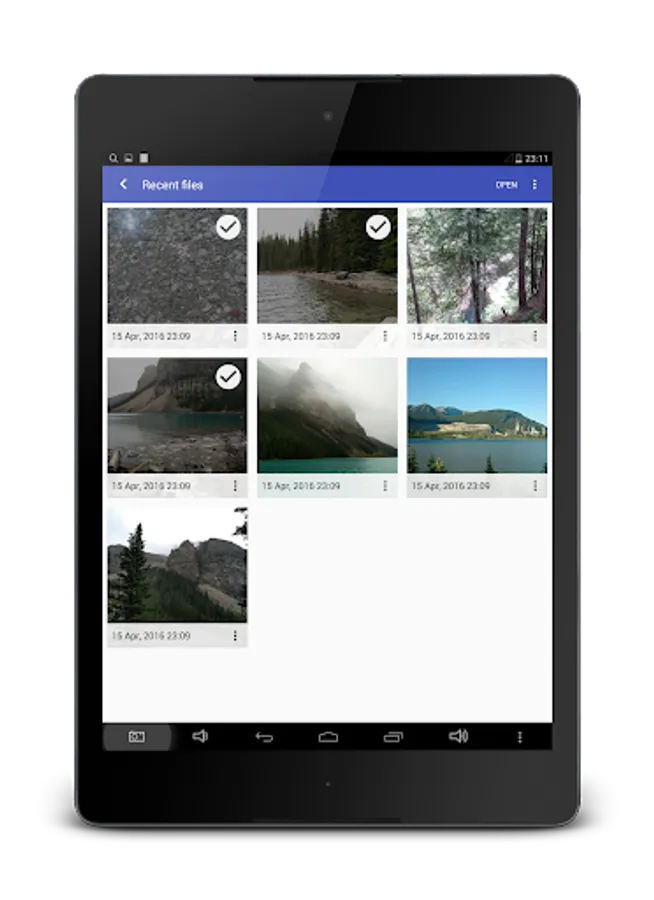
• Possibility to open recently selected images.
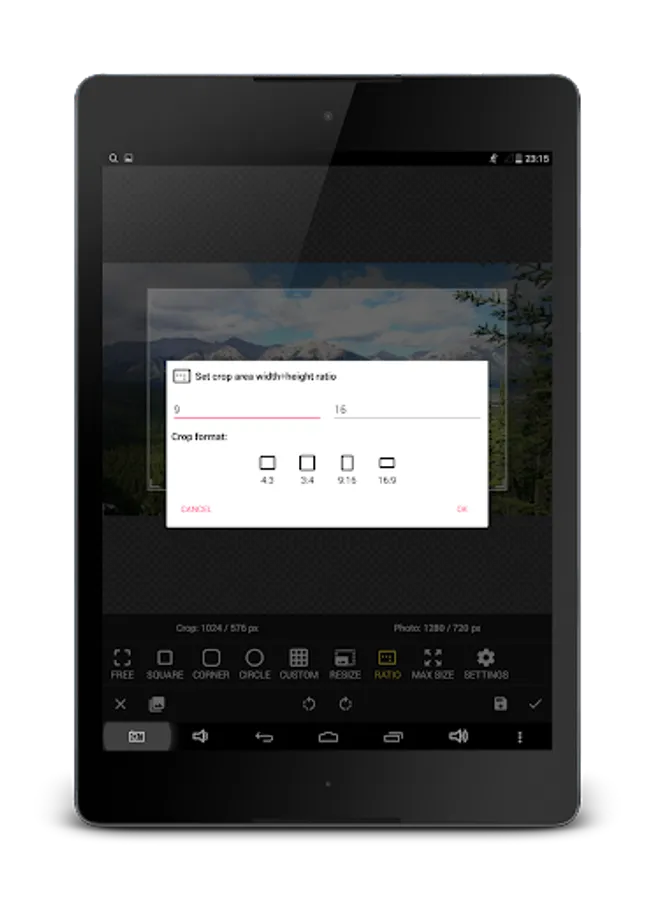
• Custom or predefined aspect ratio of the photo crop view - 4:3, 3:4, 9:16, 16:9;
• Contains only authorized Google libraries therefore your personal information will be safe while using this application.
If you encountered a bug or app crash write an email with detail description to me, I will try to fix it in next app release. Have a nice day :)
It has the following advantages:
• No ads, commercials or full-screen banners;
• Possibility to select multiple photos for cropping and resizing
• Works offline;
• Different forms for cropping: square, circle, round corners;
• Image resize;
• Round corners crop;
• Facebook photo share;
• Select path to save the cropped photo;
• Easy to use, in two clicks image is ready;
• Can be used with file explorer applications;
• Works very well on all devices, including newest versions;
• Custom width and height for the crop view;
• Possibility to open recently selected images.
• Custom or predefined aspect ratio of the photo crop view - 4:3, 3:4, 9:16, 16:9;
• Contains only authorized Google libraries therefore your personal information will be safe while using this application.
If you encountered a bug or app crash write an email with detail description to me, I will try to fix it in next app release. Have a nice day :)
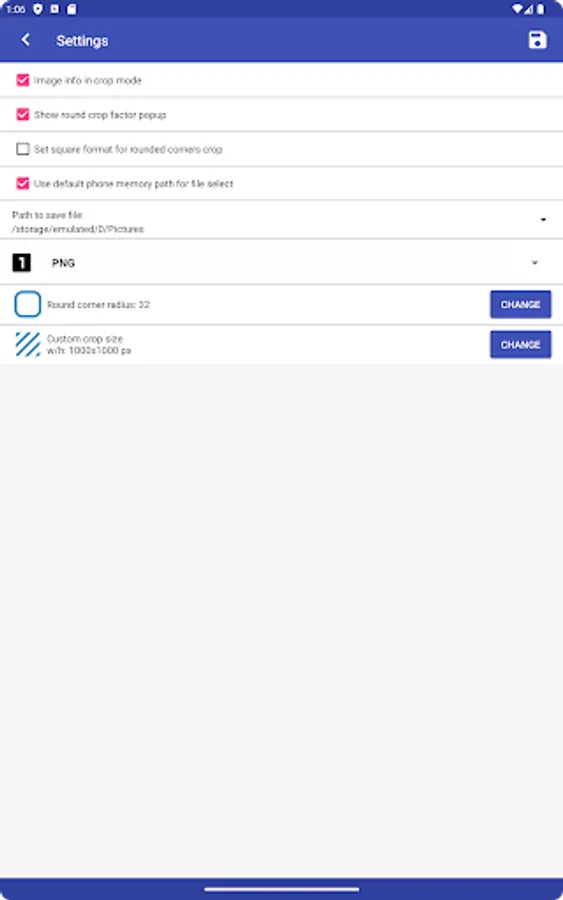
Multiple Photo Crop Screenshots


Tap to Rate:
Reviews for Multiple Photo Crop
WebFlyer0
12/7/2025
batch crop option not available without subscription, I manually cropped all images and it only saved the last image. complete waste of time
Hilmy A. S.
8/26/2025
useless