Multiple PDF Merger
Constantin Bostan
2.9 ★
633 ratings
100,000+
downloads
Free
+ in-app
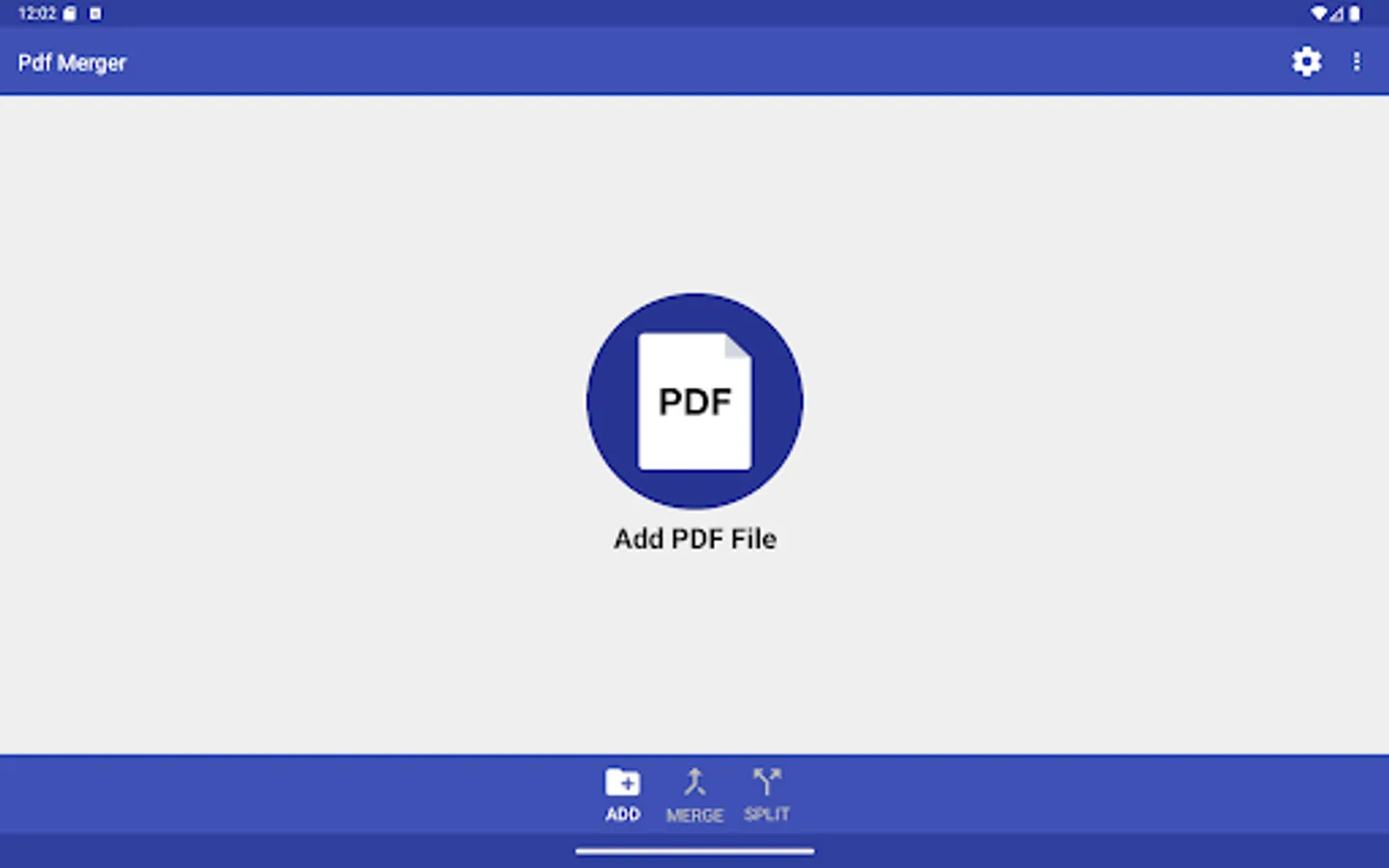
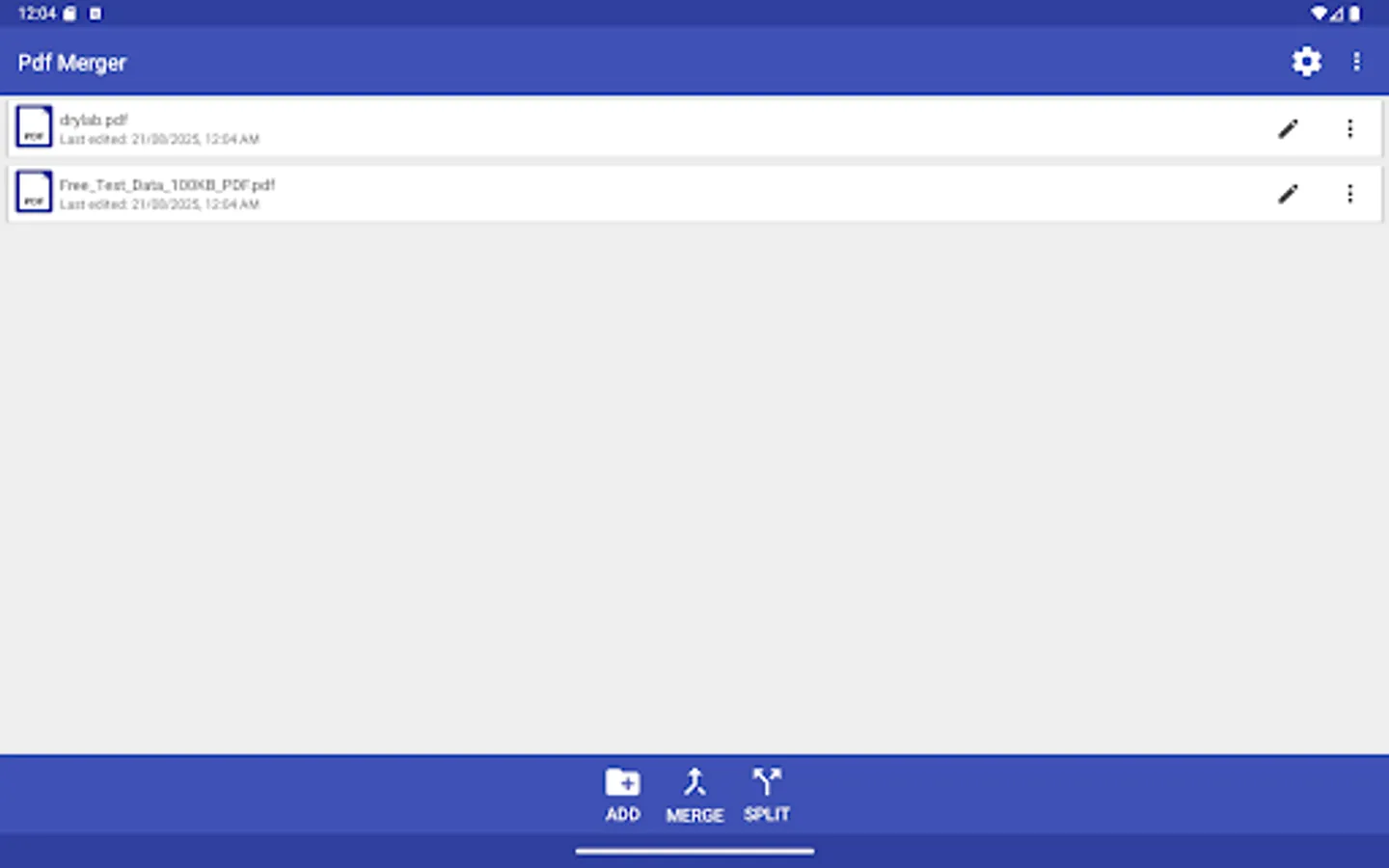
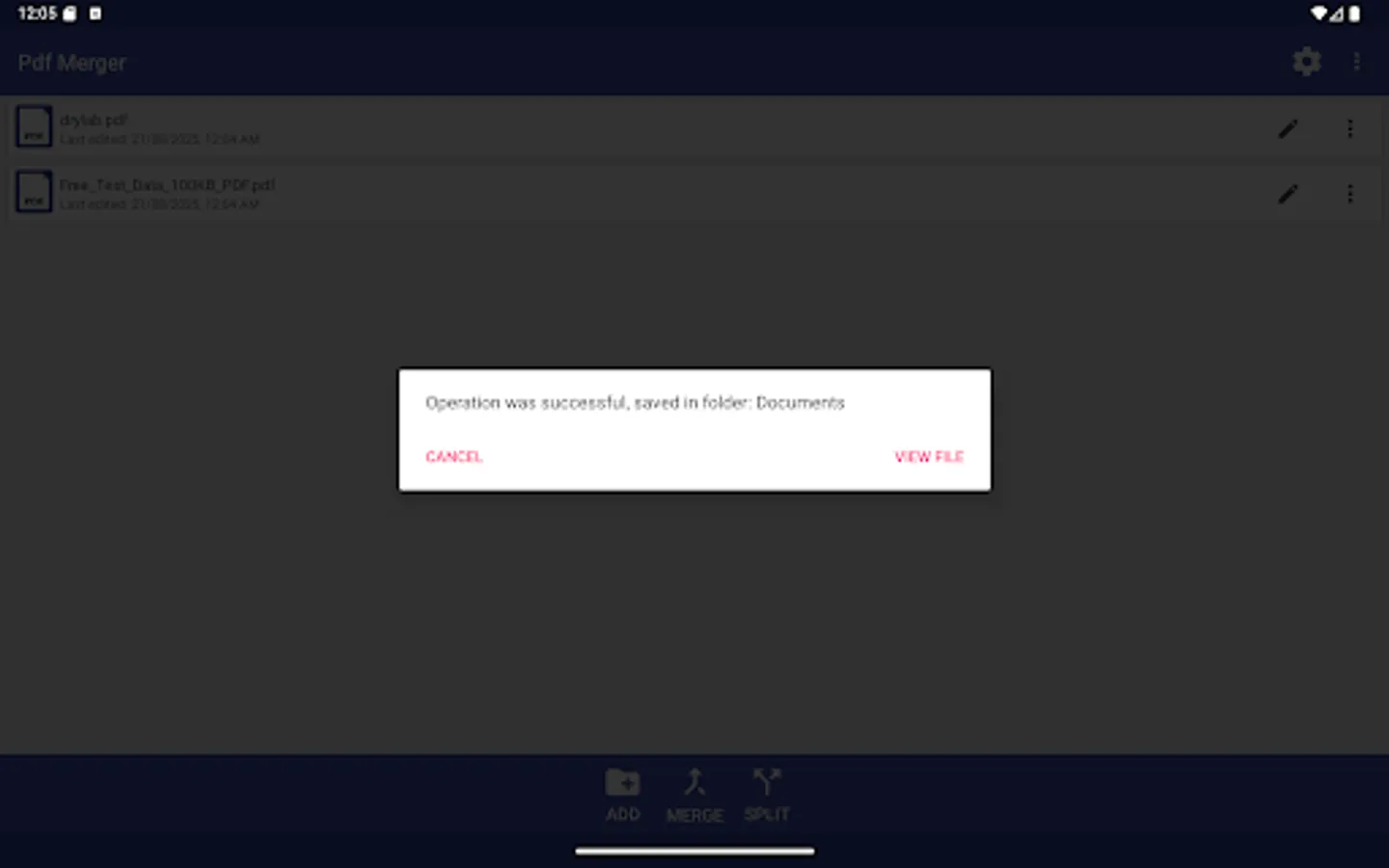
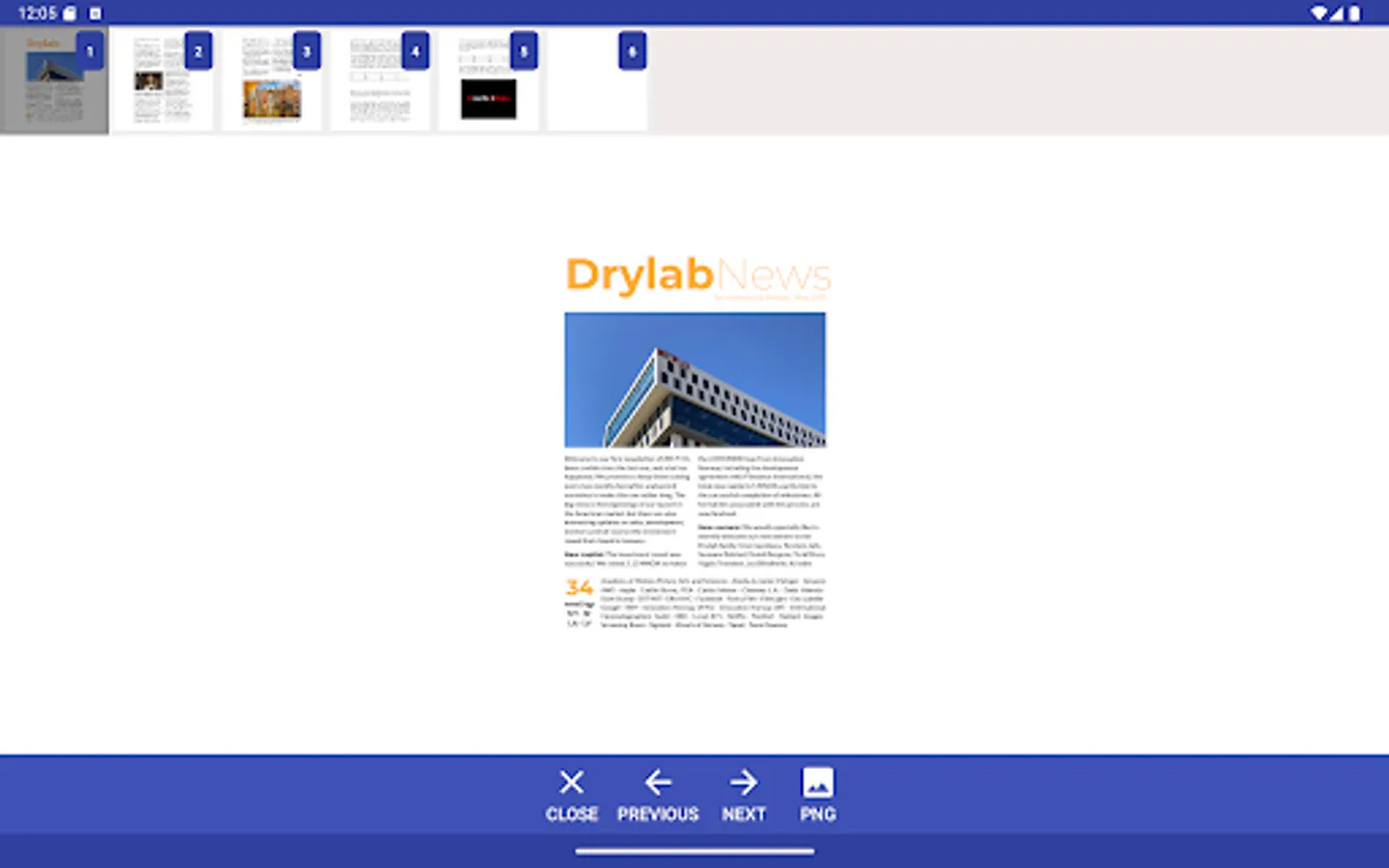
With this app, you can merge or split PDF files by selecting multiple documents and managing them via drag and drop or menu options. Includes offline processing, file management features, and support for non-protected PDFs.
AppRecs review analysis
AppRecs rating 2.9. Trustworthiness 76 out of 100. Review manipulation risk 21 out of 100. Based on a review sample analyzed.
★★☆☆☆
2.9
AppRecs Rating
Ratings breakdown
5 star
39%
4 star
8%
3 star
8%
2 star
0%
1 star
46%
What to know
✓
Low review manipulation risk
21% review manipulation risk
⚠
Mixed user feedback
Average 2.9★ rating suggests room for improvement
⚠
High negative review ratio
46% of sampled ratings are 1–2 stars
About Multiple PDF Merger
Best app to merge and split PDF files.
It has the following advantages:
• Works offline;
• No ads, commercials or full-screen banners;
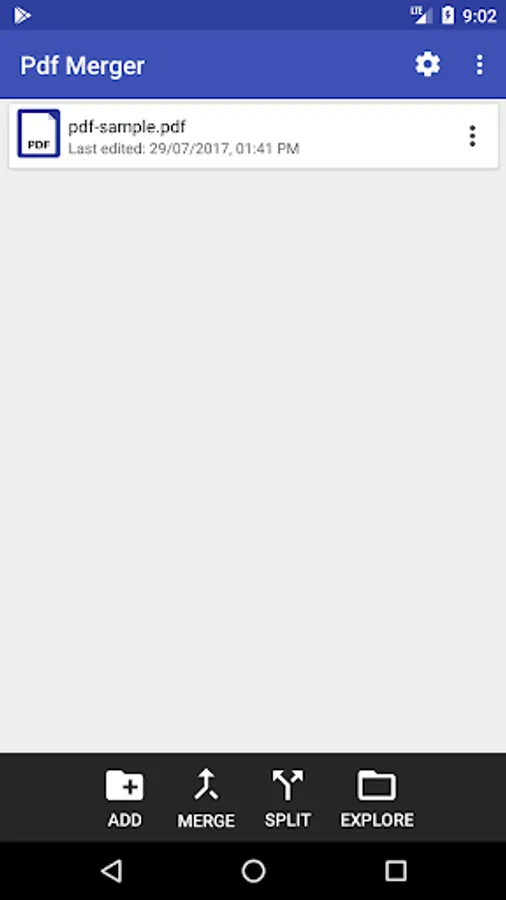
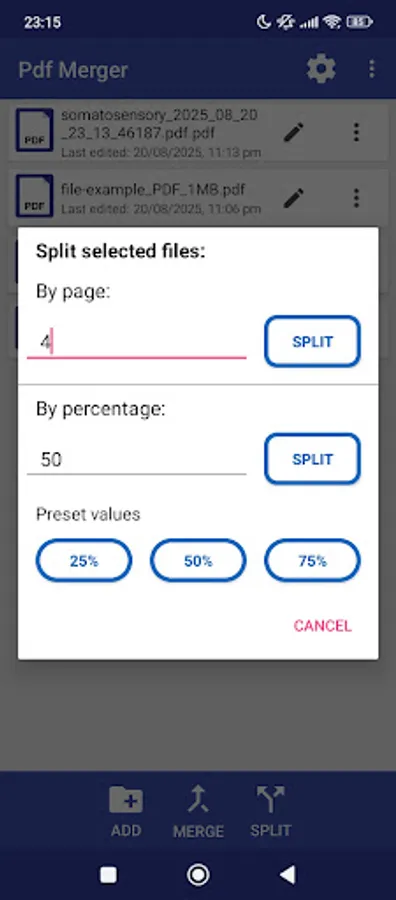
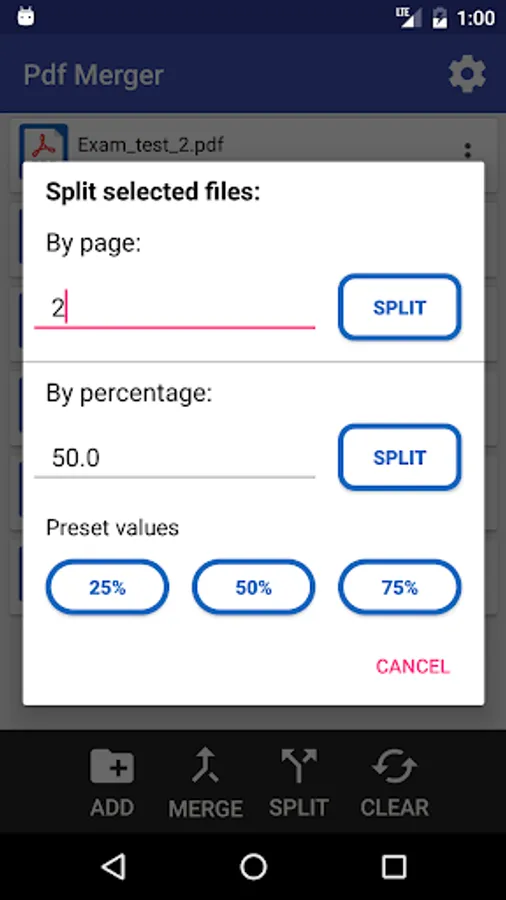
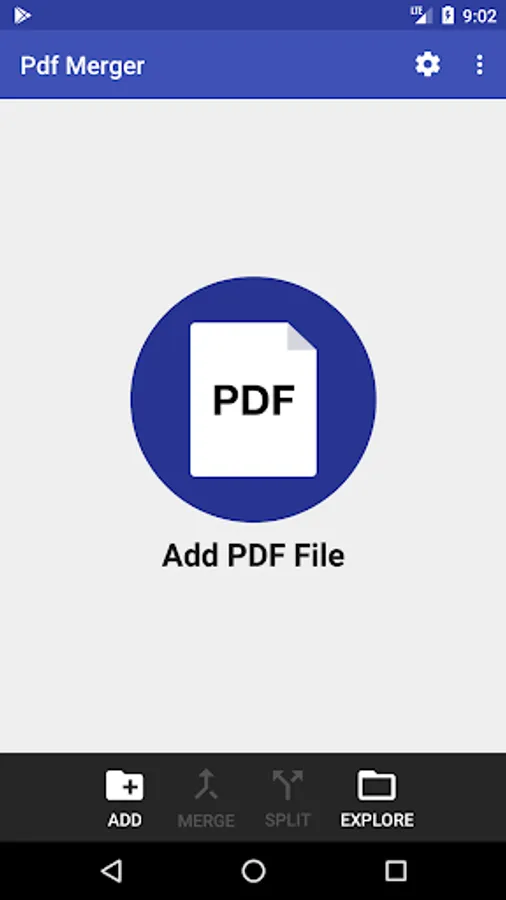
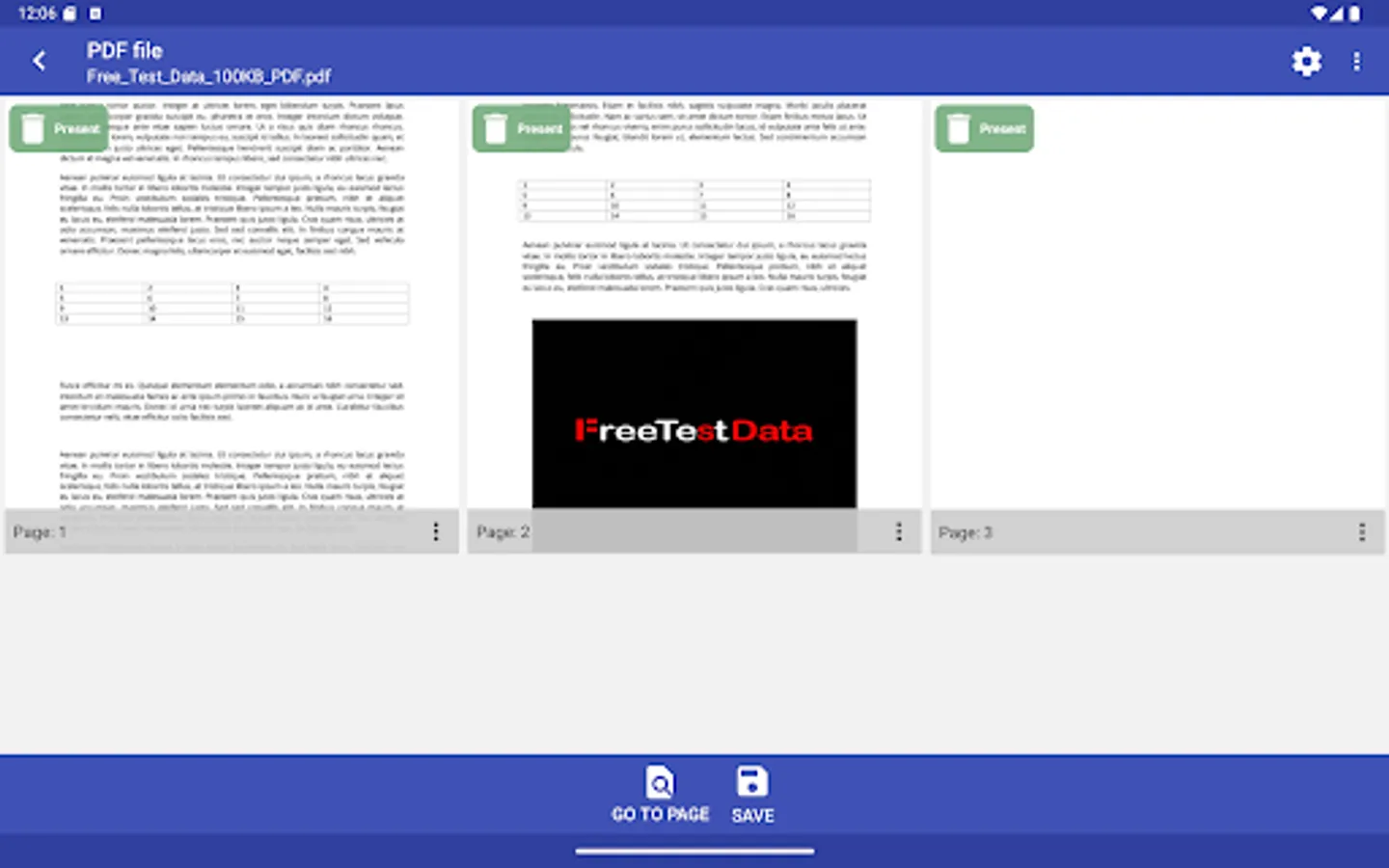
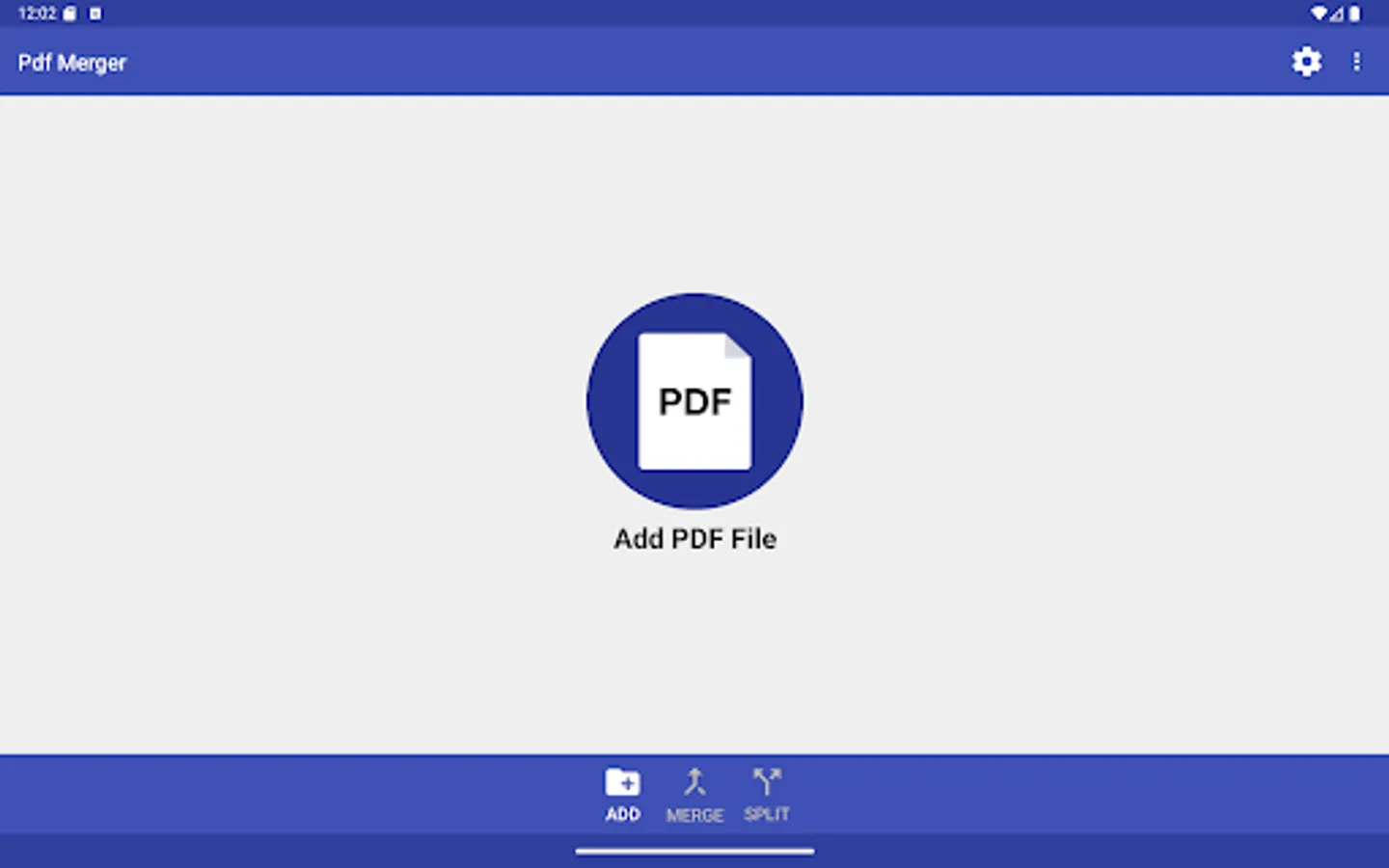
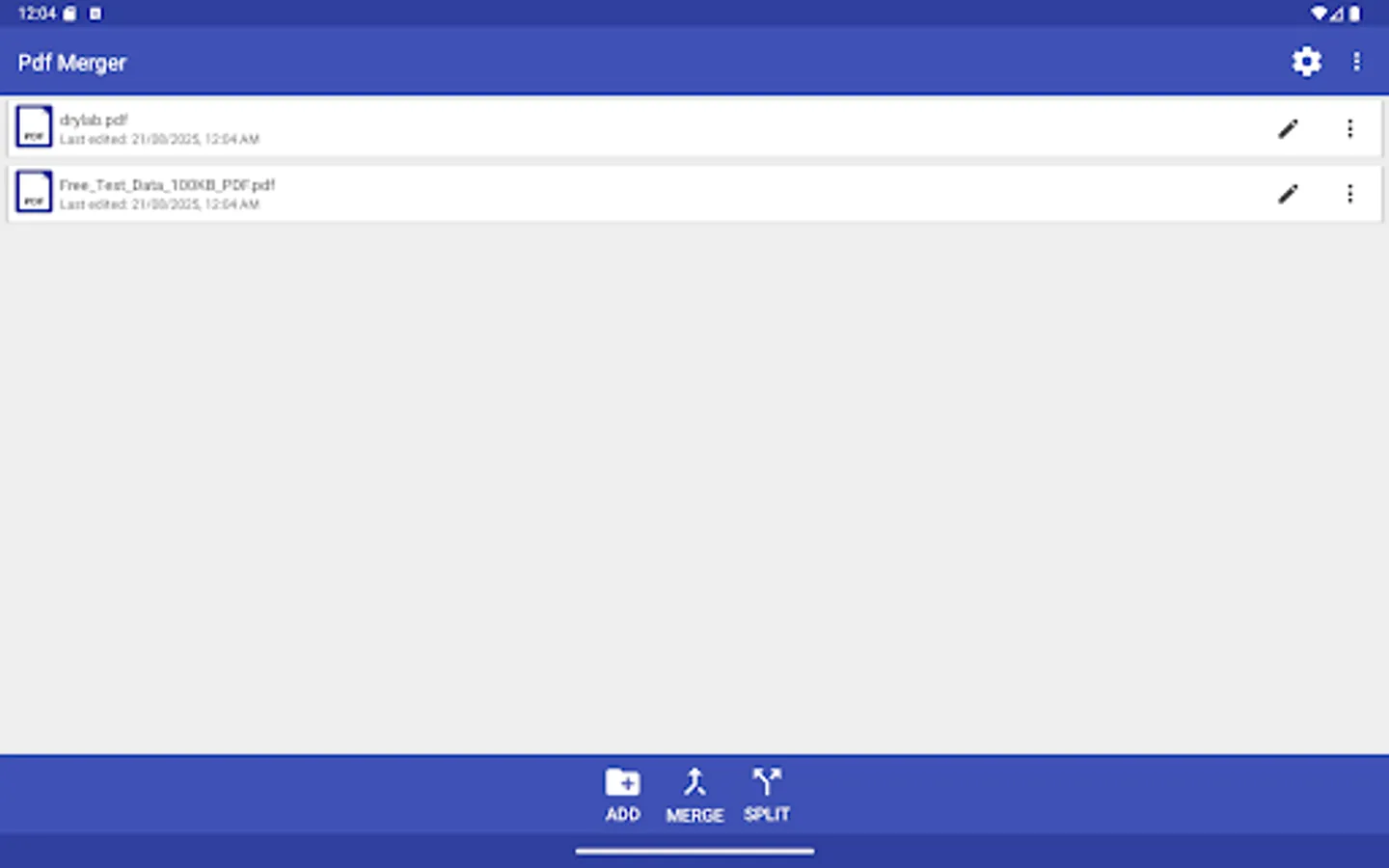
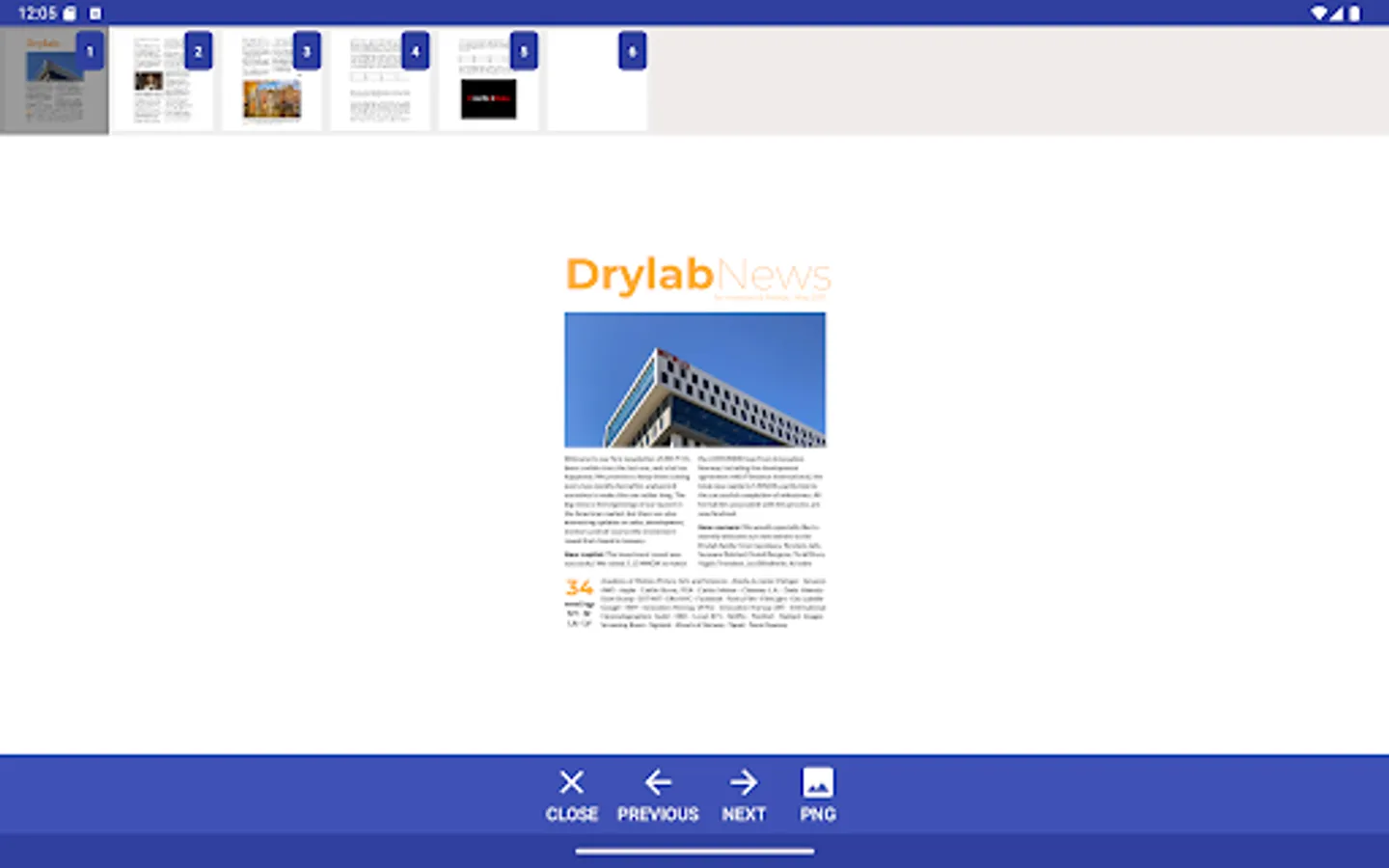
• Possibility to select multiple PDF files for merging or splitting;
• Uses latest Google libraries for parsing PDF documents and building a secure application;
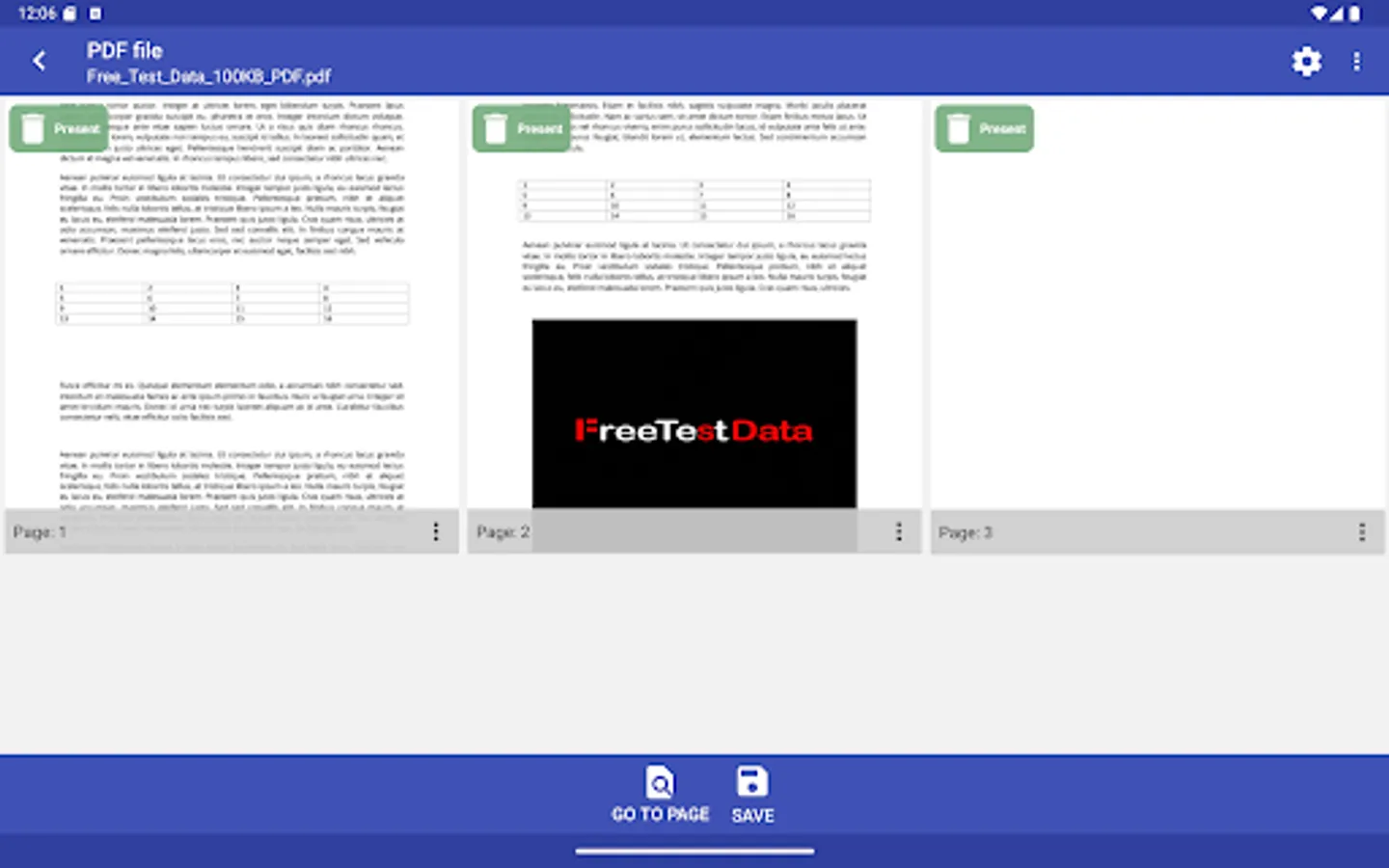
• The selected files can be removed or relocated using menu options or drag and drop principles;
To remove the selected file: long press and swipe left or right, for PDF relocation swipe up or down;
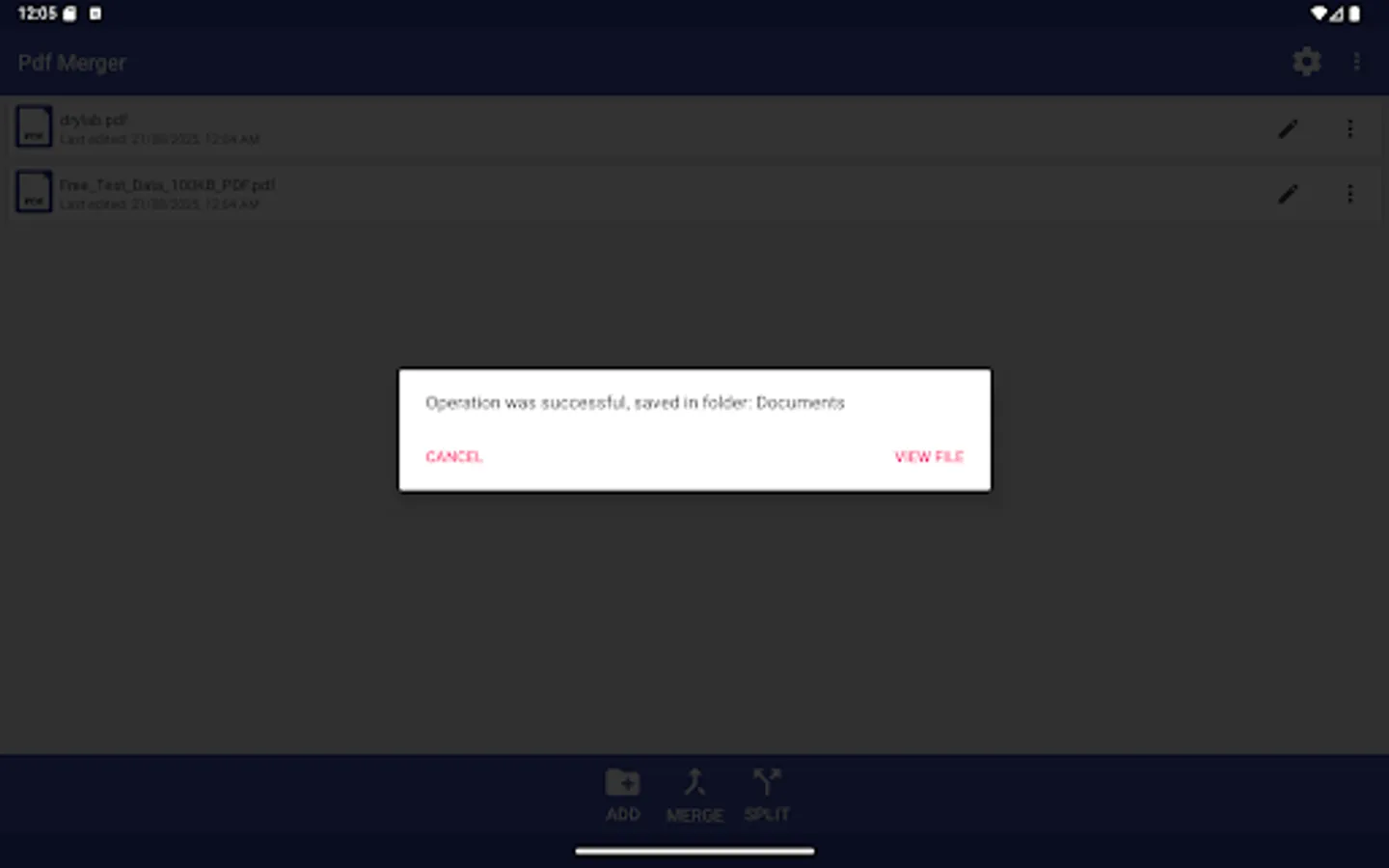
Merging PDF files may take some time to finish, make sure you have all the background apps closed.
Note: If you have a weak device don't select too many files, the app may crash because of low RAM memory;
Application doesn't support password protected or broken PDF files
It has the following advantages:
• Works offline;
• No ads, commercials or full-screen banners;
• Possibility to select multiple PDF files for merging or splitting;
• Uses latest Google libraries for parsing PDF documents and building a secure application;
• The selected files can be removed or relocated using menu options or drag and drop principles;
To remove the selected file: long press and swipe left or right, for PDF relocation swipe up or down;
Merging PDF files may take some time to finish, make sure you have all the background apps closed.
Note: If you have a weak device don't select too many files, the app may crash because of low RAM memory;
Application doesn't support password protected or broken PDF files
Multiple PDF Merger Screenshots
Tap to Rate:
Reviews for Multiple PDF Merger
David Michael
6/15/2023
Cool
Gilbert Wafi
1/16/2023
Useless app, can't even see what I'm trying to do