With this Inkscape course, you can learn vector design tools and techniques for creating graphics. Includes tutorials on layering, paths, gradients, and export options.
AppRecs review analysis
AppRecs rating 3.2. Trustworthiness 82 out of 100. Review manipulation risk 28 out of 100. Based on a review sample analyzed.
★★★☆☆
3.2
AppRecs Rating
Ratings breakdown
5 star
46%
4 star
0%
3 star
8%
2 star
8%
1 star
38%
What to know
✓
Low review manipulation risk
28% review manipulation risk
✓
Credible reviews
82% trustworthiness score from analyzed reviews
⚠
High negative review ratio
46% of sampled ratings are 1–2 stars
About Course Inkscape
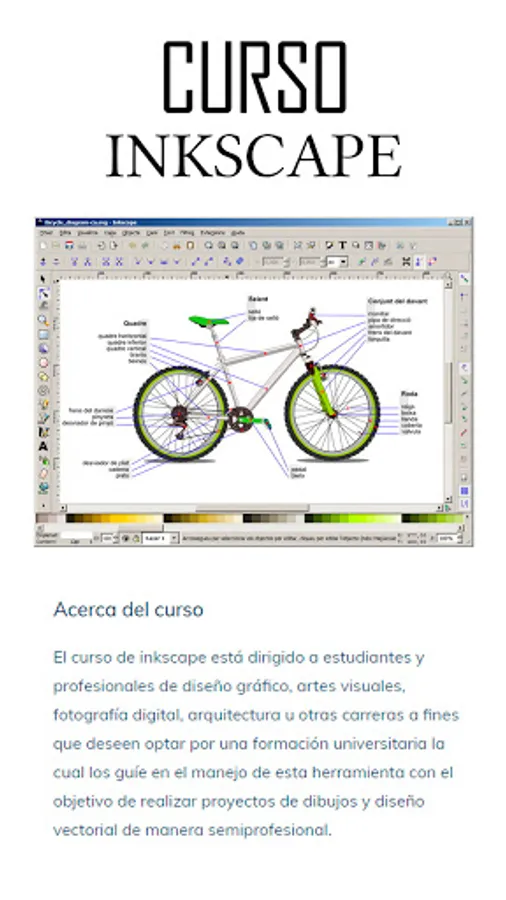
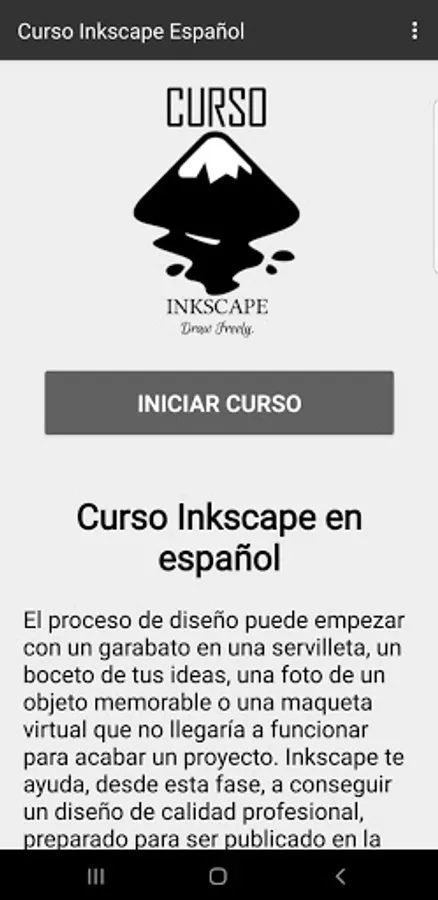
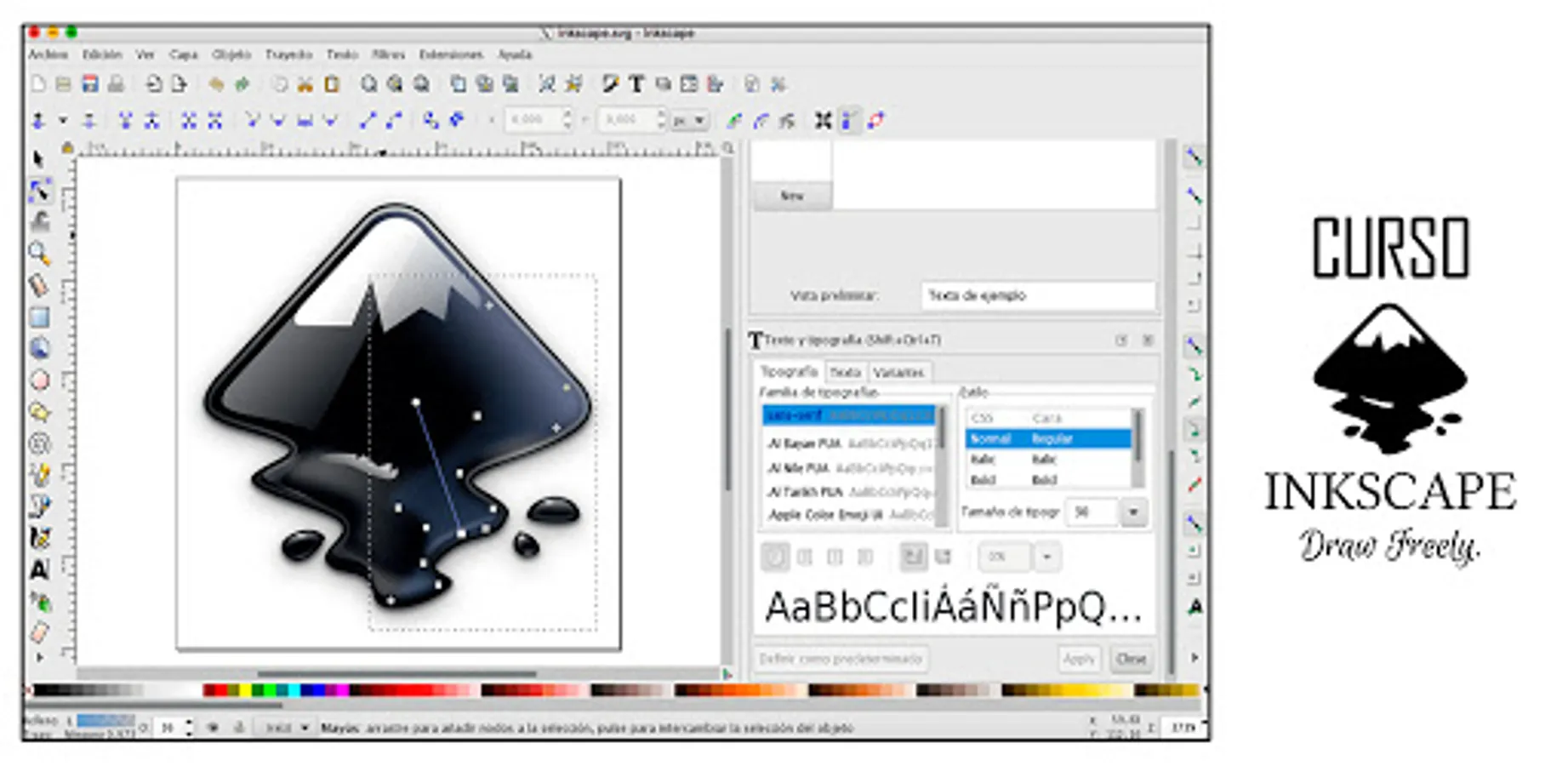
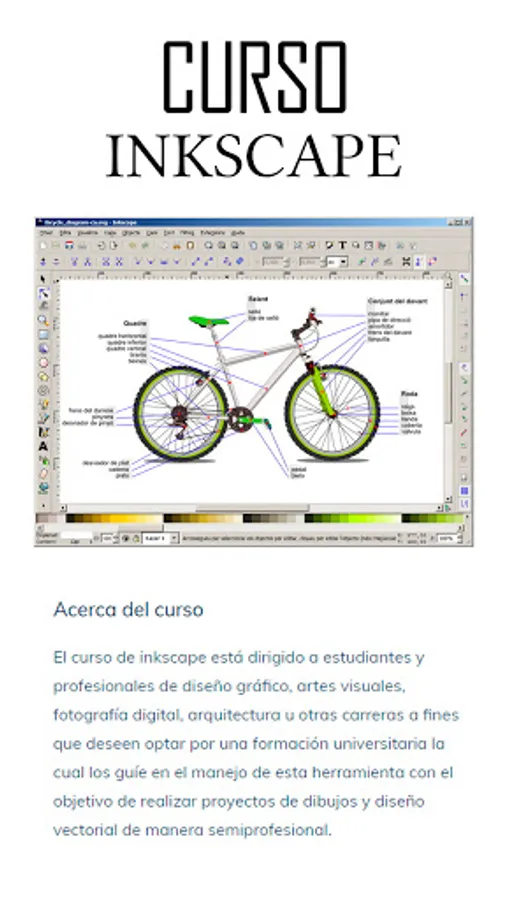
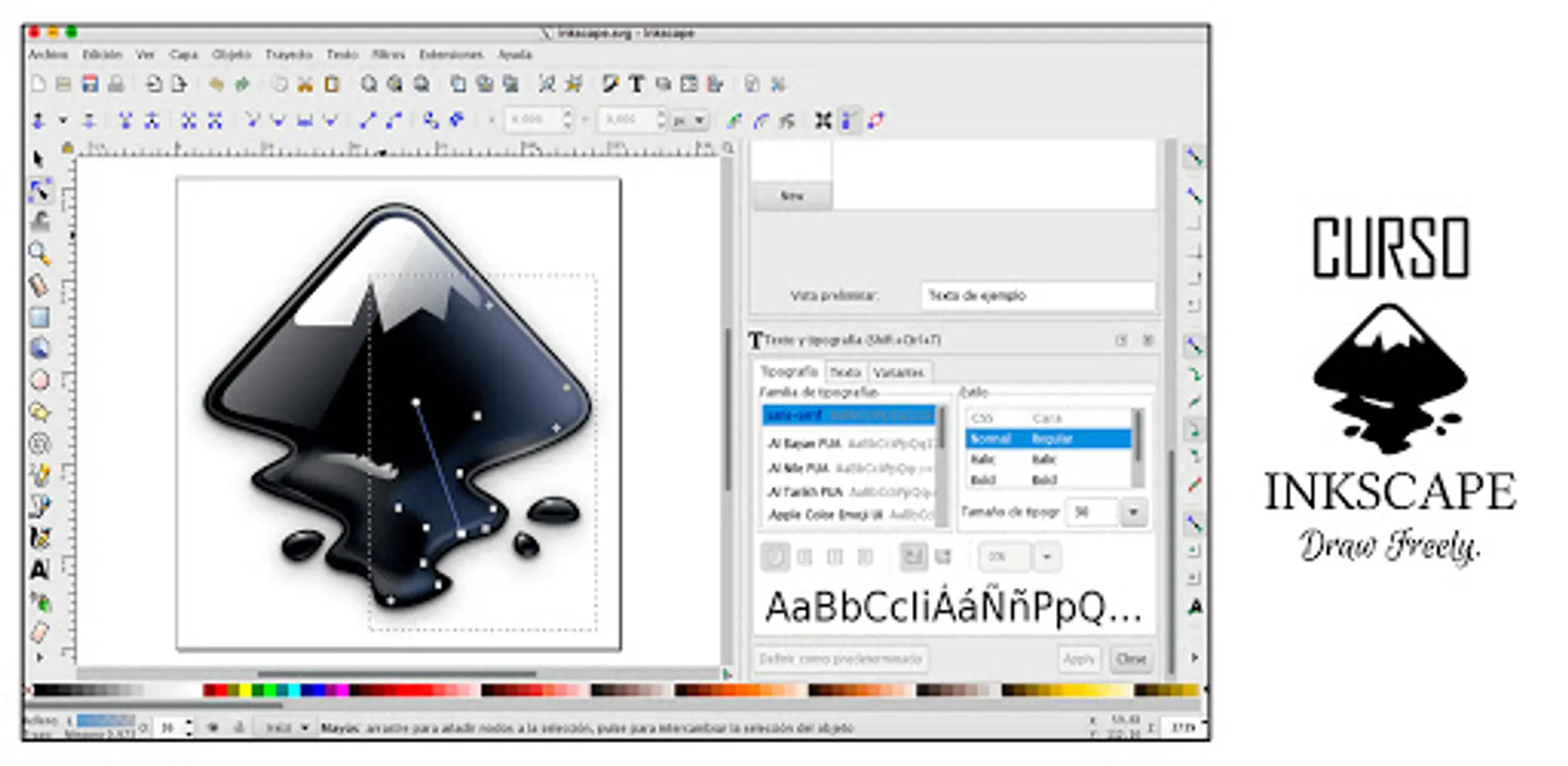
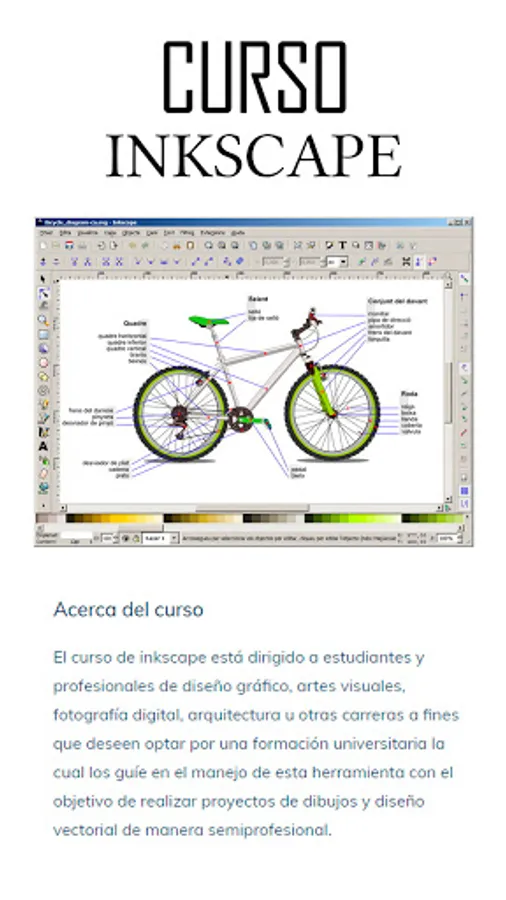
🎨 Unlock the creative power of vector design with the Inkscape Course. From doodles on napkins to professional projects, Inkscape will guide you through the process of creating high-quality graphics ready for web or print publication.
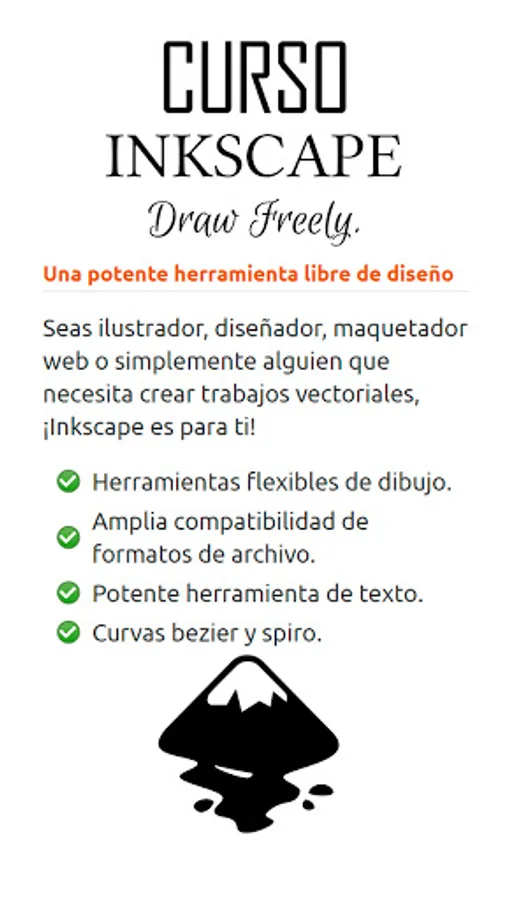
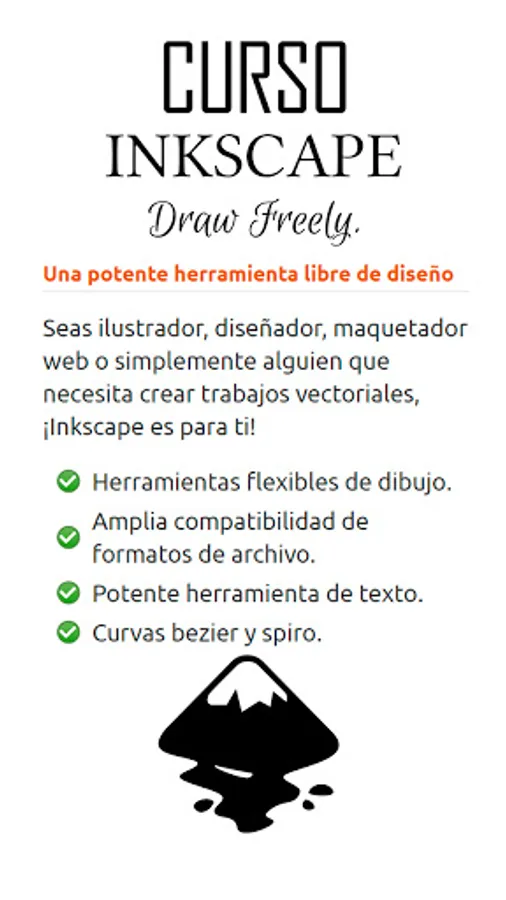
🌟 Whether you're new to the world of vector design or an experienced professional, Inkscape will impress you with its flexibility and power. Perfect for creating logos, illustrations, and scalable projects, this tool is widely used in marketing, engineering, web graphics, and comic design.
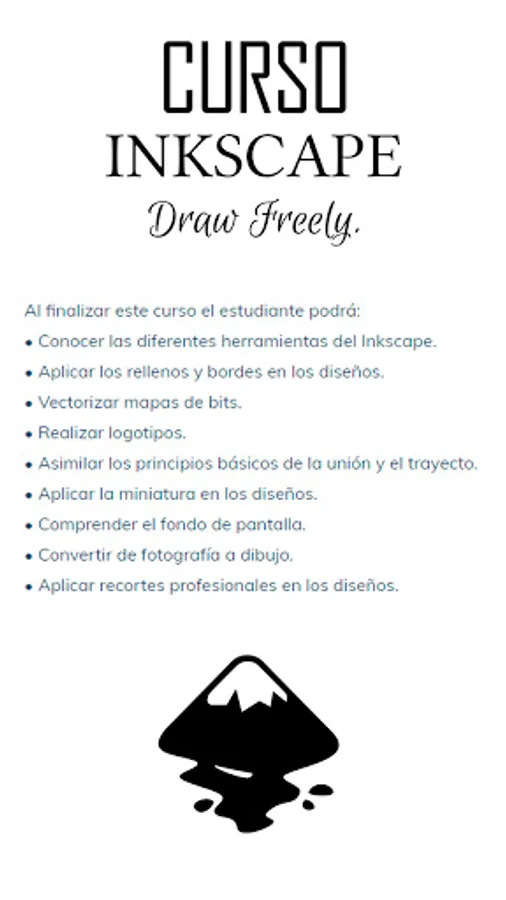
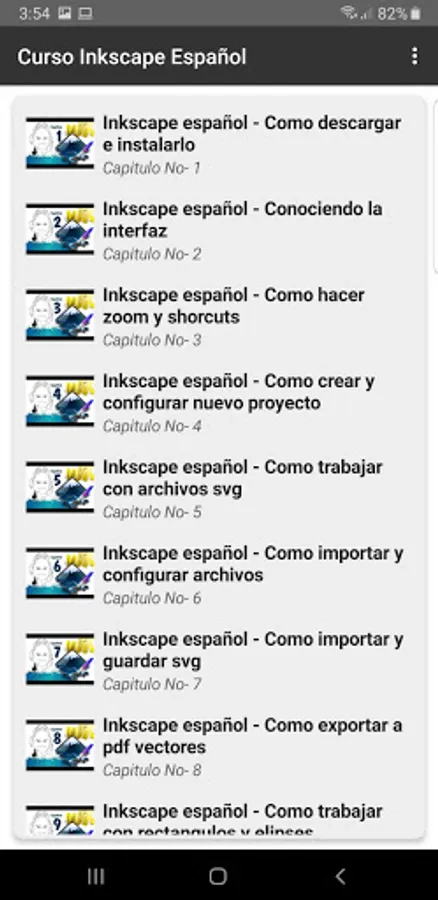
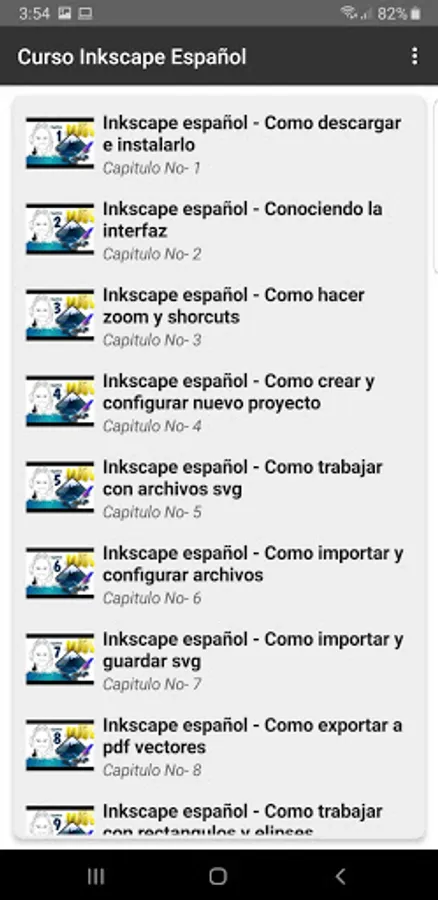
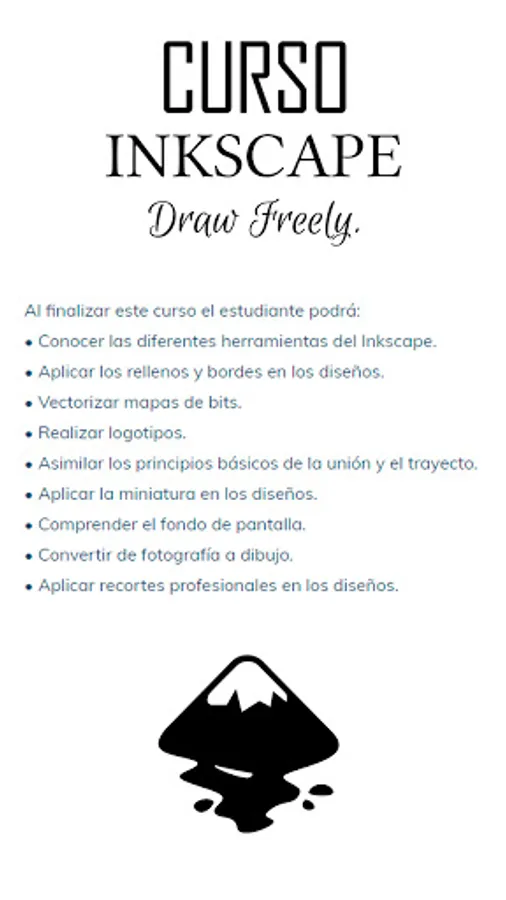
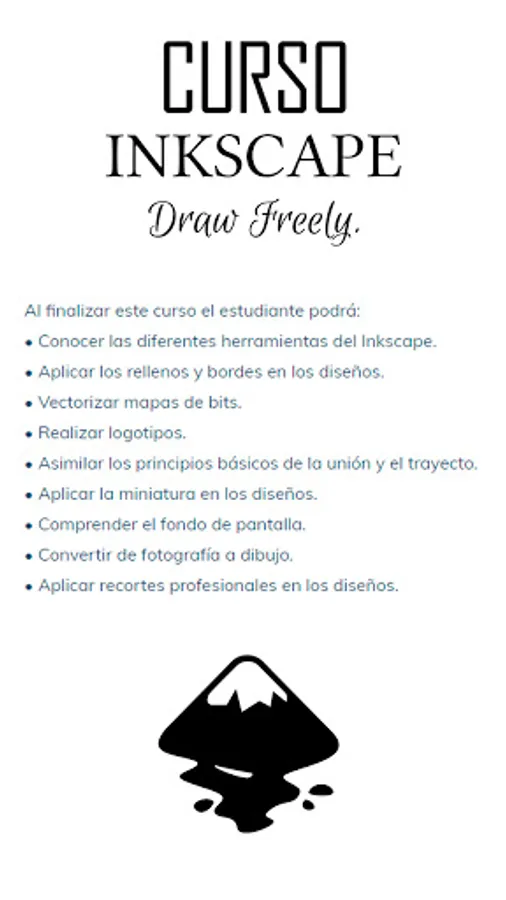
📚 Take advantage of our abundant learning resources to master Inkscape and take your skills to the next level. Our course will teach you how to use all the tools, apply fills and strokes, vectorize bitmap images, create logos, and much more. You'll also learn the fundamentals of union and path operations, apply gradients, understand layers, and convert photographs into drawings. We'll even show you how to apply professional cropping techniques to your designs.
📈 Export your projects in optimal formats for web and print, ensuring a professional look on any platform. Inkscape is compatible with Windows, Mac OS X, and Linux distributions, guaranteeing a seamless experience regardless of your operating system.
🔒 Ready to get started? Whether you're an enthusiastic beginner or a seasoned designer, the Inkscape Course is perfect for you. Join our community of creators and take your design skills to the next level. Download now and discover the power of Inkscape!
🌟 Whether you're new to the world of vector design or an experienced professional, Inkscape will impress you with its flexibility and power. Perfect for creating logos, illustrations, and scalable projects, this tool is widely used in marketing, engineering, web graphics, and comic design.
📚 Take advantage of our abundant learning resources to master Inkscape and take your skills to the next level. Our course will teach you how to use all the tools, apply fills and strokes, vectorize bitmap images, create logos, and much more. You'll also learn the fundamentals of union and path operations, apply gradients, understand layers, and convert photographs into drawings. We'll even show you how to apply professional cropping techniques to your designs.
📈 Export your projects in optimal formats for web and print, ensuring a professional look on any platform. Inkscape is compatible with Windows, Mac OS X, and Linux distributions, guaranteeing a seamless experience regardless of your operating system.
🔒 Ready to get started? Whether you're an enthusiastic beginner or a seasoned designer, the Inkscape Course is perfect for you. Join our community of creators and take your design skills to the next level. Download now and discover the power of Inkscape!
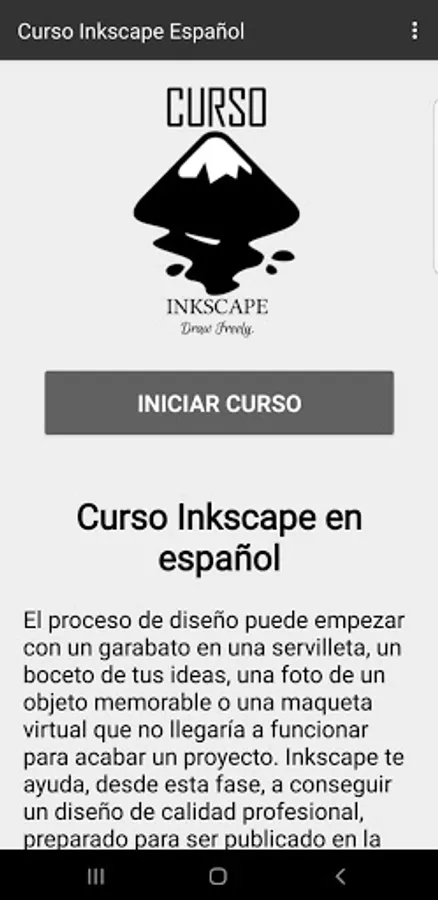
Course Inkscape Screenshots
Tap to Rate:
Reviews for Course Inkscape
faris mohammed
11/8/2025
so fun and wow
Kitchen queens
8/14/2025
it's so bad 😭😭😭😭