Fit Notifications (for Fitbit)
Smart Dinosaurs Entertainment
4.2 ★
3K ratings
100,000+
downloads
Free
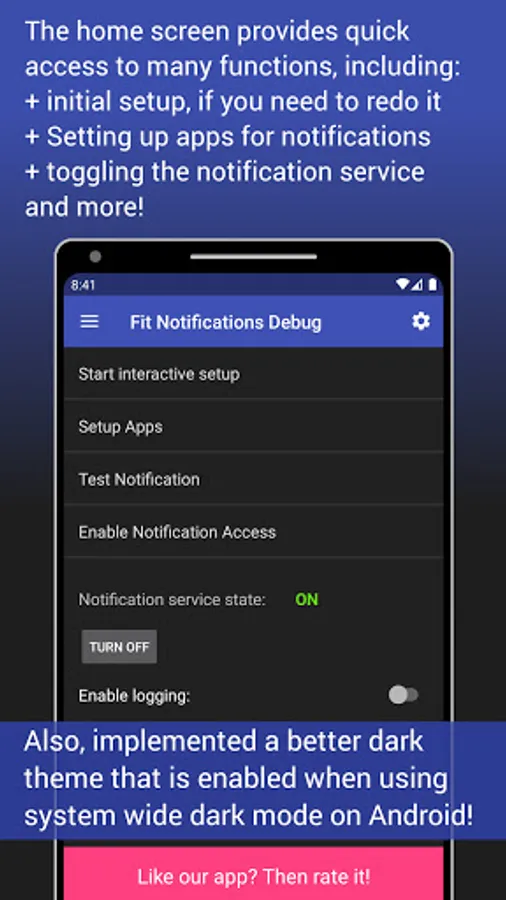
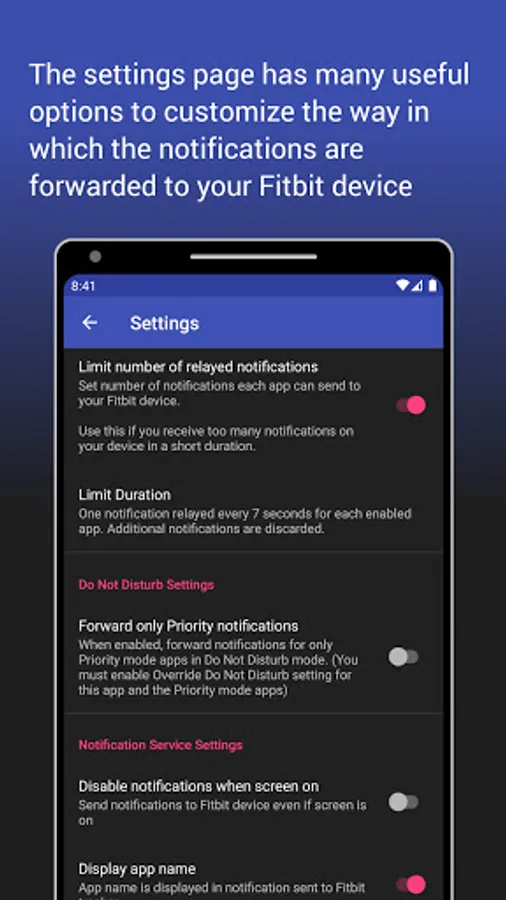
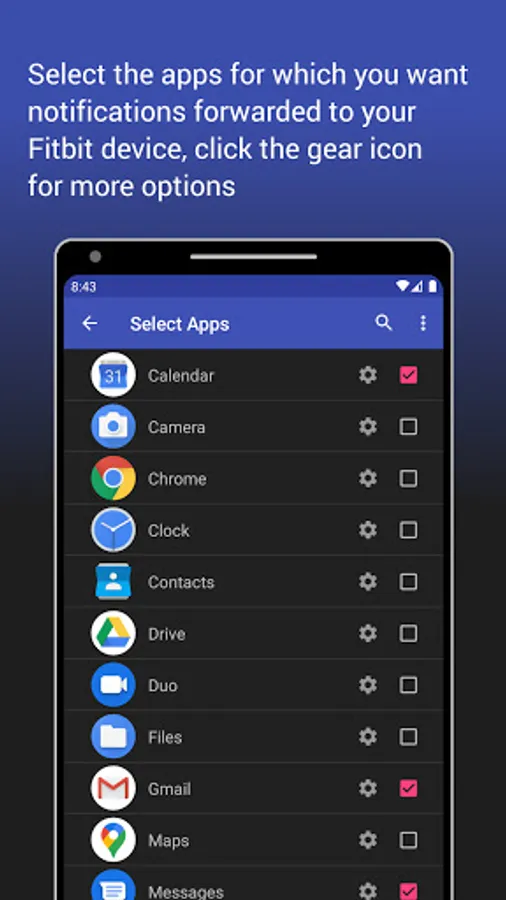
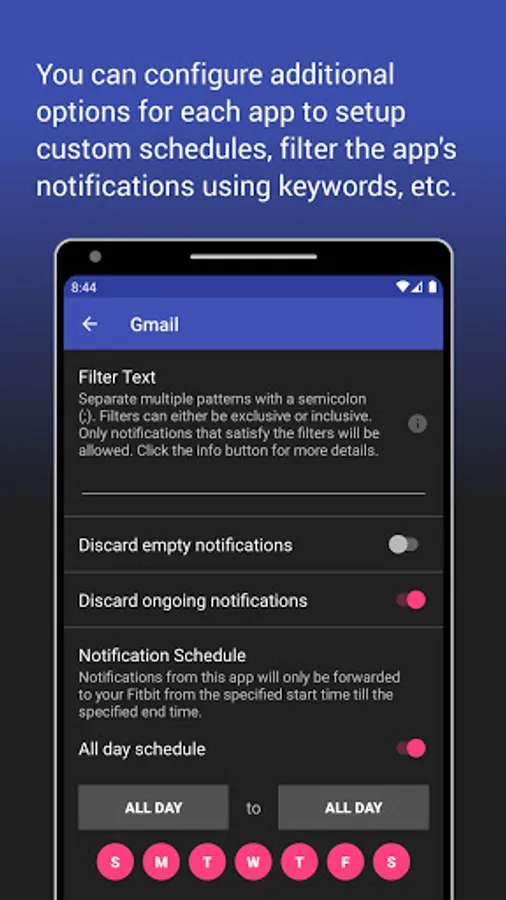
In this app, you can view your Android notifications on your Fitbit device and customize notification settings. Includes support for multiple Fitbit models and troubleshooting guidance for common issues.
AppRecs review analysis
AppRecs rating 4.4. Trustworthiness 77 out of 100. Review manipulation risk 29 out of 100. Based on a review sample analyzed.
★★★★☆
4.4
AppRecs Rating
Ratings breakdown
5 star
70%
4 star
9%
3 star
7%
2 star
2%
1 star
12%
What to know
✓
Low review manipulation risk
29% review manipulation risk
✓
Credible reviews
77% trustworthiness score from analyzed reviews
✓
High user satisfaction
79% of sampled ratings are 4+ stars (4.2★ average)
About Fit Notifications (for Fitbit)
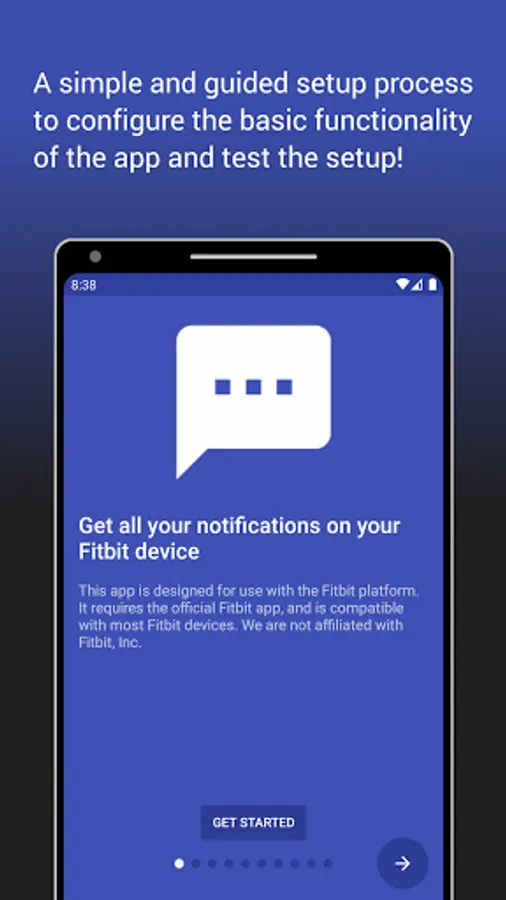
Fit Notifications allows you to view all your Android notifications on your Fitbit device. See list of compatible devices.
No special permissions required!
COMPATIBLE DEVICES:
This app supports any Fitbit device that has text notifications capability. The following is a non-exhaustive list:
Fitbit Alta, Alta HR, Charge 2, Blaze, Surge, Ionic, Versa, Versa 2 and any other device supporting text notifications.
Note: Limited compatibility with Fitbit Flex 2 (lights up the LEDs)
POSSIBLE ISSUES (Troubleshooting):
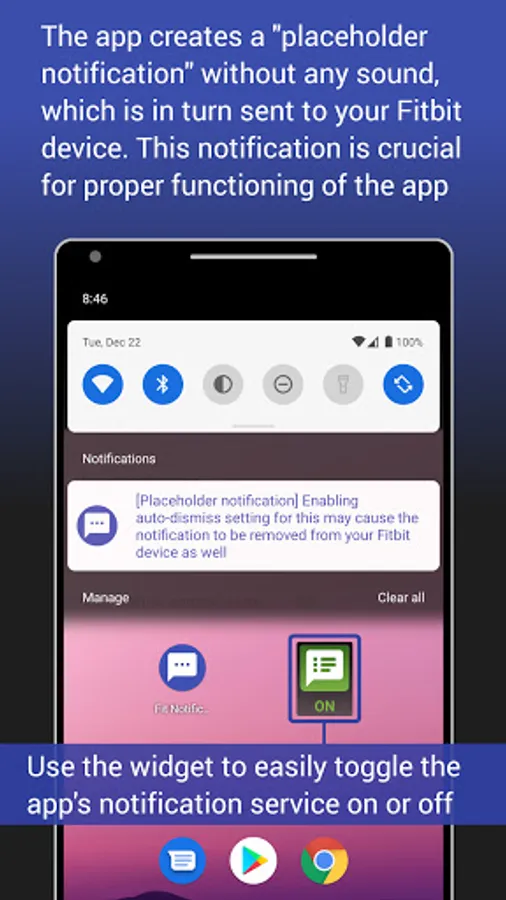
1. Some users have experienced issues receiving notifications when they enable the "Dismiss placeholder notification" setting within this app. If you are experiencing issues with notifications, please try increasing the delay to dismiss placeholder notifications to 5 seconds or more, or try disabling this setting completely.
2. Please make sure that you only choose Fit Notifications for the "Text Notifications" for your Fitbit device via the official Fitbit app. If you accidentally set other types of notifications such as Call or Calendar Notification also using 'Fit Notifications' app, then Fitbit will NOT forward notifications to your device.
3. If you use "do not disturb" mode (also called silent mode) then you will not receive notifications on your Fitbit device as Android disables notification forwarding. To work around this, you have to change the notifications priority for Fit Notifications app. Instructions are provided in the app to fix this.
4. You MAY NOT receive notifications if your Fitbit device has low battery. Please refer to information at the official Fitbit website for your particular device model.
5. You MAY have to restart your phone any time you update the official Fitbit app. Please refer to information at the official Fitbit website for your particular device model.
NOTE: When having issues, always double check if you can receive regular notifications via the Fitbit app before determining that the issue is with the Fit Notifications app. If you do not even receive a phone call or calendar notification, then there may be a configuration issue with the official Fitbit app. Contact Fitbit to troubleshoot this.
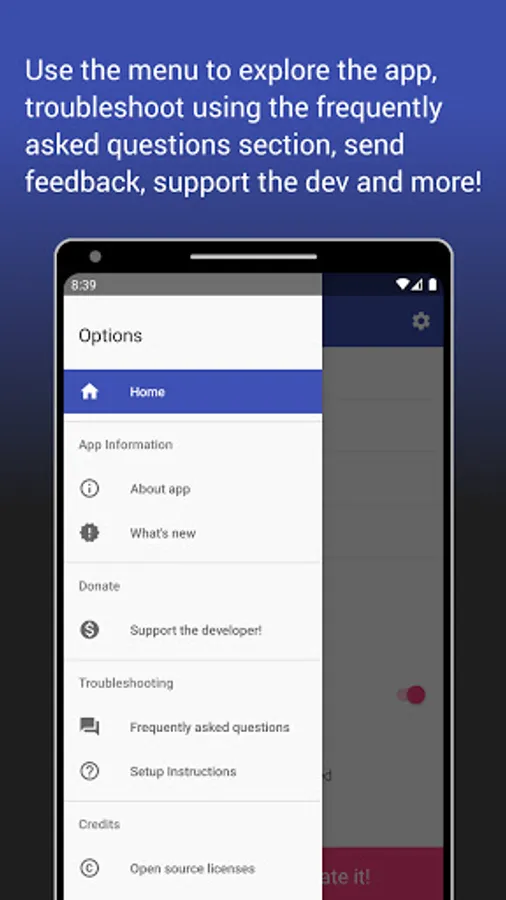
Please troubleshoot the app using the instructions and FAQs. These should help you most of the time. If you still have issues, contact me via email.
If you enjoy the app and find it useful, kindly rate the app and leave a useful review below!
No special permissions required!
COMPATIBLE DEVICES:
This app supports any Fitbit device that has text notifications capability. The following is a non-exhaustive list:
Fitbit Alta, Alta HR, Charge 2, Blaze, Surge, Ionic, Versa, Versa 2 and any other device supporting text notifications.
Note: Limited compatibility with Fitbit Flex 2 (lights up the LEDs)
POSSIBLE ISSUES (Troubleshooting):
1. Some users have experienced issues receiving notifications when they enable the "Dismiss placeholder notification" setting within this app. If you are experiencing issues with notifications, please try increasing the delay to dismiss placeholder notifications to 5 seconds or more, or try disabling this setting completely.
2. Please make sure that you only choose Fit Notifications for the "Text Notifications" for your Fitbit device via the official Fitbit app. If you accidentally set other types of notifications such as Call or Calendar Notification also using 'Fit Notifications' app, then Fitbit will NOT forward notifications to your device.
3. If you use "do not disturb" mode (also called silent mode) then you will not receive notifications on your Fitbit device as Android disables notification forwarding. To work around this, you have to change the notifications priority for Fit Notifications app. Instructions are provided in the app to fix this.
4. You MAY NOT receive notifications if your Fitbit device has low battery. Please refer to information at the official Fitbit website for your particular device model.
5. You MAY have to restart your phone any time you update the official Fitbit app. Please refer to information at the official Fitbit website for your particular device model.
NOTE: When having issues, always double check if you can receive regular notifications via the Fitbit app before determining that the issue is with the Fit Notifications app. If you do not even receive a phone call or calendar notification, then there may be a configuration issue with the official Fitbit app. Contact Fitbit to troubleshoot this.
Please troubleshoot the app using the instructions and FAQs. These should help you most of the time. If you still have issues, contact me via email.
If you enjoy the app and find it useful, kindly rate the app and leave a useful review below!
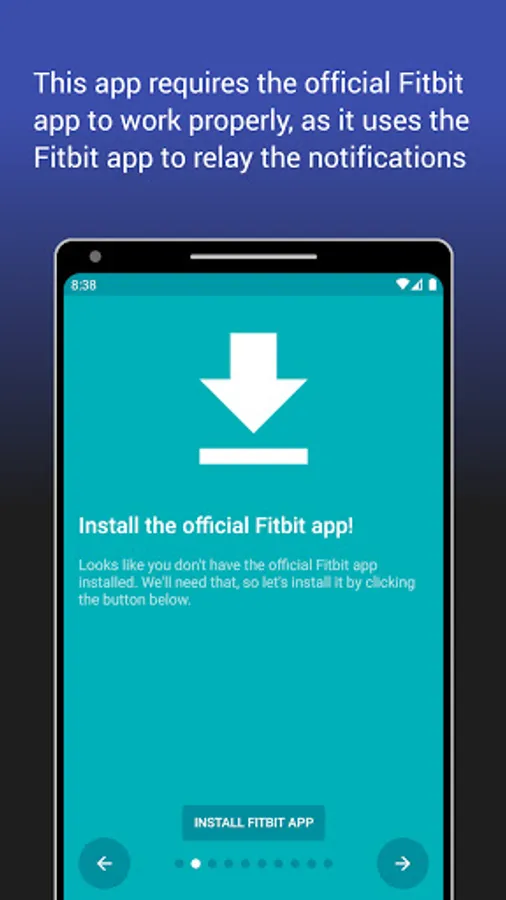
Fit Notifications (for Fitbit) Screenshots
Tap to Rate:
Reviews for Fit Notifications (for Fitbit)
Owen Anderson
2/25/2026
Awesome app, allowed me to keep my Fitbit Charge 2 going with all my apps' notifications even if they weren't supported by Fitbit.
Tracie Moss
1/21/2026
For the most part it works great. The only problem is sometimes it turns off.