AppRecs review analysis
AppRecs rating . Trustworthiness 55 out of 100. Review manipulation risk 44 out of 100. Based on a review sample analyzed.
★
AppRecs Rating
Ratings breakdown
5 star
100%
4 star
0%
3 star
0%
2 star
0%
1 star
0%
What to know
⚠
Questionable review patterns
44% review manipulation risk - some review patterns appear unusual
⚠
Unusually uniform ratings
100% of sampled ratings are 5 stars with very little variation
About Cast via Airplay
Cast via AirPlay is the ultimate wireless streaming and screen mirroring app for Android. Easily cast videos, photos, music, and mirror your phone screen to TV using AirPlay, SmartCast, DLNA, Chromecast, and other supported technologies. Enjoy a smooth AirScreen experience on the big screen with just one tap.
Whether you want to cast to a Samsung AirPlay TV, stream to Apple TV, or connect to AirPlay-enabled speakers, Cast via AirPlay gives you fast, stable, and high-quality streaming every time.
⭐ Key Features:
✅ AirPlay Cast to TV
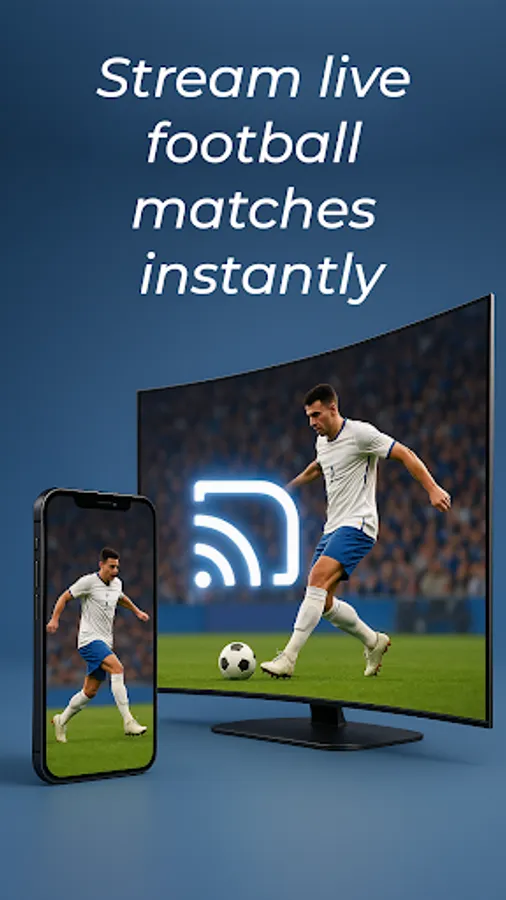
Use AirPlay to cast videos, photos, music, and movies from your Android device to TV or AirPlay receiver.
✅ Screen Mirroring (AirScreen)
Mirror your Android phone or tablet screen in real time with high quality for presentations, gaming, or watching movies.
✅ Wide Compatibility
Works with AirPlay for TV, Samsung AirPlay, Apple TV, AirPlay 2 receiver, smart TVs, and wireless speakers.
✅ SmartCast Technology
Advanced SmartCast ensures fast, stable, and HD screen sharing with minimal delay.
✅ Easy Media Sharing
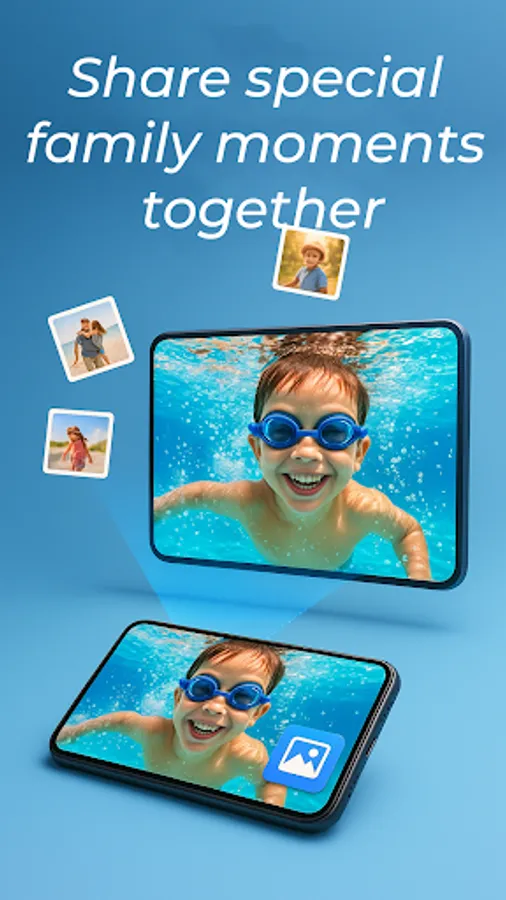
Share photos, videos, audio, and local albums instantly from your phone to TV.
📺 How to Use Cast via AirPlay:
1️⃣ Open the app and select screen mirroring or media (photos, videos, music).
2️⃣ Make sure your Android device and TV (AirPlay receiver / Apple TV / Samsung AirPlay TV) are on the same Wi-Fi network.
3️⃣ Choose your target TV or AirPlay device from the list.
4️⃣ Tap Connect and enjoy wireless streaming on the big screen.
🎬 Whether you're streaming movies to Apple TV, mirroring your phone to Samsung TV, or playing music on AirPlay speakers, Cast via AirPlay makes wireless casting simple and powerful.
👉 Download Cast via AirPlay now and enjoy fast, seamless, and high-quality screen mirroring & TV casting!
Whether you want to cast to a Samsung AirPlay TV, stream to Apple TV, or connect to AirPlay-enabled speakers, Cast via AirPlay gives you fast, stable, and high-quality streaming every time.
⭐ Key Features:
✅ AirPlay Cast to TV
Use AirPlay to cast videos, photos, music, and movies from your Android device to TV or AirPlay receiver.
✅ Screen Mirroring (AirScreen)
Mirror your Android phone or tablet screen in real time with high quality for presentations, gaming, or watching movies.
✅ Wide Compatibility
Works with AirPlay for TV, Samsung AirPlay, Apple TV, AirPlay 2 receiver, smart TVs, and wireless speakers.
✅ SmartCast Technology
Advanced SmartCast ensures fast, stable, and HD screen sharing with minimal delay.
✅ Easy Media Sharing
Share photos, videos, audio, and local albums instantly from your phone to TV.
📺 How to Use Cast via AirPlay:
1️⃣ Open the app and select screen mirroring or media (photos, videos, music).
2️⃣ Make sure your Android device and TV (AirPlay receiver / Apple TV / Samsung AirPlay TV) are on the same Wi-Fi network.
3️⃣ Choose your target TV or AirPlay device from the list.
4️⃣ Tap Connect and enjoy wireless streaming on the big screen.
🎬 Whether you're streaming movies to Apple TV, mirroring your phone to Samsung TV, or playing music on AirPlay speakers, Cast via AirPlay makes wireless casting simple and powerful.
👉 Download Cast via AirPlay now and enjoy fast, seamless, and high-quality screen mirroring & TV casting!
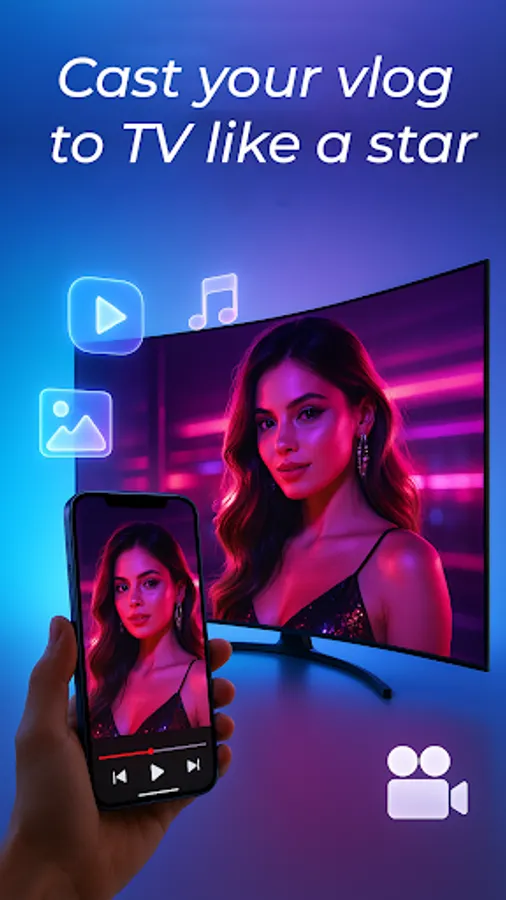
Cast via Airplay Screenshots


Tap to Rate:
Reviews for Cast via Airplay
Bessie Mathapelo
12/21/2025
It nice