AppRecs review analysis
AppRecs rating . Trustworthiness 55 out of 100. Review manipulation risk 39 out of 100. Based on a review sample analyzed.
★
AppRecs Rating
Ratings breakdown
5 star
100%
4 star
0%
3 star
0%
2 star
0%
1 star
0%
What to know
✓
High user satisfaction
100% of sampled ratings are 5 stars
About Ps Controller
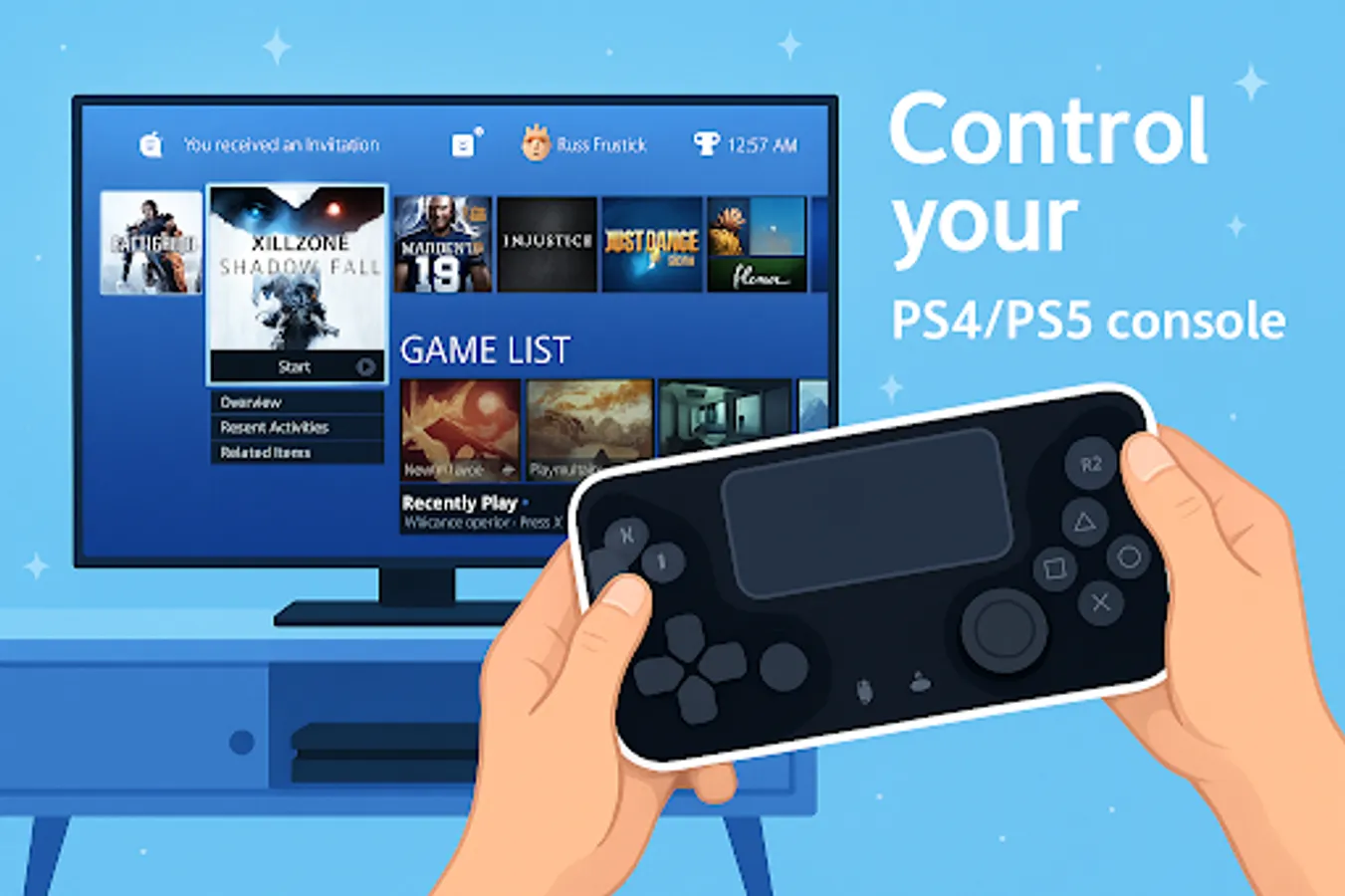
The PS Remote gives you full access to control your PlayStation 5 console or PlayStation 4 console from a different location.
Features:
- Use the PS remote as a virtual Dualshock controller for your Playstation 5/playstation4/PS4/PS5
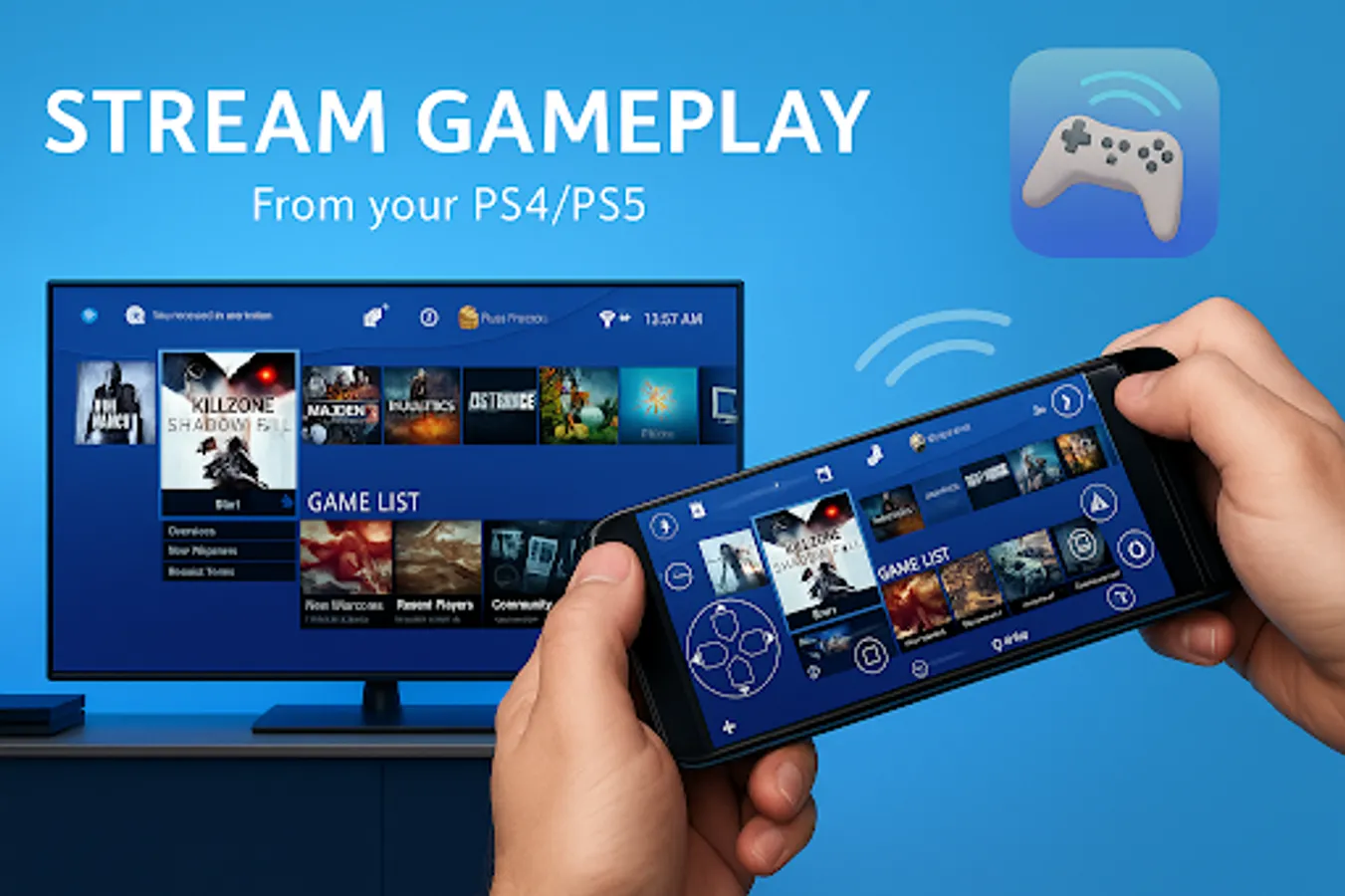
- Stream from your Play Station4/PlayStation5/PS4/PS5 to your device with low latency
- Control your PlayStation4 and PlayStation5/PS4/Ps5 using your mobile device's on-screen controller as a second screen for PS gaming
- Support for third-party controllers, Dualsense/Dualshock and physical for all Android devices
Follow the instructions to use the Remote Play Controller for PS app:
• You MUST configure your router at home to allow this
• Log in to an account for PlayStation Network (PlayStation 4/ PlayStation 5/ PS4/ PS5)
• A PlayStation 4/PS4 or PlayStation 5/PS5 console with the latest version of system software
• High-speed Internet access (home Wi-Fi network)
• Mobile device with Android 7.0 or later installed
• You can save multiple PS4/PS5/PlayStation 4/PlayStation 5 profiles.
• Remote Play Controller for PS supports rooted devices.
• Remote Play Controller for PS can be used as a virtual Dualshock for your PS4/PS5/PlayStation4/PlayStation5.
List of supported devices:
• Supports Android TV devices
• Supports older PS4 firmware from version 5.05 and later.
• A PS4/PS5/PlayStation4/PlayStation5 console with the latest version of system software
Features:
- Use the PS remote as a virtual Dualshock controller for your Playstation 5/playstation4/PS4/PS5
- Stream from your Play Station4/PlayStation5/PS4/PS5 to your device with low latency
- Control your PlayStation4 and PlayStation5/PS4/Ps5 using your mobile device's on-screen controller as a second screen for PS gaming
- Support for third-party controllers, Dualsense/Dualshock and physical for all Android devices
Follow the instructions to use the Remote Play Controller for PS app:
• You MUST configure your router at home to allow this
• Log in to an account for PlayStation Network (PlayStation 4/ PlayStation 5/ PS4/ PS5)
• A PlayStation 4/PS4 or PlayStation 5/PS5 console with the latest version of system software
• High-speed Internet access (home Wi-Fi network)
• Mobile device with Android 7.0 or later installed
• You can save multiple PS4/PS5/PlayStation 4/PlayStation 5 profiles.
• Remote Play Controller for PS supports rooted devices.
• Remote Play Controller for PS can be used as a virtual Dualshock for your PS4/PS5/PlayStation4/PlayStation5.
List of supported devices:
• Supports Android TV devices
• Supports older PS4 firmware from version 5.05 and later.
• A PS4/PS5/PlayStation4/PlayStation5 console with the latest version of system software
Ps Controller Screenshots


Tap to Rate:
Reviews for Ps Controller
Namakula Rashida
12/10/2025
its very good