Hisense TV Screen Mirroring
AirBeamTV BV
4.0 ★
4K ratings
100,000+
downloads
Free
+ in-app
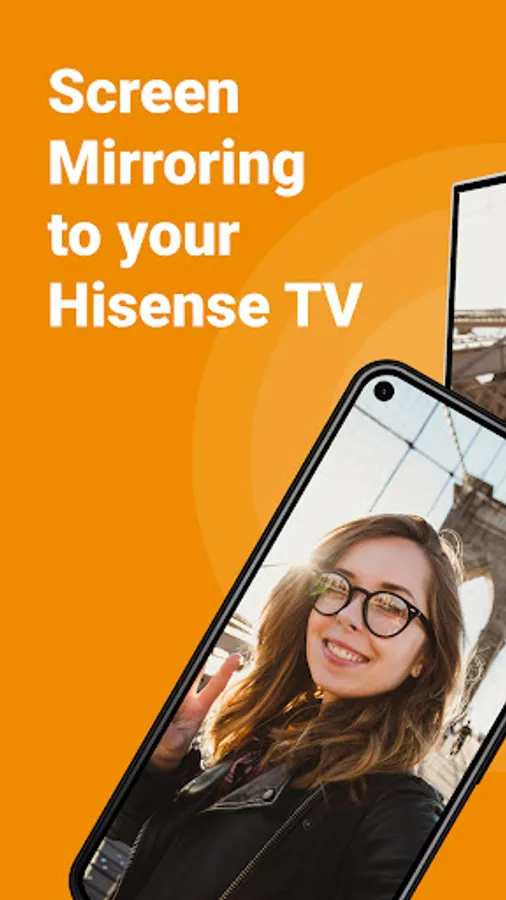
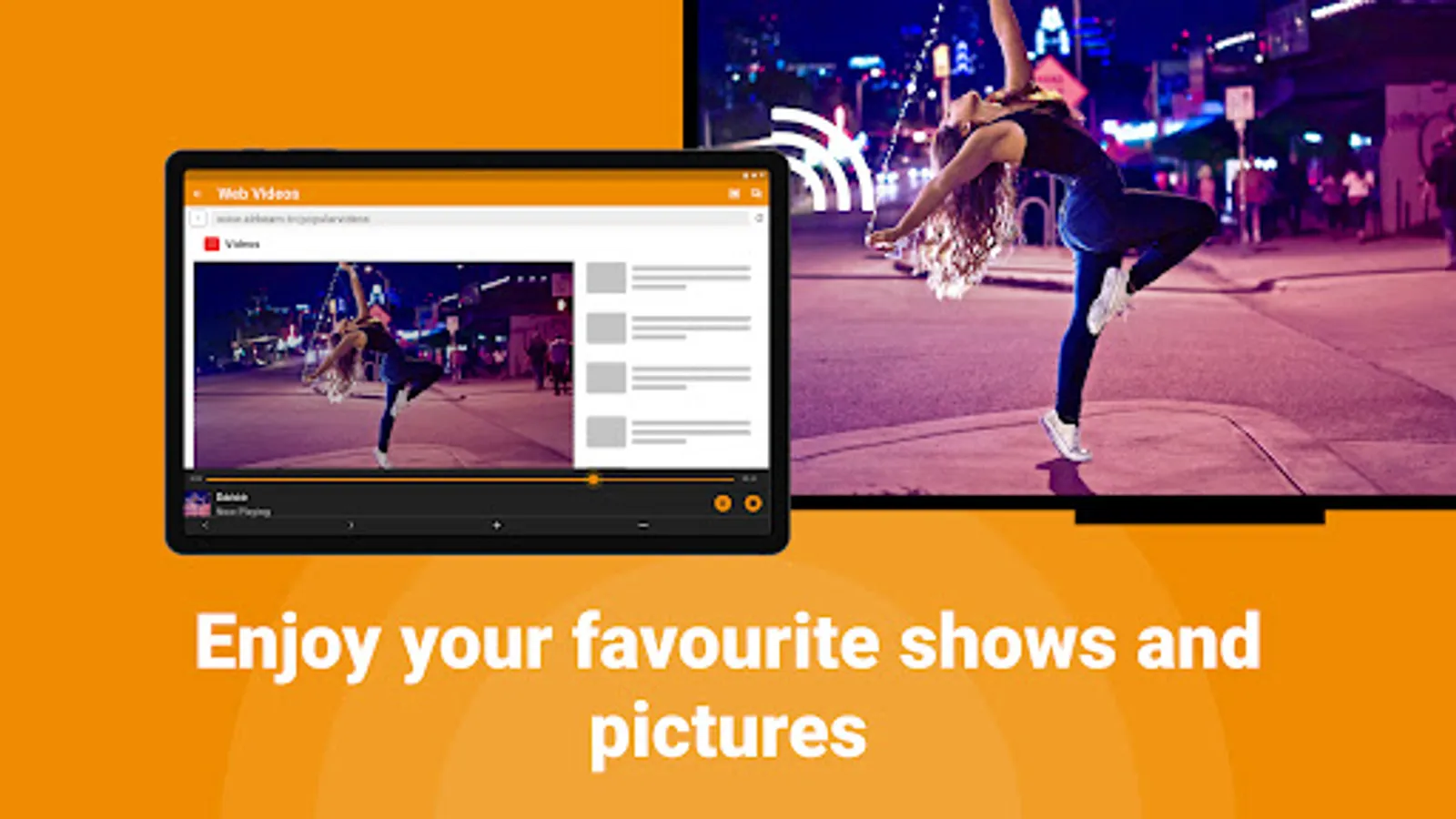
In this screen mirroring app, you can cast content from your phone or tablet to your Hisense TV using WiFi. Includes remote control features, photo sharing, and support for live streaming and sports.
AppRecs review analysis
AppRecs rating 3.8. Trustworthiness 80 out of 100. Review manipulation risk 26 out of 100. Based on a review sample analyzed.
★★★☆☆
3.8
AppRecs Rating
Ratings breakdown
5 star
64%
4 star
8%
3 star
10%
2 star
1%
1 star
17%
What to know
✓
Low review manipulation risk
26% review manipulation risk
⚠
Ad complaints
Many low ratings mention excessive ads
⚠
Pricing complaints
Many low ratings mention paywalls or pricing
About Hisense TV Screen Mirroring
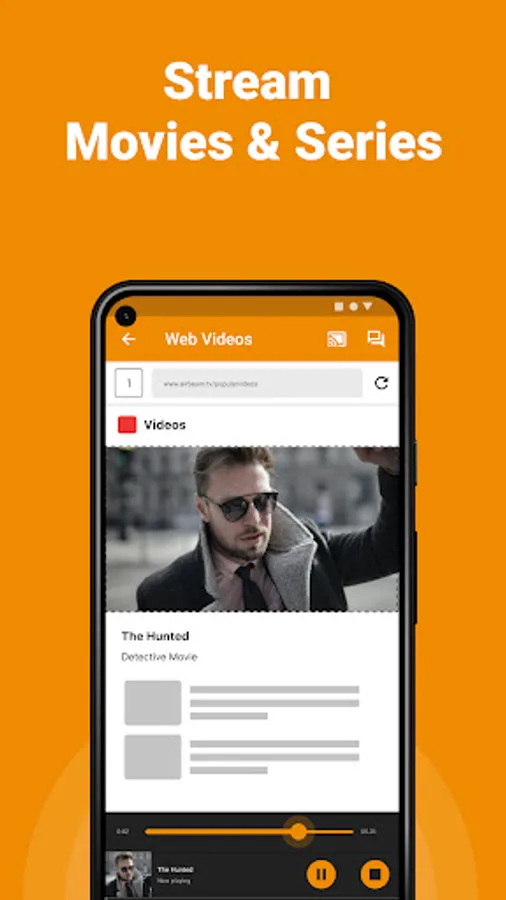
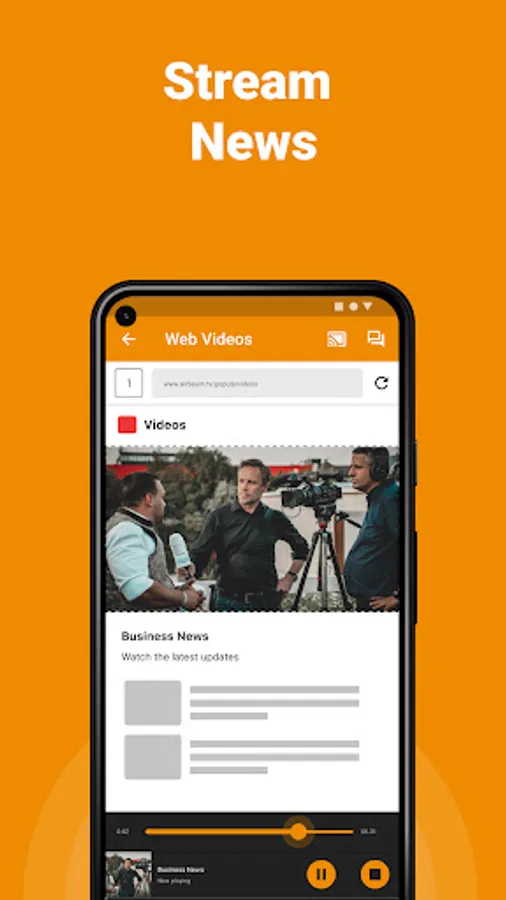
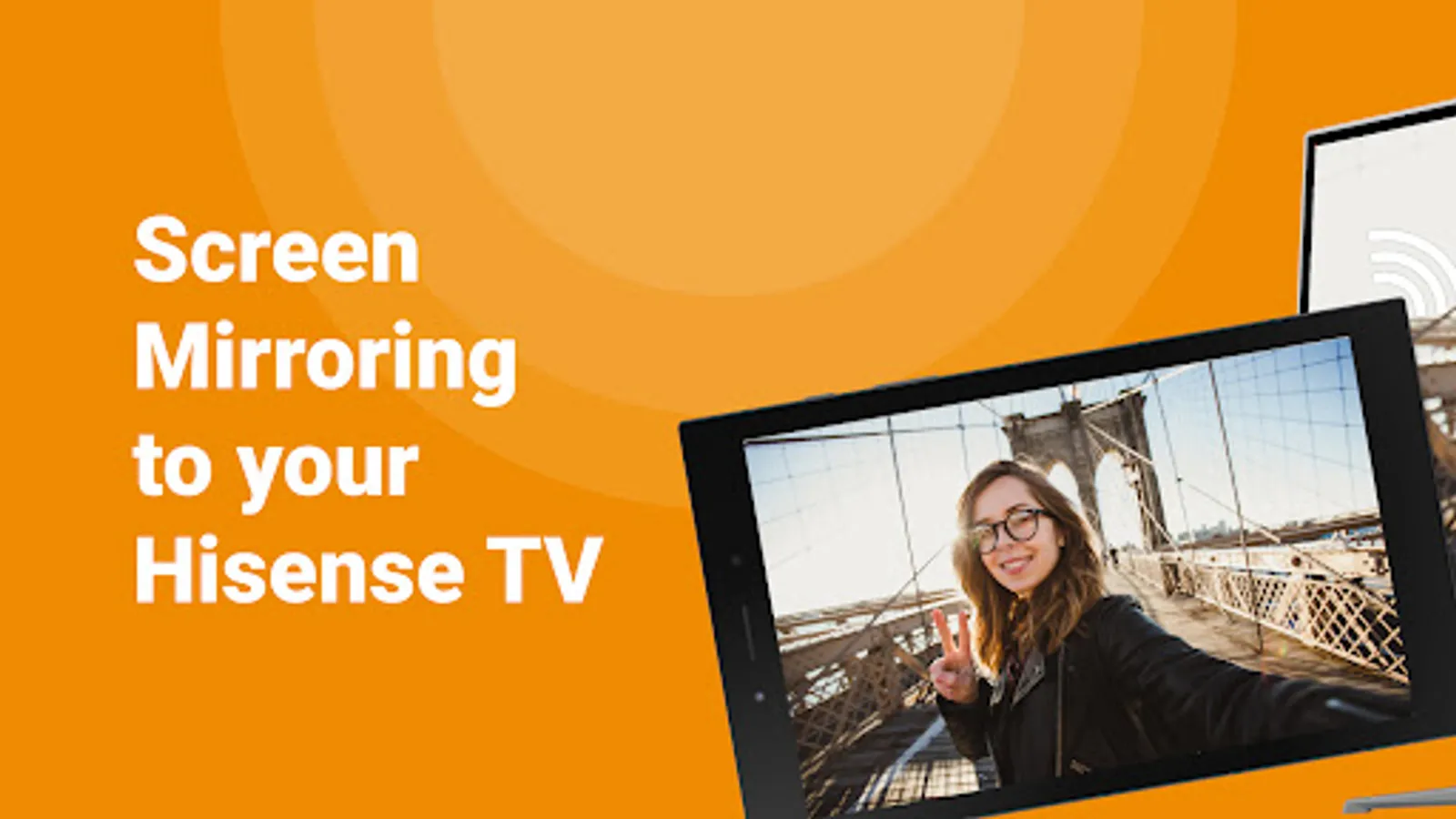
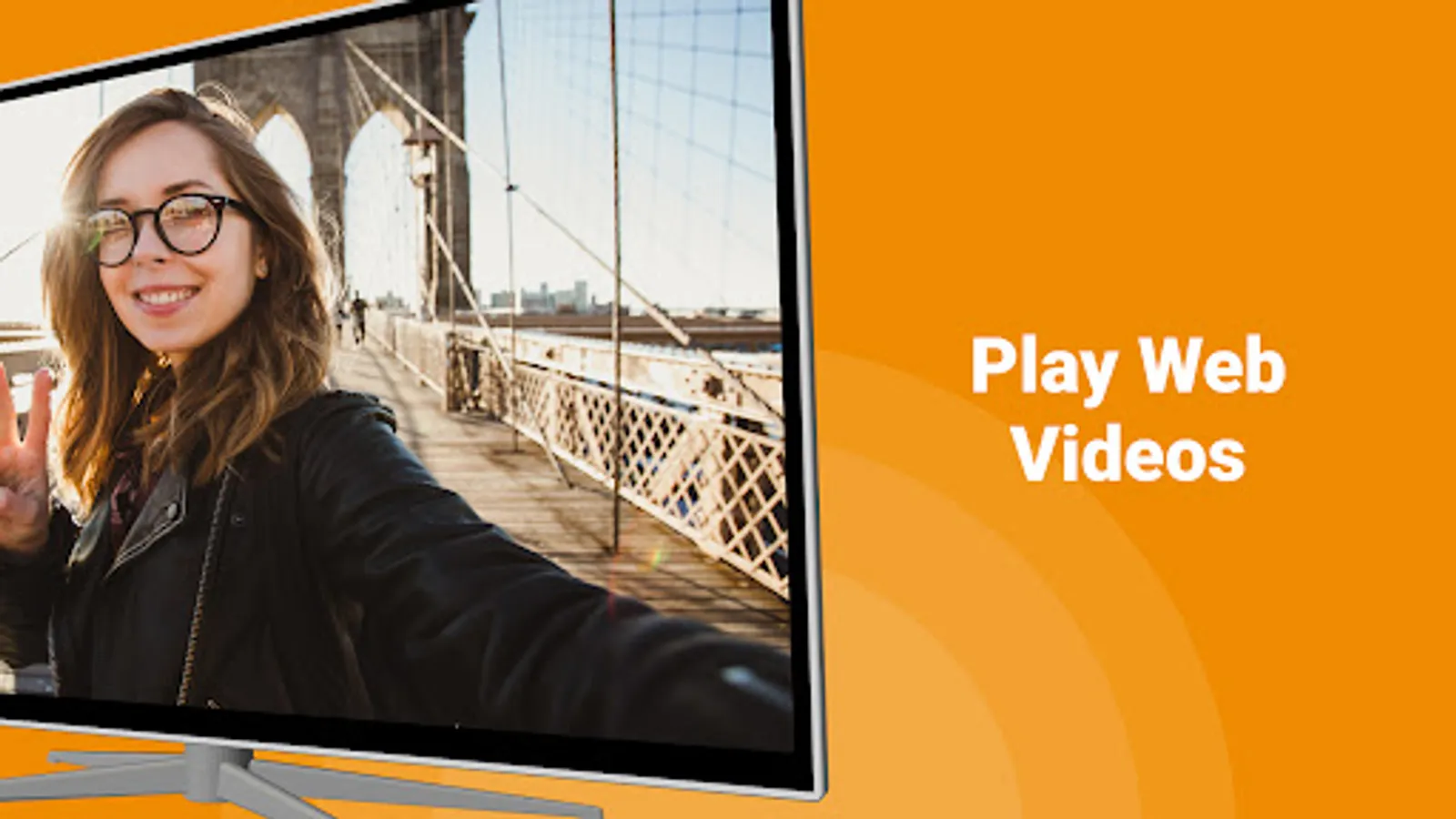
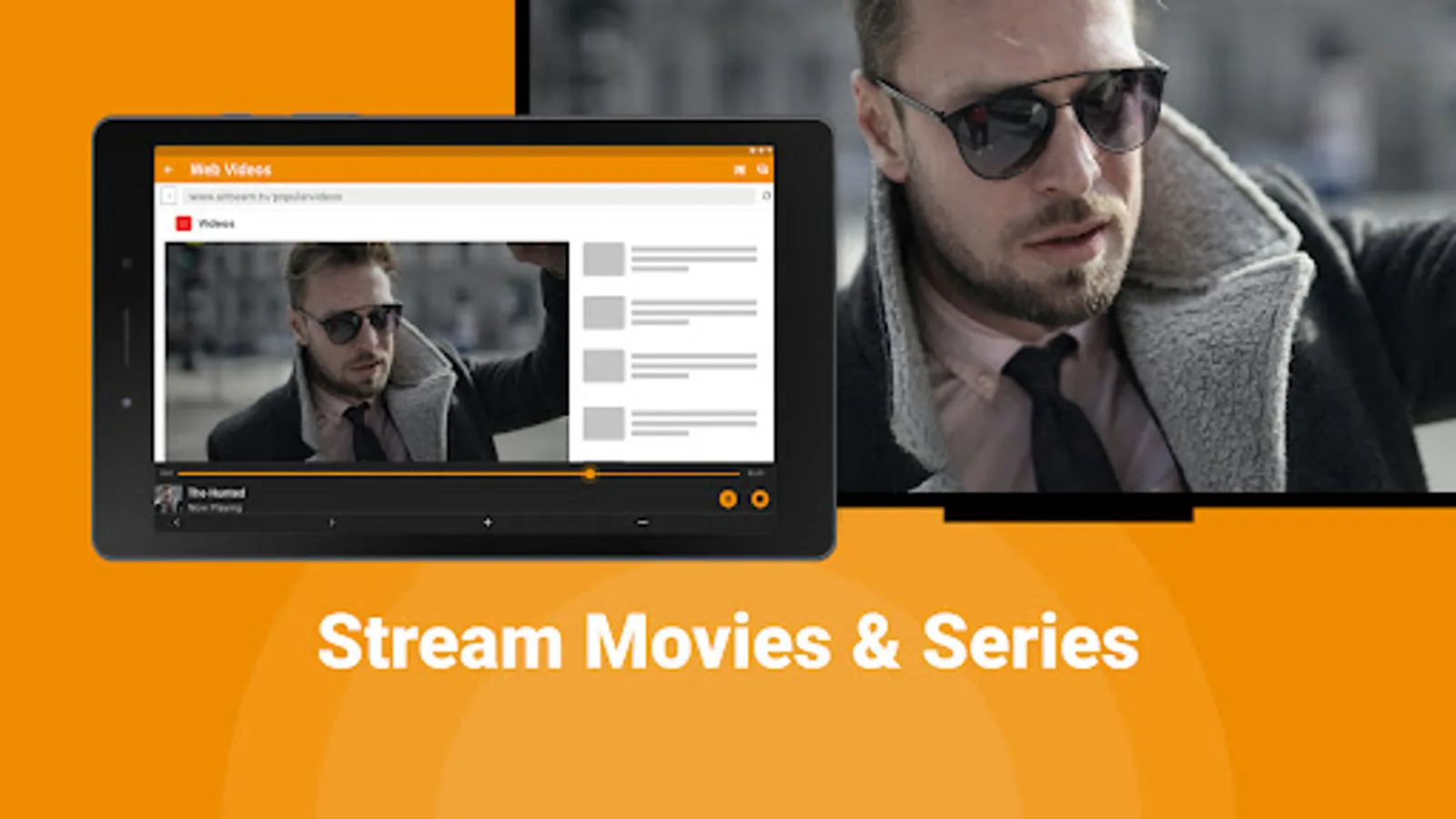
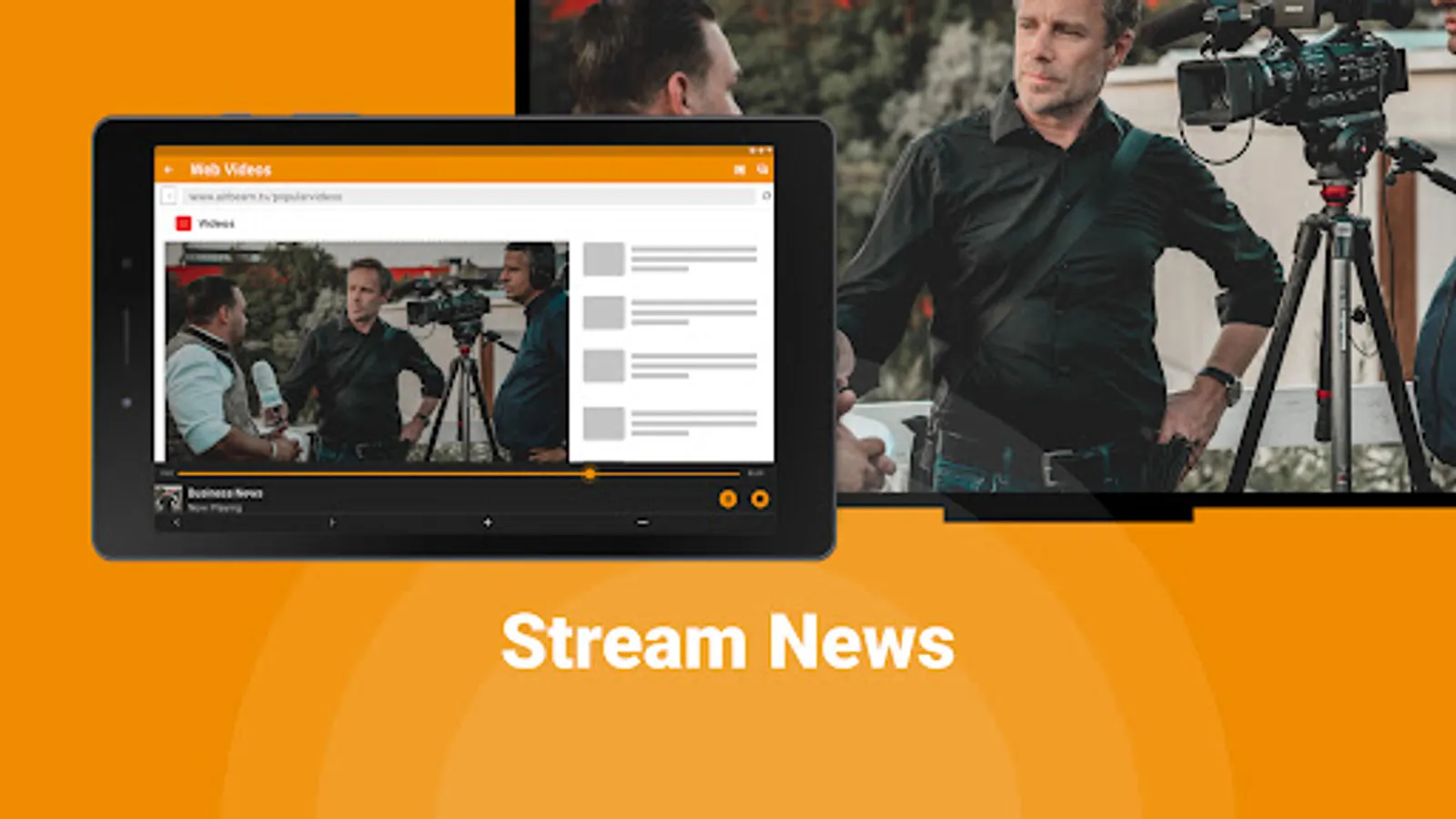
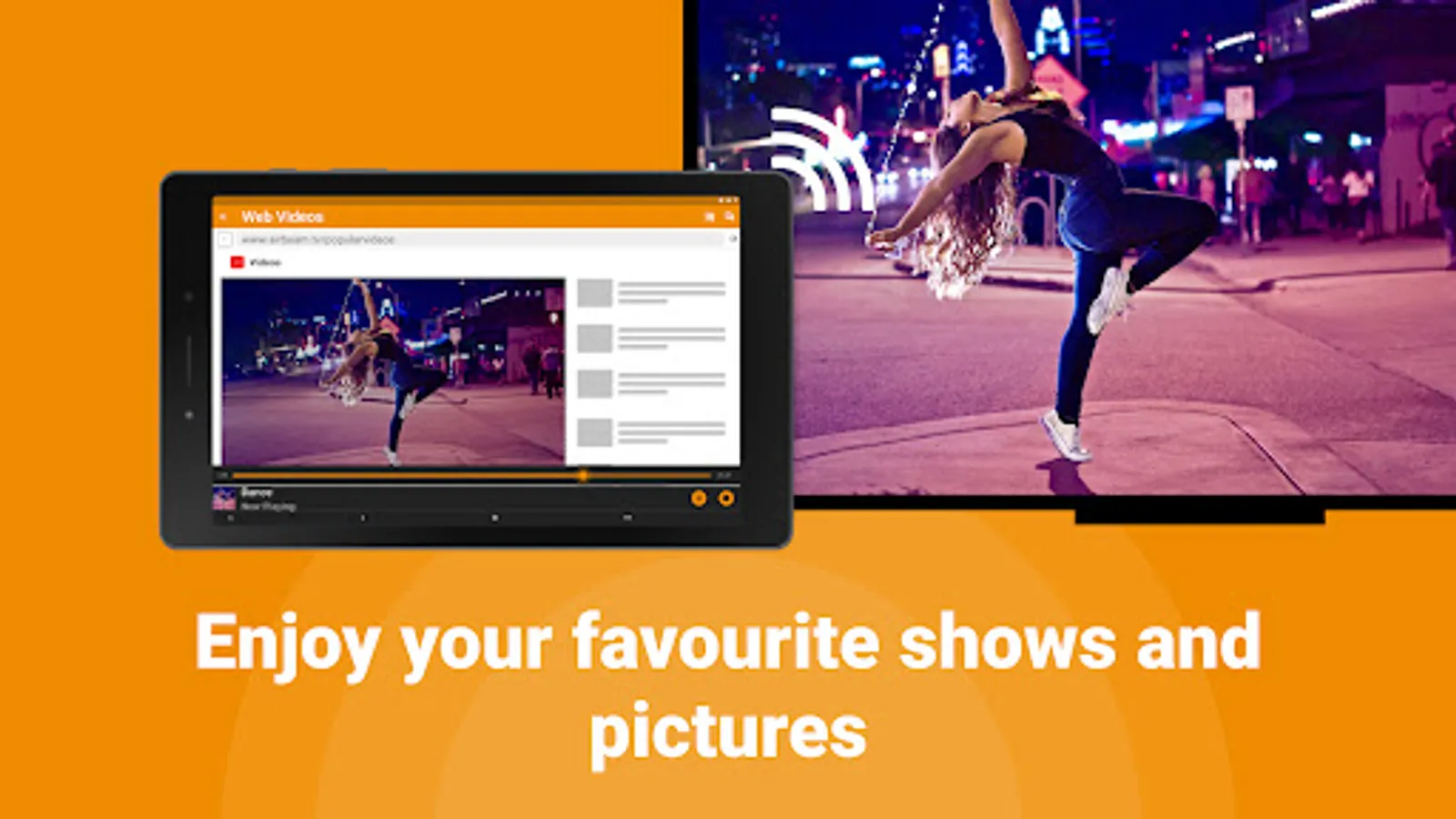
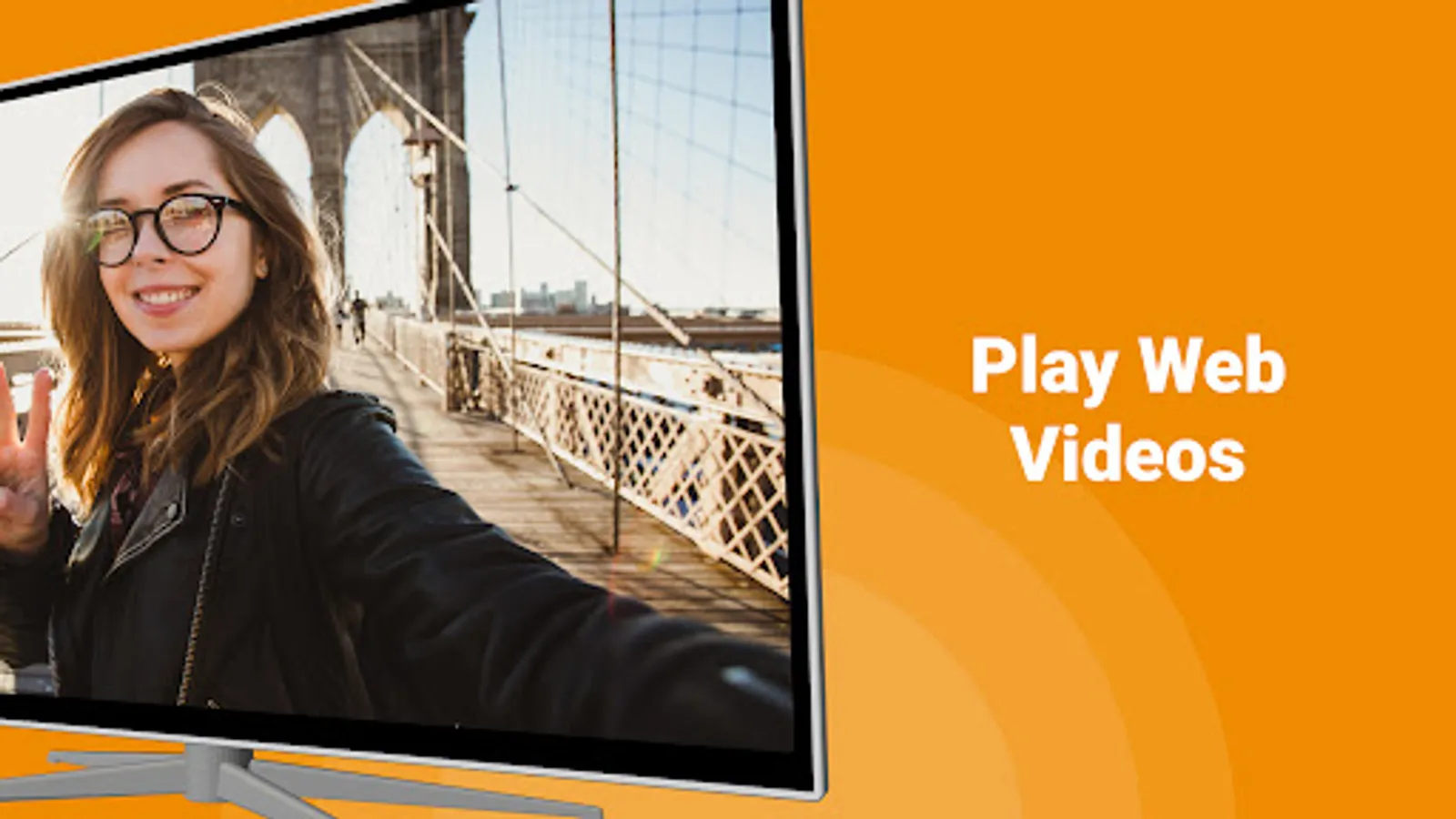
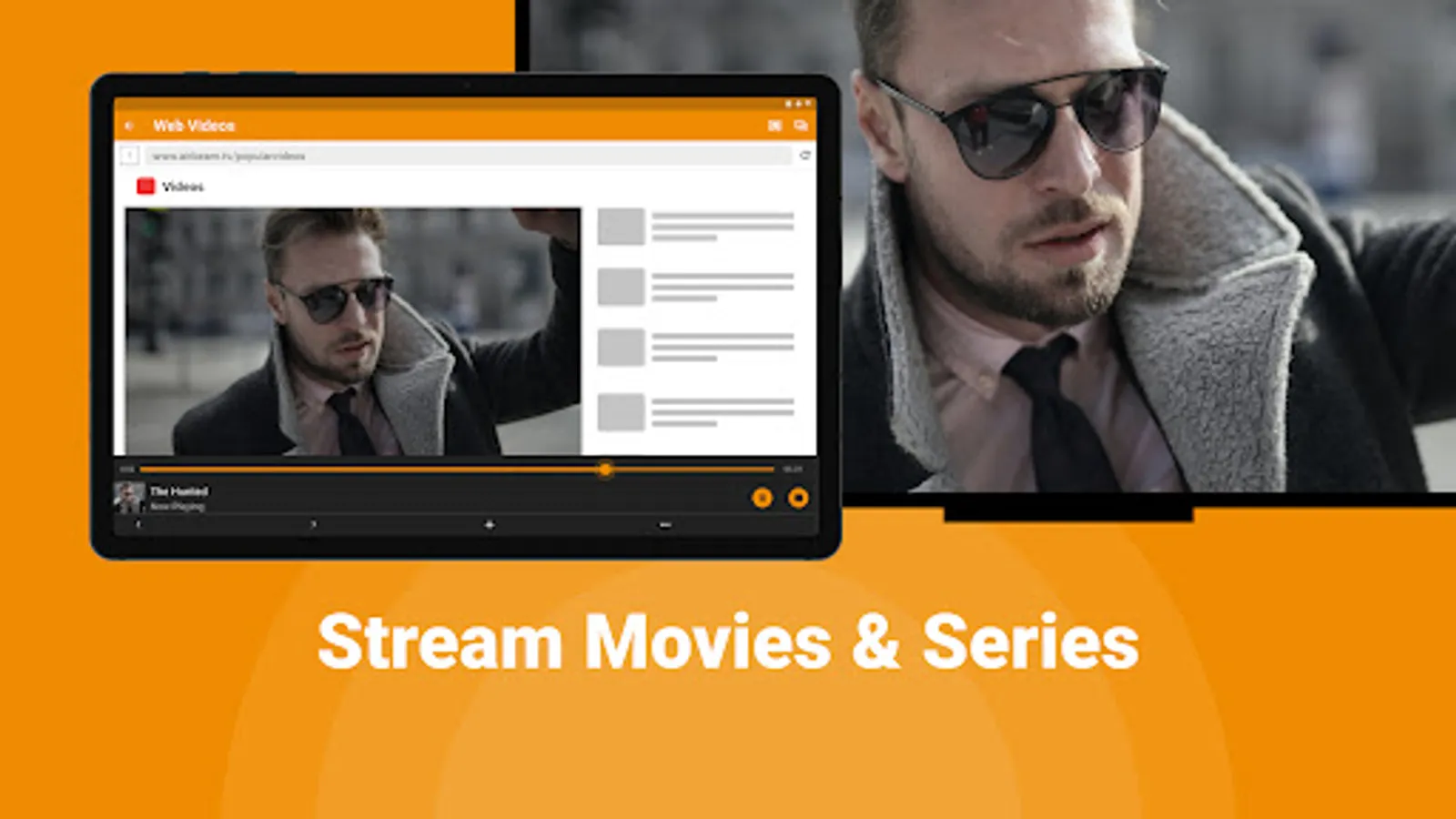
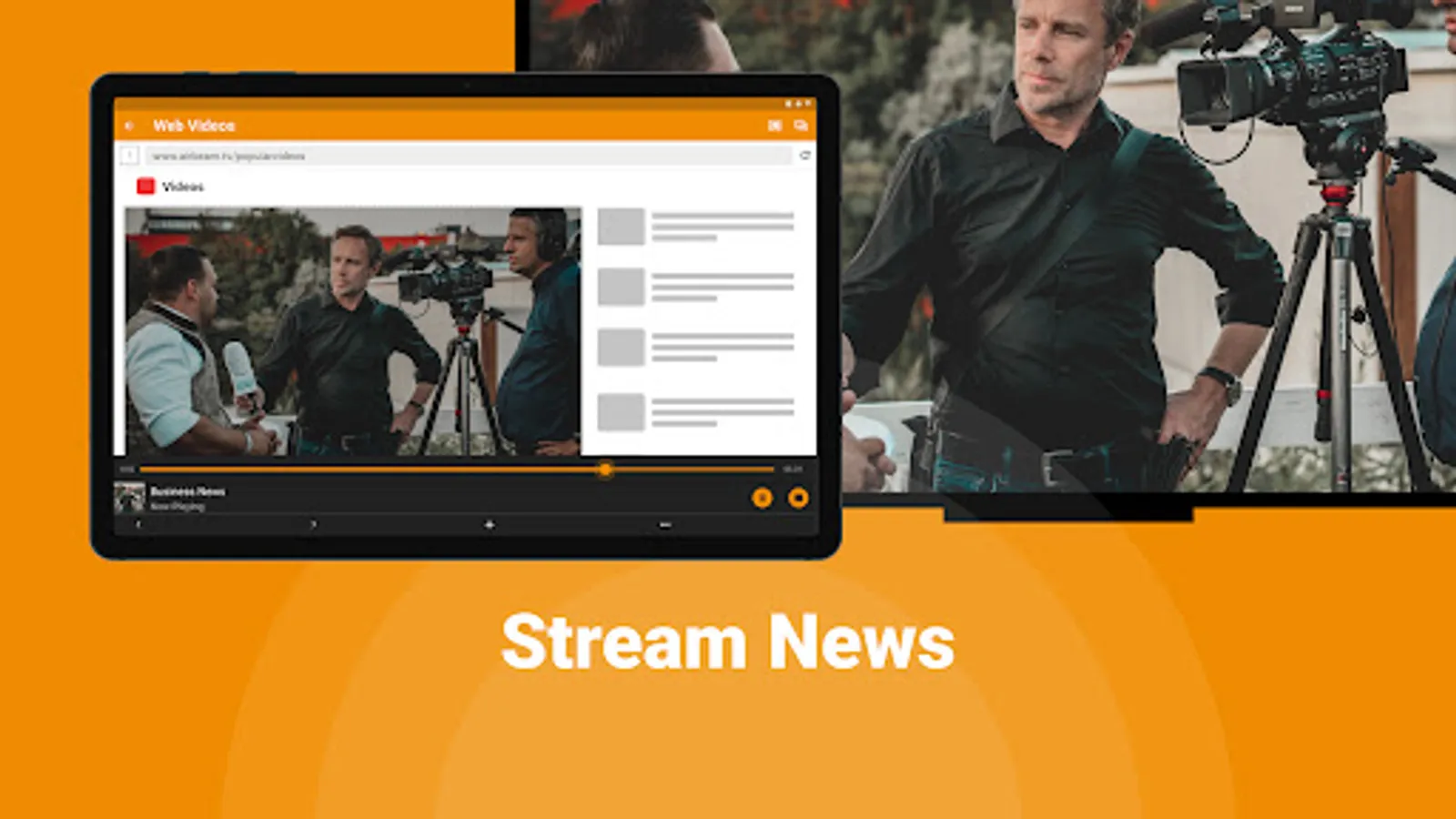
Cast from your phone or tablet to your Hisense Smart TV using our screen mirroring app for free. Stream the latest news straight from your phone onto your Hisense TV. Play online videos and watch movies or series. Hisense TV Screen Mirroring app is an easy and convenient way for remote screen sharing on your smart TV for free. Or, remote screen share photos on TV and enjoy them with your friends or family.
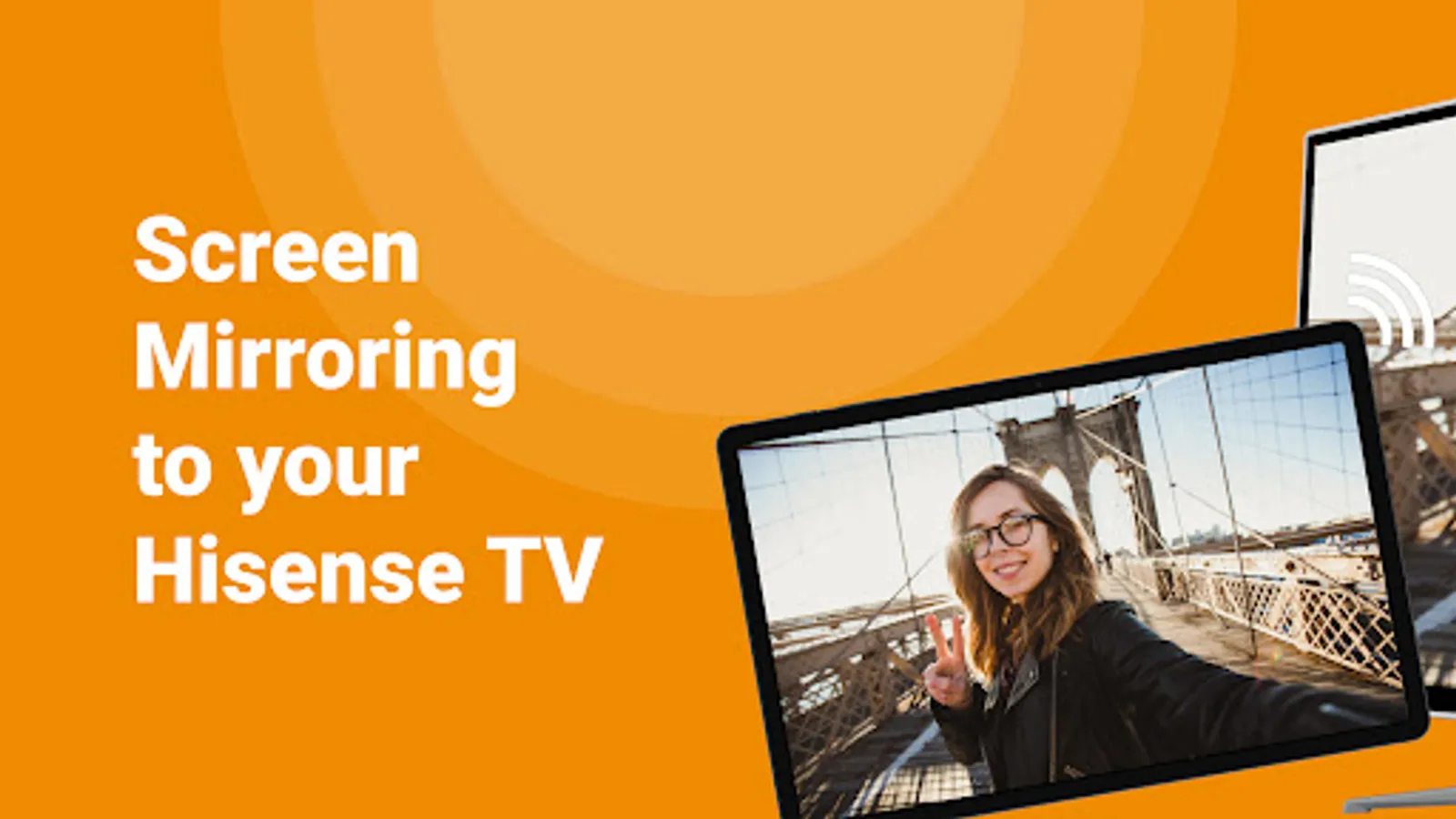
Avoid HDMI cables and enjoy remote screen mirroring all content from your Android phone & tablet to any Hisense TV (including Hisense Roku TV and Hisense Android TV).
Get the most out of your Android devices with this TV cast for Hisense featured developed by AirBeamTV. Easily improve your home entertainment experience with remote TV streaming via screen mirroring:
📺 Enjoy everything on your smart TV from your phone & tablet with Hisense.
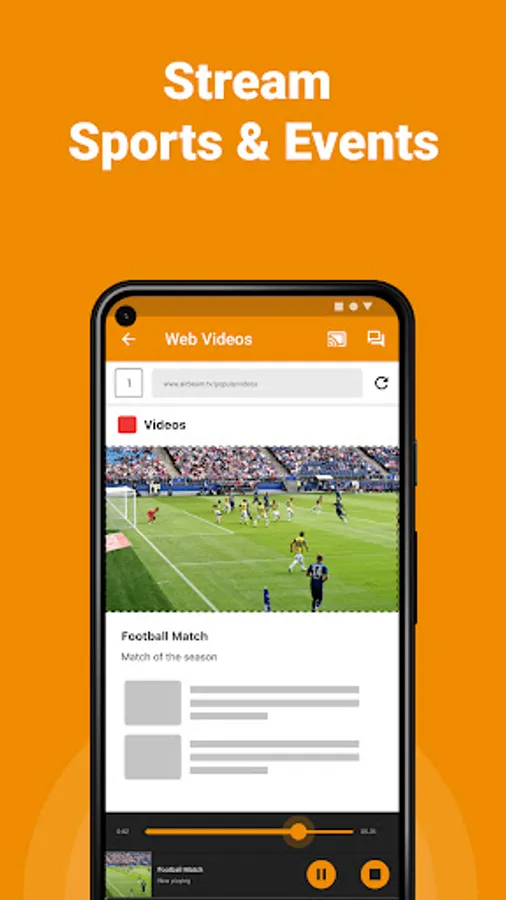
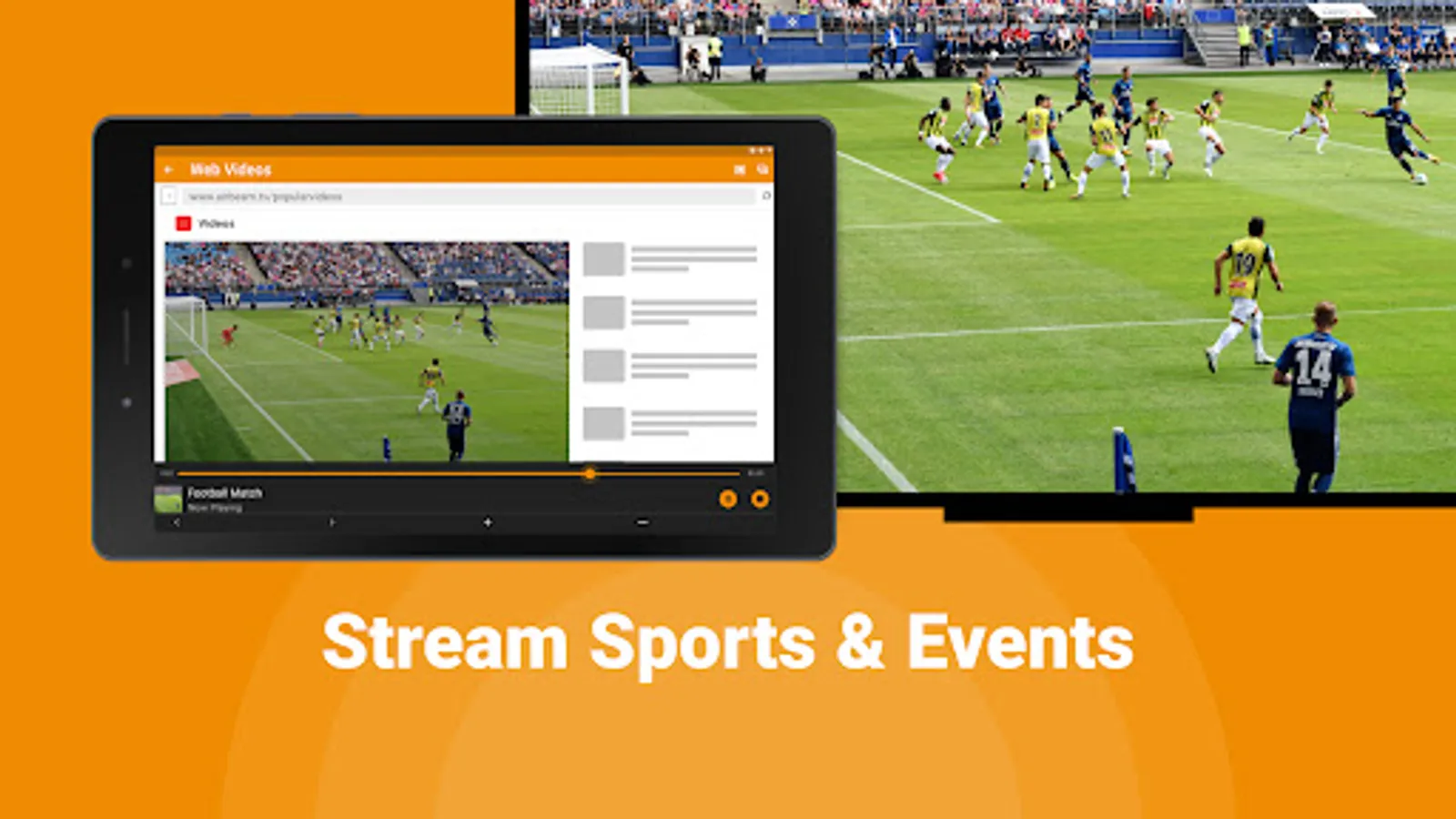
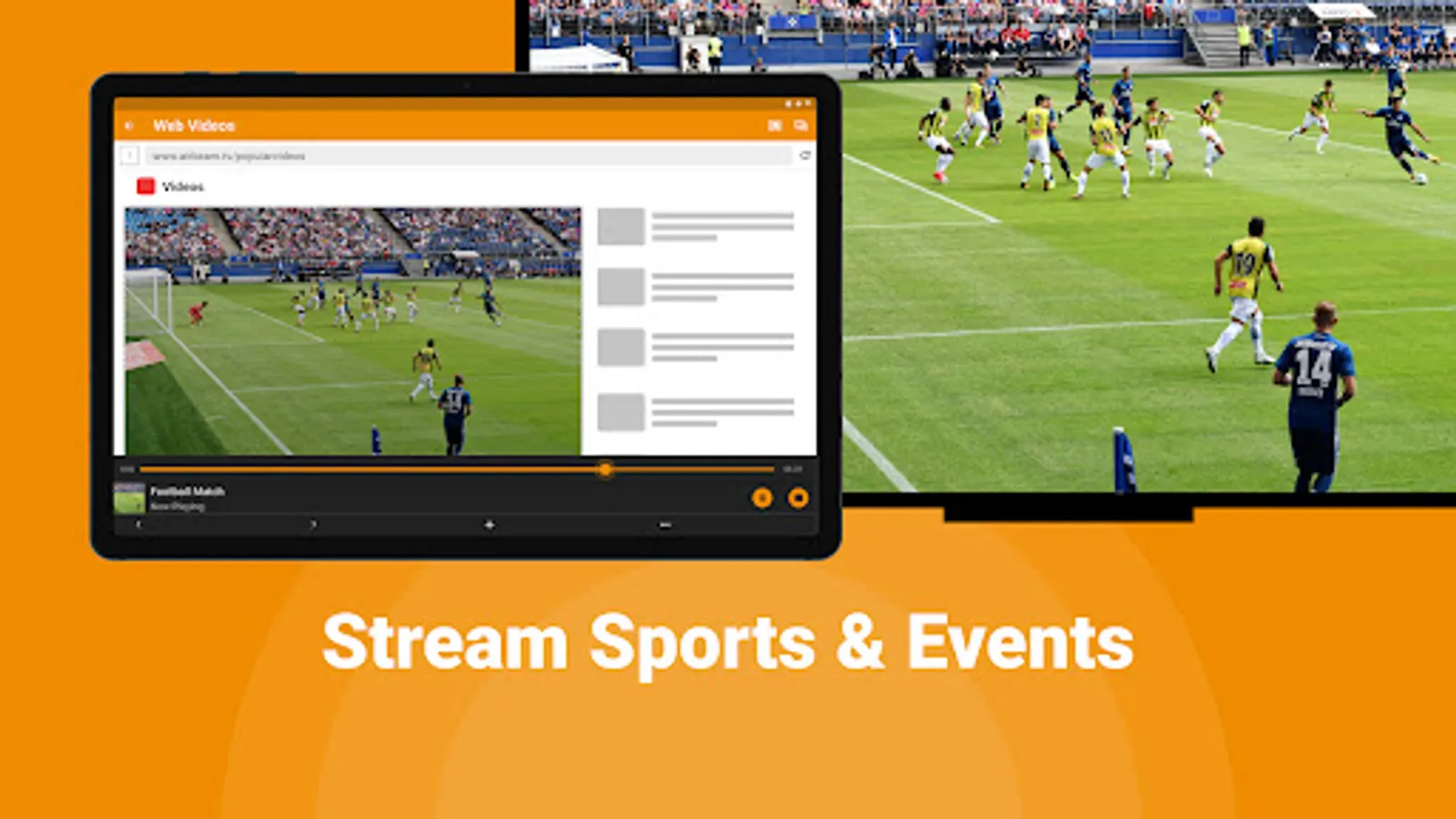
⚽️ TV cast live sports matches
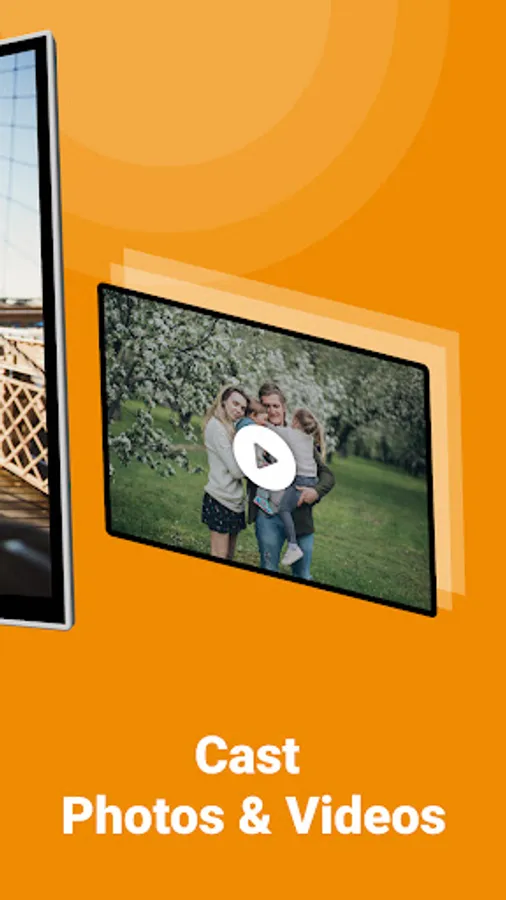
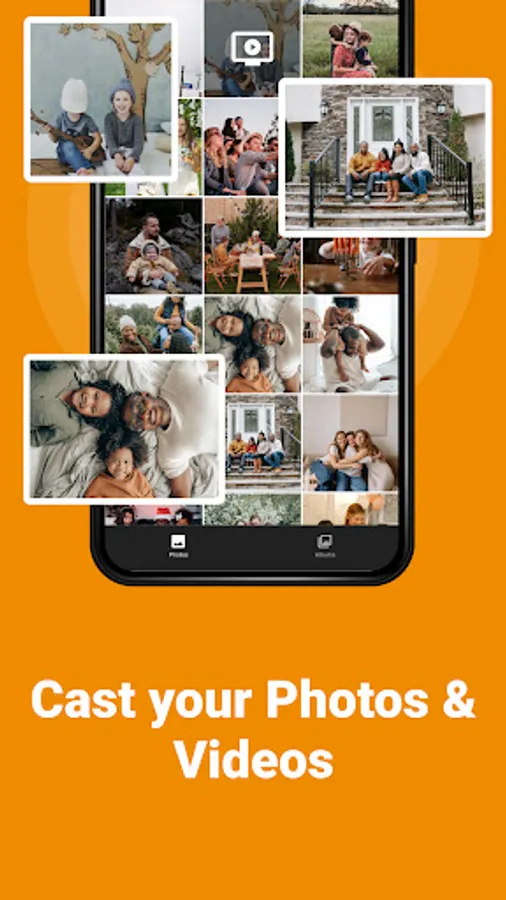
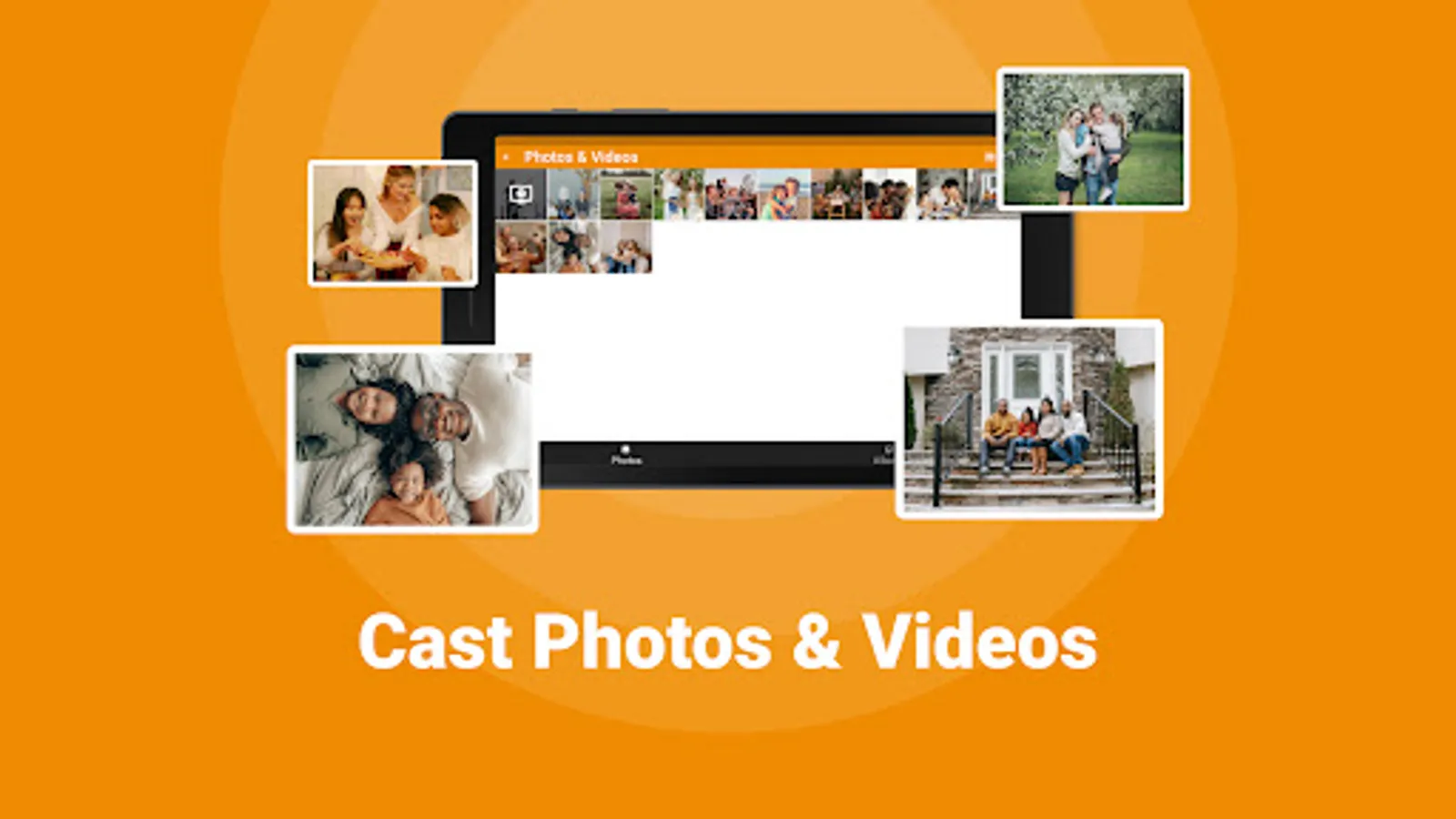
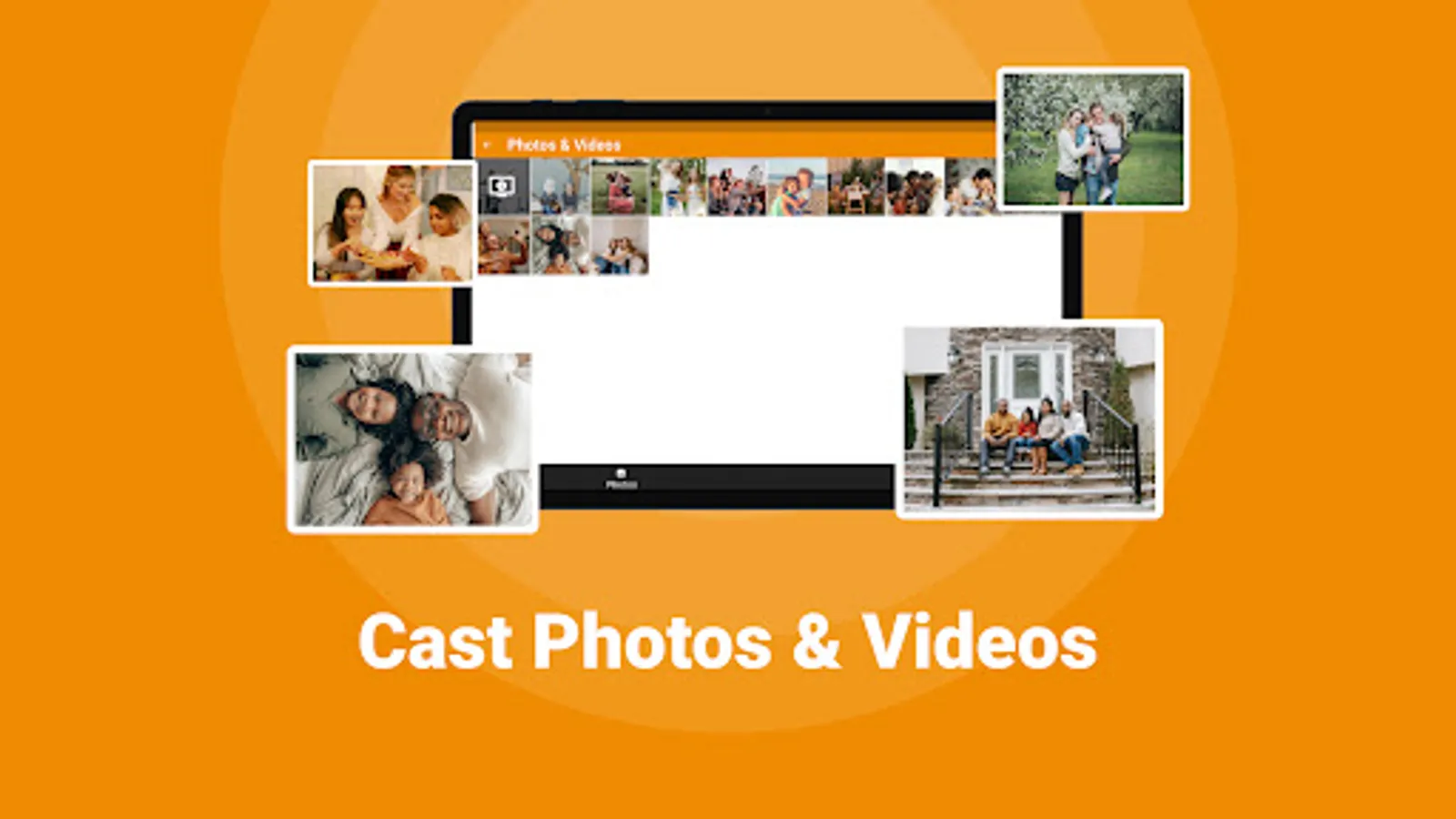
📸 Screen share photos to loved ones on your Hisense
👍 Stream Twitch, Facebook Live, TikTok or Instagram Live
📲 Full remote control with your android device
🤩 Stream holiday videos to your friends & family
Discover the Hisense TV Screen Mirroring app to TV cast developed by AirBeamTV. You only need to connect your Hisense TV and your Android smartphone/tablet to the same WiFi network. It will automatically open a quick manual to quickly find out how to screen share your TV through your android device.
Don't have a Hisense smart TV? You can still use our screen mirroring applications with any other AirBeamTV Android app. We support all media-streamers (Chromecast, Fire TV Stick, Roku) and all popular TV brands (Samsung, LG, Sony).
*Some apps block the screen mirroring technique. This is also known as DRM or Digital Rights Management. It blocks the content of those apps from appearing via a telephone or tablet on TV. DRM restrictions are enabled by an organization that developed the content app. Unfortunately, the Hisense TV Screen Mirroring app cannot change this. This problem may occur with streaming apps.
Visit us: https://www.airbeam.tv/
Support Page: https://www.airbeam.tv/contact-us/
Avoid HDMI cables and enjoy remote screen mirroring all content from your Android phone & tablet to any Hisense TV (including Hisense Roku TV and Hisense Android TV).
Get the most out of your Android devices with this TV cast for Hisense featured developed by AirBeamTV. Easily improve your home entertainment experience with remote TV streaming via screen mirroring:
📺 Enjoy everything on your smart TV from your phone & tablet with Hisense.
⚽️ TV cast live sports matches
📸 Screen share photos to loved ones on your Hisense
👍 Stream Twitch, Facebook Live, TikTok or Instagram Live
📲 Full remote control with your android device
🤩 Stream holiday videos to your friends & family
Discover the Hisense TV Screen Mirroring app to TV cast developed by AirBeamTV. You only need to connect your Hisense TV and your Android smartphone/tablet to the same WiFi network. It will automatically open a quick manual to quickly find out how to screen share your TV through your android device.
Don't have a Hisense smart TV? You can still use our screen mirroring applications with any other AirBeamTV Android app. We support all media-streamers (Chromecast, Fire TV Stick, Roku) and all popular TV brands (Samsung, LG, Sony).
*Some apps block the screen mirroring technique. This is also known as DRM or Digital Rights Management. It blocks the content of those apps from appearing via a telephone or tablet on TV. DRM restrictions are enabled by an organization that developed the content app. Unfortunately, the Hisense TV Screen Mirroring app cannot change this. This problem may occur with streaming apps.
Visit us: https://www.airbeam.tv/
Support Page: https://www.airbeam.tv/contact-us/
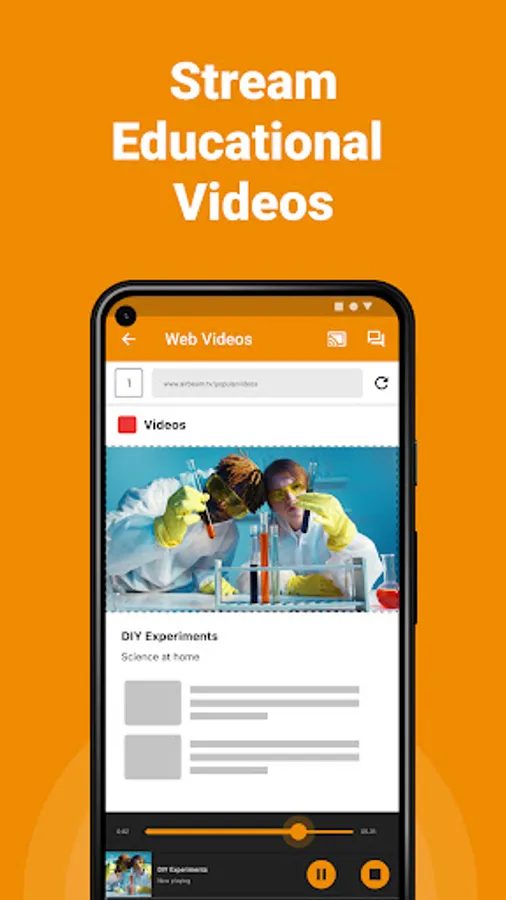
Hisense TV Screen Mirroring Screenshots

Tap to Rate:
Reviews for Hisense TV Screen Mirroring
Wendy Royer
12/22/2025
subscription...
MAD
12/11/2025
not free