TCL TV Screen Mirroring
AirBeamTV BV
3.8 ★
2K ratings
100,000+
downloads
Free
+ in-app
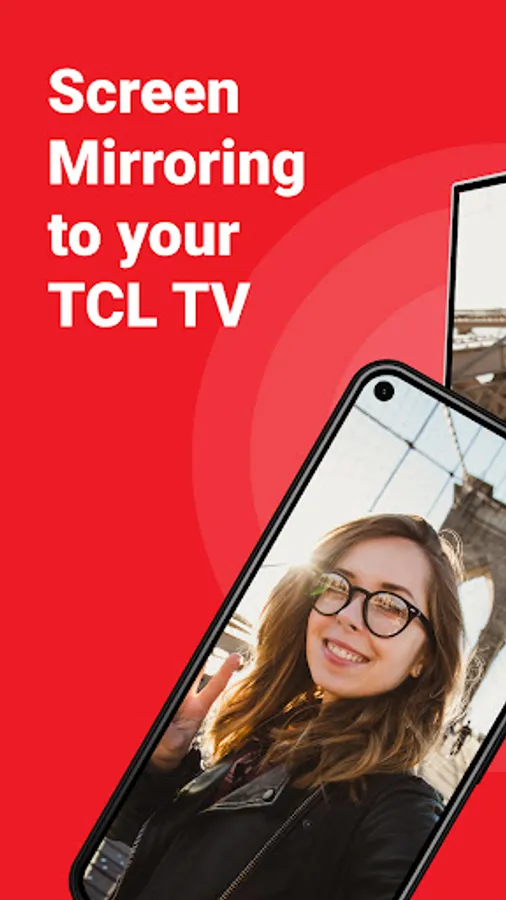
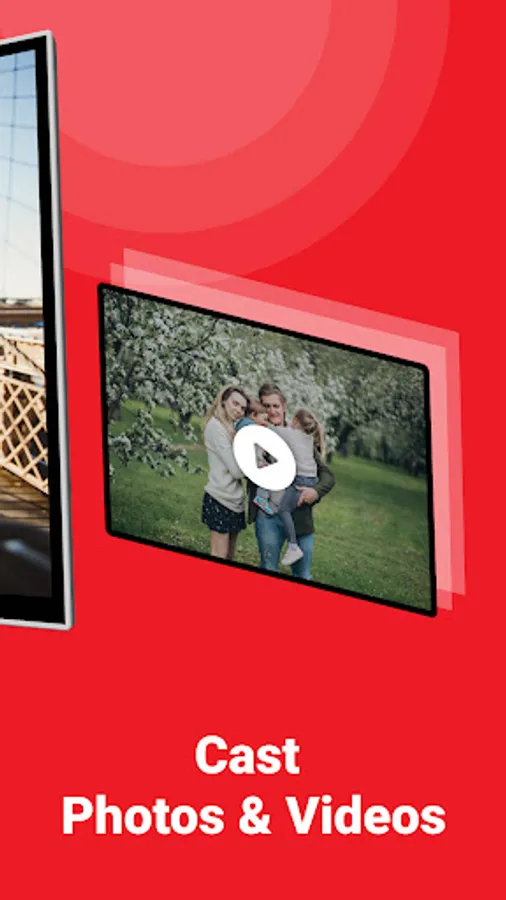
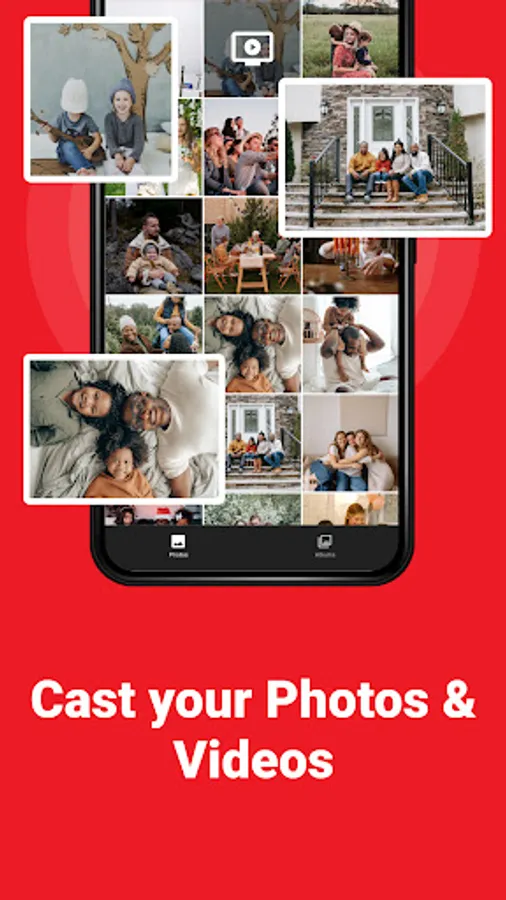
In this screen mirroring app, you can connect your Android device to your TCL TV to share photos, videos, and presentations. Includes remote control features and support for multiple TCL TV models.
AppRecs review analysis
AppRecs rating 3.6. Trustworthiness 81 out of 100. Review manipulation risk 30 out of 100. Based on a review sample analyzed.
★★★☆☆
3.6
AppRecs Rating
Ratings breakdown
5 star
59%
4 star
11%
3 star
4%
2 star
1%
1 star
26%
What to know
✓
Low review manipulation risk
30% review manipulation risk
⚠
Ad complaints
Many low ratings mention excessive ads
⚠
Pricing complaints
Many low ratings mention paywalls or pricing
About TCL TV Screen Mirroring
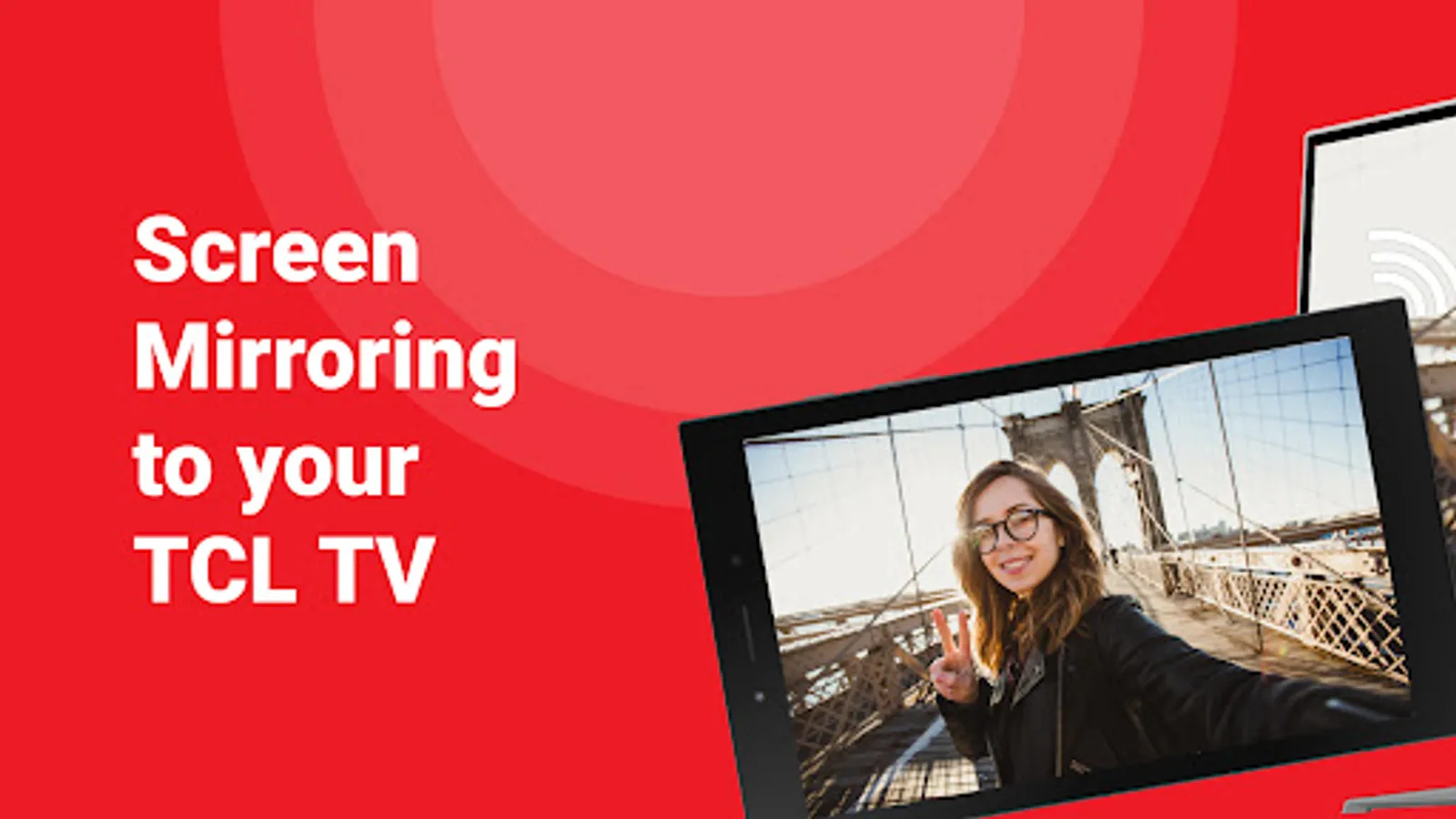
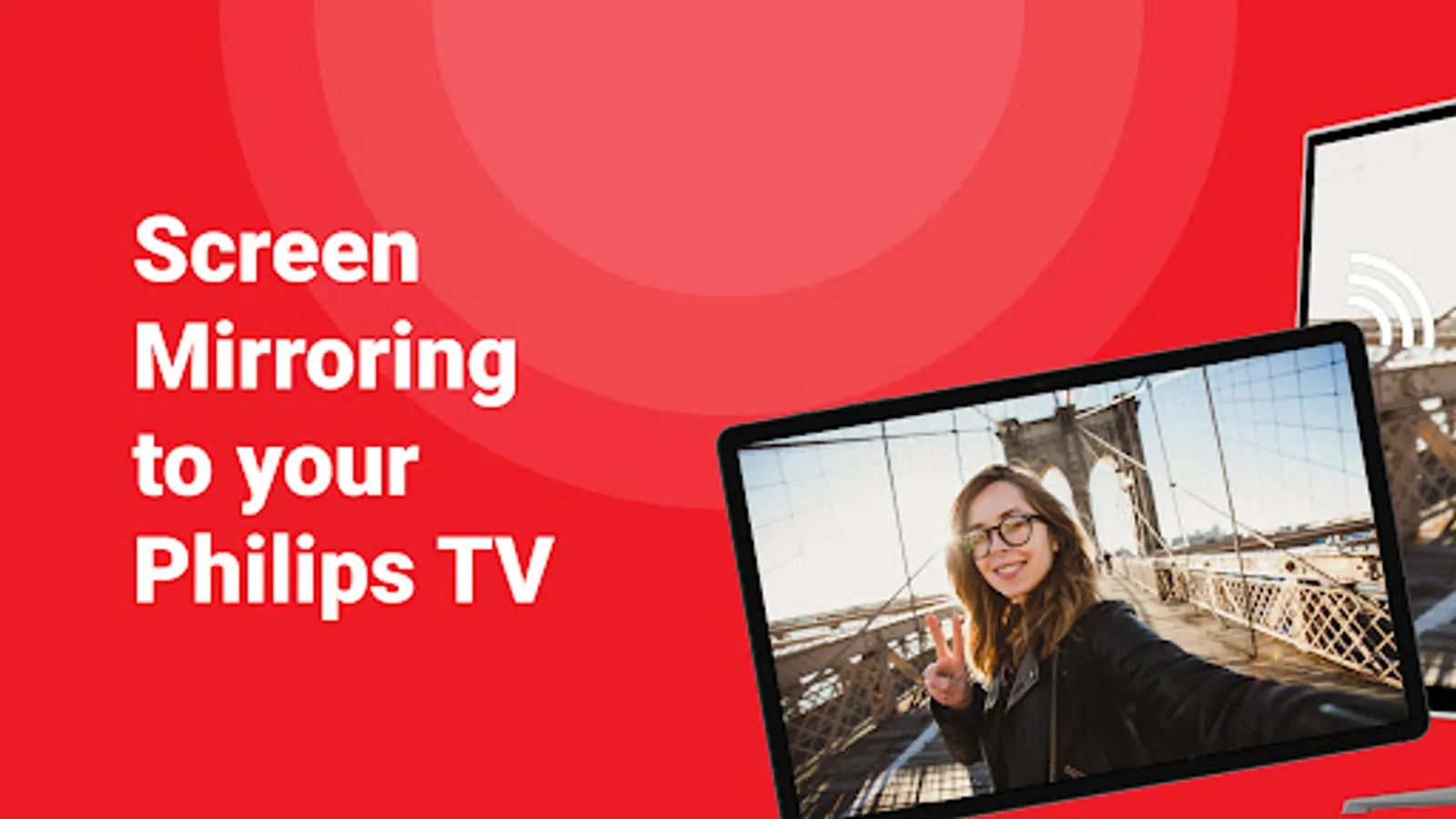
TCL screen mirroring app connects your TCL TV from your android phone & tablet. With this screen mirroring app for TCL, you can easily stream your phone or tablet's screen onto your TCL smart TV, allowing you to share photos, videos, and more on the android TV screen. Connect your android device to the same WiFi network as your TV, and start screen sharing. Screen mirroring for TCL has a user-friendly interface and a quick and easy setup. Enjoy all of your favorite content on the big screen with AirBeamTV's TCL screen mirroring app for free.
Screen mirroring from remote, just like Miracast, allows you to share the content from your phone on a larger screen, such as a TCL smart TV, either based on the Roku TV OS, DLNA or on the Android TV operating system. This can be useful for a variety of reasons, such as sharing photos or videos with friends and family, or using your phone's apps to cast online on a bigger screen.
Benefits of screen mirroring your phone from remote to your TCL smart TV using a mirroring app from AirBeamTV for free:
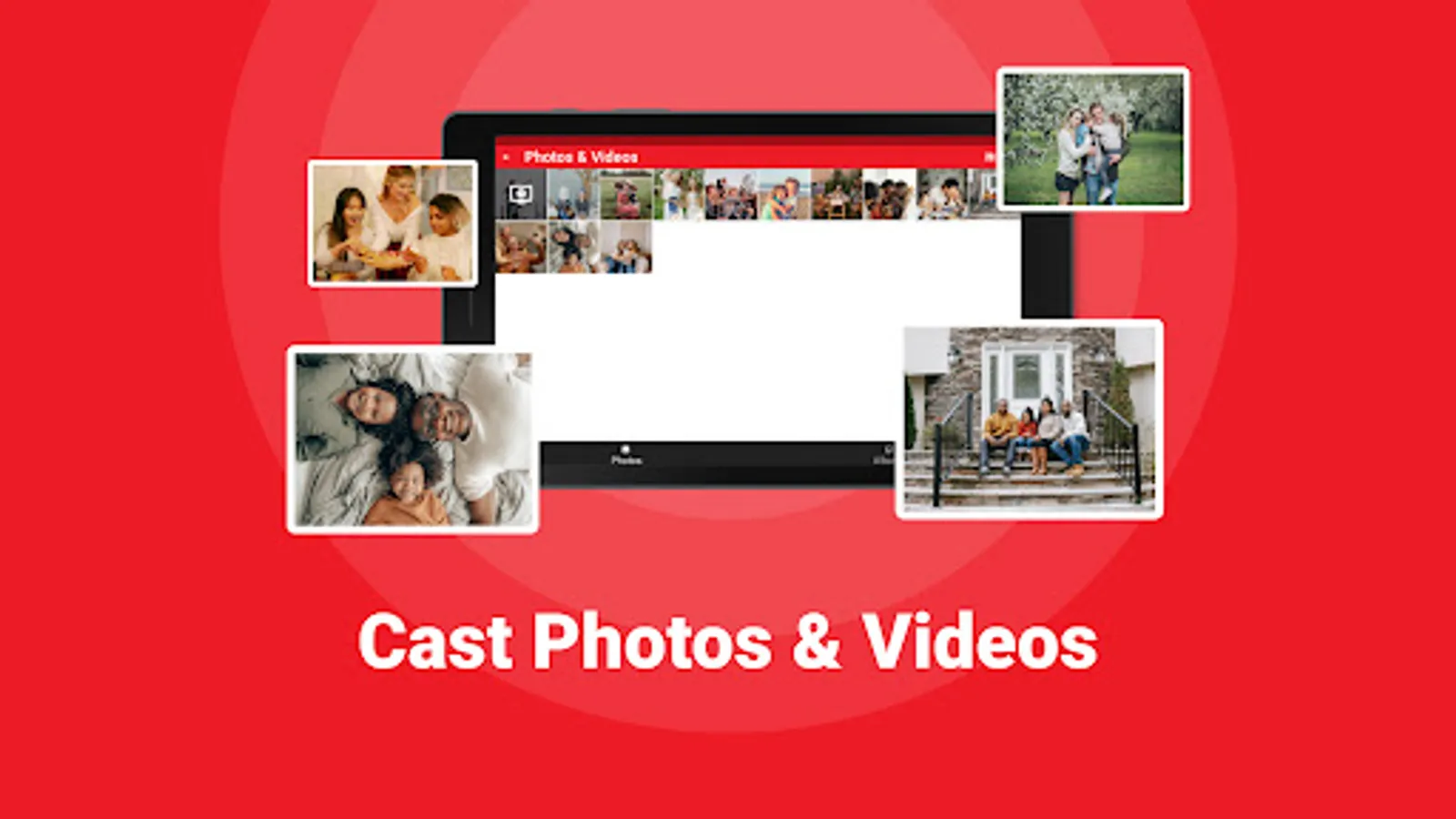
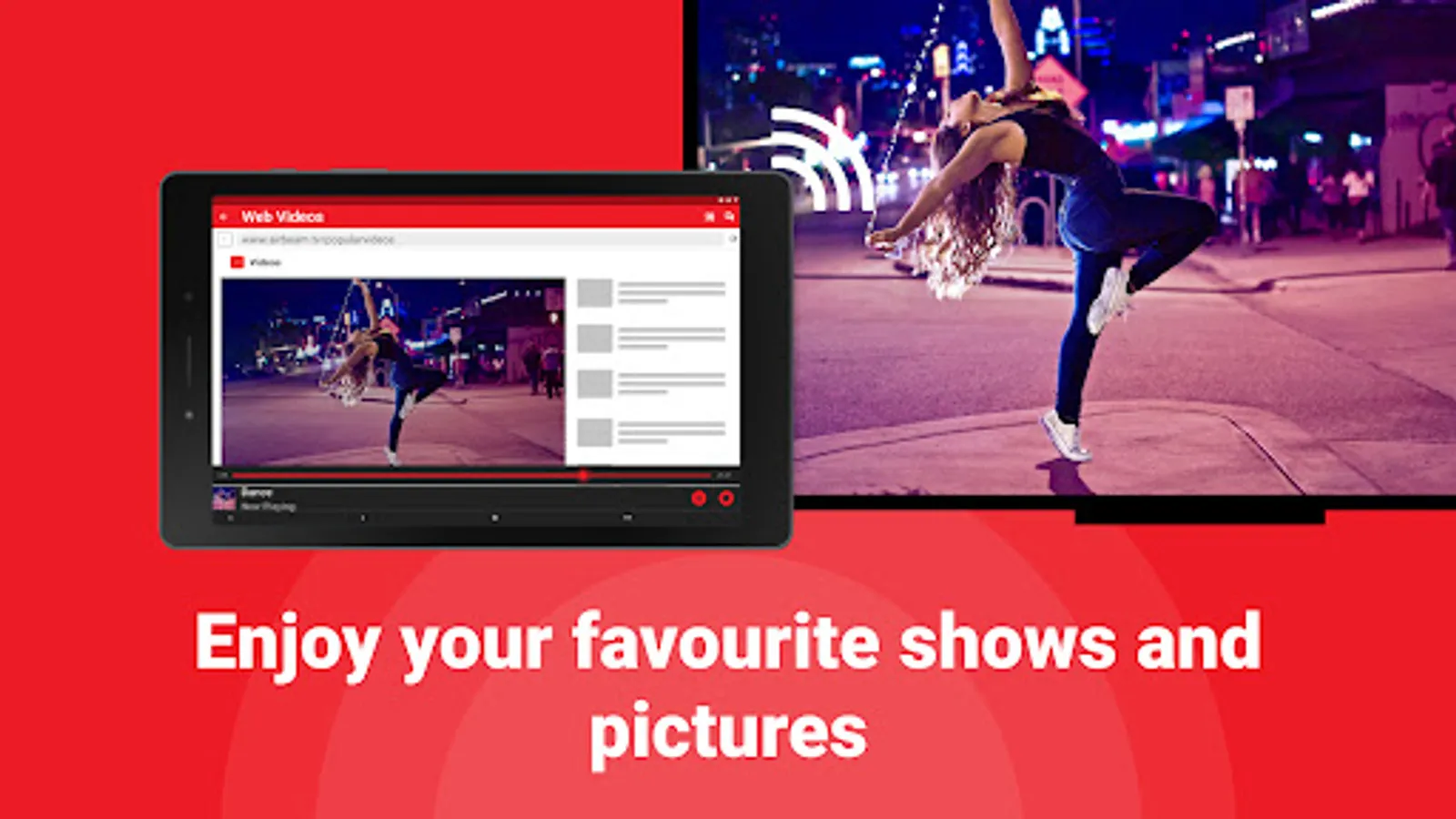
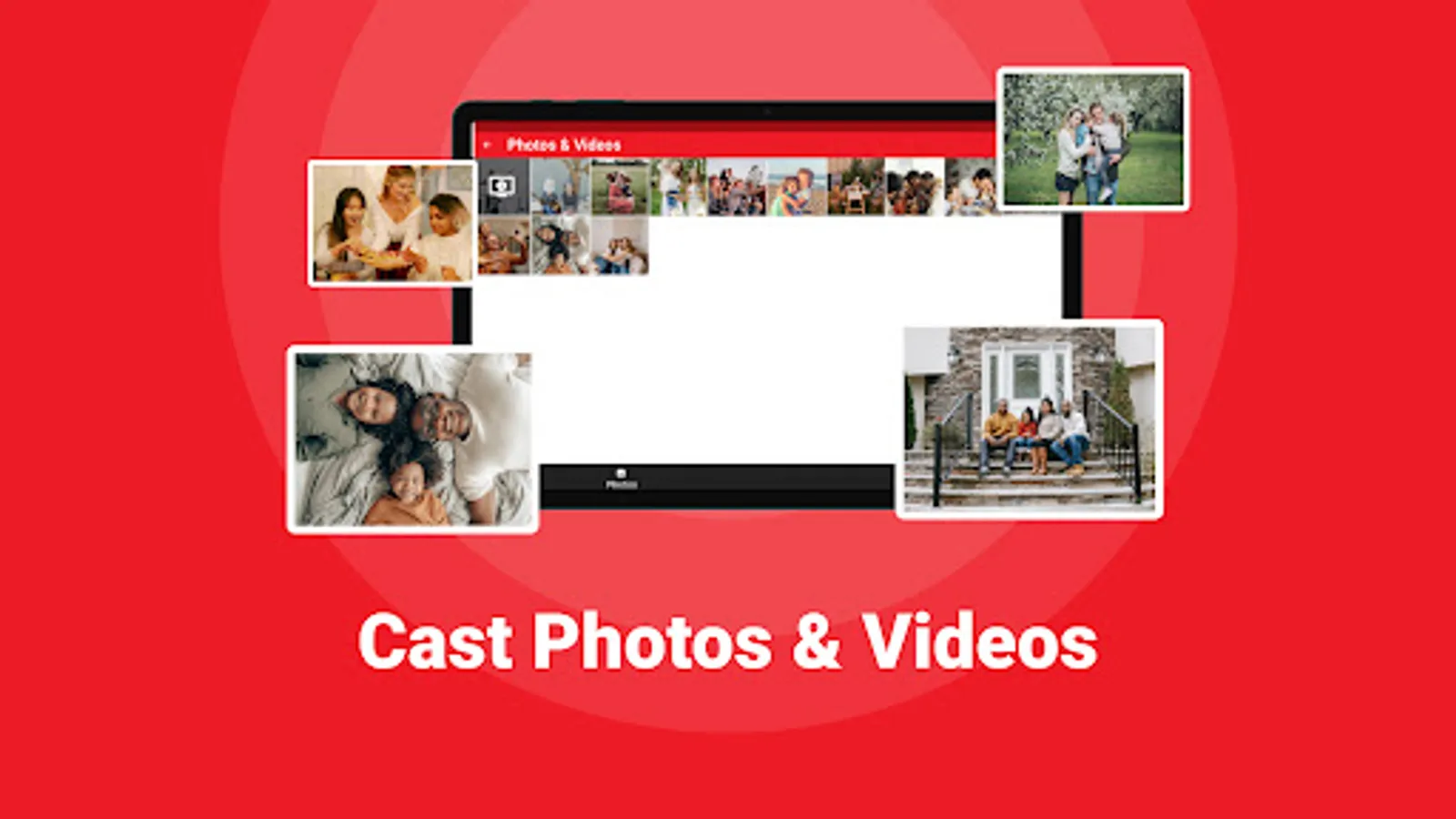
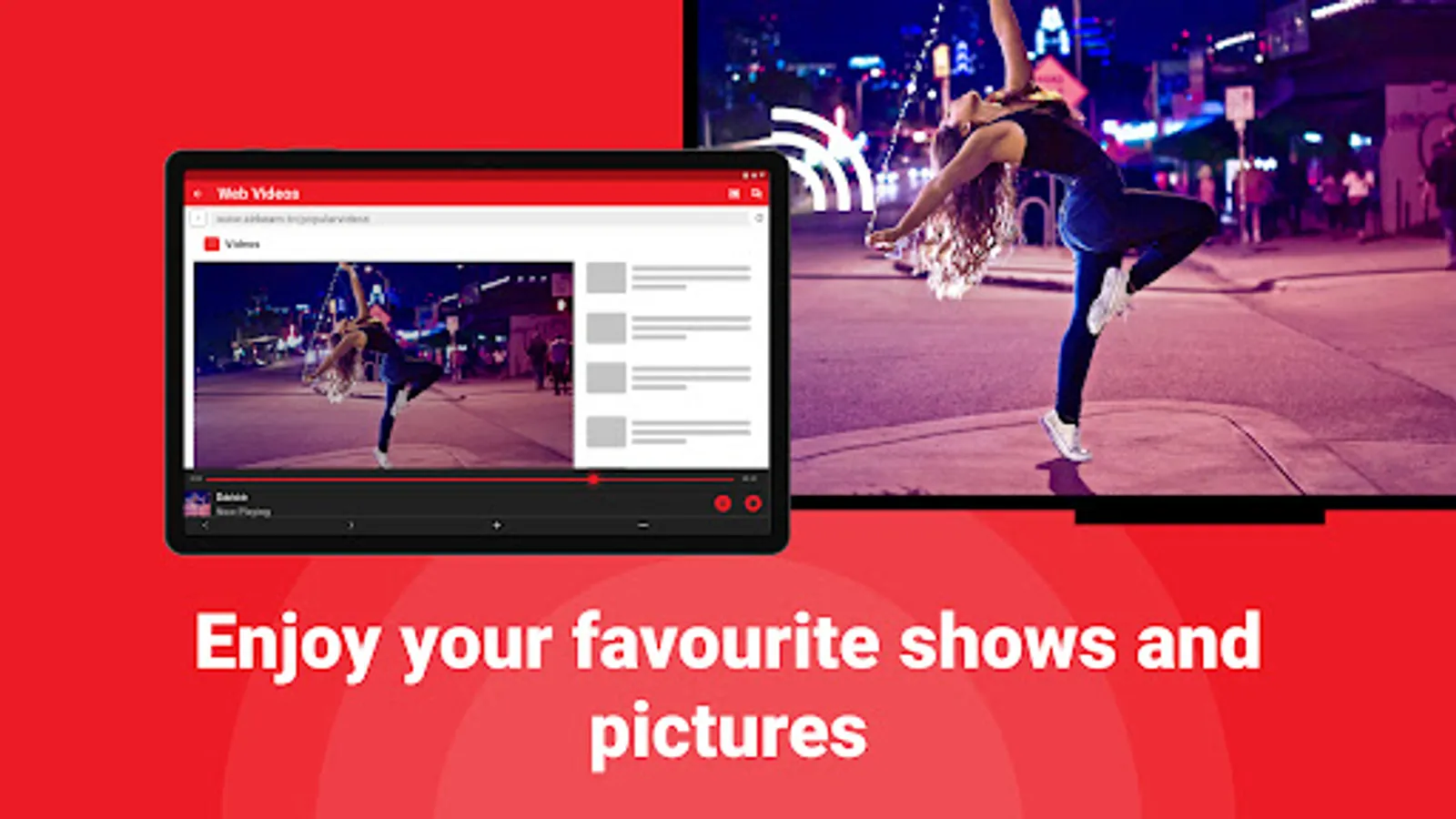
- Easy screen share to see and share content on a larger smart TV screen size
- Remote control of your TCL TV from your phone
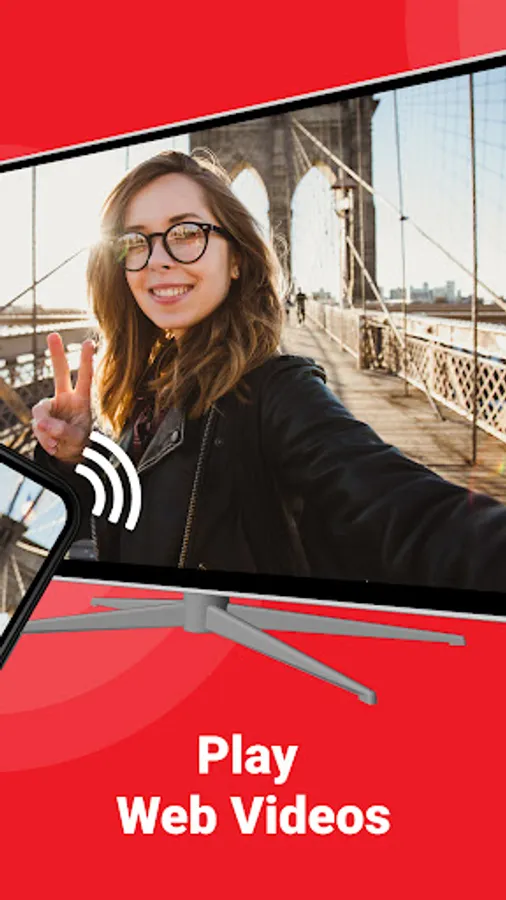
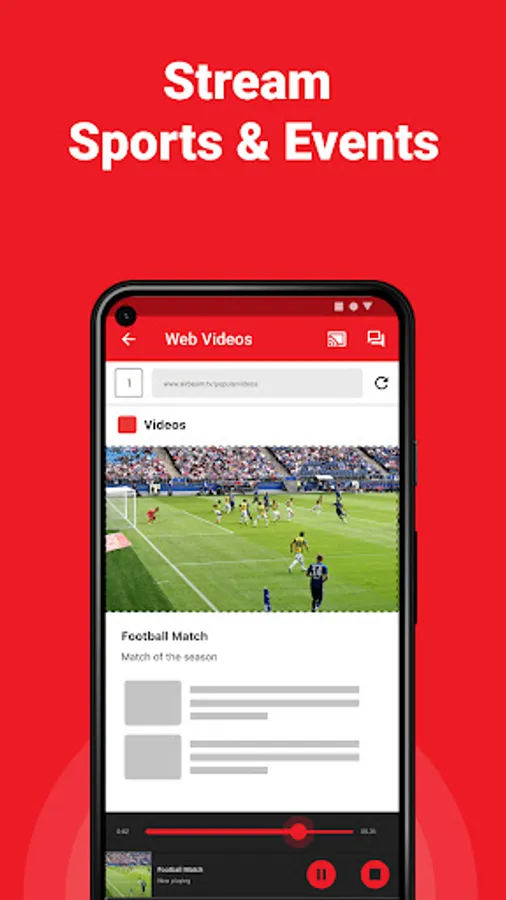
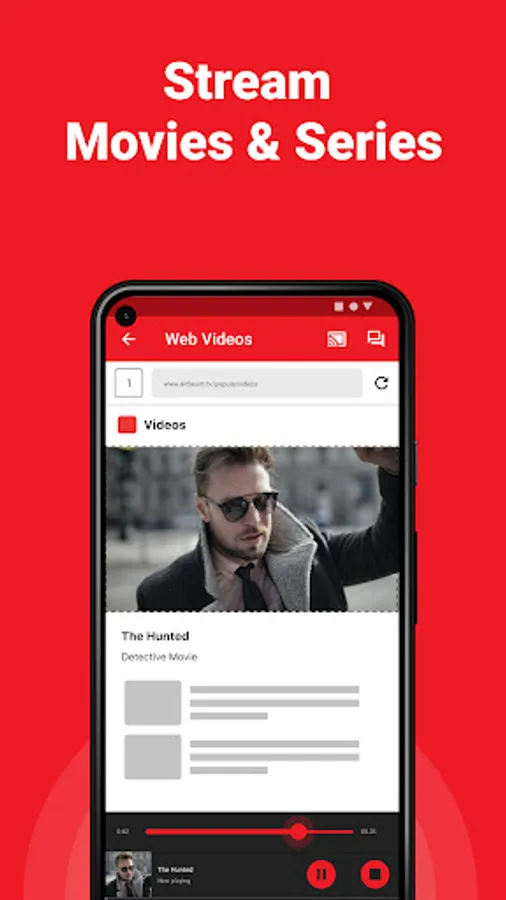
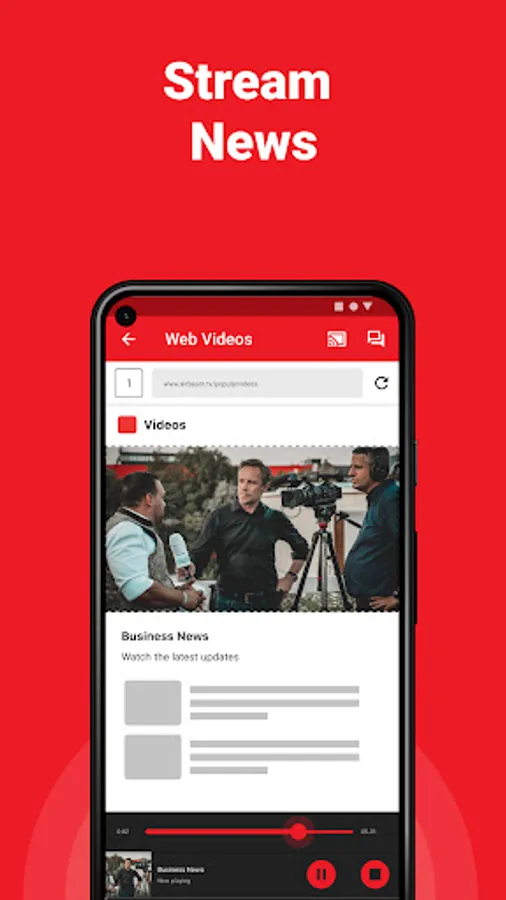
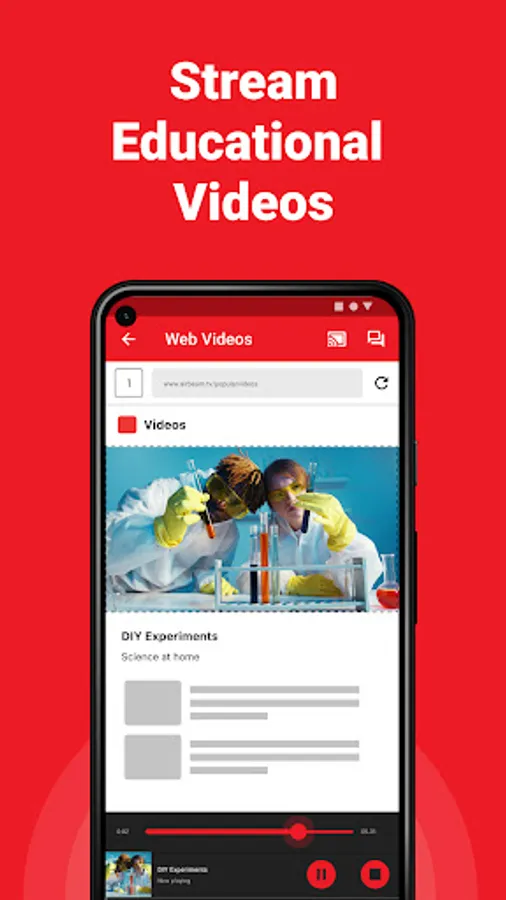
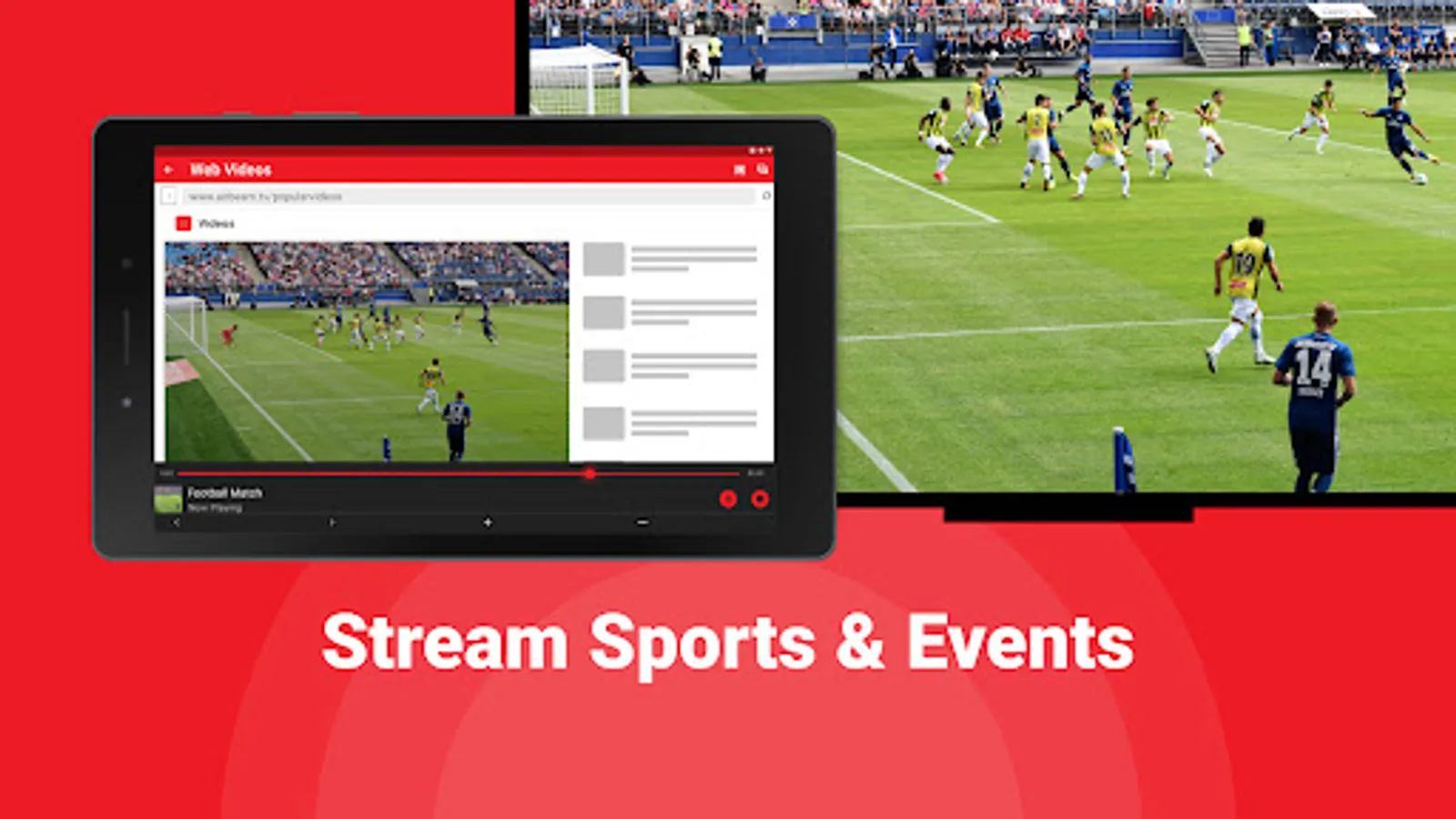
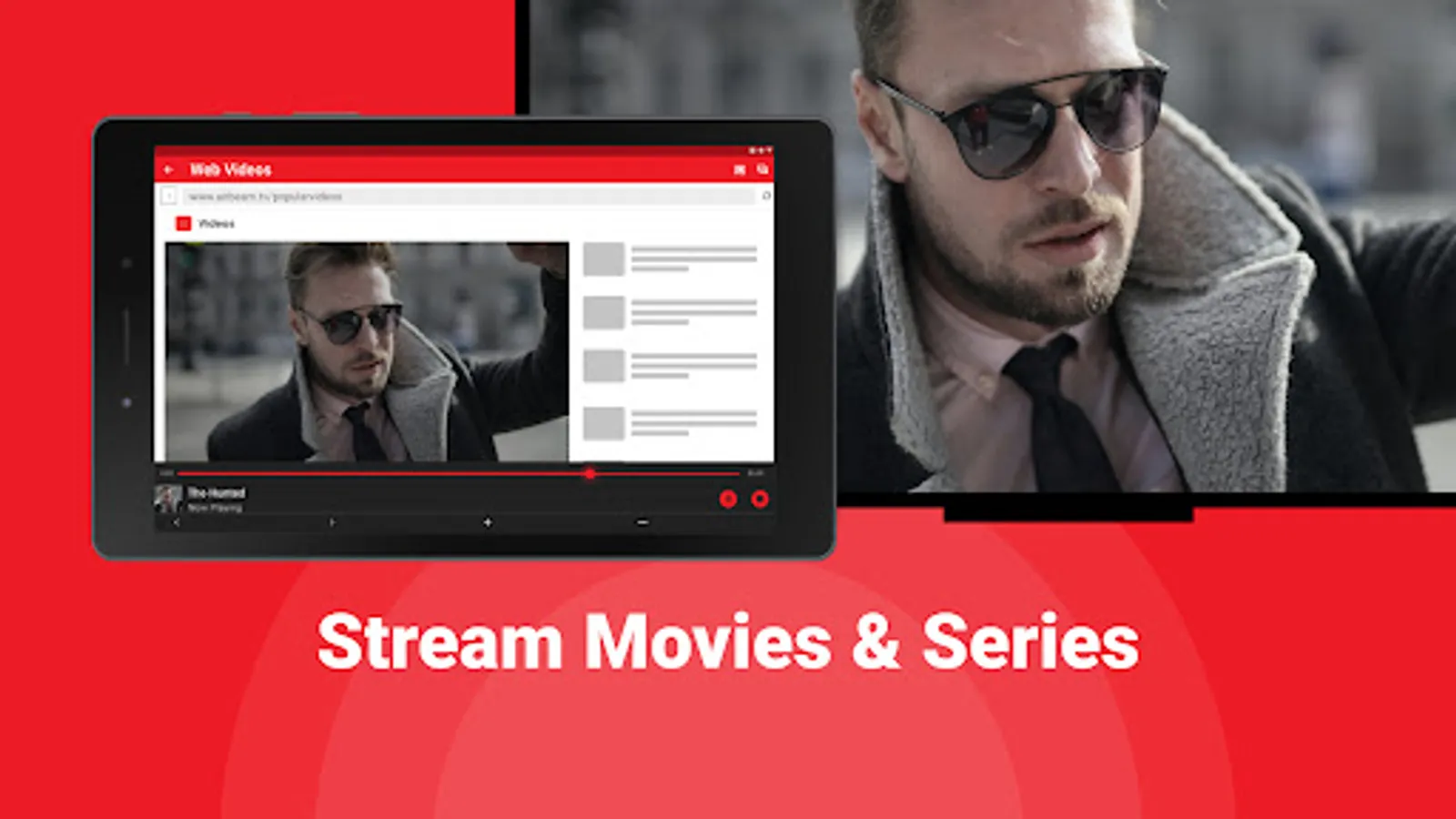
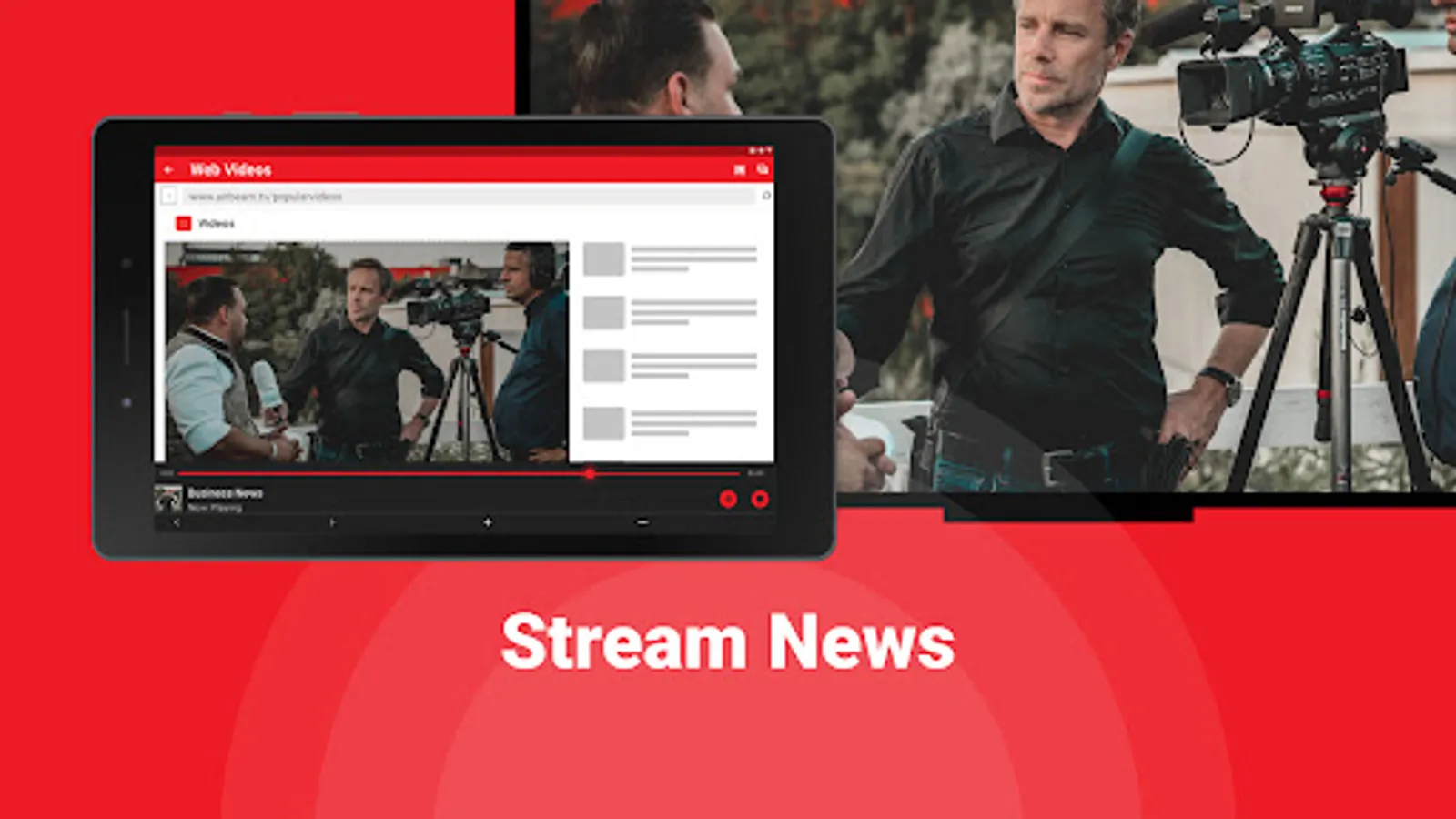
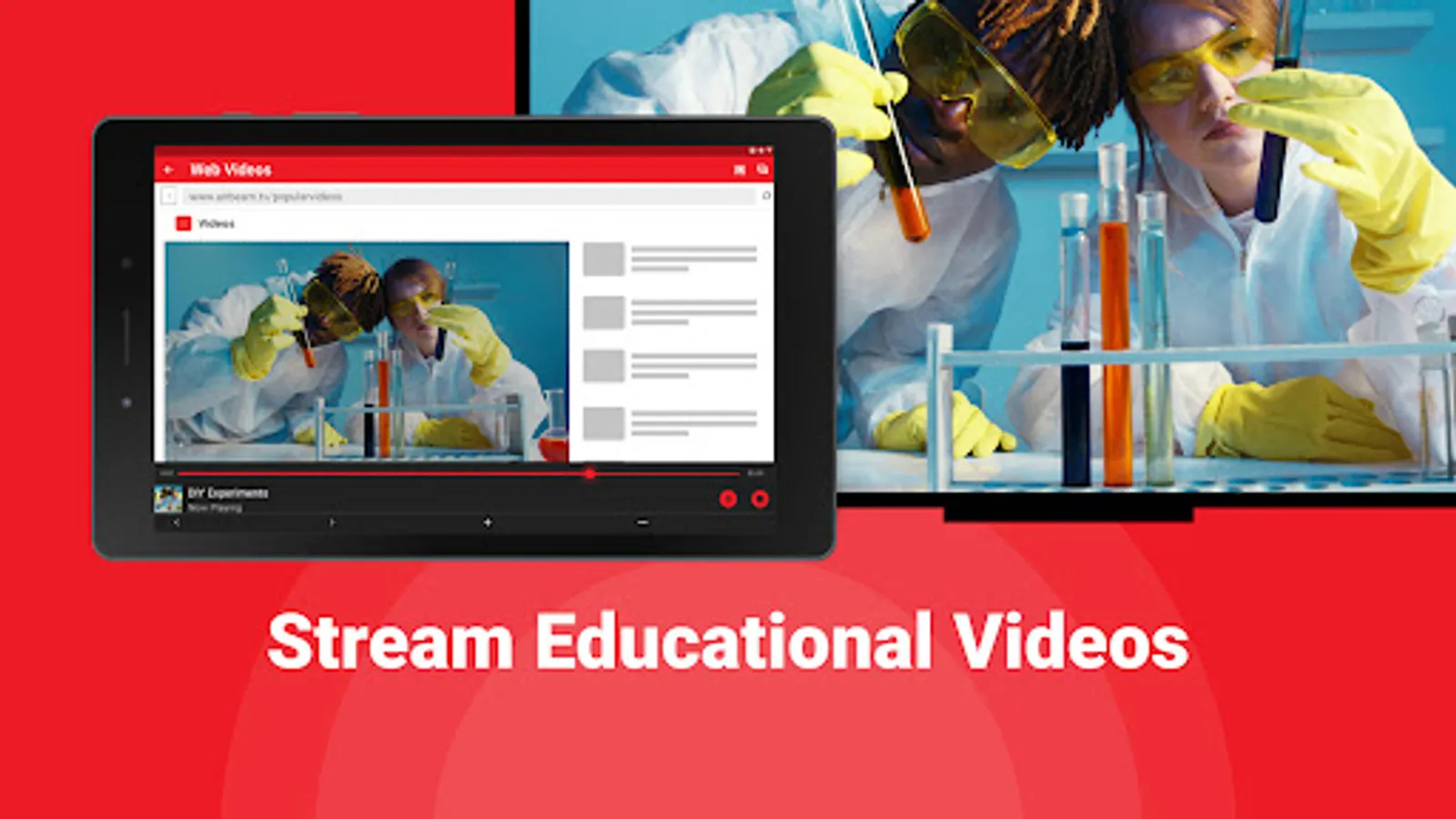
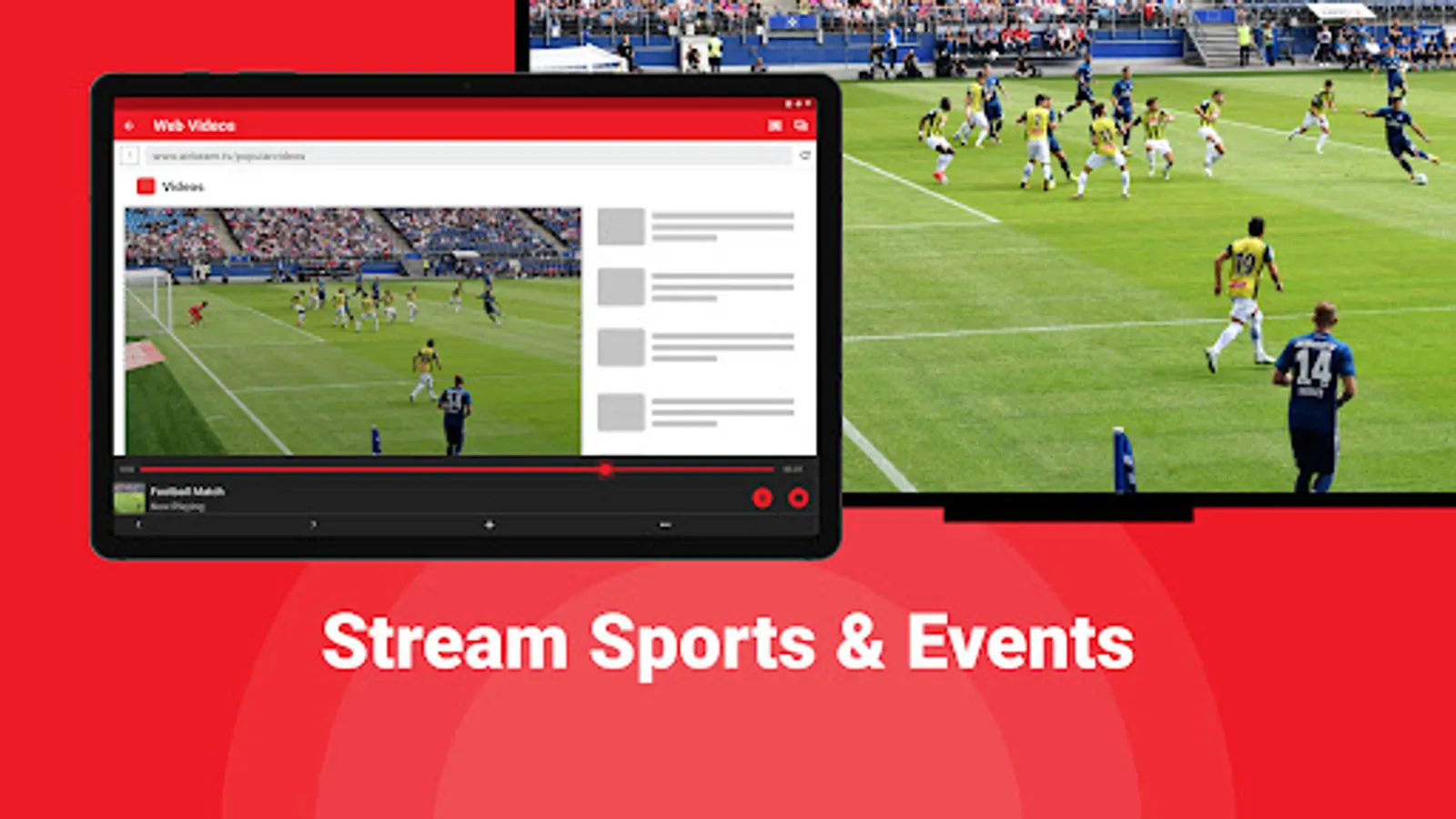
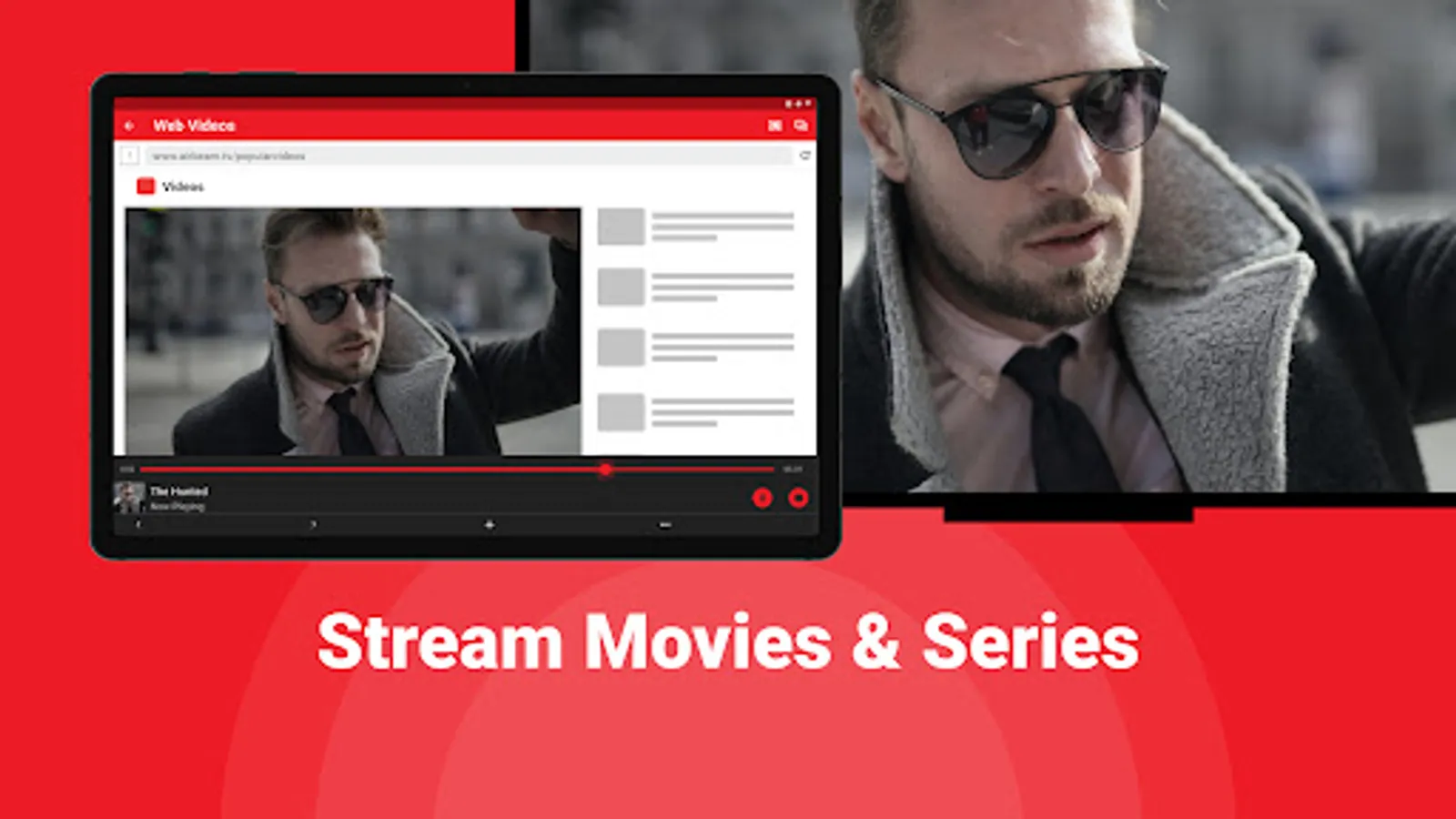
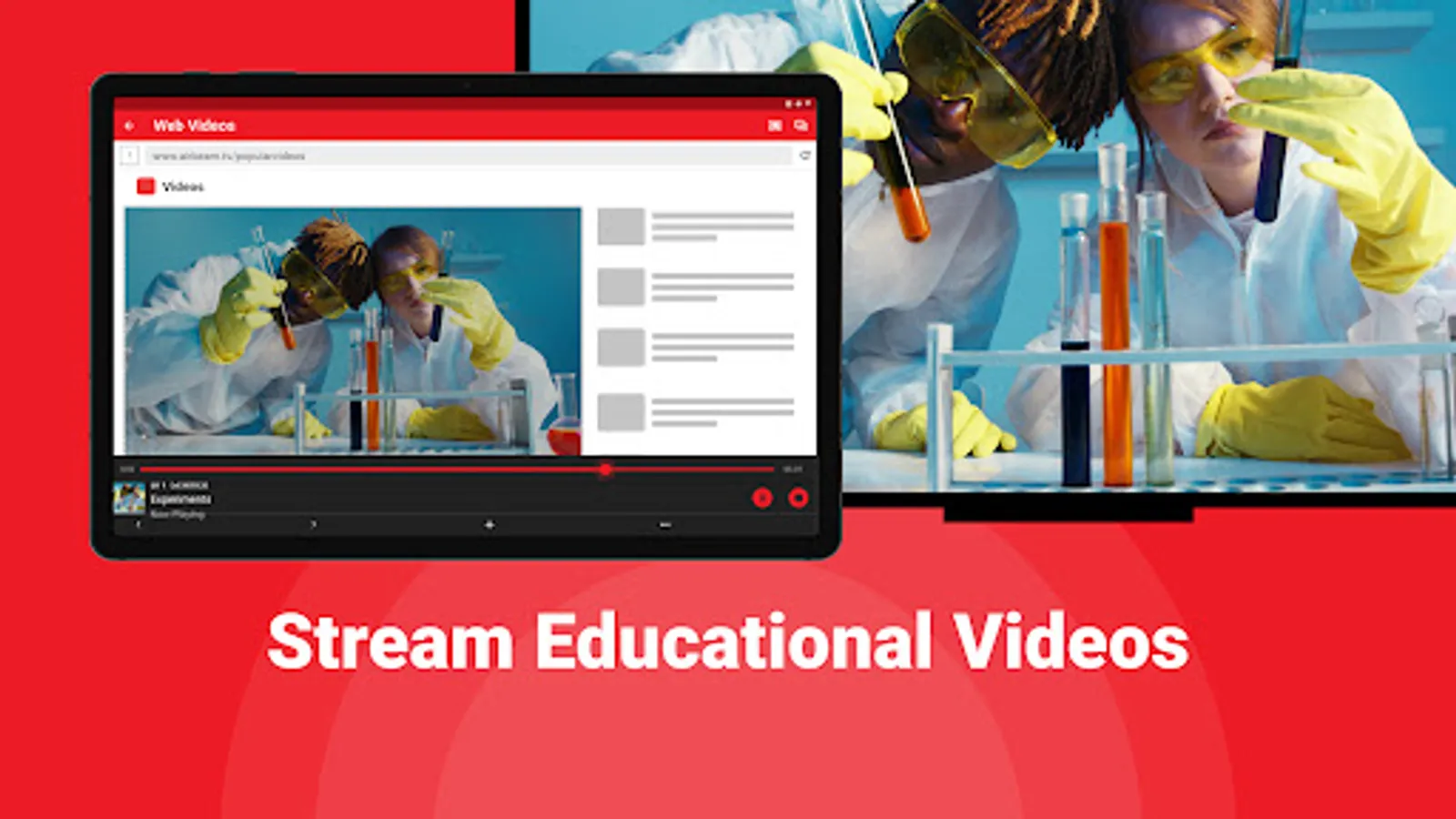
- Stream and watch online videos or movies on your android TV
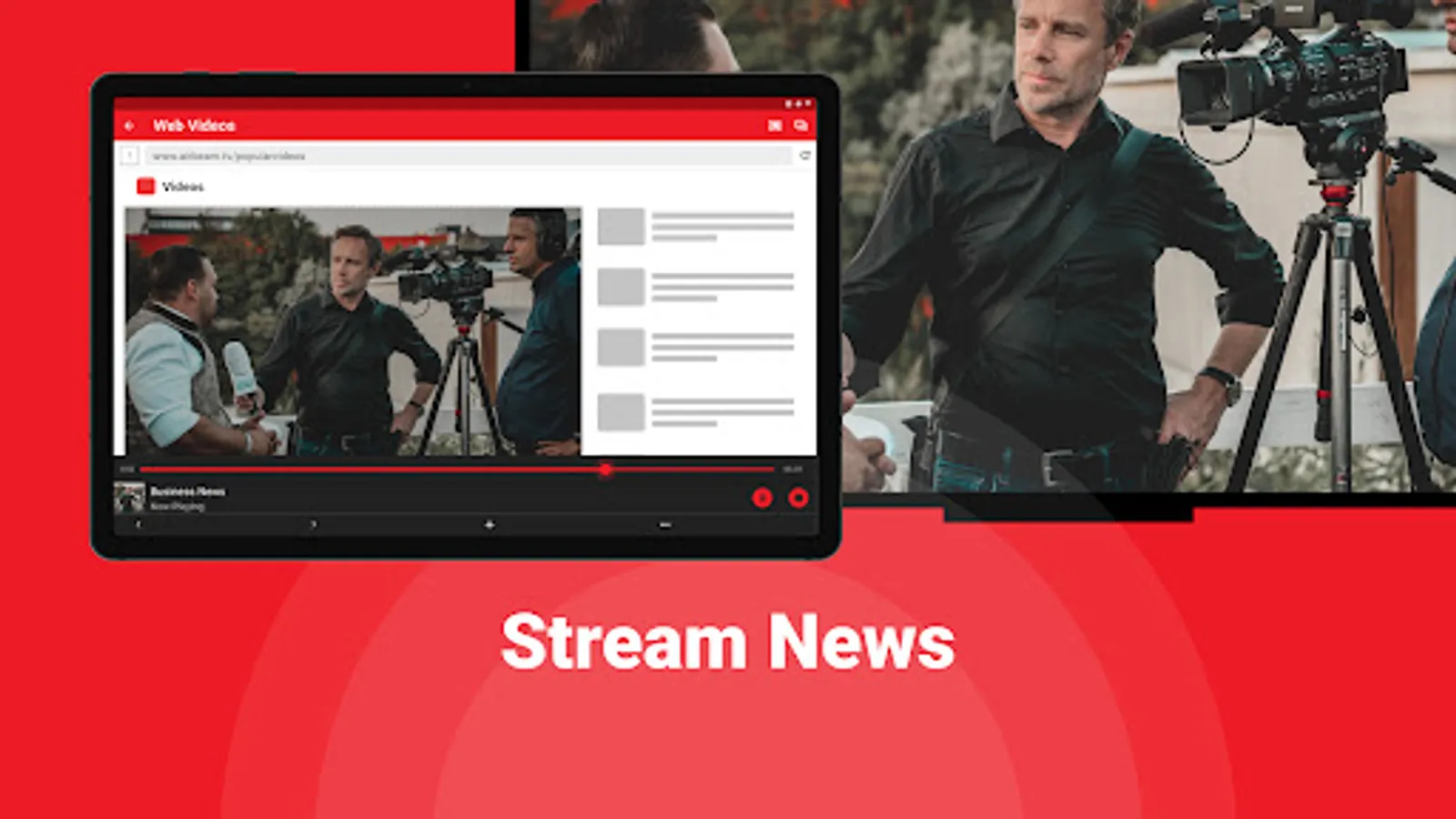
- TV cast to give presentations or demonstrations using your phone's content
This works on any TCL Smart TV from the 2012 models onward, including TCL Android TVs, TCL Roku TVs and TCL DLNA TVs. Make sure that your Android phone or tablet is on the same Wifi network as your TCL Smart TV to start screen mirroring for free.
Connect your phone or tablet from remote to your TCL smart TV. Cast and stream online to your TV from your Android phone or tablet.
Purchase TCL screen mirroring Pro Version through an in app purchase to enable endless screen mirroring and screen sharing.
*DRM: Some apps block Screen Mirroring. This means that application developers can choose themselves if they want to block Screen Mirroring. For instance, Netflix, Disney and Amazon Prime have decided to block this. We cannot change this.
Support: support@airbeam.tv
Screen mirroring from remote, just like Miracast, allows you to share the content from your phone on a larger screen, such as a TCL smart TV, either based on the Roku TV OS, DLNA or on the Android TV operating system. This can be useful for a variety of reasons, such as sharing photos or videos with friends and family, or using your phone's apps to cast online on a bigger screen.
Benefits of screen mirroring your phone from remote to your TCL smart TV using a mirroring app from AirBeamTV for free:
- Easy screen share to see and share content on a larger smart TV screen size
- Remote control of your TCL TV from your phone
- Stream and watch online videos or movies on your android TV
- TV cast to give presentations or demonstrations using your phone's content
This works on any TCL Smart TV from the 2012 models onward, including TCL Android TVs, TCL Roku TVs and TCL DLNA TVs. Make sure that your Android phone or tablet is on the same Wifi network as your TCL Smart TV to start screen mirroring for free.
Connect your phone or tablet from remote to your TCL smart TV. Cast and stream online to your TV from your Android phone or tablet.
Purchase TCL screen mirroring Pro Version through an in app purchase to enable endless screen mirroring and screen sharing.
*DRM: Some apps block Screen Mirroring. This means that application developers can choose themselves if they want to block Screen Mirroring. For instance, Netflix, Disney and Amazon Prime have decided to block this. We cannot change this.
Support: support@airbeam.tv
TCL TV Screen Mirroring Screenshots
Tap to Rate:
Reviews for TCL TV Screen Mirroring
Bob Peach
12/28/2025
must pay $6.99/WEEK!!! RIDICULOUS!!!
Ash Meierhoff
12/2/2025
just advertisement and credit card phishing