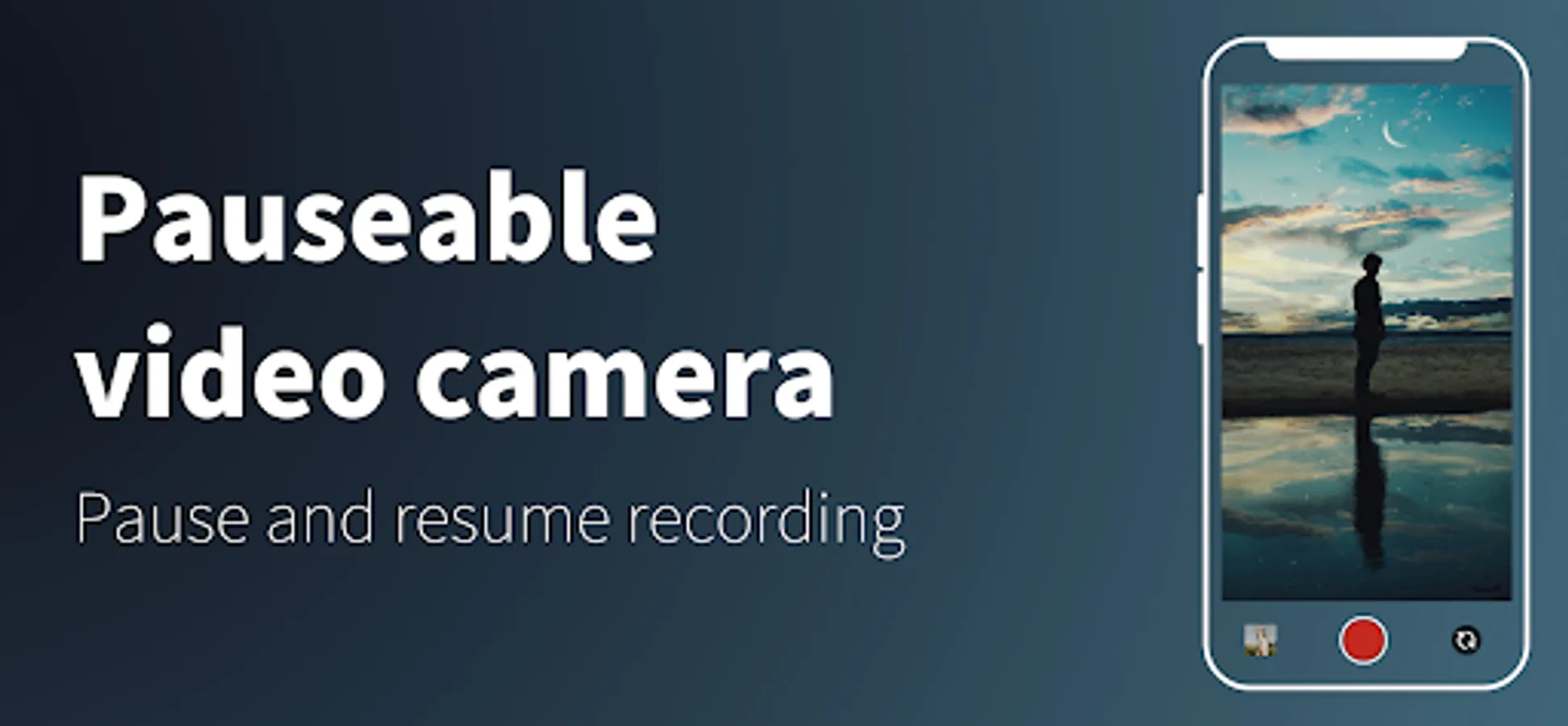
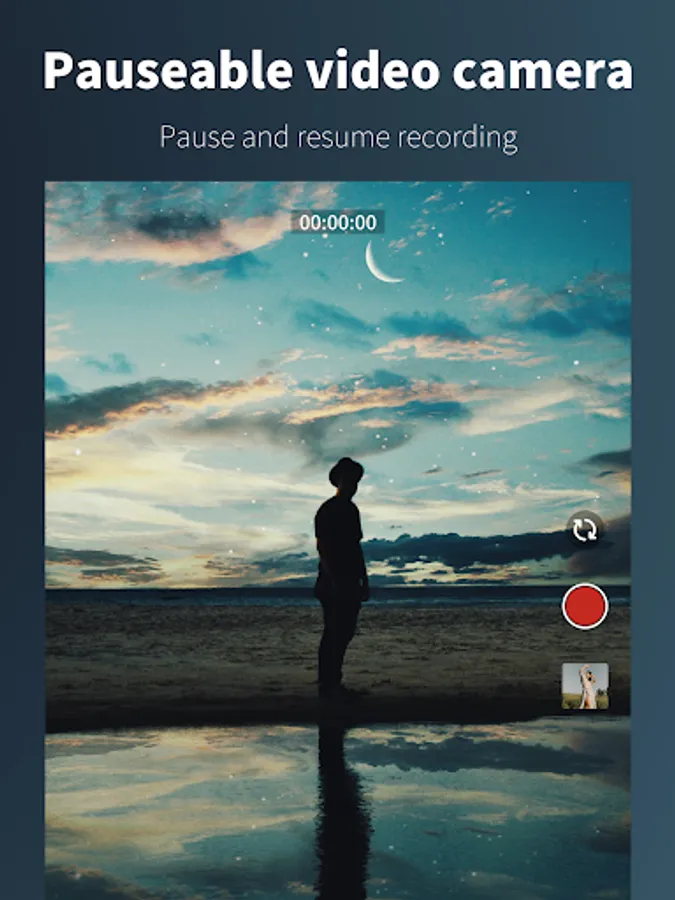
In this video recording app, you can pause and resume recordings at any point, edit videos, and share clips directly. Includes clip reordering, trimming tools, and SNS sharing options.
AppRecs review analysis
AppRecs rating 3.3. Trustworthiness 0 out of 100. Review manipulation risk 0 out of 100. Based on a review sample analyzed.
★★★☆☆
3.3
AppRecs Rating
Ratings breakdown
5 star
51%
4 star
0%
3 star
16%
2 star
0%
1 star
33%
What to know
✓
Authentic reviews
Natural distribution, no red flags
⚠
High negative review ratio
33% of sampled ratings are 1–2 stars
About Pauseable video camera
Features
- No registration required
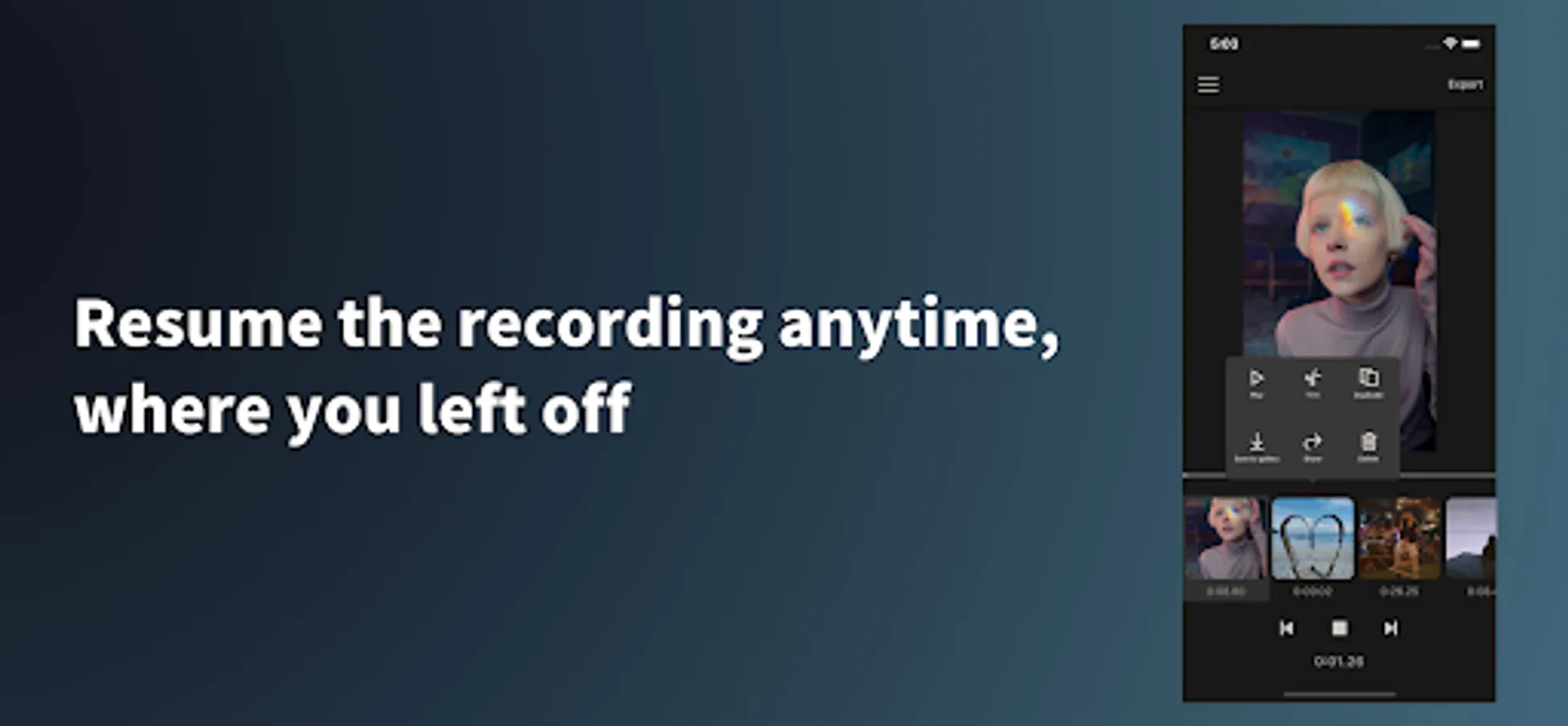
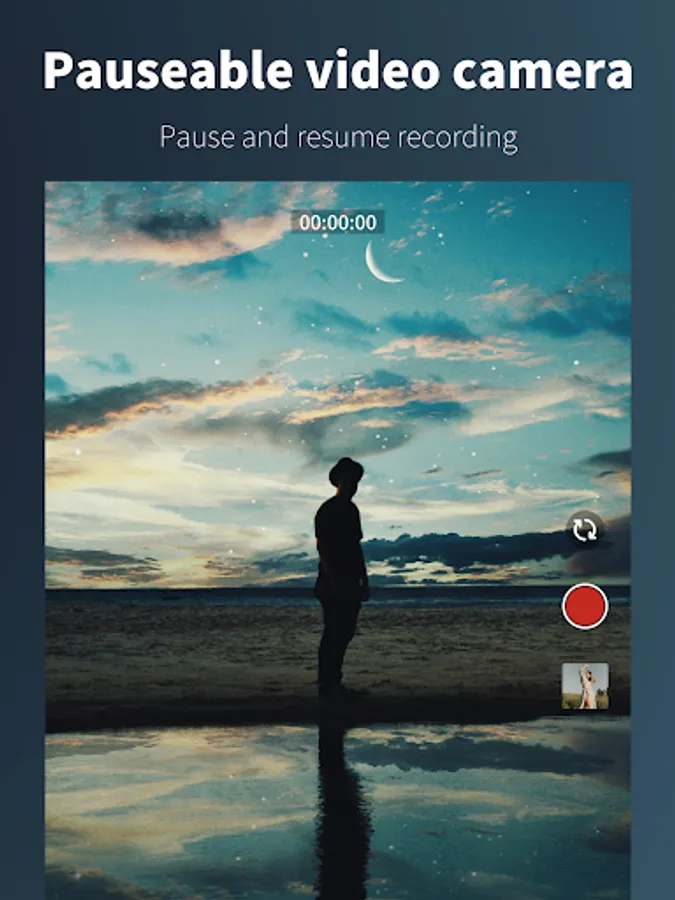
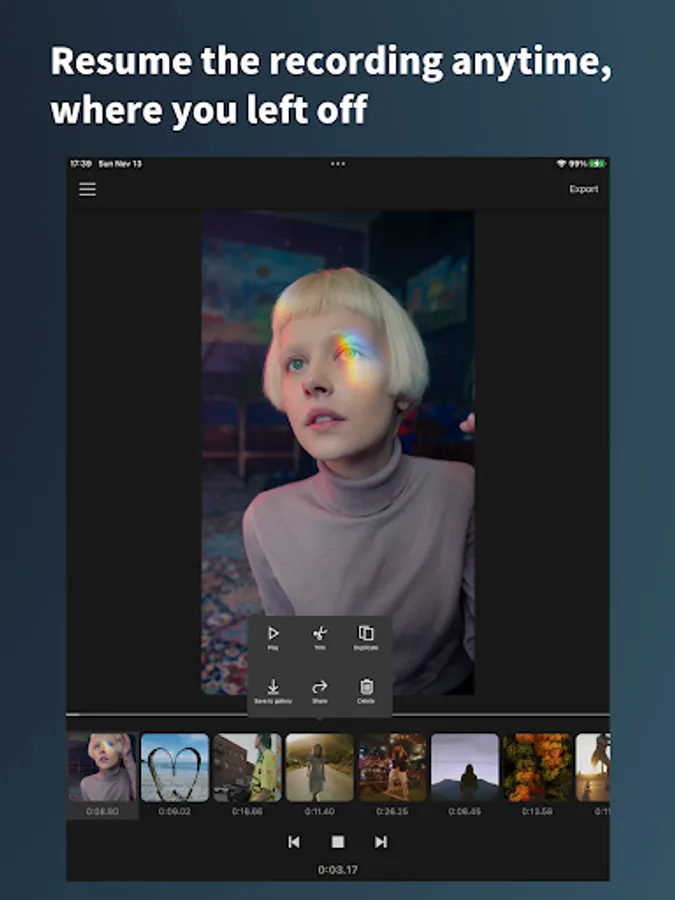
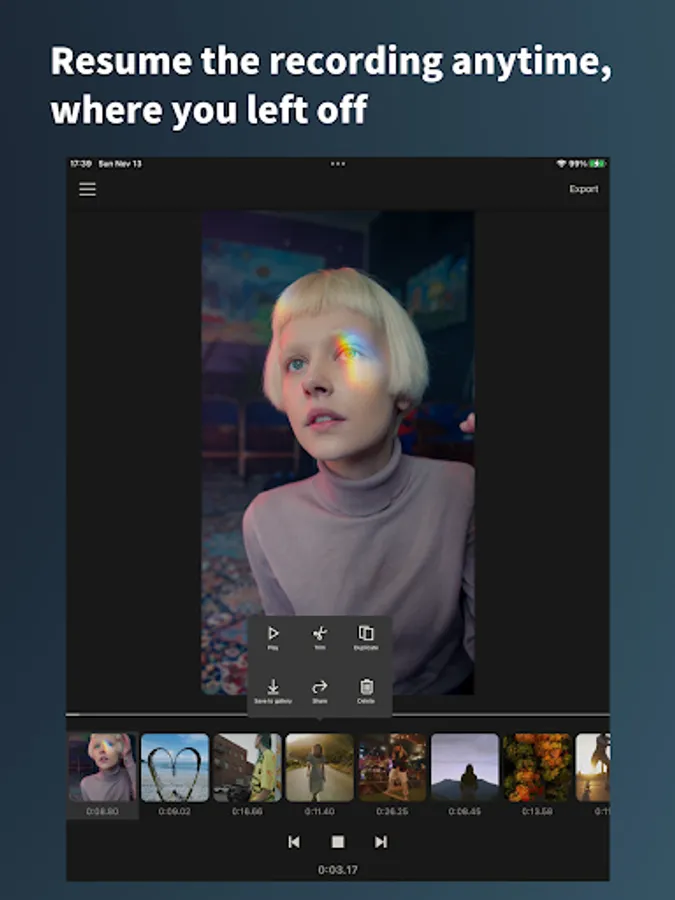
- Resume the recording anytime, where you left off
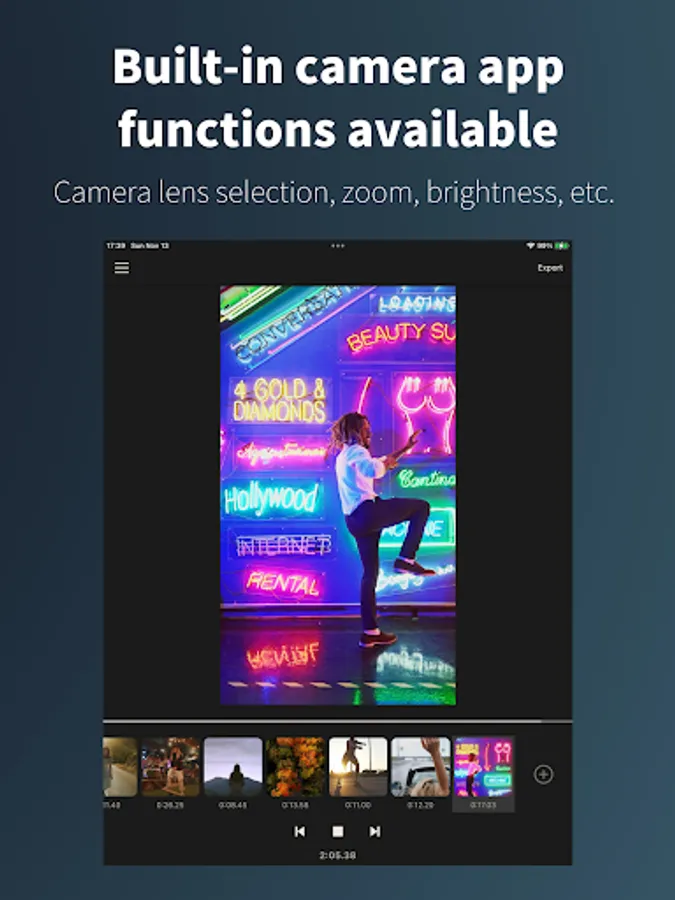
- Use of built-in camera app correction functions and lenses
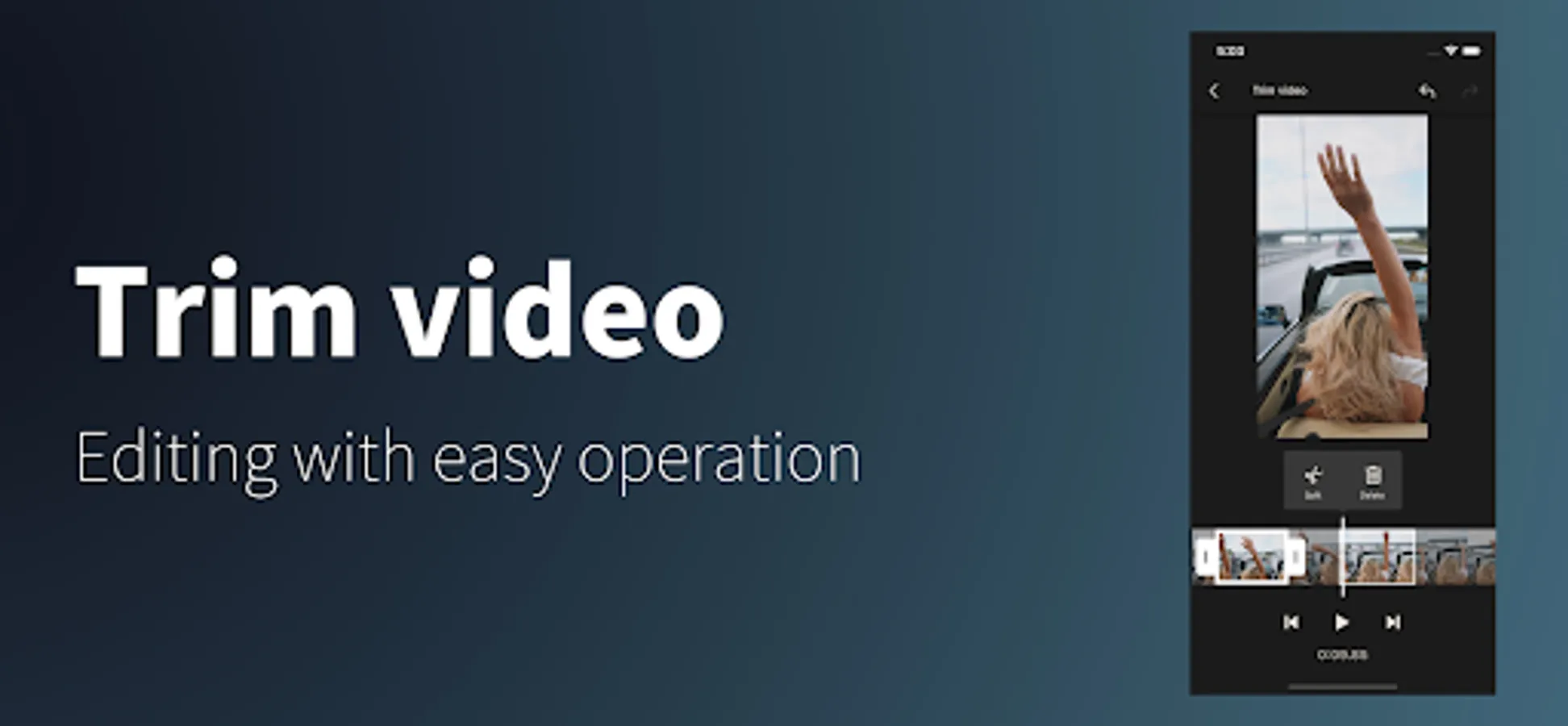
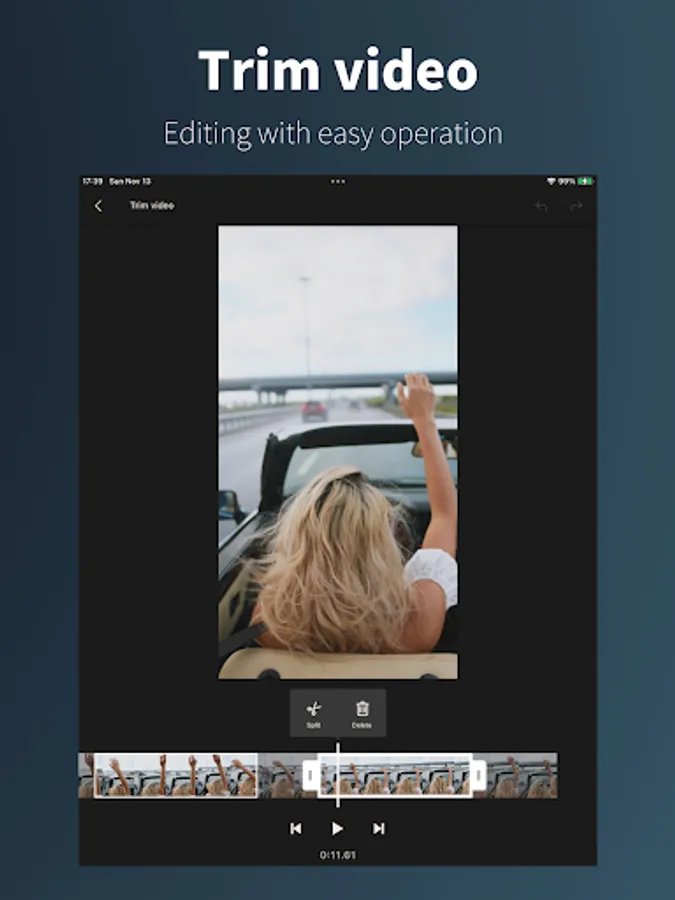
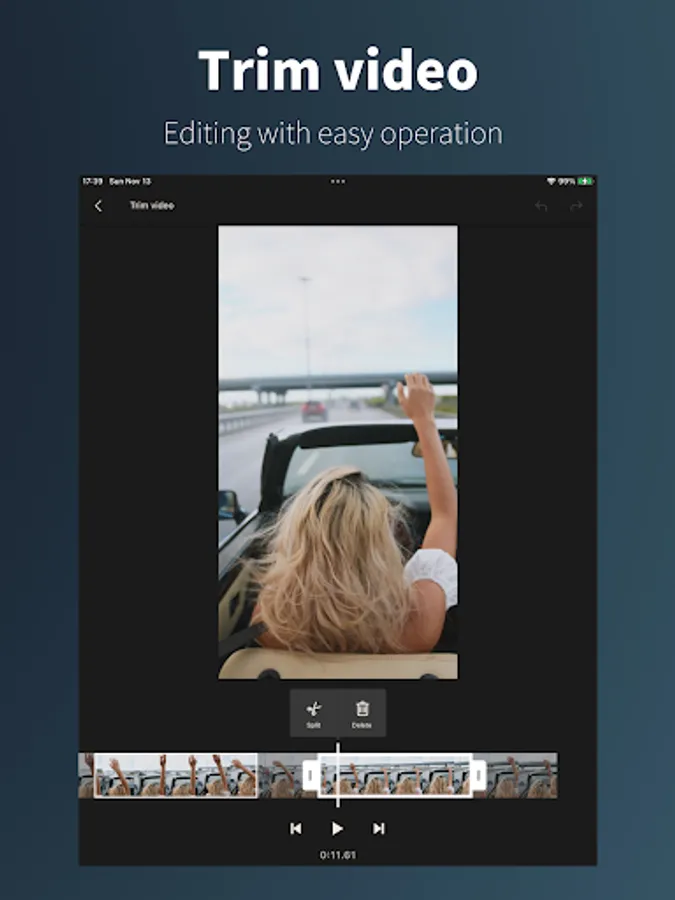
- Trim video
- Reordering of clips
- Duplicate clips
- Exporting and sharing of individual clips
- SNS sharing and gallery saving of videos
- Output in original resolution
- Simple and easy operation
Even if you exit the application, you can resume shooting from where you left off without losing the video.
The easy-to-use video trimming function allows you to cut and join videos you have taken.
Simple editing can be completed with this single app.
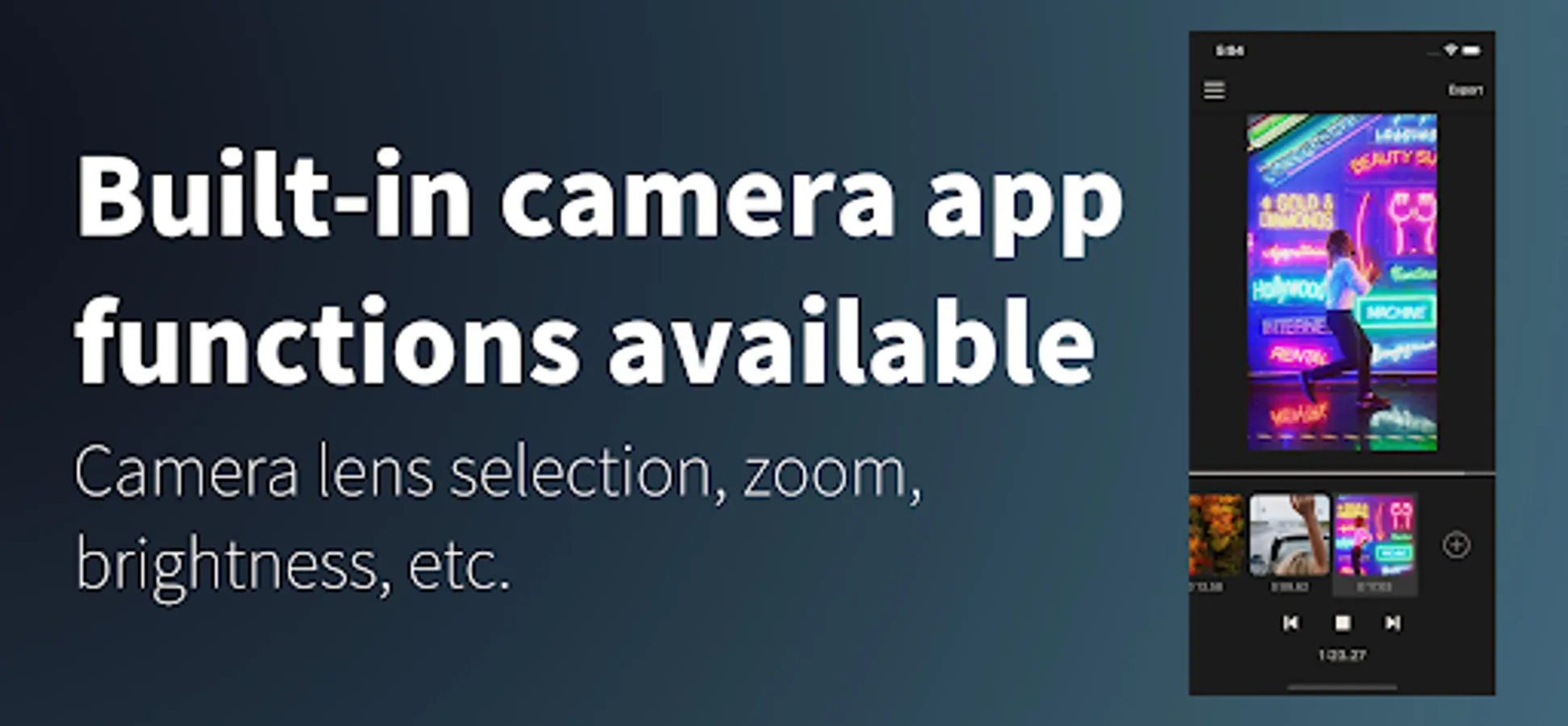
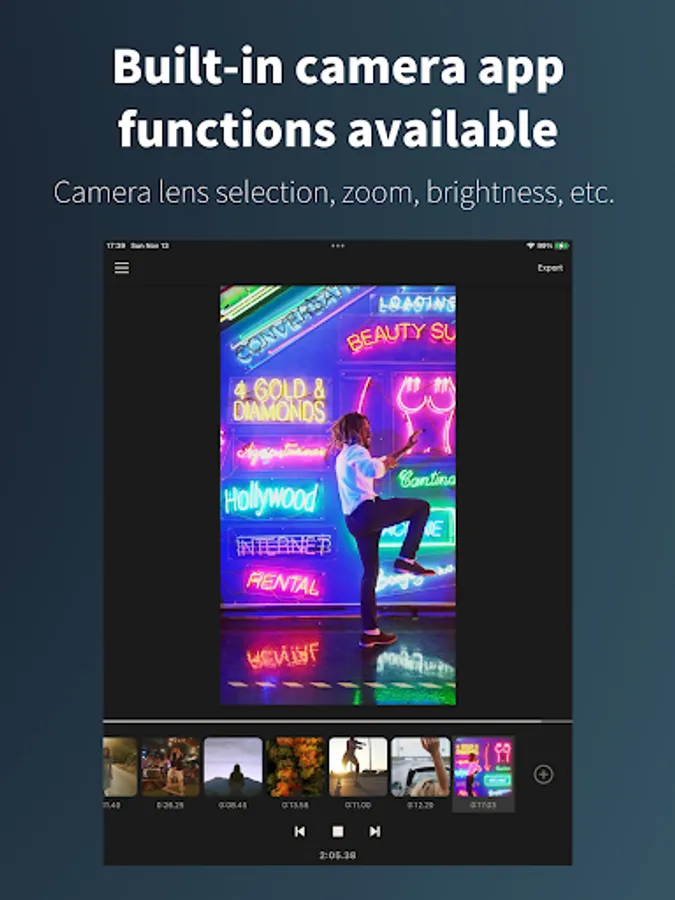
Since it uses the standard camera application built into the device, you can use the built-in image correction and camera lens switching functions.
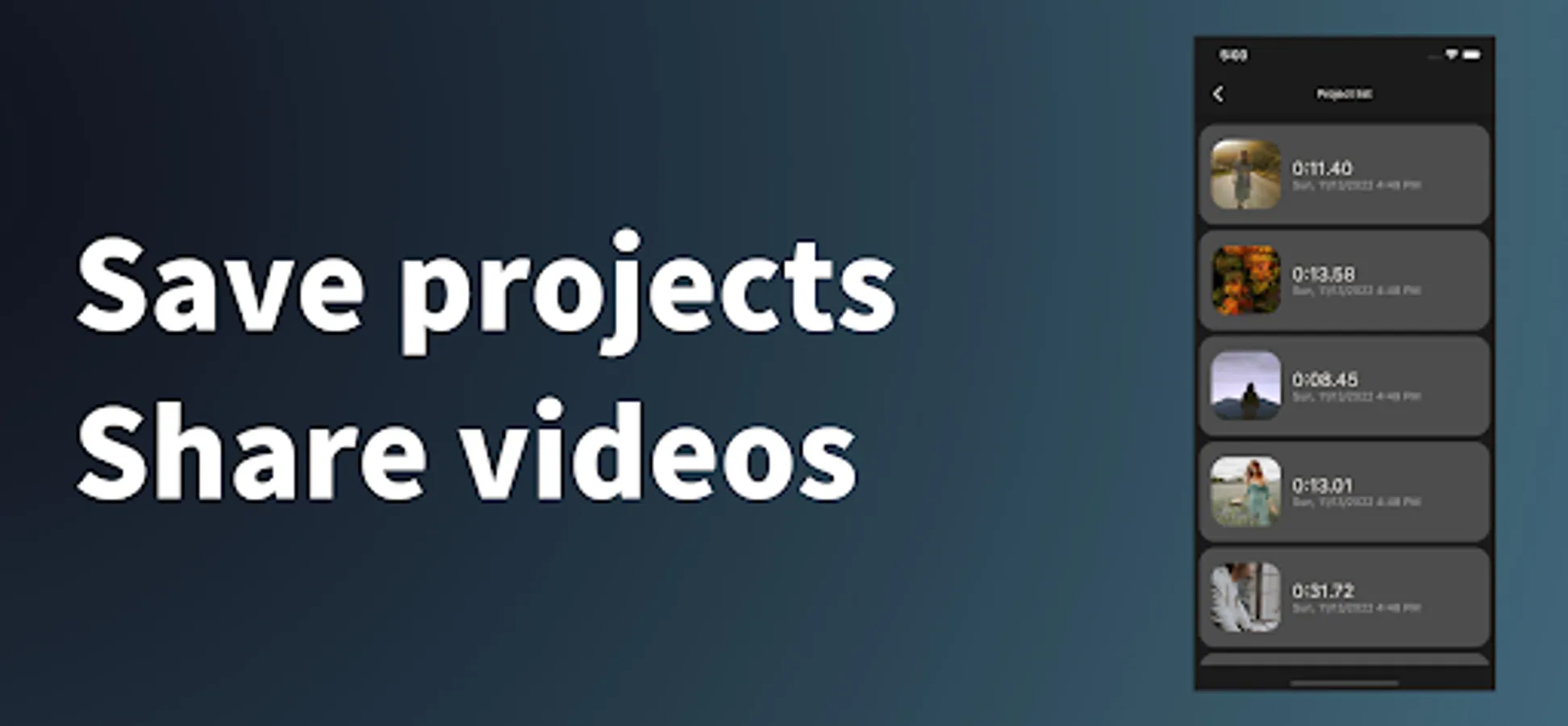
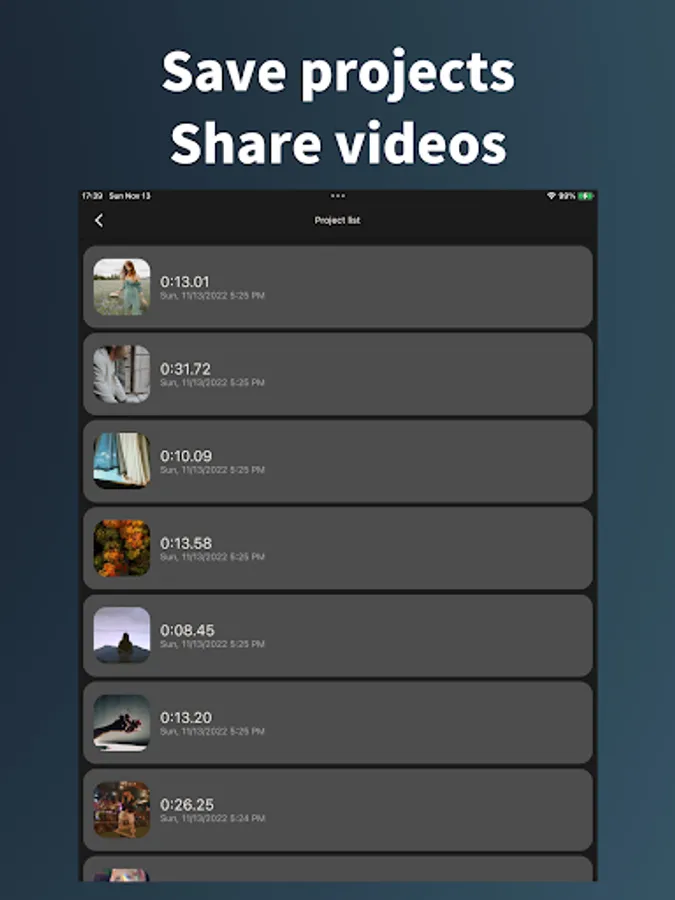
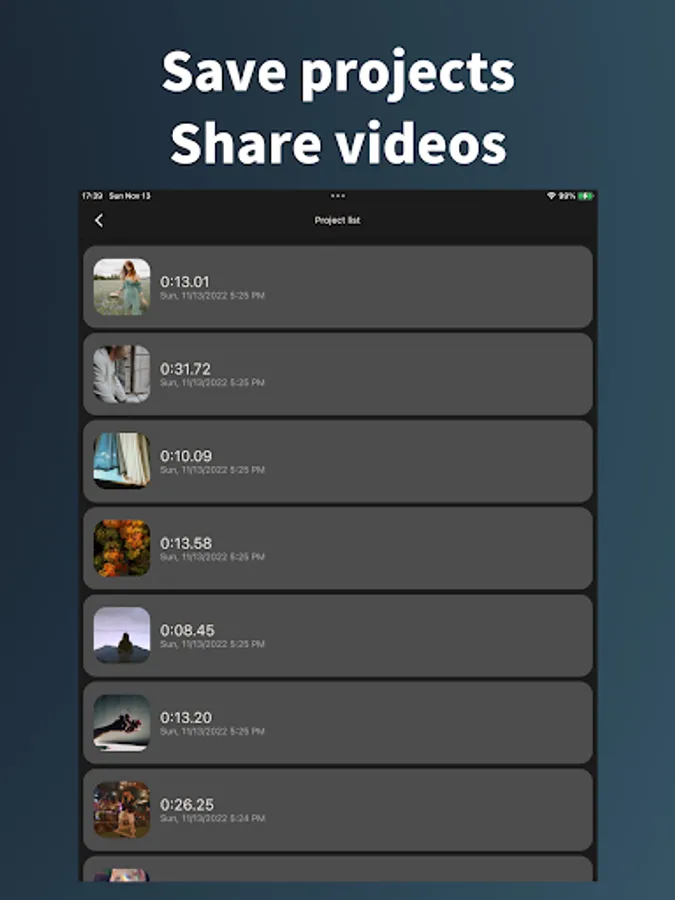
A video project save function is also included.
You can even go back to past projects and resume filming.
Share and upload directly from the app to social networking sites.
You can start filming as soon as you download the application with no registration required.
The app allows you to connect clips without the need for editing, making it ideal for shooting TikTok and Youtube videos, documenting your travels and daily life.
- No registration required
- Resume the recording anytime, where you left off
- Use of built-in camera app correction functions and lenses
- Trim video
- Reordering of clips
- Duplicate clips
- Exporting and sharing of individual clips
- SNS sharing and gallery saving of videos
- Output in original resolution
- Simple and easy operation
Even if you exit the application, you can resume shooting from where you left off without losing the video.
The easy-to-use video trimming function allows you to cut and join videos you have taken.
Simple editing can be completed with this single app.
Since it uses the standard camera application built into the device, you can use the built-in image correction and camera lens switching functions.
A video project save function is also included.
You can even go back to past projects and resume filming.
Share and upload directly from the app to social networking sites.
You can start filming as soon as you download the application with no registration required.
The app allows you to connect clips without the need for editing, making it ideal for shooting TikTok and Youtube videos, documenting your travels and daily life.
Pauseable video camera Screenshots
Tap to Rate: