
Amaze File Manager
Team Amaze
3.4 ★
13K ratings
1,000,000+
downloads
Free
+ in-app
With this file manager app, you can browse, organize, and secure files with features like encryption, multiple tabs, and cloud support. Includes app management, FTP/SFTP/SMB support, and file encryption tools.
AppRecs review analysis
AppRecs rating 3.3. Trustworthiness 85 out of 100. Review manipulation risk 23 out of 100. Based on a review sample analyzed.
★★★☆☆
3.3
AppRecs Rating
Ratings breakdown
5 star
44%
4 star
10%
3 star
15%
2 star
8%
1 star
23%
What to know
✓
Low review manipulation risk
23% review manipulation risk
✓
Credible reviews
85% trustworthiness score from analyzed reviews
⚠
High negative review ratio
31% of sampled ratings are 1–2 stars
About Amaze File Manager
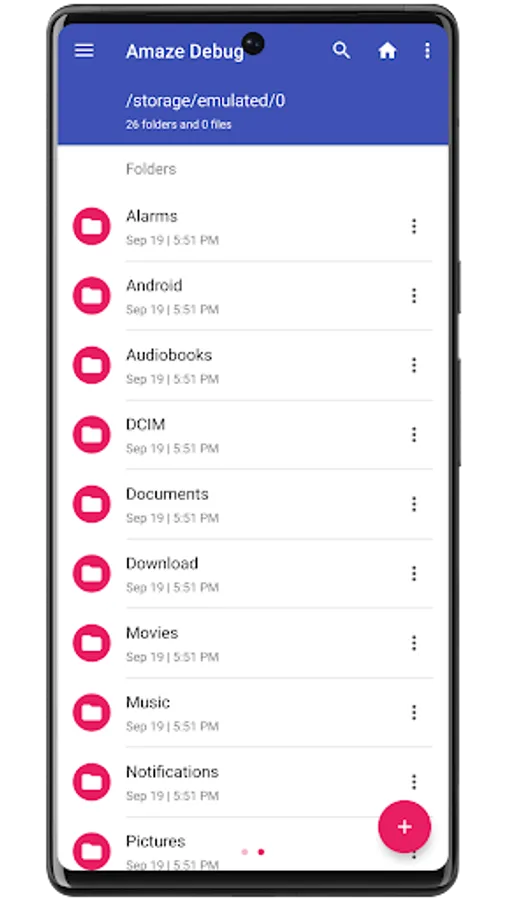
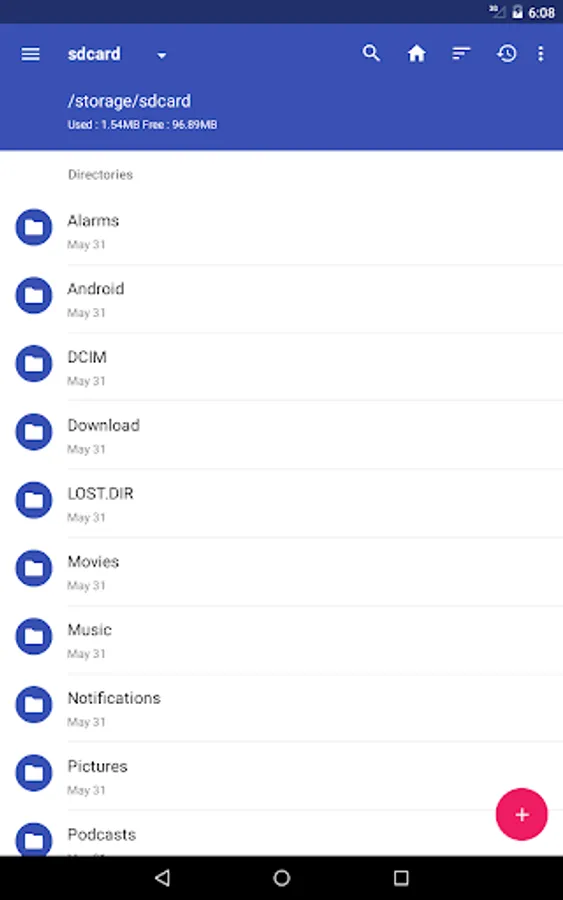
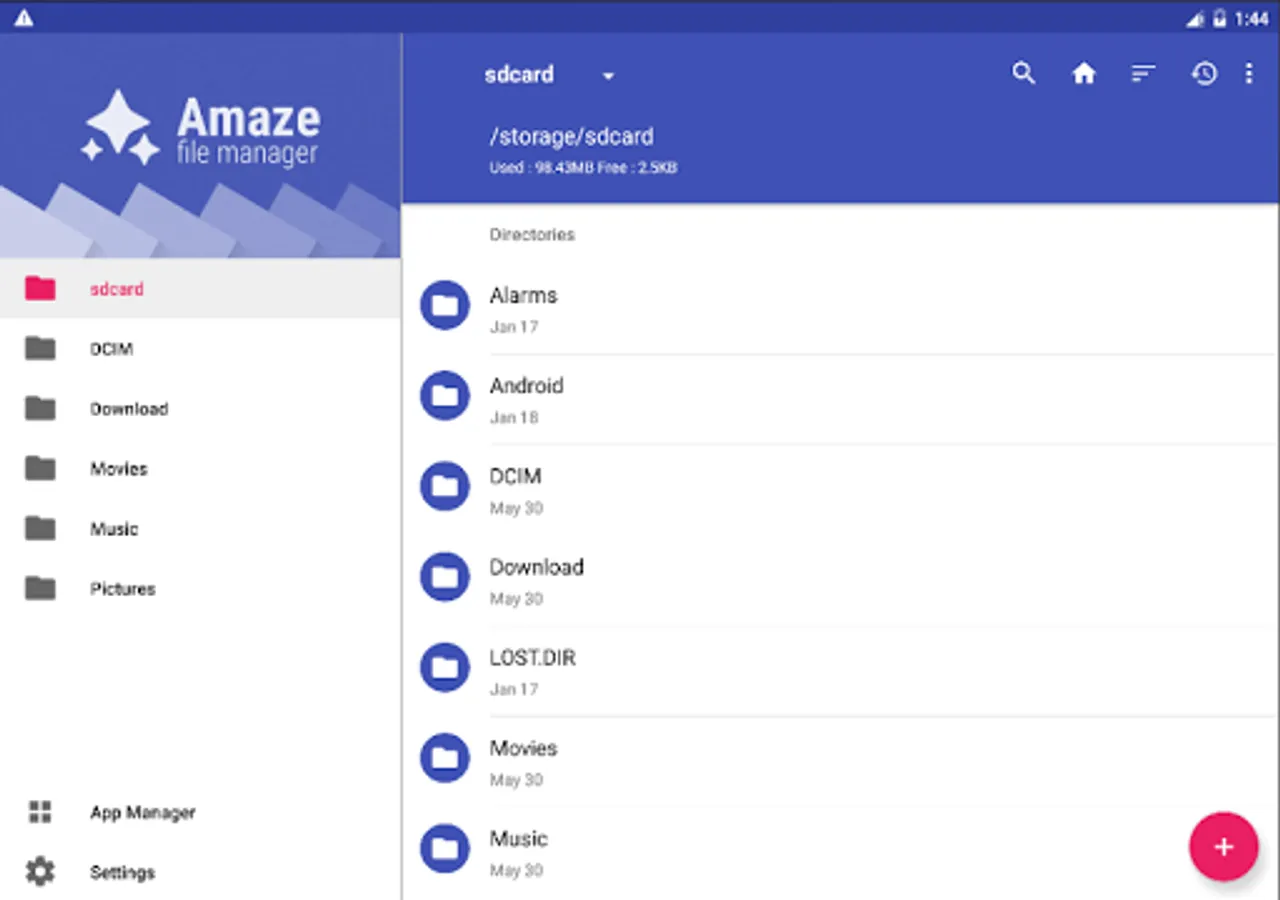
* Open Source, light and smooth
* Based on Material Design guidelines
* Basic features like cut, copy, delete, compress, extract etc. easily accessible
* Work on multiple tabs at same time, support drag / drop gestures
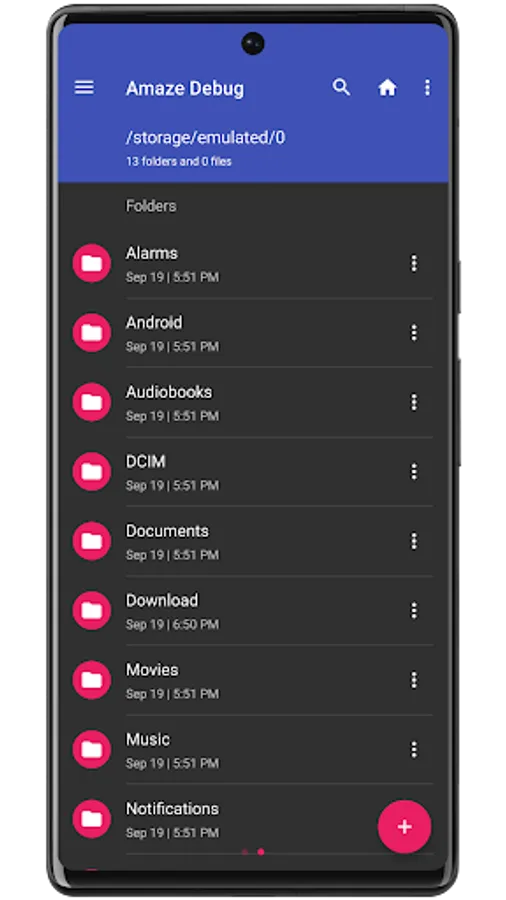
* Multiple themes with cool icons
* Navigation drawer for quick navigation
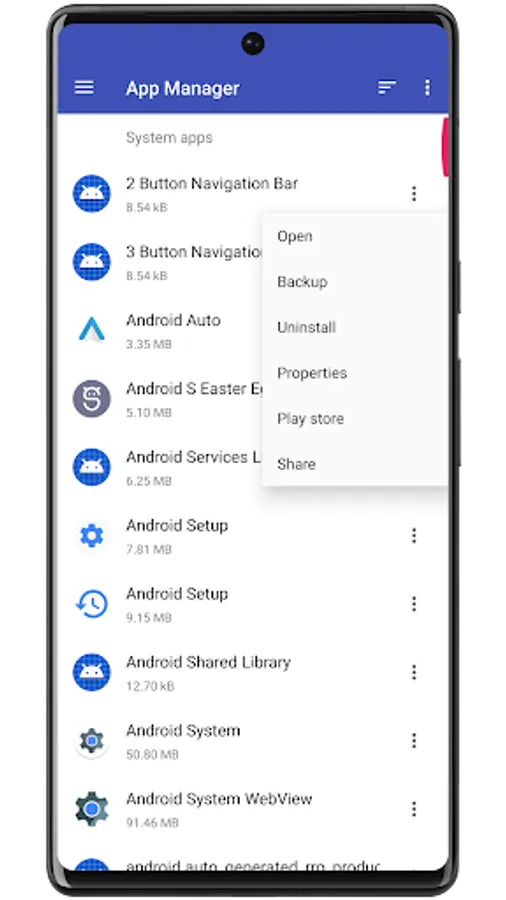
* App Manager to open, backup, or directly uninstall any app
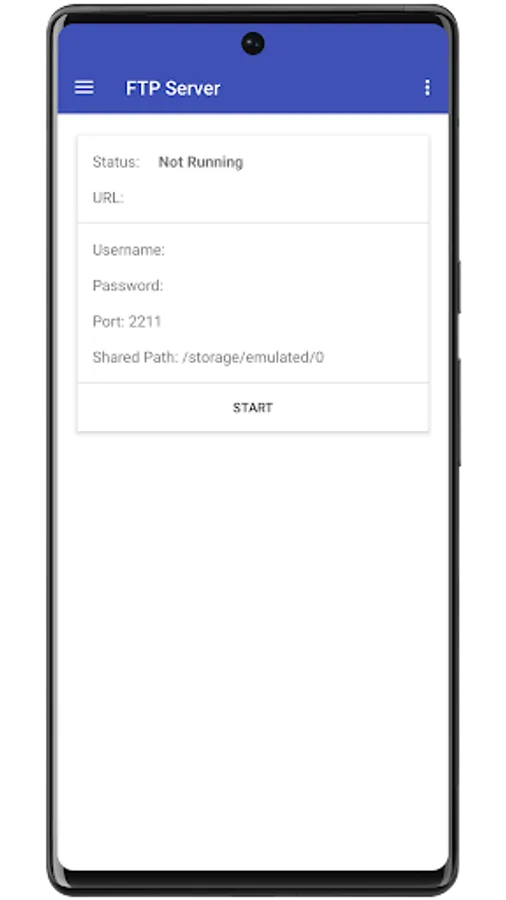
* FTP / FTPS Server support
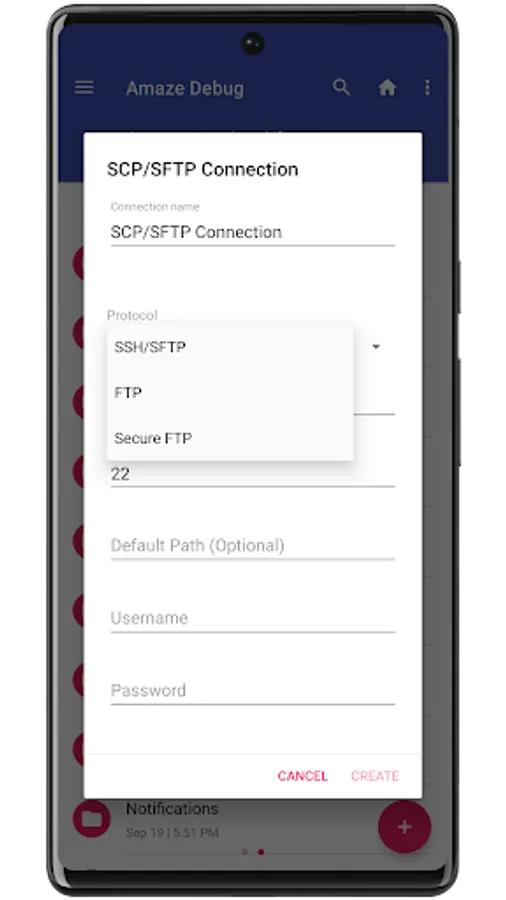
* SMB, SFTP Client support
* Quickly access history, access bookmarks or search for any file
* Root explorer for advanced users
* AES Encryption and Decryption of files for security (Jellybean v4.3+)
* Cloud services support (Jellybean v4.3+ / requires additional plug-in)*
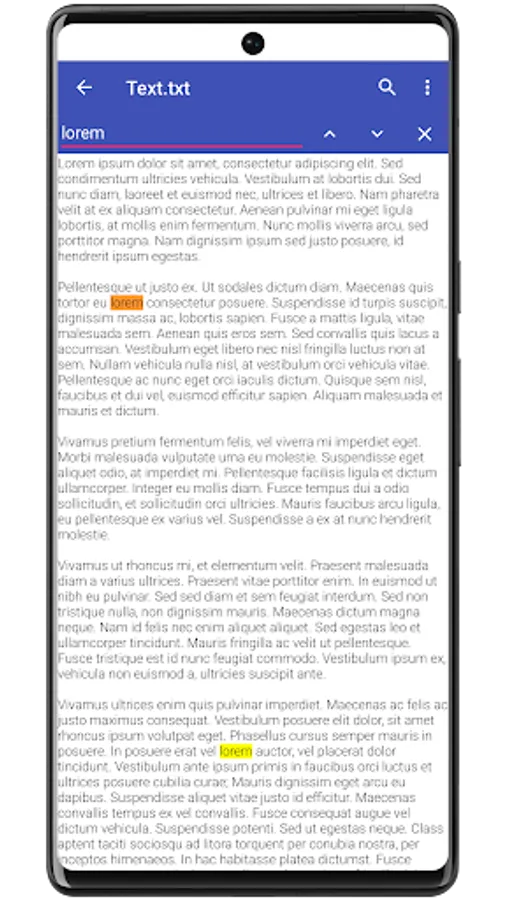
* Inbuilt Database Reader, Zip/Rar Reader, Apk Reader, Text Reader
* No ads
lots more...
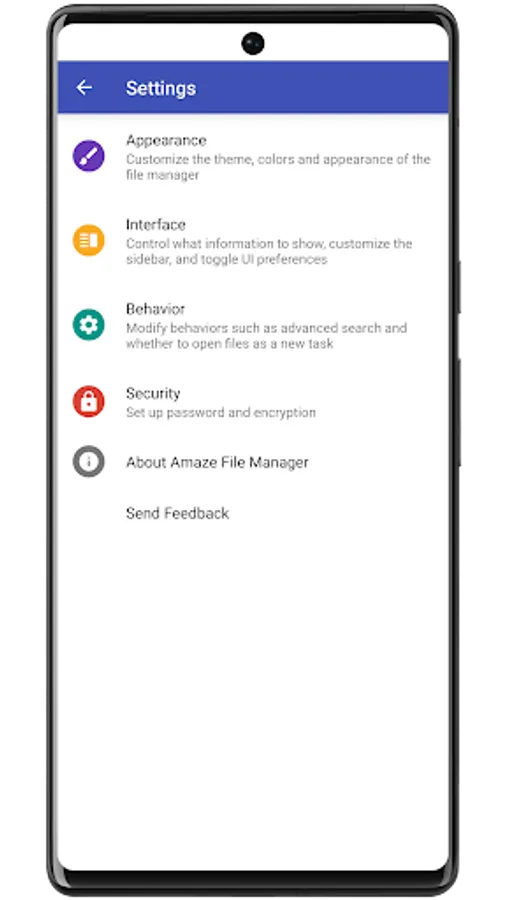
You can support us by purchasing our cloud plugin through Play Store (Amaze Cloud) or through in-app donations (Amaze Settings > About menu).
This is the full version of app, you do not unlock anything on donations within the application.
Join Telegram to discuss and help in the improvement of app, take part in development
https://t.me/AmazeFileManager
Source Code
https://github.com/TeamAmaze/AmazeFileManager
XDA thread
https://forum.xda-developers.com/android/apps-games/app-amaze-file-managermaterial-theme-t2937314
Team Amaze :
Arpit Khurana
Vishal Nehra
Emmanuel
Raymond Lai
Amaze File Manager Screenshots
Tap to Rate:
Reviews for Amaze File Manager
M. Gebharter
12/29/2025
Potent & reliable file manager. Does what it is supposed to, and doesn't waste system ressources for unintended background activity. Root enabling is available. Definitely a trustworthy first choice support/system application..
Radek Raczkowski
12/25/2025
Errors when trying to extract a tar archive.