
Amaze File Utilities
Team Amaze
4.1 ★
724 ratings
100,000+
downloads
Free
+ in-app
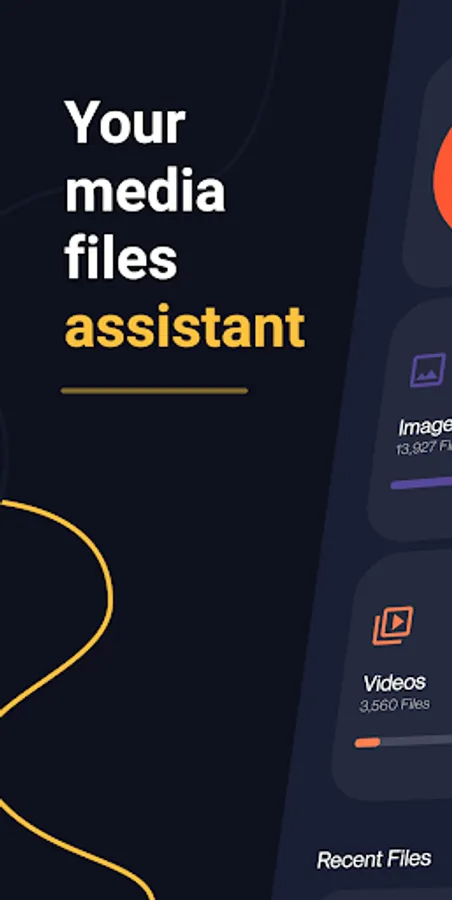
With this file management app, you can view, organize, and analyze storage media files using built-in media players and tools. Includes features for deleting junk files, grouping similar images, managing large or duplicate files, and clearing RAM.
AppRecs review analysis
AppRecs rating 3.9. Trustworthiness 85 out of 100. Review manipulation risk 26 out of 100. Based on a review sample analyzed.
★★★☆☆
3.9
AppRecs Rating
Ratings breakdown
5 star
62%
4 star
16%
3 star
4%
2 star
6%
1 star
12%
What to know
✓
Low review manipulation risk
26% review manipulation risk
✓
Credible reviews
85% trustworthiness score from analyzed reviews
⚠
Pricing complaints
Many low ratings mention paywalls or pricing
About Amaze File Utilities
From the developers of open source app Amaze File Manager. An open source app to view, manage and analyse internal storage media files with built-in media players, without any ads and with a beautiful UI.
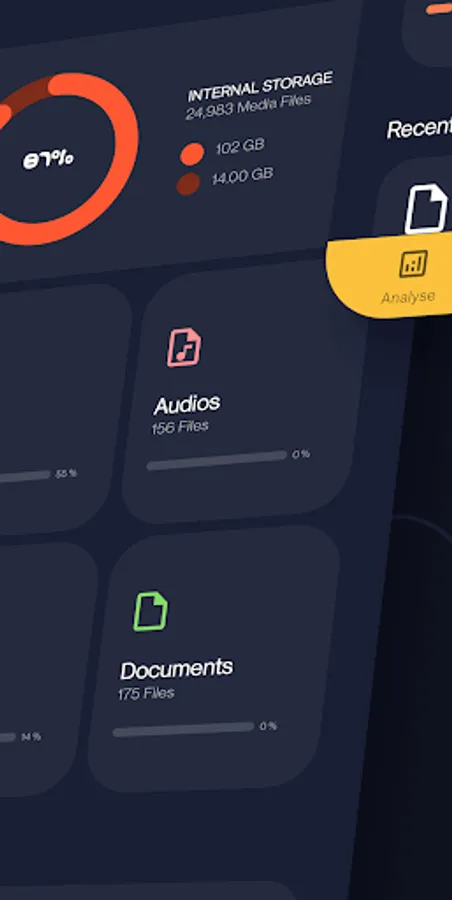
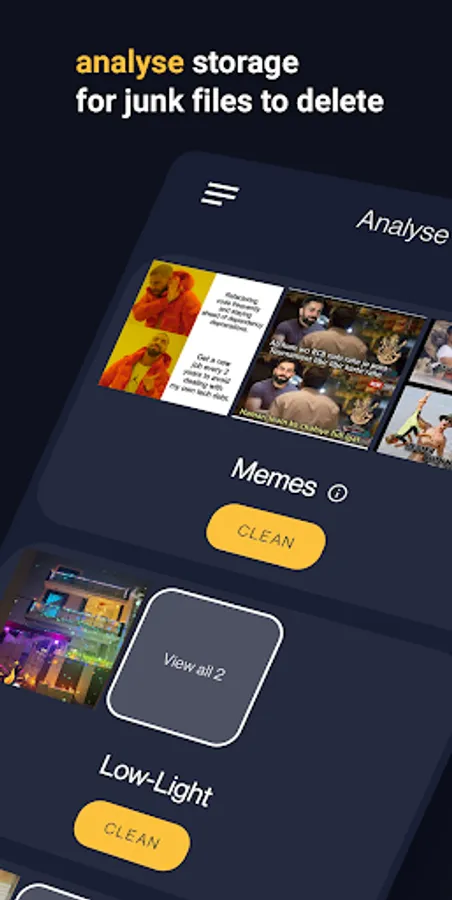
Analyse:
- Analyse storage for junk files to delete
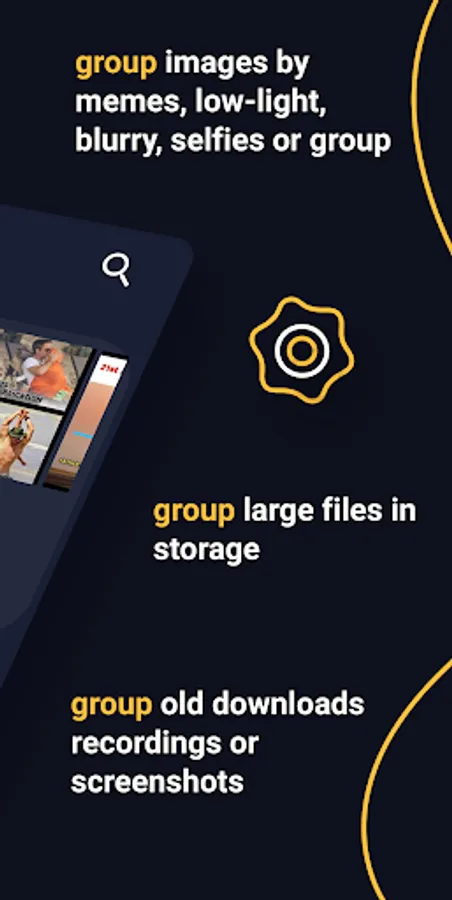
- Group similar images, memes, low-light images, blurred images, selfies or group images
- Group large or duplicate files in storage
- Group old downloads, recordings or screenshots
- Group unused / most used / least used installed apps, large apps or games, apps that use most data
- Clear RAM for better performance
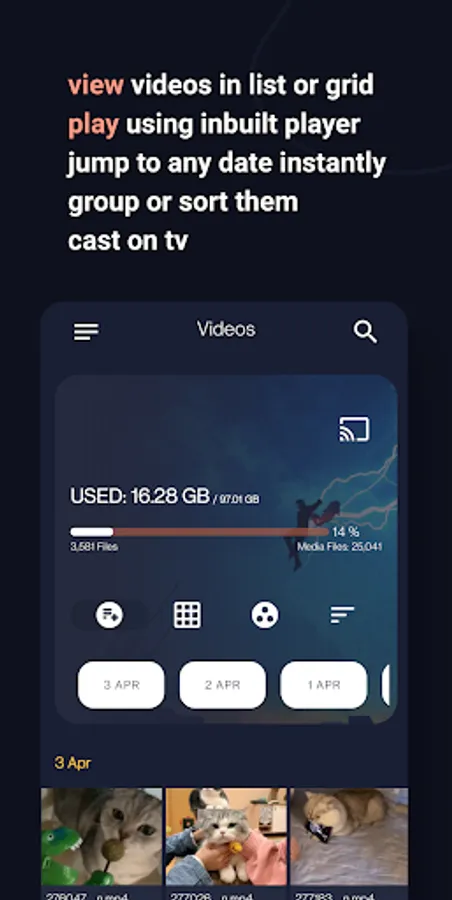
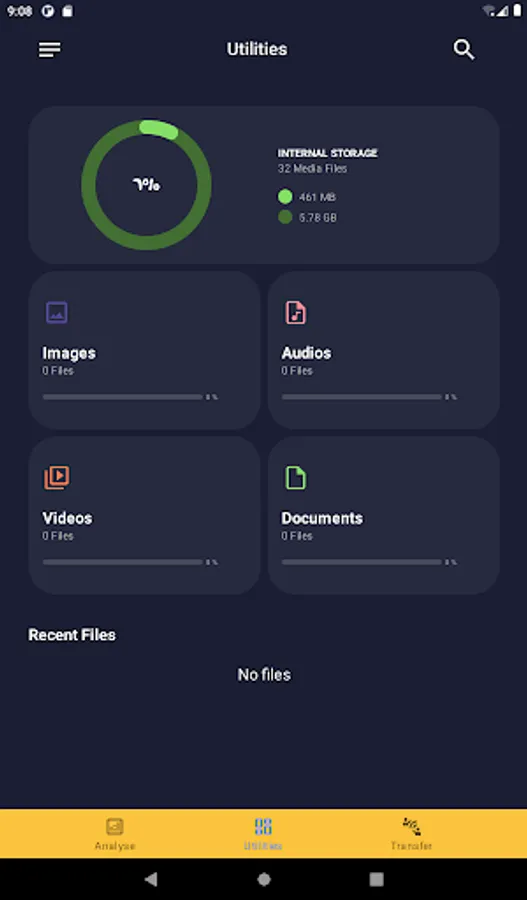
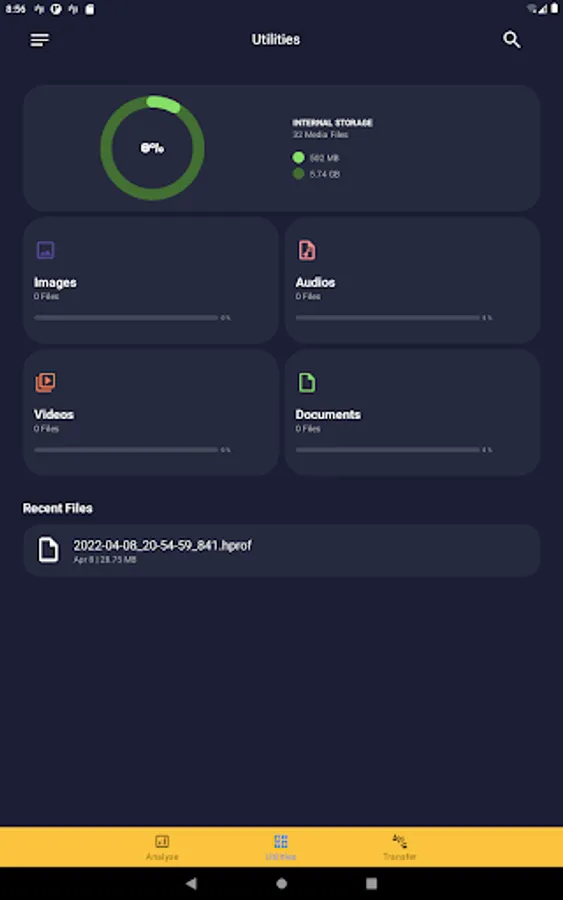
Media Files:
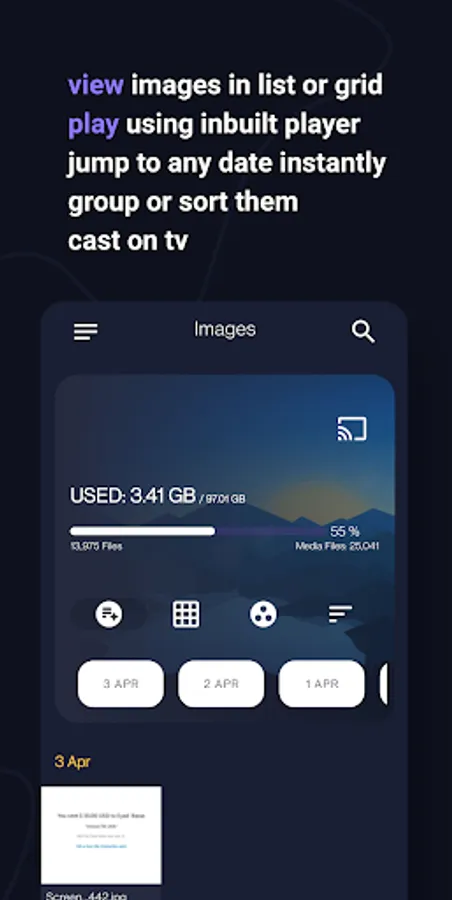
- View / group / sort in list or grid
- Delete / share / go to location
- Open using inbuilt player
- Jump to any date instantly
- Search for any media file instantly
- Cast on tv
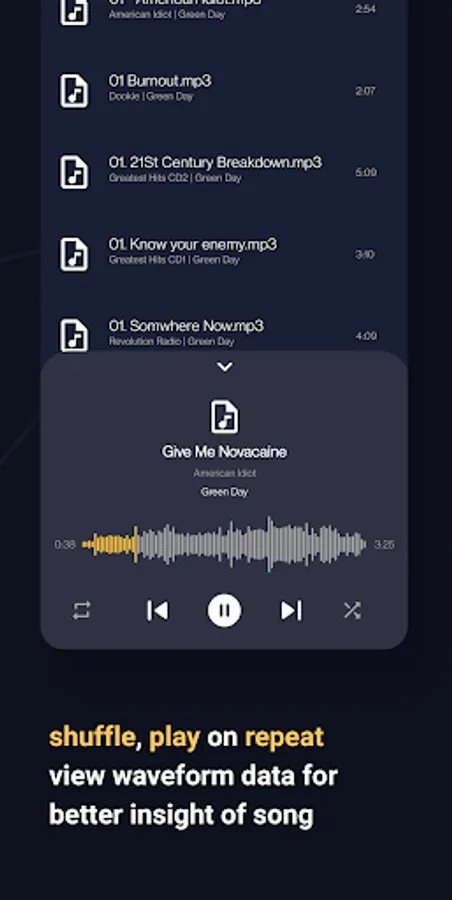
Music Player:
- Shuffle, play on repeat
- View waveform data for better insight of song
- Change playback pitch or speed
- Add, remove songs to playlists
Video Player:
- Play videos with gestures to skip, manage volume, brightness within player
- View in picture-in-picture mode
- Supports gesture to play, pause, skip, change brightness or volume within player
- Play in background
- Lock gestures or orientation
- Search and download online subtitles within player
- Change playback aspect ratio, pitch and speed
Image Viewer:
- View, share or delete images
- Edit using inbuilt image editor
- Add stickers, text, rotate, crop or draw over images
- View image histogram or other metadata
Document Viewer:
- View pdf, epub, docx, xps, oxps, cbz, fb2 and mobi files using inbuilt viewer
- Search for text in viewer
- Switch between dark or light mode in pdf viewer
- Bookmark a page in your epub digital book
Transfer:
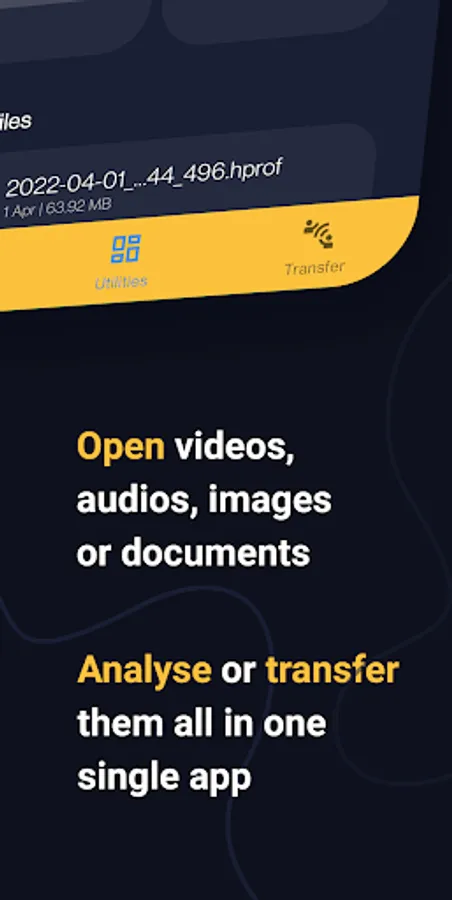
- Transfer data between devices through wifi p2p
- High transfer speeds using android Wifi-direct
Contact:
Telegram - https://t.me/AmazeFileManager
Issue tracker:
https://github.com/TeamAmaze/AmazeFileUtilities-Issue-Tracker/issues
Source Code:
https://github.com/TeamAmaze/AmazeFileUtilities
Note: This app is based on a trial period post which you're supposed to subscribe/ get lifetime membership to continue using the app.
Analyse:
- Analyse storage for junk files to delete
- Group similar images, memes, low-light images, blurred images, selfies or group images
- Group large or duplicate files in storage
- Group old downloads, recordings or screenshots
- Group unused / most used / least used installed apps, large apps or games, apps that use most data
- Clear RAM for better performance
Media Files:
- View / group / sort in list or grid
- Delete / share / go to location
- Open using inbuilt player
- Jump to any date instantly
- Search for any media file instantly
- Cast on tv
Music Player:
- Shuffle, play on repeat
- View waveform data for better insight of song
- Change playback pitch or speed
- Add, remove songs to playlists
Video Player:
- Play videos with gestures to skip, manage volume, brightness within player
- View in picture-in-picture mode
- Supports gesture to play, pause, skip, change brightness or volume within player
- Play in background
- Lock gestures or orientation
- Search and download online subtitles within player
- Change playback aspect ratio, pitch and speed
Image Viewer:
- View, share or delete images
- Edit using inbuilt image editor
- Add stickers, text, rotate, crop or draw over images
- View image histogram or other metadata
Document Viewer:
- View pdf, epub, docx, xps, oxps, cbz, fb2 and mobi files using inbuilt viewer
- Search for text in viewer
- Switch between dark or light mode in pdf viewer
- Bookmark a page in your epub digital book
Transfer:
- Transfer data between devices through wifi p2p
- High transfer speeds using android Wifi-direct
Contact:
Telegram - https://t.me/AmazeFileManager
Issue tracker:
https://github.com/TeamAmaze/AmazeFileUtilities-Issue-Tracker/issues
Source Code:
https://github.com/TeamAmaze/AmazeFileUtilities
Note: This app is based on a trial period post which you're supposed to subscribe/ get lifetime membership to continue using the app.
Amaze File Utilities Screenshots
Tap to Rate:
Reviews for Amaze File Utilities
Jakub Motyčka
12/23/2025
Can't access most storage even with proper rights and the integration with Amaze file manager is awful, which should be the main point of this even existing...
Brian K (TheLastMillennial)
11/19/2025
On first launch it states a trial has expired.