
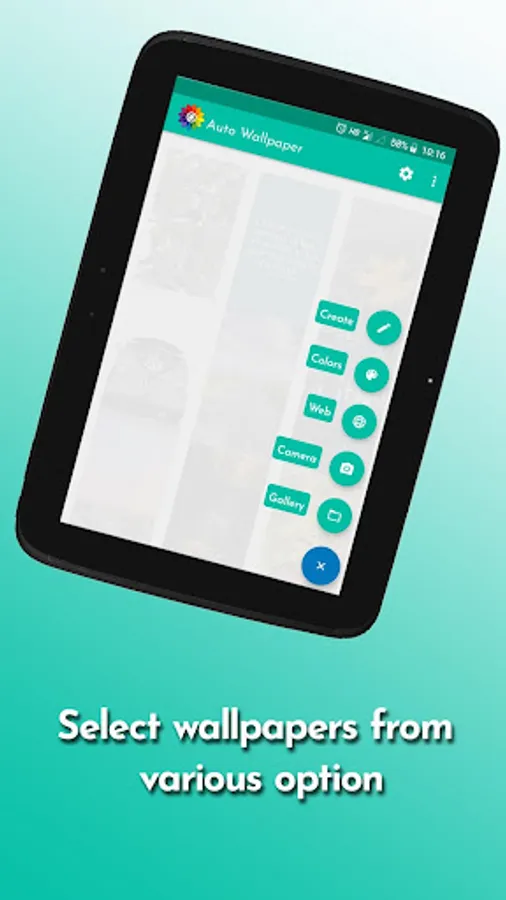
With this app, you can set up automatic wallpaper changes using various triggers such as phone unlock or a scheduled refresh. Includes options to select images from gallery, web, capture new photos, and customize cropping and timing.
AppRecs review analysis
AppRecs rating 4.3. Trustworthiness 75 out of 100. Review manipulation risk 31 out of 100. Based on a review sample analyzed.
★★★★☆
4.3
AppRecs Rating
Ratings breakdown
5 star
62%
4 star
21%
3 star
8%
2 star
1%
1 star
9%
What to know
✓
Credible reviews
75% trustworthiness score from analyzed reviews
✓
High user satisfaction
82% of sampled ratings are 4+ stars (4.2★ average)
✓
Authentic reviews
Natural distribution, no red flags
About Auto Wallpaper
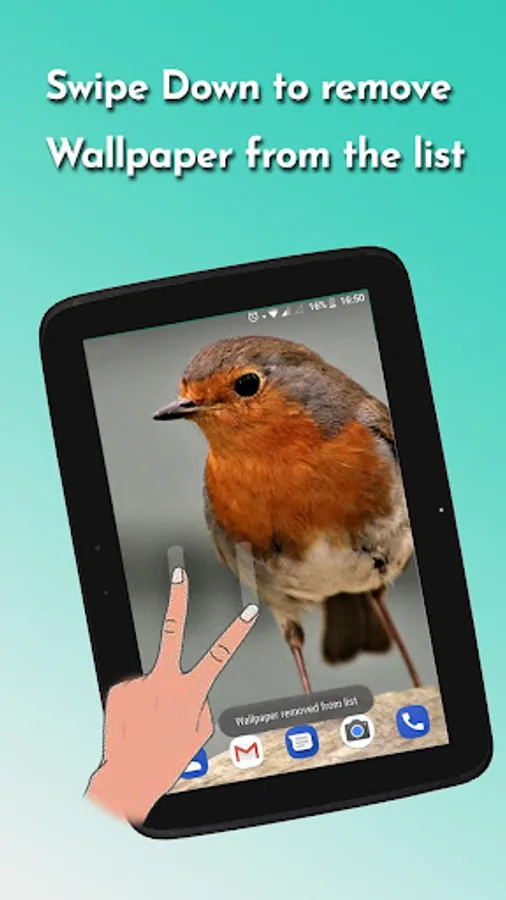
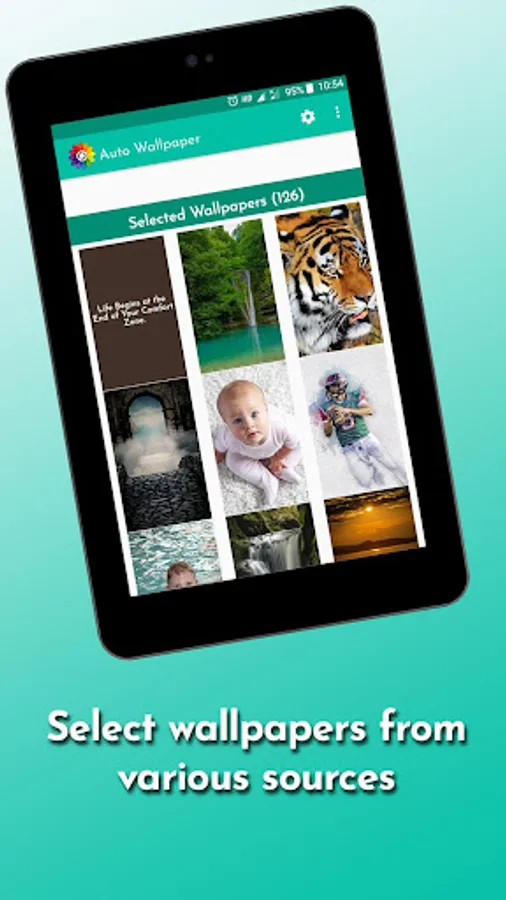
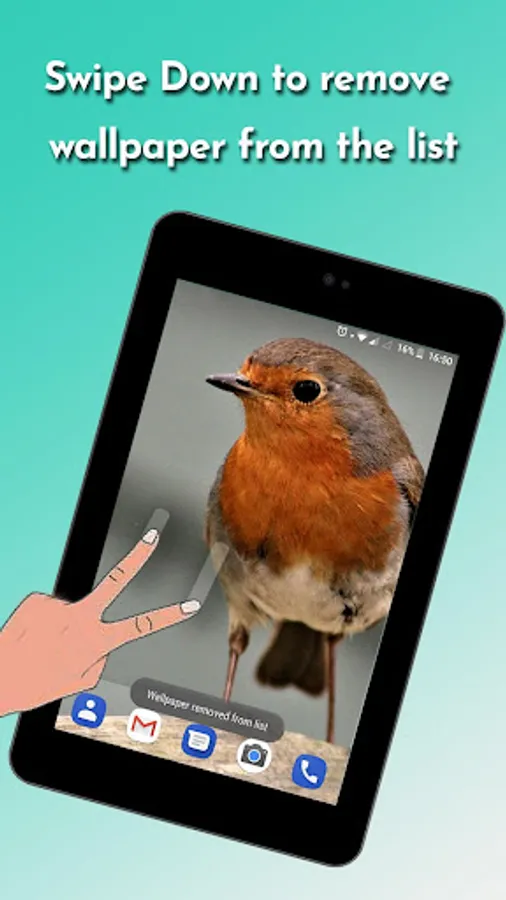
Auto wallpaper will change the wallpaper of your phone screen automatically from the selected wallpapers.
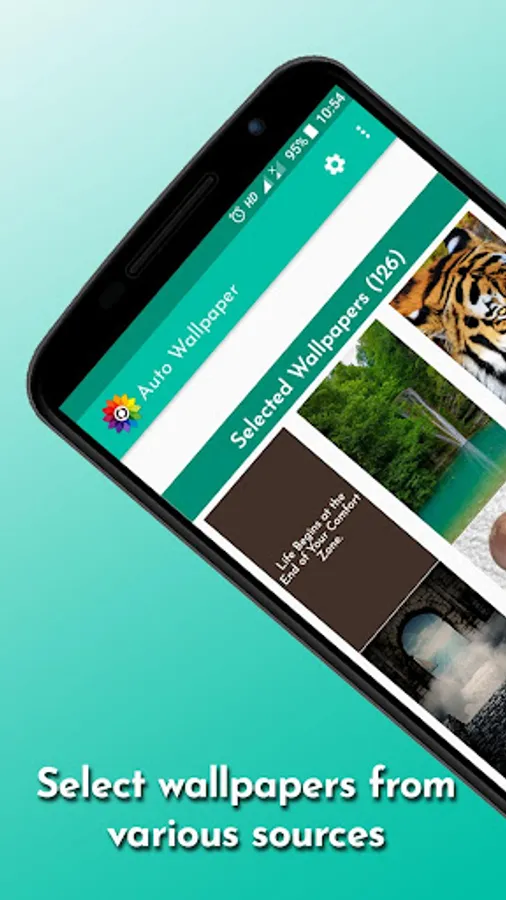
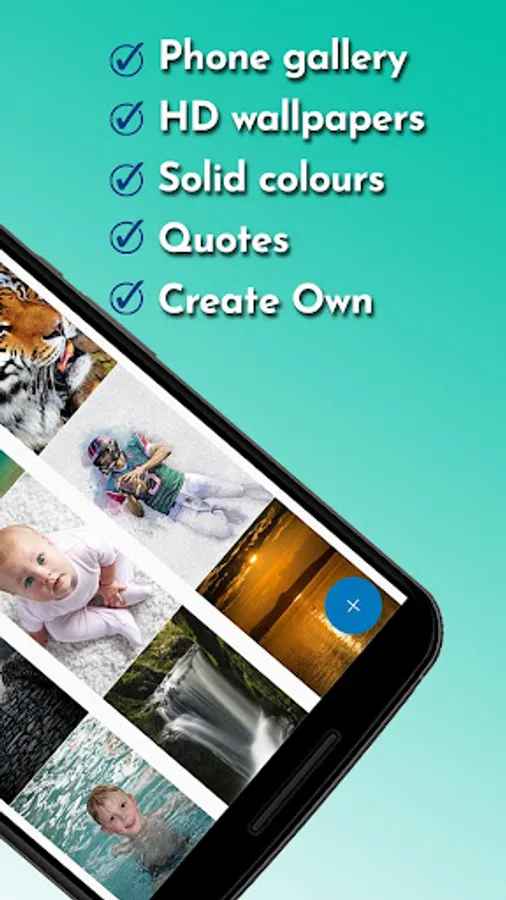
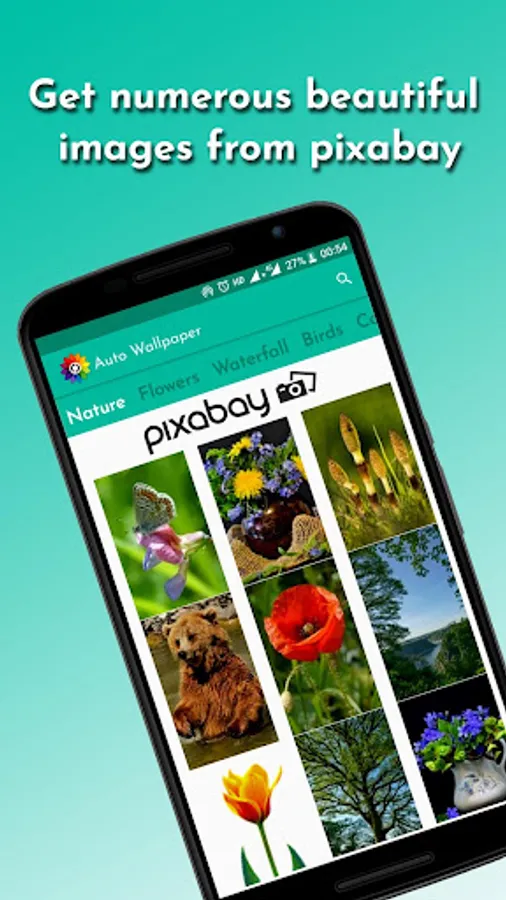
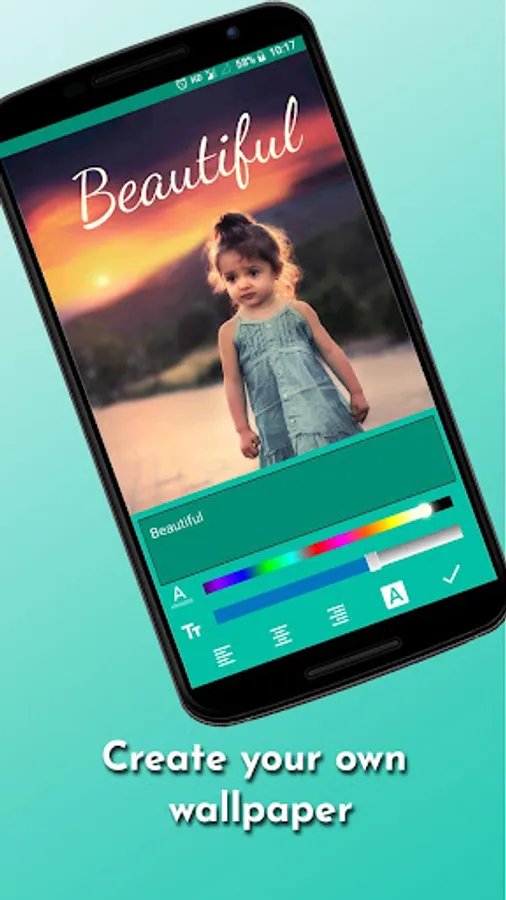
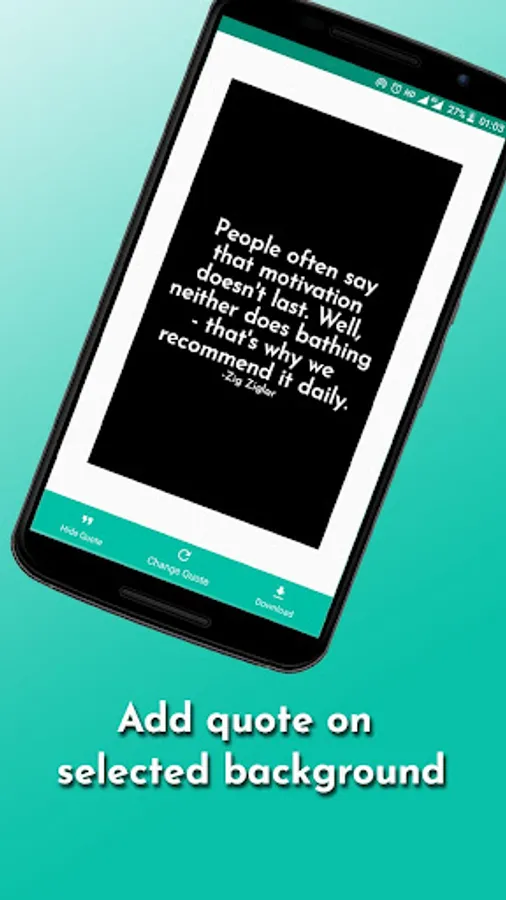
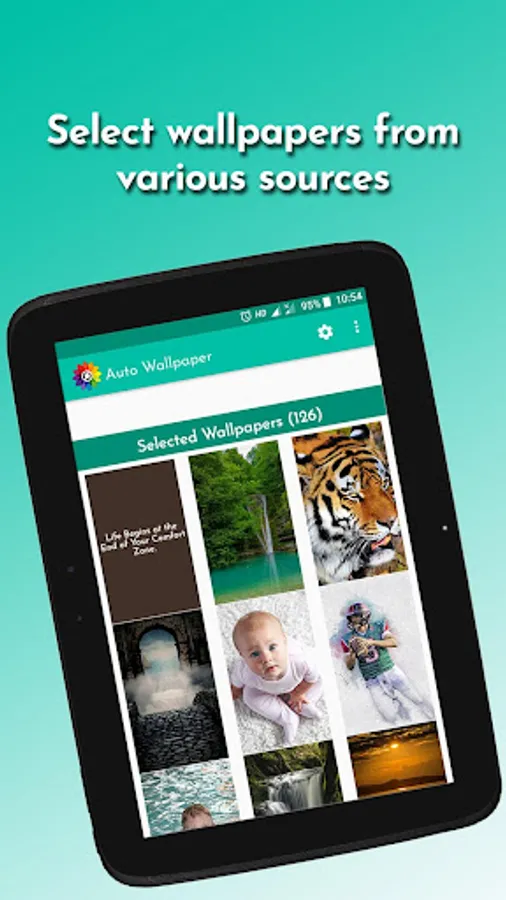
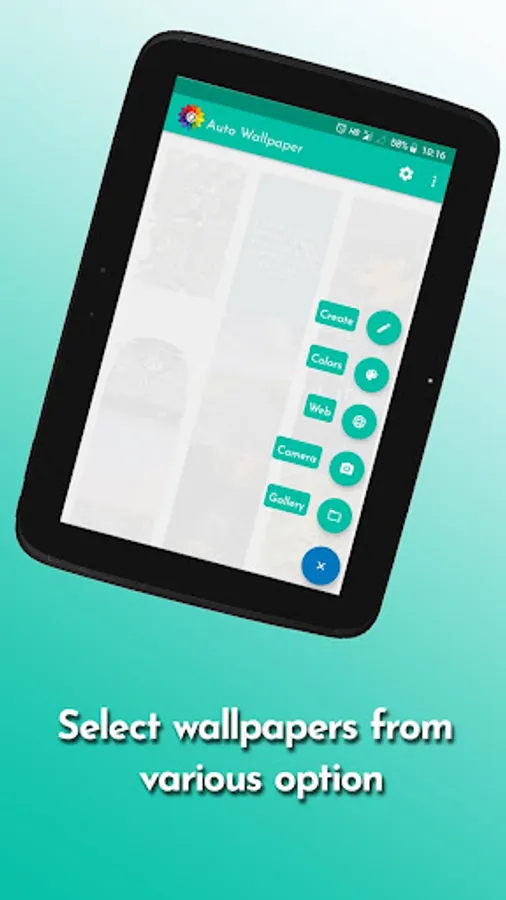
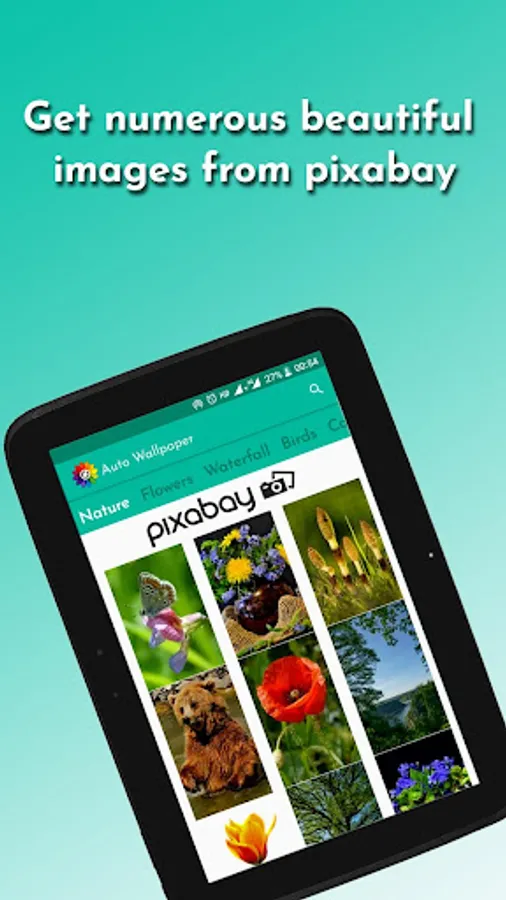
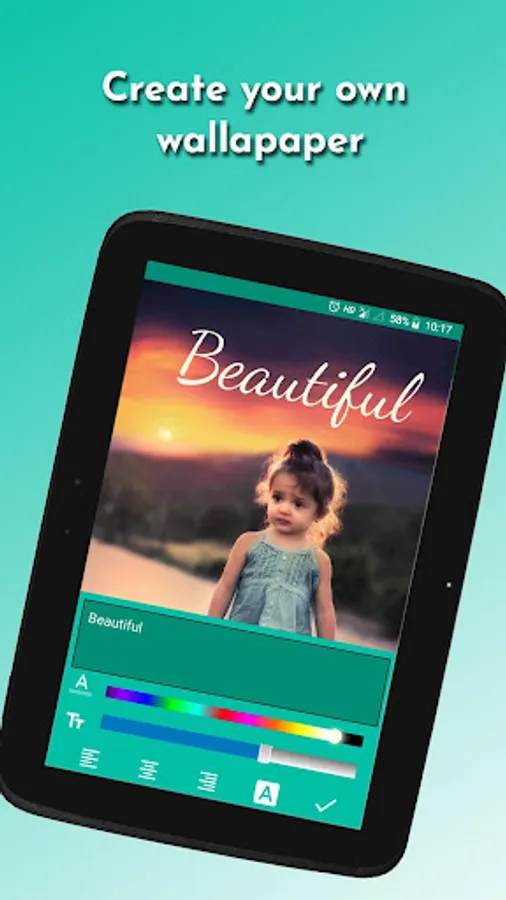
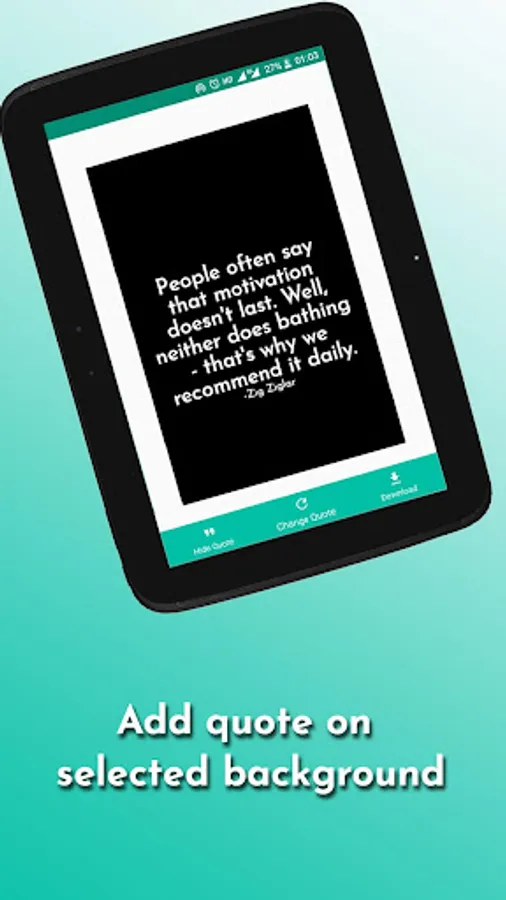
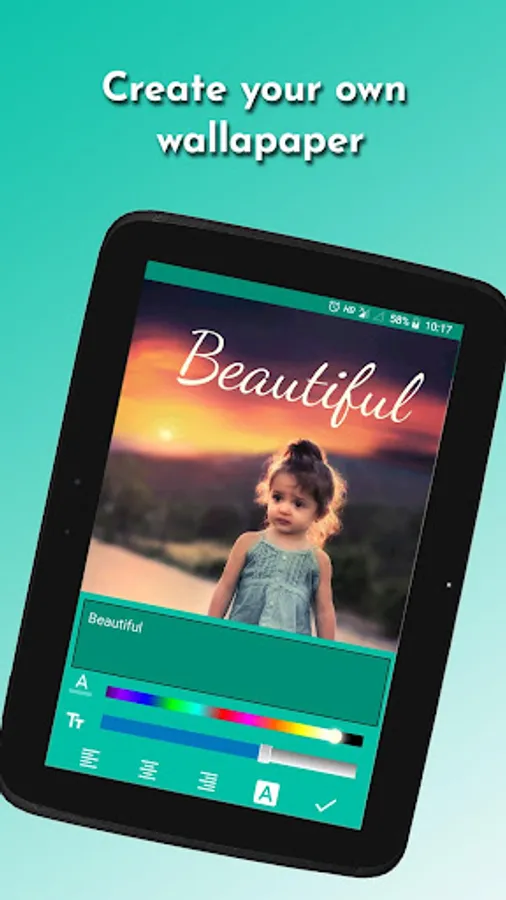
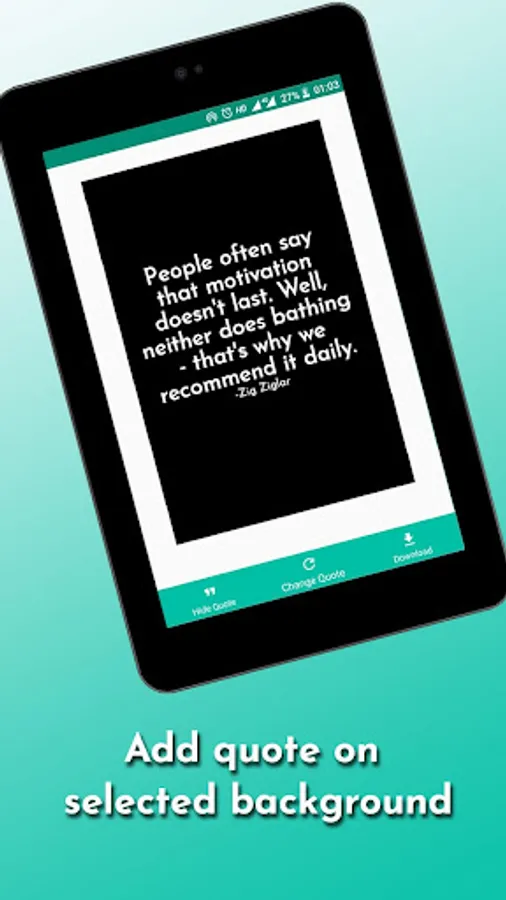
You can select wallpapers from the phone gallery, web, solid colors wallpapers, quotes wallpapers, take a new picture using camera or create your own wallpaper. You can crop the image to required dimensions or It will crop the selected image from center to best fit as wallpaper without affecting the original image.
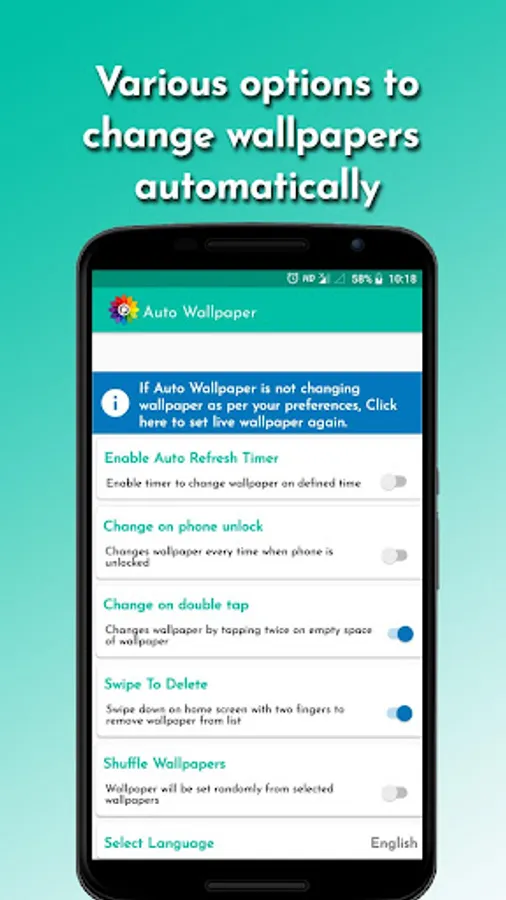
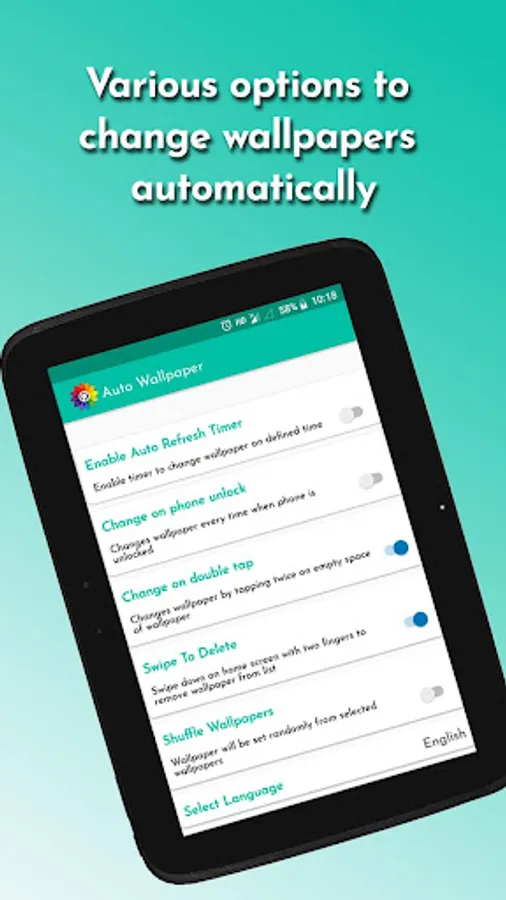
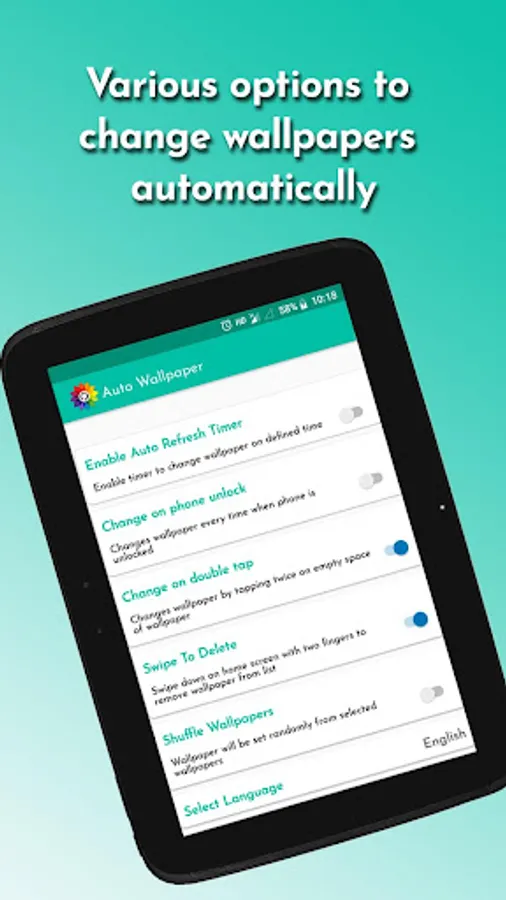
You can choose following options to change wallpapers
Double Tap : Changes wallpaper by tapping twice on empty space of wallpaper
Phone Unlock : It will change wallpaper every time you unlock the phone
Refresh Time : it will change wallpaper on defined time
Please write an email if you have any problems, questions or feature requests.
Due to vast amount of android devices users might have different experience on different devices, but we are working hard to make it stable. if you have problem on your device write us to apps@appeteria.com
MIUI Users need to Enable this app in Settings->Persmissions-> Autostart to auto start when phone is restarted.
You can select wallpapers from the phone gallery, web, solid colors wallpapers, quotes wallpapers, take a new picture using camera or create your own wallpaper. You can crop the image to required dimensions or It will crop the selected image from center to best fit as wallpaper without affecting the original image.
You can choose following options to change wallpapers
Double Tap : Changes wallpaper by tapping twice on empty space of wallpaper
Phone Unlock : It will change wallpaper every time you unlock the phone
Refresh Time : it will change wallpaper on defined time
Please write an email if you have any problems, questions or feature requests.
Due to vast amount of android devices users might have different experience on different devices, but we are working hard to make it stable. if you have problem on your device write us to apps@appeteria.com
MIUI Users need to Enable this app in Settings->Persmissions-> Autostart to auto start when phone is restarted.
Auto Wallpaper Screenshots

Tap to Rate:
Reviews for Auto Wallpaper
Dip Talukdar
12/25/2025
this is good working 👍
Avdhesh Vyash
12/25/2025
Enjoyable