AI Drawing Trace & Sketch
RK AppZia
3.6 ★
1K ratings
500,000+
downloads
Free
+ in-app
In this drawing app, you can select images or use the camera to create traceable outlines and practice drawing. Includes features for adjusting image transparency and applying line filters for better tracing.
AppRecs review analysis
AppRecs rating 3.7. Trustworthiness 77 out of 100. Review manipulation risk 33 out of 100. Based on a review sample analyzed.
★★★☆☆
3.7
AppRecs Rating
Ratings breakdown
5 star
55%
4 star
9%
3 star
0%
2 star
18%
1 star
18%
What to know
✓
Credible reviews
77% trustworthiness score from analyzed reviews
✓
Good user ratings
64% positive sampled reviews
⚠
High negative review ratio
36% of sampled ratings are 1–2 stars
About AI Drawing Trace & Sketch
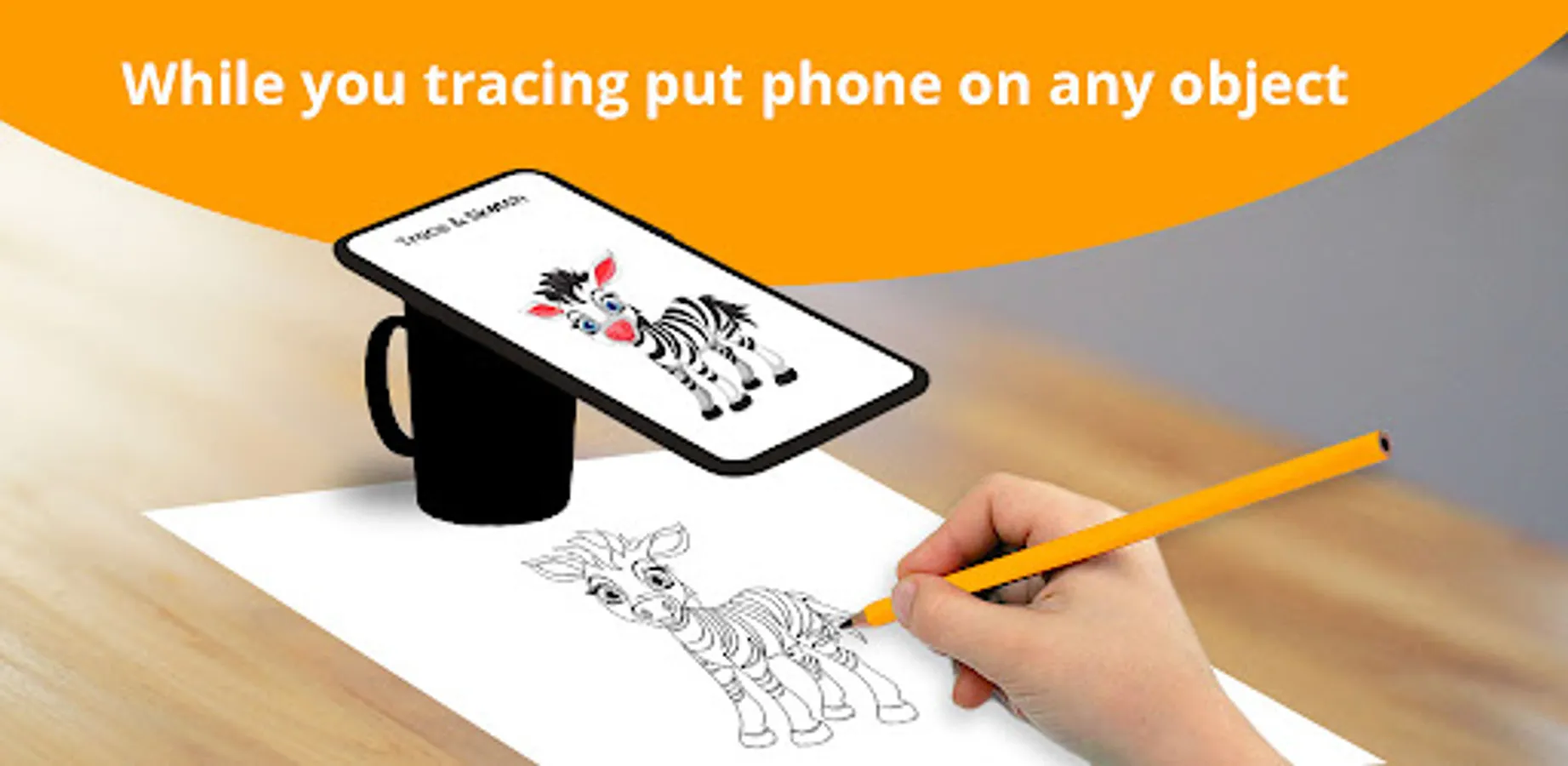
Trace & Draw an image from the mobile screen to a physical paper.
Image will not actually appear on the paper but you trace it and draw it same to same.
Just select an image from the app or gallery apply filter to create image traceable.
Trace & Sketch app provide various collection of objects to easily learn to trace
🌟 Features 🌟
-------------------------------
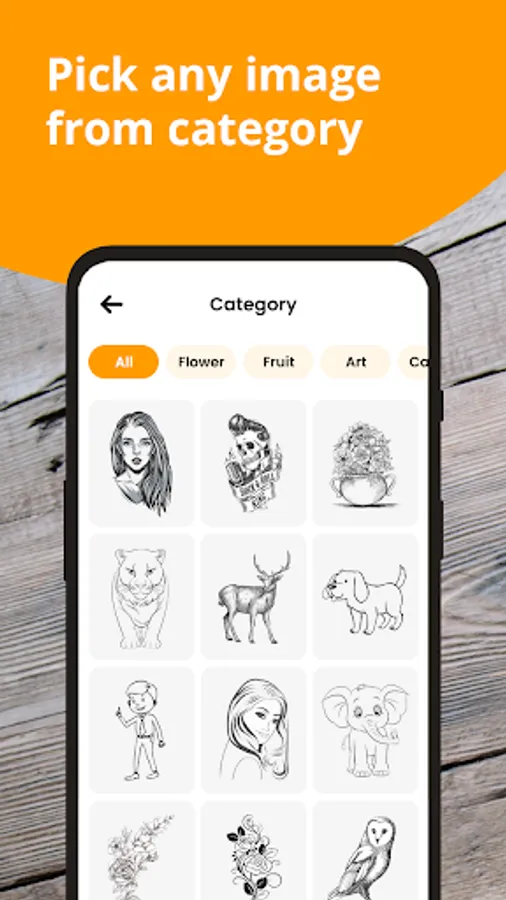
➤ There are different types of categories available like Rangoli, Festival, Sports, Animals, Birds etc...
➤ Select an image from the gallery or capture an image with a camera then just apply the filter.
➤ After that, you will see that image on the camera screen with transparency & you have to put drawing paper on which you want to trace and draw.
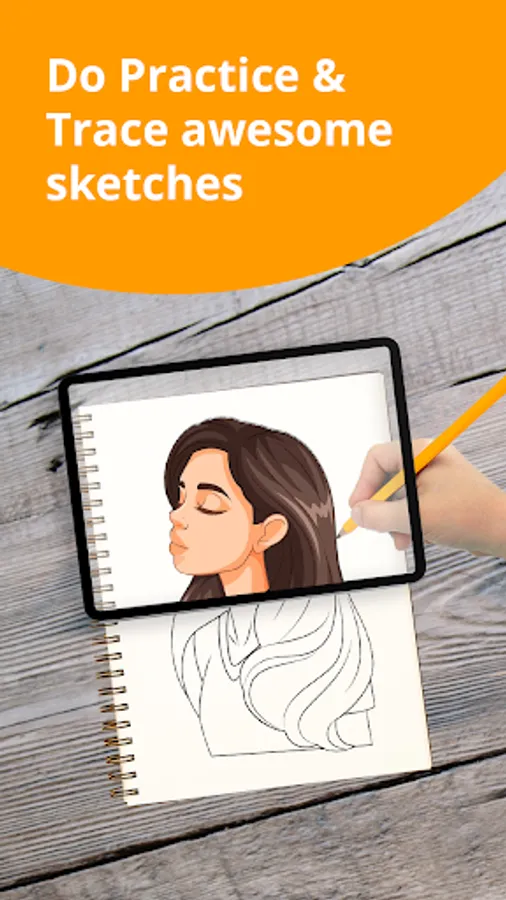
➤ Draw on paper by looking at phone with transparent image
➤ Make image transparent or make line drawing to create your art.
🌟 How To Use 🌟
-------------------------------
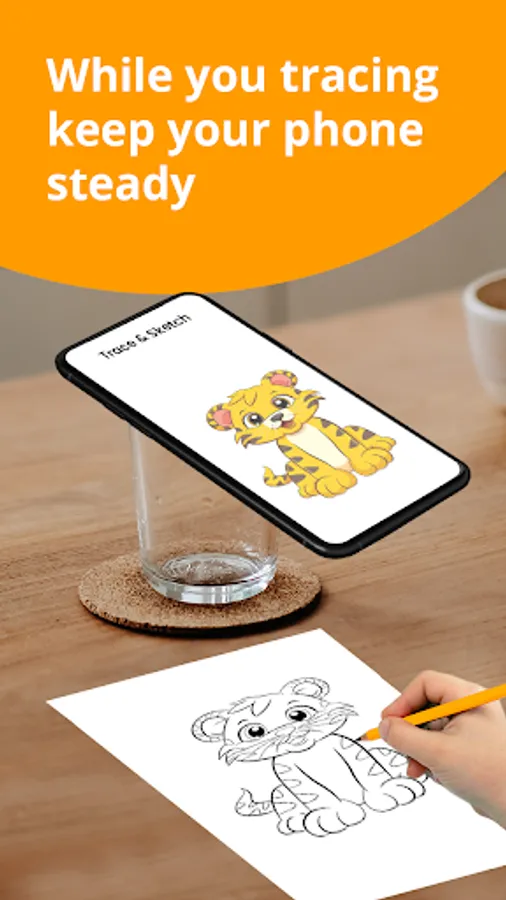
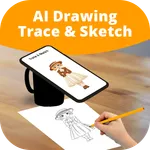
👉 Start the app and place the mobile on a glass or any other object as shown in the image.
👉 Select any image from the list to draw.
👉 Lock photo for tracing on tracer screen.
👉 Change Image transparency or make line drawing
👉 Start drawing by placing the pencil over the boarders of the image.
👉 The mobile screen will guide you to draw.
🌟 Permissions 🌟
-------------------------------
✔ READ_EXTERNAL_STORAGE OR READ_MEDIA_IMAGES
👉 Show a list of images from the device and allow a user to select images for tracing and drawing.
✔ CAMERA
👉 To Show trace image on camera and draw it on paper. Also, it is used for capturing and drawing on paper.
Image will not actually appear on the paper but you trace it and draw it same to same.
Just select an image from the app or gallery apply filter to create image traceable.
Trace & Sketch app provide various collection of objects to easily learn to trace
🌟 Features 🌟
-------------------------------
➤ There are different types of categories available like Rangoli, Festival, Sports, Animals, Birds etc...
➤ Select an image from the gallery or capture an image with a camera then just apply the filter.
➤ After that, you will see that image on the camera screen with transparency & you have to put drawing paper on which you want to trace and draw.
➤ Draw on paper by looking at phone with transparent image
➤ Make image transparent or make line drawing to create your art.
🌟 How To Use 🌟
-------------------------------
👉 Start the app and place the mobile on a glass or any other object as shown in the image.
👉 Select any image from the list to draw.
👉 Lock photo for tracing on tracer screen.
👉 Change Image transparency or make line drawing
👉 Start drawing by placing the pencil over the boarders of the image.
👉 The mobile screen will guide you to draw.
🌟 Permissions 🌟
-------------------------------
✔ READ_EXTERNAL_STORAGE OR READ_MEDIA_IMAGES
👉 Show a list of images from the device and allow a user to select images for tracing and drawing.
✔ CAMERA
👉 To Show trace image on camera and draw it on paper. Also, it is used for capturing and drawing on paper.