5G 4G FORCE LTE MODE
RK AppZia
3.8 ★
8K ratings
1,000,000+
downloads
Free
+ in-app
In this mobile network app, you can switch between 5G, 4G LTE, and other network modes with a tap. Includes network information, speed tests, and signal strength display.
AppRecs review analysis
AppRecs rating 3.7. Trustworthiness 76 out of 100. Review manipulation risk 39 out of 100. Based on a review sample analyzed.
★★★☆☆
3.7
AppRecs Rating
Ratings breakdown
5 star
59%
4 star
11%
3 star
5%
2 star
3%
1 star
22%
What to know
✓
Credible reviews
76% trustworthiness score from analyzed reviews
✓
Good user ratings
70% positive sampled reviews
⚠
Ad complaints
Many low ratings mention excessive ads
About 5G 4G FORCE LTE MODE
5G 4G Force LTE Mode
==============================================================
This App will make you to allow changes in your mobile network 5G/4G LTE/3G. which are not display in mobile Settings.
⭐⭐⭐⭐ Features ⭐⭐⭐⭐
=======================================
👉 Switch into 5G/4G LTE Network, WCDMA Network, GSM Network, CDMA Network in just Singal Tap
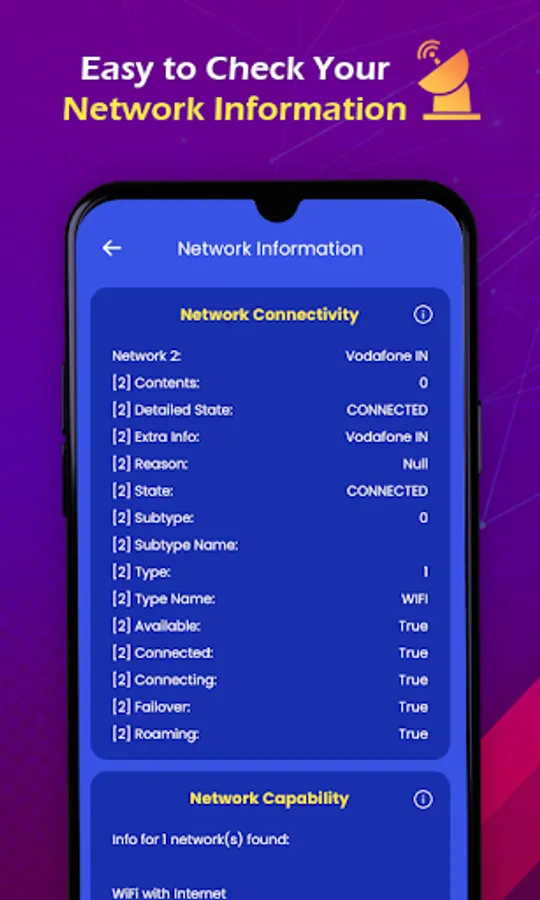
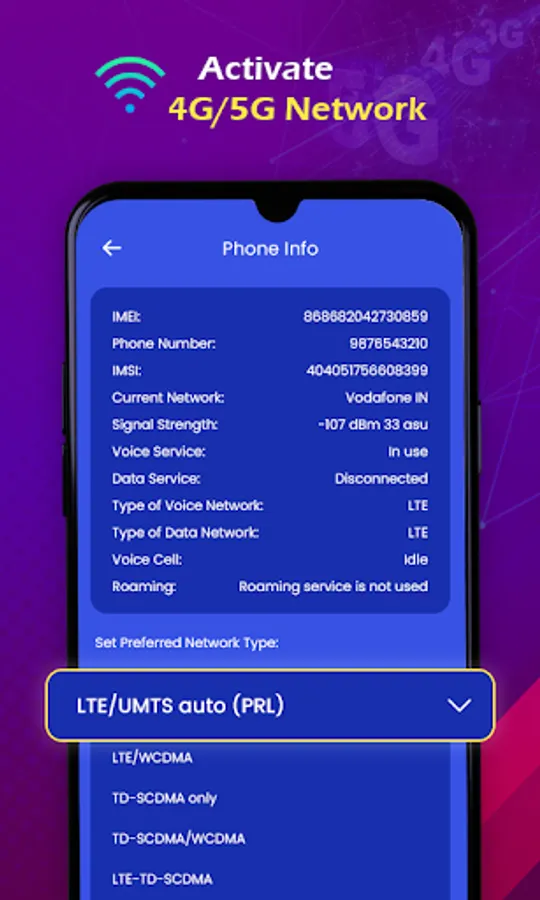
👉 Advanced Network information like Network Connectivity info, Network Capability info & Link Properties info, Phone Info
👉 Enable Volte on Supported Device
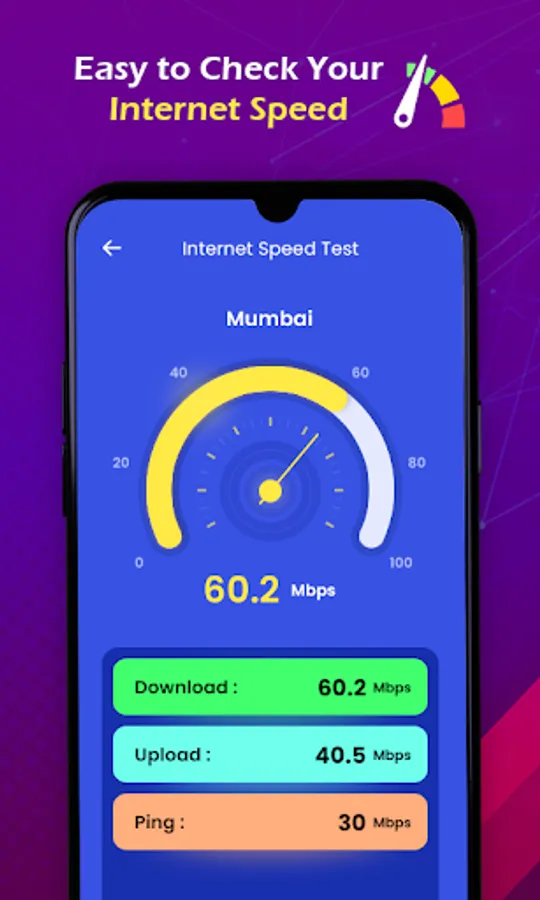
👉 You Can Check Your Internet Speed
👉 History of checked Internet Speed Test
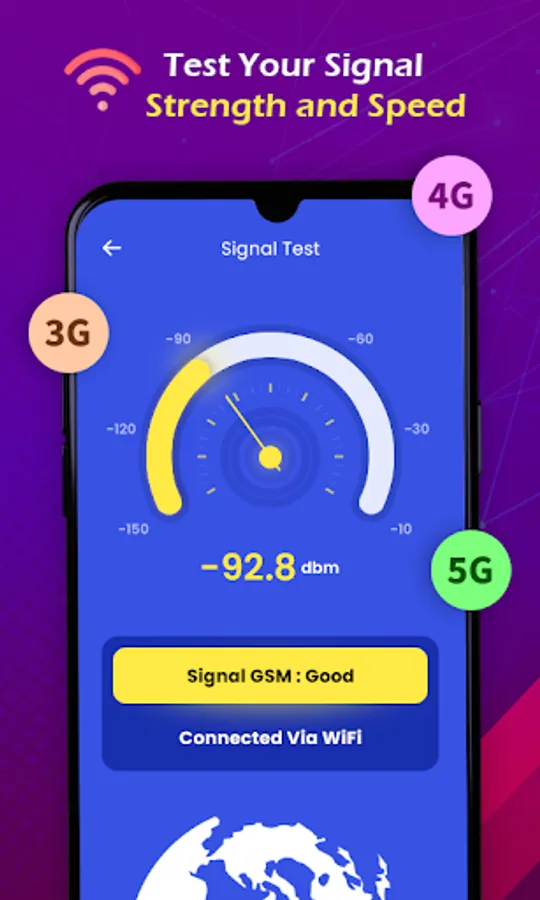
👉 Display Signal Strength
👉 Continues display Download & Upload Speed in card on home screen
👉 5G Network will support only 5G Smartphones Hardware
⭐ ⭐⭐⭐⭐ How To Use ⭐⭐⭐⭐⭐
=======================================
👉 Open 5G 4G Force LTE Setting in app.
👉 Select Open Settings to switch mode.
👉 Scroll down and find the Option Set preferred network type".
👉 Click on LTE Only For 4G or Click on LTE/UMTS auto(PRL).
⭐⭐⭐⭐ Disclaimer ⭐⭐⭐⭐⭐
⛔️ This 5G/4G Force LTE Mode app won't work on all device as some device restrict the force switching mode.
==============================================================
This App will make you to allow changes in your mobile network 5G/4G LTE/3G. which are not display in mobile Settings.
⭐⭐⭐⭐ Features ⭐⭐⭐⭐
=======================================
👉 Switch into 5G/4G LTE Network, WCDMA Network, GSM Network, CDMA Network in just Singal Tap
👉 Advanced Network information like Network Connectivity info, Network Capability info & Link Properties info, Phone Info
👉 Enable Volte on Supported Device
👉 You Can Check Your Internet Speed
👉 History of checked Internet Speed Test
👉 Display Signal Strength
👉 Continues display Download & Upload Speed in card on home screen
👉 5G Network will support only 5G Smartphones Hardware
⭐ ⭐⭐⭐⭐ How To Use ⭐⭐⭐⭐⭐
=======================================
👉 Open 5G 4G Force LTE Setting in app.
👉 Select Open Settings to switch mode.
👉 Scroll down and find the Option Set preferred network type".
👉 Click on LTE Only For 4G or Click on LTE/UMTS auto(PRL).
⭐⭐⭐⭐ Disclaimer ⭐⭐⭐⭐⭐
⛔️ This 5G/4G Force LTE Mode app won't work on all device as some device restrict the force switching mode.