AppRecs review analysis
AppRecs rating . Trustworthiness 81 out of 100. Review manipulation risk 28 out of 100. Based on a review sample analyzed.
★
AppRecs Rating
Ratings breakdown
5 star
45%
4 star
0%
3 star
0%
2 star
9%
1 star
45%
What to know
✓
Low review manipulation risk
28% review manipulation risk
✓
Credible reviews
81% trustworthiness score from analyzed reviews
⚠
Mixed user feedback
Average 2.9★ rating suggests room for improvement
About Image To PDF : Create PDF
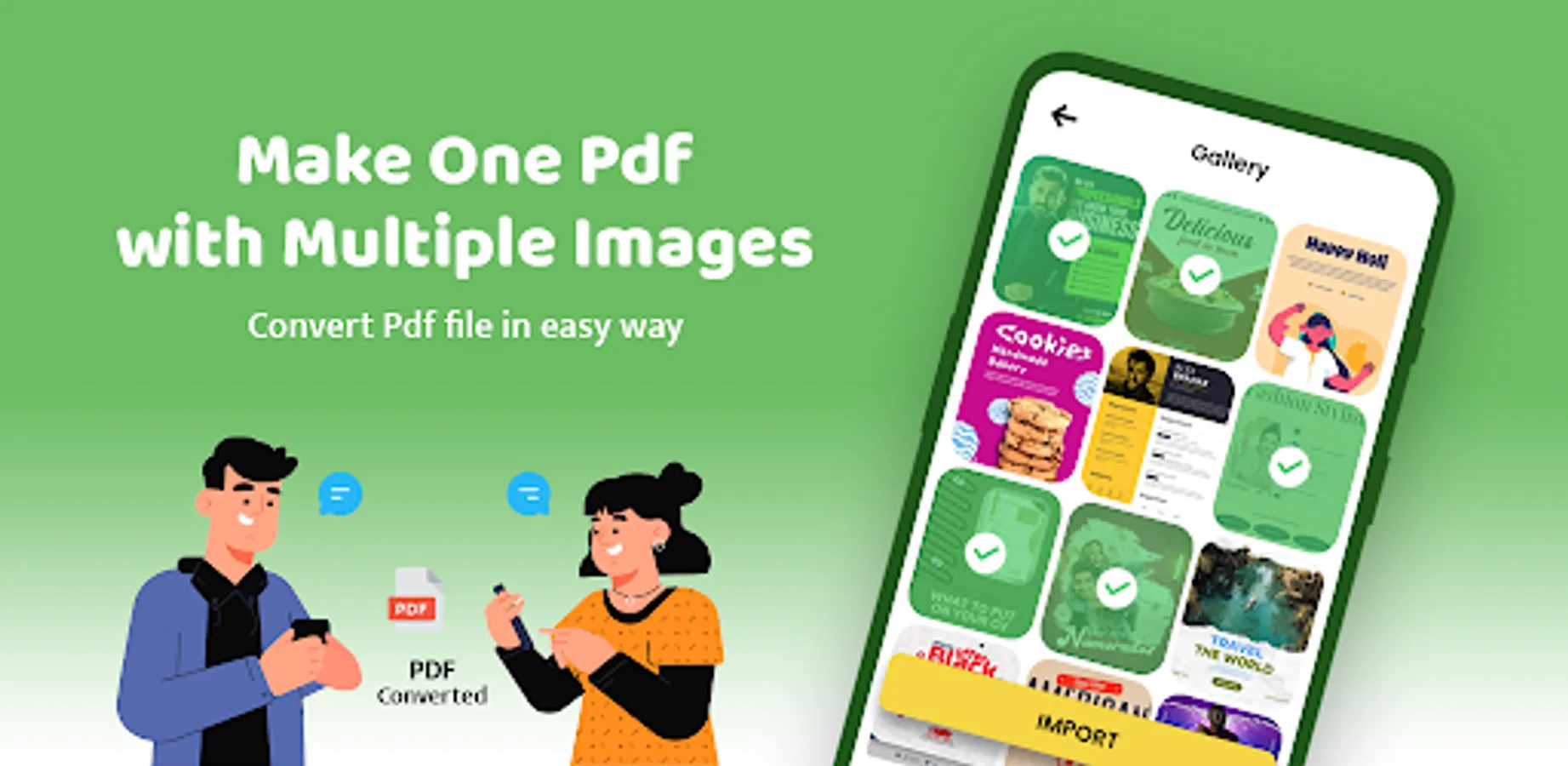
➤ This app allows you to convert your images (JPG, JPEG, PNG, etc.) files into PDF quickly and safely.
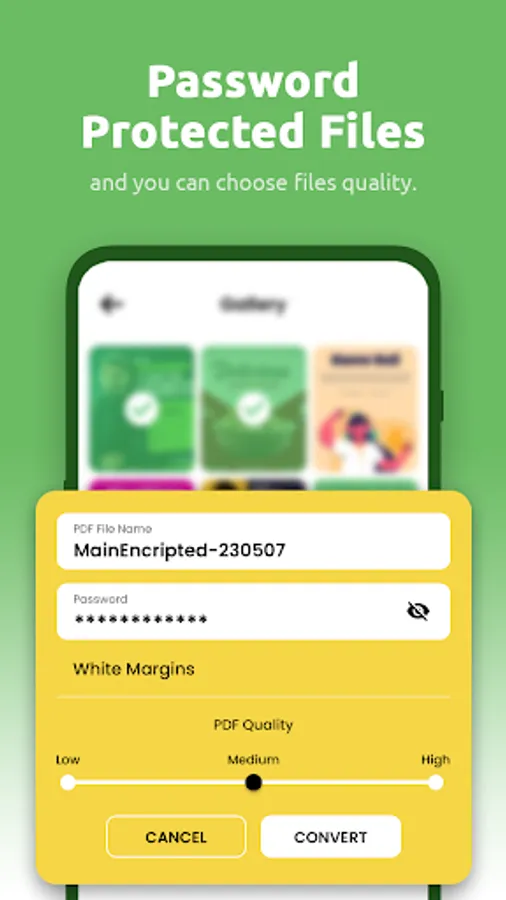
➤ You can make Password protected PDF file.
🌟 Features 🌟
==============================
👉 Supports Print PDF file
👉 No limits on file size or the number of documents converted
👉 Resize, crop, doodle, and rotate the images as you like. Optimize images for better PDF output.
👉 Rename generated PDF file
👉 Supports compression of images (Low, Medium, High)
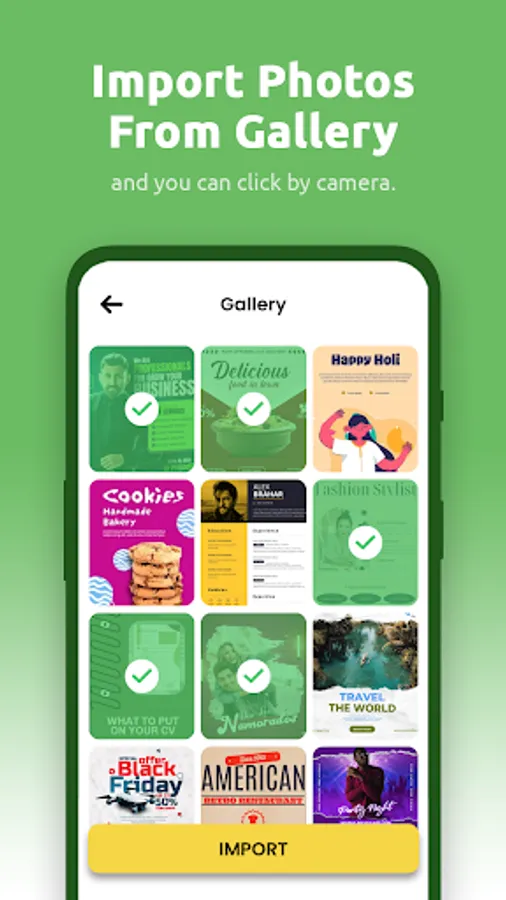
👉 Convert your Gallery or Camera capture images into PDF file
👉 You can set passwords to protect your PDF files
👉 Open generated PDF file into PDF Viewer app itself
👉 Reordering images with Drag n Drop feature
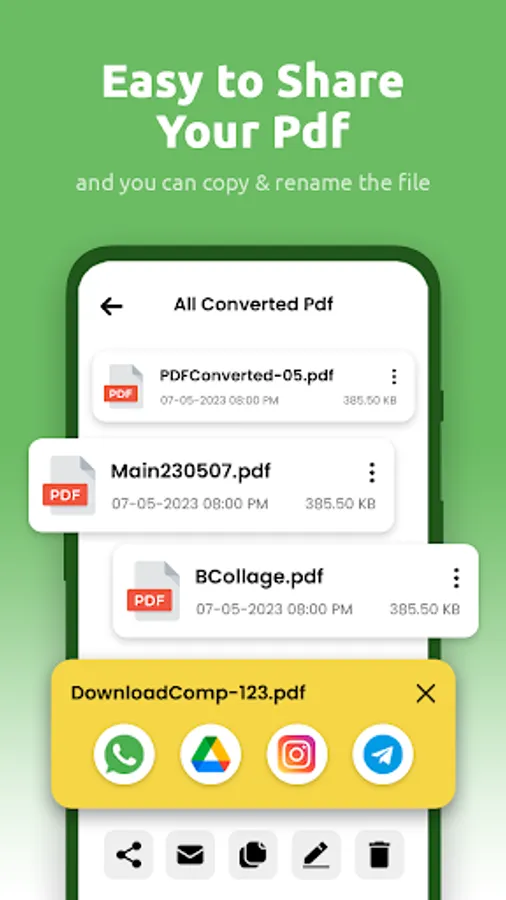
👉 Easily send and share converted PDF files via social media, Bluetooth, Email, quick share, etc.
👉 Copy generated PDF file To selected folder
🌟 How To Use 🌟
==============================
➤ Click on "Convert Image To Pdf"
➤ Select images from gallery or Camera option is also available to take new pictures
➤ Reordering images or Delete unwanted images
➤ Click on Convert To PDF button
➤ Show all created PDF files in "Generated PDF File" module
➤ Open the PDF with app itself PDF viewer
➤ Print the PDF file
➤ Share, Rename or Delete the PDF from the list
We are working our best on making the Image to PDF Creator better and more useful for you.
➤ You can make Password protected PDF file.
🌟 Features 🌟
==============================
👉 Supports Print PDF file
👉 No limits on file size or the number of documents converted
👉 Resize, crop, doodle, and rotate the images as you like. Optimize images for better PDF output.
👉 Rename generated PDF file
👉 Supports compression of images (Low, Medium, High)
👉 Convert your Gallery or Camera capture images into PDF file
👉 You can set passwords to protect your PDF files
👉 Open generated PDF file into PDF Viewer app itself
👉 Reordering images with Drag n Drop feature
👉 Easily send and share converted PDF files via social media, Bluetooth, Email, quick share, etc.
👉 Copy generated PDF file To selected folder
🌟 How To Use 🌟
==============================
➤ Click on "Convert Image To Pdf"
➤ Select images from gallery or Camera option is also available to take new pictures
➤ Reordering images or Delete unwanted images
➤ Click on Convert To PDF button
➤ Show all created PDF files in "Generated PDF File" module
➤ Open the PDF with app itself PDF viewer
➤ Print the PDF file
➤ Share, Rename or Delete the PDF from the list
We are working our best on making the Image to PDF Creator better and more useful for you.