Background Video Recorder Pro
Arbel Solutions
4.2 ★
10K ratings
1,000,000+
downloads
Free
+ in-app
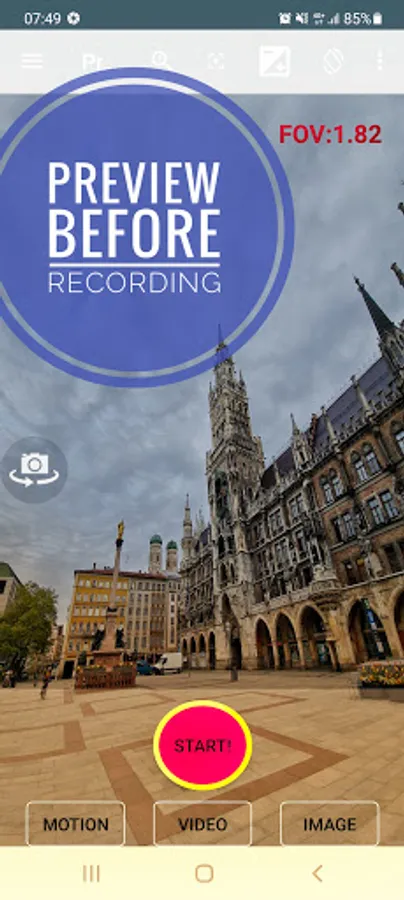
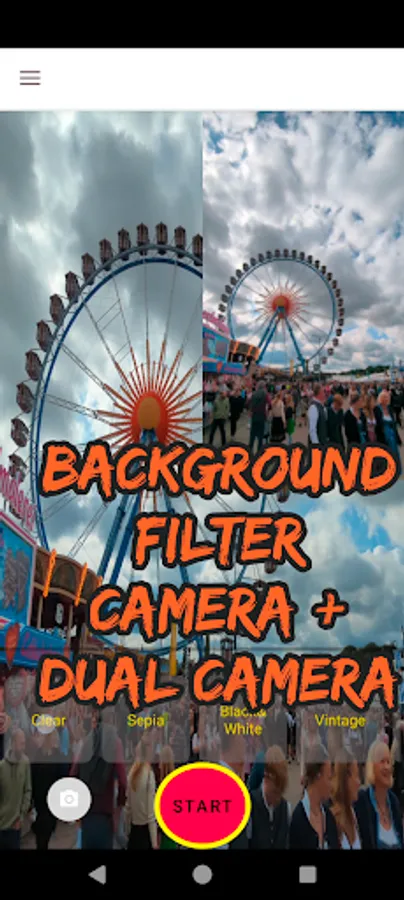
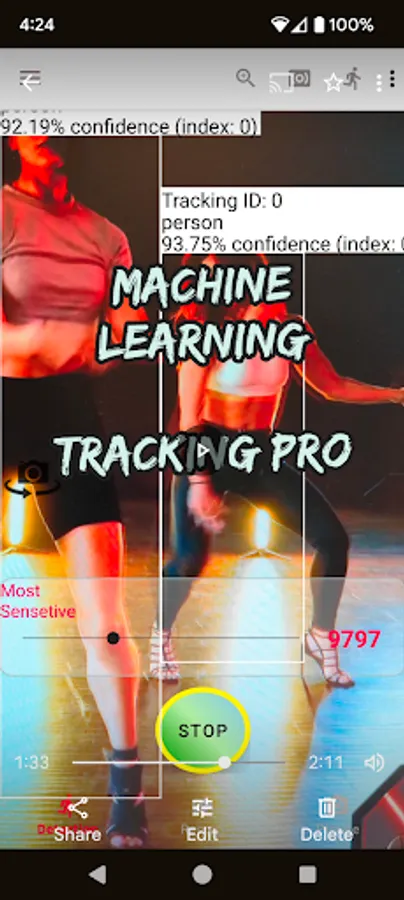
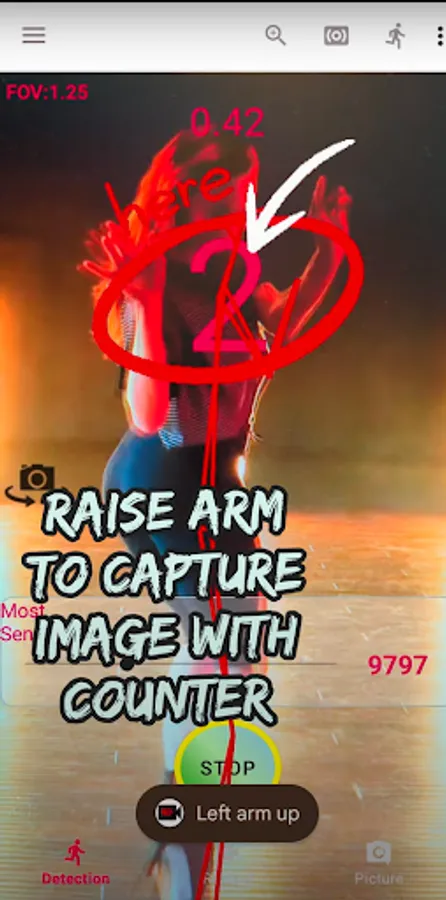
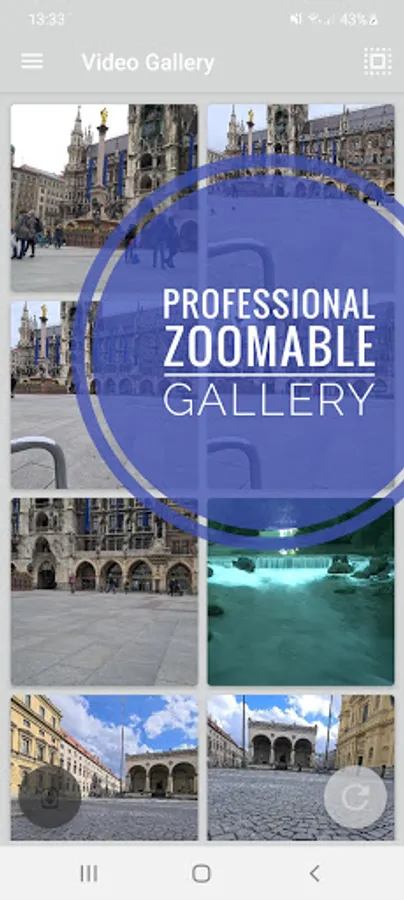
In this app, users can record videos in the background with options like overlays, filters, and motion detection utilizing AI. Includes dual camera recording, remote control for Wear OS, and schedule video recordings.
AppRecs review analysis
AppRecs rating 4.0. Trustworthiness 82 out of 100. Review manipulation risk 27 out of 100. Based on a review sample analyzed.
★★★★☆
4.0
AppRecs Rating
Ratings breakdown
5 star
64%
4 star
15%
3 star
5%
2 star
5%
1 star
11%
What to know
✓
Low review manipulation risk
27% review manipulation risk
✓
Credible reviews
82% trustworthiness score from analyzed reviews
✓
High user satisfaction
79% of sampled ratings are 4+ stars (4.2★ average)
About Background Video Recorder Pro
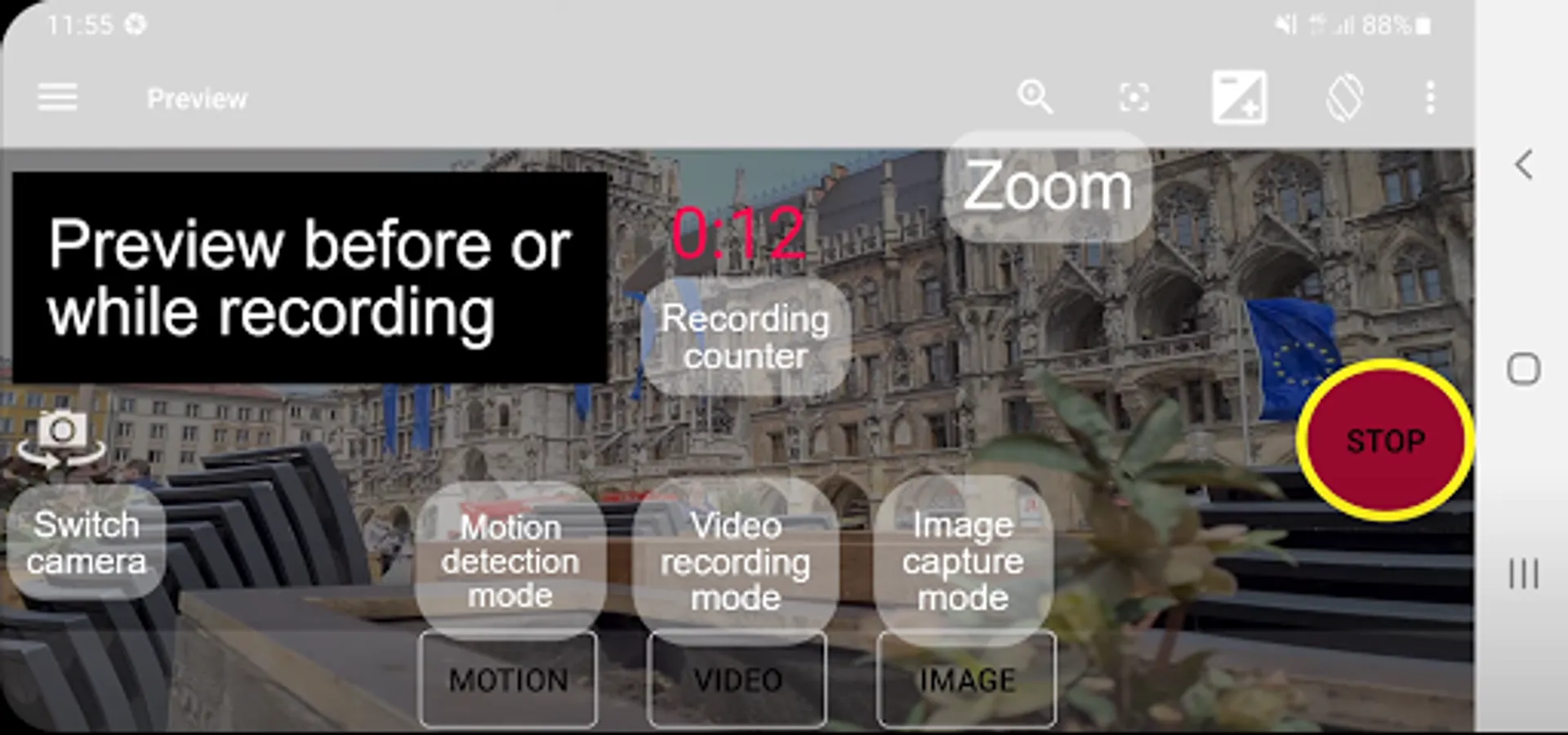
this app helps you record videos in the background also with a closed display. other useful features: dual camera screen recorder, overlay, filters, dash cam, motion detection using A.I., camera remote for your Wear OS, baby monitoring, video streaming, schedule recording, burst image capturing.
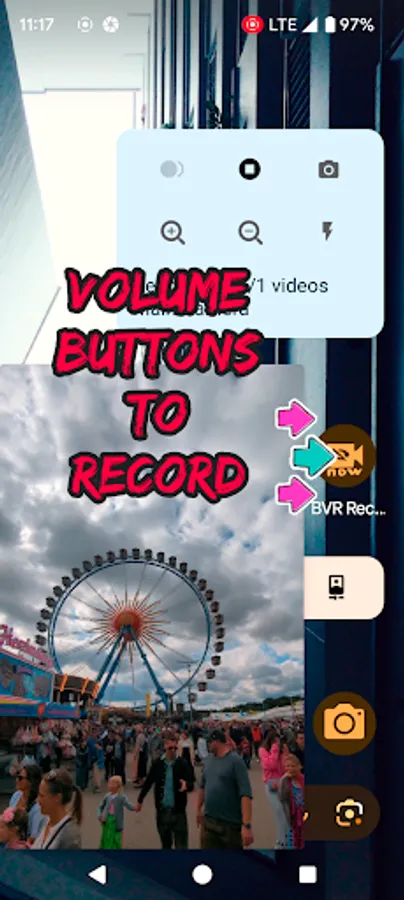
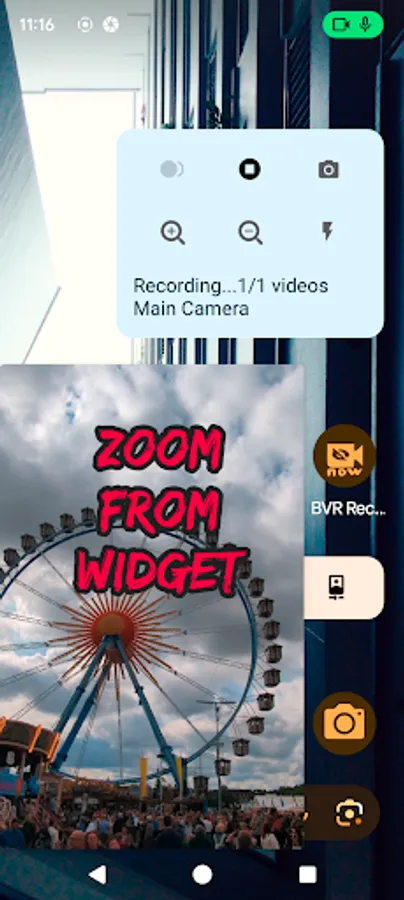
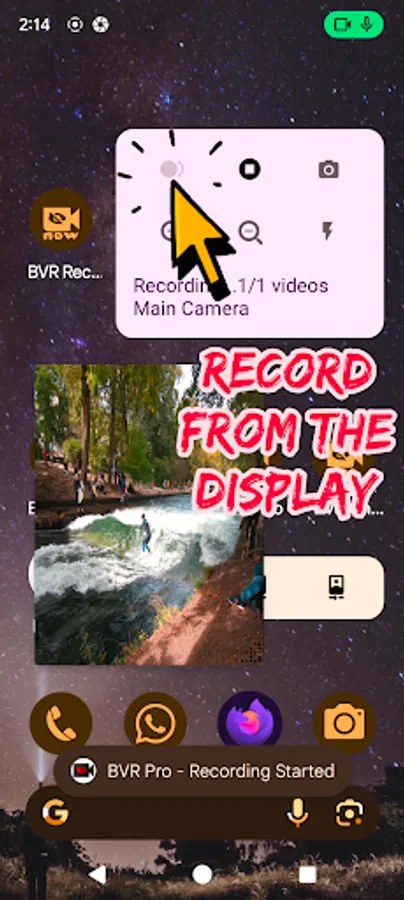
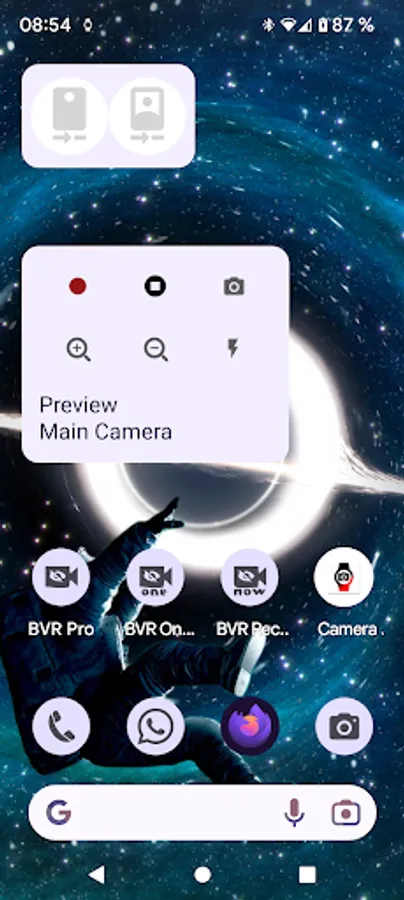
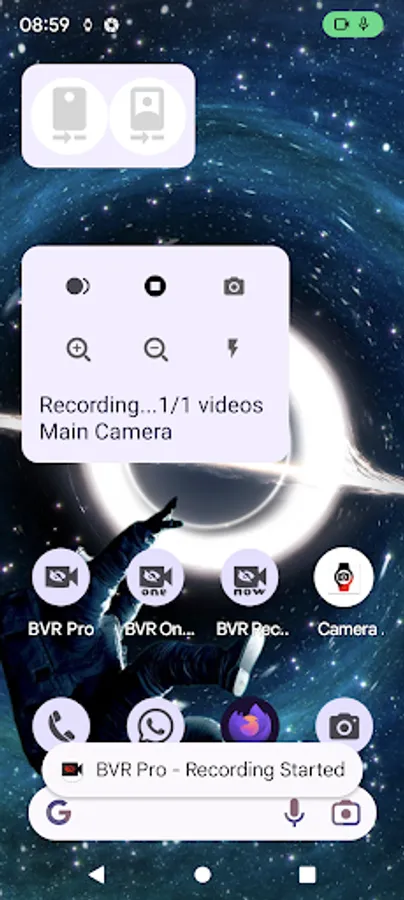
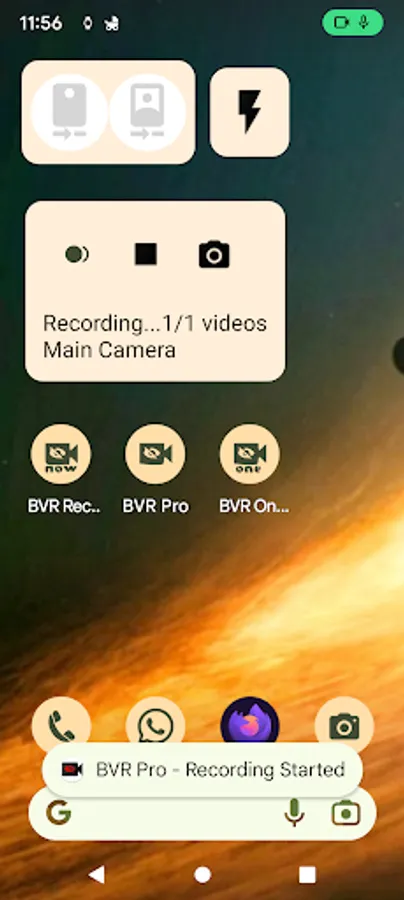
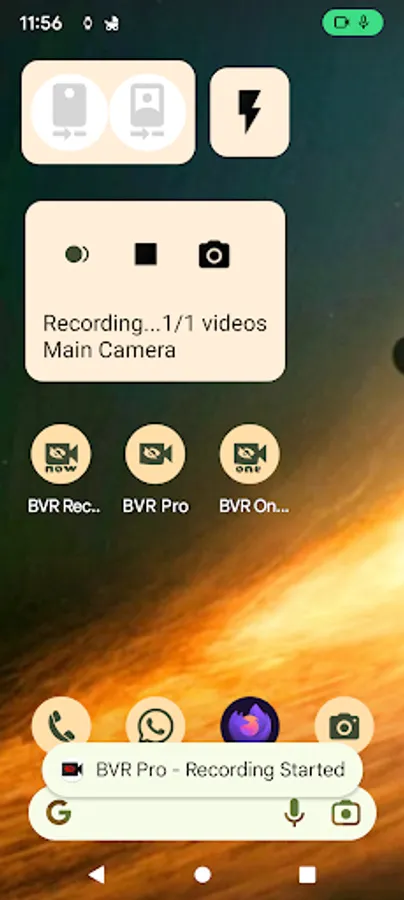
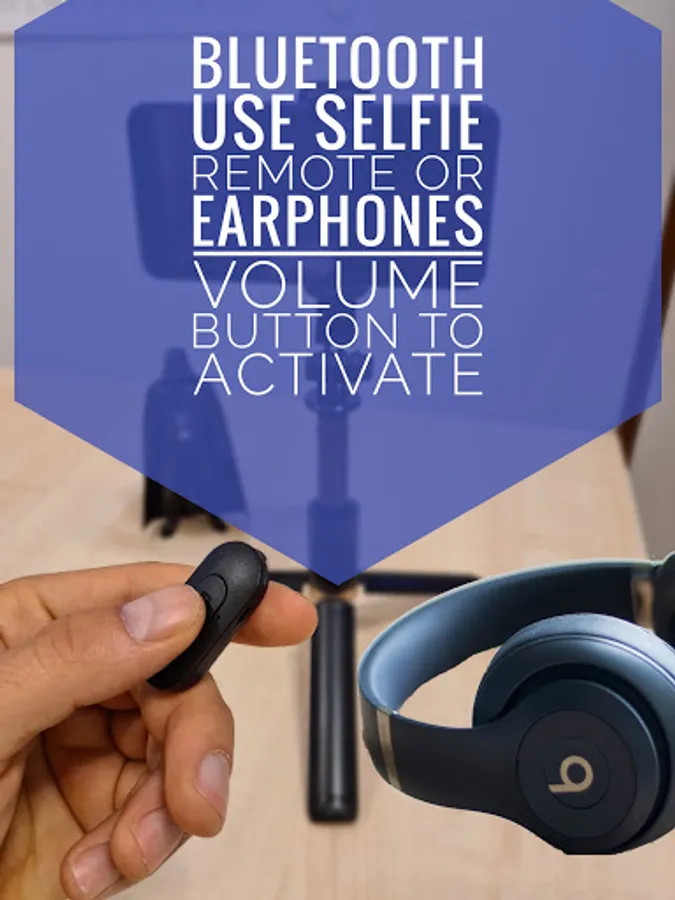
you can also control the camera using the volume buttons or 1 of the 3 supporting widgets.
"big red button" - video recording.
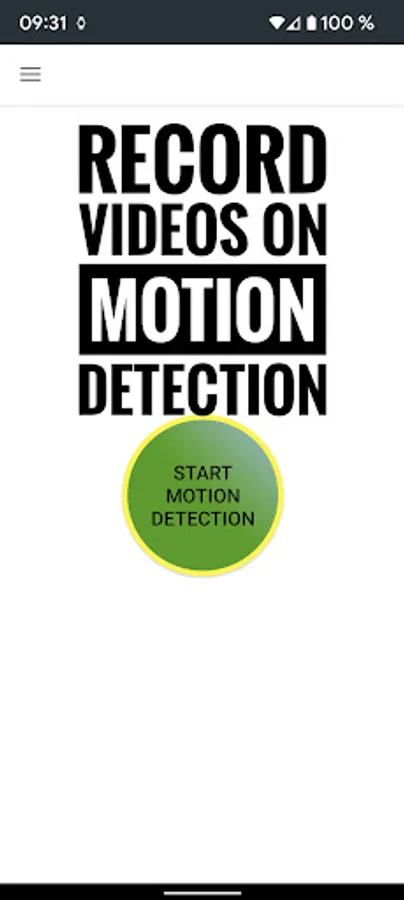
"big green button" - motion detection.
"big orange button" - burst image capturing + night/HDR/bokeh.
https://youtu.be/vjn_cifx4Vo
Widget Revolution - preview and zoom from launcher. also : motion photo.
https://youtube.com/shorts/enLm4Dmyy2E
https://www.youtube.com/watch?v=S7jjsoakjS4
dual camera screen recorder + stickers:
https://www.youtube.com/shorts/onEognB6--w
https://youtube.com/shorts/2h9KnUNrjJ8
https://youtu.be/o24mXjBe8uA
Camerax (premium) - background film director, filters + pop up DUAL 10 bits HDR camera recording:
https://youtu.be/LuEsWXpSLHs
https://youtu.be/pnDJNxa5f0c
overlay:
https://youtu.be/8pSuyBhQGxU
background overlay: with loaded image, text or time.
https://youtu.be/JWzqp4p7Ij0
gamma correction filter low light
https://youtu.be/fRWFkO1WUN8
motion detection tutorials:
https://youtu.be/wok88i6aQBs
https://youtu.be/g7dpYED6k08
dual dash cam
https://youtu.be/msByNqBC-W4
https://youtu.be/p4wopq8pqqU
premium - screen recorder + dual cameras streams + rounded or selfie mask
templates:
https://youtube.com/shorts/0c5kEacrPoo
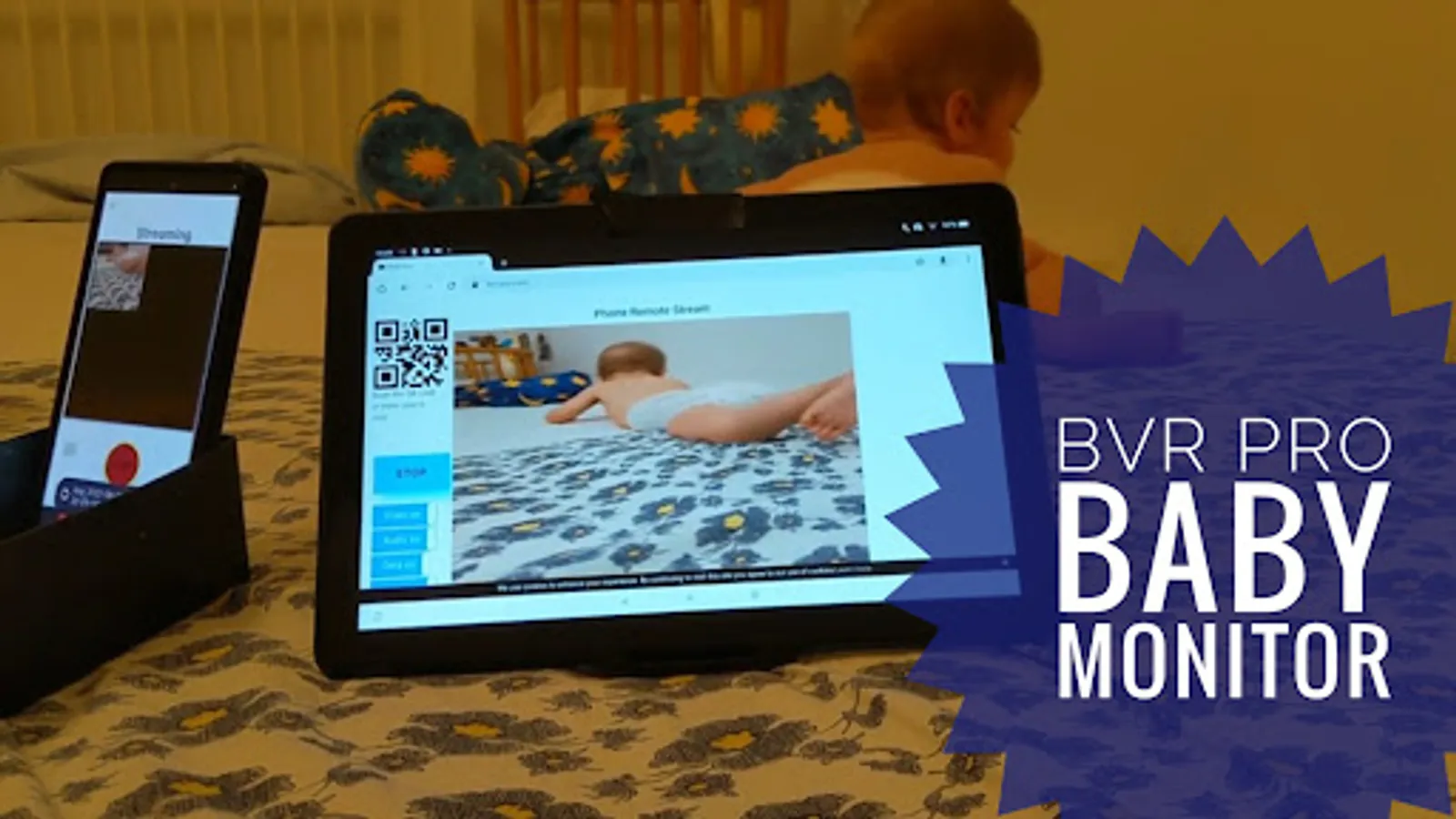
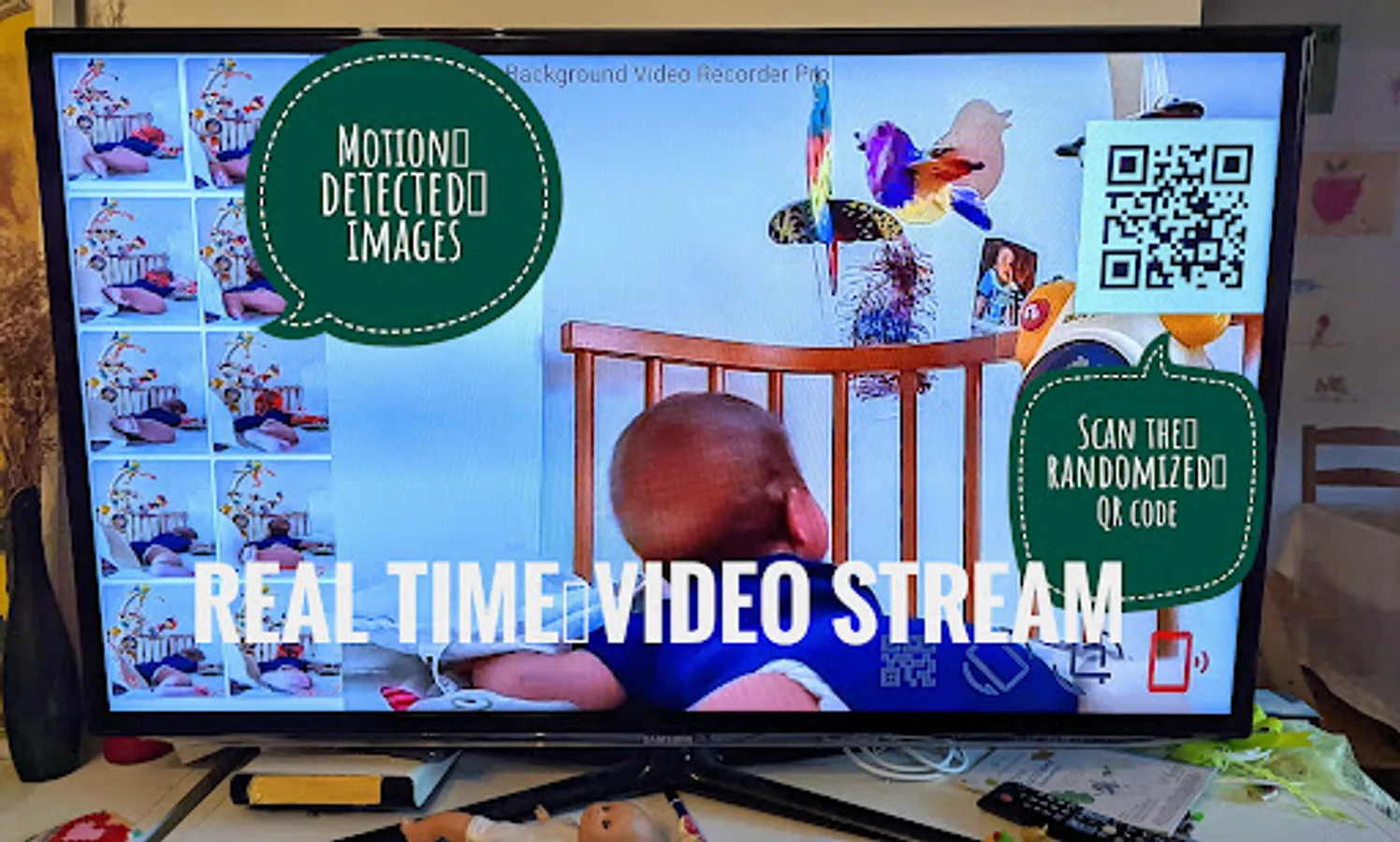
baby monitor & supportive https://www.bvr-pro.com website:
https://www.youtube.com/watch?v=zf1A93PcShw
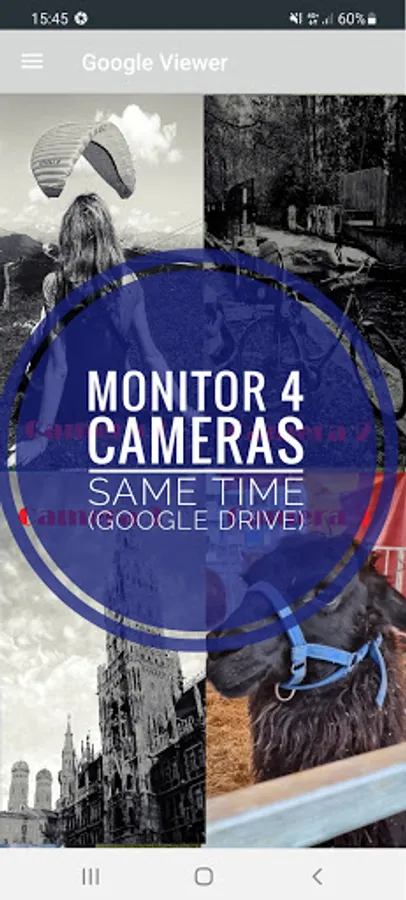
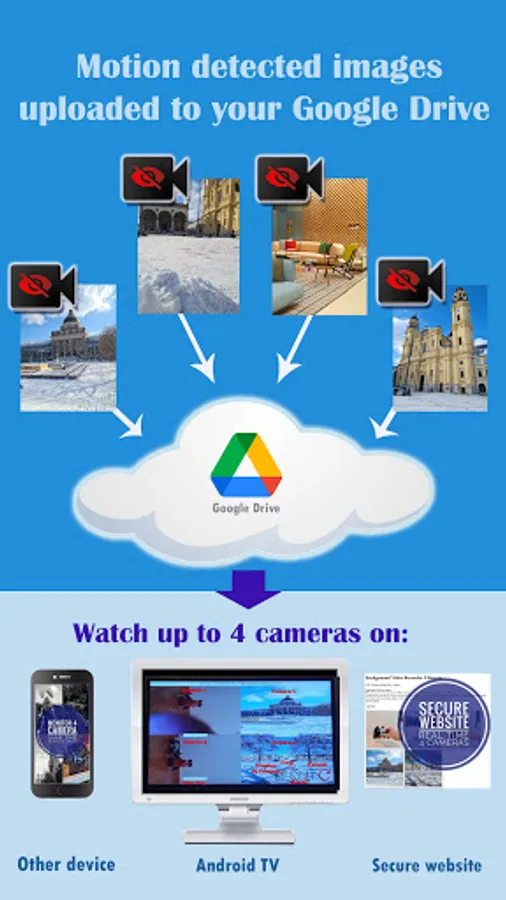
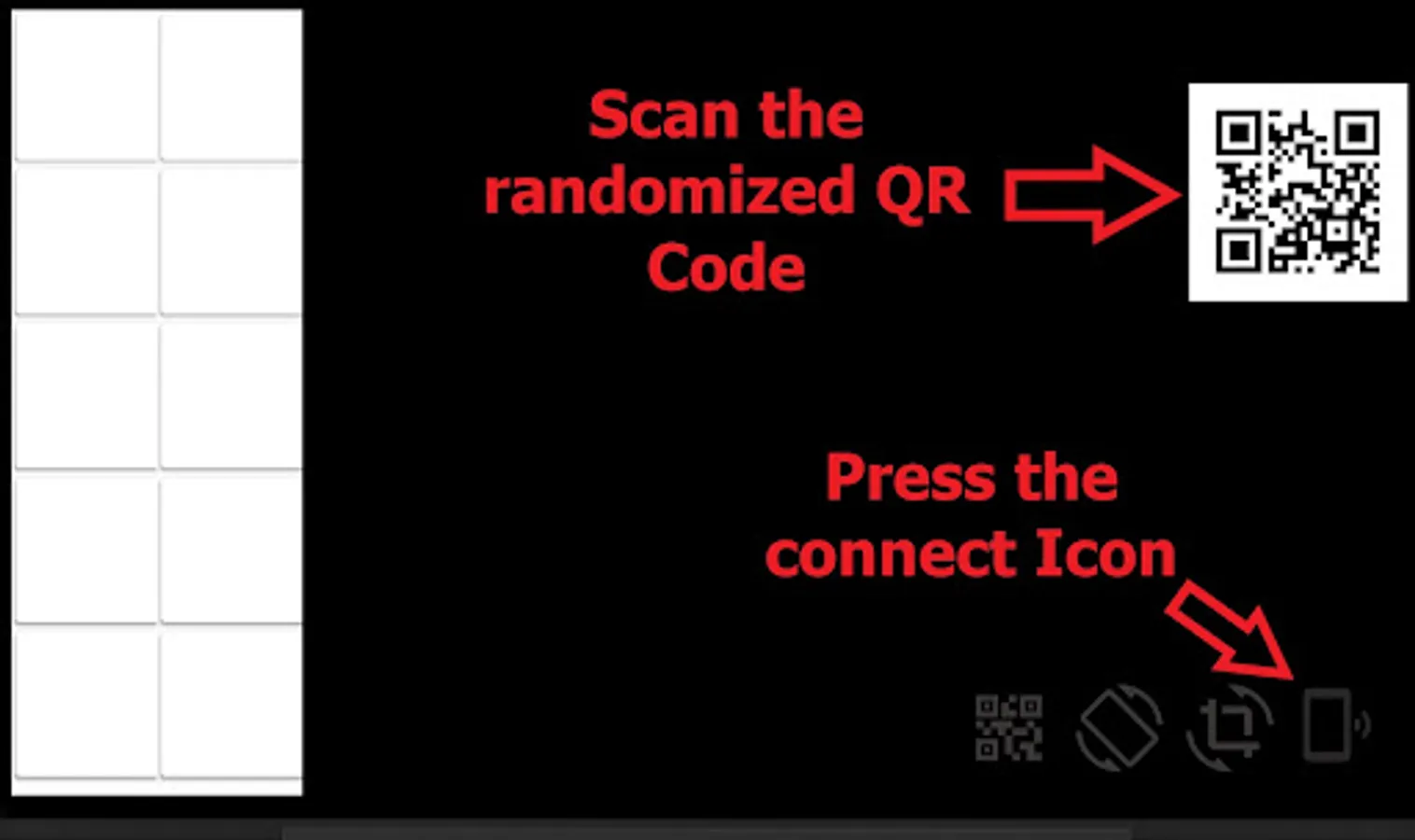
home security: monitor up to 4 cameras from our secured website:
https://bvr-pro.com/stream
https://youtu.be/gBV4U6uOywE
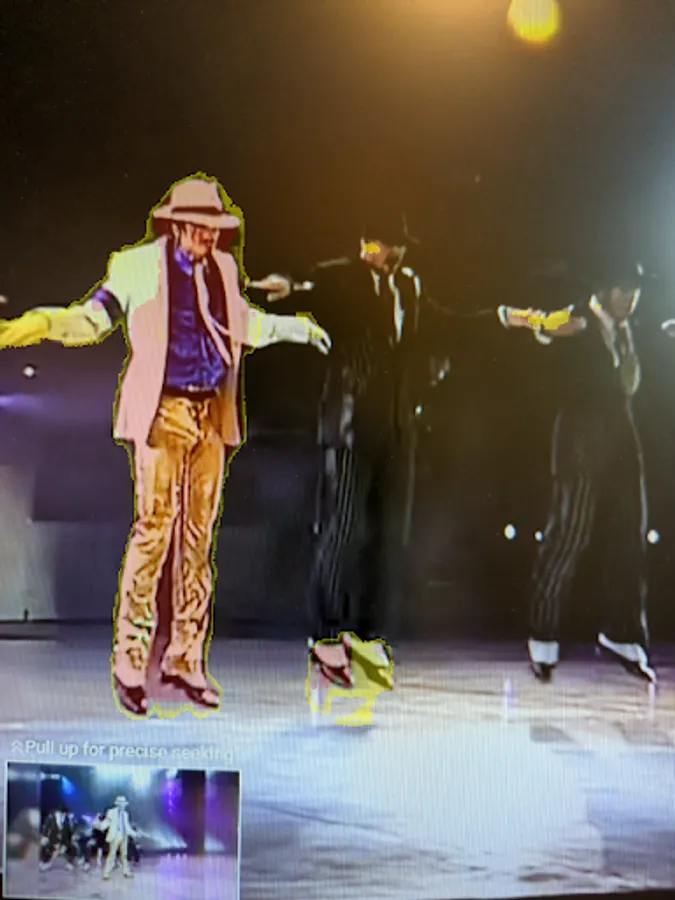
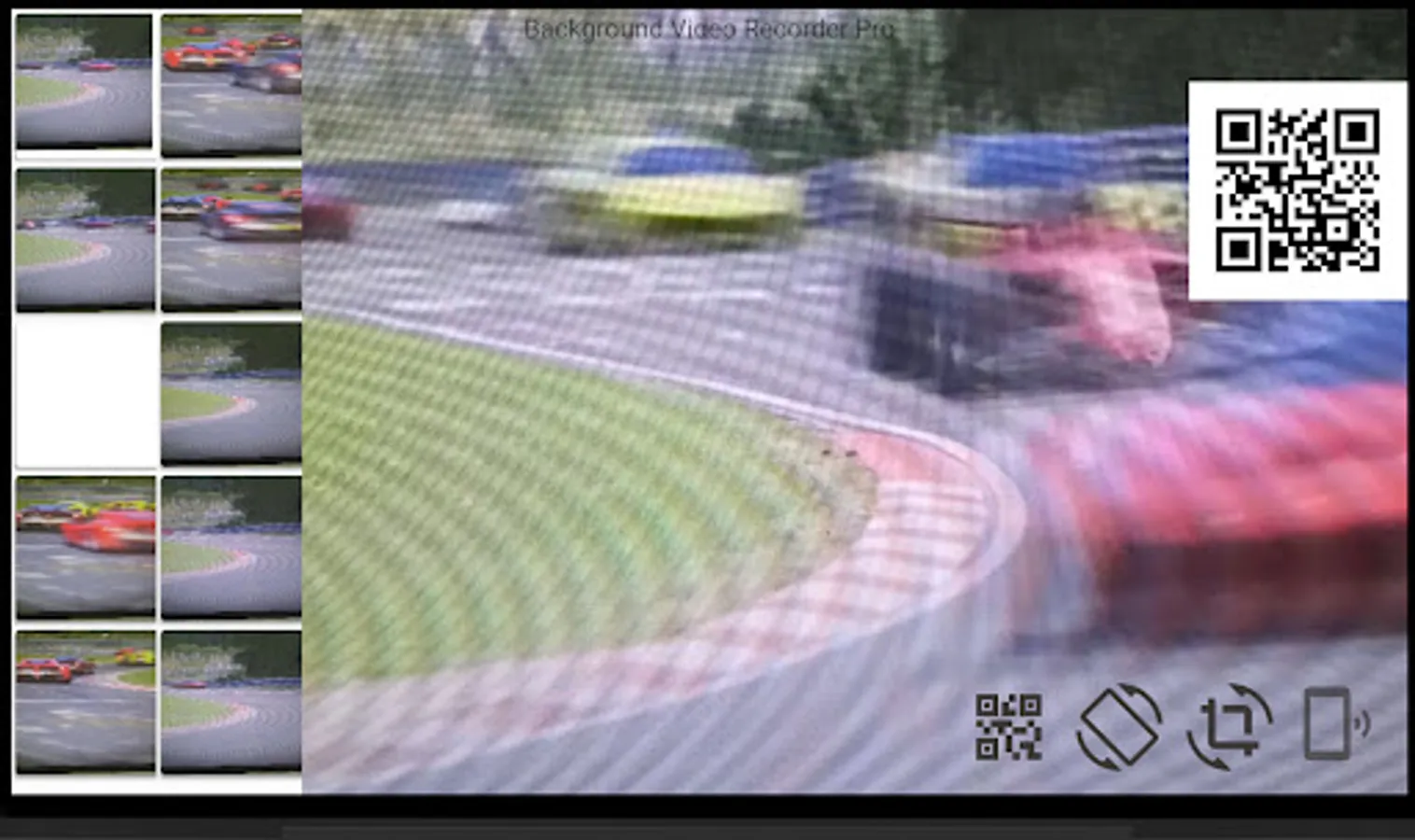
on device A.I. motion detection. processing is done on device, all data stays local: human, dog, cats, fire, weapons, Godzilla.
extra features:
1. start recording using the volume buttons.
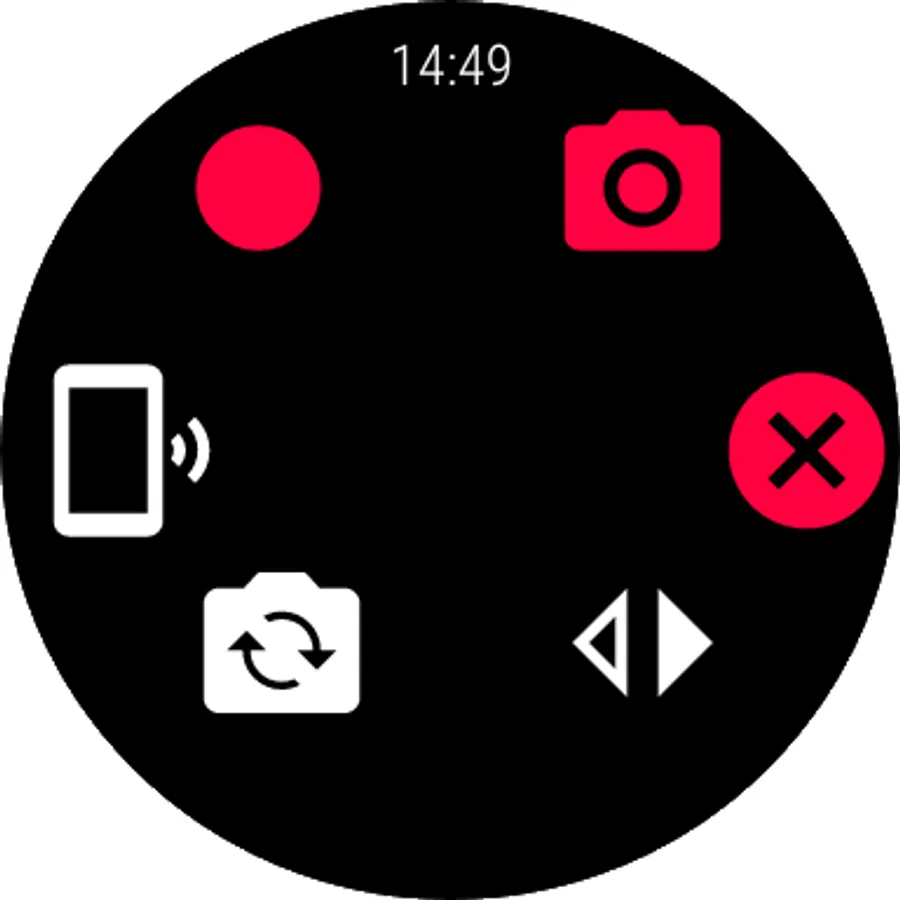
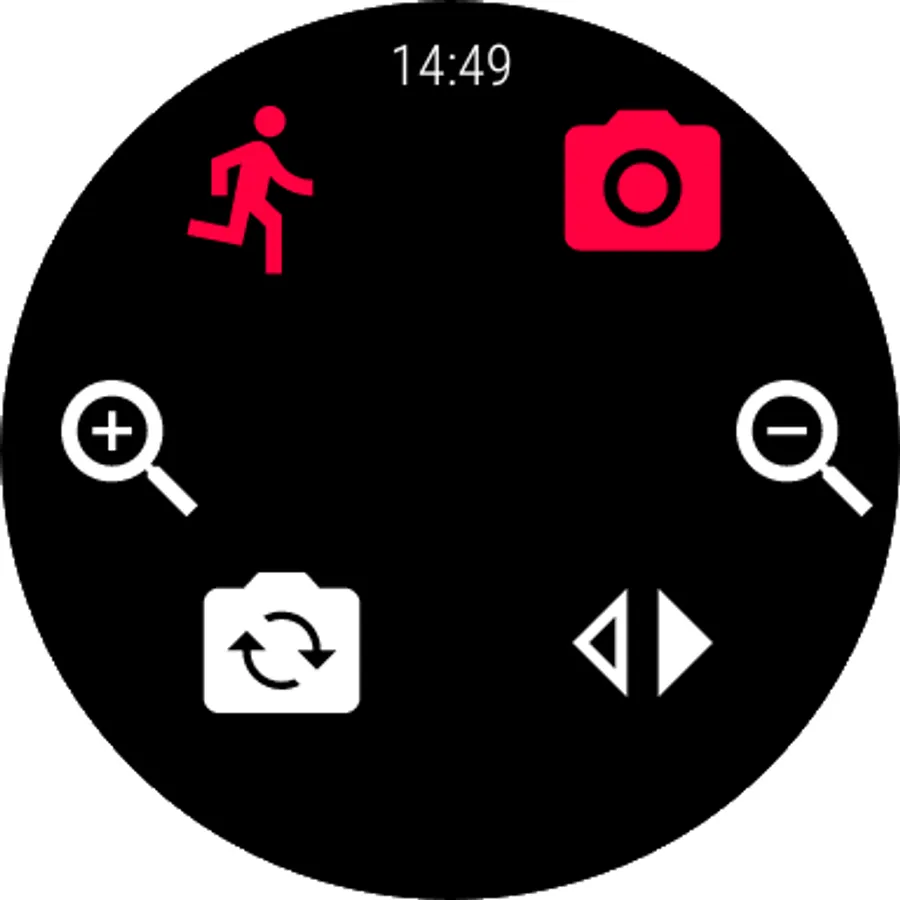
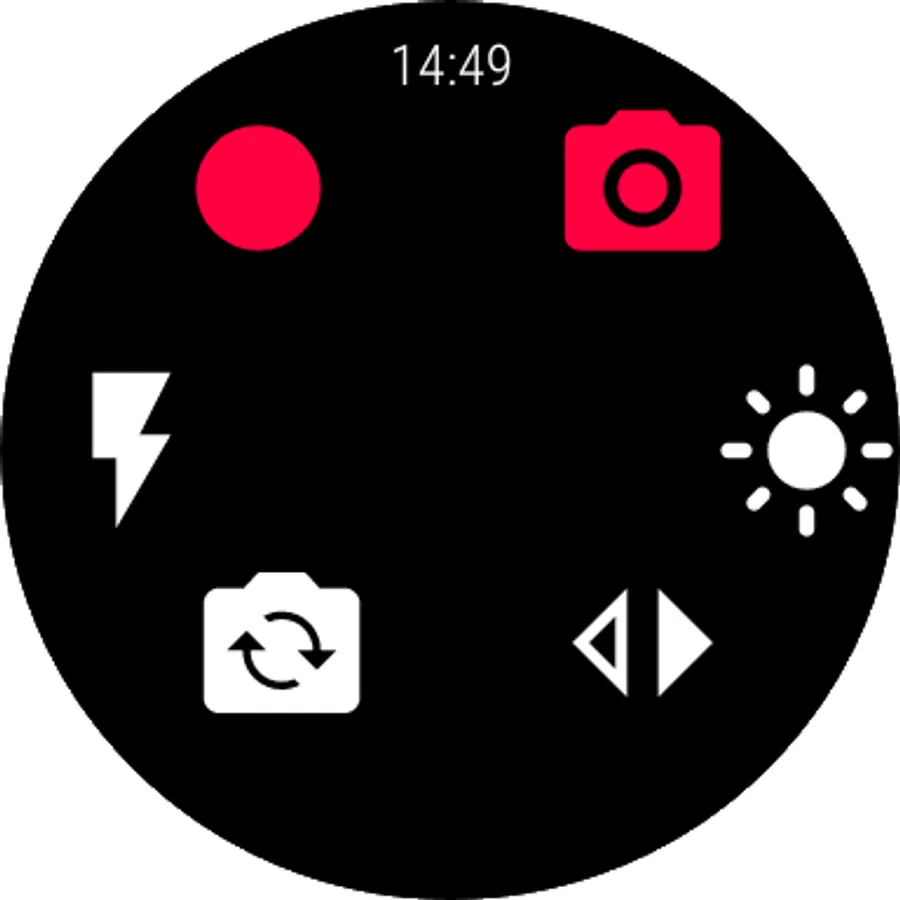
Wear OS remote - 10 bits dual HDR cameras.
https://youtu.be/eWKwQC5T0QQ
https://youtu.be/44J8JO1LDCw
preview, record, capture, A.I. motion detect, flip camera, zoom ,flash, walkie talkie.
background slow motion
https://youtu.be/PUdXACAlF2s
text OCR
https://youtu.be/aHsZWjOLkuo
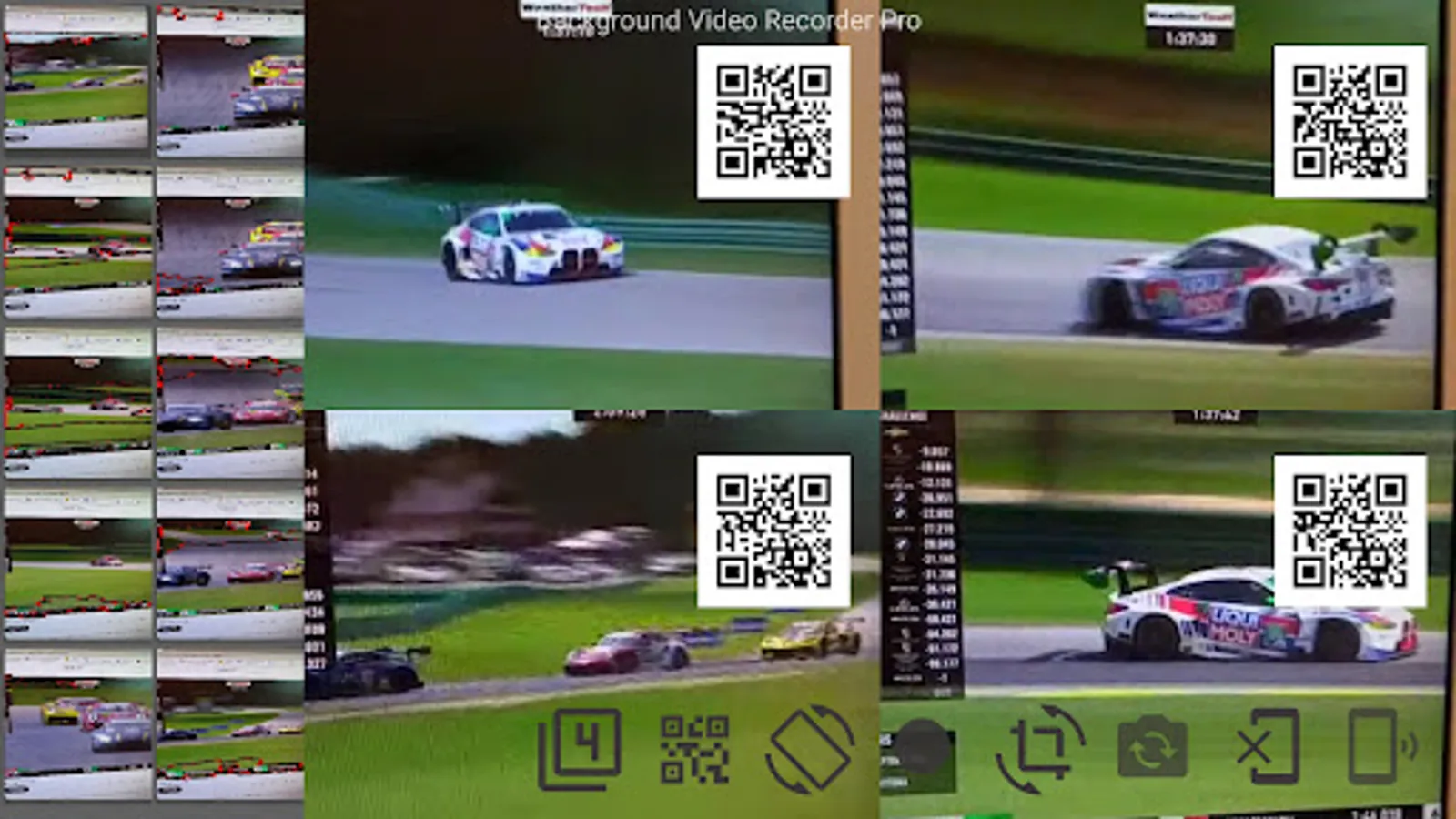
android tv - real time 30 FPS streaming + A.I. motion detection X 4 cameras:
https://www.youtube.com/watch?v=w0SNcFSHLYE
https://www.youtube.com/watch?v=KovtrQeF5N0
https://www.youtube.com/watch?v=ocPtnhlUn78
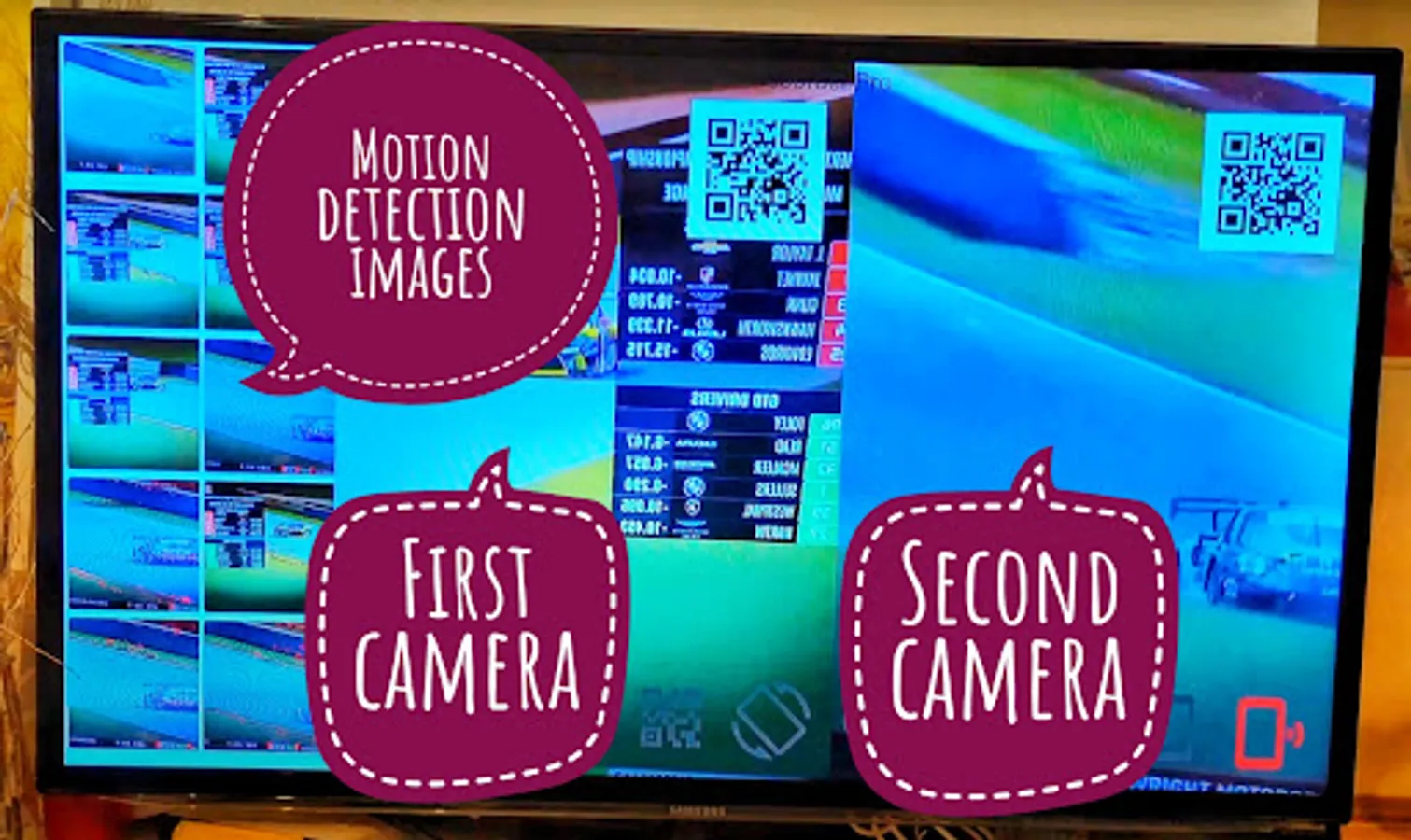
dual camera on supported devices:
https://youtu.be/jmKMjVGnS_o
https://youtu.be/CURKycGRF2Q
Important notices:
1. best practices: https://www.youtube.com/watch?v=WoLSq32DIew
2. run the settings:permission wizard.
3. https://dontkillmyapp.com/
4. It includes 3 icons with 3 different features - you can disable 2 from the settings:
https://www.youtube.com/watch?v=yGQWhMf1f5g
5. disable "face unlock". two apps cannot access the camera at the same time.
6. do not open the camera on other apps while recording.
7. long exposure creates low frame rate videos.
8. for best video quality: try beta resolutions(not stable) & change the bitrate.
on detection you can:
1. capture images.
2. sound alarm.
3. premium users can also record videos.
languages: hindi, german, spanish, portuguese, arabic and more.
how to guides:
https://www.arbelsolutions.com/howto.html
your privacy matters:
https://www.arbelsolutions.com/PrivacyPolicy.html
suggestions or questions? we will be happy to hear from you mailto:arbelsolutions@gmail.com
most functions are free, premium version includes:
1. no ads
2. cameraX.
3. saving to the removable SD card
4. Wear OS.
5. baby monitoring.
6. save videos on motion detection.
7. upload videos to google drive.
8. monitor until 4 camera simultaneously(and not only 1).
8. repeat schedule recording.
becoming a premium user : press the "buy premium" button on the main menu.
If you like the app please rate it 5 stars ★★★★★ . We will really appreciate it.
follow us:
https://www.facebook.com/Background-video-recorder-Ultimate-121145775953677/
you can also control the camera using the volume buttons or 1 of the 3 supporting widgets.
"big red button" - video recording.
"big green button" - motion detection.
"big orange button" - burst image capturing + night/HDR/bokeh.
https://youtu.be/vjn_cifx4Vo
Widget Revolution - preview and zoom from launcher. also : motion photo.
https://youtube.com/shorts/enLm4Dmyy2E
https://www.youtube.com/watch?v=S7jjsoakjS4
dual camera screen recorder + stickers:
https://www.youtube.com/shorts/onEognB6--w
https://youtube.com/shorts/2h9KnUNrjJ8
https://youtu.be/o24mXjBe8uA
Camerax (premium) - background film director, filters + pop up DUAL 10 bits HDR camera recording:
https://youtu.be/LuEsWXpSLHs
https://youtu.be/pnDJNxa5f0c
overlay:
https://youtu.be/8pSuyBhQGxU
background overlay: with loaded image, text or time.
https://youtu.be/JWzqp4p7Ij0
gamma correction filter low light
https://youtu.be/fRWFkO1WUN8
motion detection tutorials:
https://youtu.be/wok88i6aQBs
https://youtu.be/g7dpYED6k08
dual dash cam
https://youtu.be/msByNqBC-W4
https://youtu.be/p4wopq8pqqU
premium - screen recorder + dual cameras streams + rounded or selfie mask
templates:
https://youtube.com/shorts/0c5kEacrPoo
baby monitor & supportive https://www.bvr-pro.com website:
https://www.youtube.com/watch?v=zf1A93PcShw
home security: monitor up to 4 cameras from our secured website:
https://bvr-pro.com/stream
https://youtu.be/gBV4U6uOywE
on device A.I. motion detection. processing is done on device, all data stays local: human, dog, cats, fire, weapons, Godzilla.
extra features:
1. start recording using the volume buttons.
Wear OS remote - 10 bits dual HDR cameras.
https://youtu.be/eWKwQC5T0QQ
https://youtu.be/44J8JO1LDCw
preview, record, capture, A.I. motion detect, flip camera, zoom ,flash, walkie talkie.
background slow motion
https://youtu.be/PUdXACAlF2s
text OCR
https://youtu.be/aHsZWjOLkuo
android tv - real time 30 FPS streaming + A.I. motion detection X 4 cameras:
https://www.youtube.com/watch?v=w0SNcFSHLYE
https://www.youtube.com/watch?v=KovtrQeF5N0
https://www.youtube.com/watch?v=ocPtnhlUn78
dual camera on supported devices:
https://youtu.be/jmKMjVGnS_o
https://youtu.be/CURKycGRF2Q
Important notices:
1. best practices: https://www.youtube.com/watch?v=WoLSq32DIew
2. run the settings:permission wizard.
3. https://dontkillmyapp.com/
4. It includes 3 icons with 3 different features - you can disable 2 from the settings:
https://www.youtube.com/watch?v=yGQWhMf1f5g
5. disable "face unlock". two apps cannot access the camera at the same time.
6. do not open the camera on other apps while recording.
7. long exposure creates low frame rate videos.
8. for best video quality: try beta resolutions(not stable) & change the bitrate.
on detection you can:
1. capture images.
2. sound alarm.
3. premium users can also record videos.
languages: hindi, german, spanish, portuguese, arabic and more.
how to guides:
https://www.arbelsolutions.com/howto.html
your privacy matters:
https://www.arbelsolutions.com/PrivacyPolicy.html
suggestions or questions? we will be happy to hear from you mailto:arbelsolutions@gmail.com
most functions are free, premium version includes:
1. no ads
2. cameraX.
3. saving to the removable SD card
4. Wear OS.
5. baby monitoring.
6. save videos on motion detection.
7. upload videos to google drive.
8. monitor until 4 camera simultaneously(and not only 1).
8. repeat schedule recording.
becoming a premium user : press the "buy premium" button on the main menu.
If you like the app please rate it 5 stars ★★★★★ . We will really appreciate it.
follow us:
https://www.facebook.com/Background-video-recorder-Ultimate-121145775953677/