wear os camera
Arbel Solutions
3.7 ★
162 ratings
50,000+
downloads
Free
+ in-app
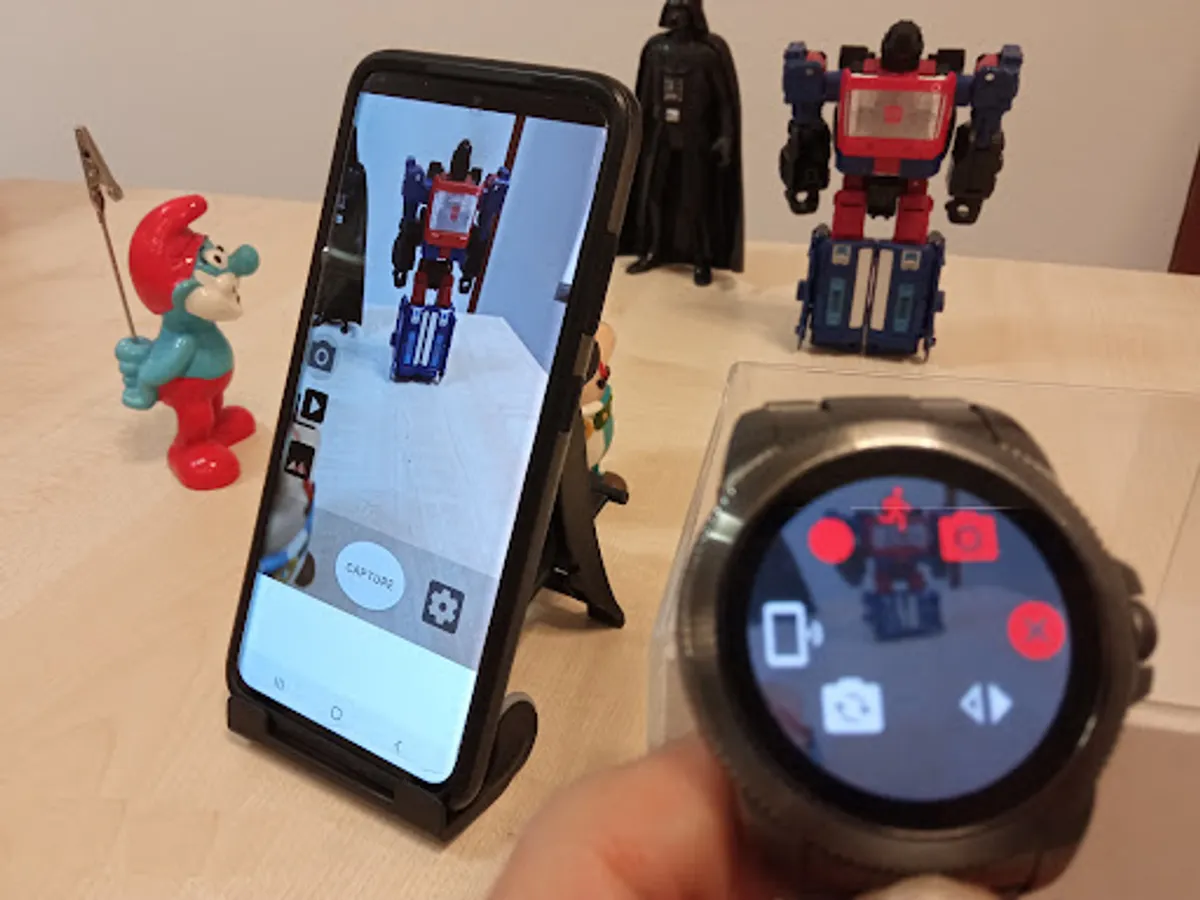
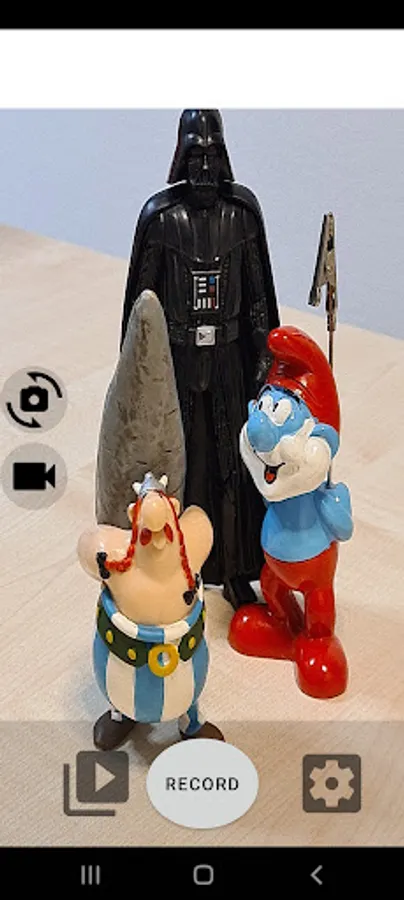
In this Wear OS app, users can control their phone camera to record videos, capture images, and activate motion detection. Includes camera preview, zoom, flash, and machine learning-based motion alerts.
AppRecs review analysis
AppRecs rating 3.7. Trustworthiness 80 out of 100. Review manipulation risk 28 out of 100. Based on a review sample analyzed.
★★★☆☆
3.7
AppRecs Rating
Ratings breakdown
5 star
53%
4 star
11%
3 star
8%
2 star
8%
1 star
19%
What to know
✓
Low review manipulation risk
28% review manipulation risk
✓
Credible reviews
80% trustworthiness score from analyzed reviews
✓
Good user ratings
64% positive sampled reviews
About wear os camera
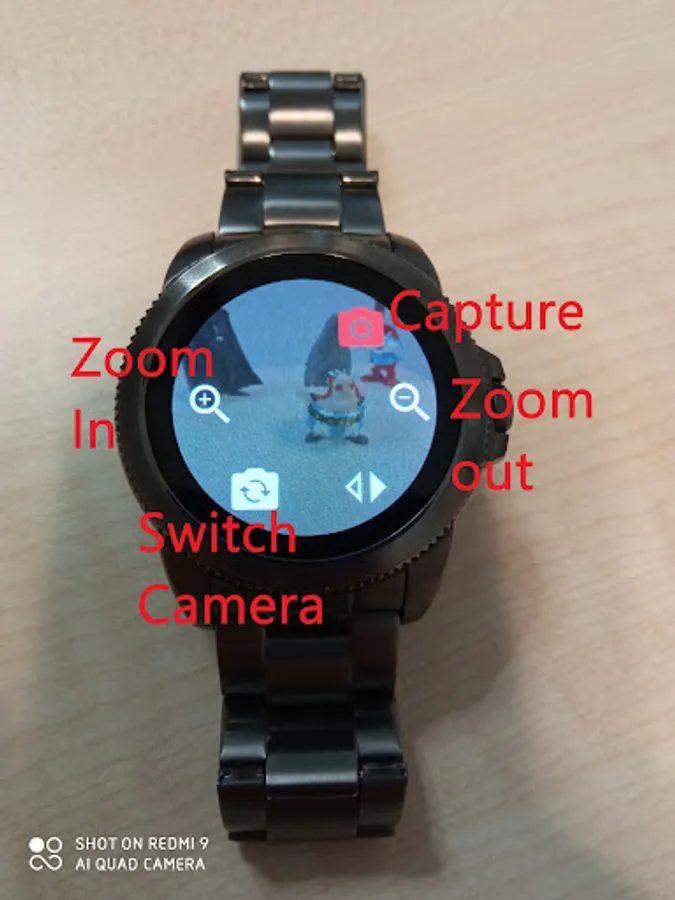
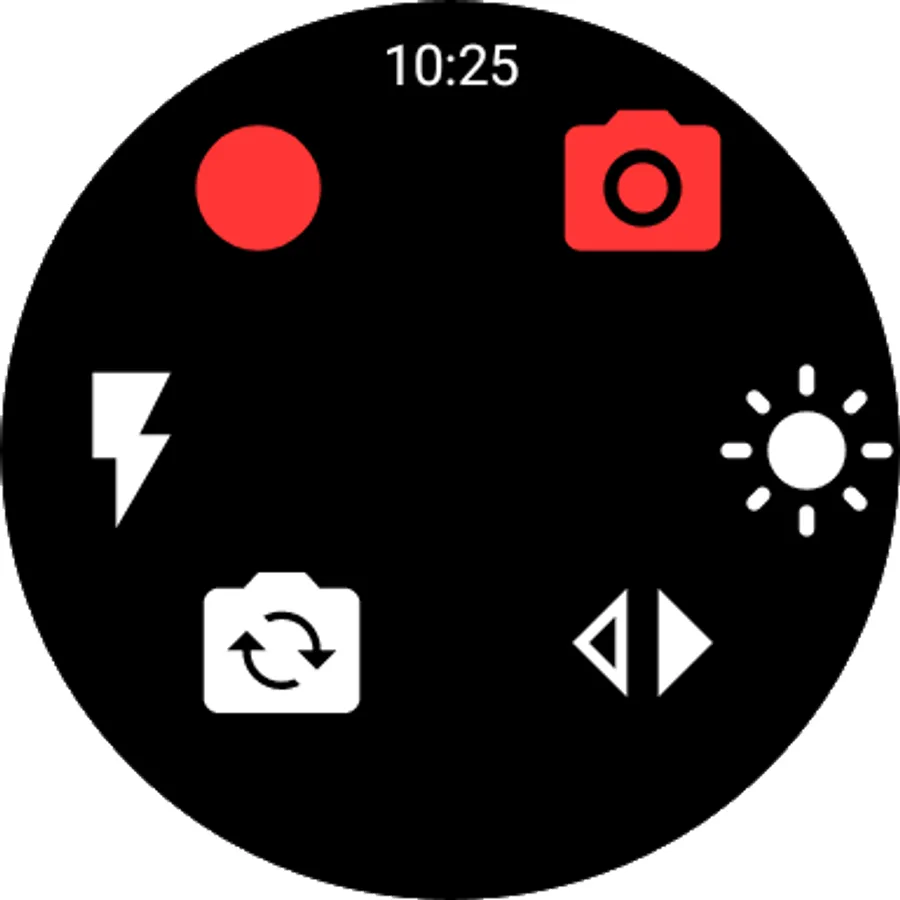
use your WearOS watch to control your phone. features: video recording, image capturing and motion detection.
tutorial:
https://www.youtube.com/watch?v=KK5h1LYlubM
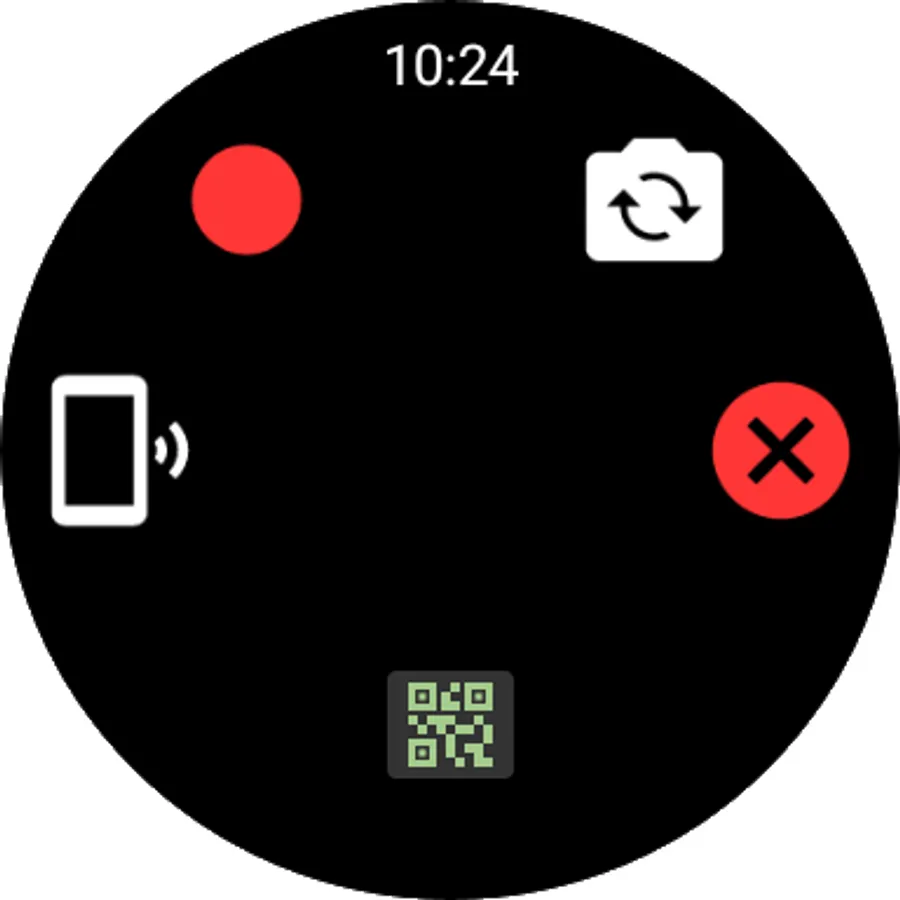
run the app - press the connect button.
full list of features:
1. preview.
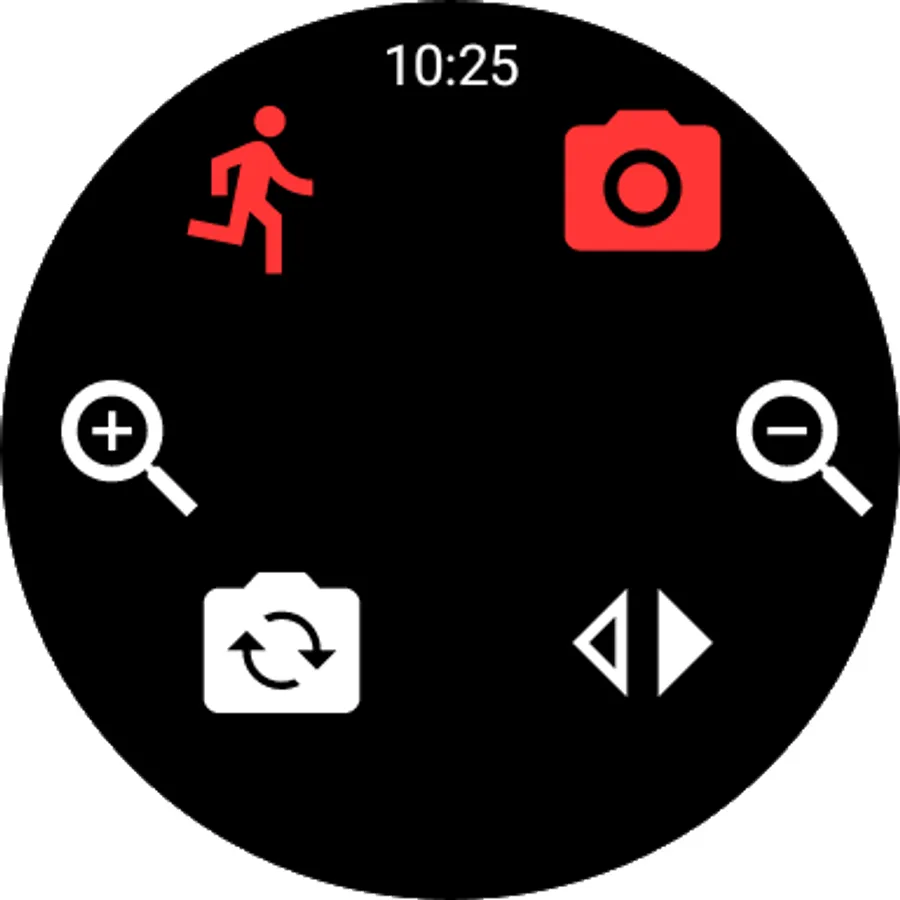
2. zoom in / zoom out.
3. record video(for premium users after trial is over)
4. capture Images(for premium users after trial is over)
5. flash.
6. motion detection.
7. send short audio / instructions file.
Dual camera on supported devices:
https://youtu.be/bbotlu_IPnM
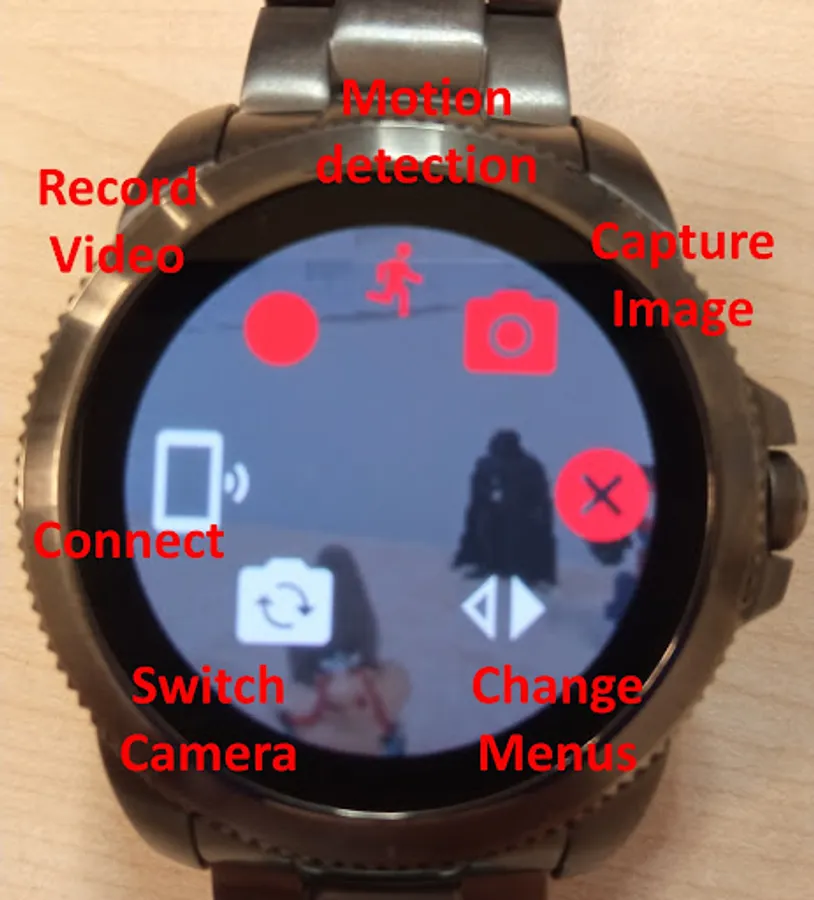
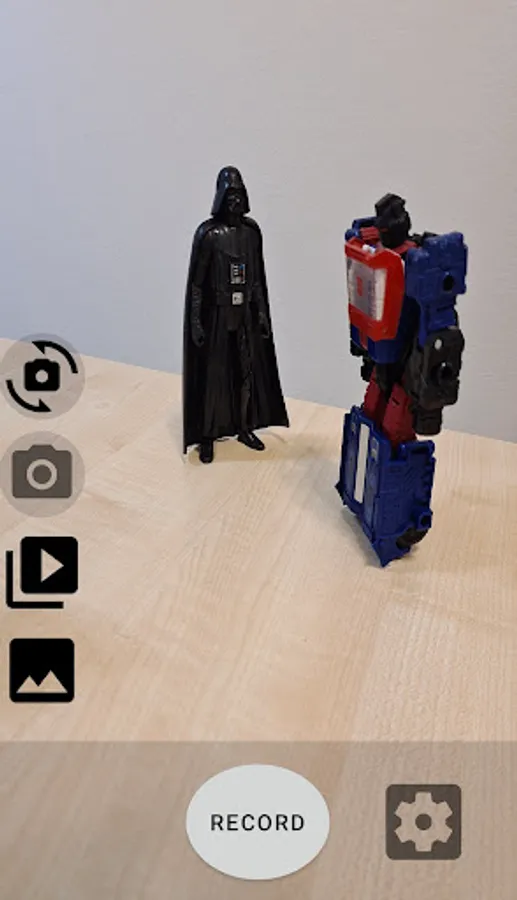
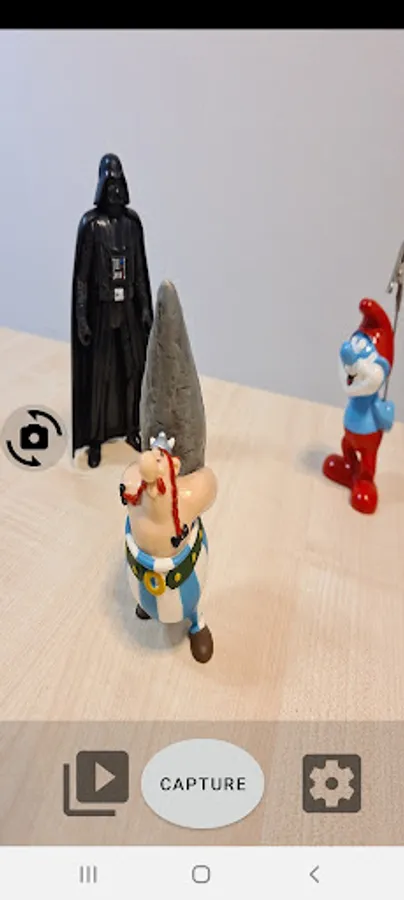
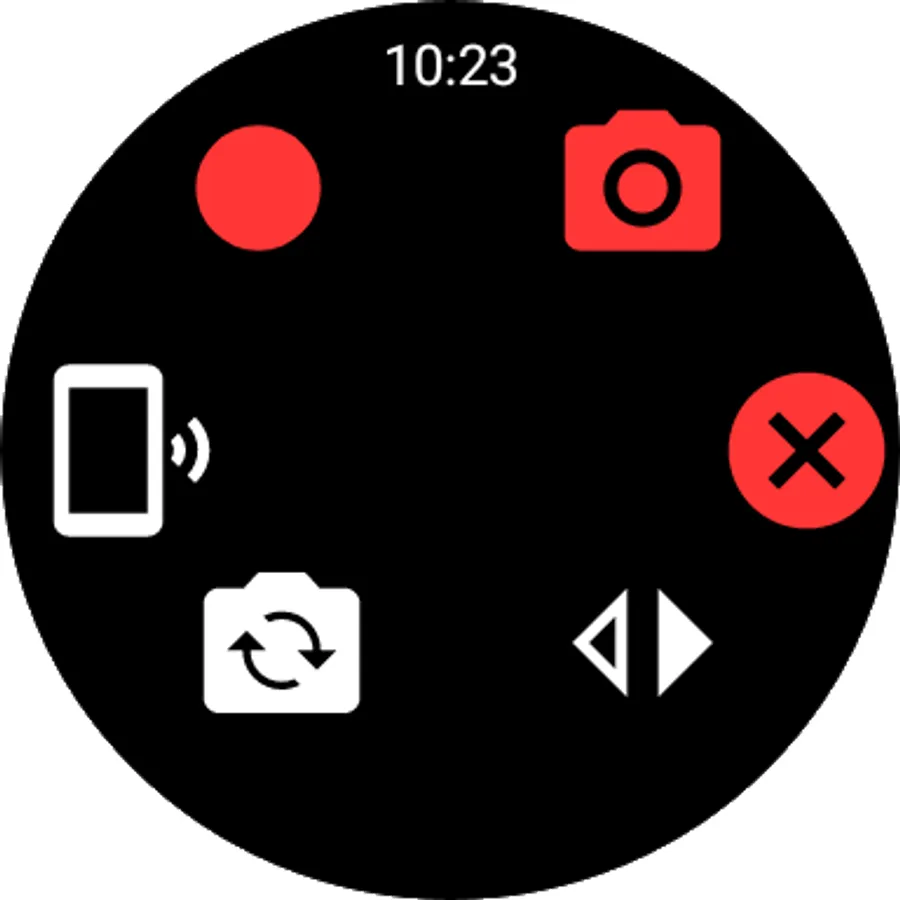
change Mode of the phone from the "switch mode" Button.
press the "record" to record videos.
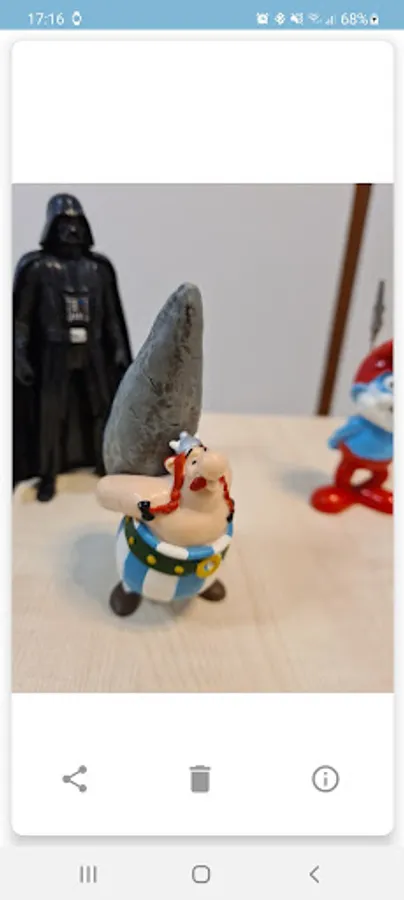
press the "capture" image to capture image.
press the "detect" to activate motion detection.
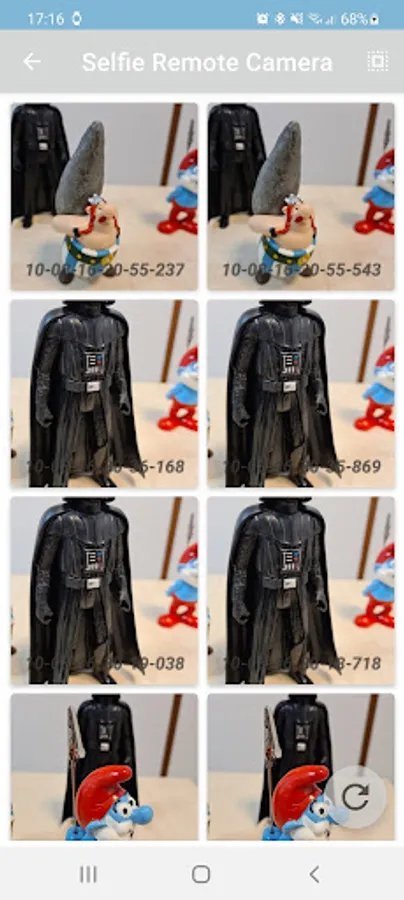
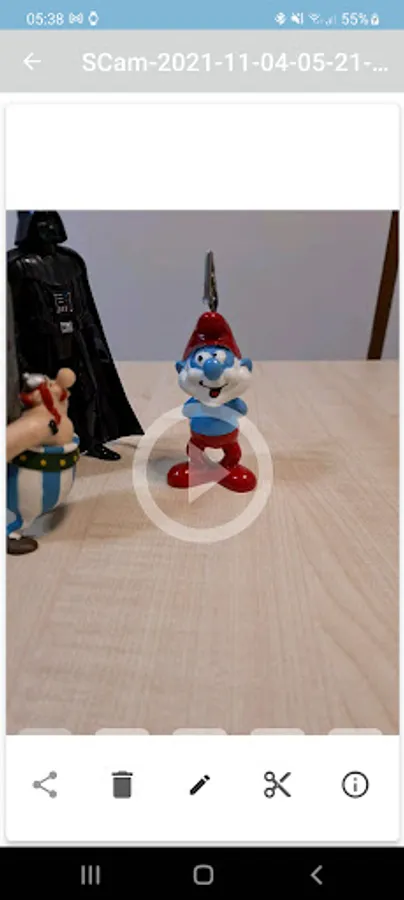
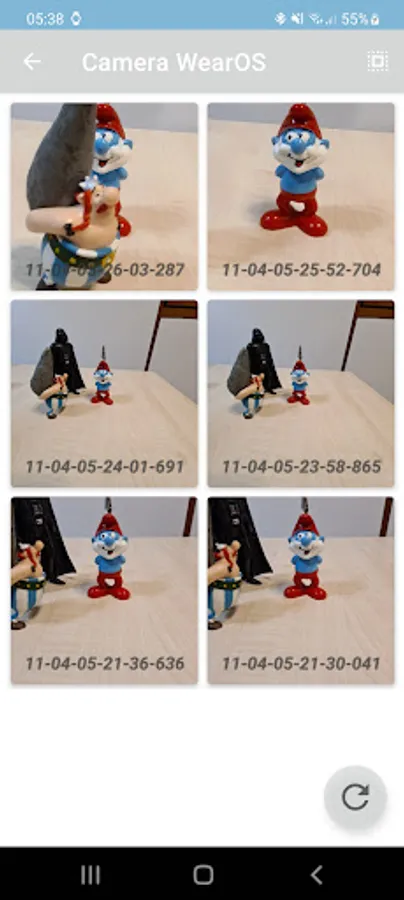
slide right on your Wear OS for local gallery.
new - on device machine learning for motion detection, use your wear os to notify and detect:
detect rising of left arm to capture or start recording.
detect people.
detect animals.
detect pose.
https://www.youtube.com/watch?v=yMrcUBhGoAE
also with closed display.
permissions needed:
1. camera: to capture images
2. write to external drive: save videosimages on your phone at: moviesscam or picturesscam folders.
important disclaimer:
some of the features are available only for a trial limited time.
tutorial:
https://www.youtube.com/watch?v=KK5h1LYlubM
run the app - press the connect button.
full list of features:
1. preview.
2. zoom in / zoom out.
3. record video(for premium users after trial is over)
4. capture Images(for premium users after trial is over)
5. flash.
6. motion detection.
7. send short audio / instructions file.
Dual camera on supported devices:
https://youtu.be/bbotlu_IPnM
change Mode of the phone from the "switch mode" Button.
press the "record" to record videos.
press the "capture" image to capture image.
press the "detect" to activate motion detection.
slide right on your Wear OS for local gallery.
new - on device machine learning for motion detection, use your wear os to notify and detect:
detect rising of left arm to capture or start recording.
detect people.
detect animals.
detect pose.
https://www.youtube.com/watch?v=yMrcUBhGoAE
also with closed display.
permissions needed:
1. camera: to capture images
2. write to external drive: save videosimages on your phone at: moviesscam or picturesscam folders.
important disclaimer:
some of the features are available only for a trial limited time.