ATAK Plugin: Vx
TAK Product Center
4.6 ★
12 ratings
10,000+
downloads
Free
In this communication app, users can engage in voice chats via multicast or Mumble servers and manage channels easily. Includes group conversations, push-to-talk mode, and Bluetooth headset support.
AppRecs review analysis
AppRecs rating 4.6. Trustworthiness 86 out of 100. Review manipulation risk 18 out of 100. Based on a review sample analyzed.
★★★★☆
4.6
AppRecs Rating
Ratings breakdown
5 star
82%
4 star
0%
3 star
18%
2 star
0%
1 star
0%
What to know
✓
Low review manipulation risk
18% review manipulation risk
✓
Credible reviews
86% trustworthiness score from analyzed reviews
✓
High user satisfaction
82% of sampled ratings are 5 stars
About ATAK Plugin: Vx
ATTENTION: This is an ATAK Plugin. To use this extended capability, the ATAK baseline must be installed. Download the ATAK baseline here: https://play.google.com/store/apps/details?id=com.atakmap.app.civ
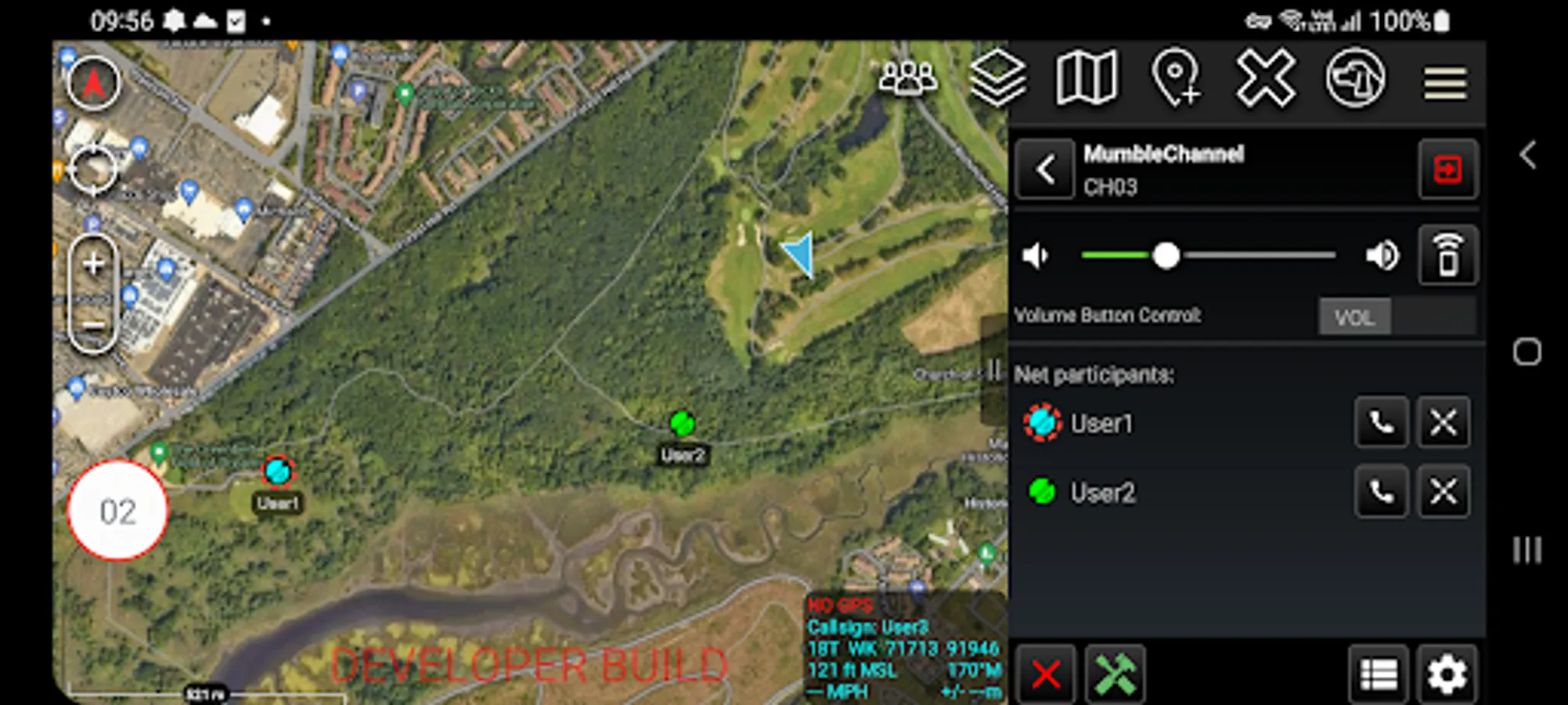
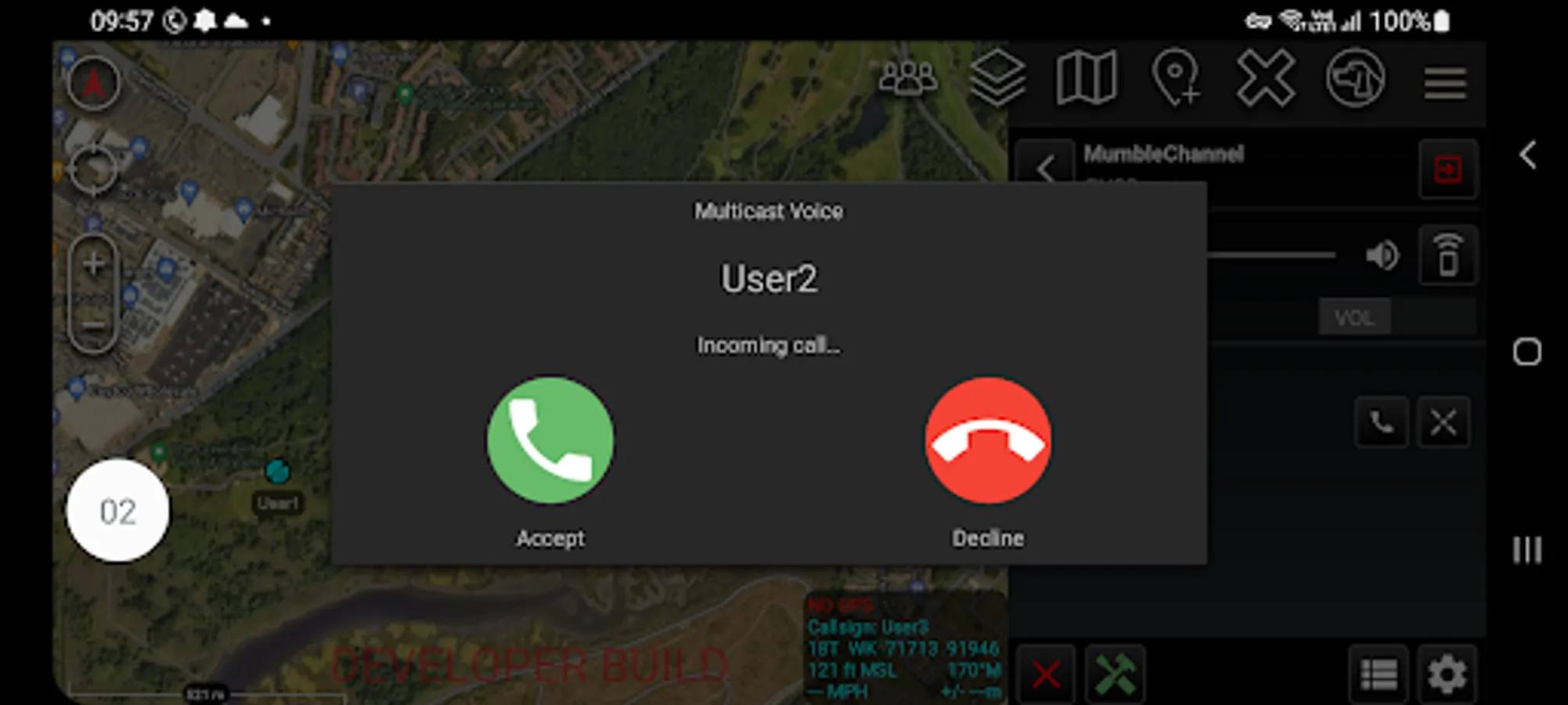
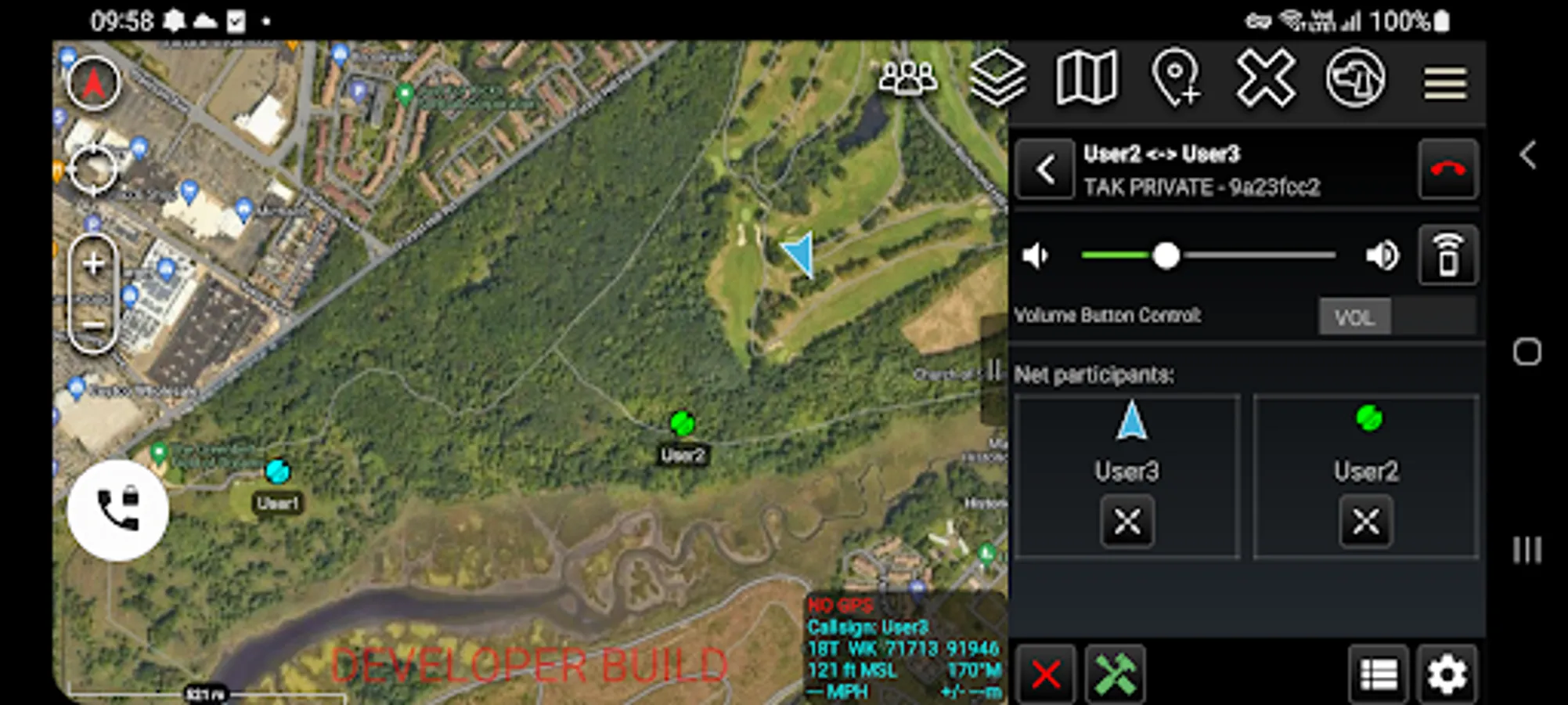
The Vx plugin enables voice communication between ATAK users on a local multicast mesh network (radio or WiFi) or via a private / public Mumble (Murmur) server. Limited testing has shown Vx in multicast mode is compatible with multicast enabled VPNs e.g. Zero Tier. The plugin supports group chats and point to point calls in both modes.
The default mode of operation is push to talk (PTT), however the plugin can also be utilised in an 'open mic' mode - the PTT button is available even when ATAK is not the foreground application allowing the continued use of Vx, even when the focus is on another application. In addition, the hardware volume buttons may be configured as PTT buttons. Vx is compatible with Bluetooth headsets and is closely integrated into ATAK including highlighting the currently talking user on the map, and sharing of channel configuration via Data Package. A channel list is provided to show all channel participants / clients.
Note:
Channel configurations cannot be shared with older versions of the plugin. If this functionality is required, then the plugin must be upgraded.
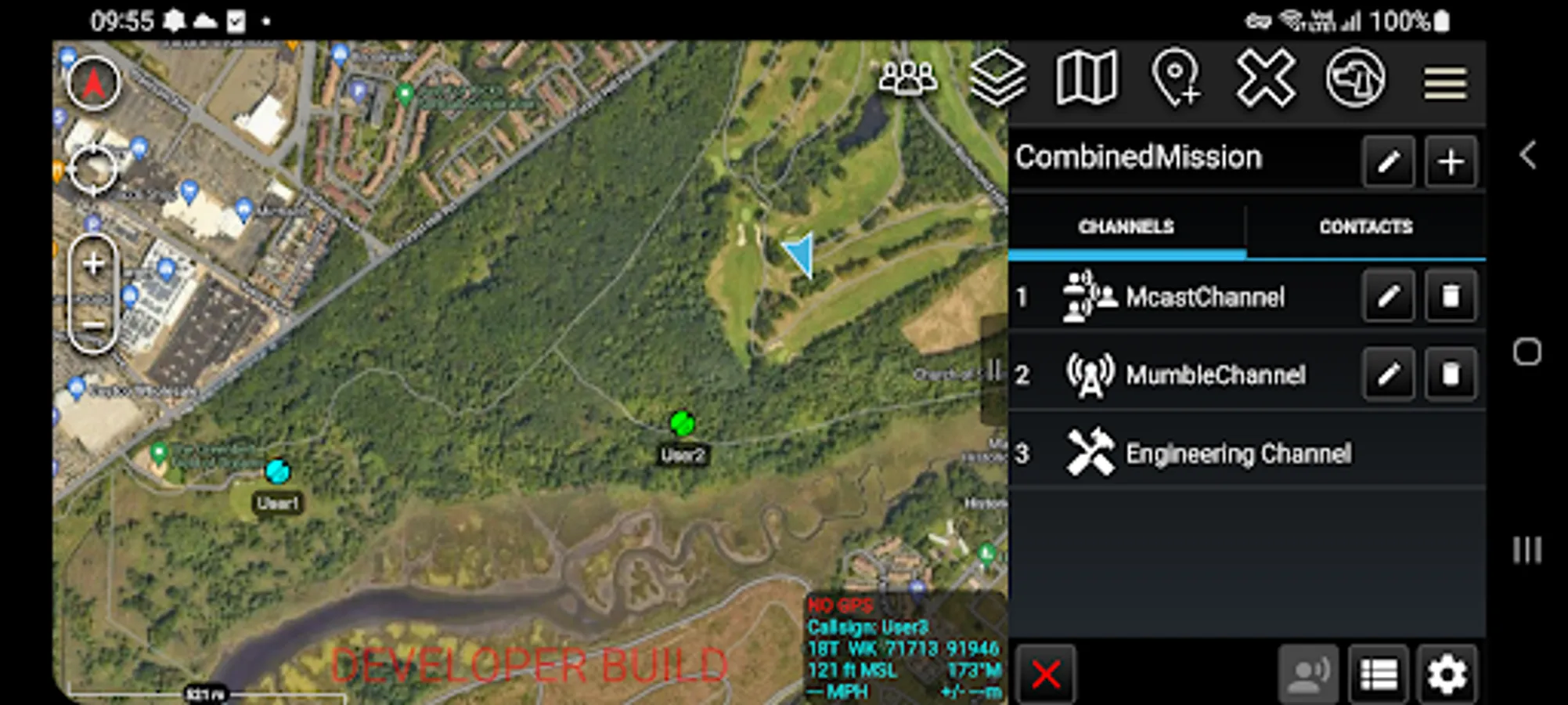
The plugin allows the creation of missions, which define the channel(s) that the user wishes to communicate via. Missions can be configured to use IP multicast only, Mumble only, or combined IP and Mumble communication methods. Whenever IP multicast is enabled the plugin also provides an "Engineering Channel" which all users in the mission are always listening to (in addition to their current channel) providing users who require assistance a simple mechanism to request it.
User Guides:
A user guide and Mumble server set up guide for the plugin can be found under Settings / Tool Preferences / Specific Tool Preferences / Voice Preferences.
Best efforts are being made to keep this plugin updated to the same version of ATAK-CIV. Unfortunately, whilst feedback is appreciated, we can give no guarantees that requested features will be implemented.
Permissions notice
• Accessibility service: This app uses an accessibility service solely for the detection of volume button key presses when the PTT function is configured.
The Vx plugin enables voice communication between ATAK users on a local multicast mesh network (radio or WiFi) or via a private / public Mumble (Murmur) server. Limited testing has shown Vx in multicast mode is compatible with multicast enabled VPNs e.g. Zero Tier. The plugin supports group chats and point to point calls in both modes.
The default mode of operation is push to talk (PTT), however the plugin can also be utilised in an 'open mic' mode - the PTT button is available even when ATAK is not the foreground application allowing the continued use of Vx, even when the focus is on another application. In addition, the hardware volume buttons may be configured as PTT buttons. Vx is compatible with Bluetooth headsets and is closely integrated into ATAK including highlighting the currently talking user on the map, and sharing of channel configuration via Data Package. A channel list is provided to show all channel participants / clients.
Note:
Channel configurations cannot be shared with older versions of the plugin. If this functionality is required, then the plugin must be upgraded.
The plugin allows the creation of missions, which define the channel(s) that the user wishes to communicate via. Missions can be configured to use IP multicast only, Mumble only, or combined IP and Mumble communication methods. Whenever IP multicast is enabled the plugin also provides an "Engineering Channel" which all users in the mission are always listening to (in addition to their current channel) providing users who require assistance a simple mechanism to request it.
User Guides:
A user guide and Mumble server set up guide for the plugin can be found under Settings / Tool Preferences / Specific Tool Preferences / Voice Preferences.
Best efforts are being made to keep this plugin updated to the same version of ATAK-CIV. Unfortunately, whilst feedback is appreciated, we can give no guarantees that requested features will be implemented.
Permissions notice
• Accessibility service: This app uses an accessibility service solely for the detection of volume button key presses when the PTT function is configured.
ATAK Plugin: Vx Screenshots
Tap to Rate:
Reviews for ATAK Plugin: Vx
Kevin Klemens
12/8/2025
This used to to work for me on I believe 5.4, but as of 5.5 and 5.6 this plug-in crashes ATAK on an S22 and XCover7 Pro. Can we get this made available on tak.gov?
Taka
6/30/2024
Can't get this working with a PTTZ Bluetooth button with the phone locked, only with the app open and screen unlocked.