Bubble Live Wallpaper - Bubble
TwoBit
3.7 ★
252 ratings
50,000+
downloads
Free
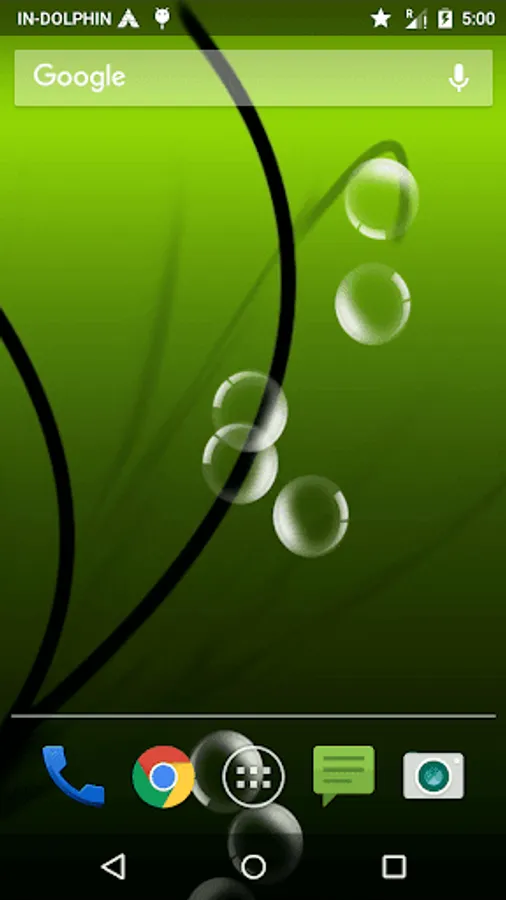
With this live wallpaper app, you can customize your phone screen by selecting background images, bubble types, colors, and speed settings. Includes multiple backgrounds, bubble styles, adjustable movement, and tilt controls.
AppRecs review analysis
AppRecs rating 3.7. Trustworthiness 0 out of 100. Review manipulation risk 0 out of 100. Based on a review sample analyzed.
★★★☆☆
3.7
AppRecs Rating
Ratings breakdown
5 star
43%
4 star
21%
3 star
14%
2 star
6%
1 star
15%
What to know
✓
Good user ratings
65% positive sampled reviews
✓
Authentic reviews
Natural distribution, no red flags
About Bubble Live Wallpaper - Bubble
` Bubble live wall paper
Get engaged in the act of bubble bursting and use coolest under water app of this season. Use the mix and match style in order to create a personalized live wall paper image for your cell phone screen.
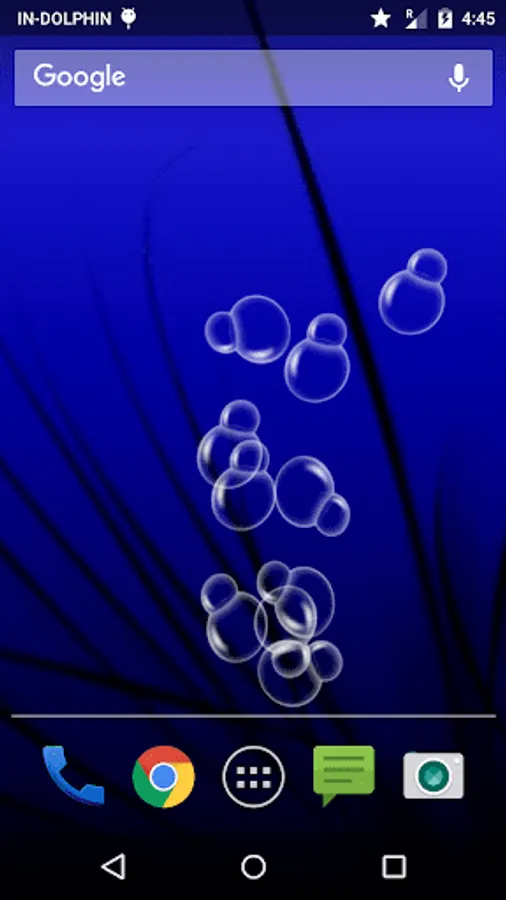
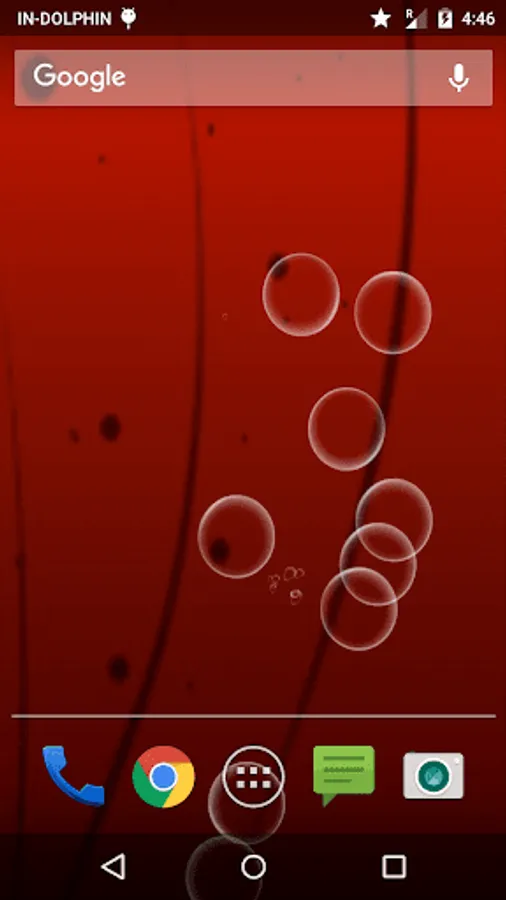
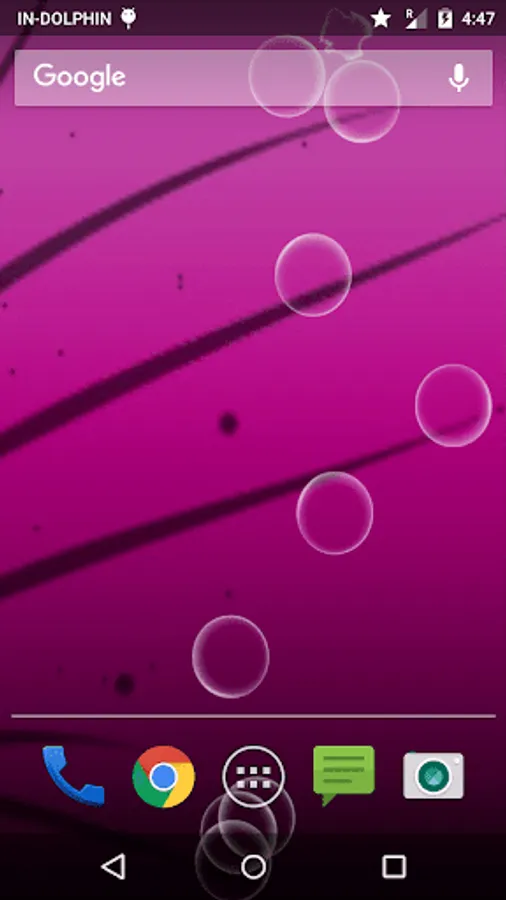
Five different background, five bubble types with four level of speed and choices in bubble color selection all combined together to develop different types of look on cell phone screen. Performance of the same wall paper can be taken in different direction by decreasing or increasing bubble count. The bubble could also be moved away by the tilt using the accelerometer effect.
How To Set:
- go to your home screen;
- press the menu button on your device;
- select "Wallpaper";
- select "Live Wallpapers";
- search and select for " Live Wallpaper"
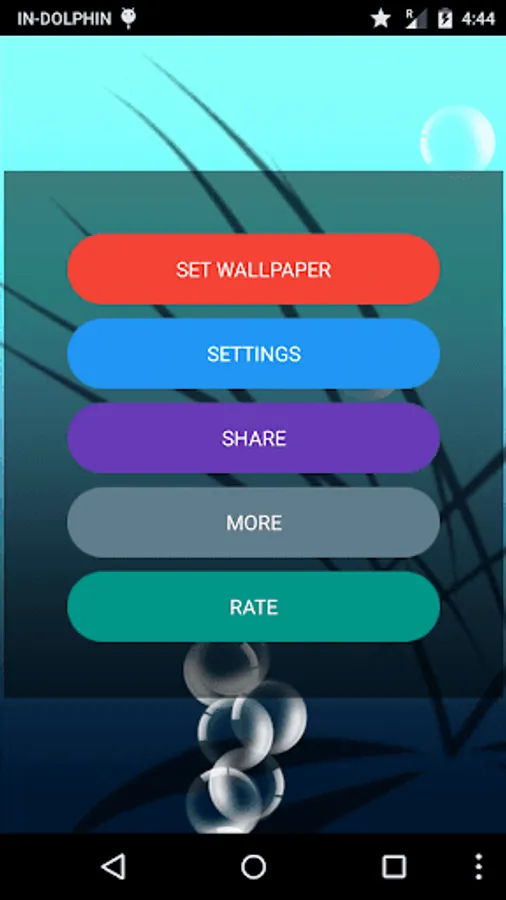
- select "Settings" to see the settings or select "Set wallpaper" to activate it.
I hope you enjoy this Lovely Live Wallpaper and encourage me for further apps.
Get engaged in the act of bubble bursting and use coolest under water app of this season. Use the mix and match style in order to create a personalized live wall paper image for your cell phone screen.
Five different background, five bubble types with four level of speed and choices in bubble color selection all combined together to develop different types of look on cell phone screen. Performance of the same wall paper can be taken in different direction by decreasing or increasing bubble count. The bubble could also be moved away by the tilt using the accelerometer effect.
How To Set:
- go to your home screen;
- press the menu button on your device;
- select "Wallpaper";
- select "Live Wallpapers";
- search and select for " Live Wallpaper"
- select "Settings" to see the settings or select "Set wallpaper" to activate it.
I hope you enjoy this Lovely Live Wallpaper and encourage me for further apps.