Sunset Live Wallpaper - Flying
TwoBit
4.1 ★
store rating
100,000+
downloads
Free
AppRecs review analysis
AppRecs rating 4.1. Trustworthiness 0 out of 100. Review manipulation risk 0 out of 100. Based on a review sample analyzed.
★★★★☆
4.1
AppRecs Rating
Ratings breakdown
5 star
57%
4 star
21%
3 star
8%
2 star
5%
1 star
9%
What to know
✓
High user satisfaction
78% of sampled ratings are 4+ stars (4.1★ average)
✓
Authentic reviews
Natural distribution, no red flags
About Sunset Live Wallpaper - Flying
Sunset Live Wallpaper
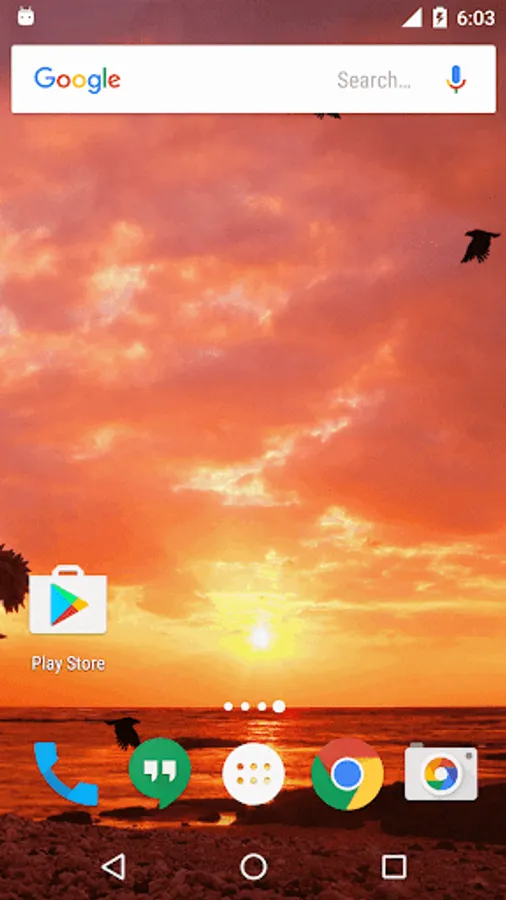
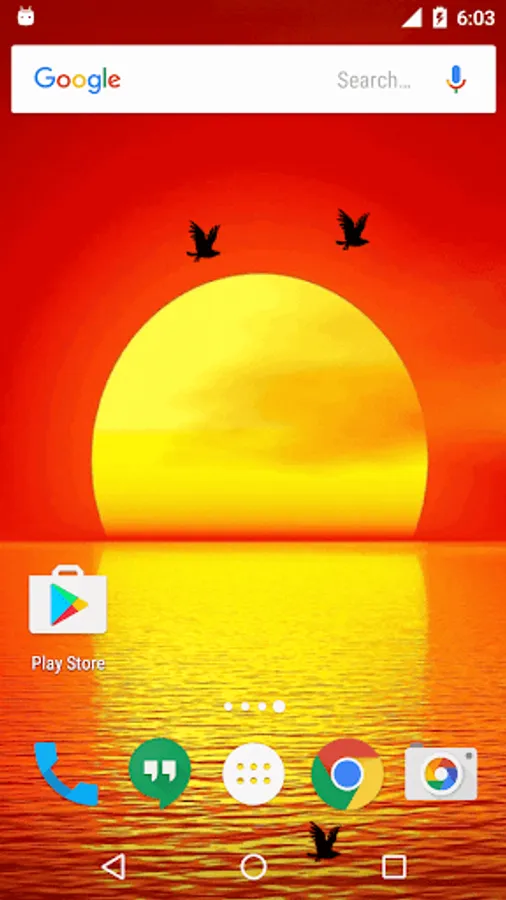
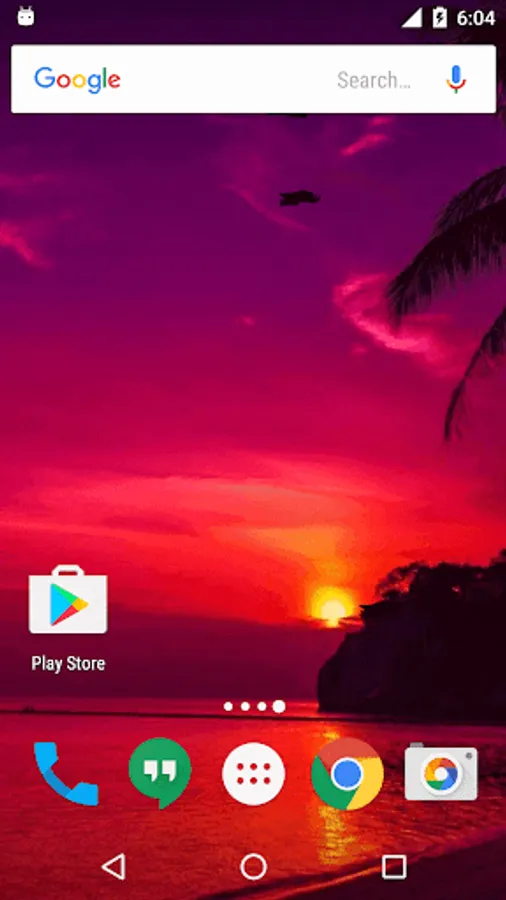
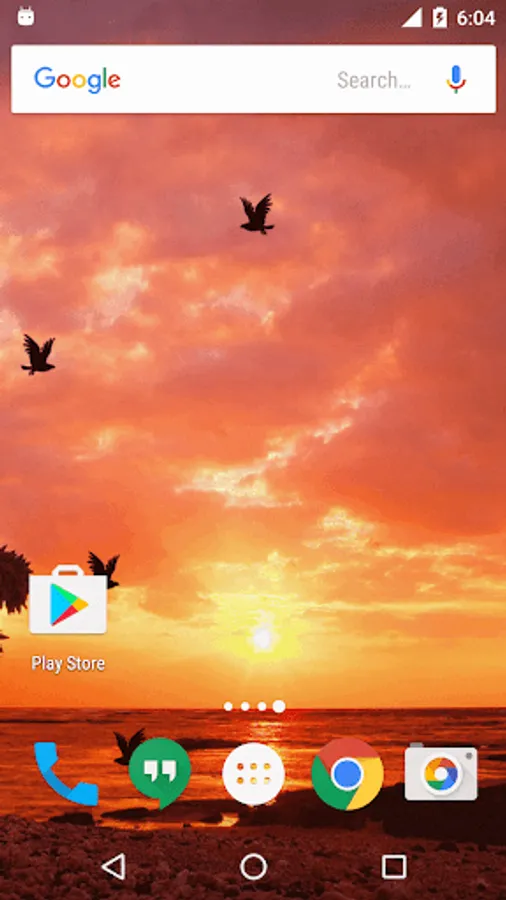
Feel the calmness of sunset around you and watch the birds return to their nests. Use this lively wall paper on your cell phone screen and derive the peace and rest you have at end of day.
Various backgrounds with defining graphics all combined in one live wall paper. Different color of sky and different kinds of trees all makes you feel that you are watching different sunsets in different places.Direct the speed, direction and the density of birds flying. This live wall paper will take back to the beautiful memories of childhood summer holidays where you could peep out only when the sun had set.
How To Set:
- go to your home screen;
- press the menu button on your device;
- select "Wallpaper";
- select "Live Wallpapers";
- search and select for " Live Wallpaper"
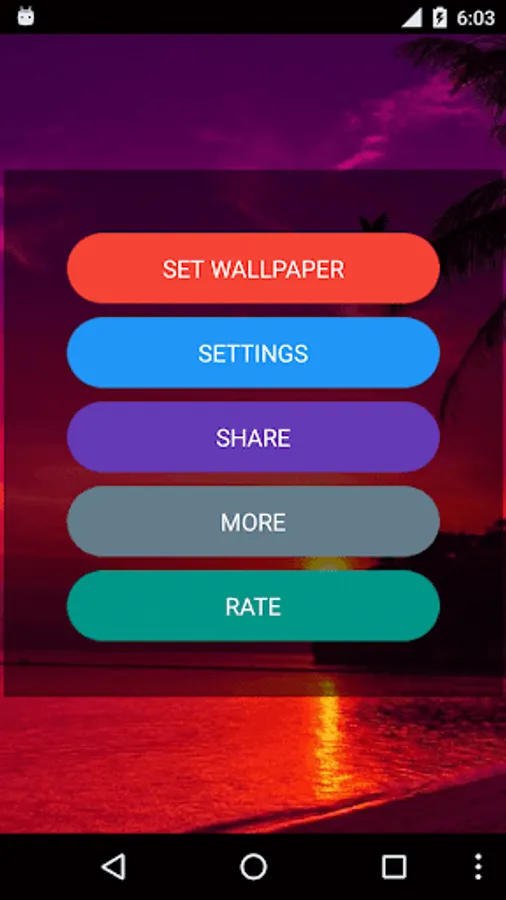
- select "Settings" to see the settings or select "Set wallpaper" to activate it.
I hope you enjoy this Lovely Live Wallpaper and encourage me for further apps.
Feel the calmness of sunset around you and watch the birds return to their nests. Use this lively wall paper on your cell phone screen and derive the peace and rest you have at end of day.
Various backgrounds with defining graphics all combined in one live wall paper. Different color of sky and different kinds of trees all makes you feel that you are watching different sunsets in different places.Direct the speed, direction and the density of birds flying. This live wall paper will take back to the beautiful memories of childhood summer holidays where you could peep out only when the sun had set.
How To Set:
- go to your home screen;
- press the menu button on your device;
- select "Wallpaper";
- select "Live Wallpapers";
- search and select for " Live Wallpaper"
- select "Settings" to see the settings or select "Set wallpaper" to activate it.
I hope you enjoy this Lovely Live Wallpaper and encourage me for further apps.