Valentine Love Live Wallpaper
TwoBit
4.0 ★
store rating
100,000+
downloads
Free
AppRecs review analysis
AppRecs rating 4.0. Trustworthiness 0 out of 100. Review manipulation risk 0 out of 100. Based on a review sample analyzed.
★★★★☆
4.0
AppRecs Rating
Ratings breakdown
5 star
60%
4 star
13%
3 star
10%
2 star
7%
1 star
11%
What to know
✓
High user satisfaction
73% of sampled ratings are 4+ stars (4.0★ average)
✓
Authentic reviews
Natural distribution, no red flags
About Valentine Love Live Wallpaper
Love Frame Live Wall paper
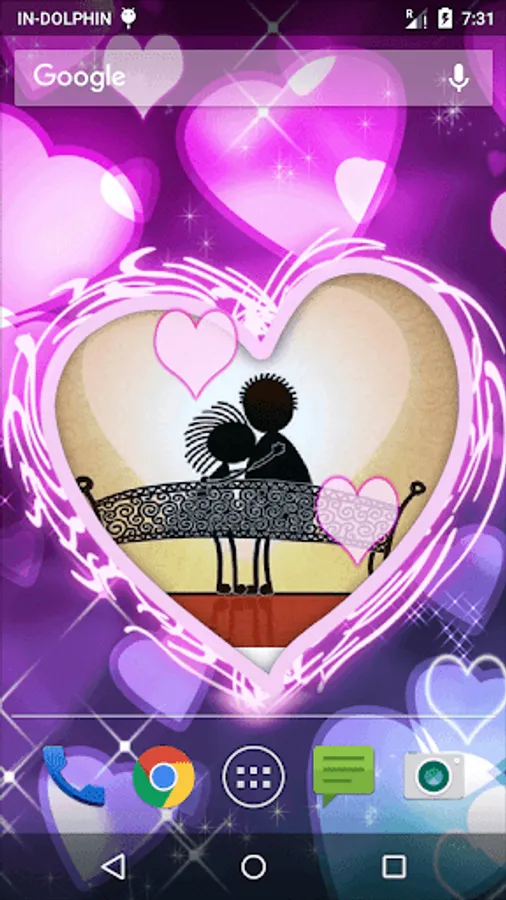
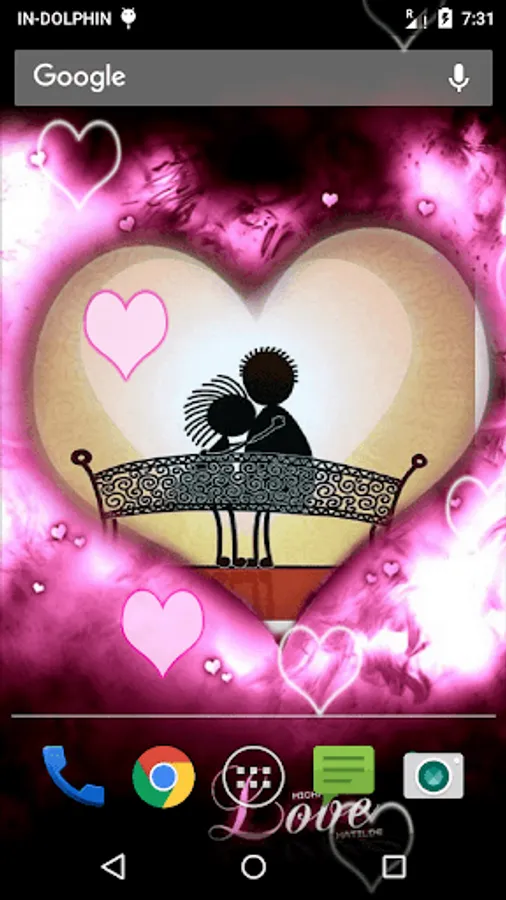
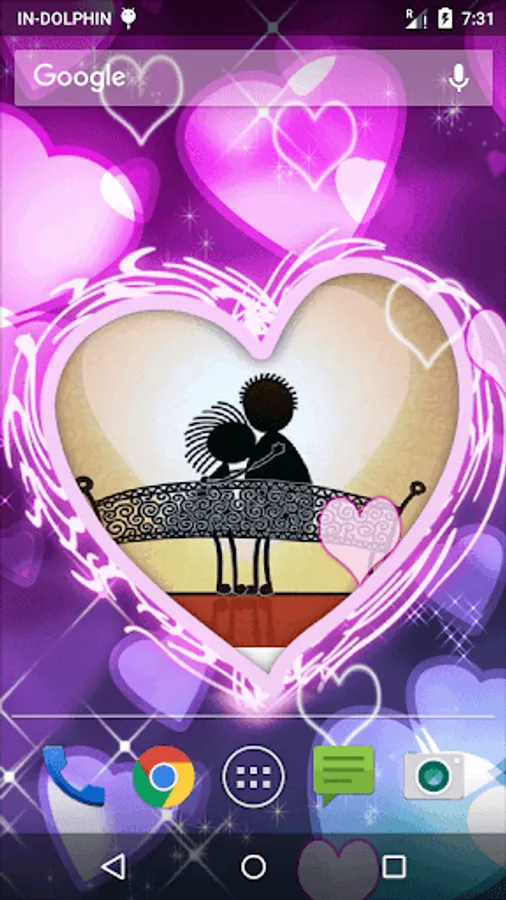
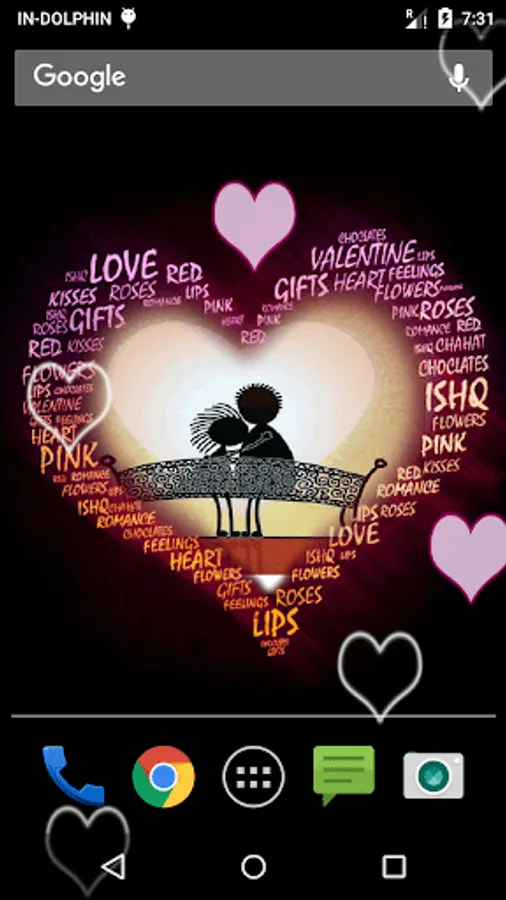
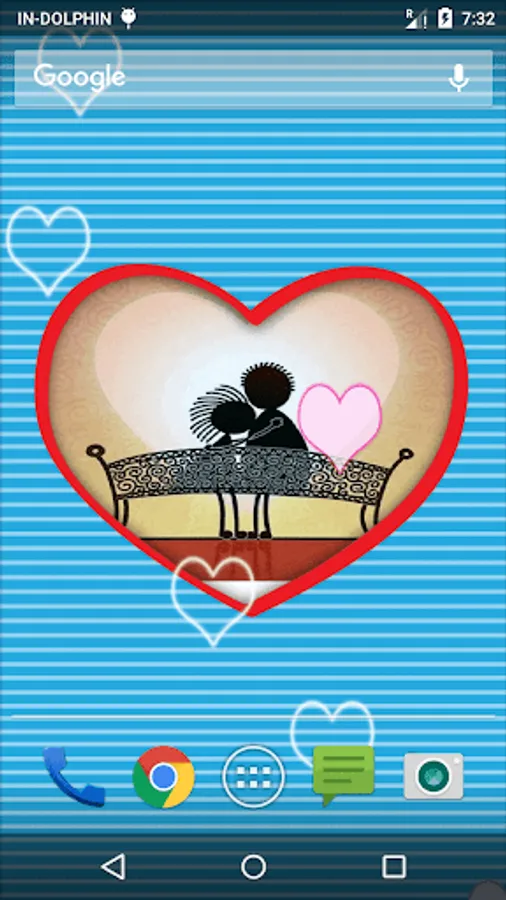
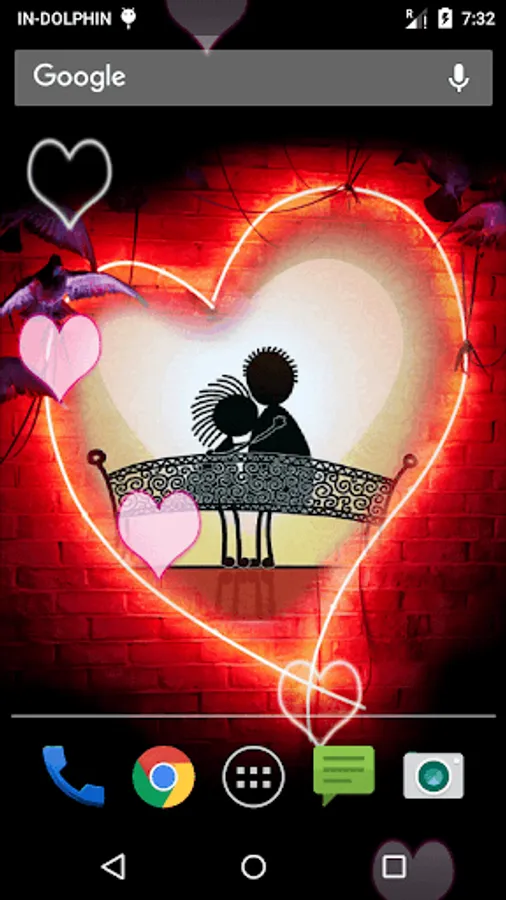
Direct to heart! Now reach direct to the heart of your loved ones with help of Love Frame live wall paper. Vivid option enables you to give different effects to this wall paper. Just in case you hand over your phone to anybody the default setting option will allow you to change the wall paper in few seconds.
You are surely going to appreciate amazing graphical background in this wall paper. The movement of heart on your screen can be customized.
Features :-
** Various customization options.
** 5 HD heart frame backgrounds
** 2 type of heart
** falling heart
** you can place your image or photo in heart frame
** Touch effect on hearts to generate new hearts
How To Set:
- go to your home screen;
- press the menu button on your device;
- select "Wallpaper";
- select "Live Wallpapers";
- search and select for " Live Wallpaper"
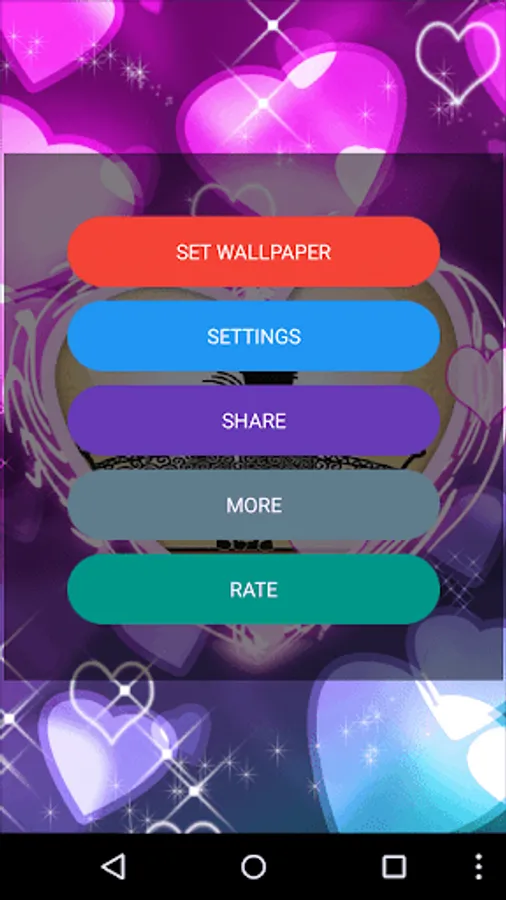
- select "Settings" to see the settings or select "Set wallpaper" to activate it.
I hope you enjoy this Lovely Live Wallpaper and encourage me for further apps.
Direct to heart! Now reach direct to the heart of your loved ones with help of Love Frame live wall paper. Vivid option enables you to give different effects to this wall paper. Just in case you hand over your phone to anybody the default setting option will allow you to change the wall paper in few seconds.
You are surely going to appreciate amazing graphical background in this wall paper. The movement of heart on your screen can be customized.
Features :-
** Various customization options.
** 5 HD heart frame backgrounds
** 2 type of heart
** falling heart
** you can place your image or photo in heart frame
** Touch effect on hearts to generate new hearts
How To Set:
- go to your home screen;
- press the menu button on your device;
- select "Wallpaper";
- select "Live Wallpapers";
- search and select for " Live Wallpaper"
- select "Settings" to see the settings or select "Set wallpaper" to activate it.
I hope you enjoy this Lovely Live Wallpaper and encourage me for further apps.