AppRecs review analysis
AppRecs rating . Trustworthiness 54 out of 100. Review manipulation risk 23 out of 100. Based on a review sample analyzed.
★
AppRecs Rating
Ratings breakdown
5 star
25%
4 star
0%
3 star
0%
2 star
25%
1 star
50%
What to know
⚠
Mixed user feedback
Average 2.3★ rating suggests room for improvement
About GPS Address Book
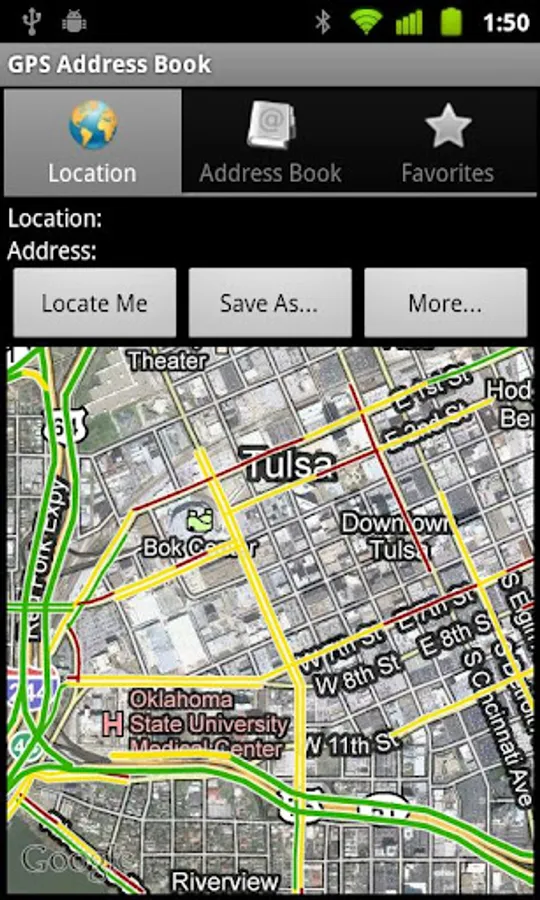
Have you ever been to a place that you don’t know what the address is, but you would want to know, so you can visit it again in the future? Or have you ever had the need to share your location so people can meet with you? This app allows you to locate your current location with or without data connection and then can save, email, or SMS your location.
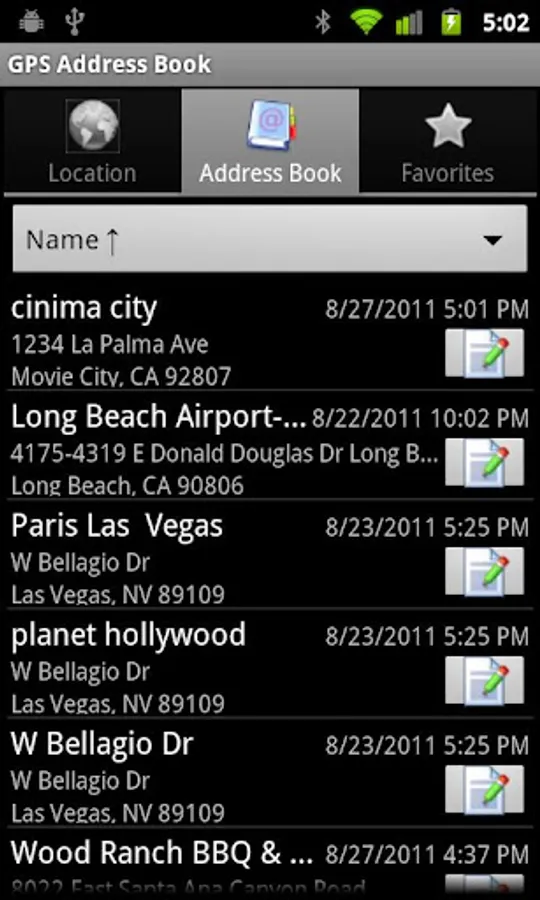
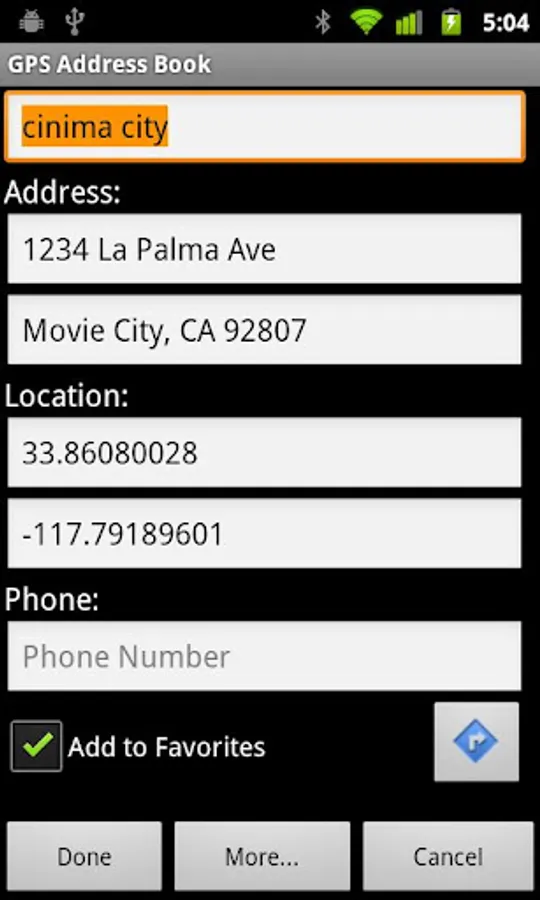
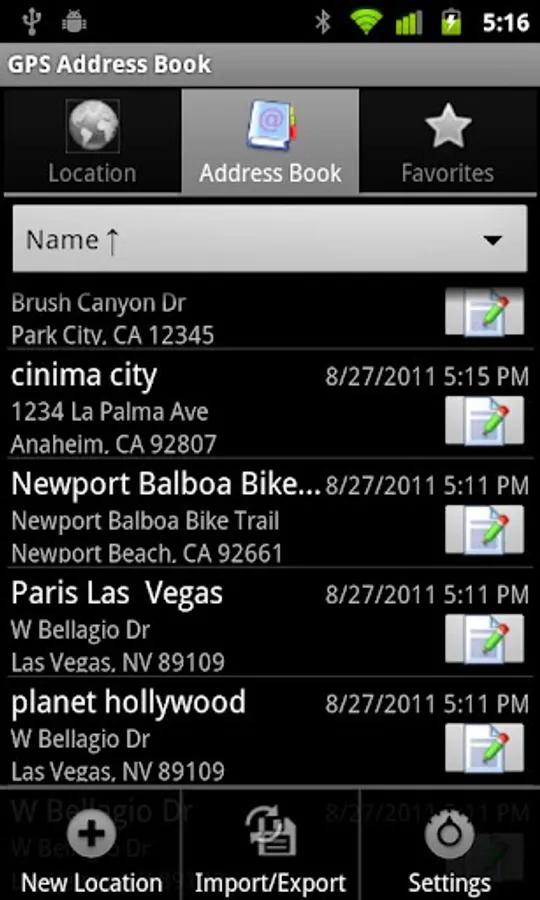
This app saves the location with Latitude and Longitude, so even for a place that doesn’t have a real postal address, you can still navigate to it. It also serves as a full address book app that you can store postal addresses and phone numbers.
Overall, this app has the following features:
- Locate your current location with Latitude and Longitude, along with the postal address if data connection is available.
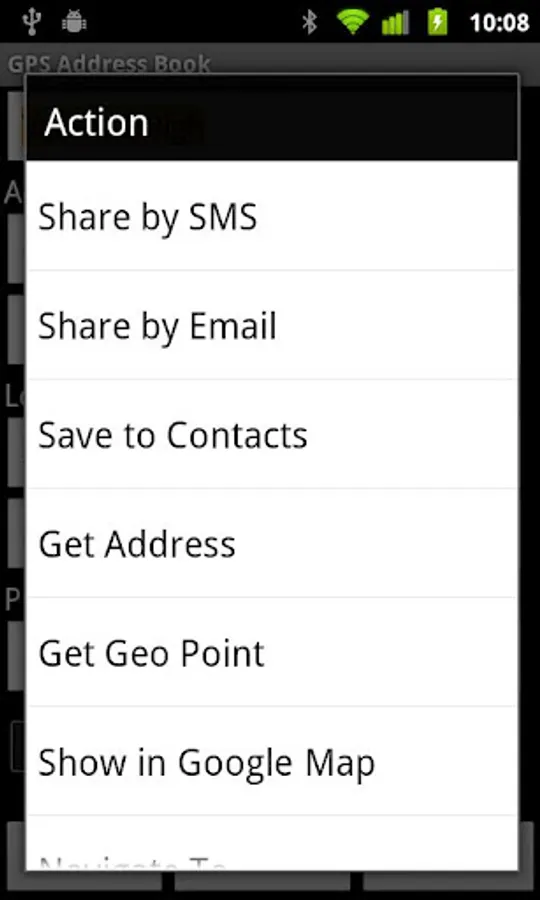
- Instantly share your location via SMS or email.
- Locate and then save your location for future visits or save to Android Contacts.
- Get the postal address from Latitude and Longitude, or vice versa.
- Add address or location from Goolge Map app directly by using "Share this place" option.
- Dial the saved the phone number directly from the app.
- Show the saved address or your location in the Google Map App.
- Launch the Android Navigation program to navigate to a saved address.
- Mark it as Favorite addresses for quick access.
- Sort the addresses by name or time.
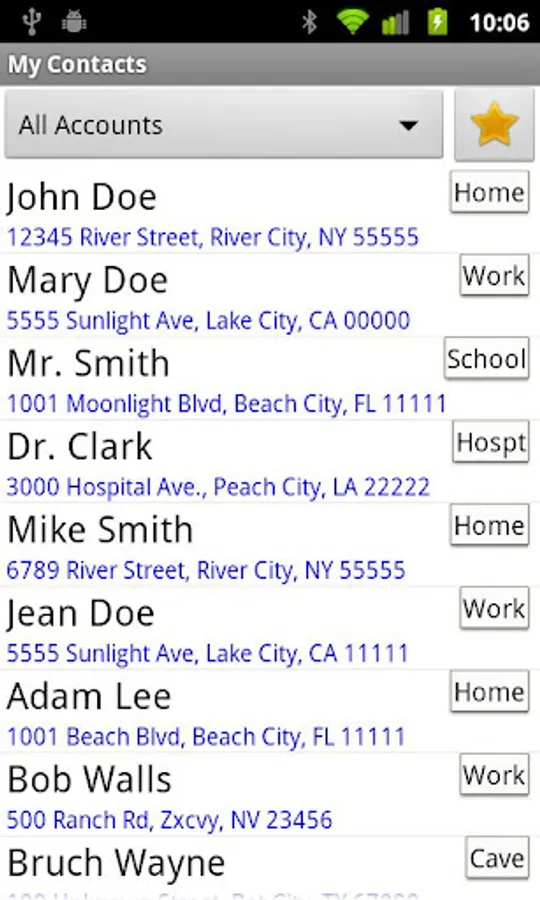
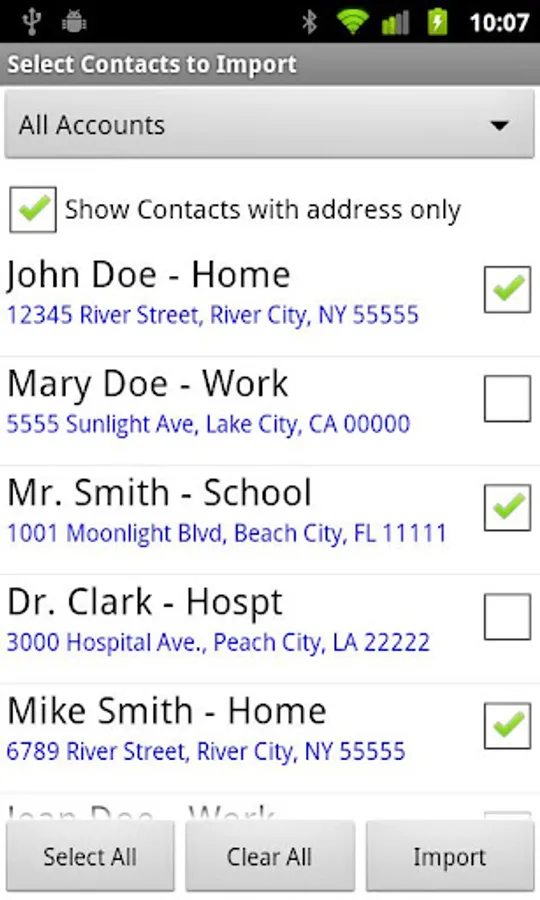
- Import your Android Contacts address to address book.
- Import/Export the addresses for transfers to other phones.
This is an Ad-Free application. This app uses the following permissions:
- GPS: To locate your location.
- Internet: To get postal addresses, and show the address in the map.
- Dialer: Make calls directly from the app.
- External Storage: Import and Export Addresses.
- To save the address to Android Contacts or import from Android Contacts.
Notes:
- If you are using a 3rd party SMS or email programs and the address does not populate into your program automatically, then please use the Clipboard Paste function to paste the address into your program.
- The file path of Export and Import is /sdcard/download/com.byonetech.gpsaddressbook.xml. For importing, be sure to copy the file to the exact location.
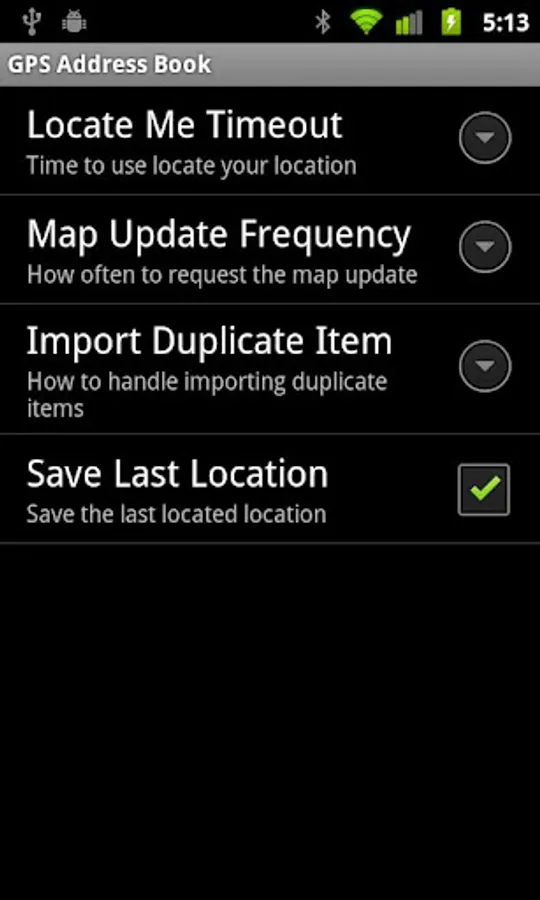
- Sometimes the GPS may take a long time to communicate with the satellite, especially, when you are in indoors. If “Locate Me” doesn't return your location or return the last known location, then please increase the “Locate Me Timeout” setting and try again.
This app saves the location with Latitude and Longitude, so even for a place that doesn’t have a real postal address, you can still navigate to it. It also serves as a full address book app that you can store postal addresses and phone numbers.
Overall, this app has the following features:
- Locate your current location with Latitude and Longitude, along with the postal address if data connection is available.
- Instantly share your location via SMS or email.
- Locate and then save your location for future visits or save to Android Contacts.
- Get the postal address from Latitude and Longitude, or vice versa.
- Add address or location from Goolge Map app directly by using "Share this place" option.
- Dial the saved the phone number directly from the app.
- Show the saved address or your location in the Google Map App.
- Launch the Android Navigation program to navigate to a saved address.
- Mark it as Favorite addresses for quick access.
- Sort the addresses by name or time.
- Import your Android Contacts address to address book.
- Import/Export the addresses for transfers to other phones.
This is an Ad-Free application. This app uses the following permissions:
- GPS: To locate your location.
- Internet: To get postal addresses, and show the address in the map.
- Dialer: Make calls directly from the app.
- External Storage: Import and Export Addresses.
- To save the address to Android Contacts or import from Android Contacts.
Notes:
- If you are using a 3rd party SMS or email programs and the address does not populate into your program automatically, then please use the Clipboard Paste function to paste the address into your program.
- The file path of Export and Import is /sdcard/download/com.byonetech.gpsaddressbook.xml. For importing, be sure to copy the file to the exact location.
- Sometimes the GPS may take a long time to communicate with the satellite, especially, when you are in indoors. If “Locate Me” doesn't return your location or return the last known location, then please increase the “Locate Me Timeout” setting and try again.